









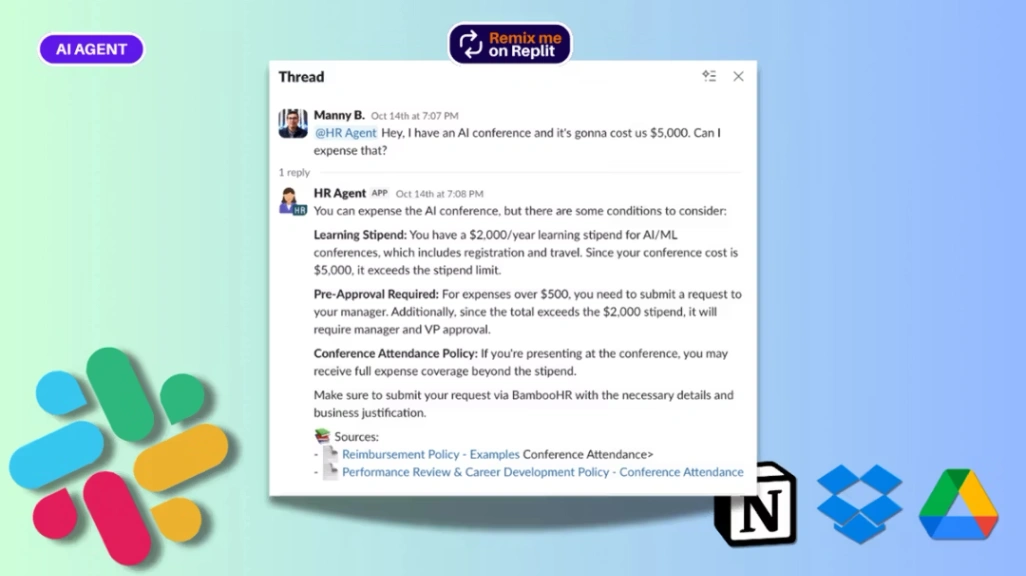
HR AI Agent
Buyer's guide
How to choose an automation template
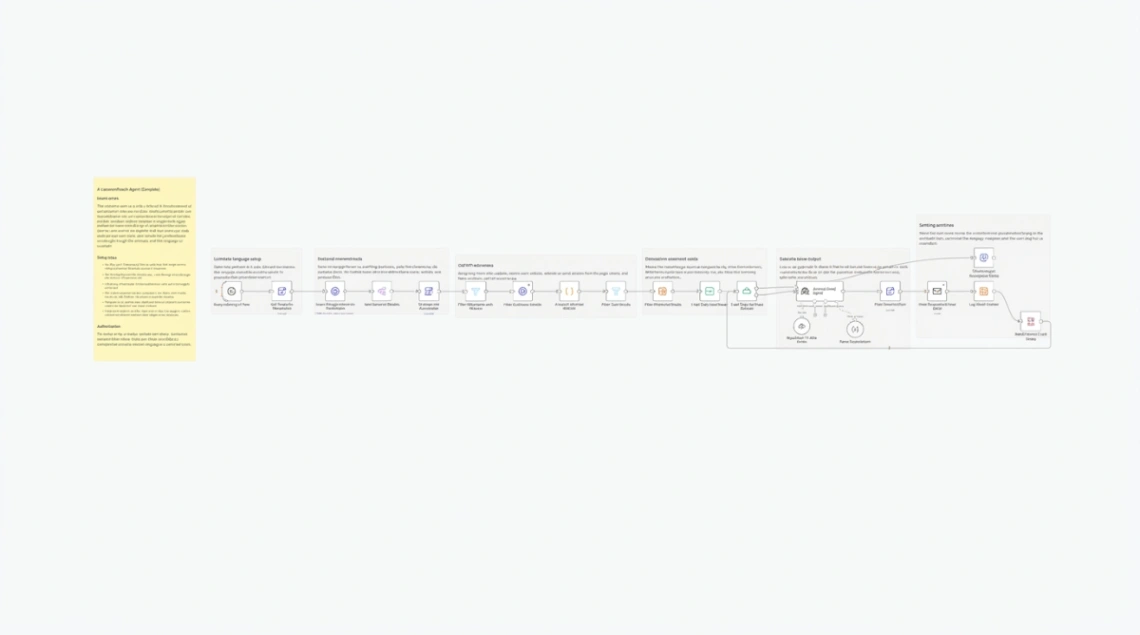
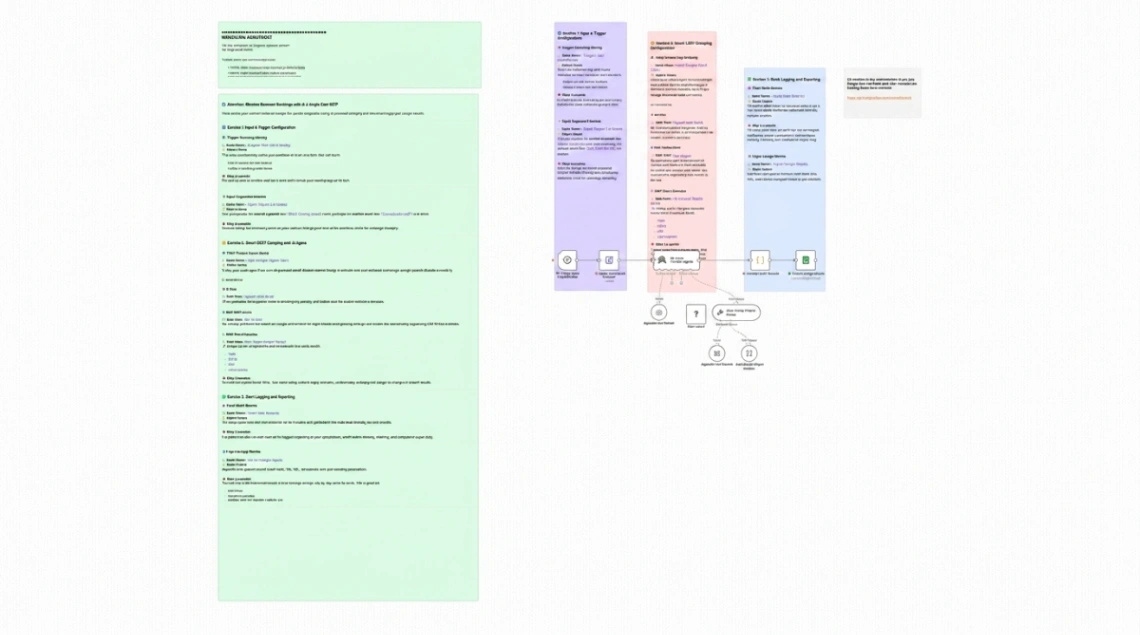
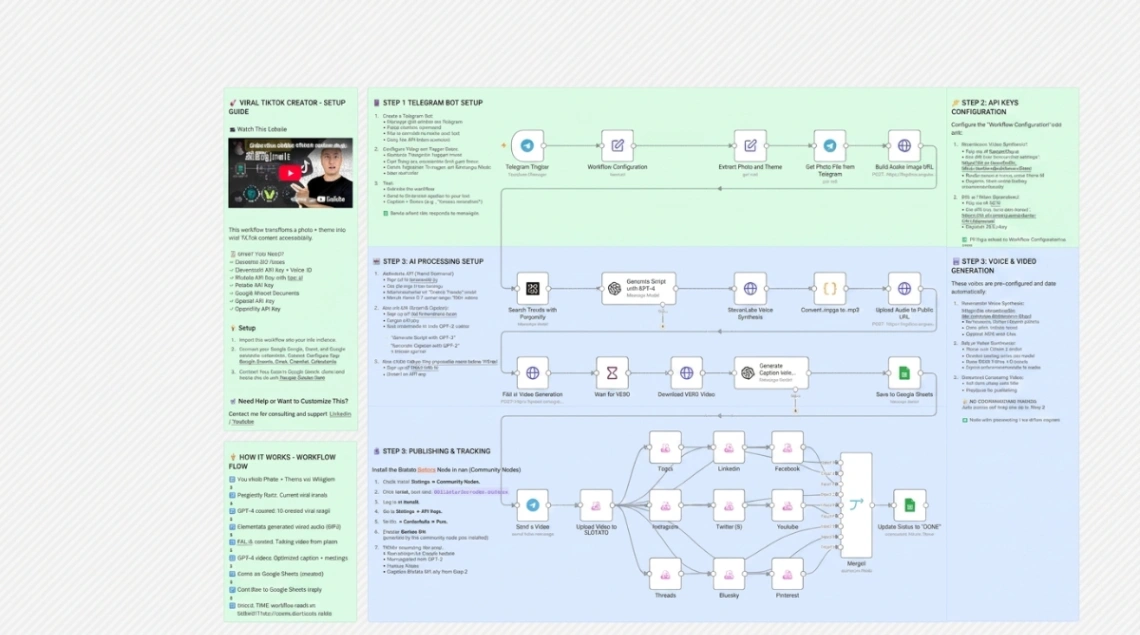
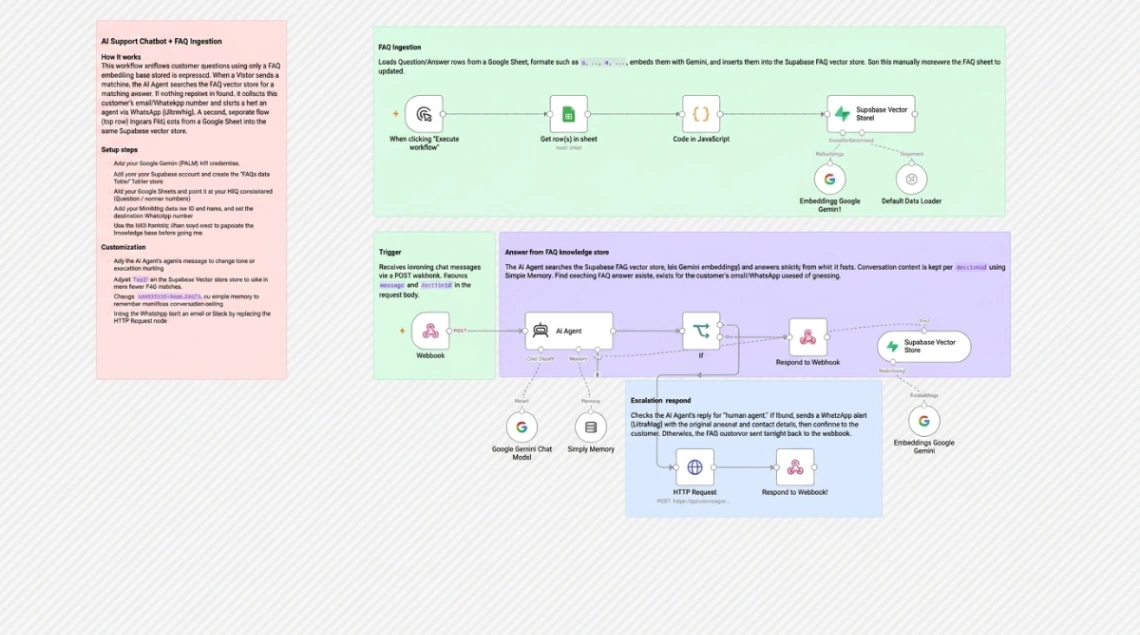
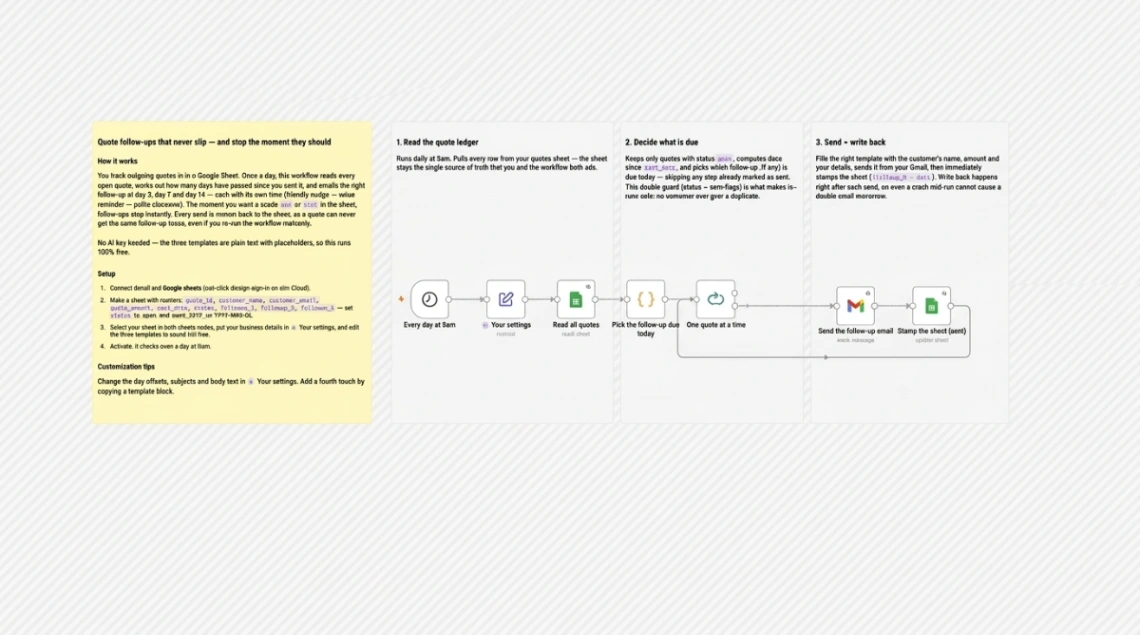
Shop this category by the tools you already use, because an automation template is only importable on the platform it was built for, and only useful if it can talk to your actual stack. Before comparing anything else, list the apps in your workflow — the form tool, the spreadsheet, the CRM, the inbox — and filter for templates whose connections match. A brilliant workflow wired to tools you don't use is a diagram. The pills at the top of this page name the platforms these flows actually run on.
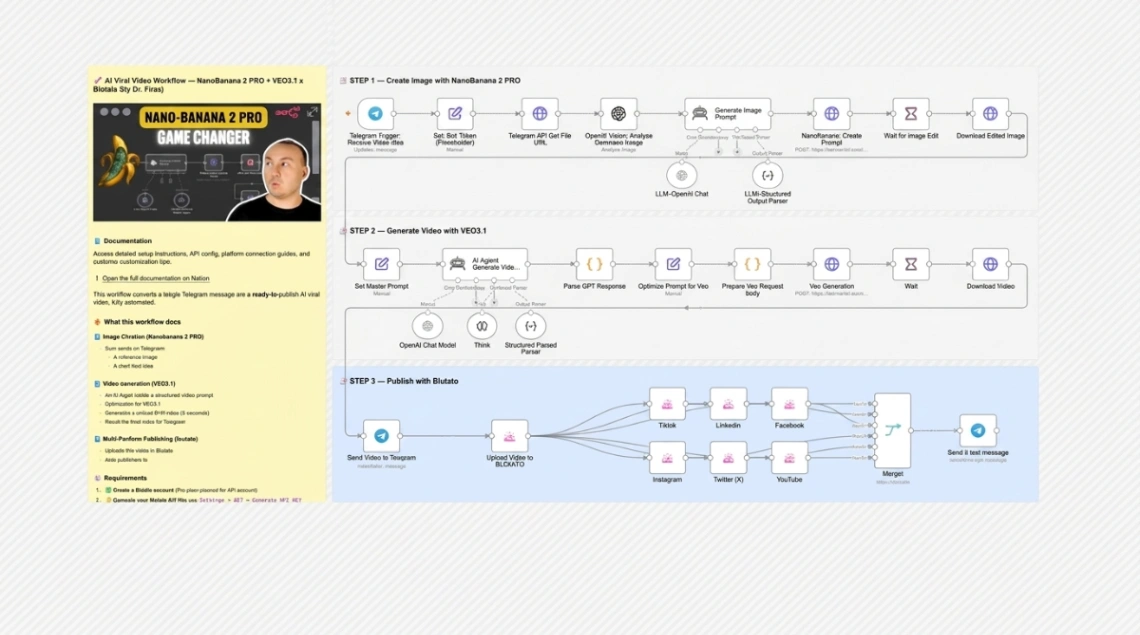
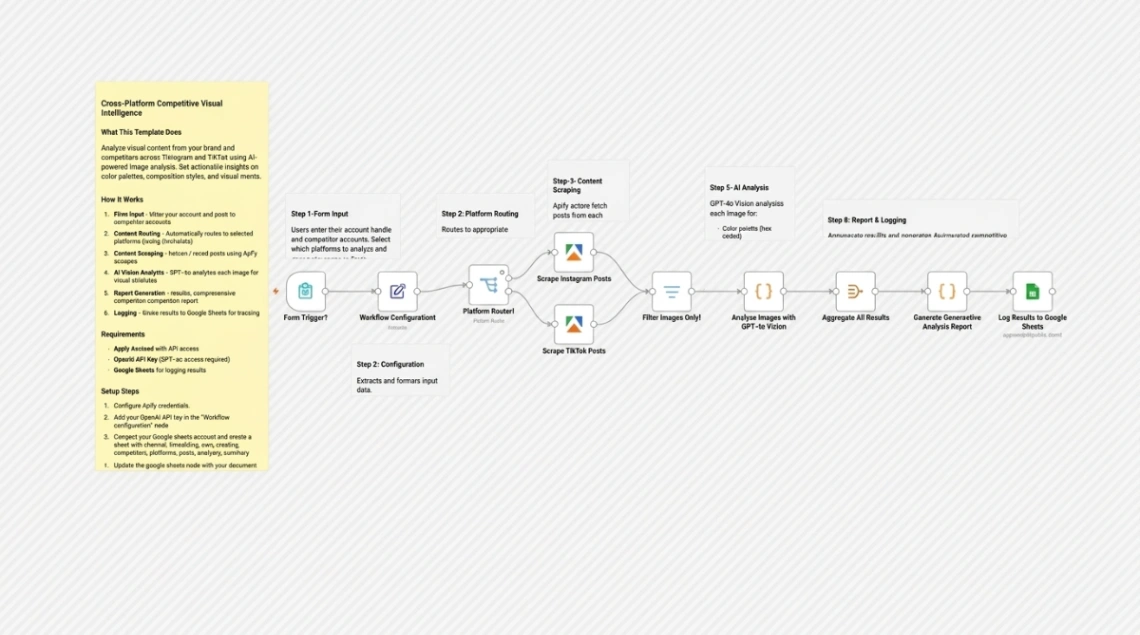
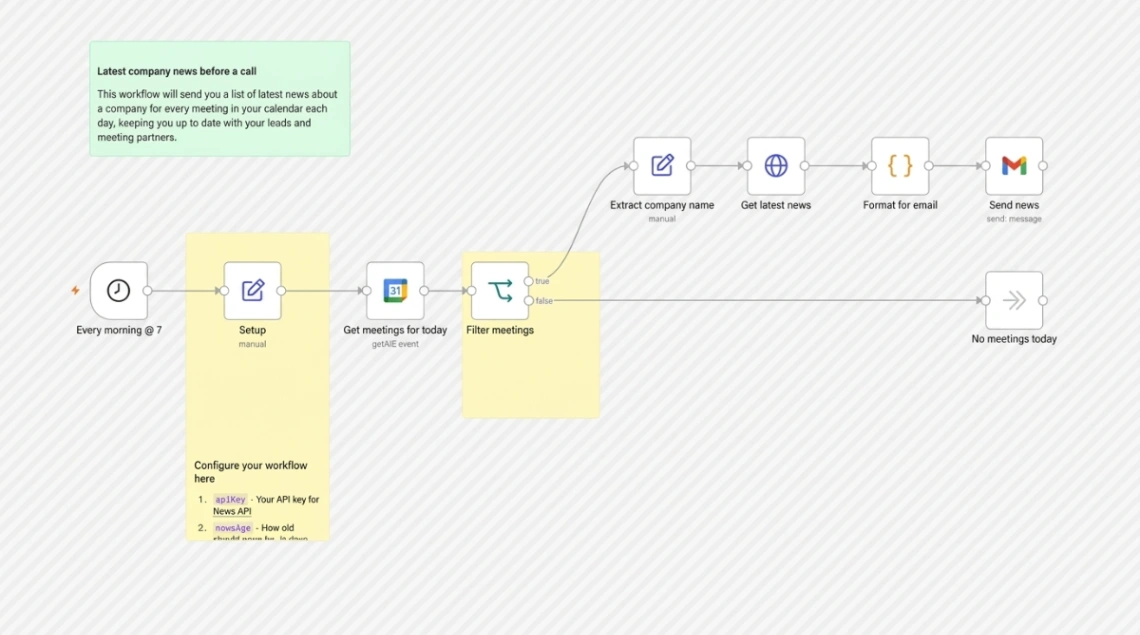
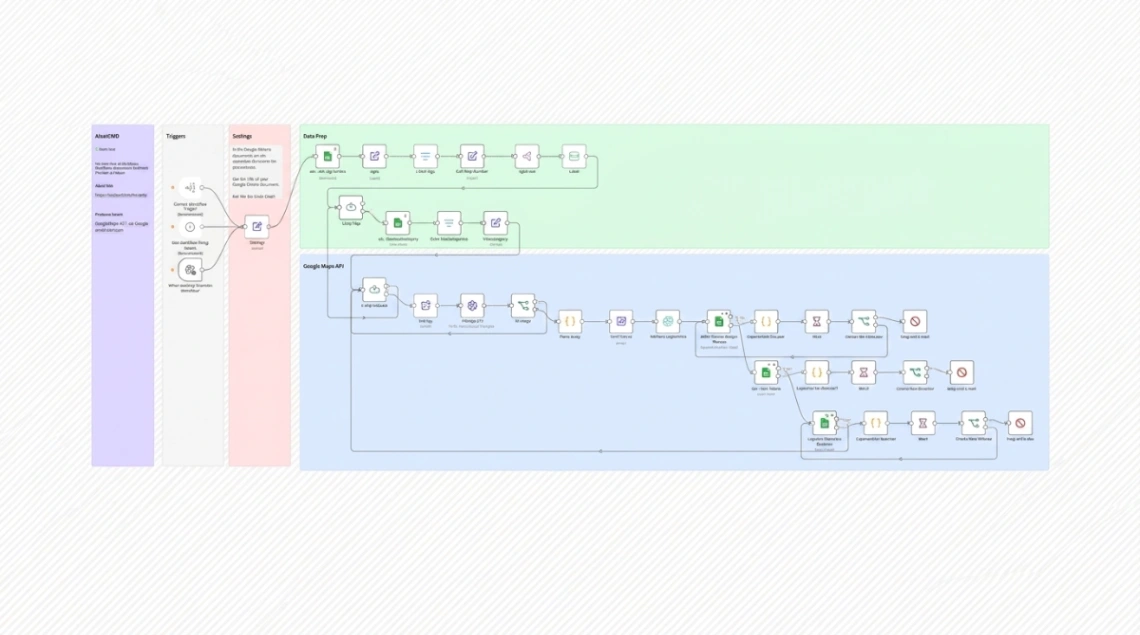
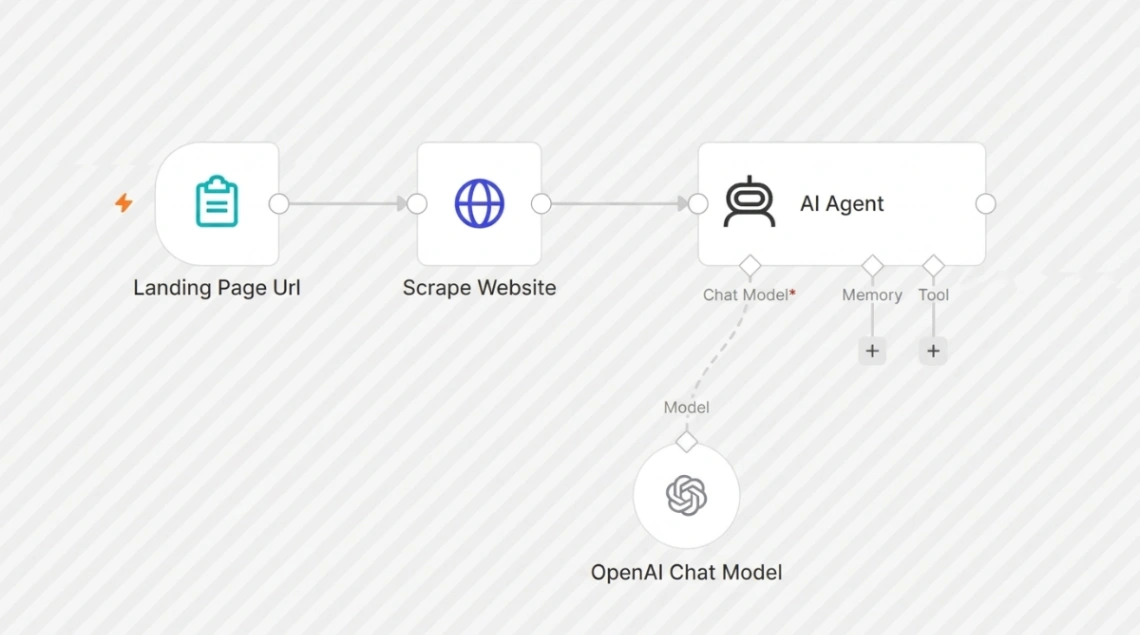
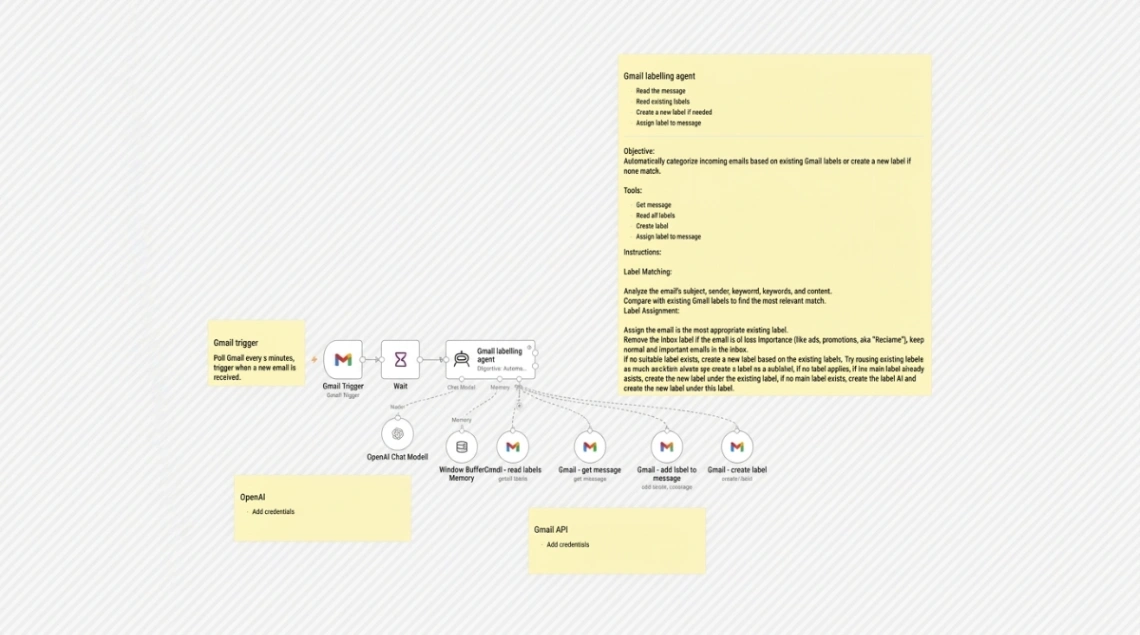
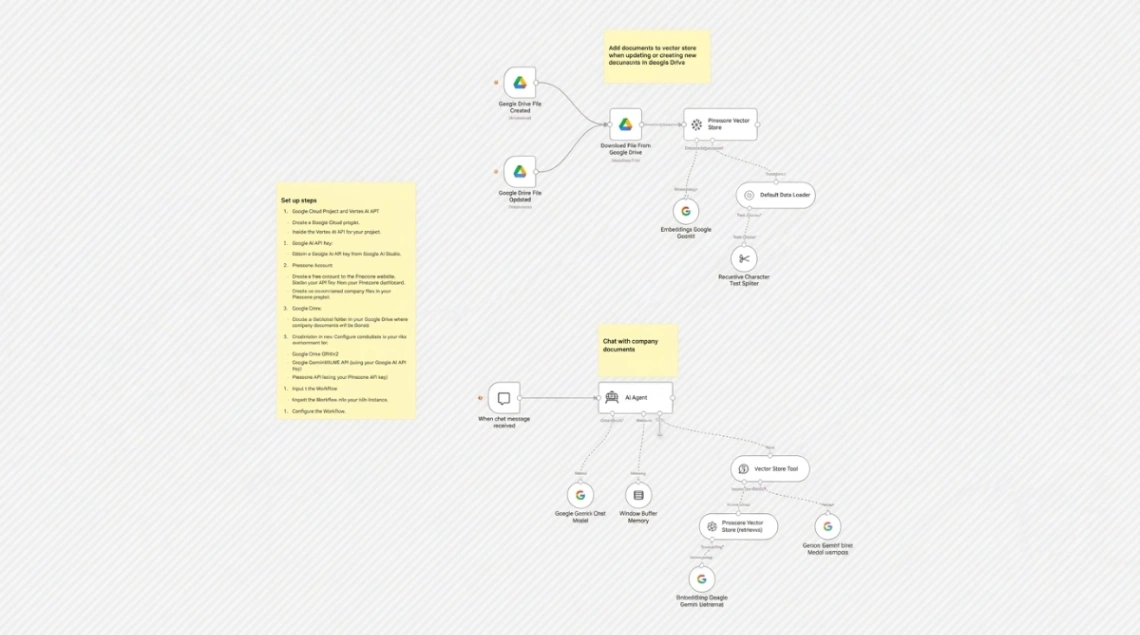
What you're really buying is working logic. The blank canvas is the hard part of automation — which trigger, what order, how to handle the failure case — and a good template arrives with those decisions made and tested. Adapting one means renaming fields and swapping accounts, not designing; expect minutes to hours, not days.
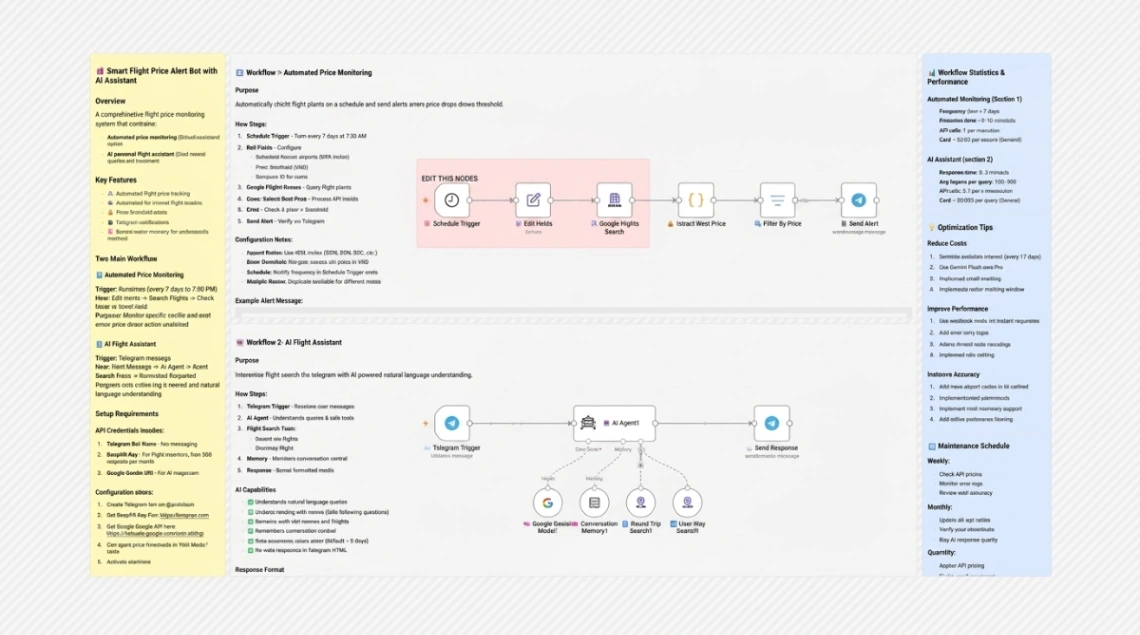
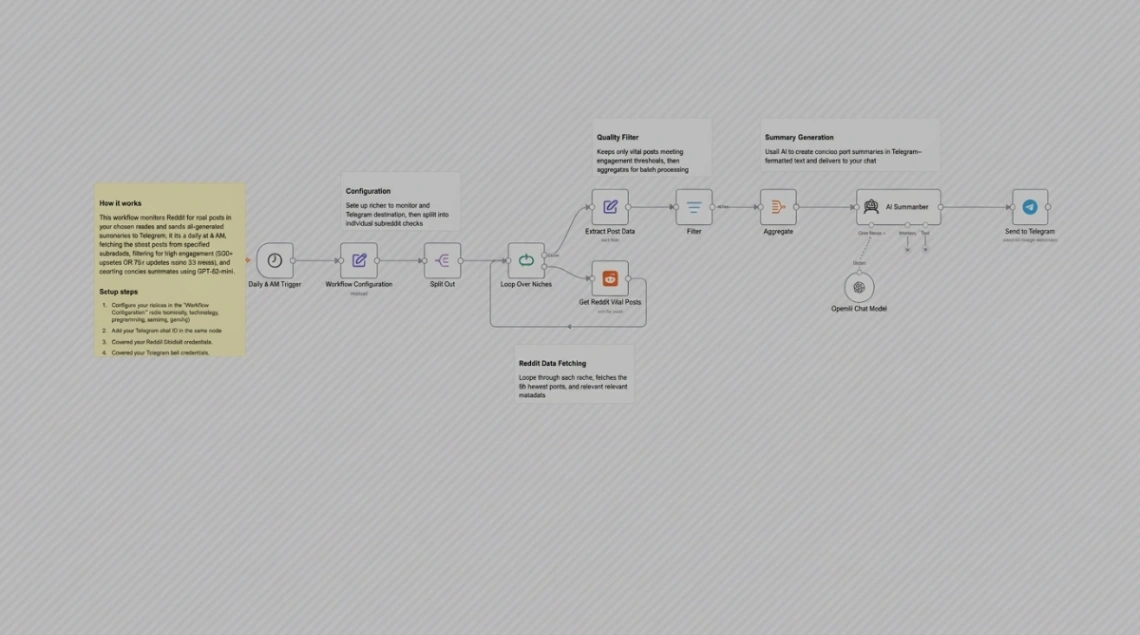
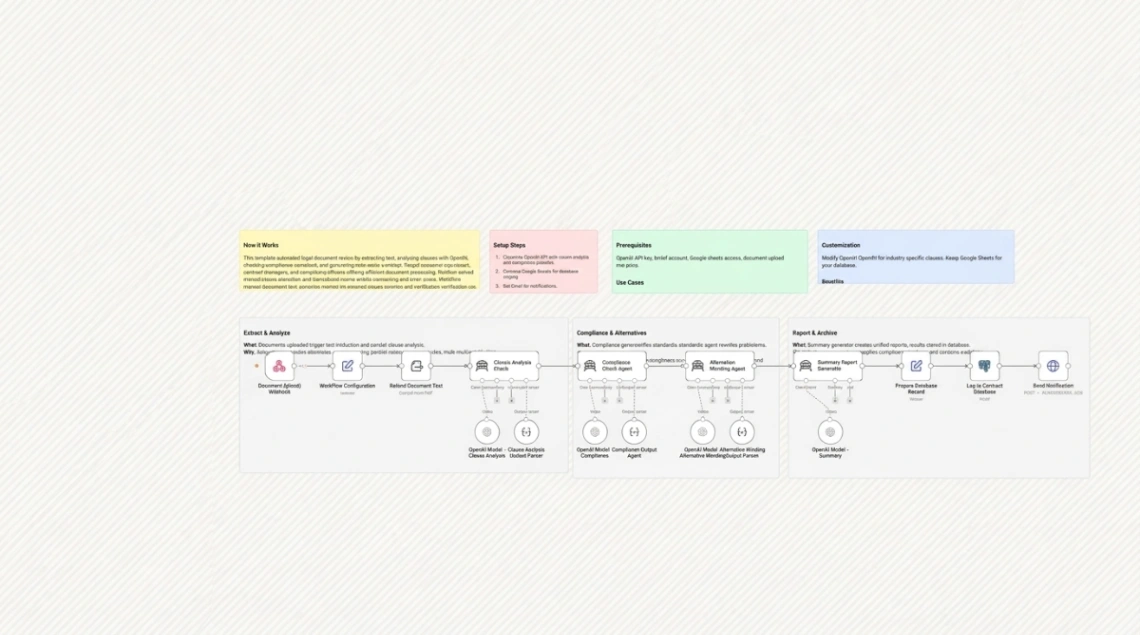
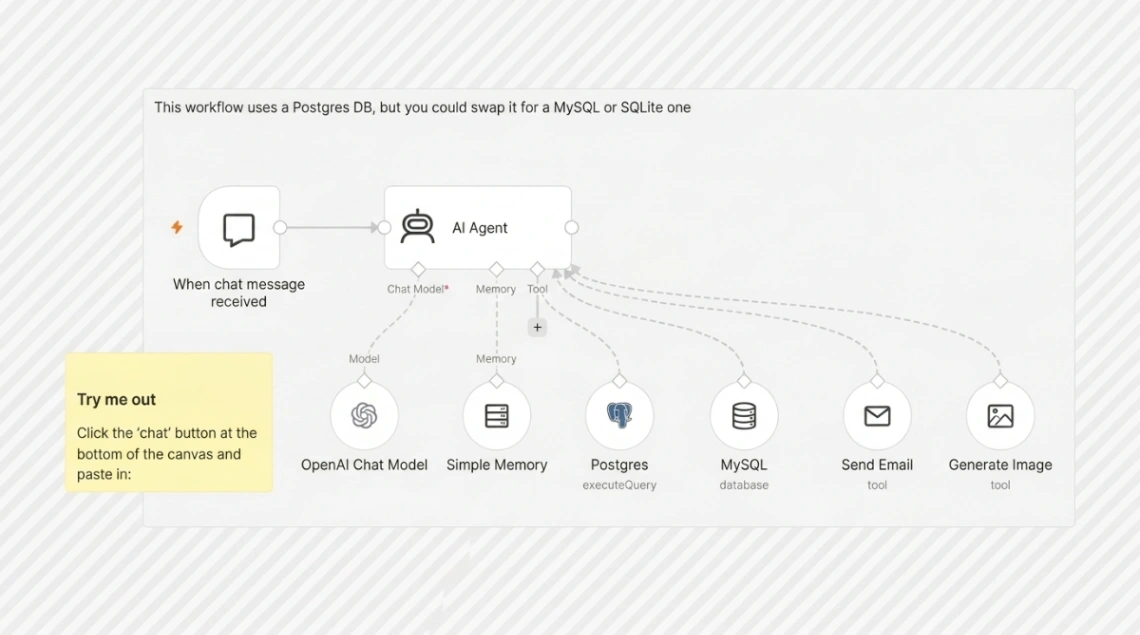
Workflows and chatbot flows are different animals sharing this shelf. A workflow runs in the background — new order in, invoice out — while a chatbot flow is a conversation with branches, built on different platforms with different logic. Decide whether the job is silent plumbing or a dialogue before you browse.
The warning that saves real money: automation platforms bill per operation, and templates don't show their appetite. A flow triggered by every new spreadsheet row or incoming message can burn through a free tier in a day. Before switching one on, estimate monthly runs honestly — then start it on a filtered subset and watch the counter for a week.
FAQ






