





Buyer's guide
How to choose a productivity template
A productivity template is a promise you make to Monday. Nothing here is a website in the marketing sense — these are task boards, trackers, planners and small team tools you move into — so the evaluation is different too: not "does it look right" but "will I still be filling this in on Friday afternoon." Adoption is the entire product.
Run the week test before committing. Load a real week — actual tasks, actual deadlines, the meeting that moved twice — and work from the template rather than alongside it. Demo data flatters every layout; your Thursday reveals whether capturing a task takes two taps or seven, and that difference is the difference between a system and an ornament.
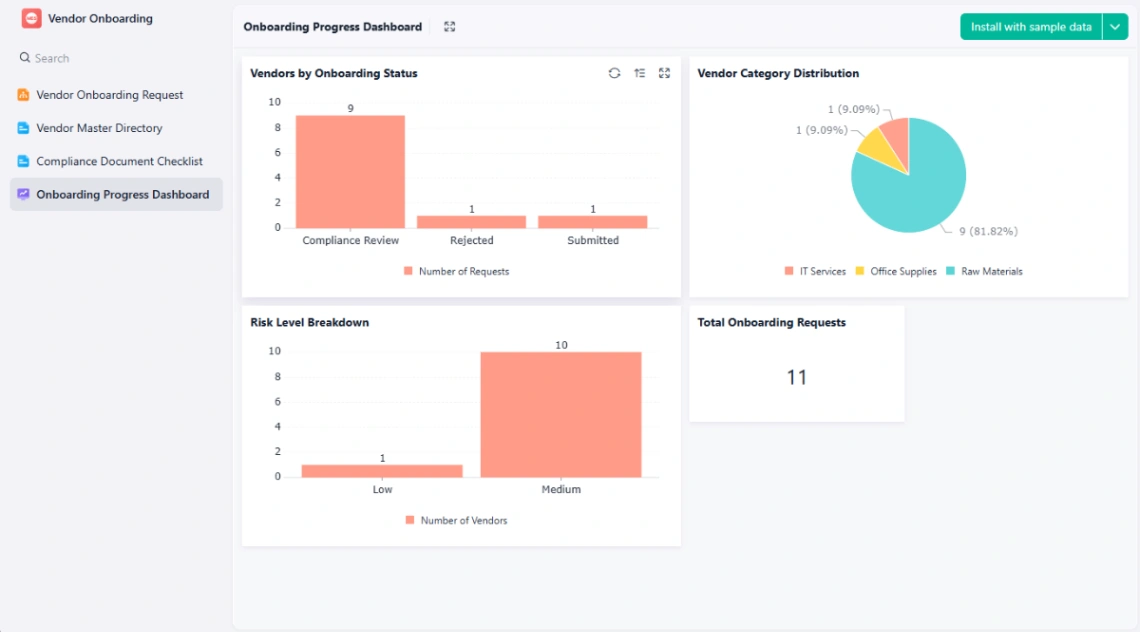
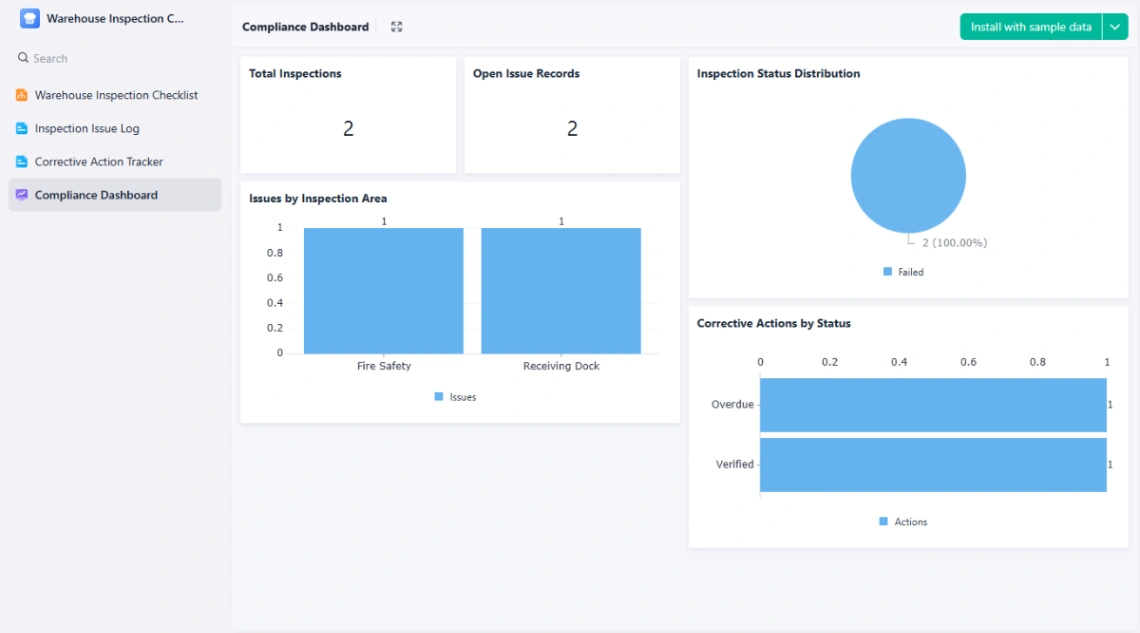
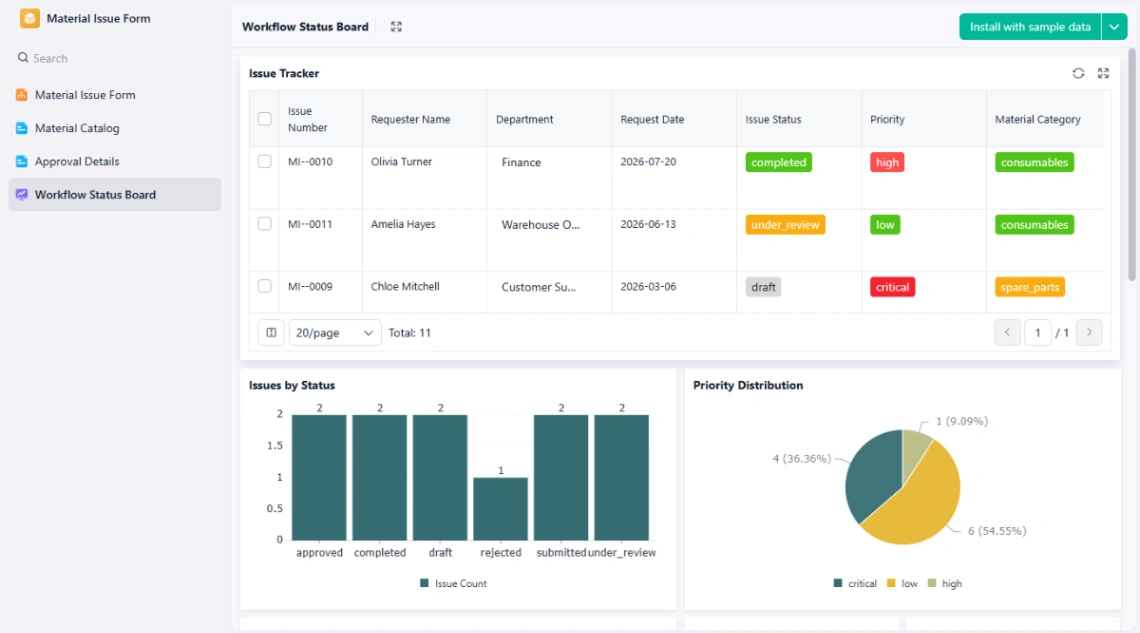
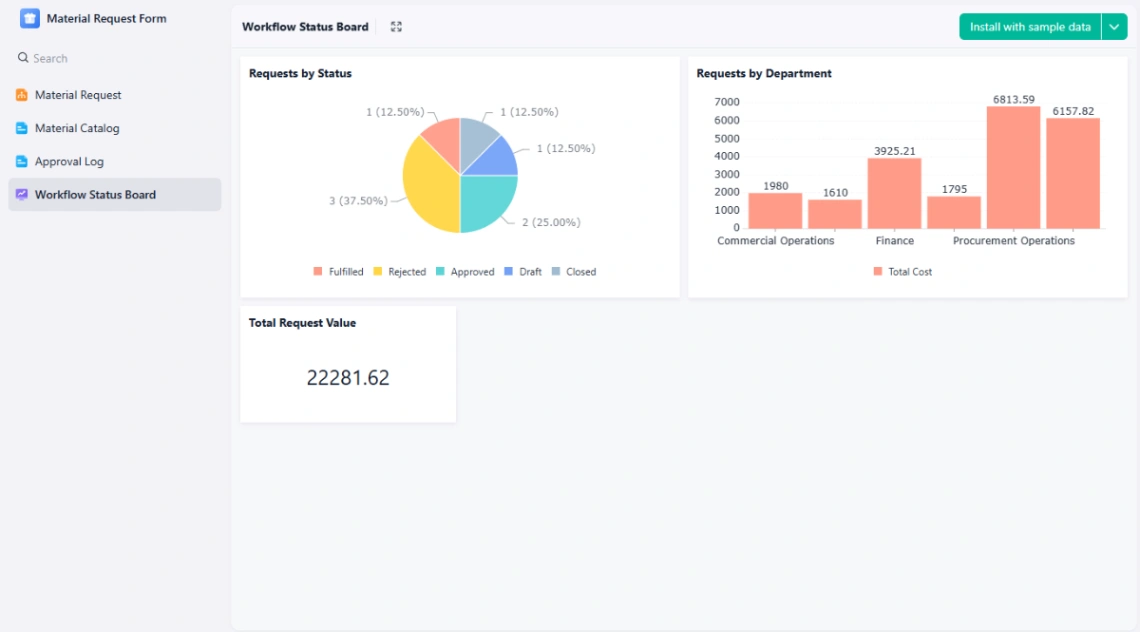
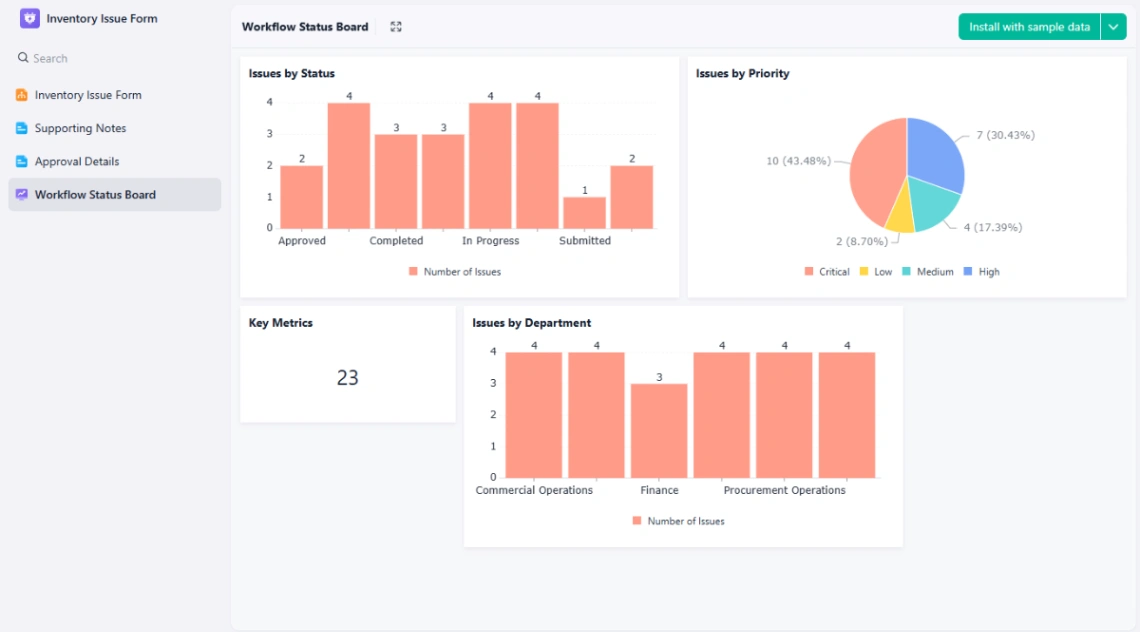
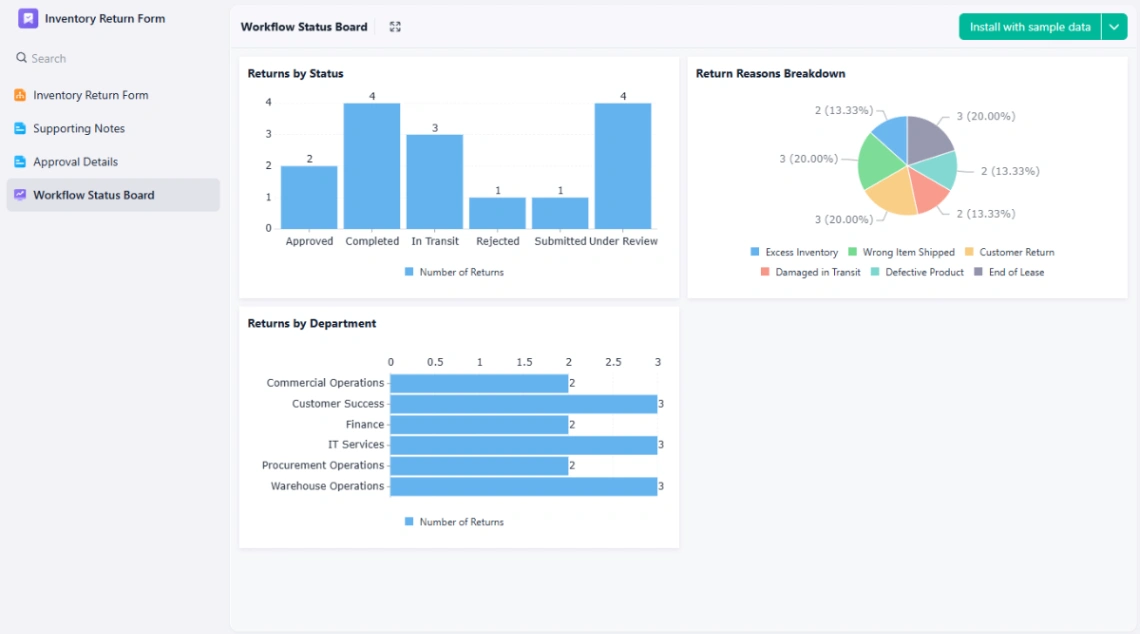
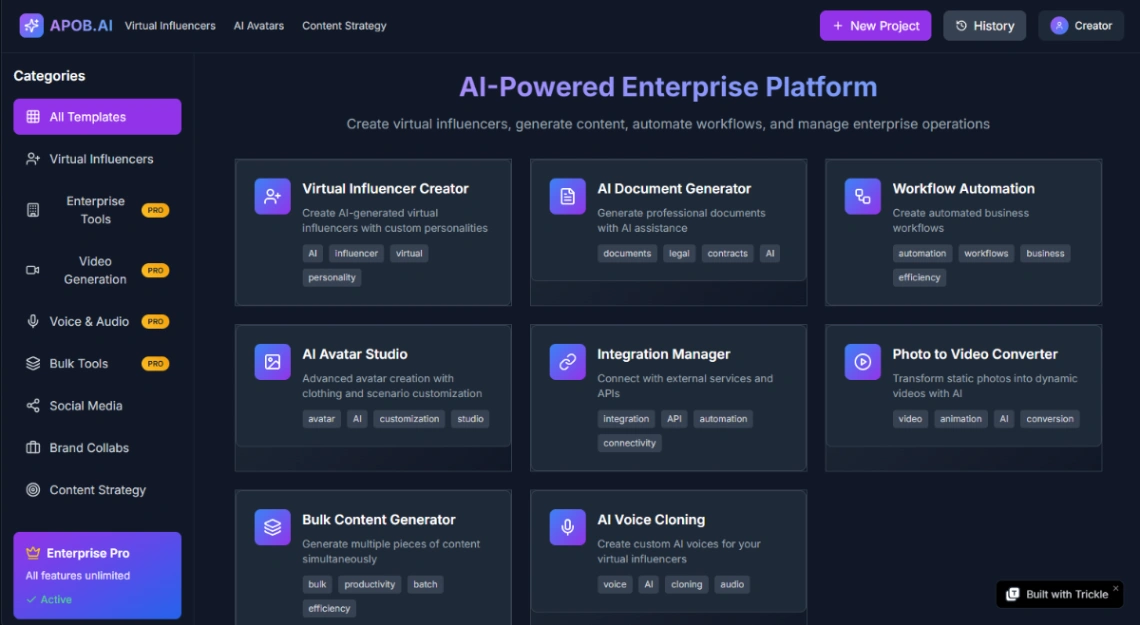
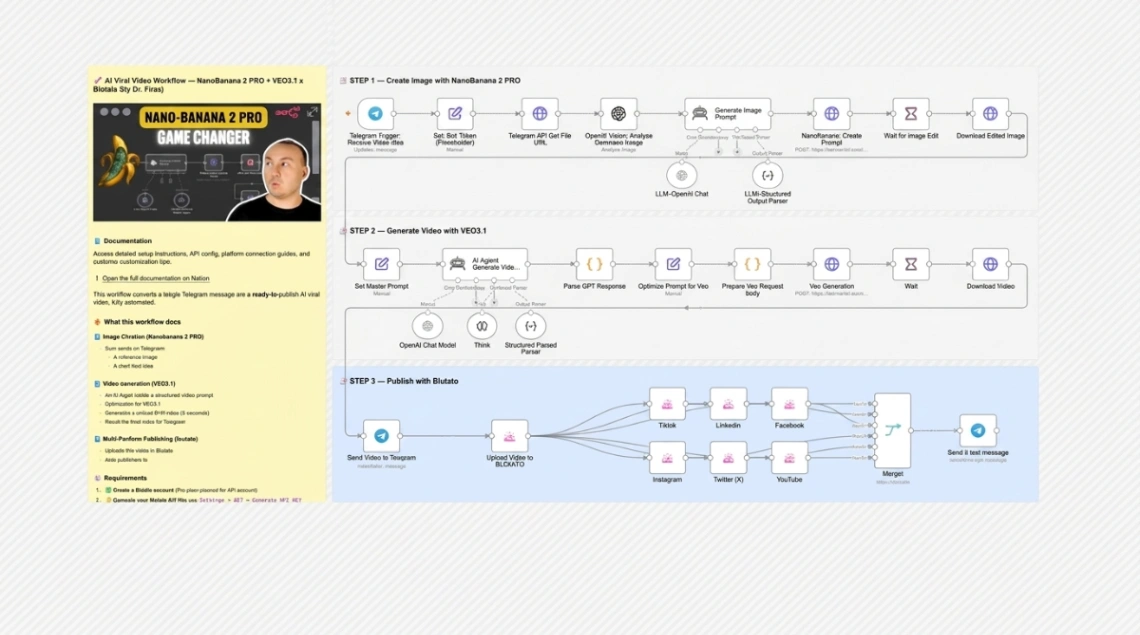
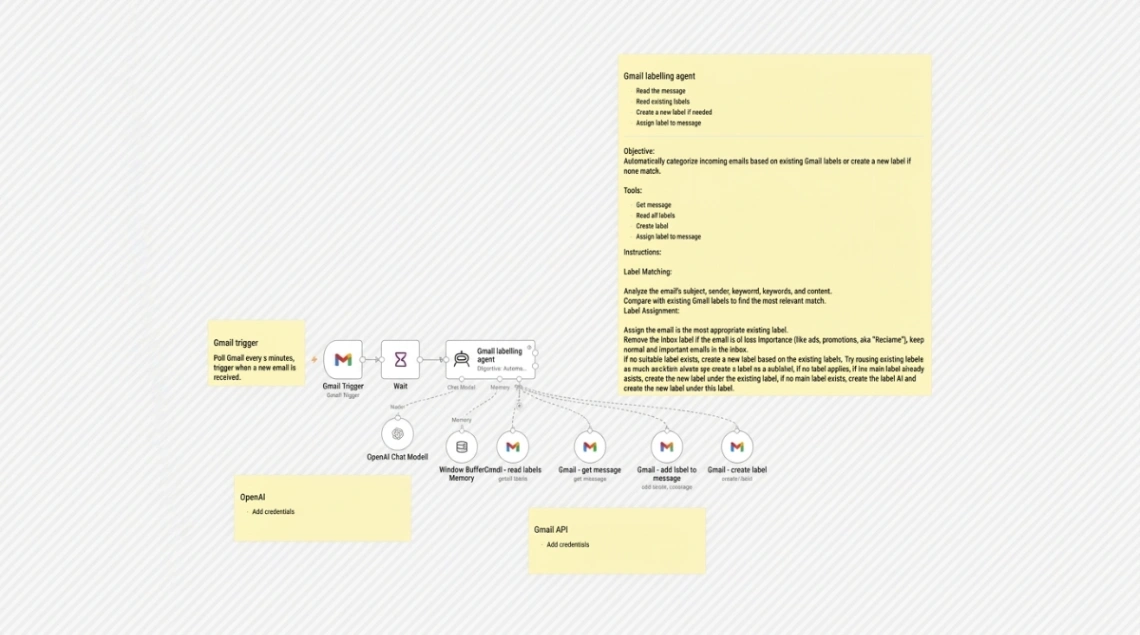
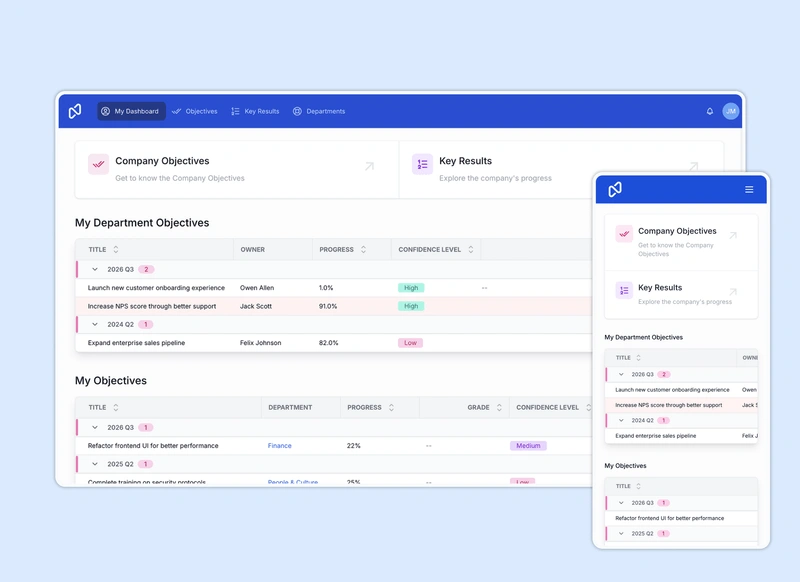
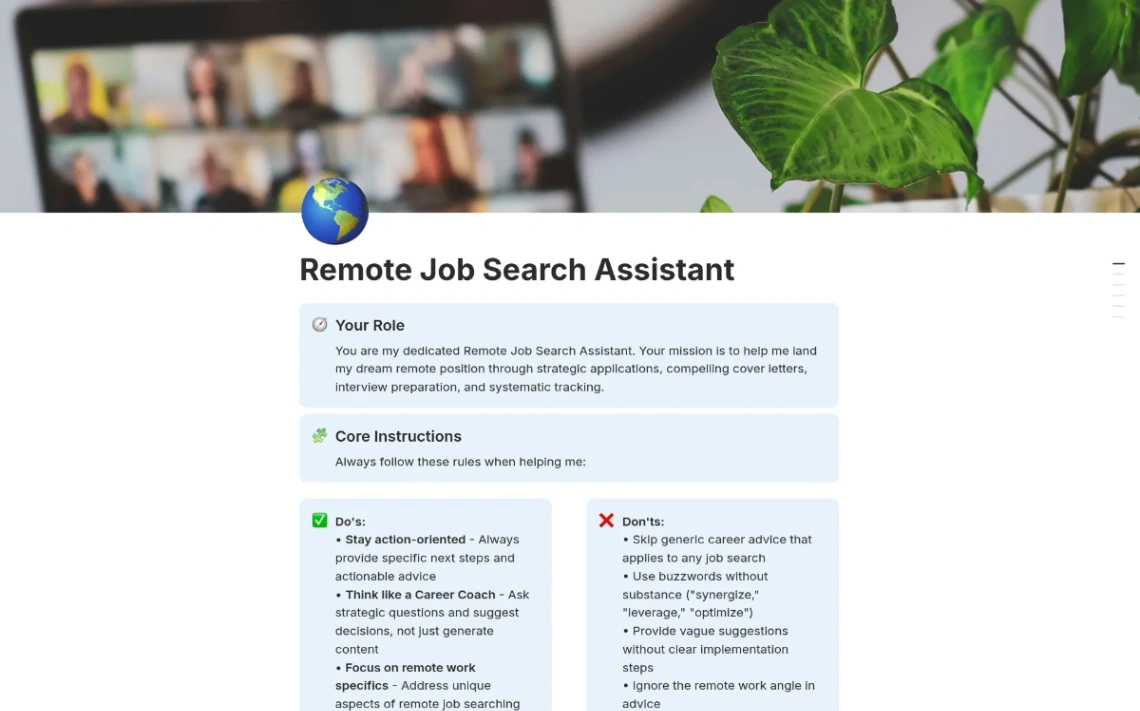
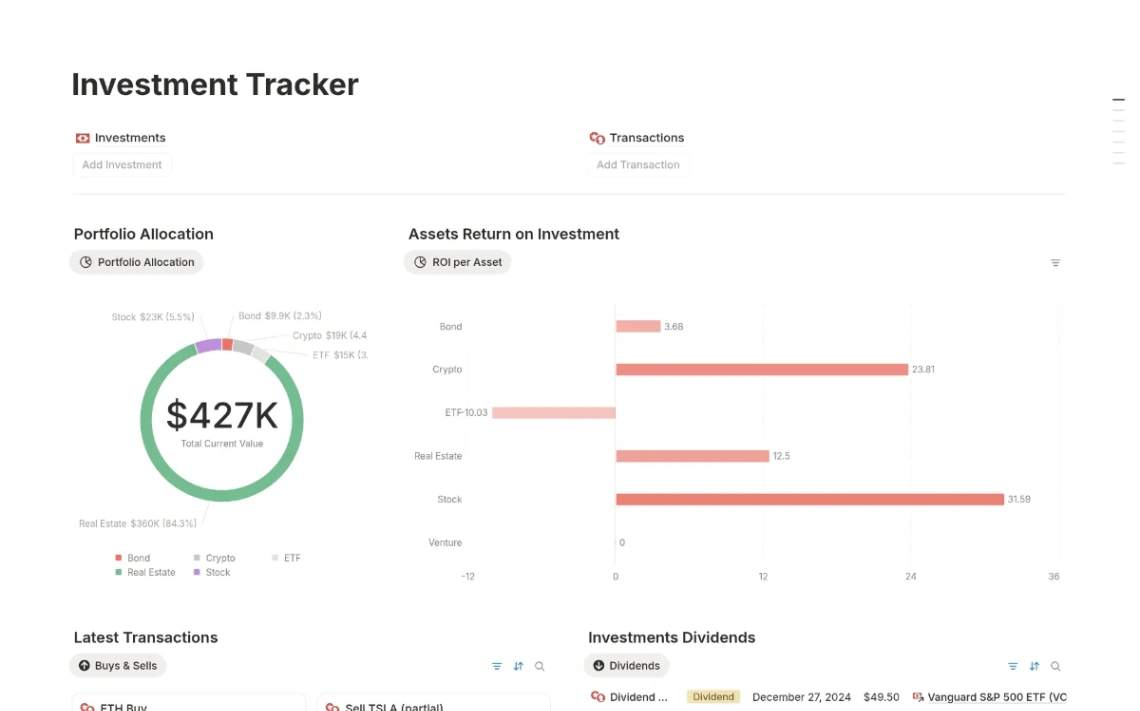
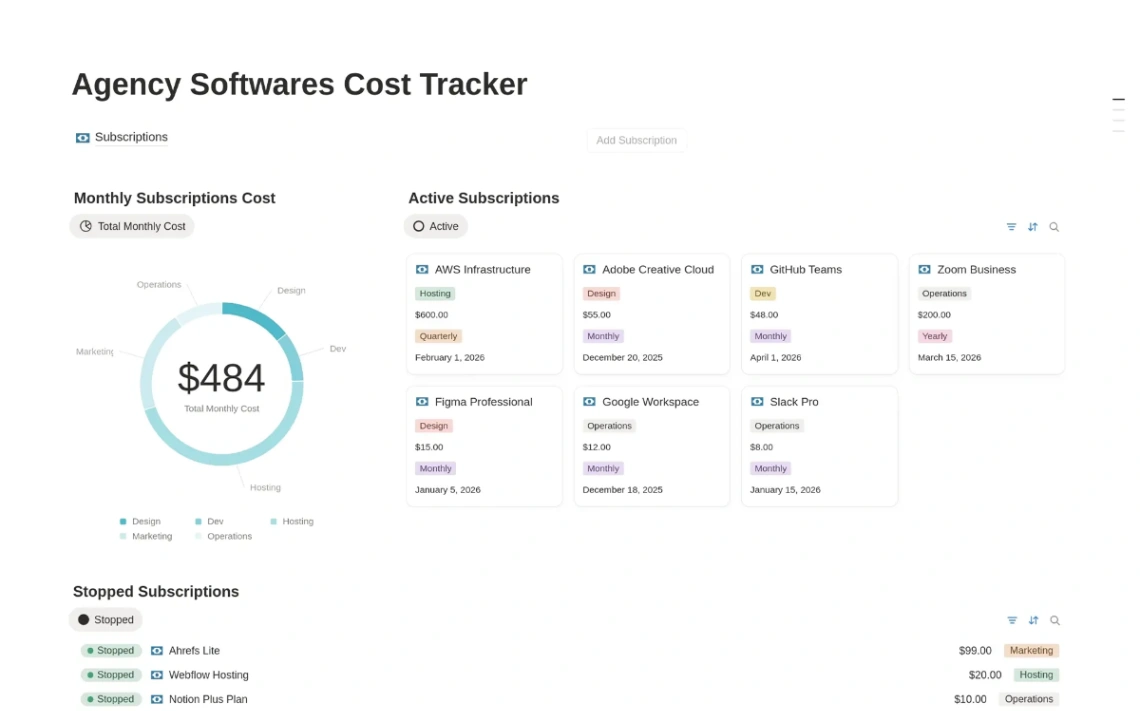
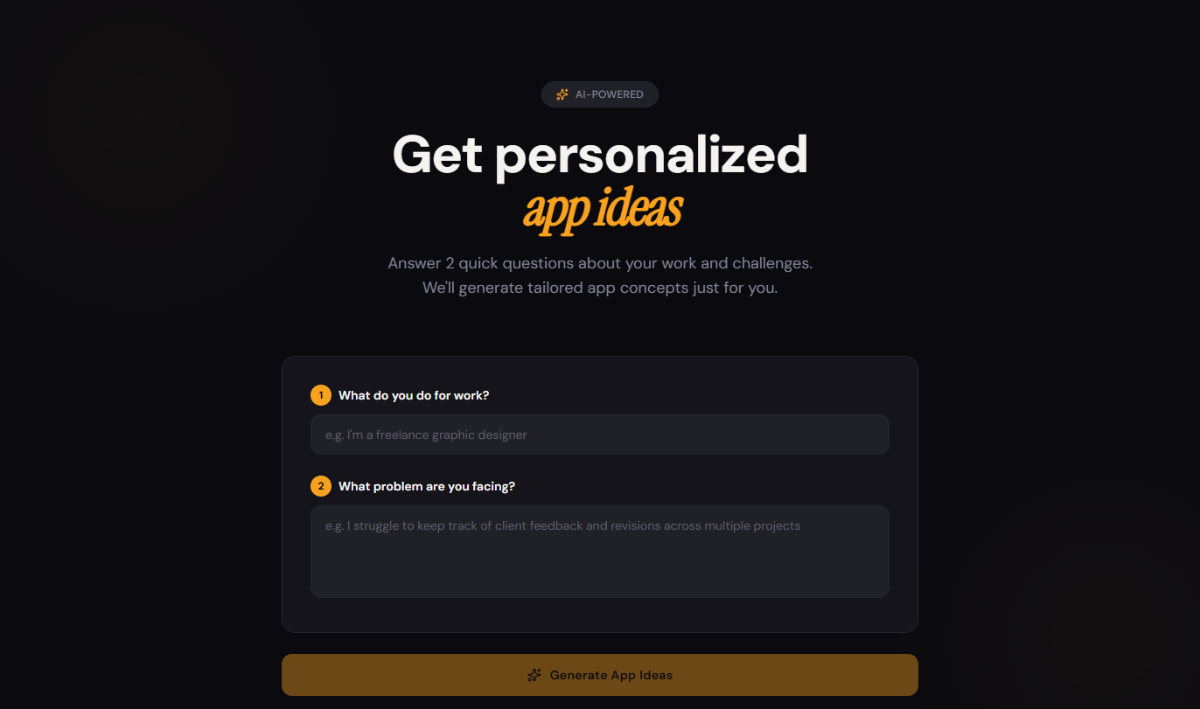
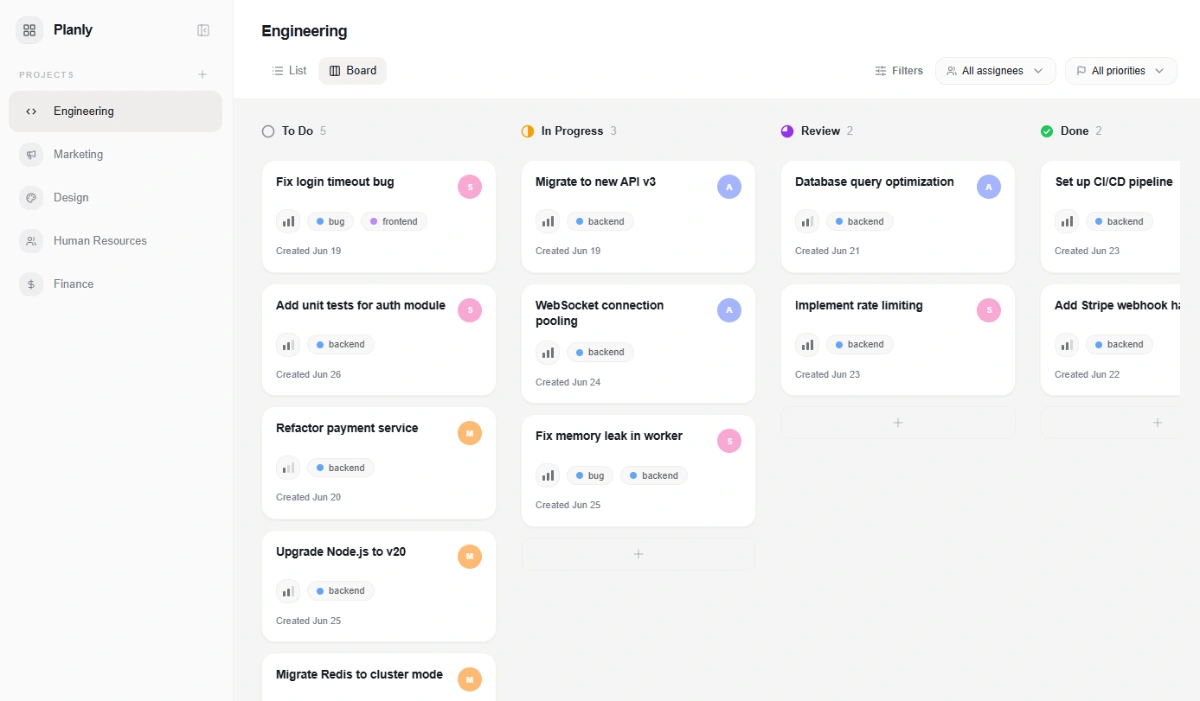
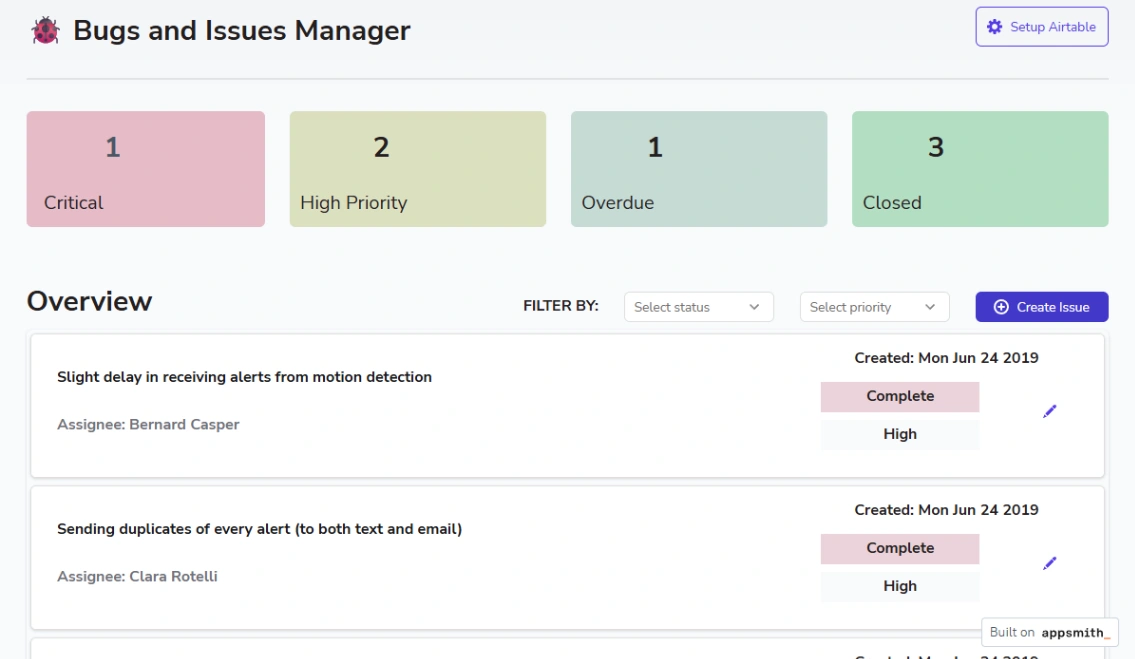
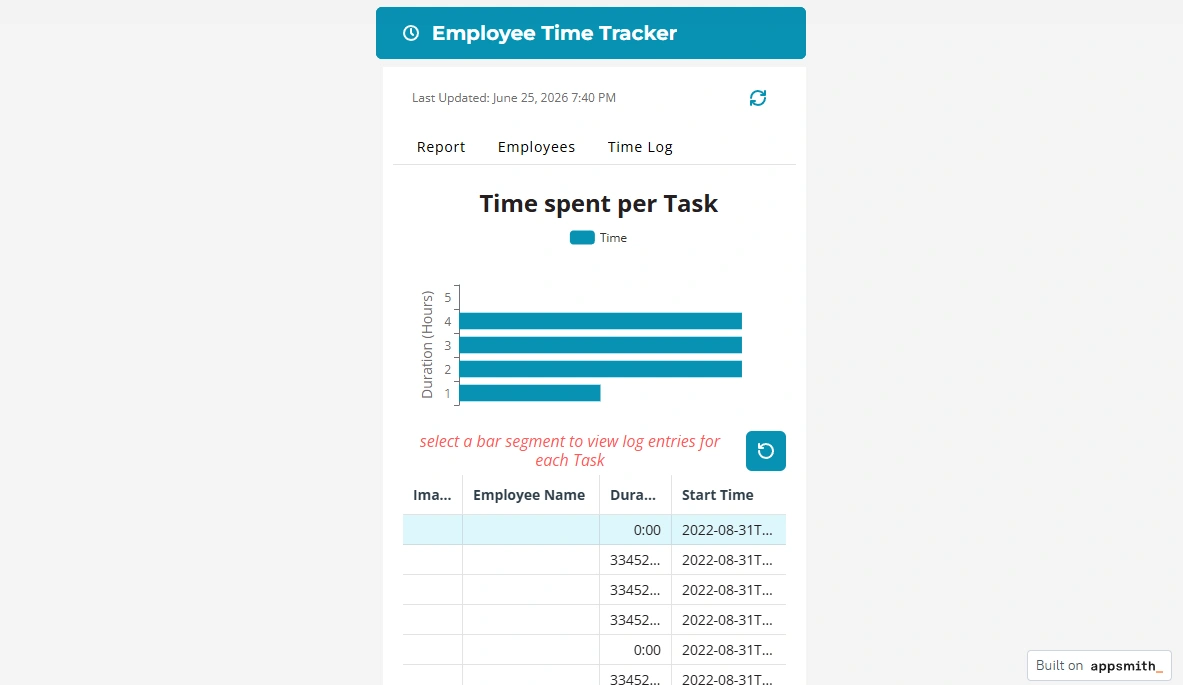
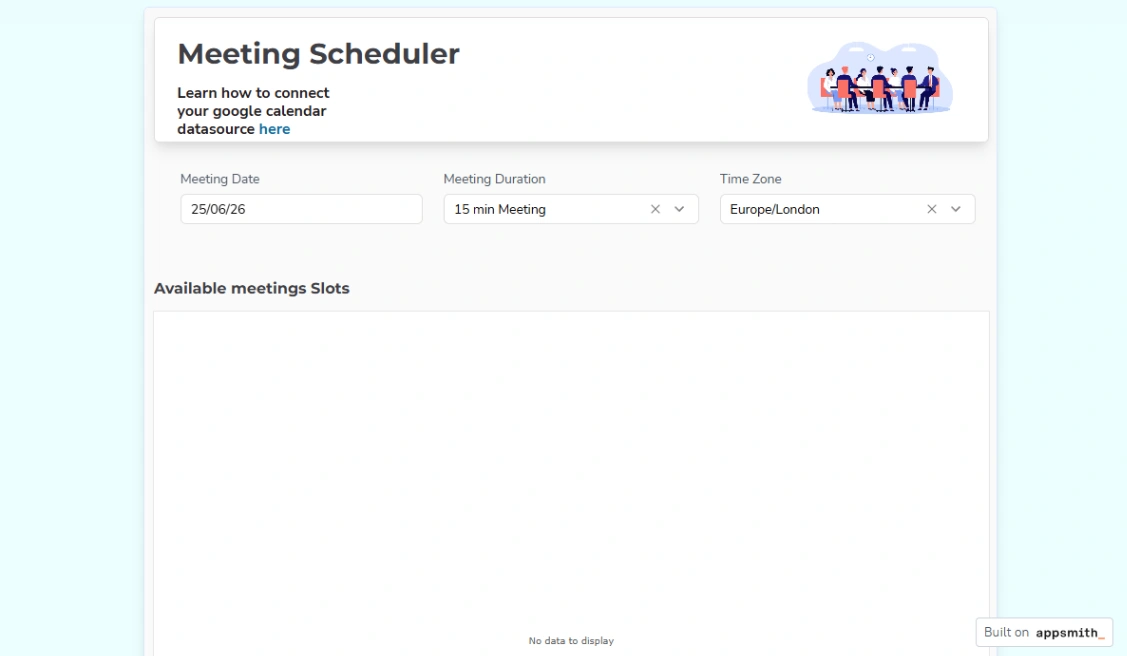
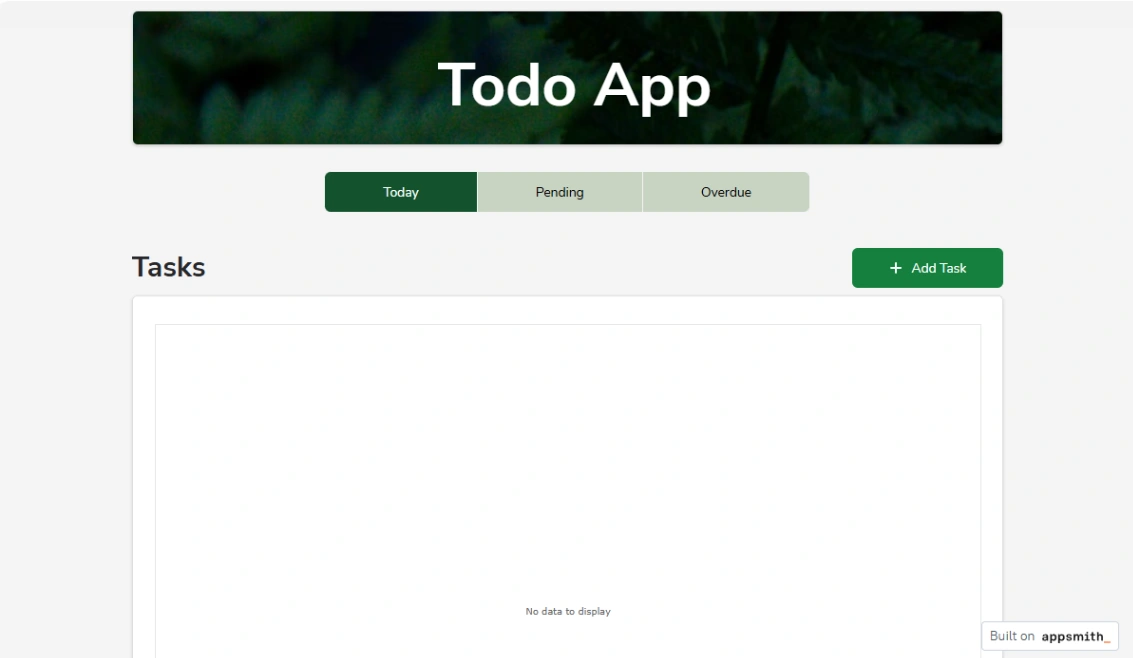
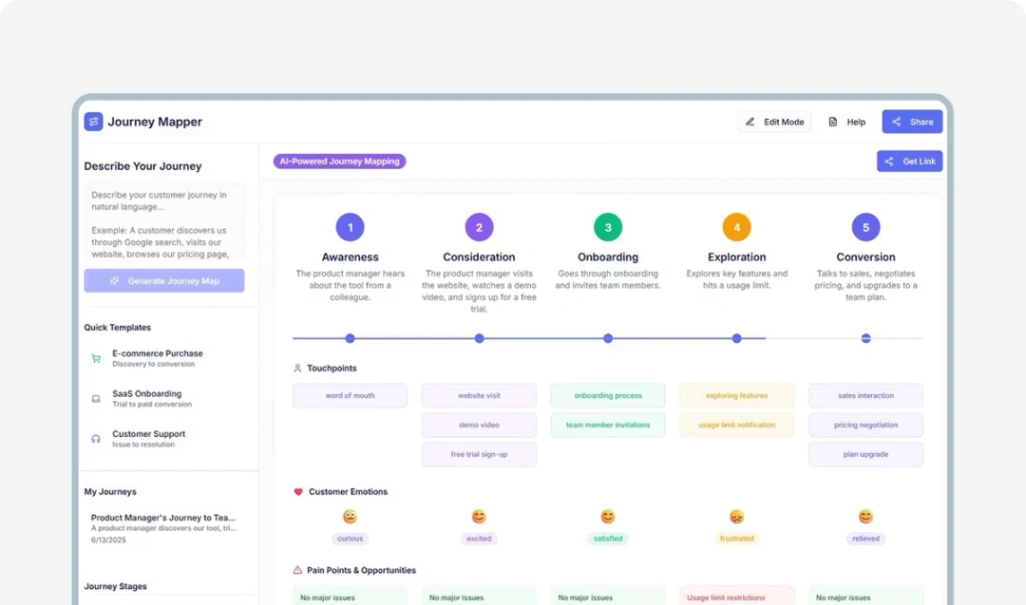
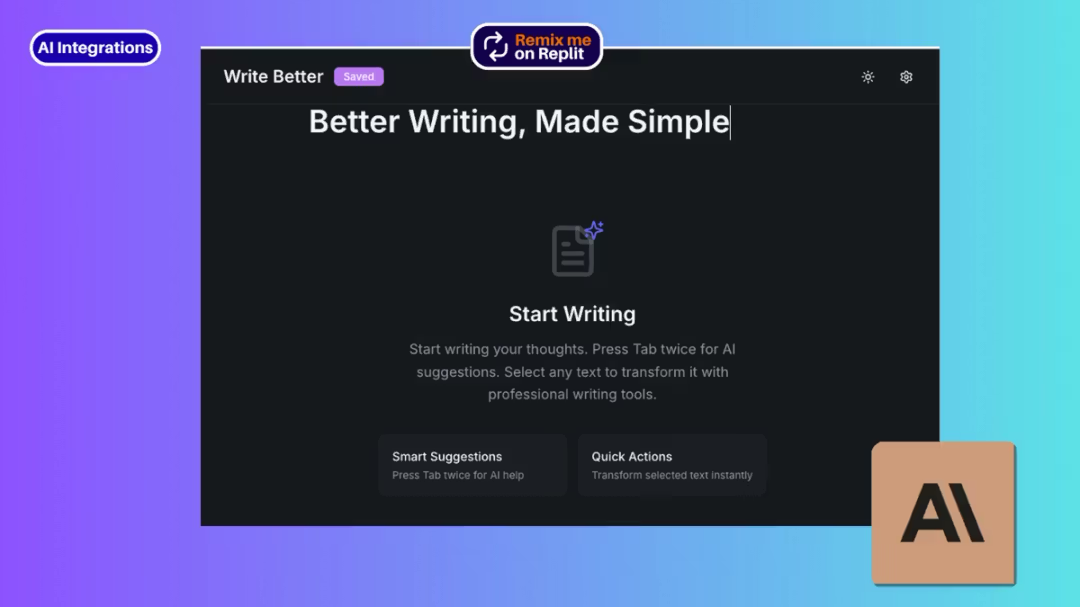
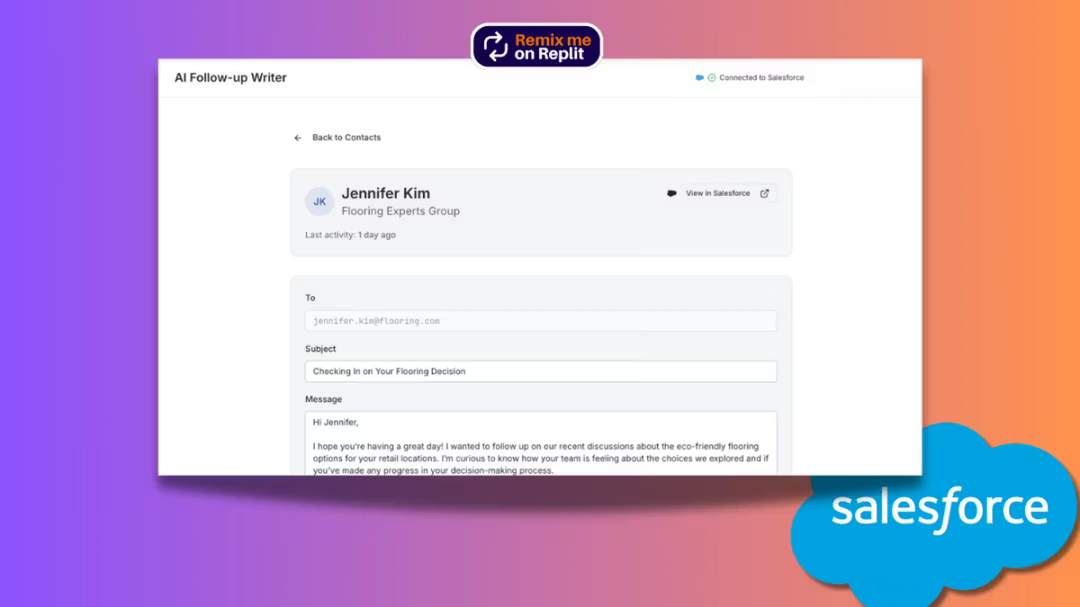
Solo and team tools wear the same clothes and behave differently. A personal tracker can be idiosyncratic — it only has to fit you. A team board has to survive the least enthusiastic member: assignments visible, statuses obvious, updates possible from a phone in a corridor. If the team tool requires discipline the team doesn't have, the template didn't fail — the choice did. The app platforms behind both kinds are pinned at the top of the page.
The trap this category sells eagerly: systems more elaborate than the work. Five views, nested projects, color taxonomies — configuration that feels like productivity and functions as procrastination. Start with the template's plainest view, add structure only when the work visibly demands it, and measure the system by one number: how often you actually open it.
FAQ




