
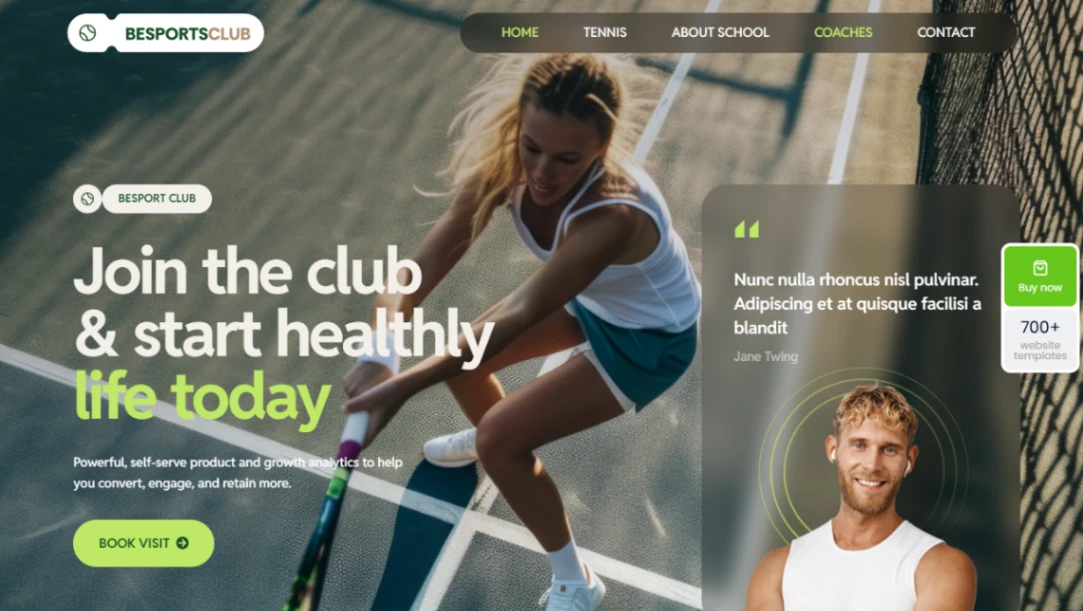
Tennis Club


Beauty Salon



Neon Wedding
Buyer's guide
How to choose a booking template
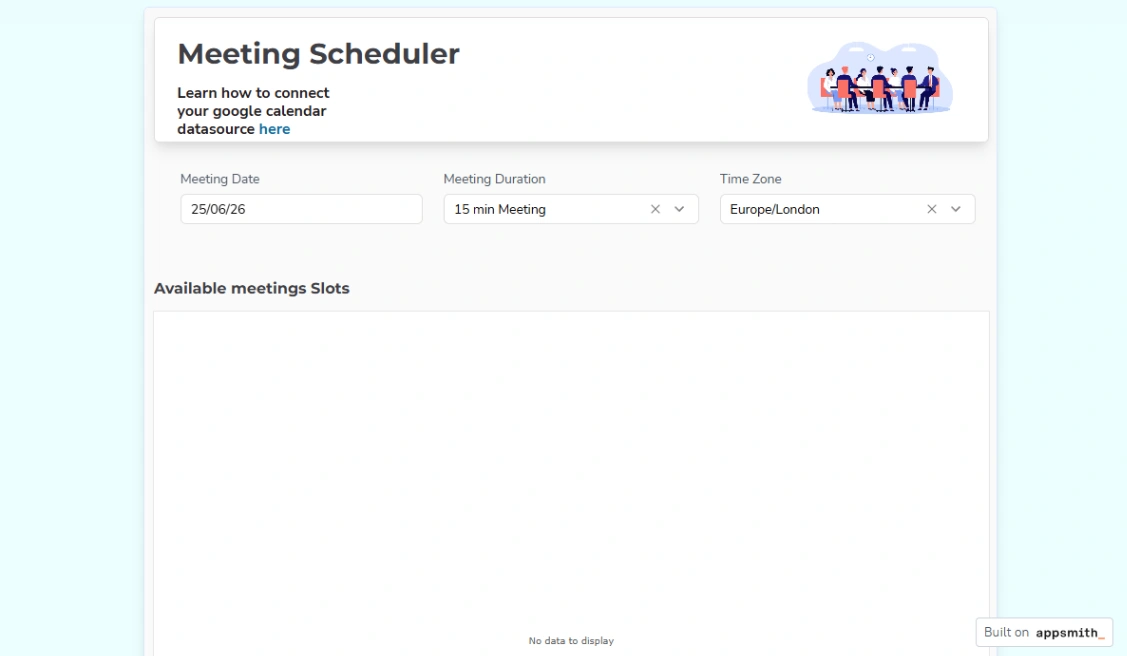
Every booking is a small contract negotiated by an interface, and these templates are the negotiators. The evaluation is mercifully concrete: walk the path yourself on a phone — pick a date, a time, pay or confirm, receive the confirmation — and count every tap and every doubt. Whatever friction you felt, multiply by strangers with less patience; that number is the template.
Match the booking model first, because the three don't interchange. Appointments are slots — fixed lengths, a day sliced into columns. Rentals are spans — start and end, with availability math between. Events are capacity — one date, many seats. Each has specialist platforms in the pinned picks, and forcing one model through another's template (span rentals through an appointment grid, say) generates exactly the manual patching the site was meant to end.
No-shows are an economics problem the template can price in: deposits or card-on-file for the expensive slots, automatic reminders for all of them (the cheapest no-show reduction ever measured), and a cancellation window that frees the slot while it can still be resold. Check which of the three your candidate supports natively — reminders alone typically pay for the platform.
And insist on one calendar of truth. The booking system must see your real availability — synced with the calendar your life actually runs on — and every booking must land back there instantly. The moment there are two calendars, you will double-book the one week you least can afford to; that's not a risk, it's a schedule.
FAQ






