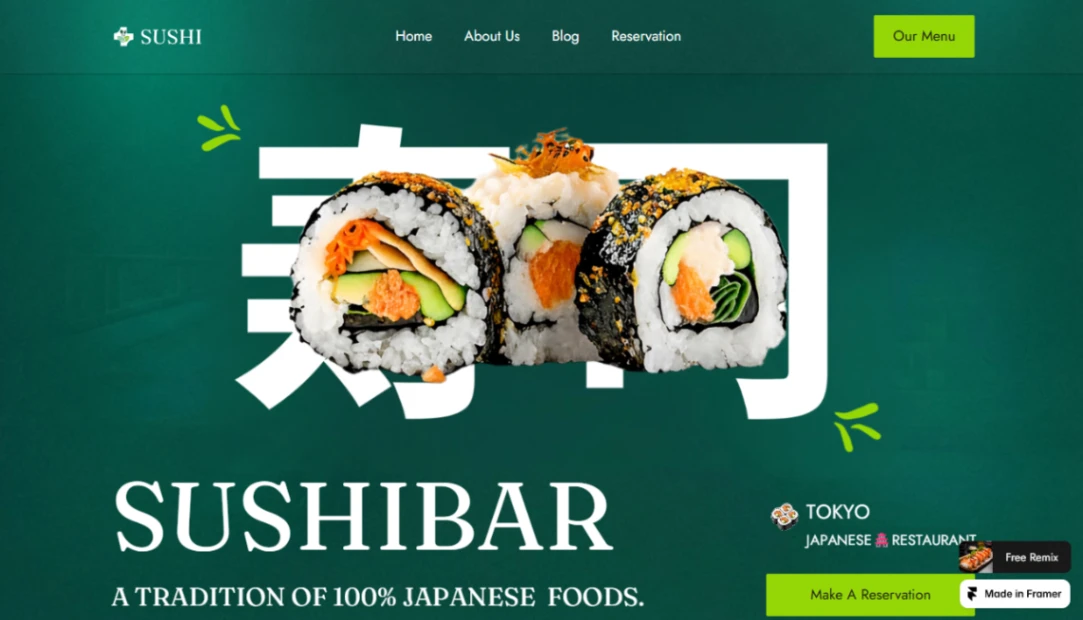
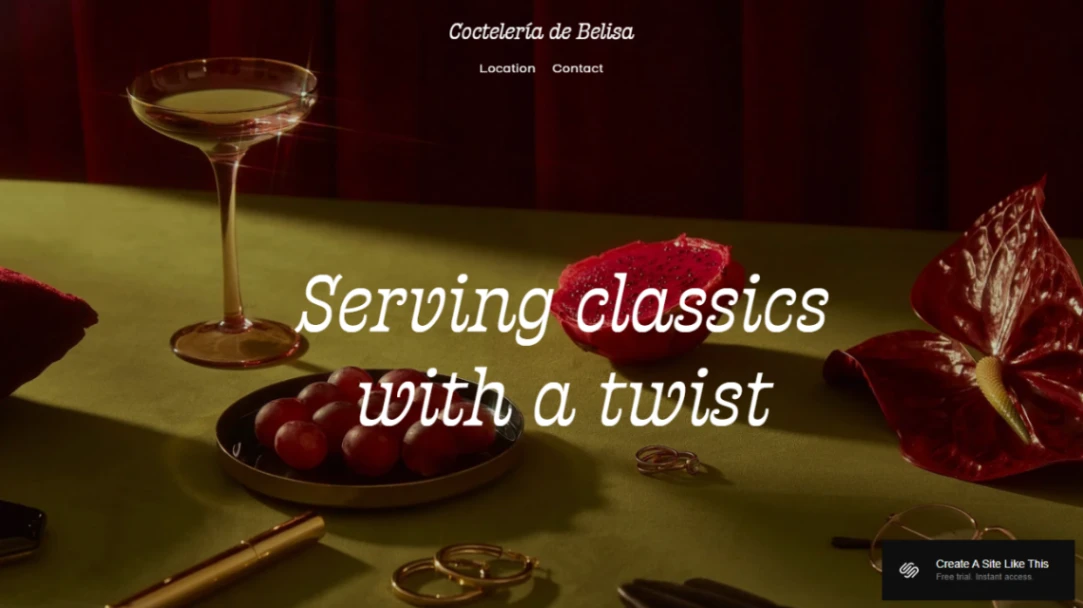
Cocktail Bar
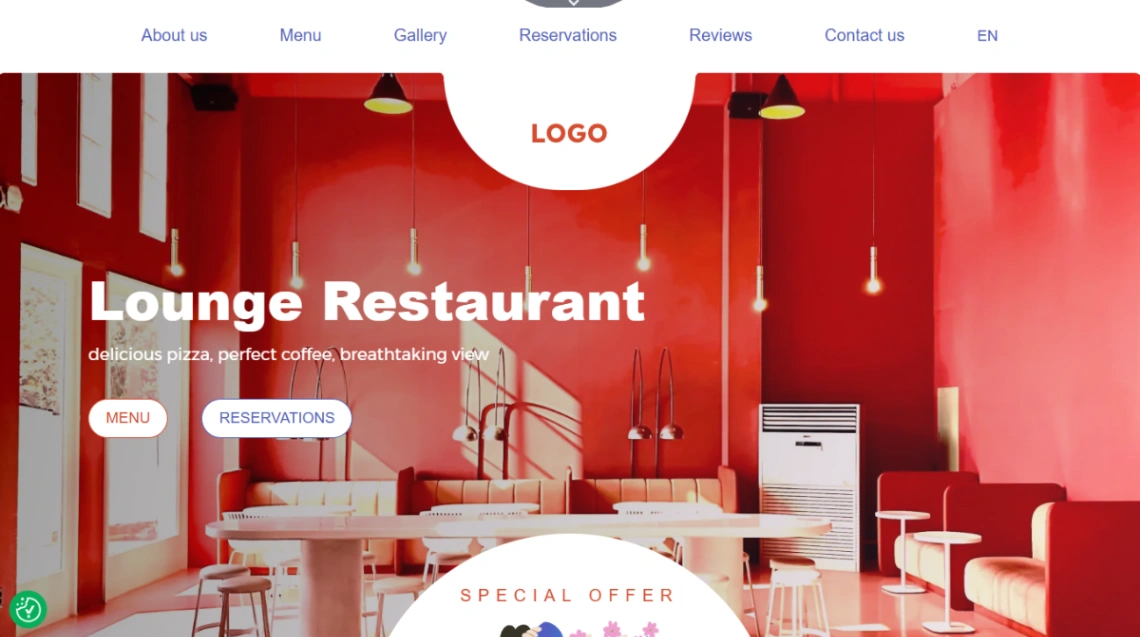
Coffee Shop
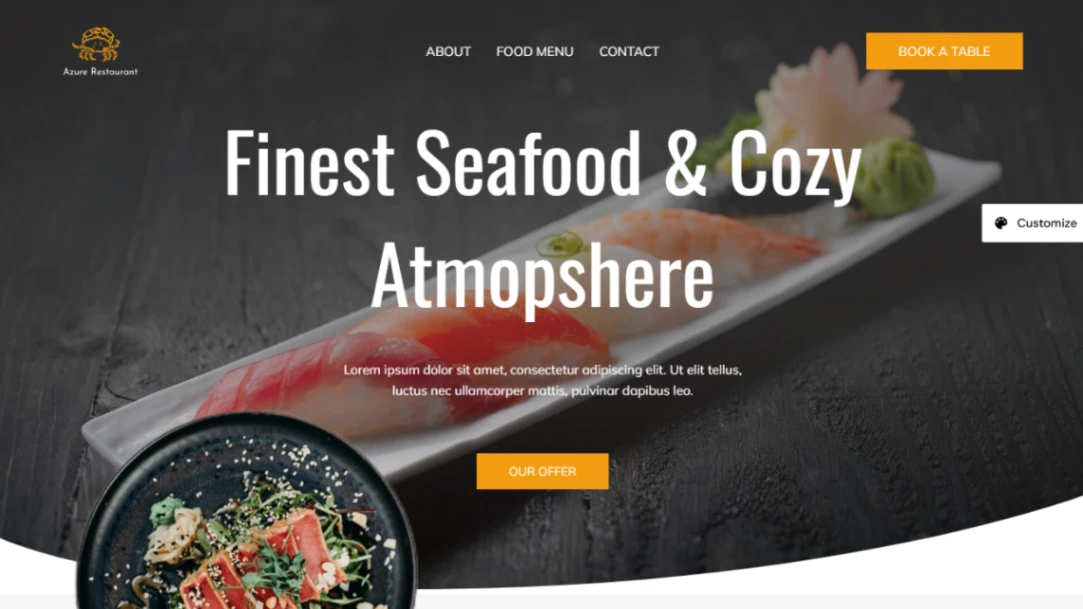
Restaurant
Buyer's guide
How to choose a bar template
People check a bar's website while already deciding to go out — on a phone, between messages, with seconds of patience. That reality picks the template for you: hours, address, drinks menu and what's on tonight, all reachable in one scroll, no PDF downloads, no loading animation standing between a thirsty person and your closing time. Speed matters doubly here because the check happens at the moment of decision — a slow page loses the whole group, not one visitor.
Events are what separate a bar site from a restaurant site, and they change weekly. Quiz night, live music, the match on the big screen — the template needs an events section you can update in a minute and a "this week" that's visibly current, because a stale events list reads like a closed bar. If programming is your identity, make the calendar the homepage.
Bookings come in two very different sizes. Table reservations are nice; private hire is the money — birthdays, work parties, functions book weeks ahead and spend accordingly. A dedicated hire page with capacity, spaces and an inquiry form pays for the whole site; the builders that handle both kinds are pinned at the top of this page.
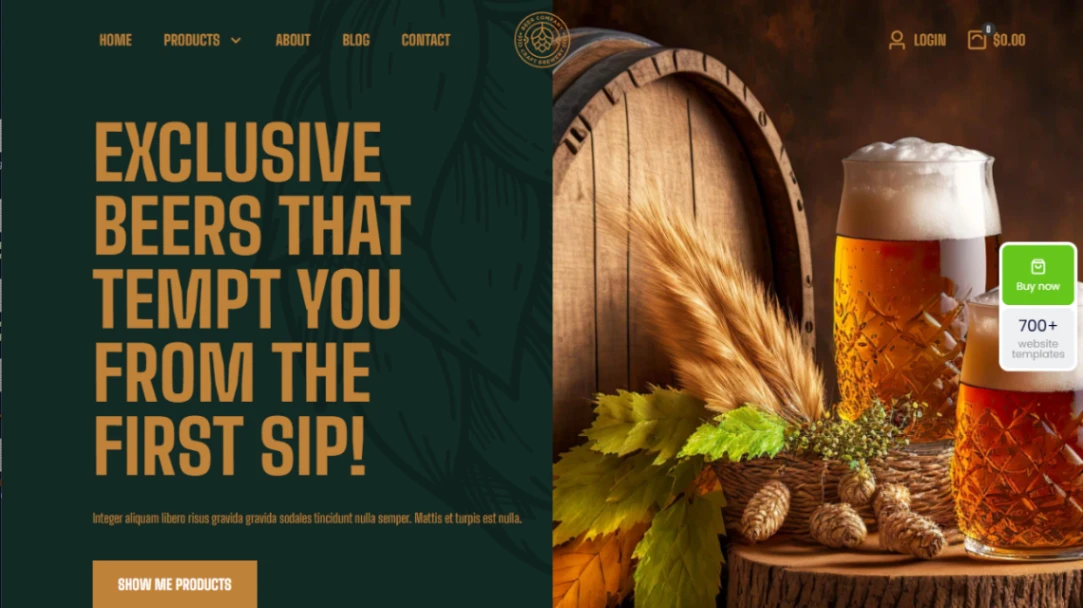
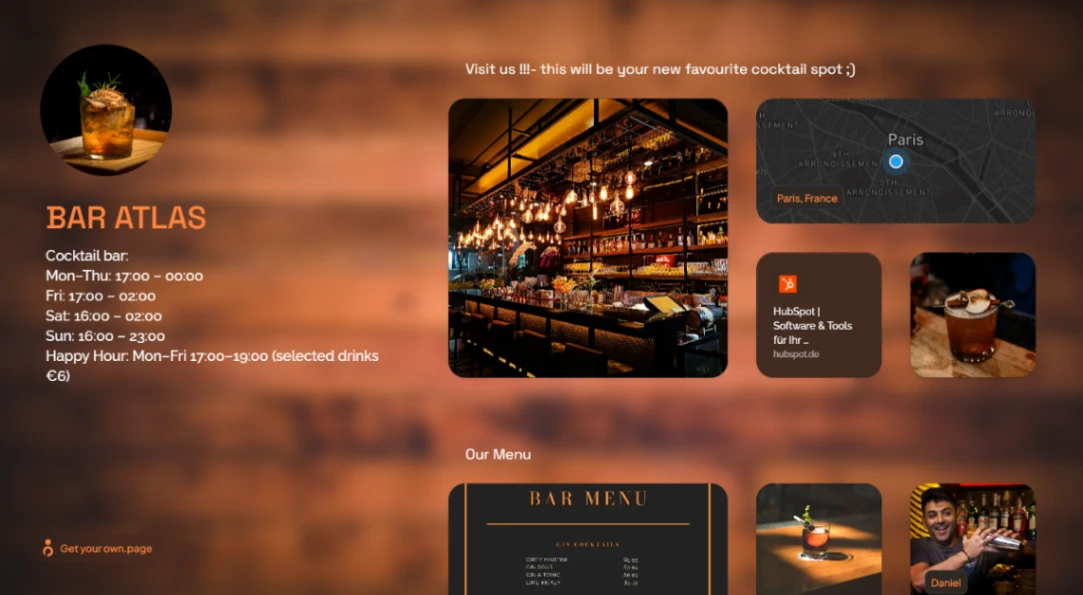
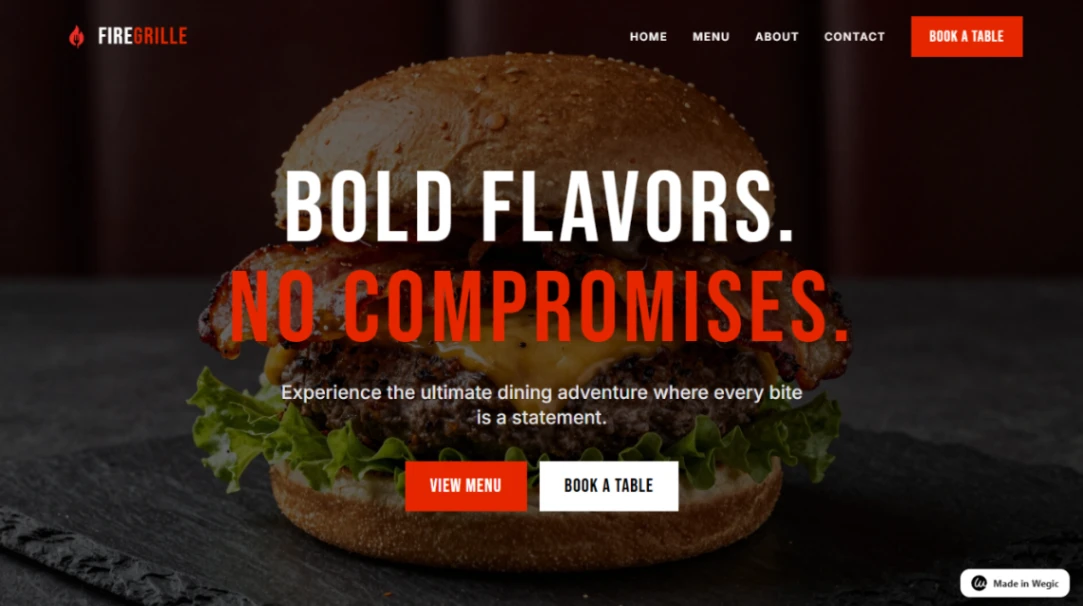
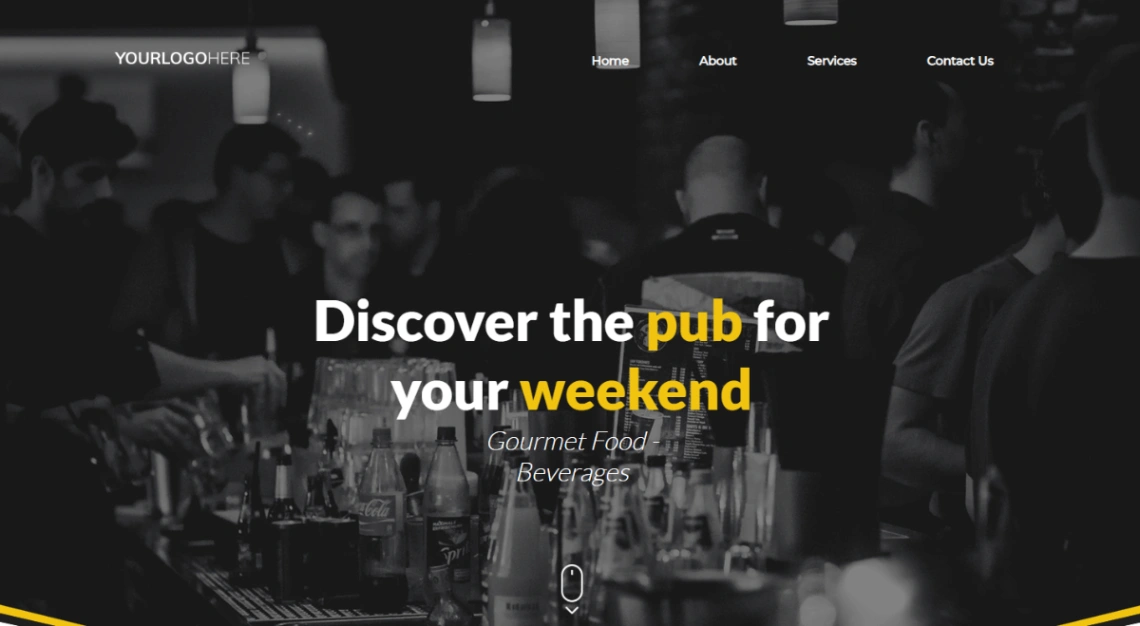
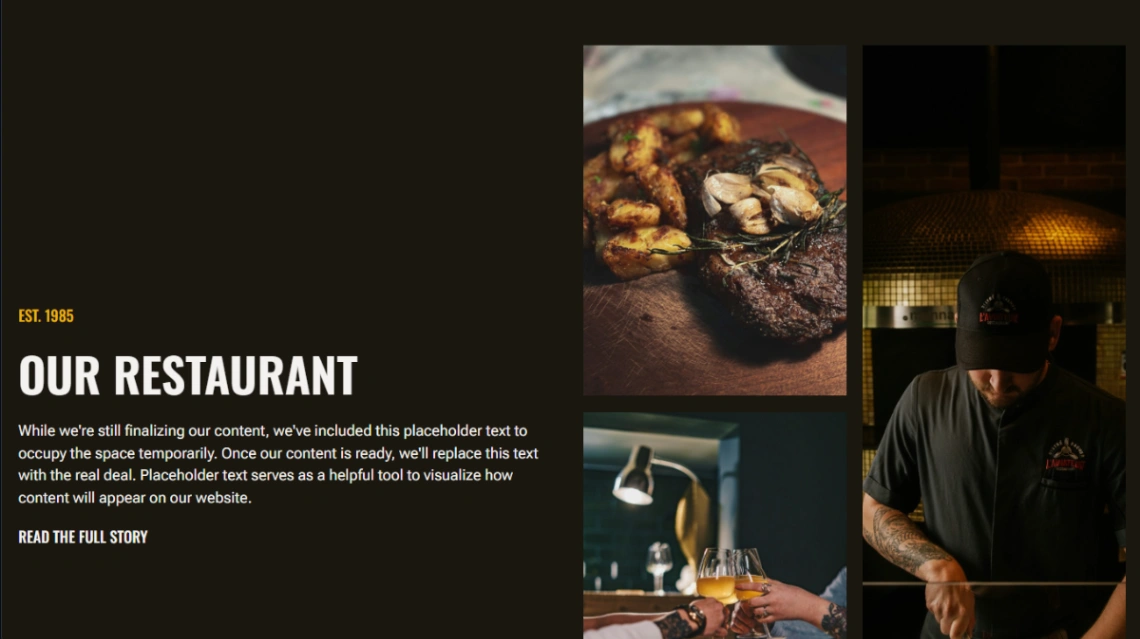
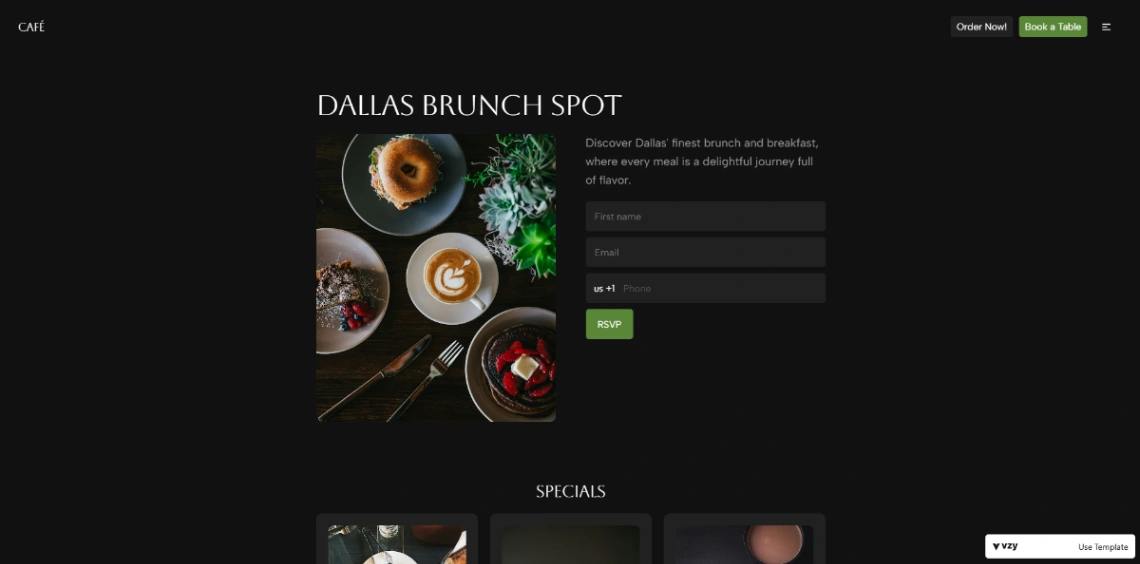
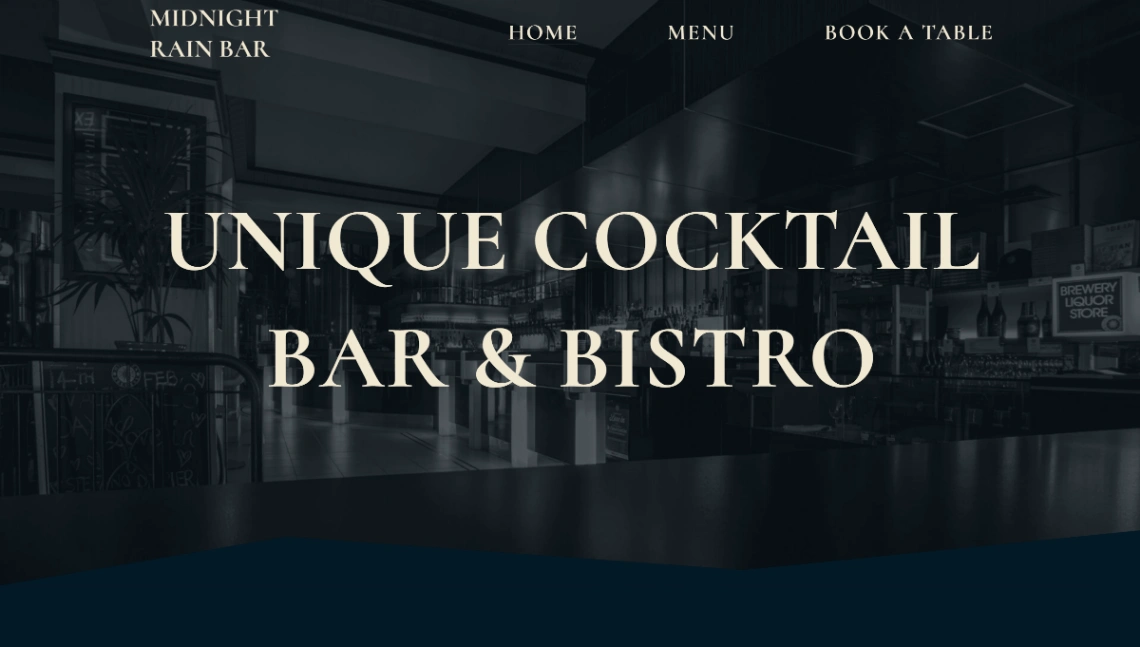
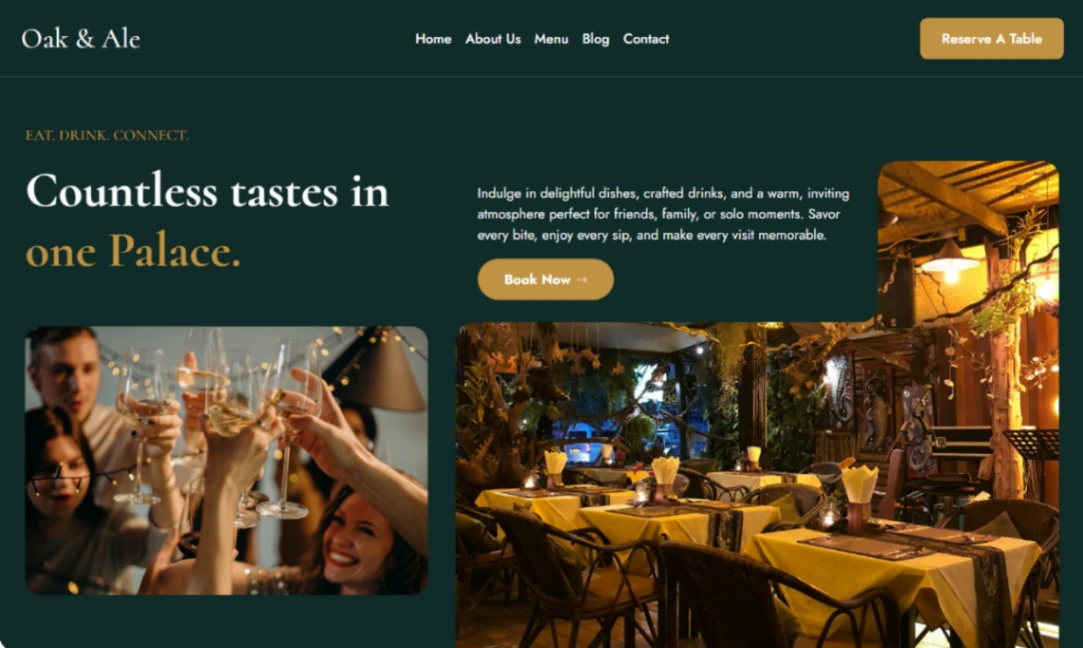
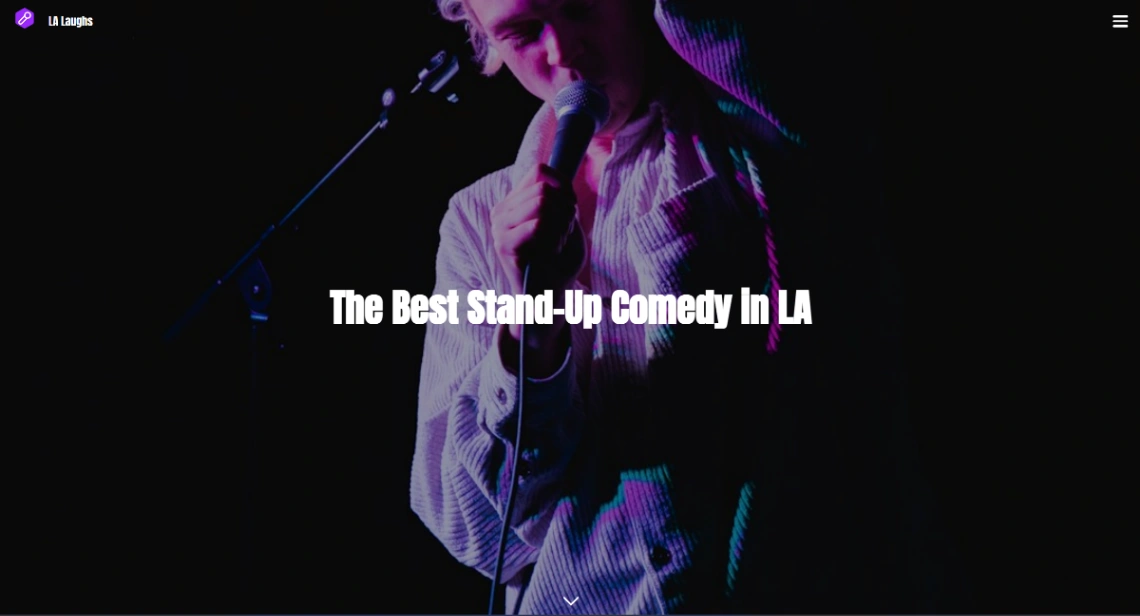
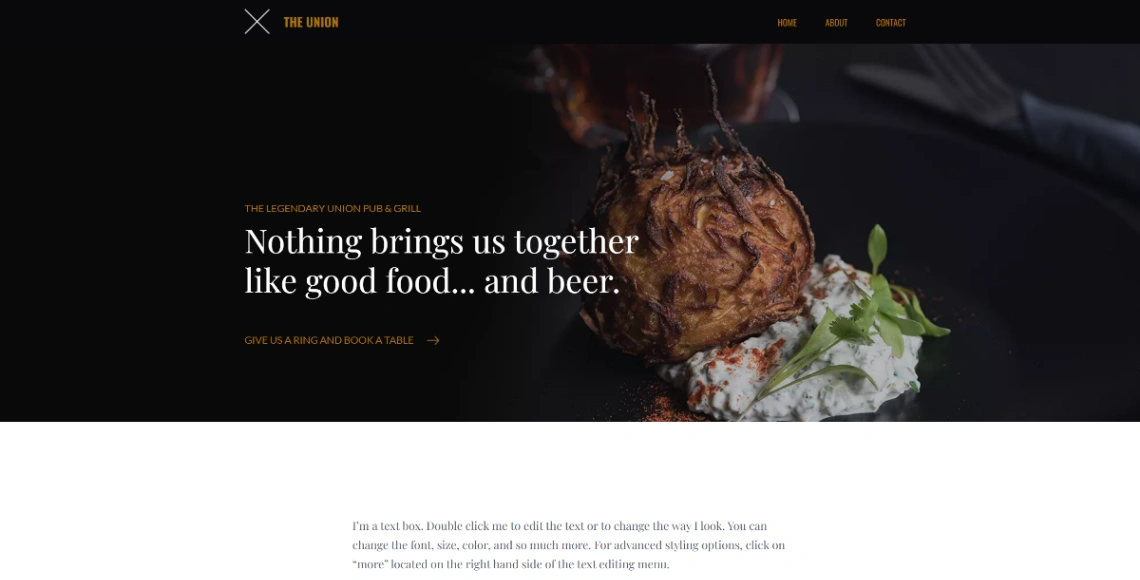
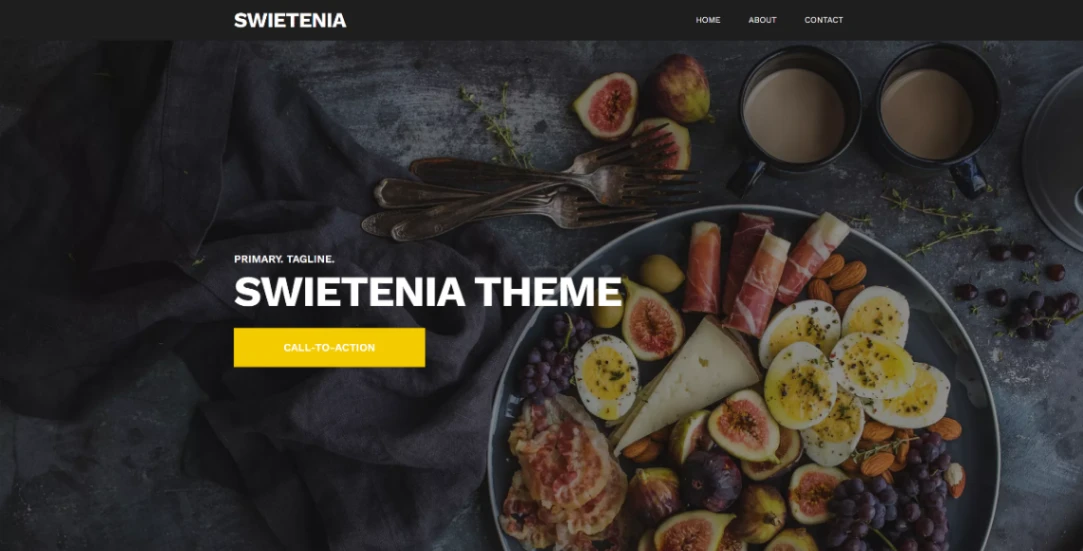
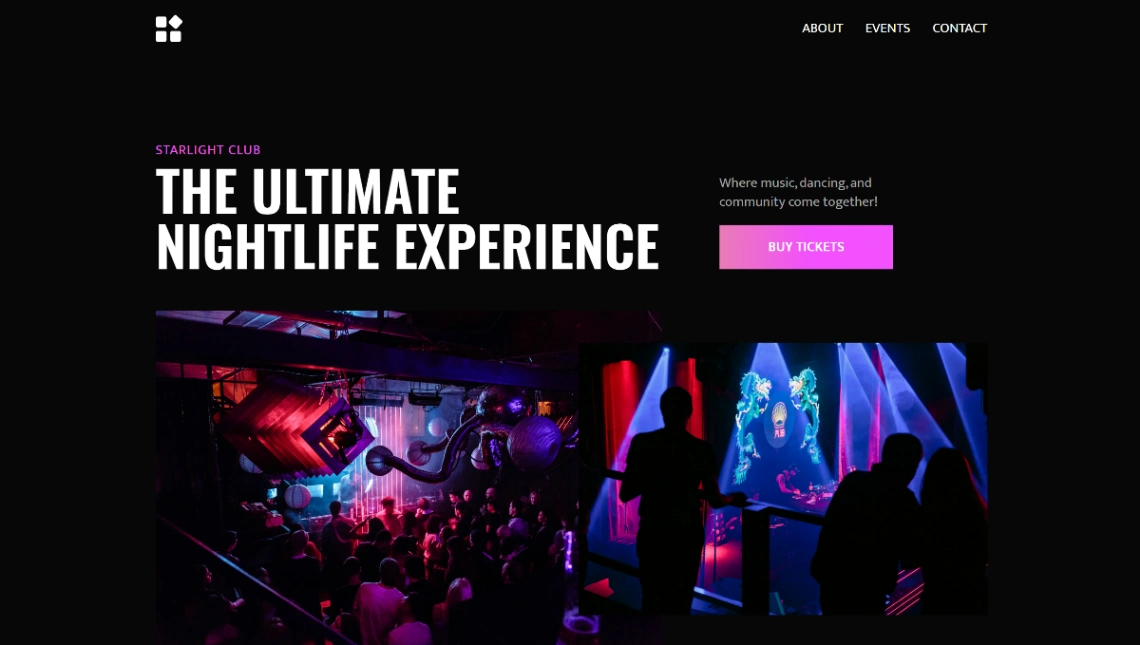
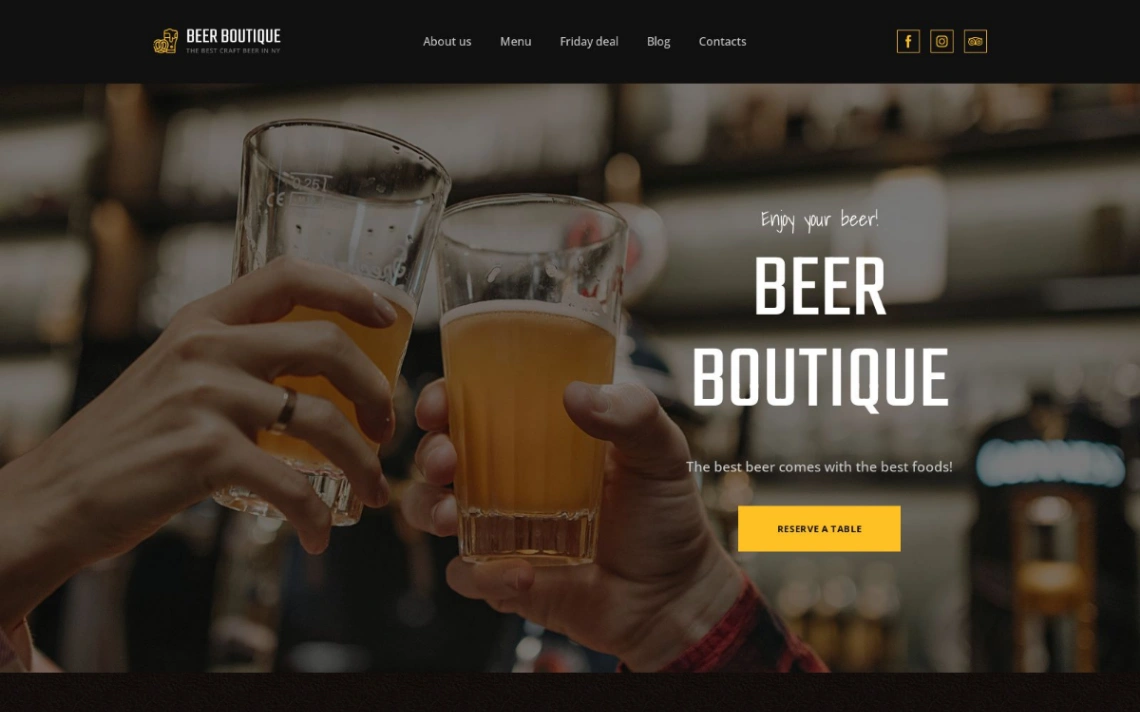
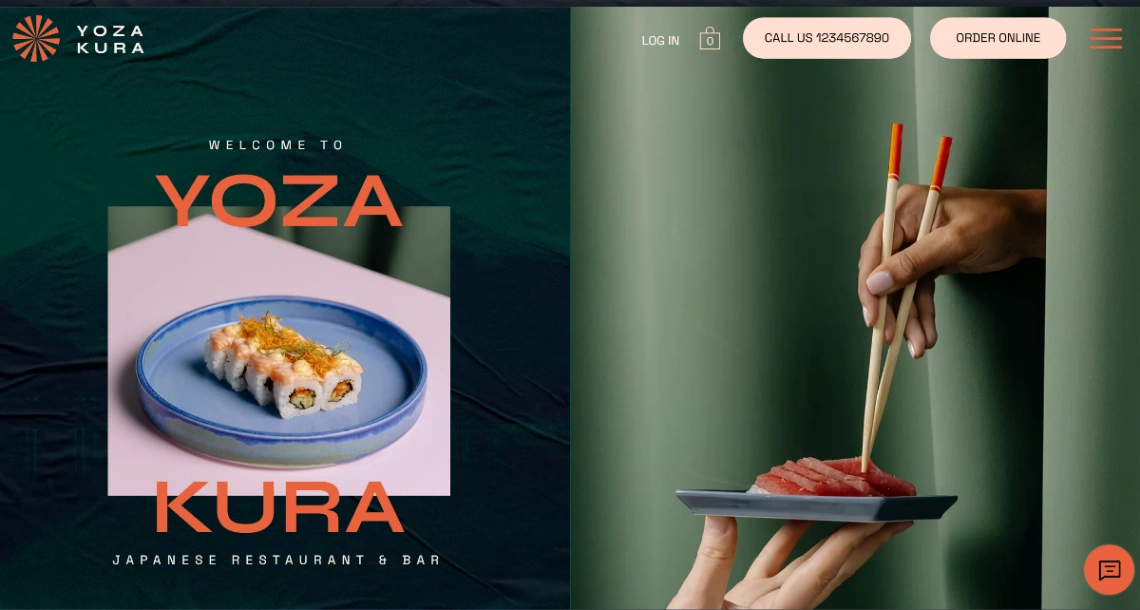
On atmosphere: the dark palettes and moody photography in this collection sell the night well, but they have to carry information, not hide it. The honest test before committing — stand outside in daylight, phone at half brightness, and time how long it takes to find tonight's closing time. Five seconds or pick another template.
FAQ







