



Link In Bio
SMM Agency
SMM Agency
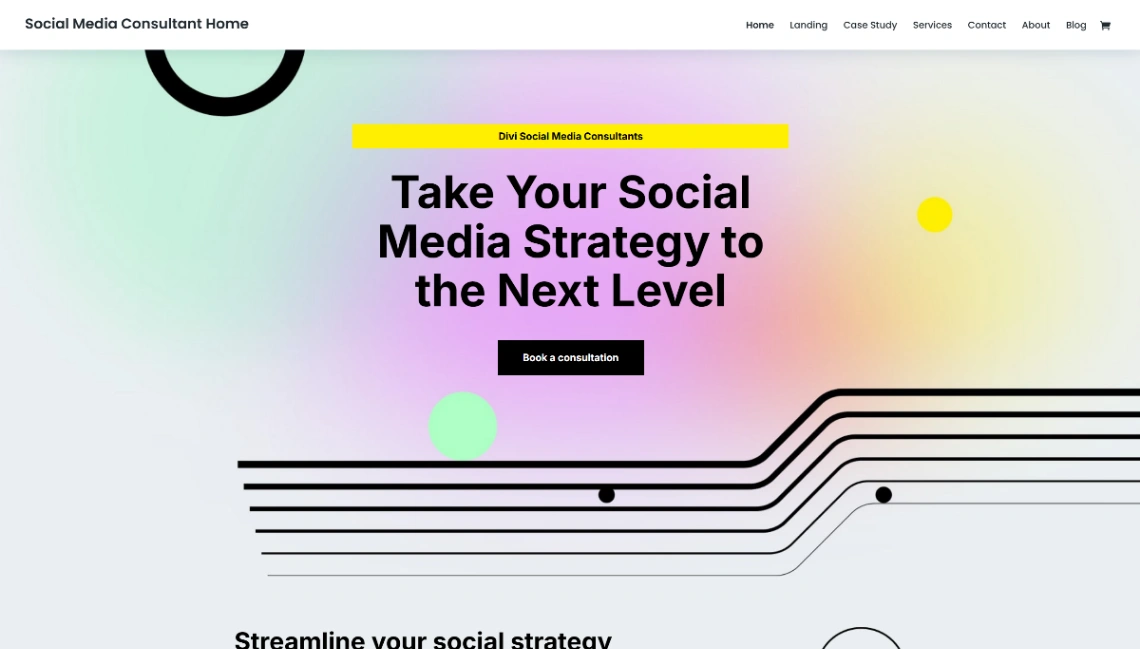
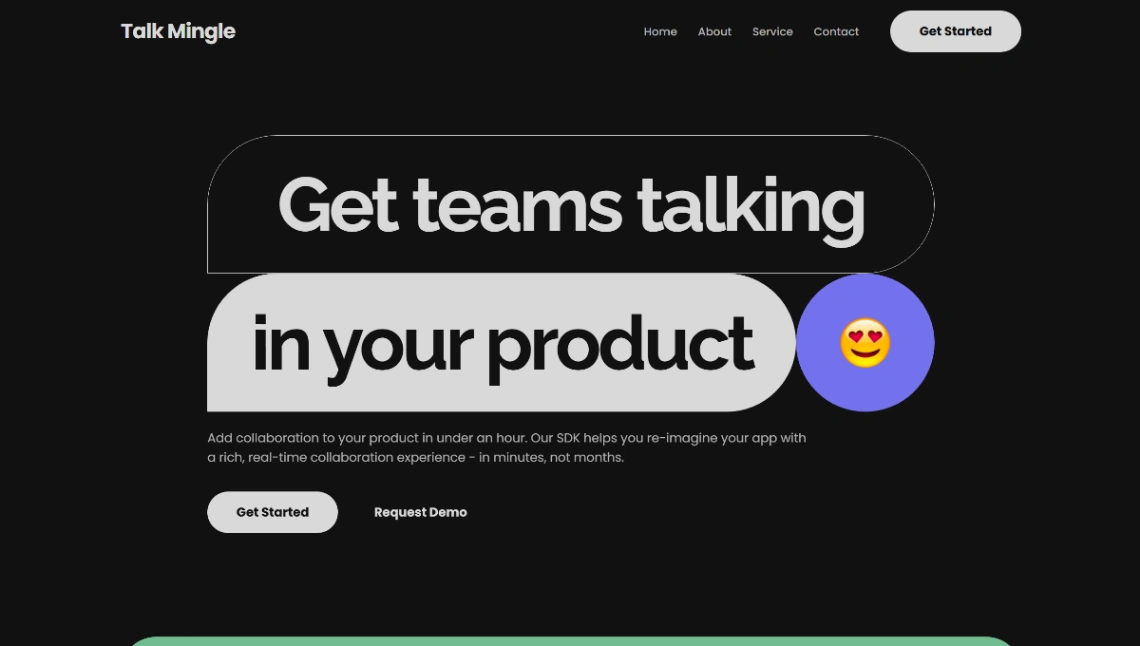
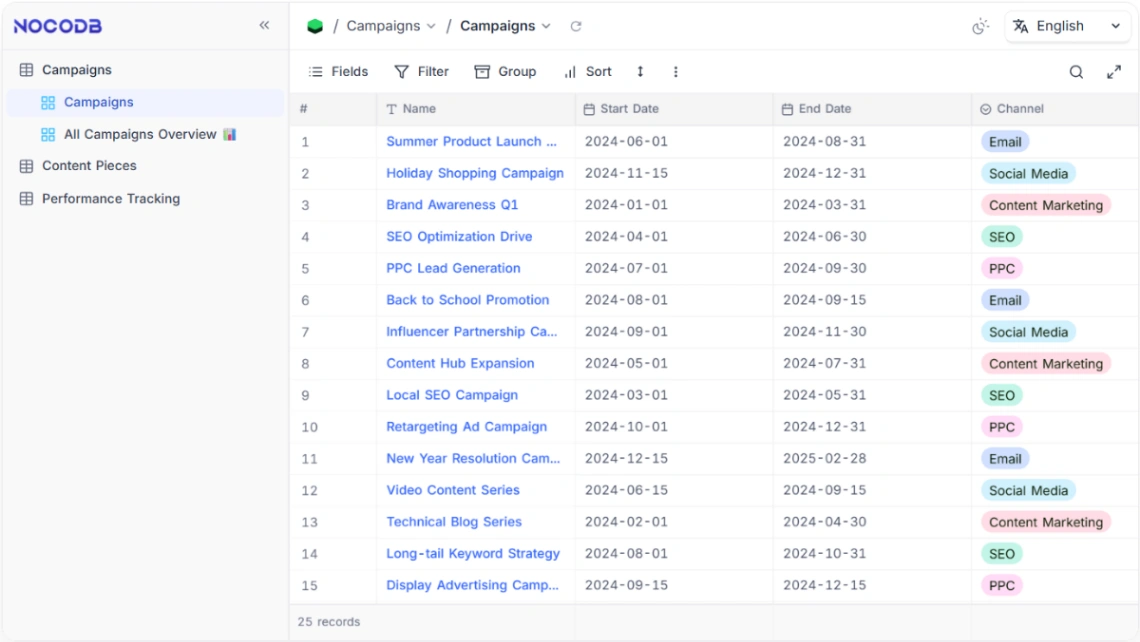
Buyer's guide
How to choose a social media template
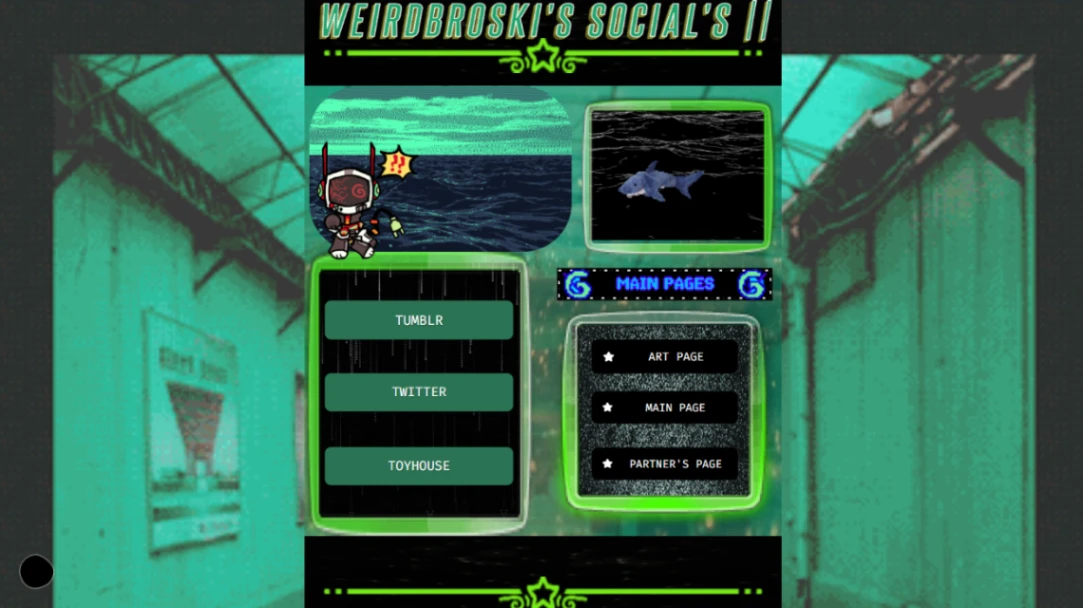
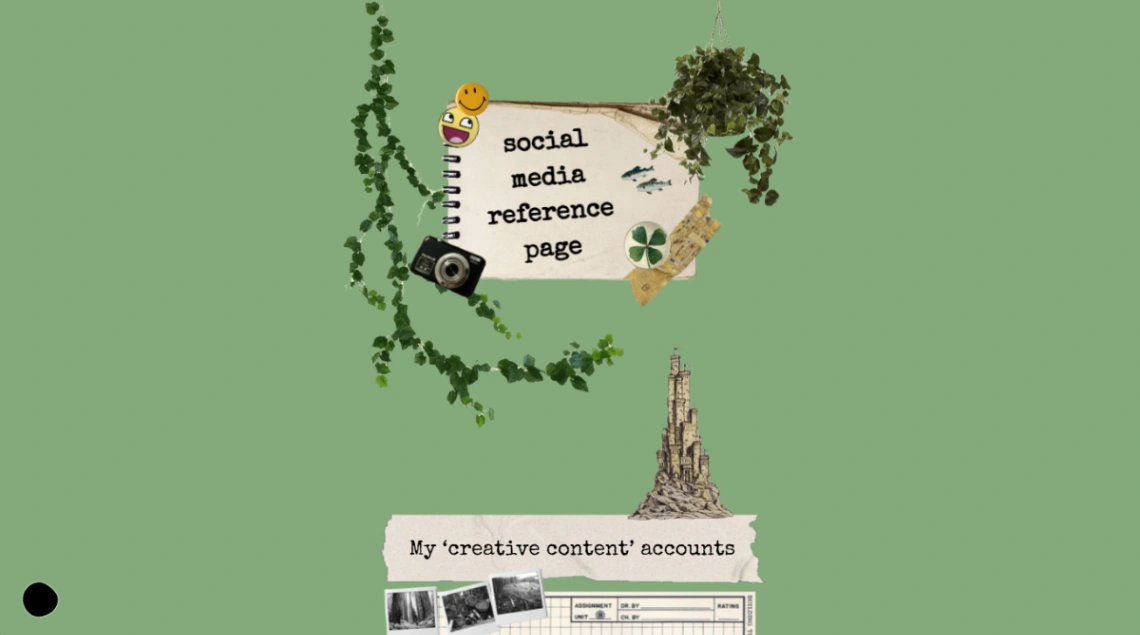
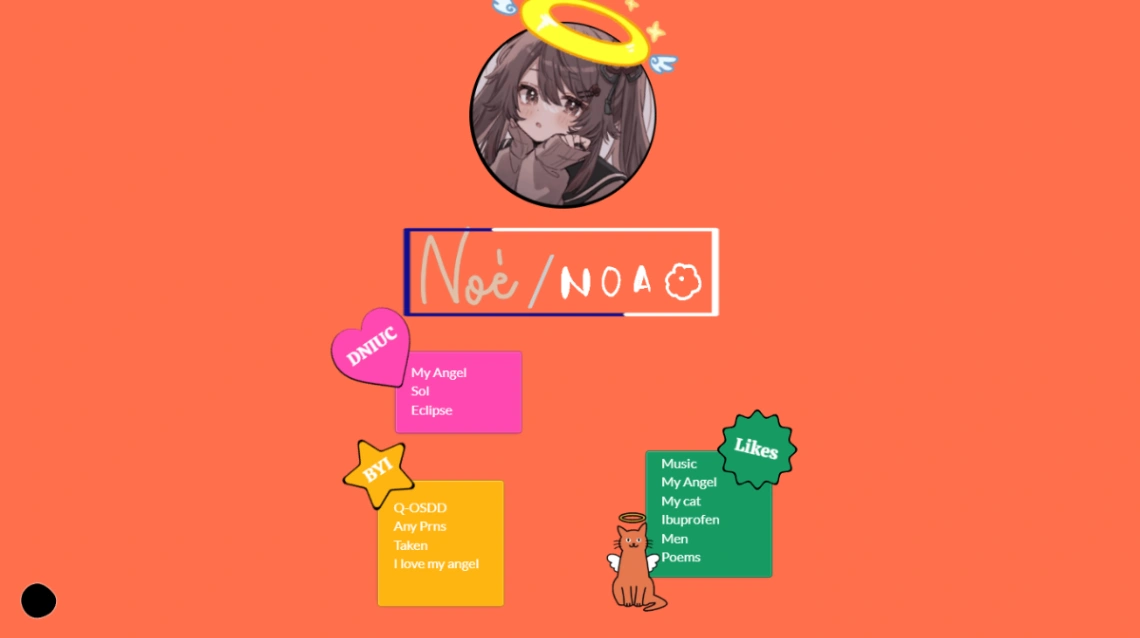
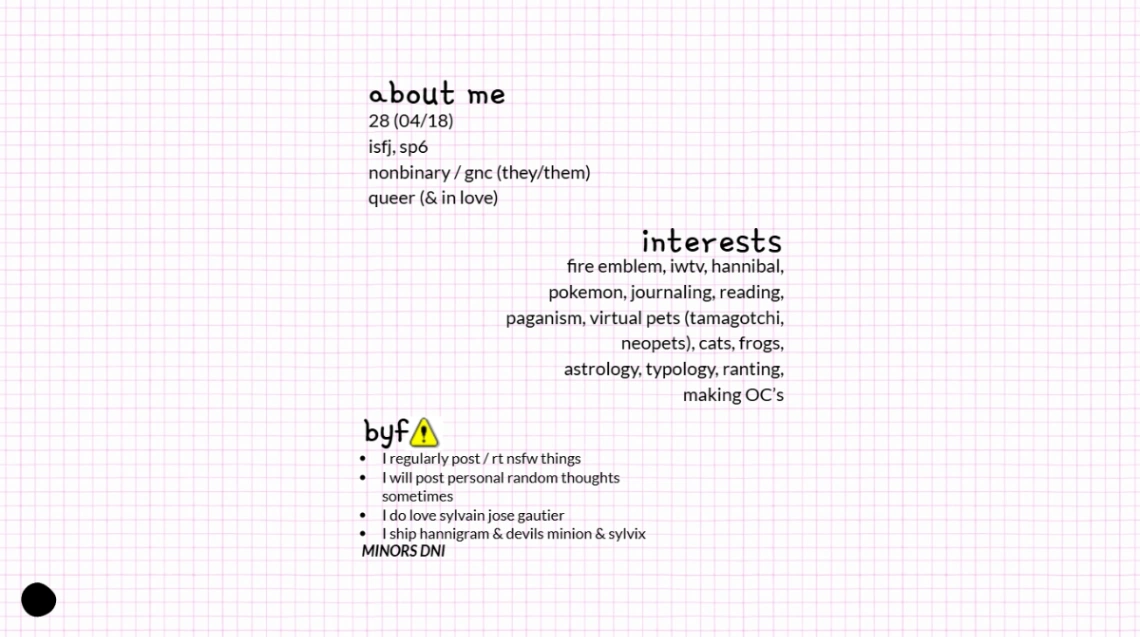
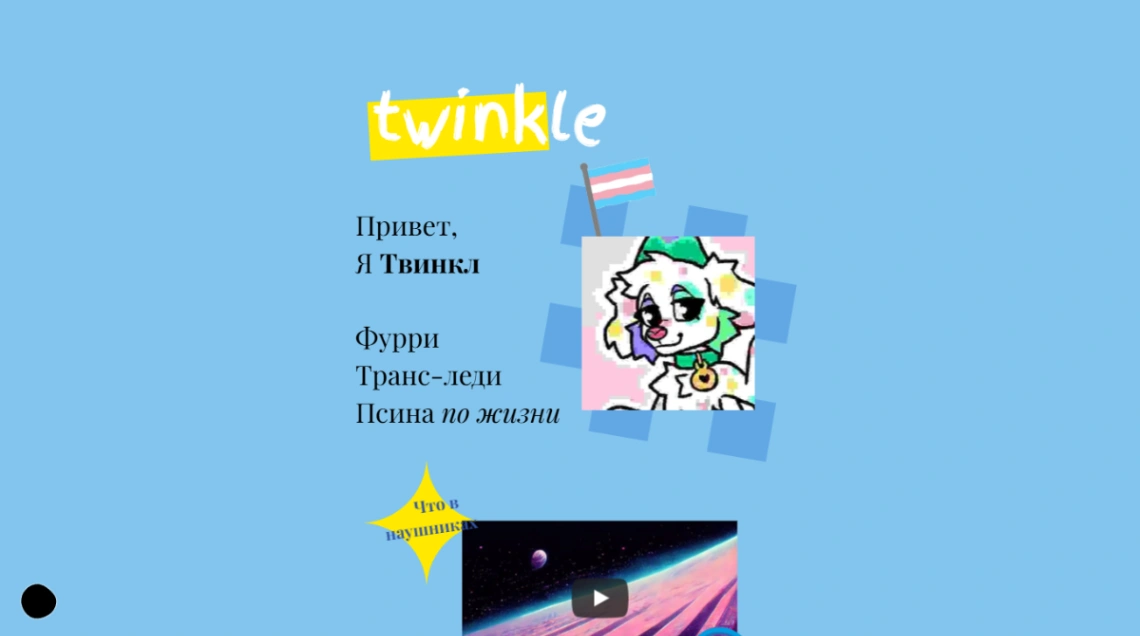
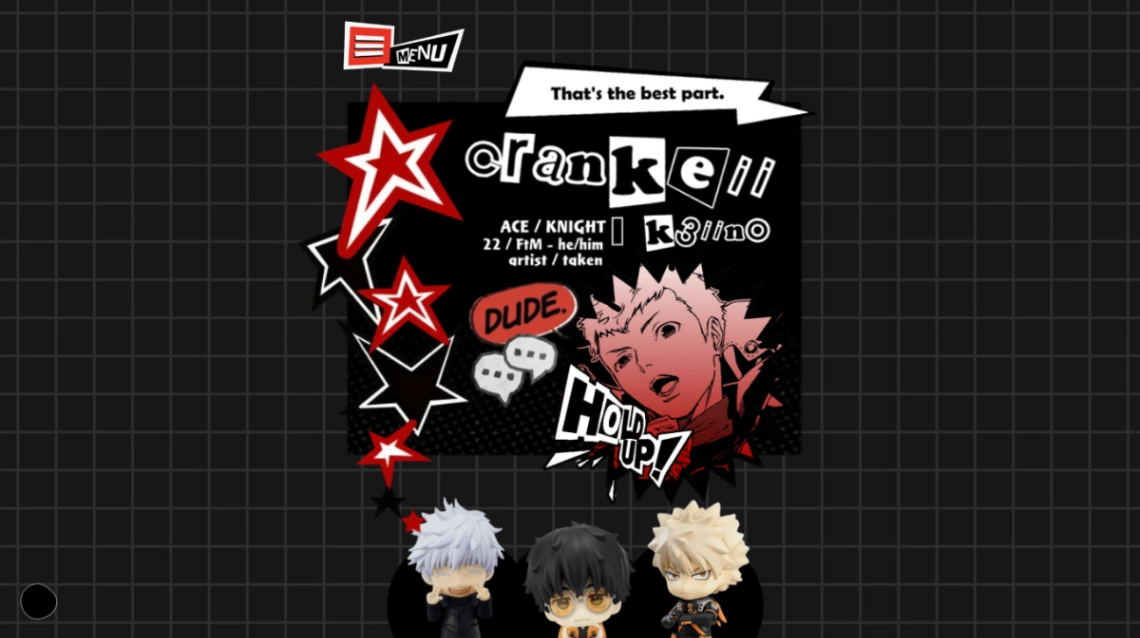
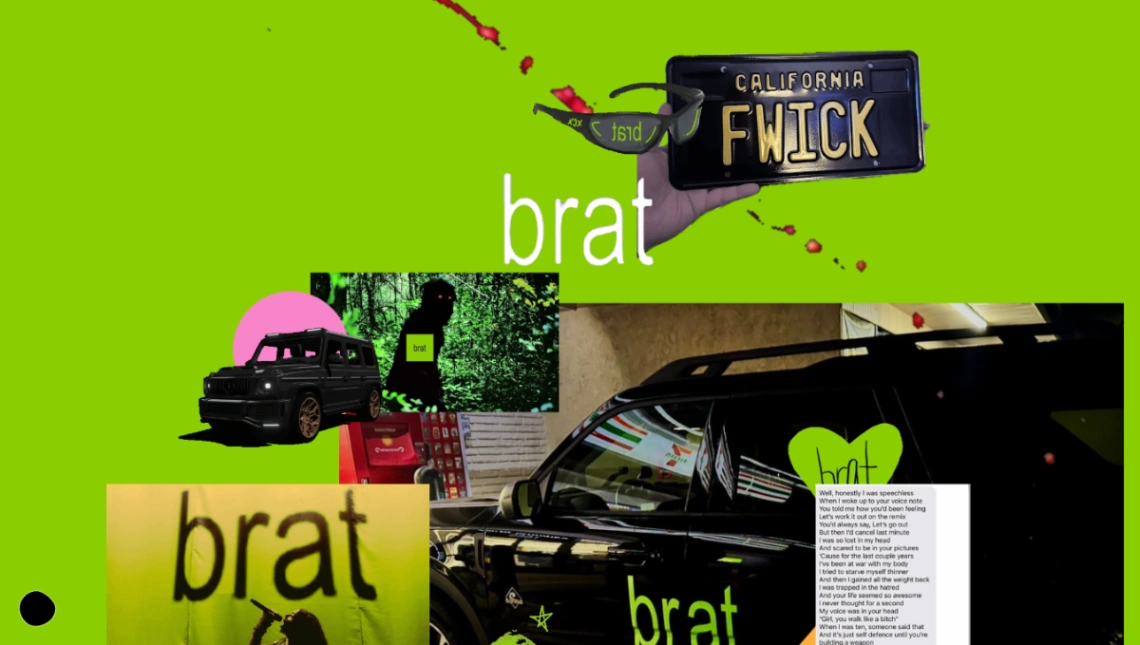
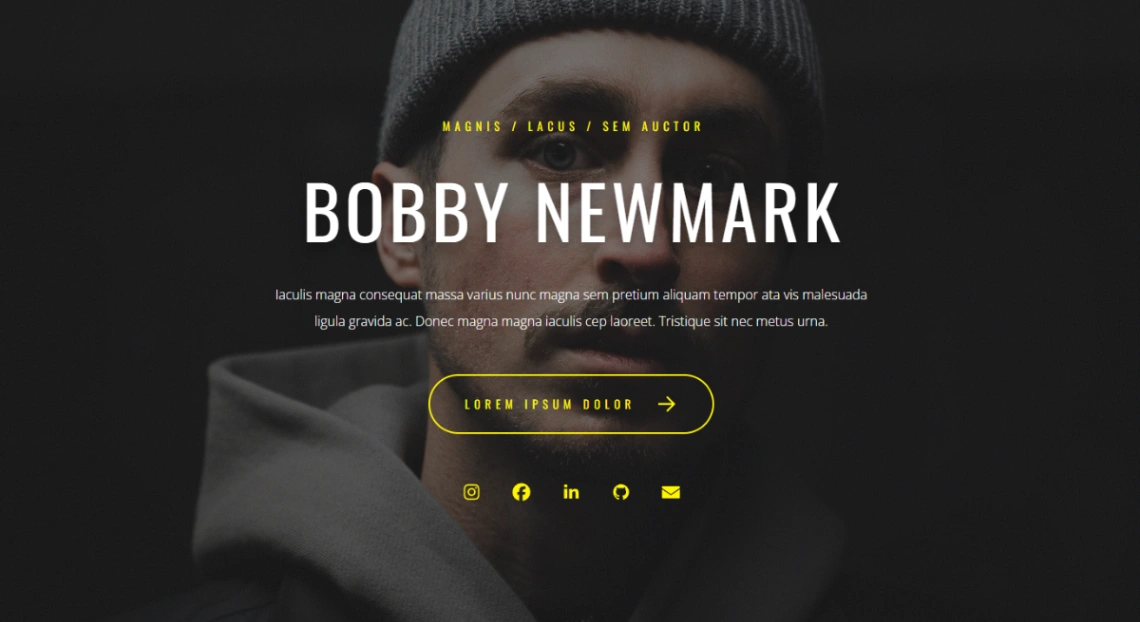
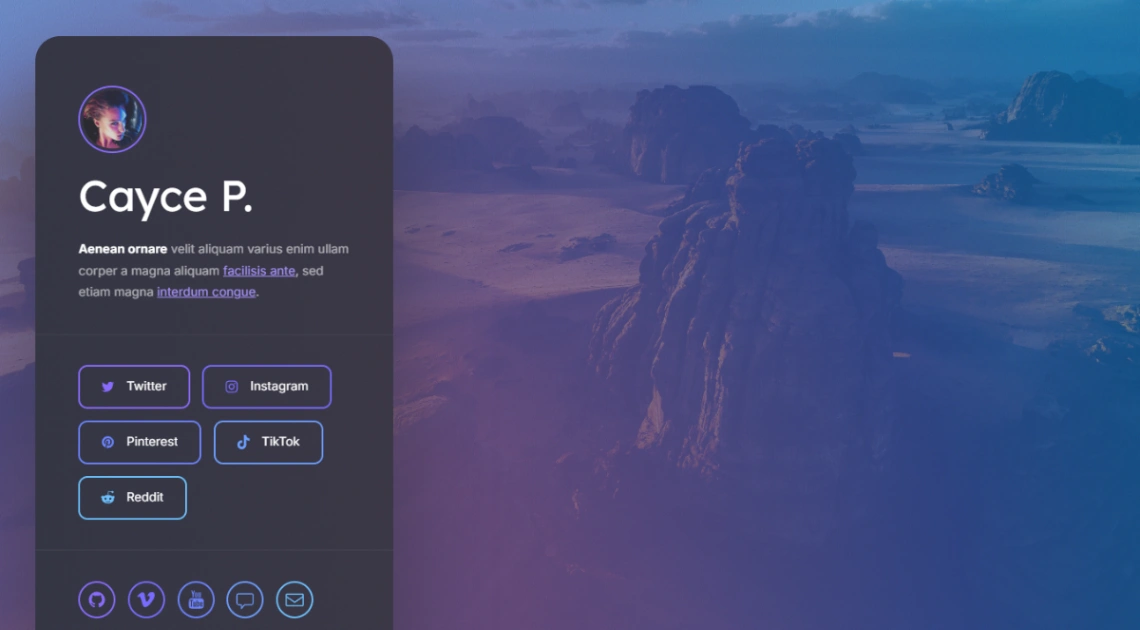
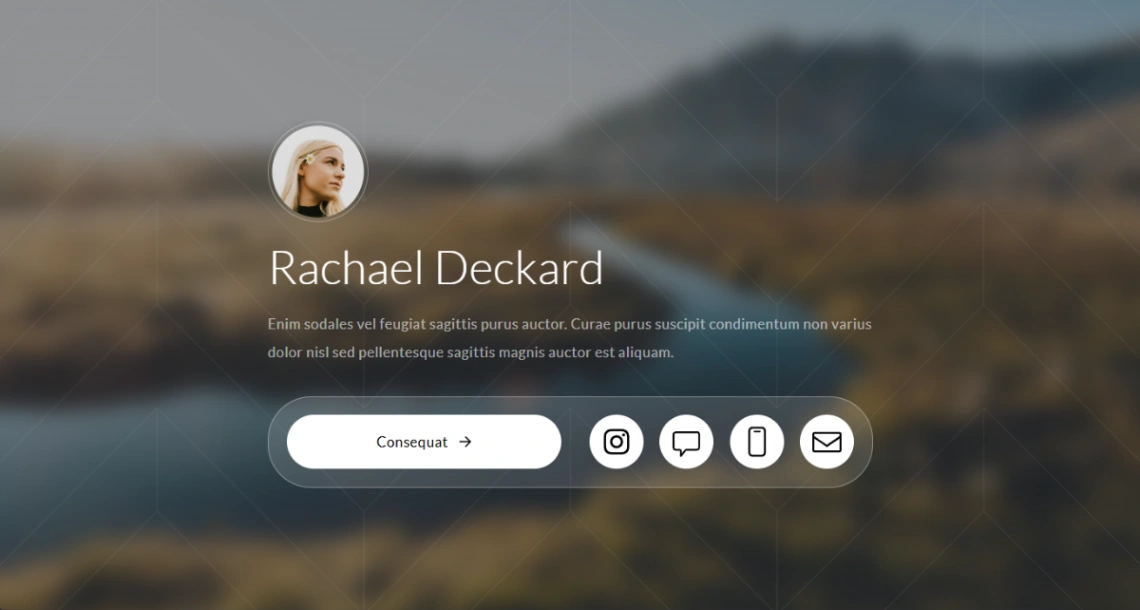
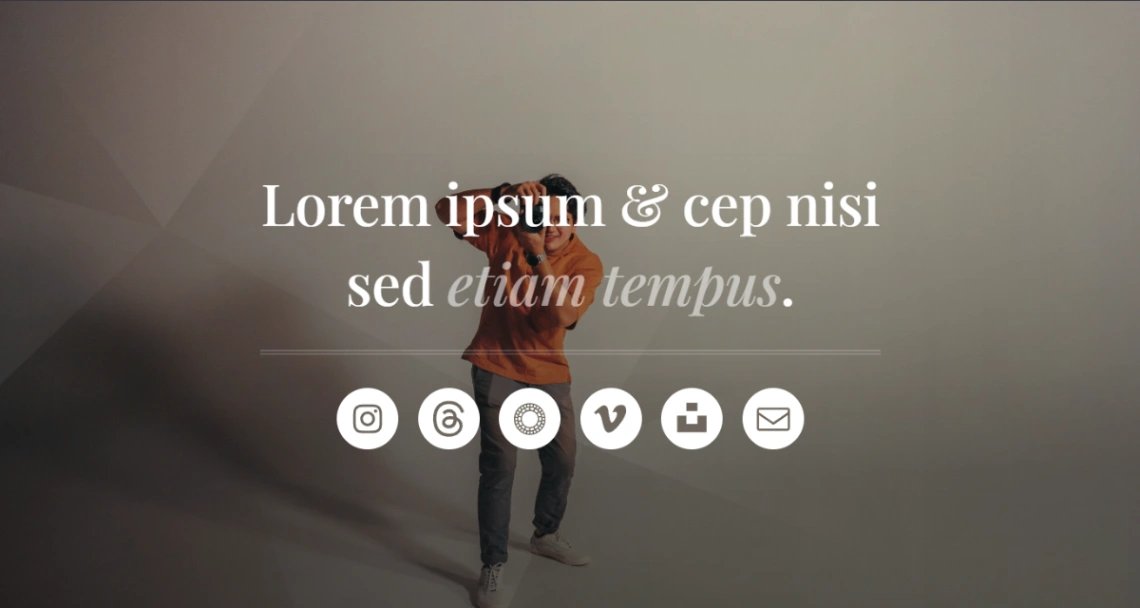
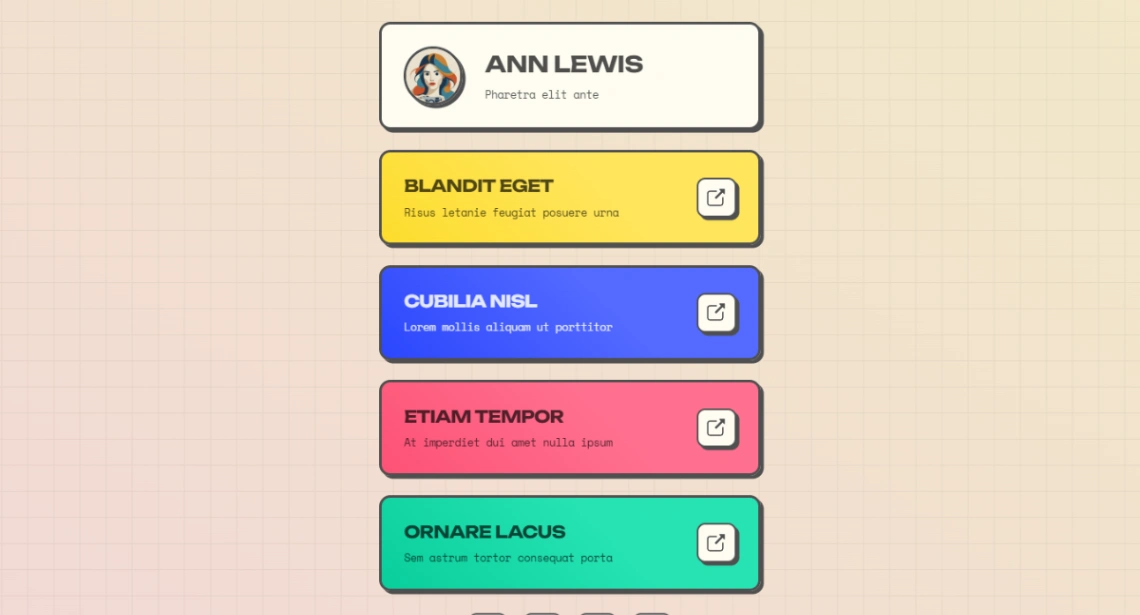
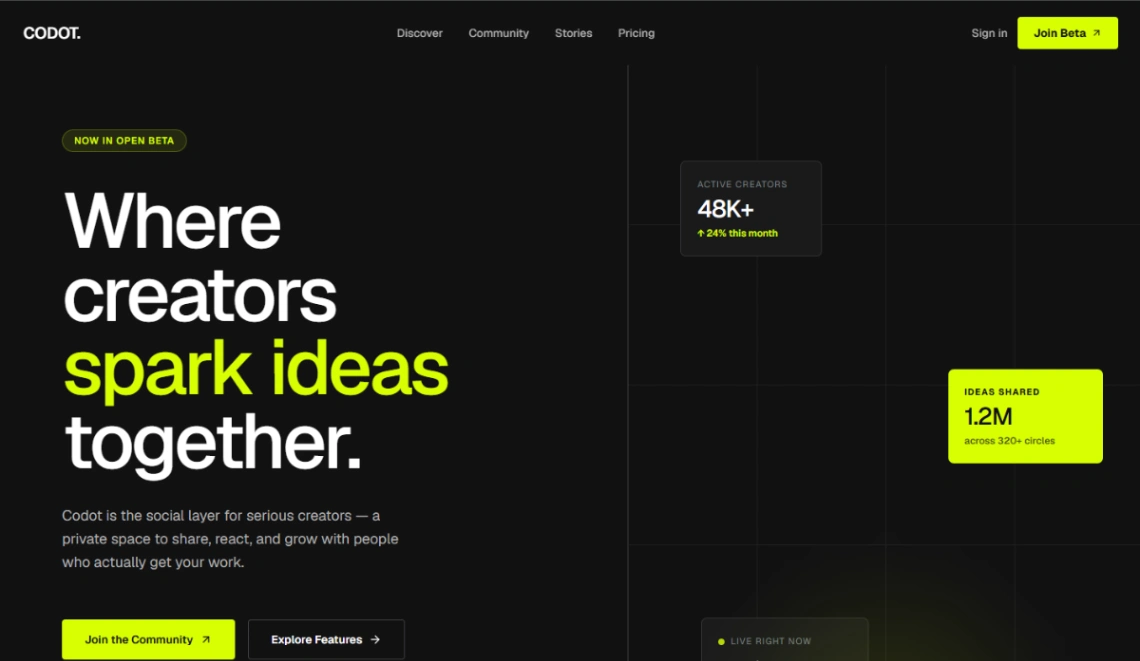
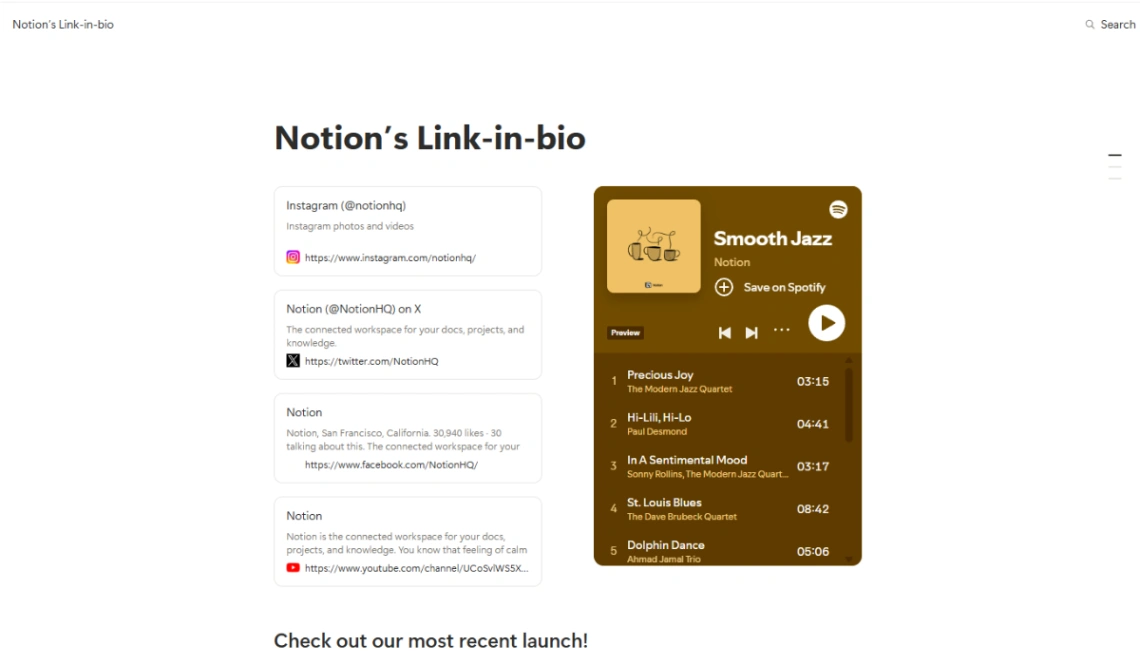
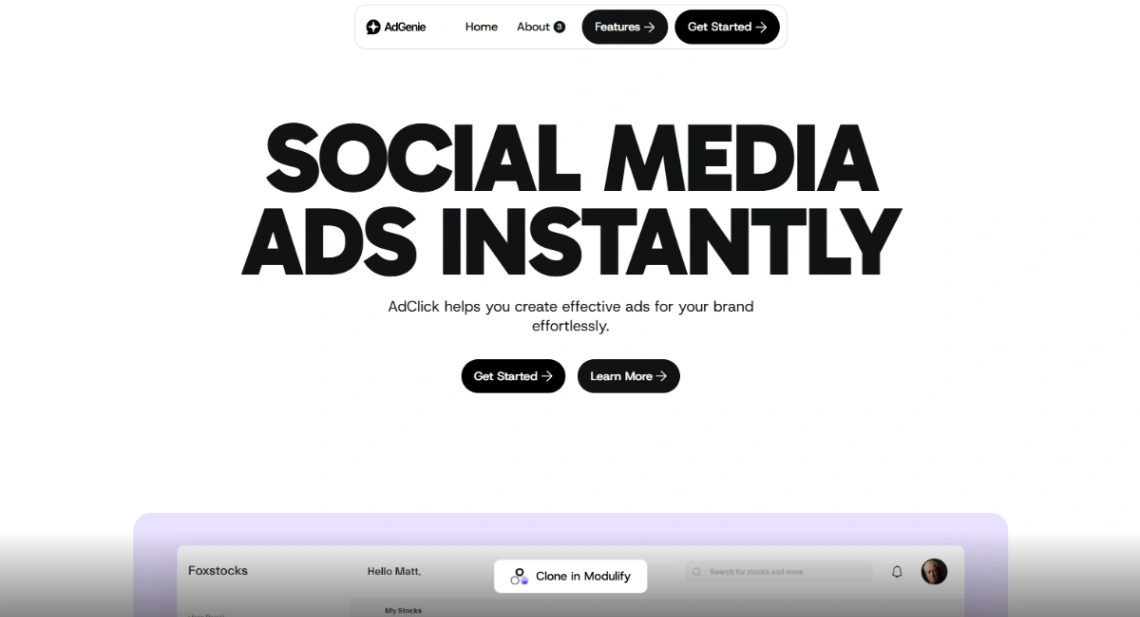
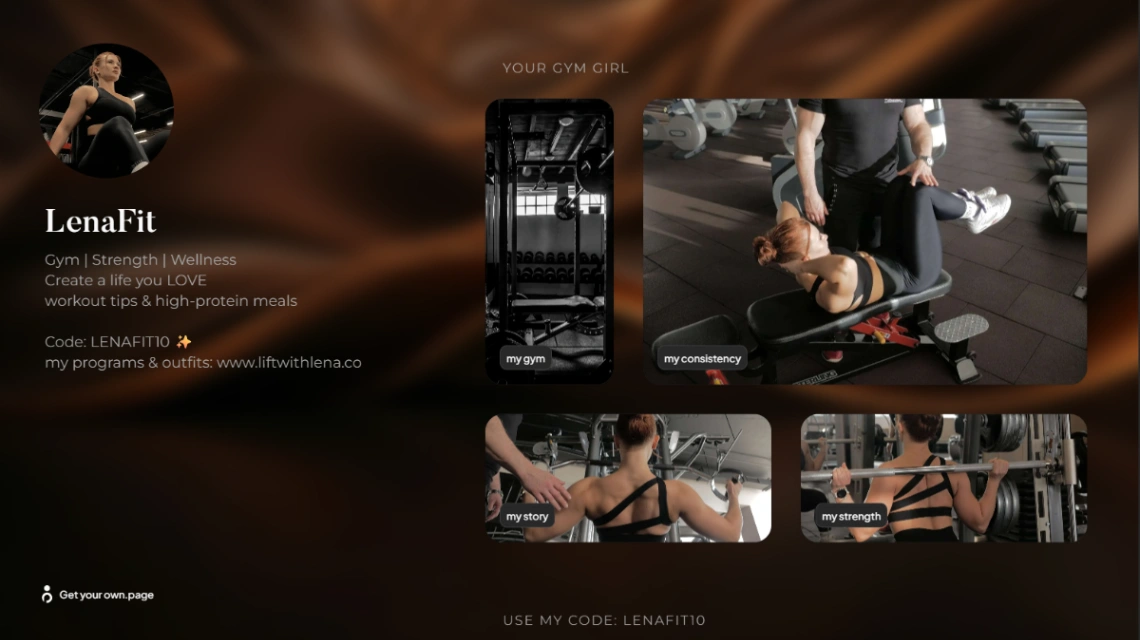
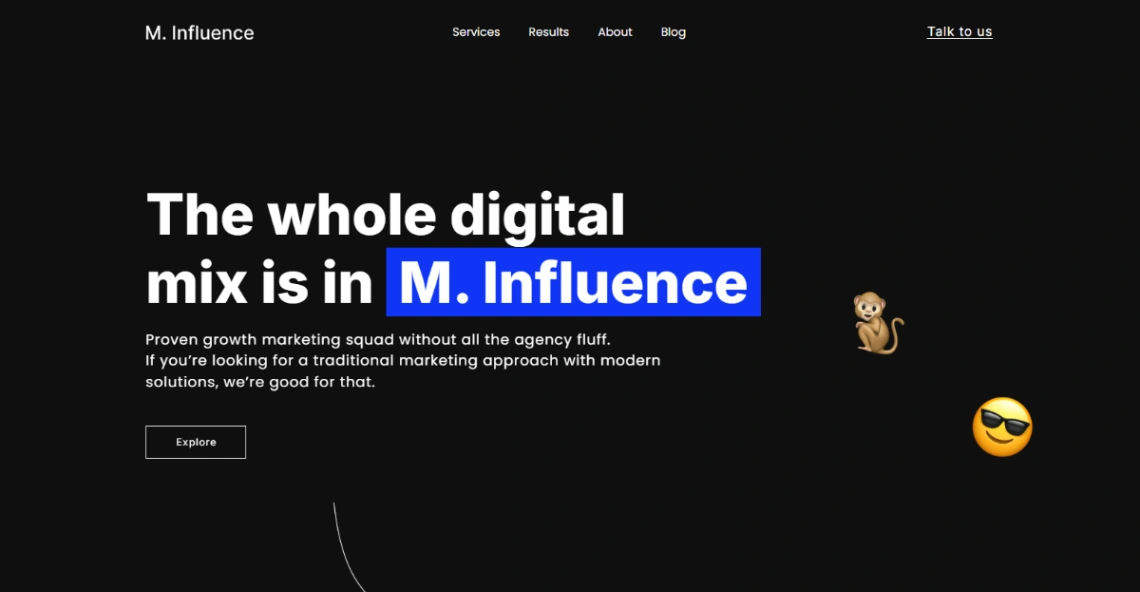
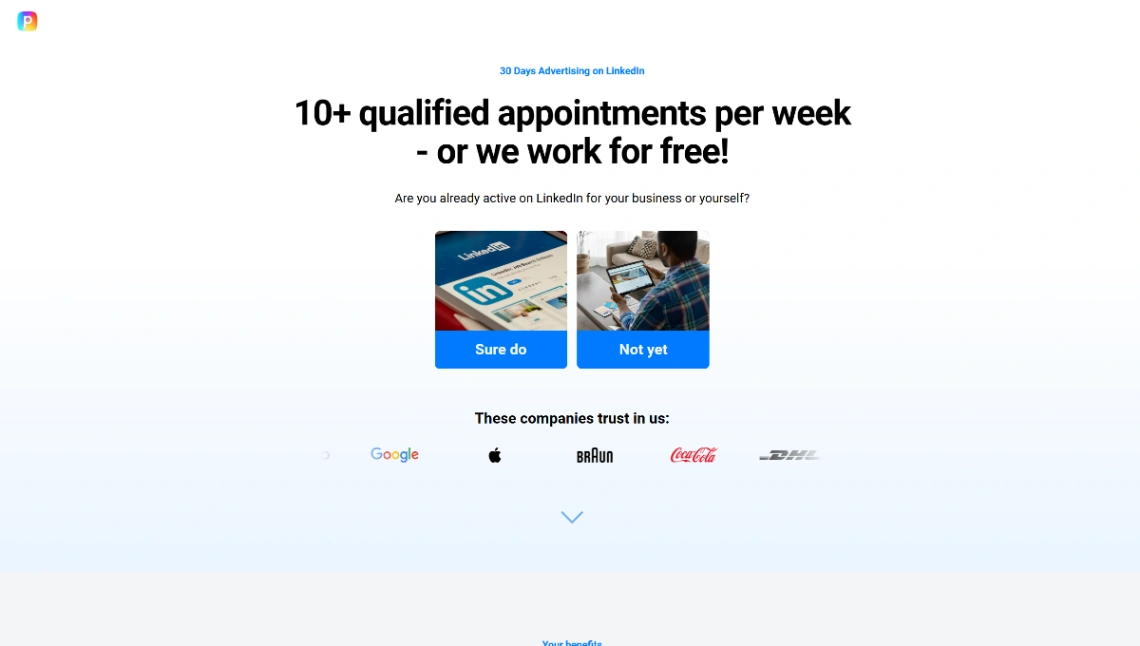
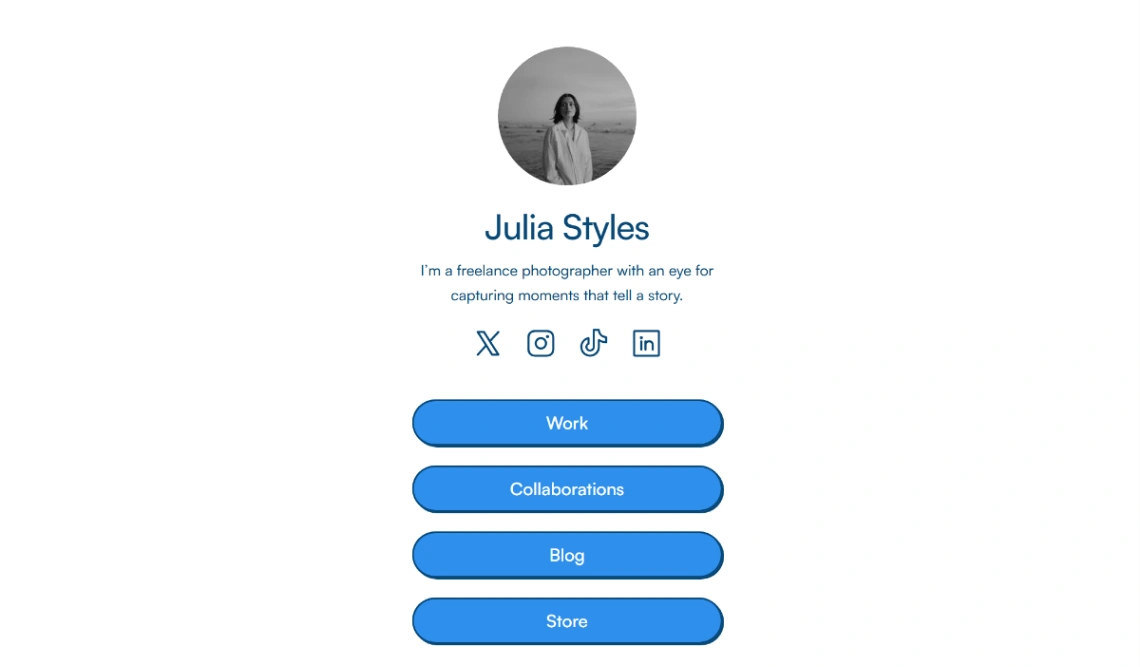
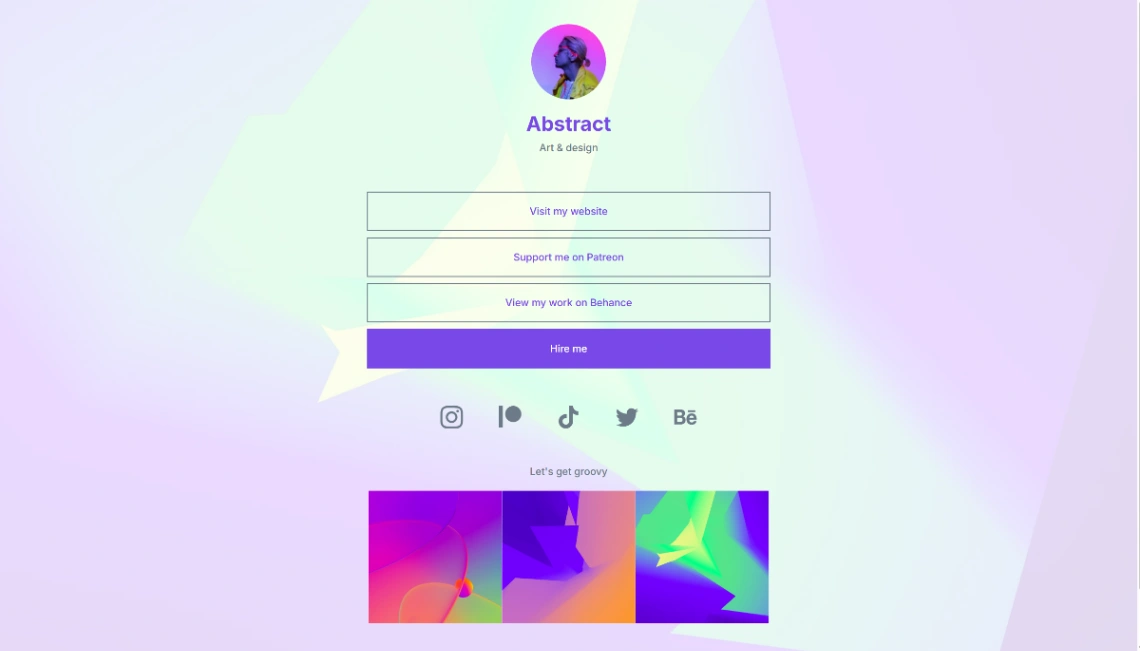
The bio link is the one URL your whole audience will actually tap, which makes it the highest-traffic page most creators own — and the least considered. These templates take it seriously: one tap-friendly column that turns profile visitors into something more durable than a follow. Judge them by thumb reach, load speed on a phone deep in an app's browser, and how fast you can edit them, because that page changes as often as you post. Treat it as a campaign surface, not a settings page.
Order the links like the priority statement it is: whatever pays or compounds at the top (the launch, the booking link, the email signup), evergreen profile-hopping at the bottom. Every link is competing with a swipe back to the feed — five links convert; fifteen scroll into noise. The one-page builders pinned above make reordering a ten-second job, which is exactly how often it should happen.
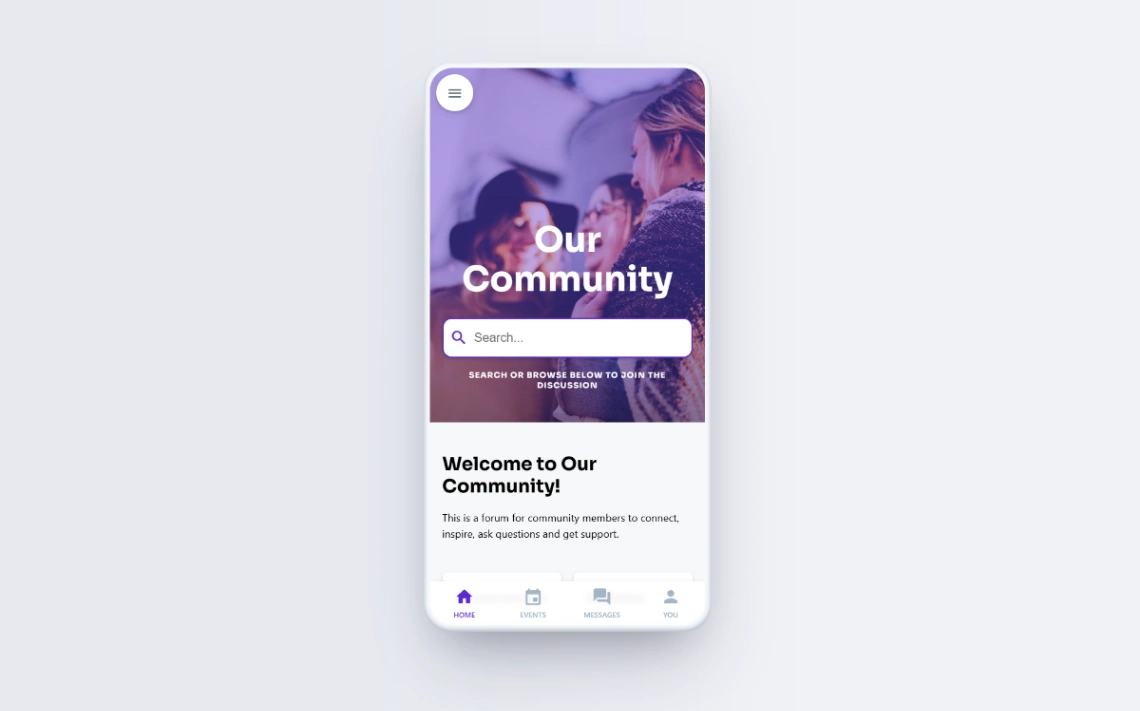
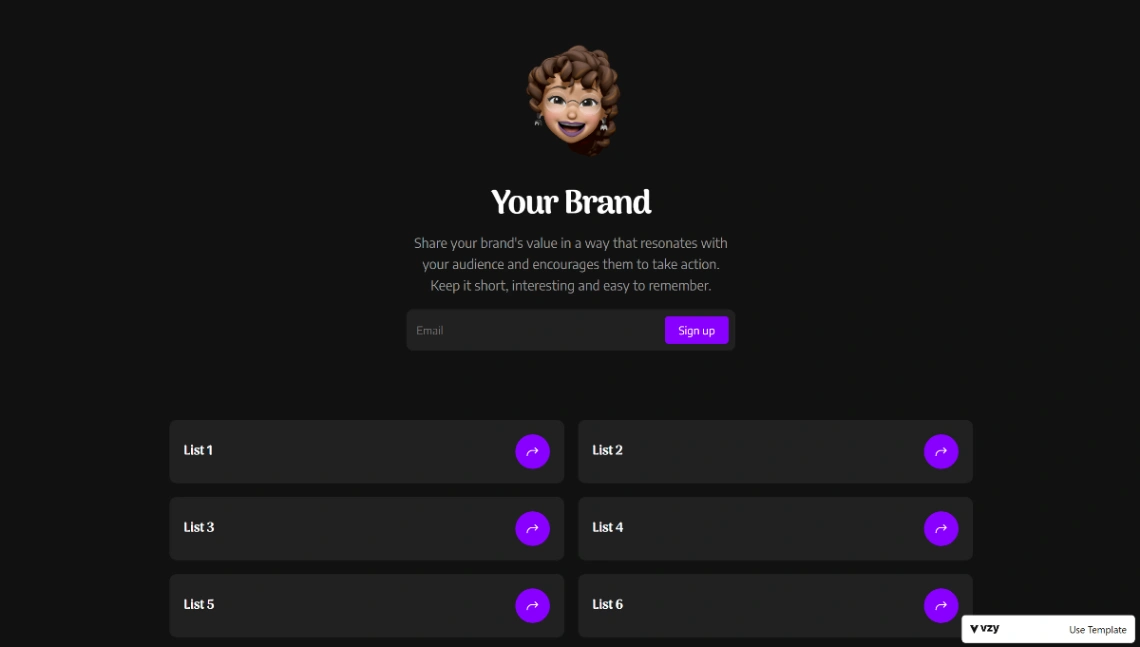
The strategic move the template enables: converting rented reach into owned audience. Platforms decide who sees your posts; the bio page is where followers become emails, customers, members — assets no algorithm can reclaim. An email capture with a real reason (the presale, the extra episode) belongs permanently in the top three slots.
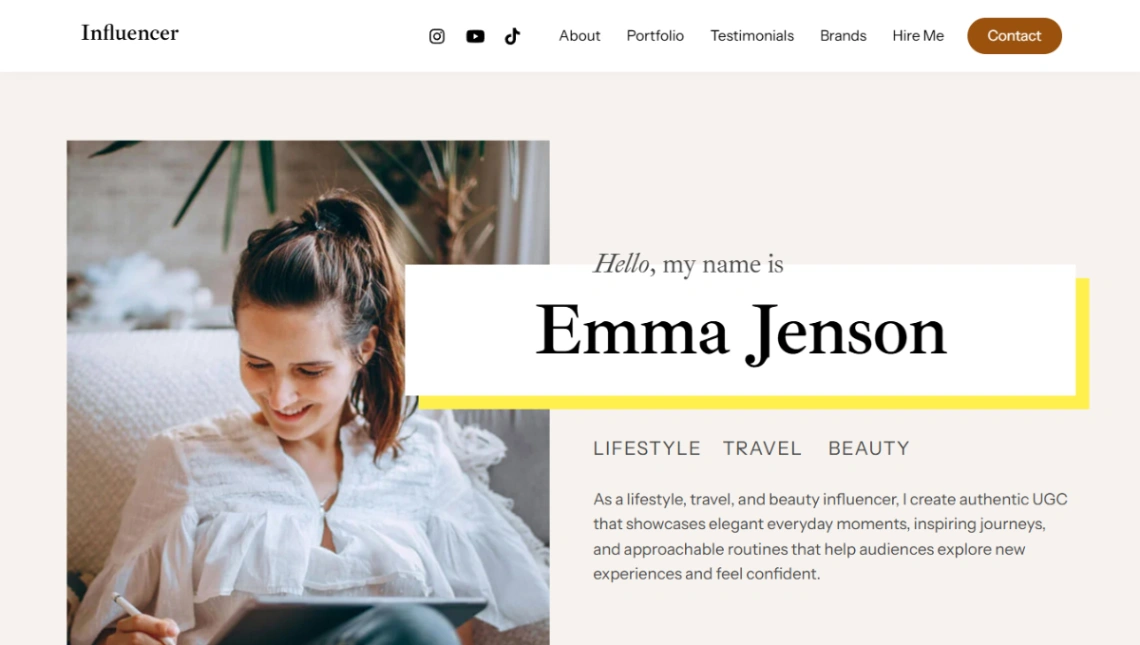
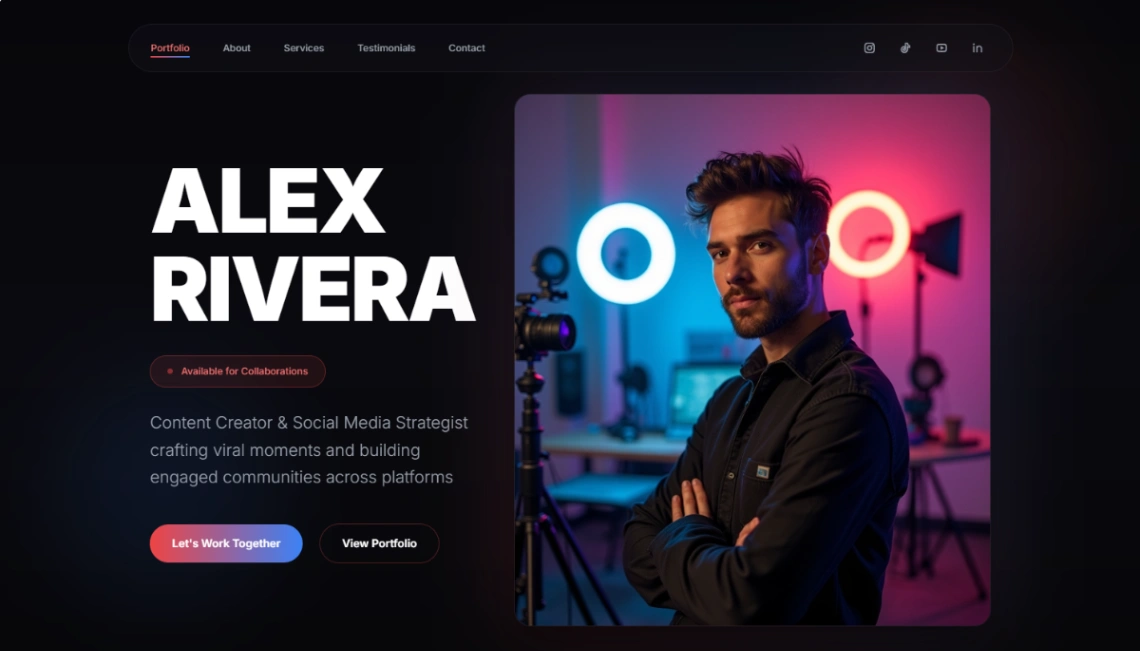
Creators taking sponsorships need the second template in this collection: the media kit — audience numbers, demographics, formats, past partners, rates posture — as a page you update quarterly rather than a PDF that's stale on arrival. Sending a link that's current beats attaching a document that isn't, and brands notice the difference.
FAQ







