




Buyer's guide
How to choose a management template
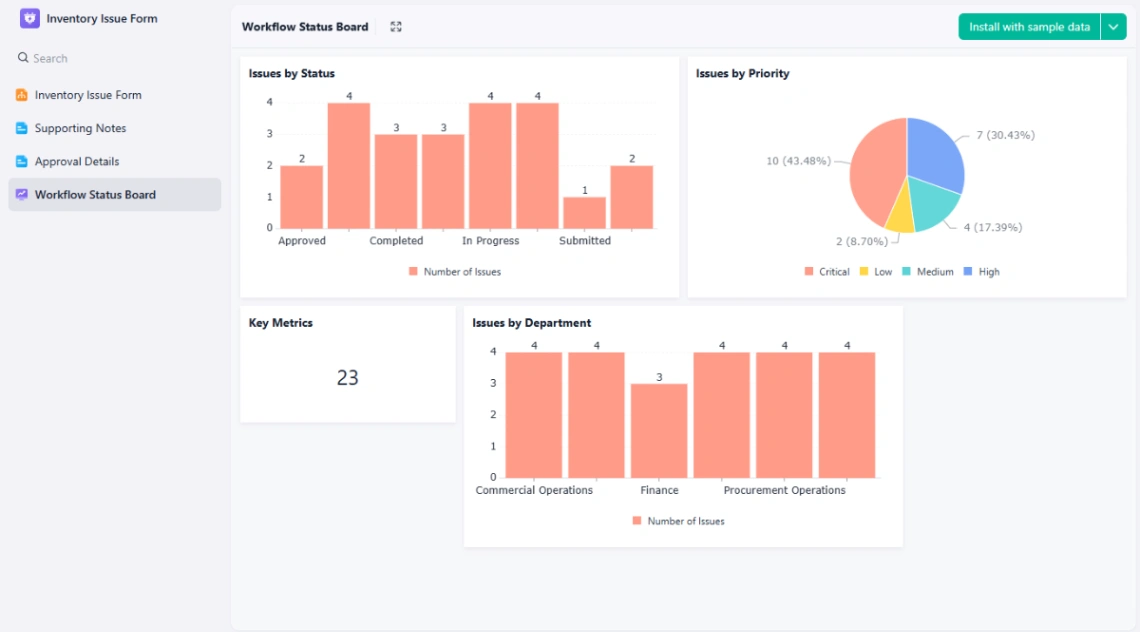
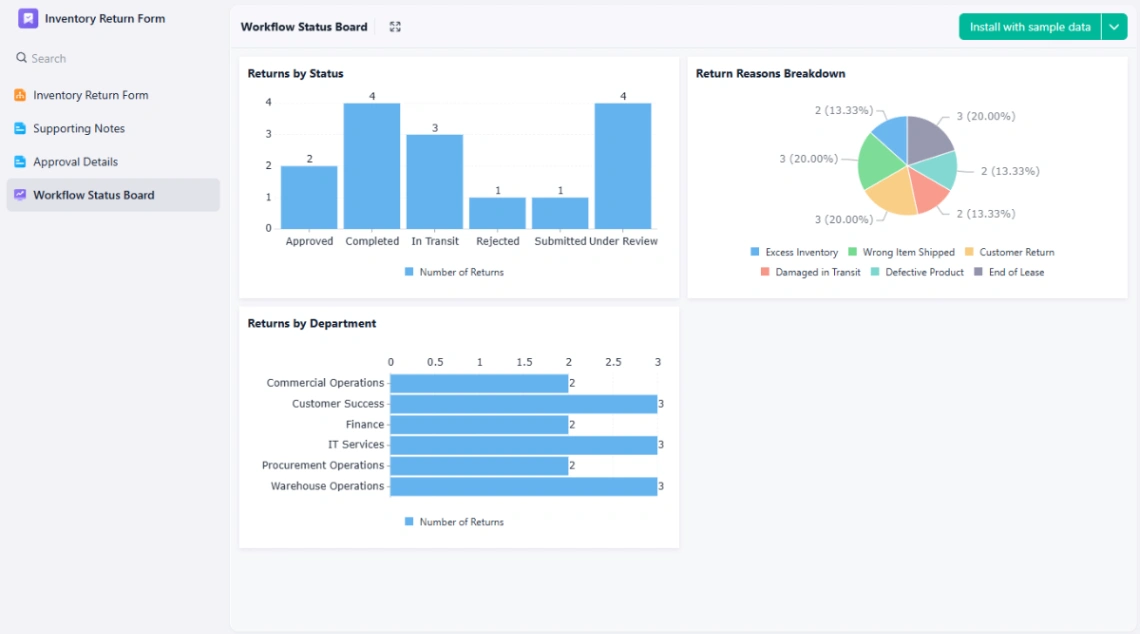
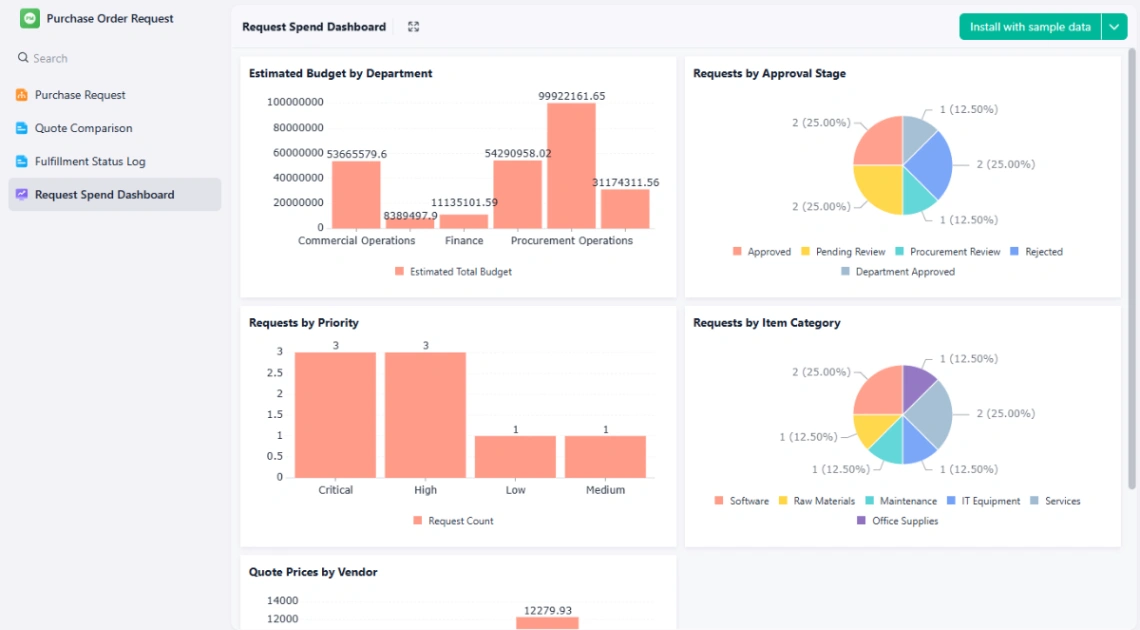
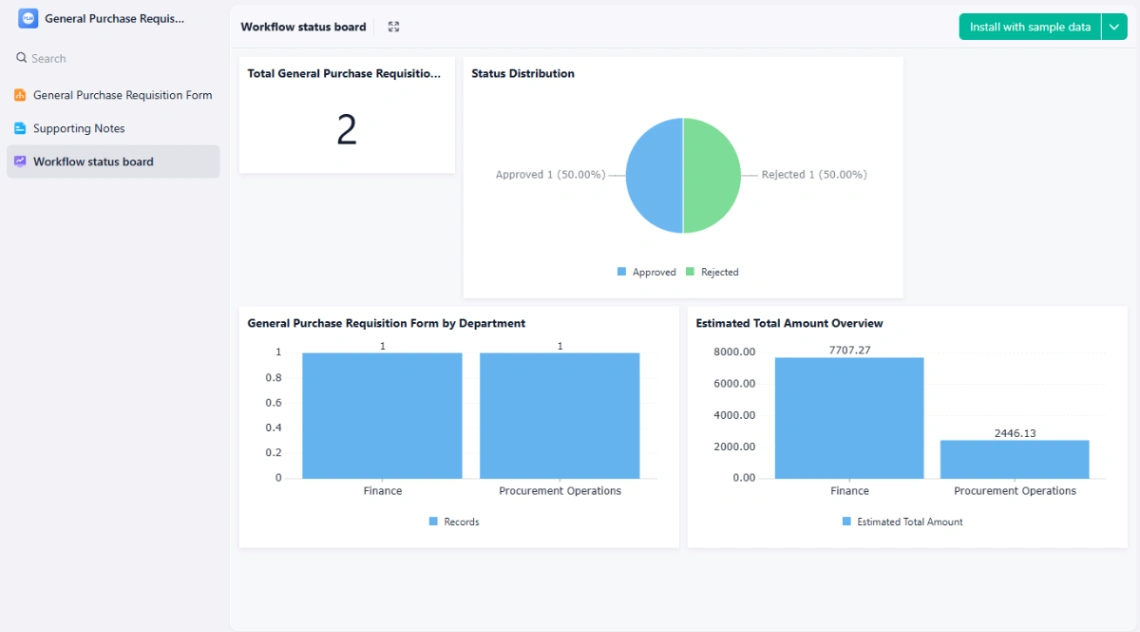
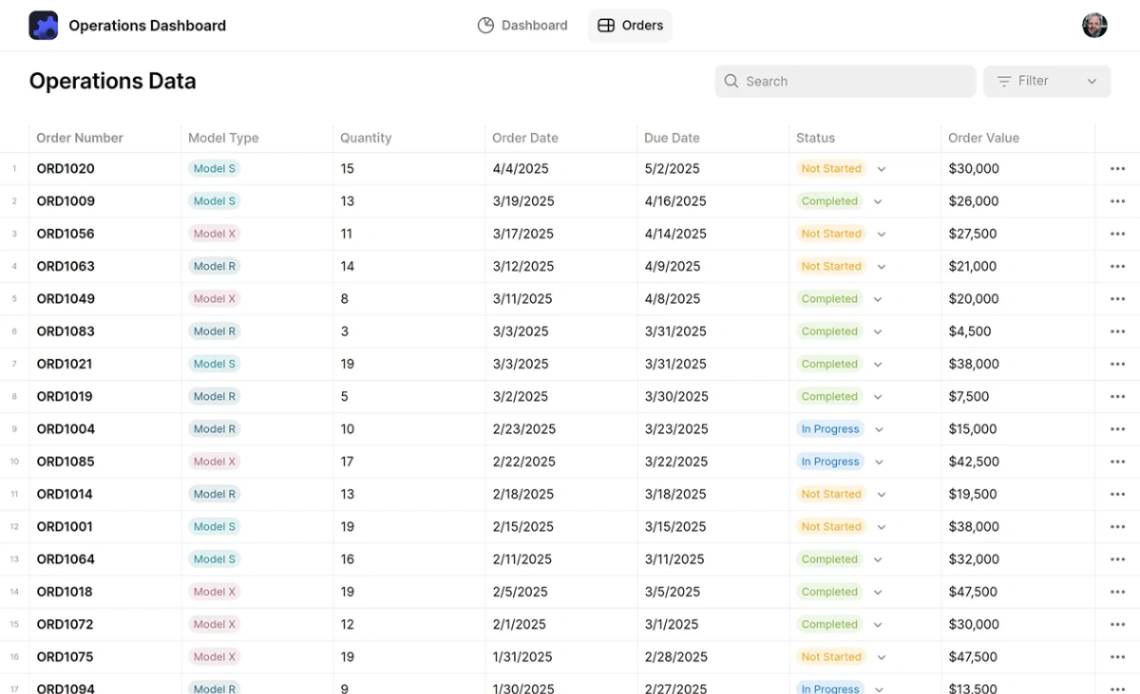
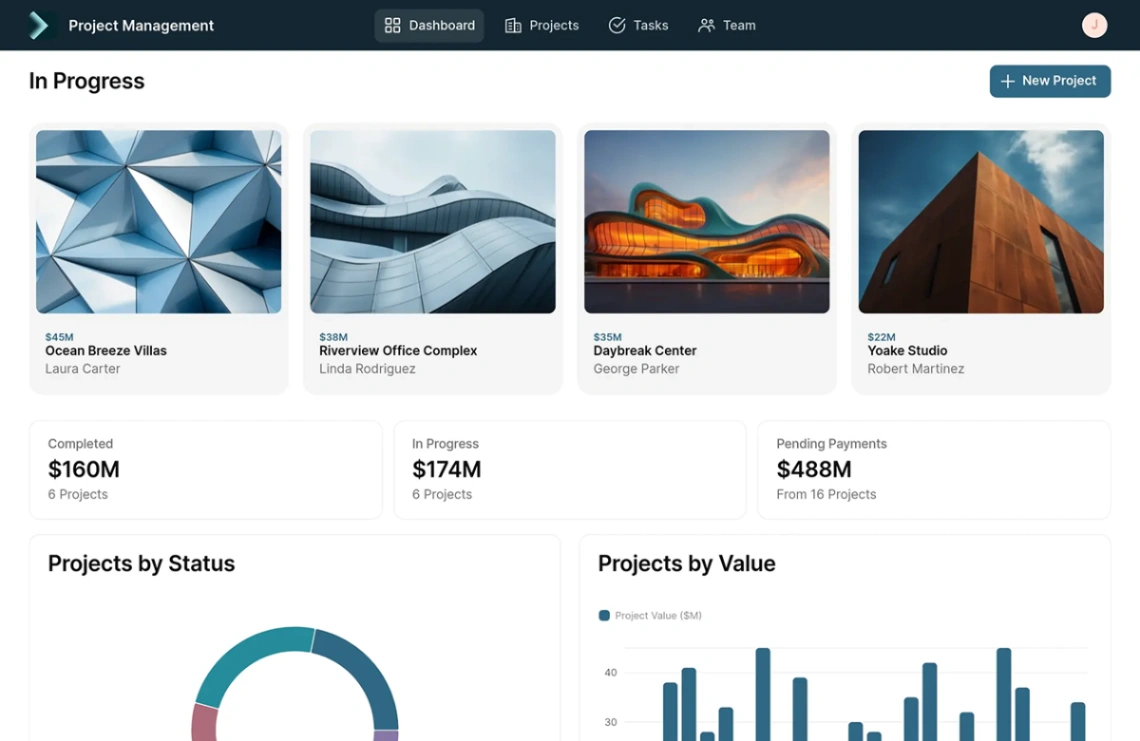
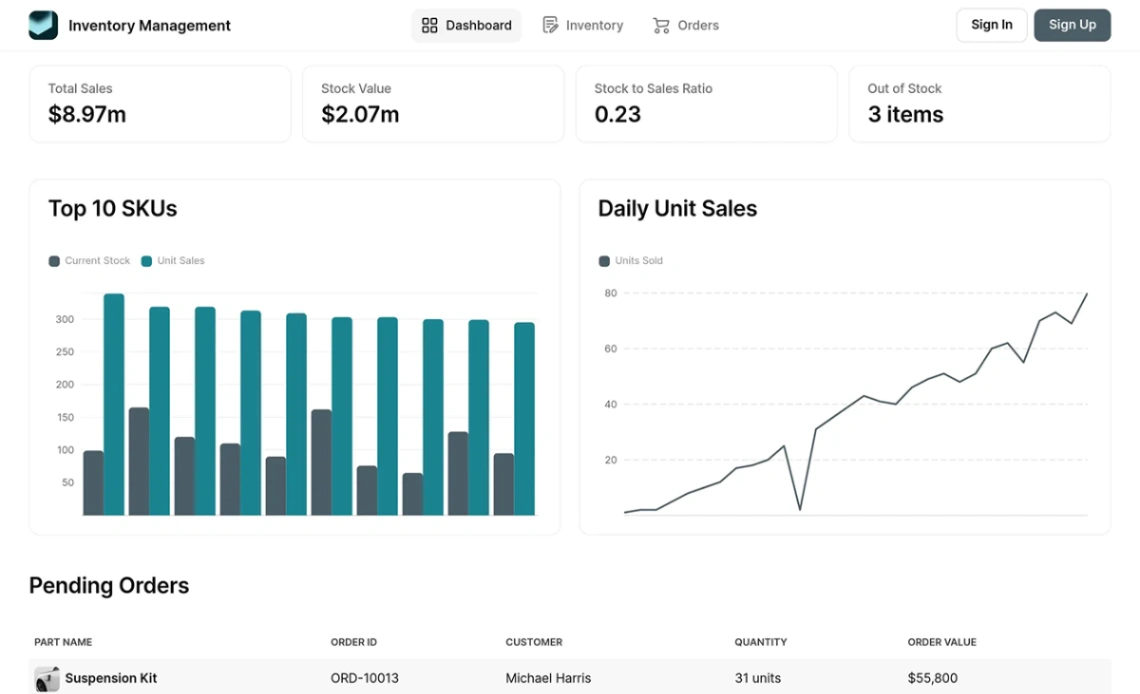
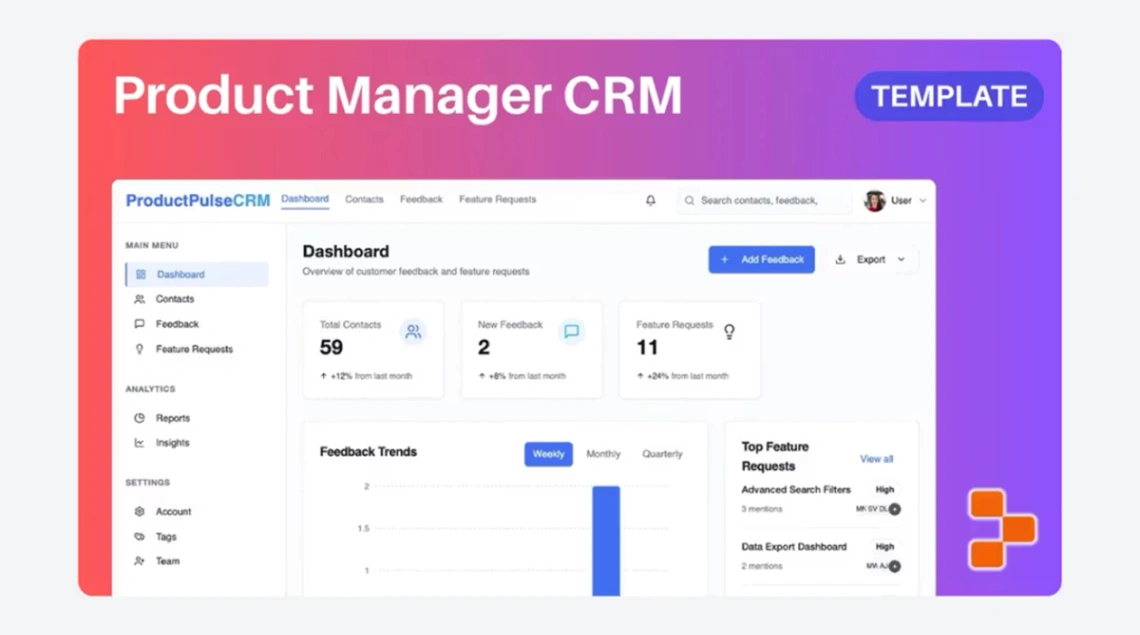
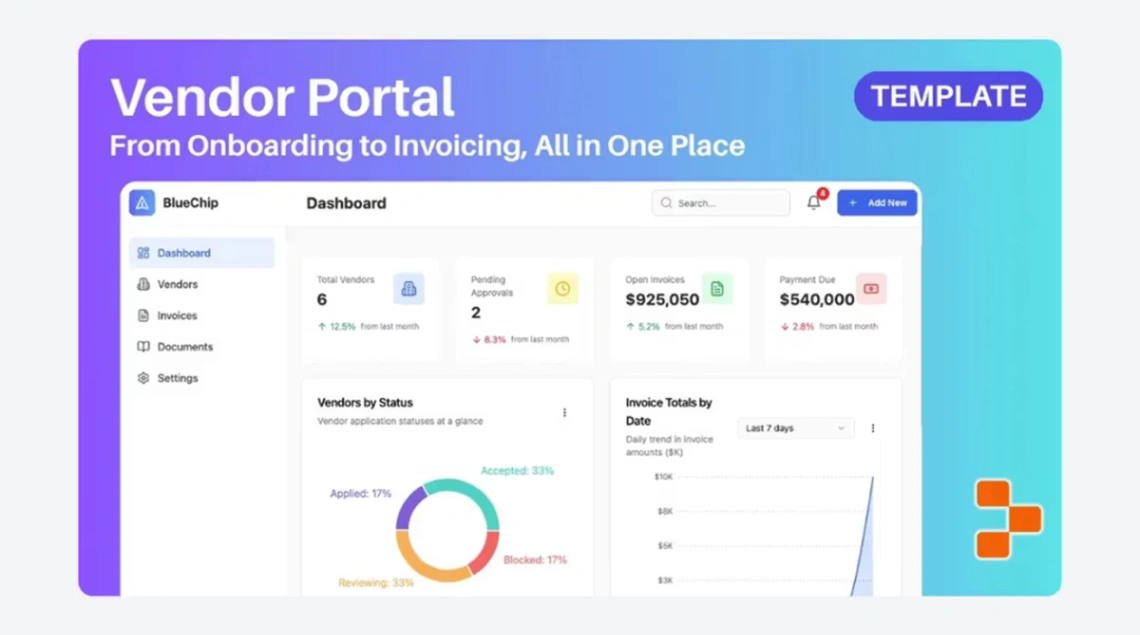
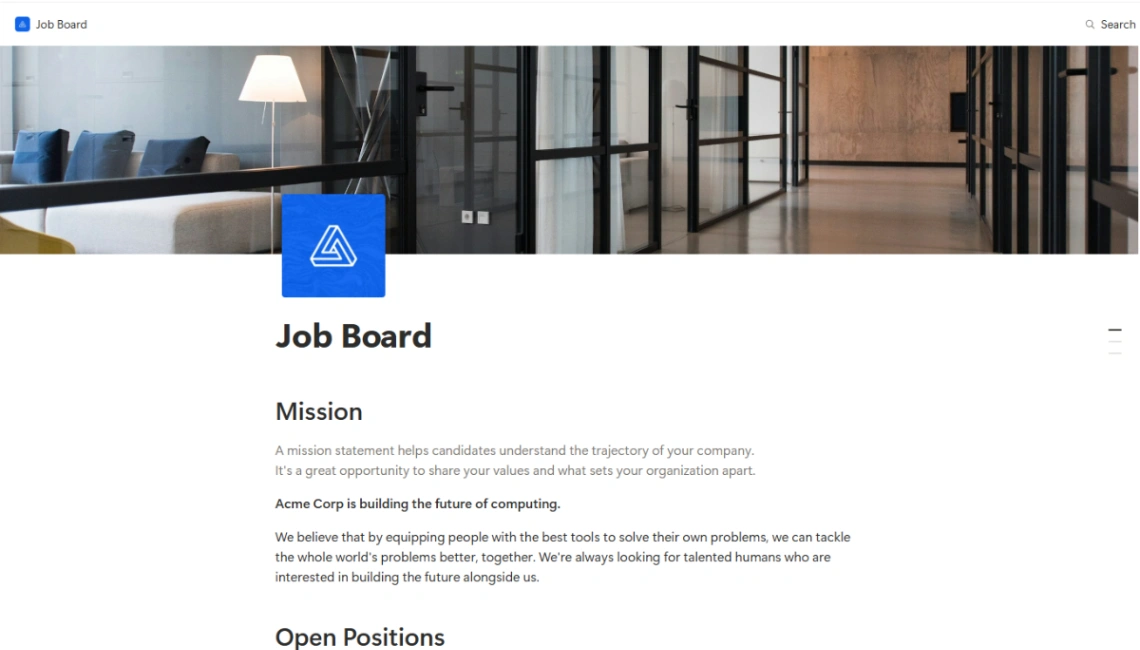
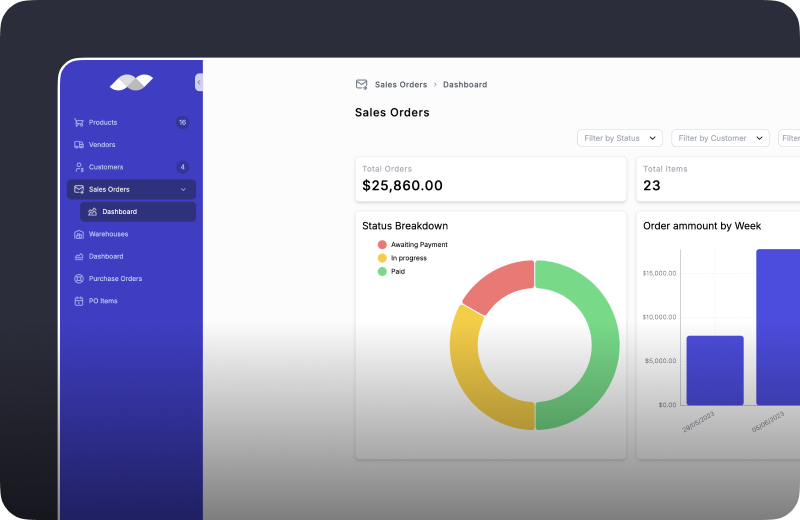
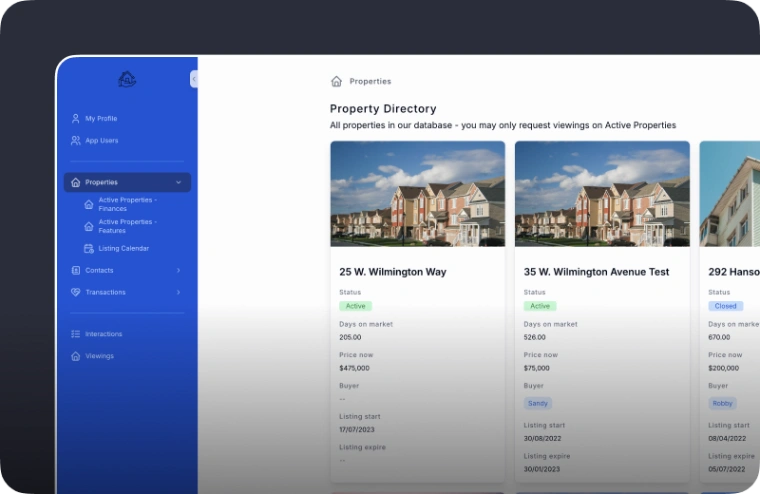
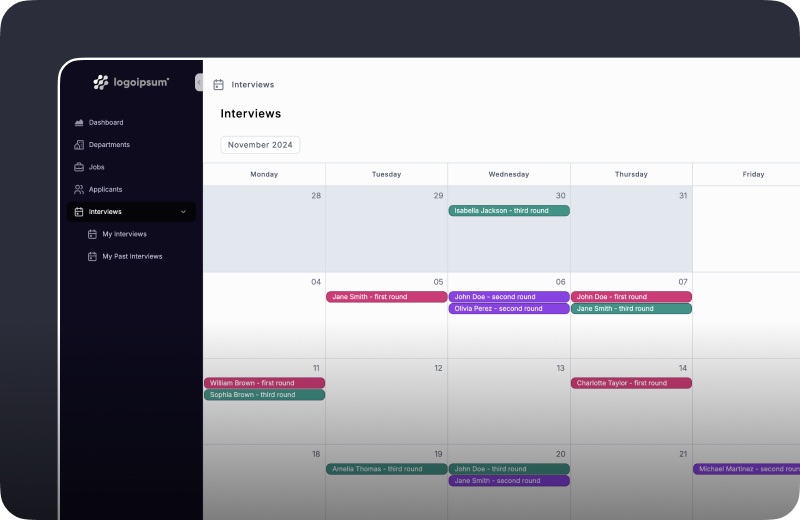
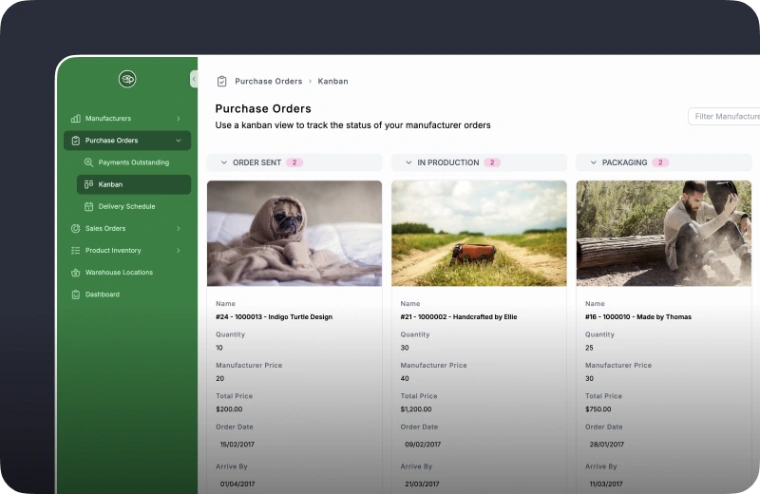
Somewhere in your business a spreadsheet is doing a software job, and it's tired: the inventory sheet only one person understands, the staff rota rebuilt every Sunday, the approval "process" that's actually a group chat. This collection exists to retire exactly those — the templates are working internal tools with the structure already decided.
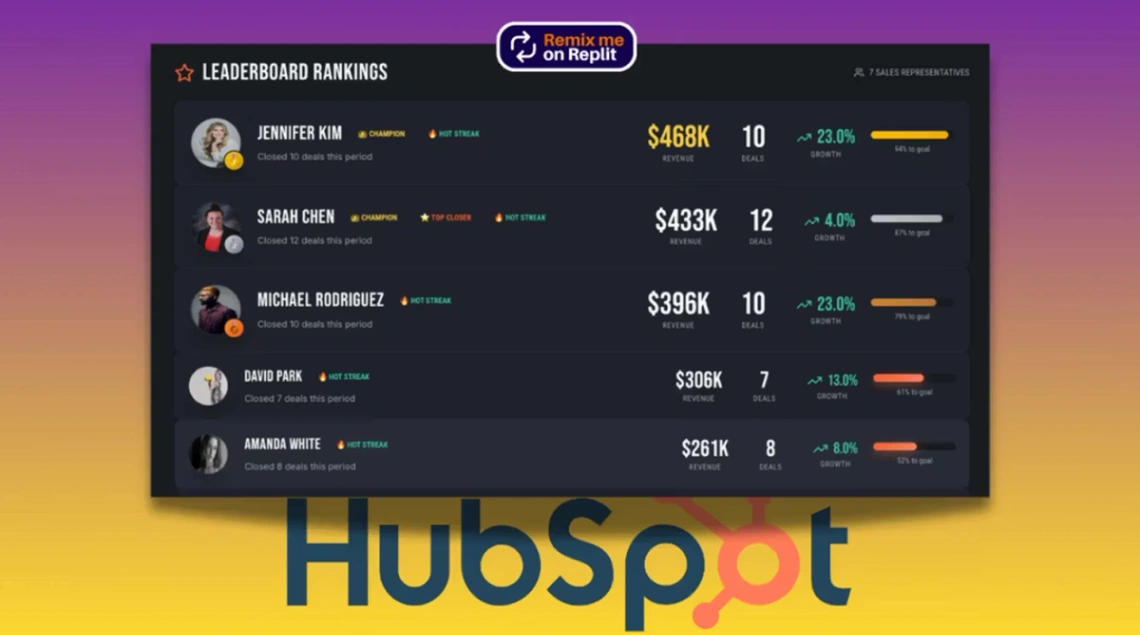
Start with one process, and pick it by pain: the one that breaks most often or eats the most Sunday. Migrate it honestly — real data, real users, the awkward cases included — and run it for two weeks before touching the next. The teams that fail here fail by ambition: five processes moved at once, each half-adopted, and the group chat quietly wins again. The platforms behind these templates are pinned above; the spreadsheet-backed ones let the old sheet stay alive as the data source while the tool proves itself, which is the least risky migration there is.
Judge templates by the least technical person who'll use them daily. Managers buy these tools; warehouse staff, shift workers and the Saturday hire live in them. If updating a stock count or checking a shift takes more than a few taps on a phone, the tool will be bypassed within a month and the spreadsheet will rise again.
The features worth insisting on, because they're what the spreadsheet never had: roles (who can see, who can edit), an audit trail (who changed what, when), and approvals that notify. Those three turn a shared document into an actual system — they're the upgrade you're really buying.
FAQ






