








Buyer's guide
How to choose a real estate template
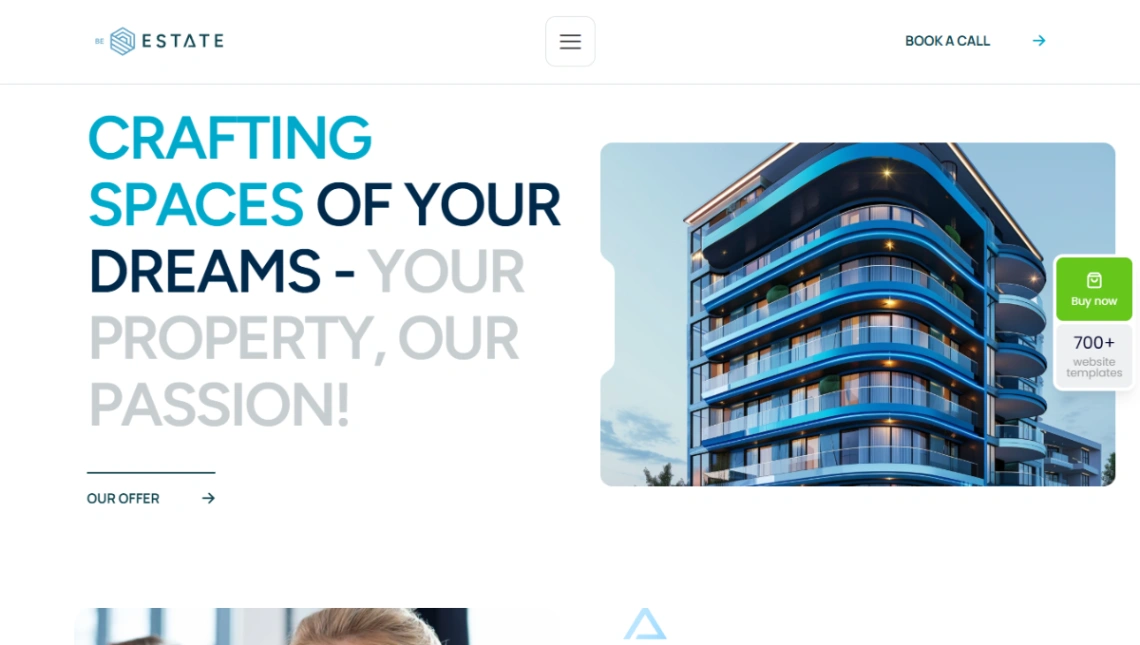
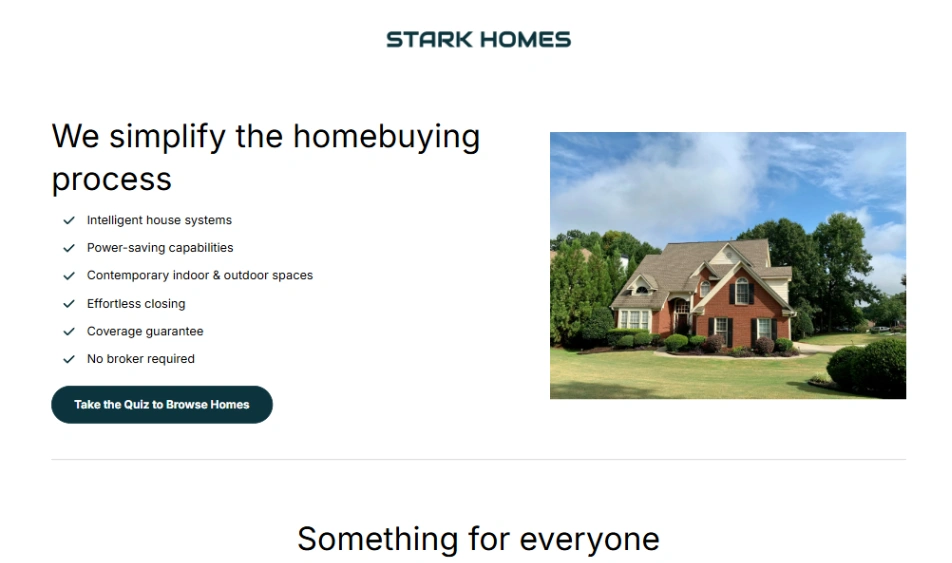
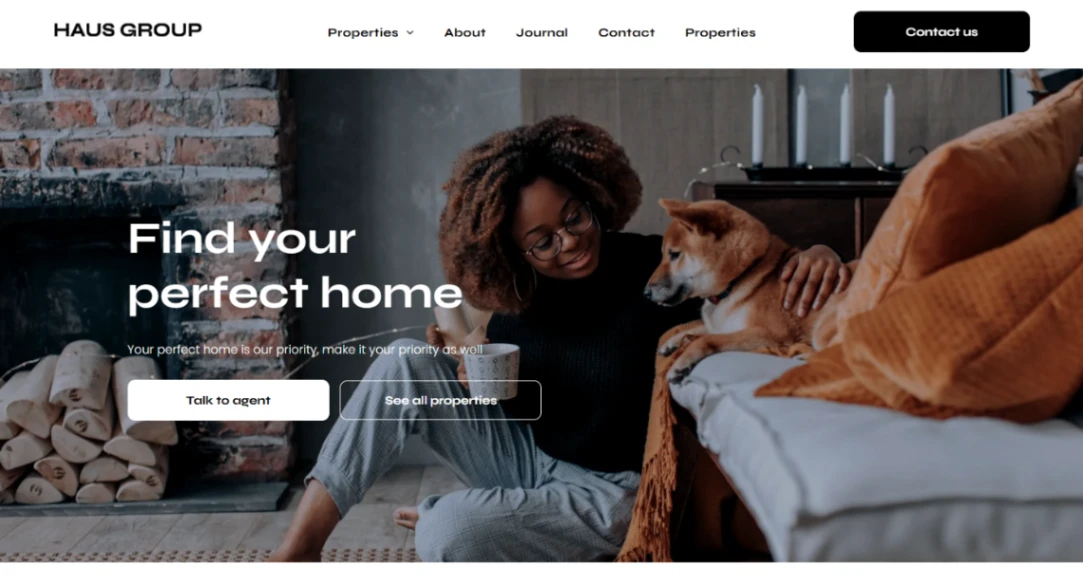
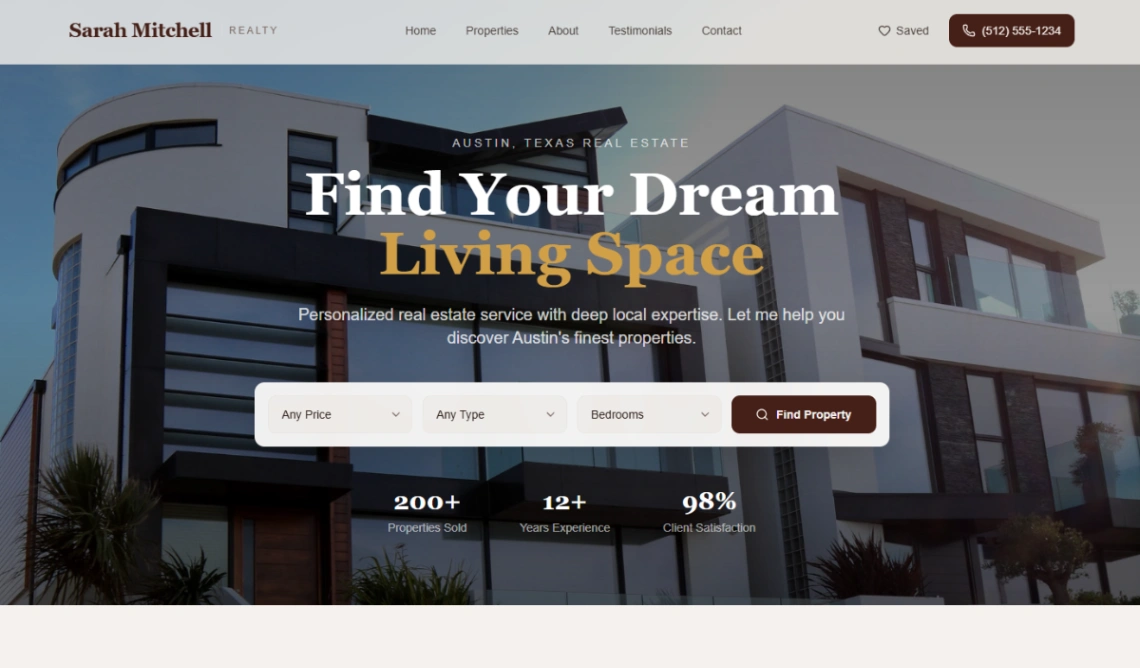
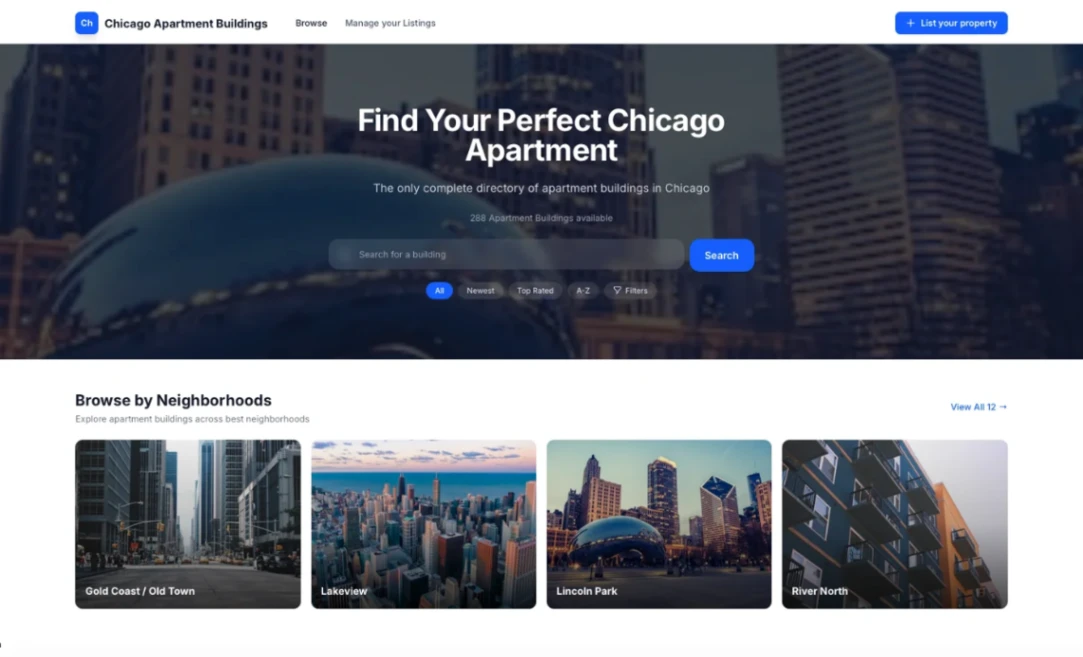
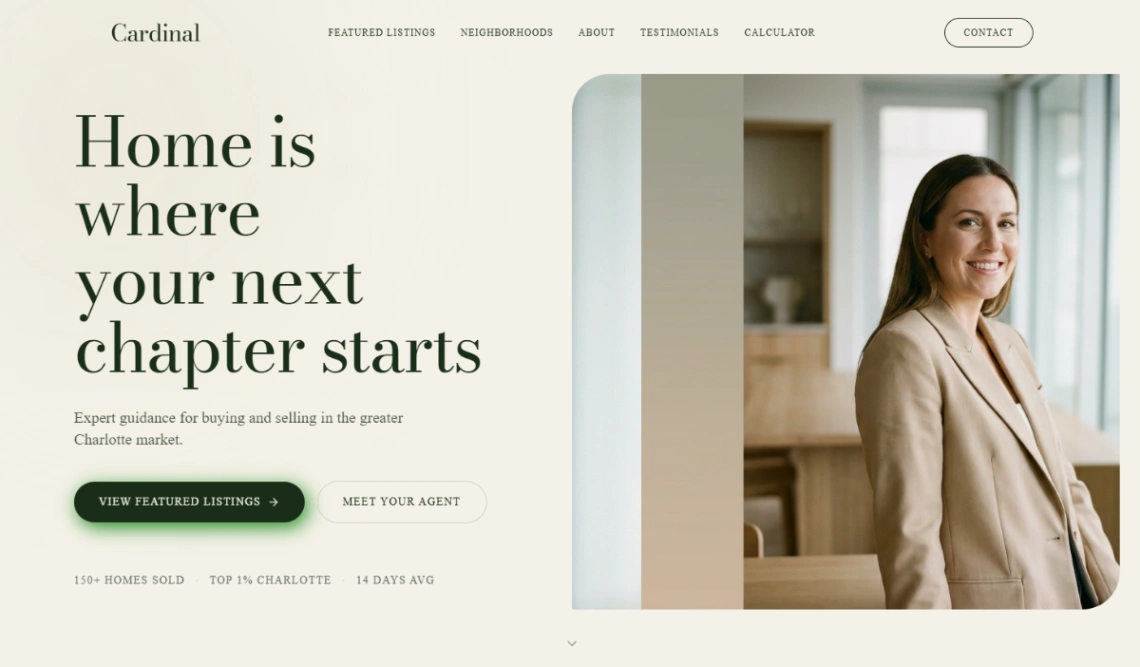
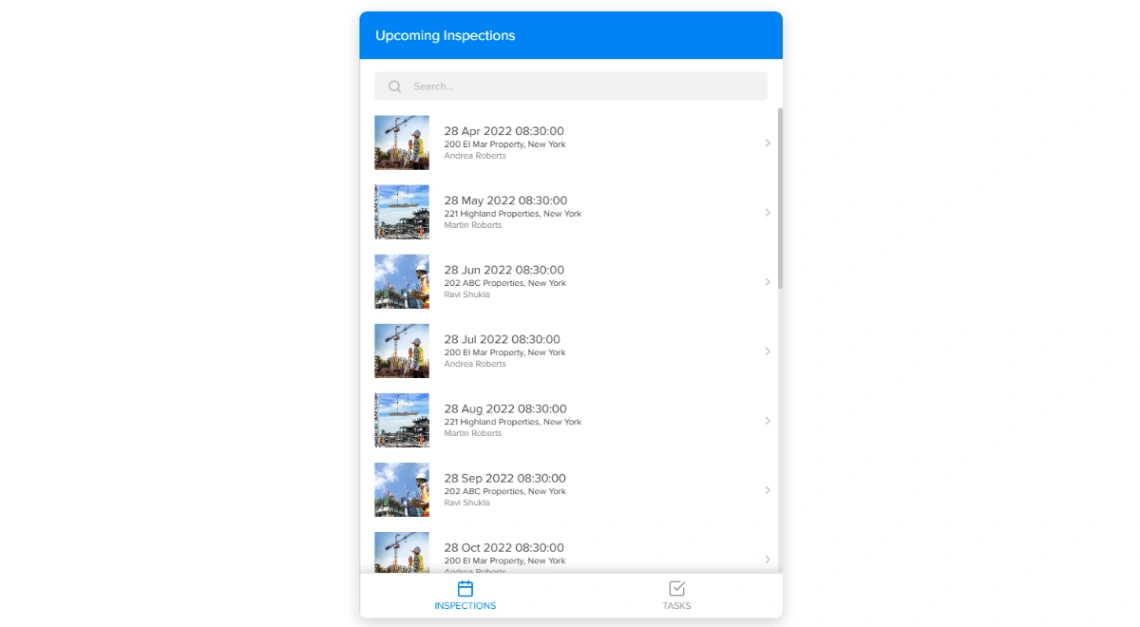
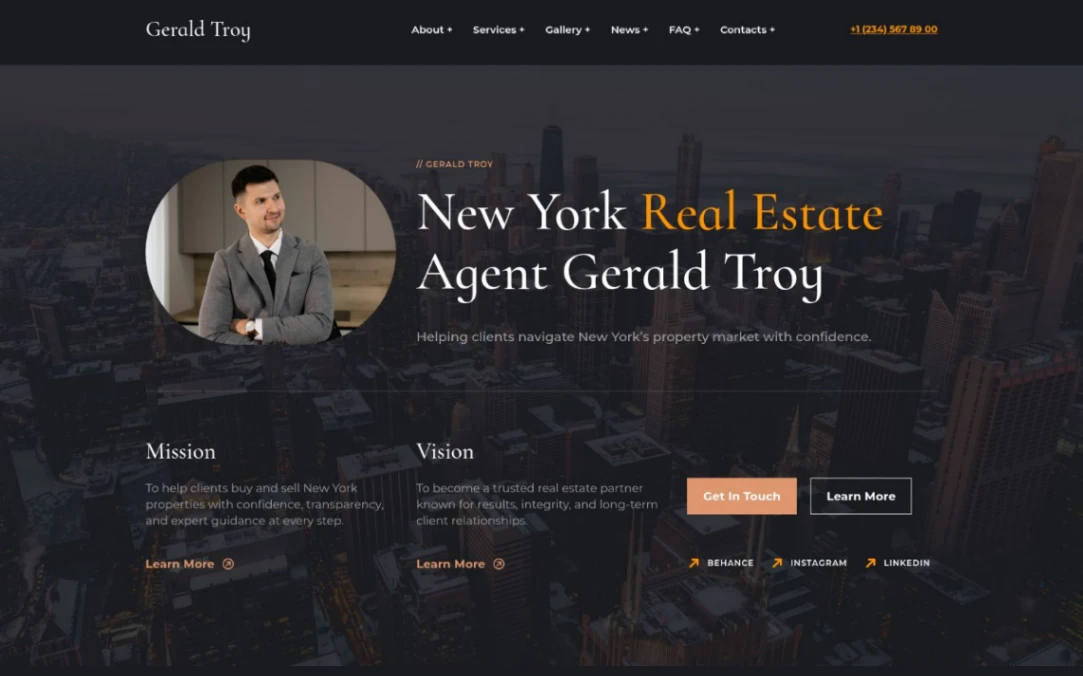
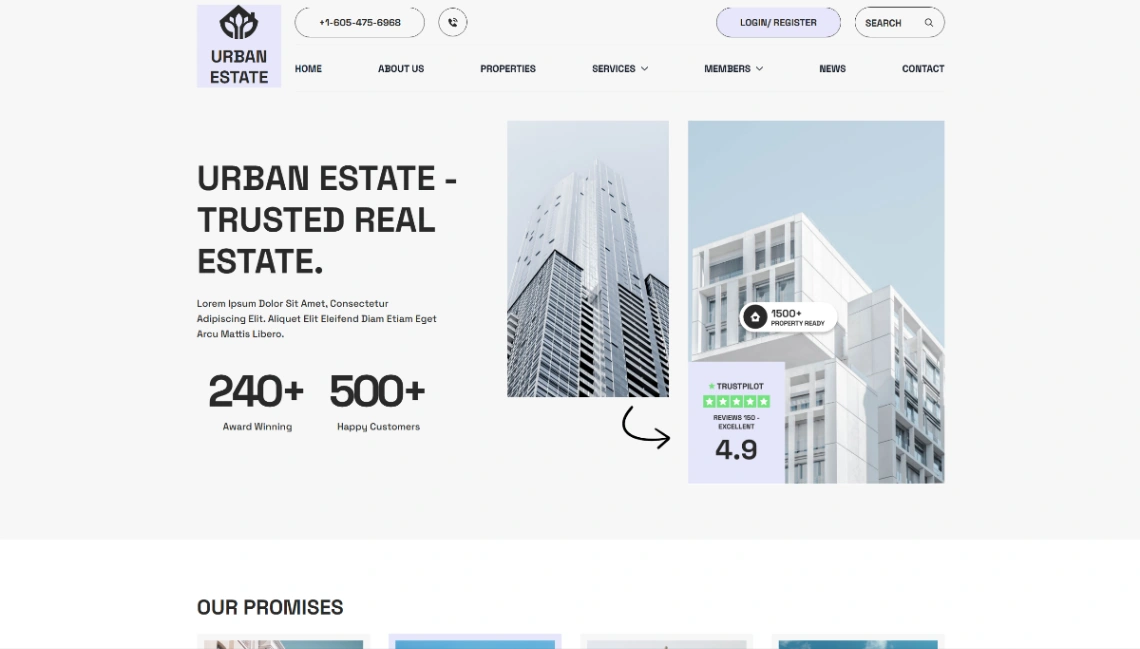
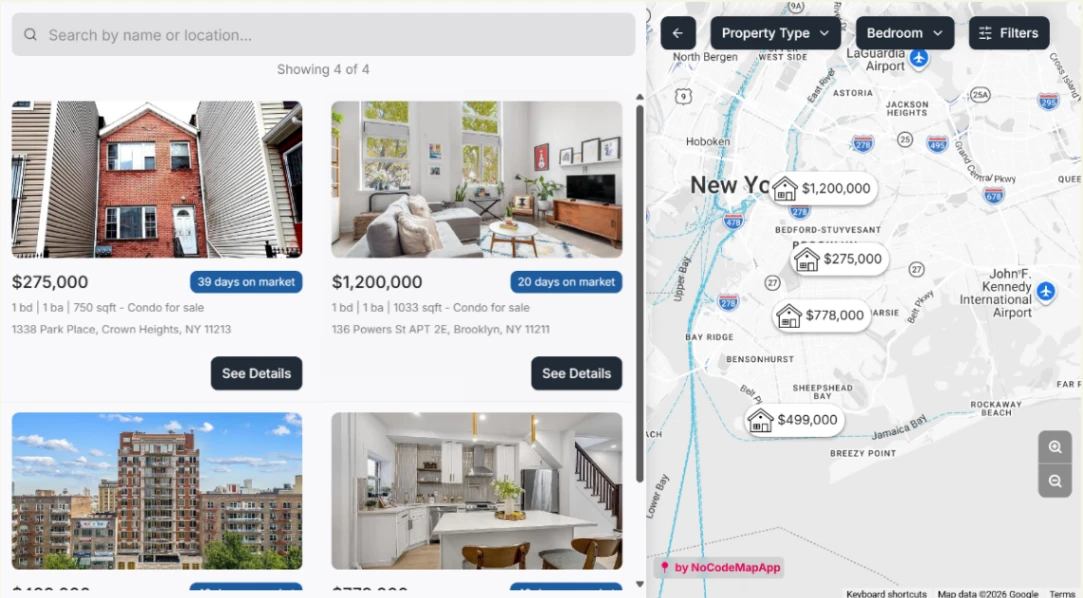
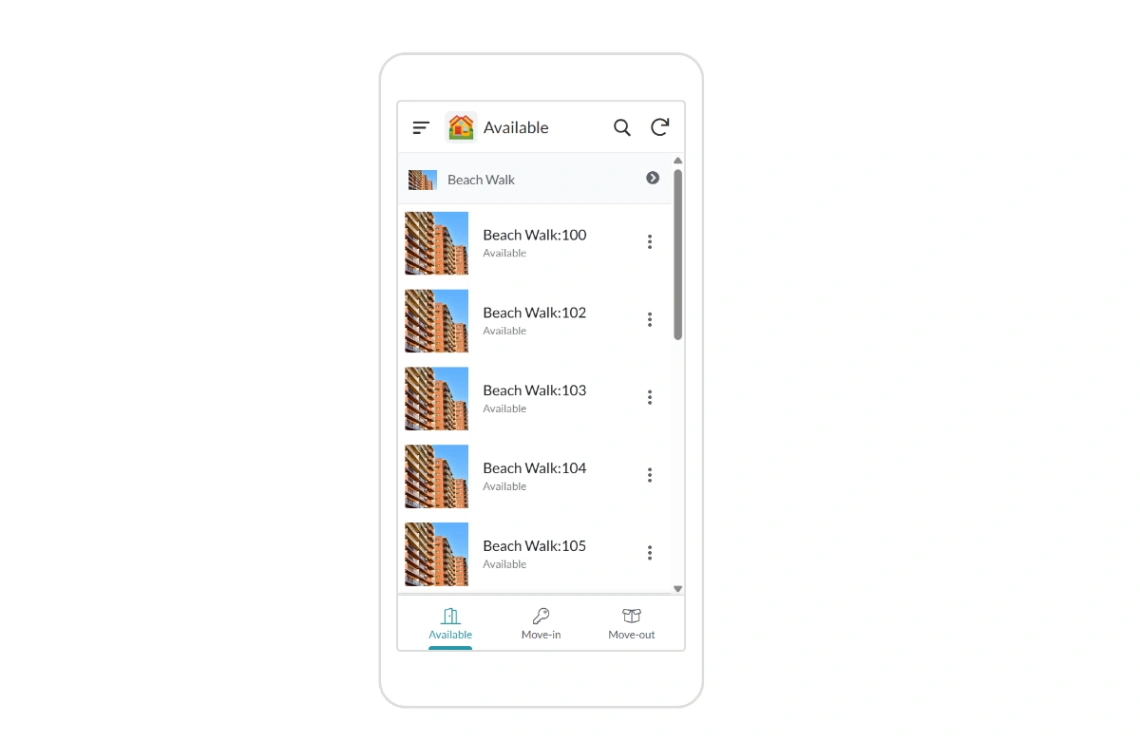
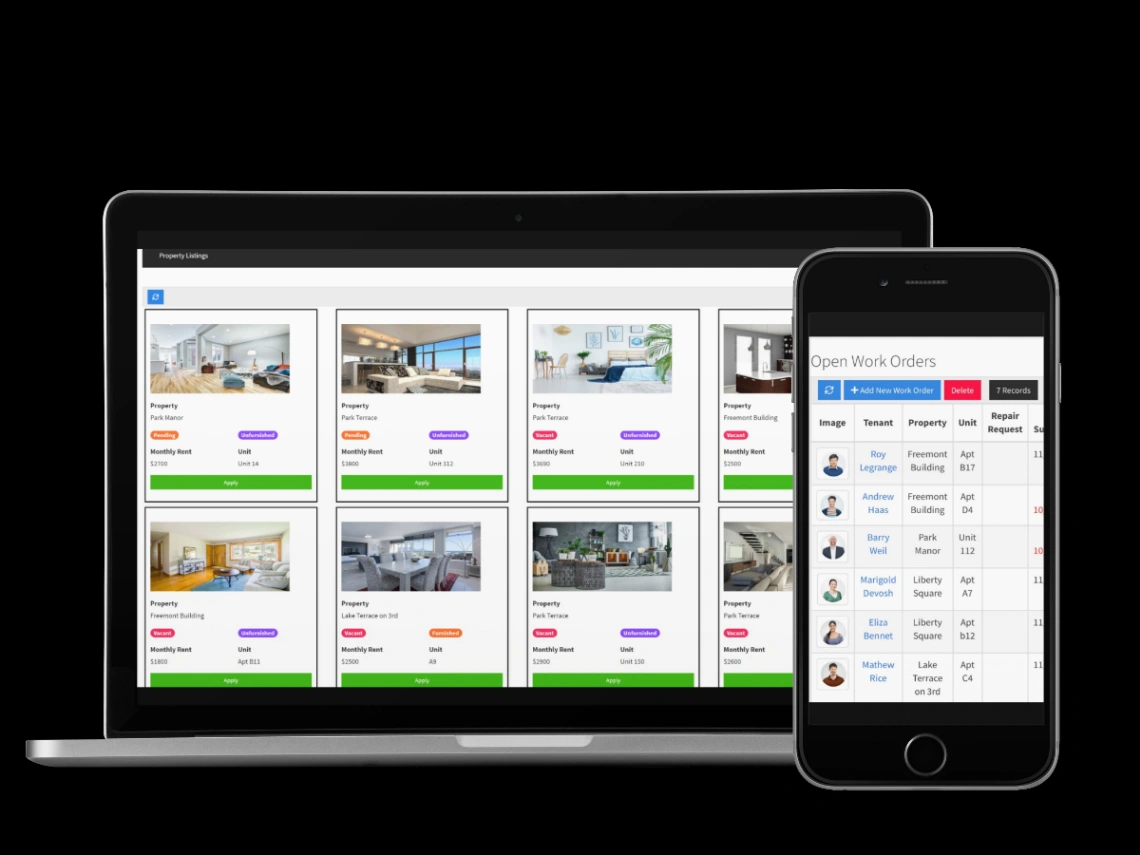
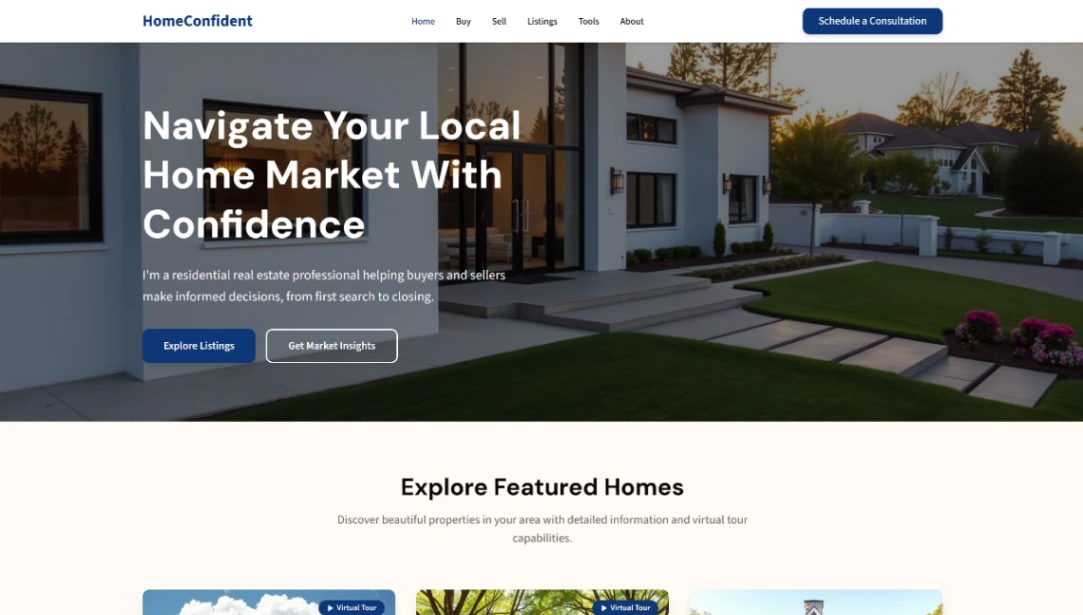
Property is shopped in list view and bought in person — the website's whole job is arranging that meeting. So judge these templates where buyers actually live: the listing page. Filters that match how people search (price, beds, area), a map that answers "where exactly," galleries that load fast on a phone in a parked car, and an enquiry path that books a viewing in one step. The homepage is a lobby; the listing page is the business.
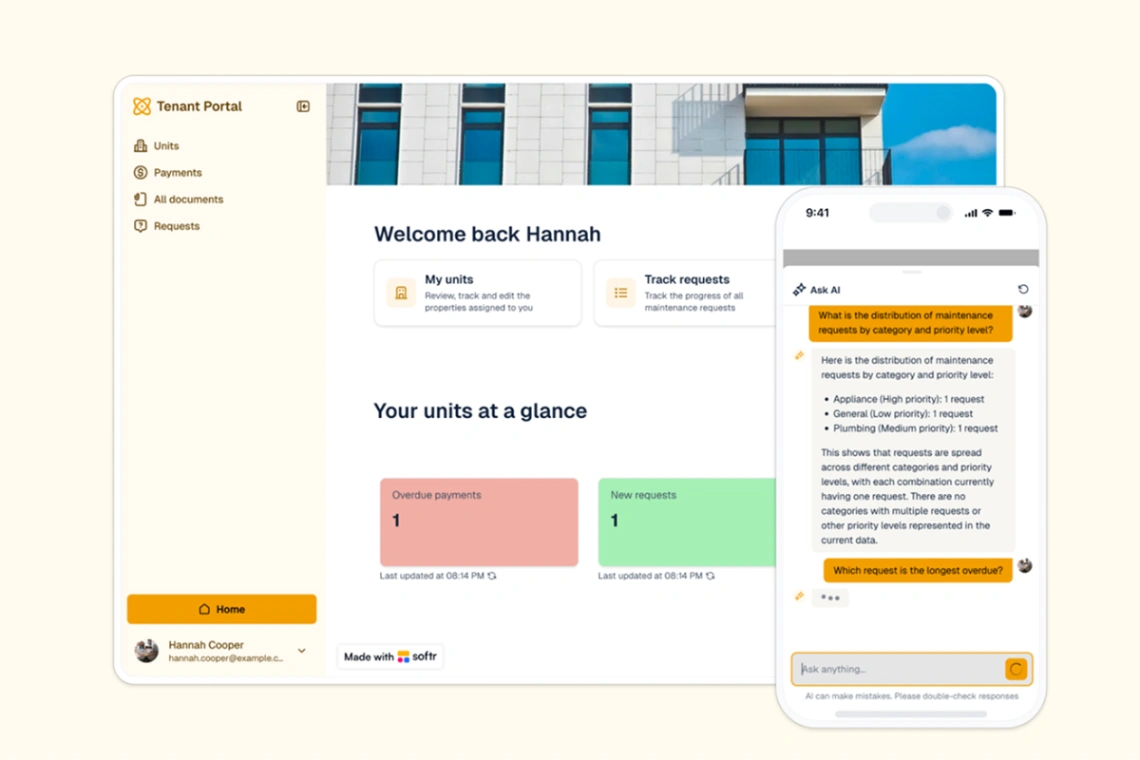
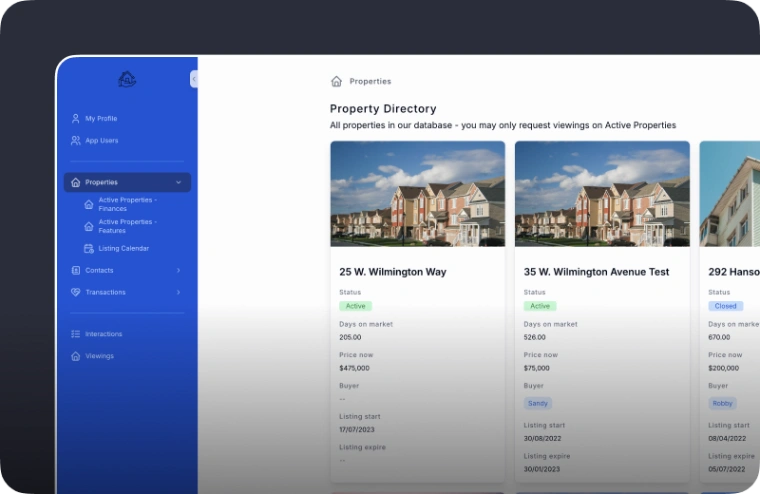
Before anything visual, settle how listings get in and out. Manual editing survives ten properties and then quietly fails — the sold flat still showing, the price from last month. Data-driven templates treat listings as records: add a row, the page exists; mark it sold, the badge appears. If your listings already live in a spreadsheet or feed, the data-driven builders in the pinned picks turn updating into typing. Area-guide pages compound quietly too — buyers search neighborhoods before they search agents.
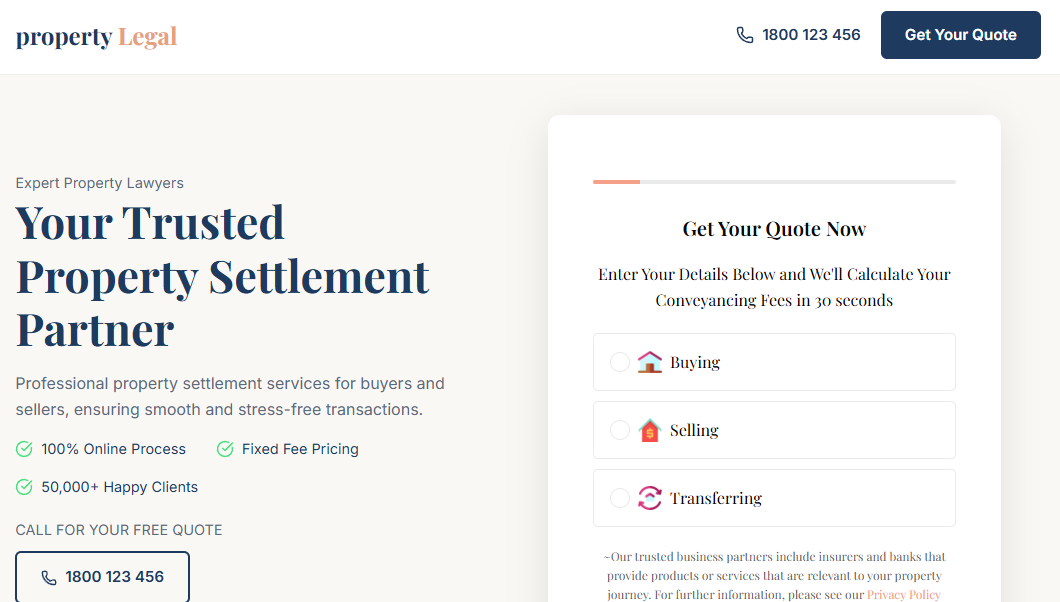
Enquiries are perishable — a viewing request answered within the hour converts several times better than one answered tomorrow. Route enquiries somewhere a human sees immediately, attach the property automatically (so "which listing?" never gets asked), and offer a callback time field. The agent who replies first usually shows the property.
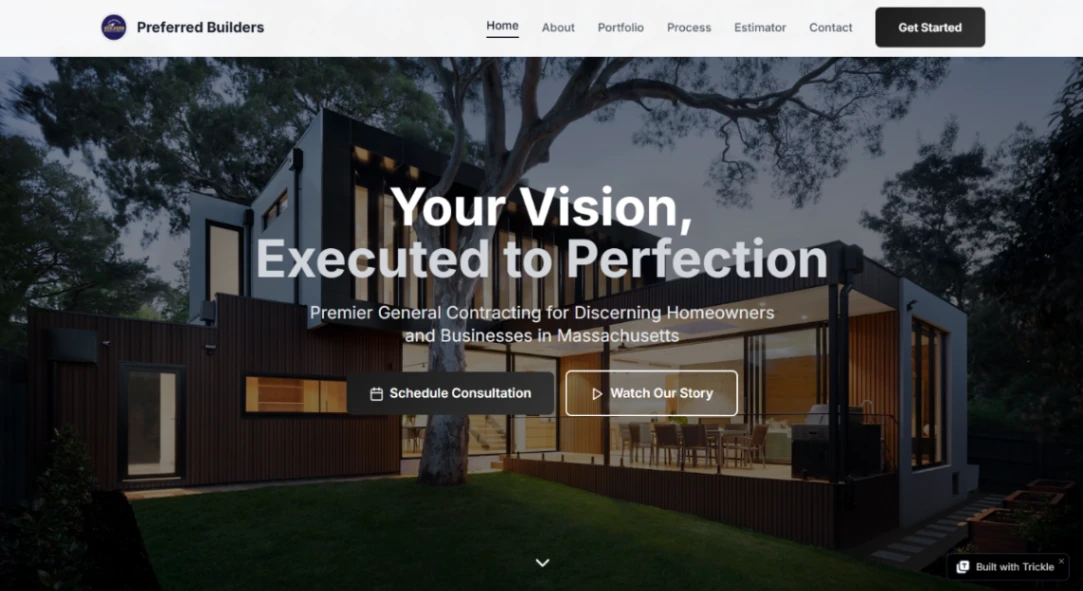
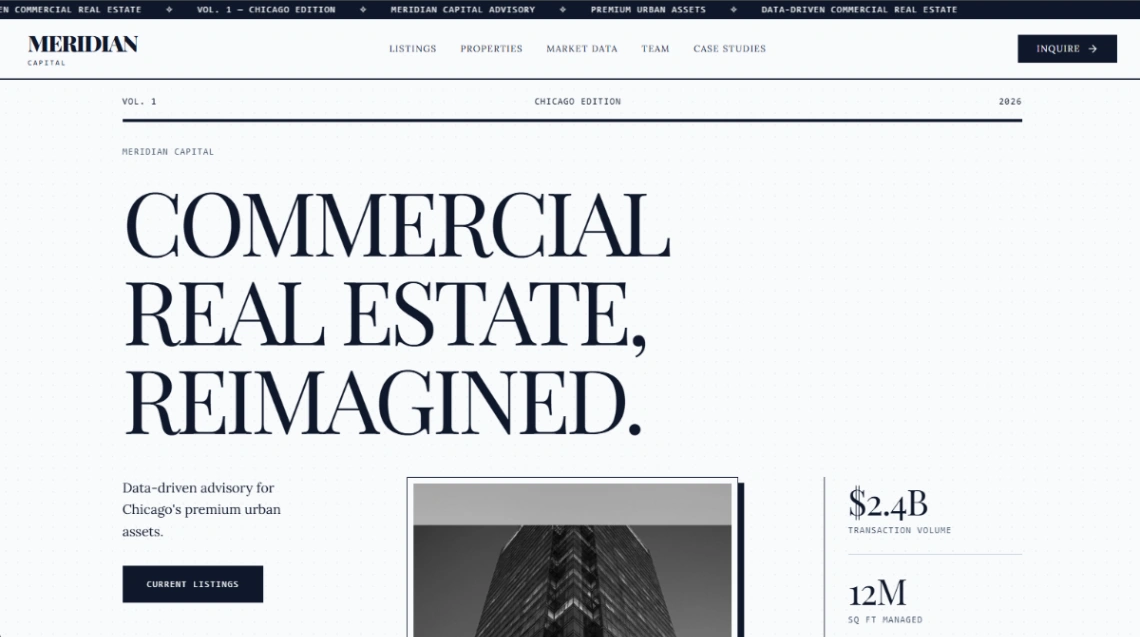
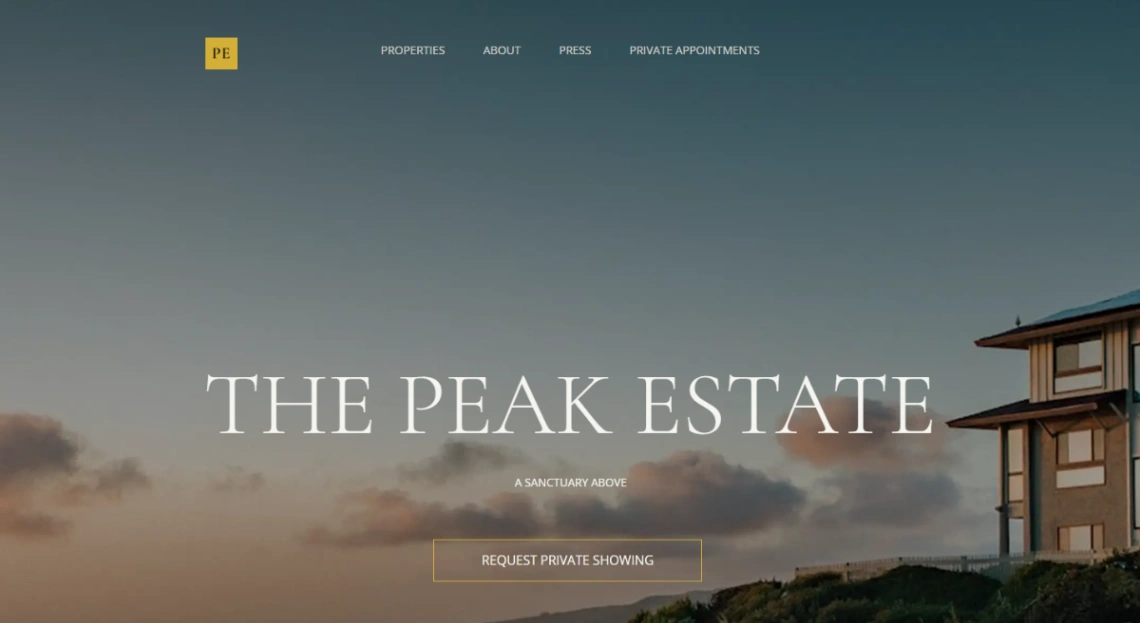
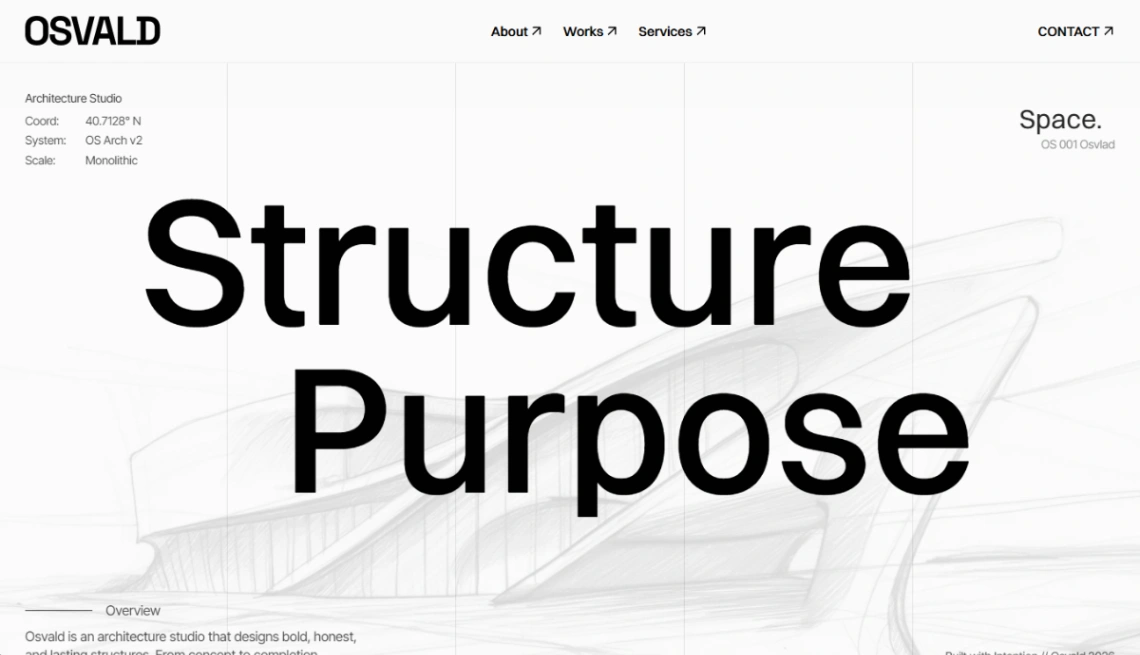
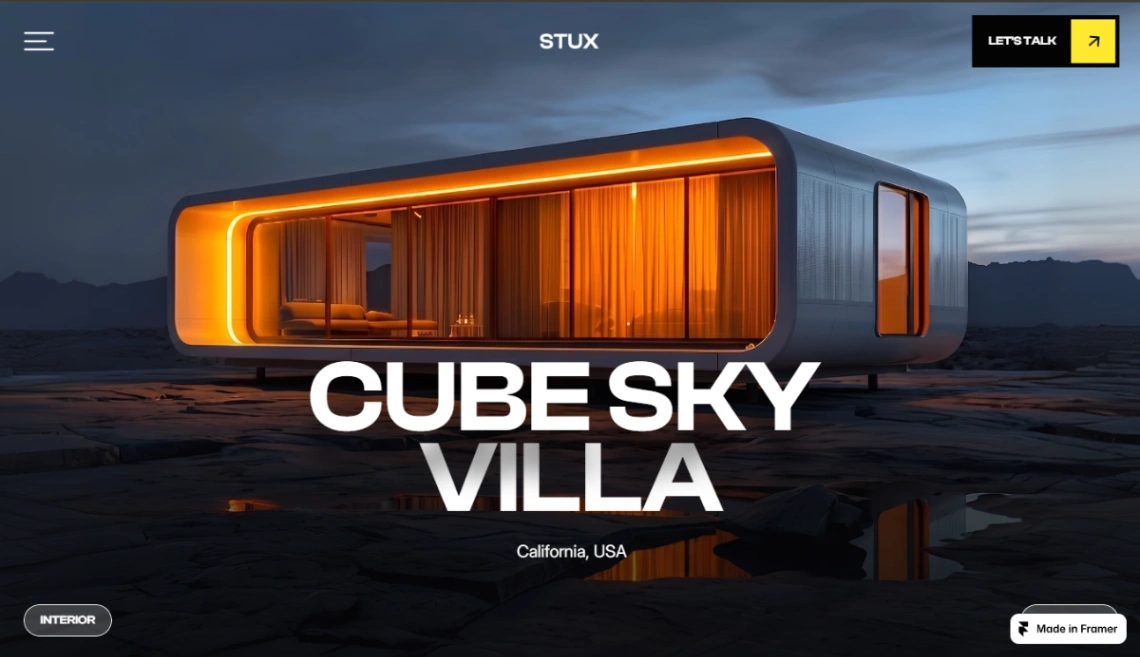
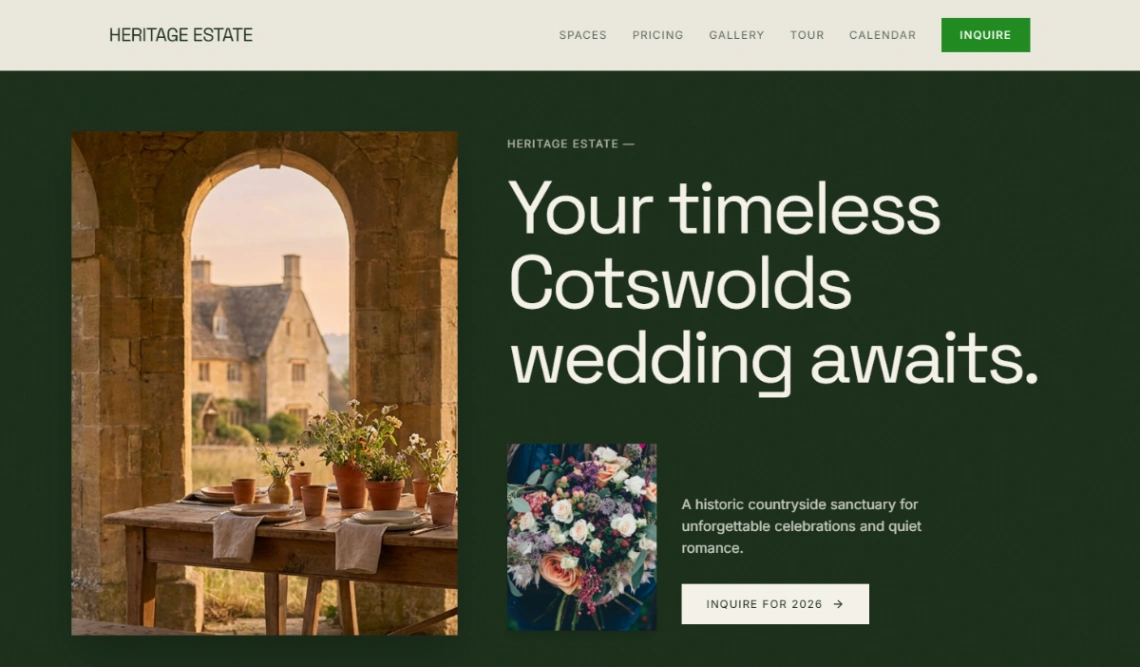
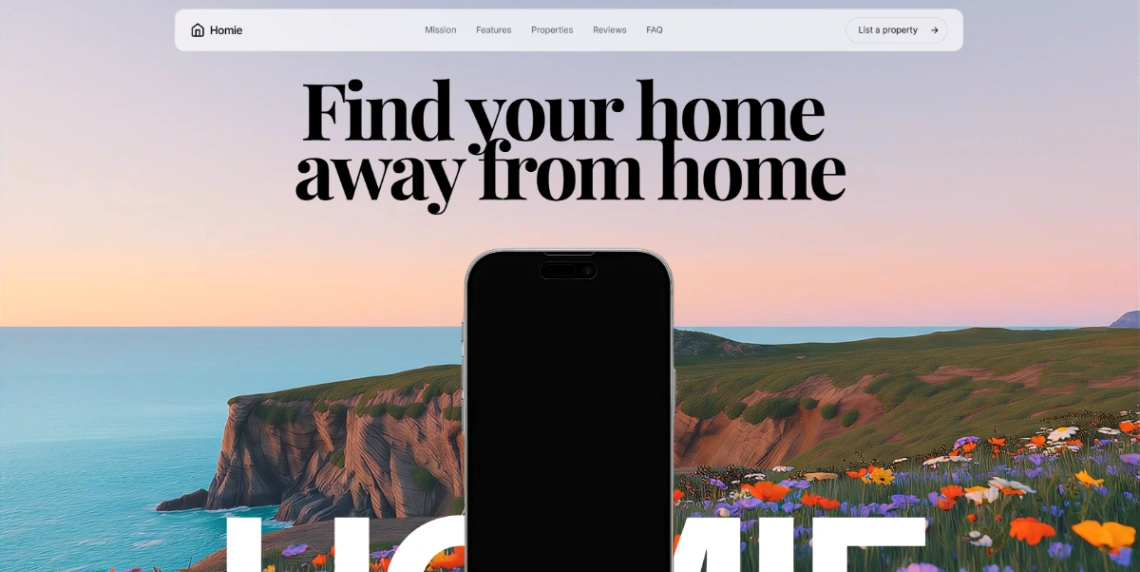
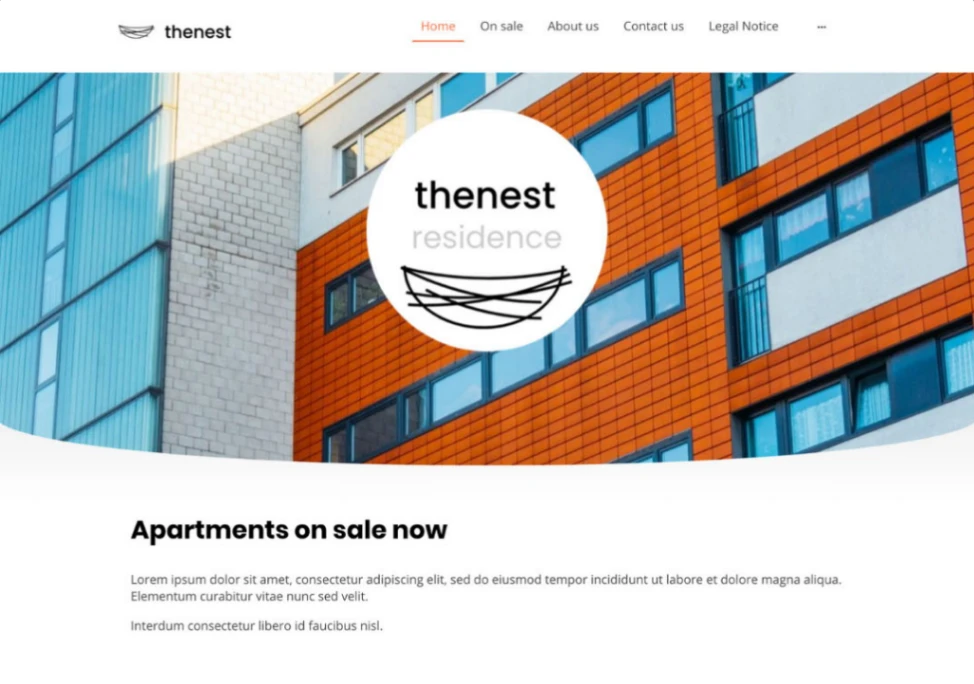
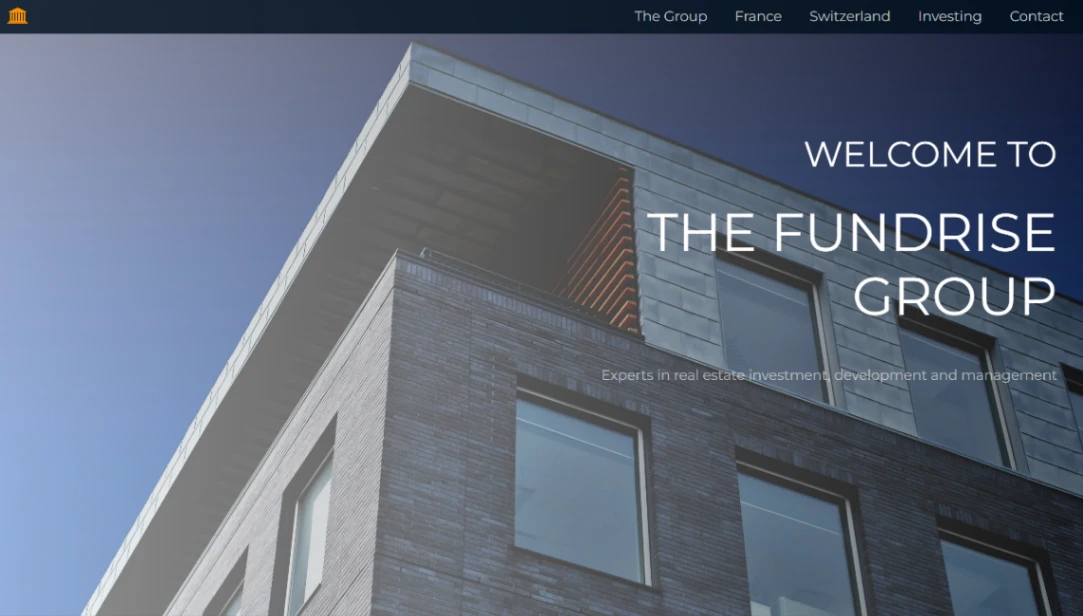
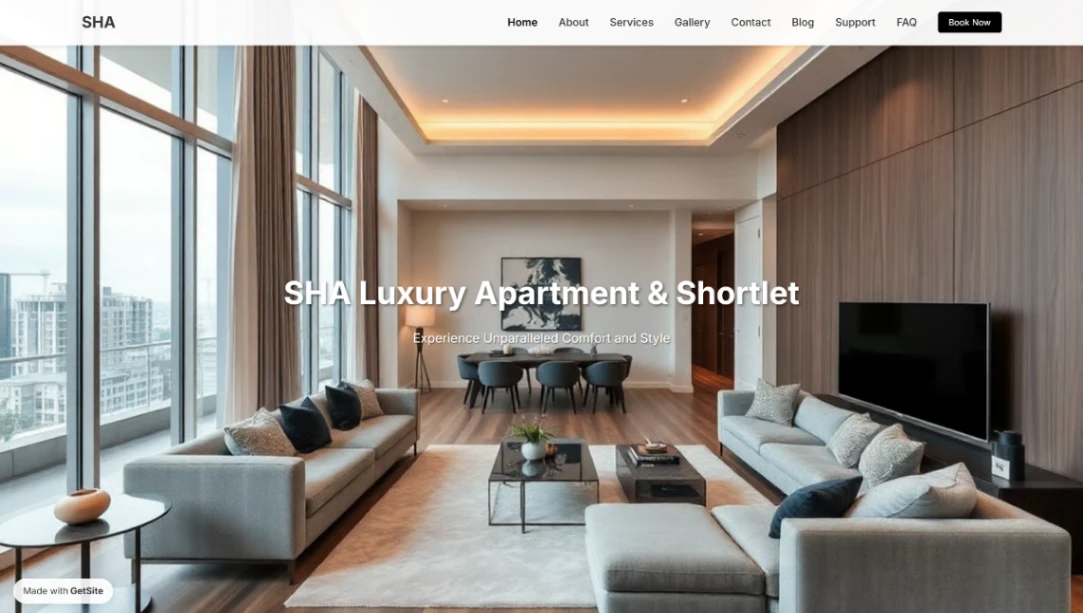
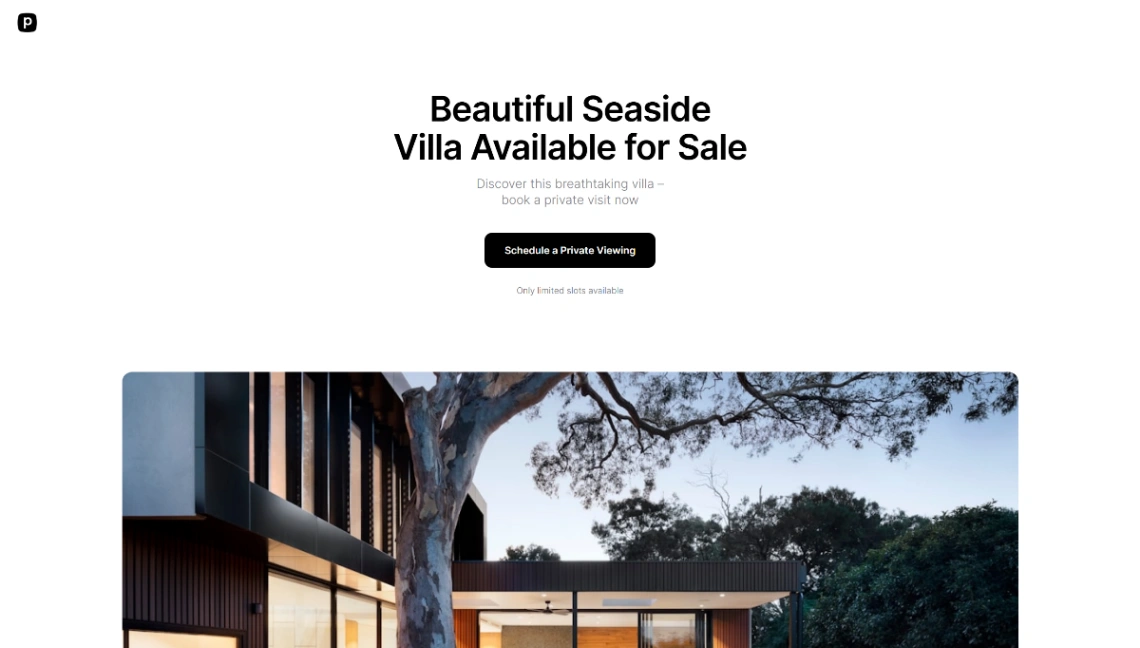
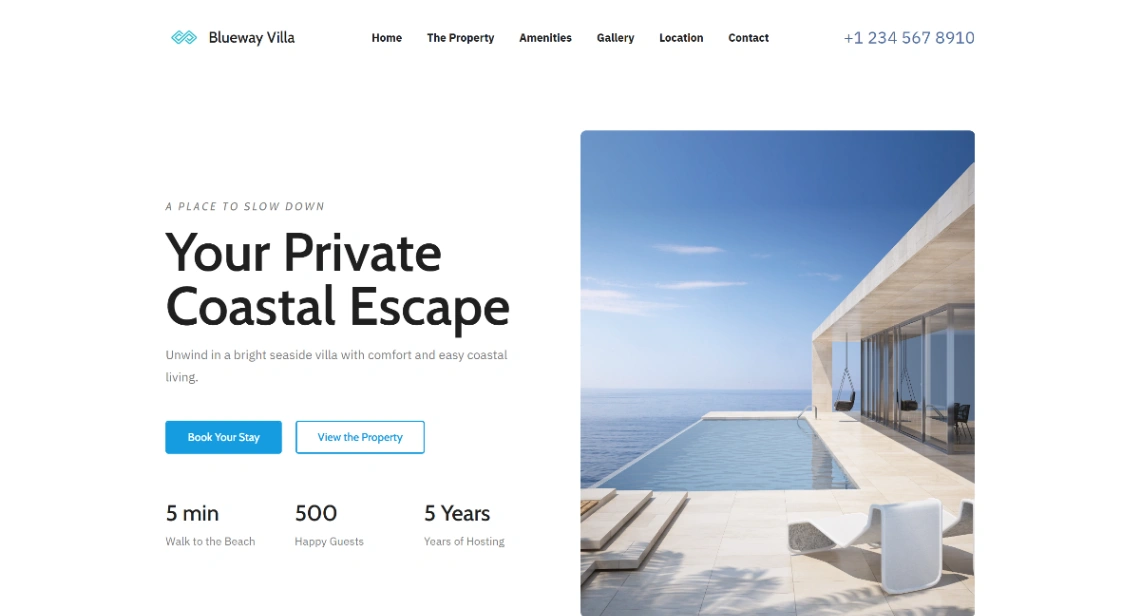
One collection, two different sites: agency portfolios need search across many listings; a single-development launch needs the opposite — one property told richly, with plans, progress and a register-interest funnel. The design-led builders here carry the launch sites; don't force one shape through the other's template.
FAQ







