



DJ Portfolio




Buyer's guide
How to choose a portfolio template
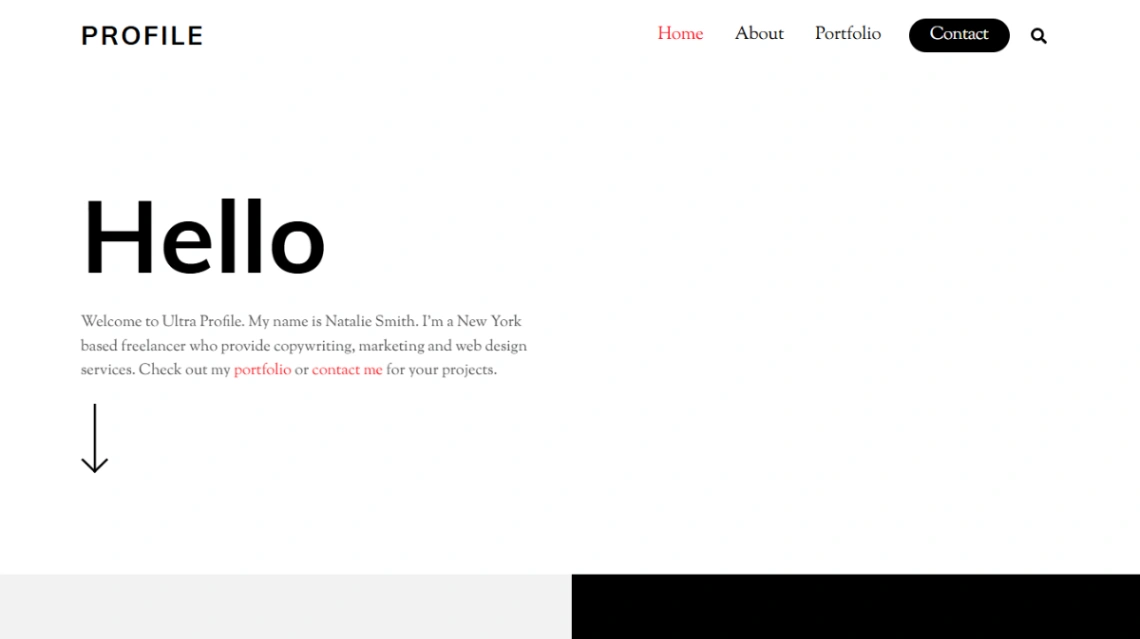
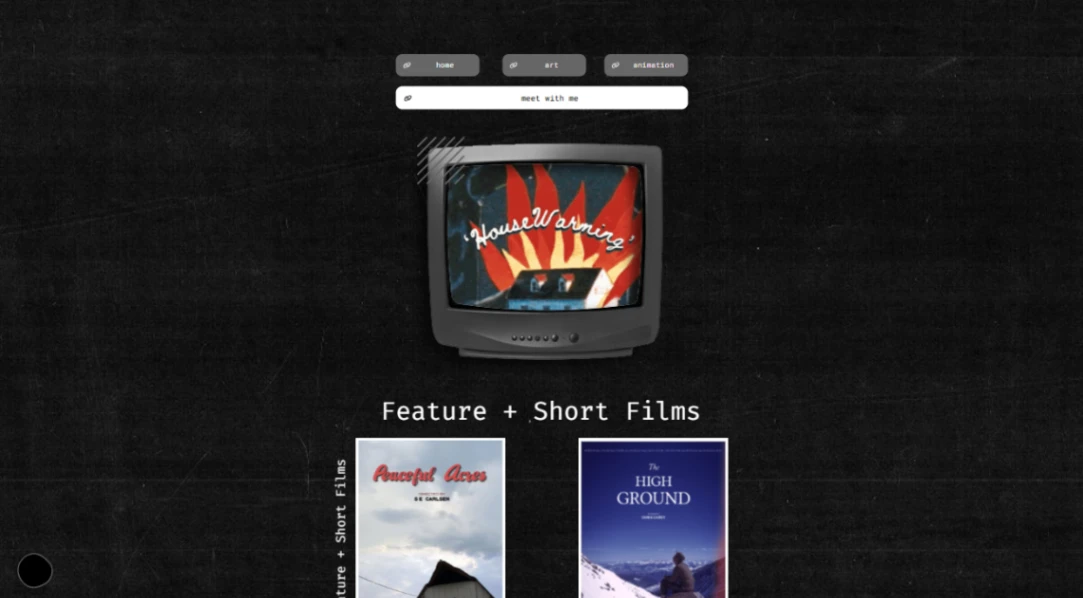
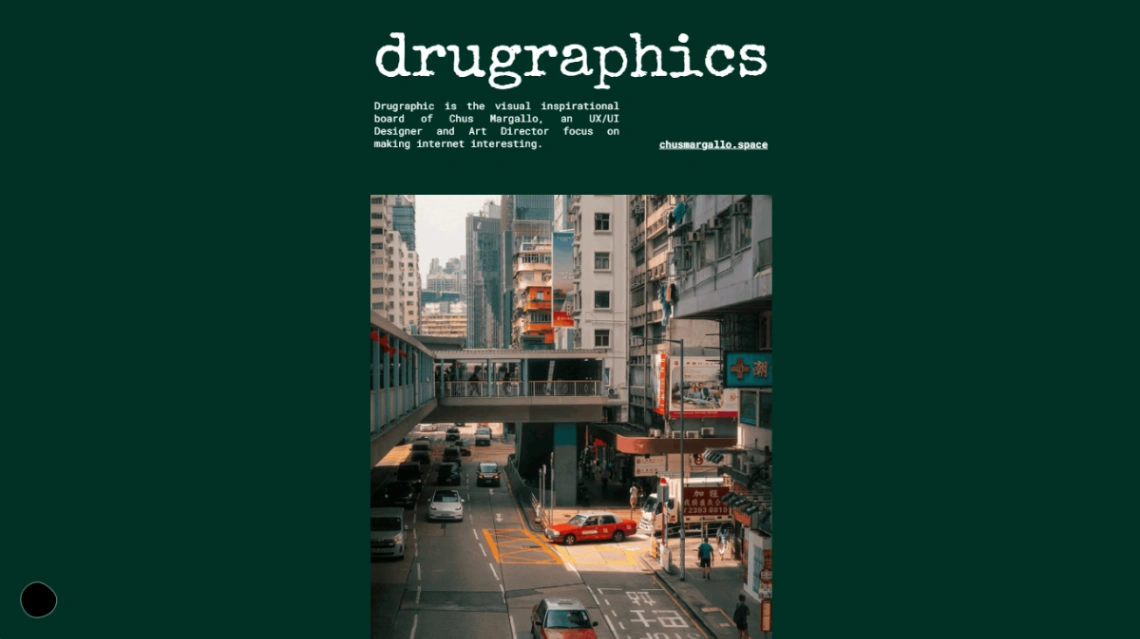
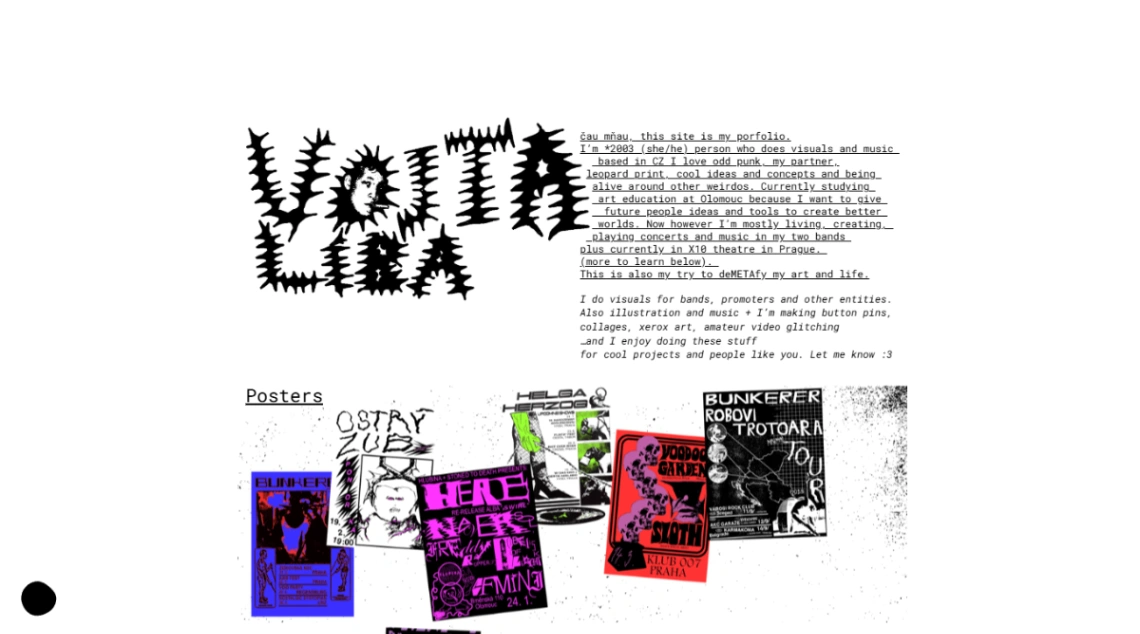
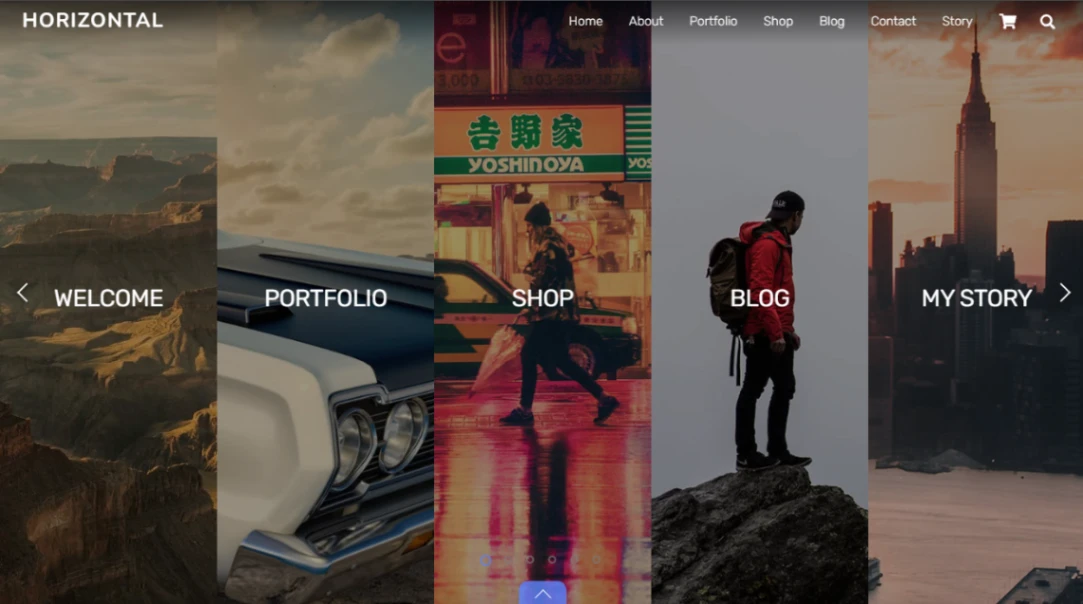
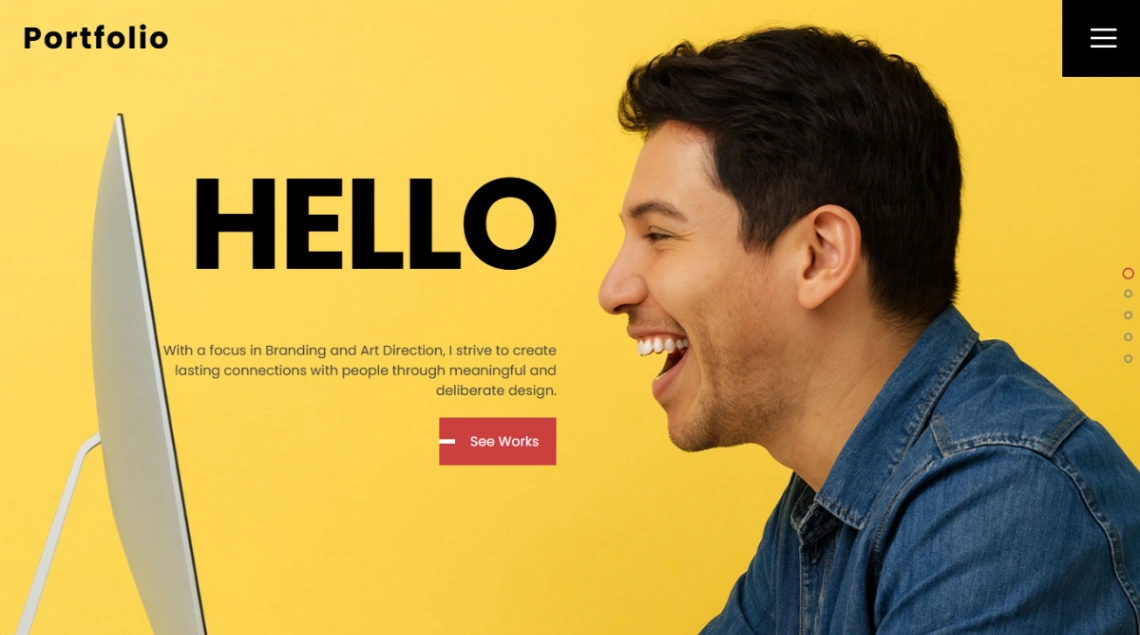
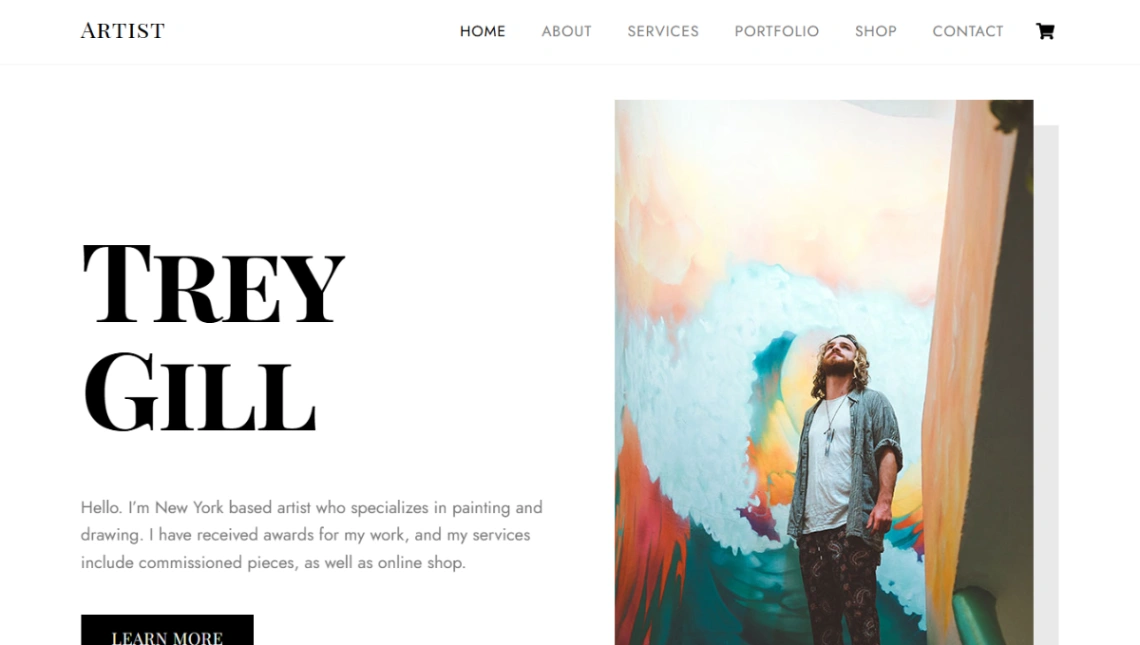
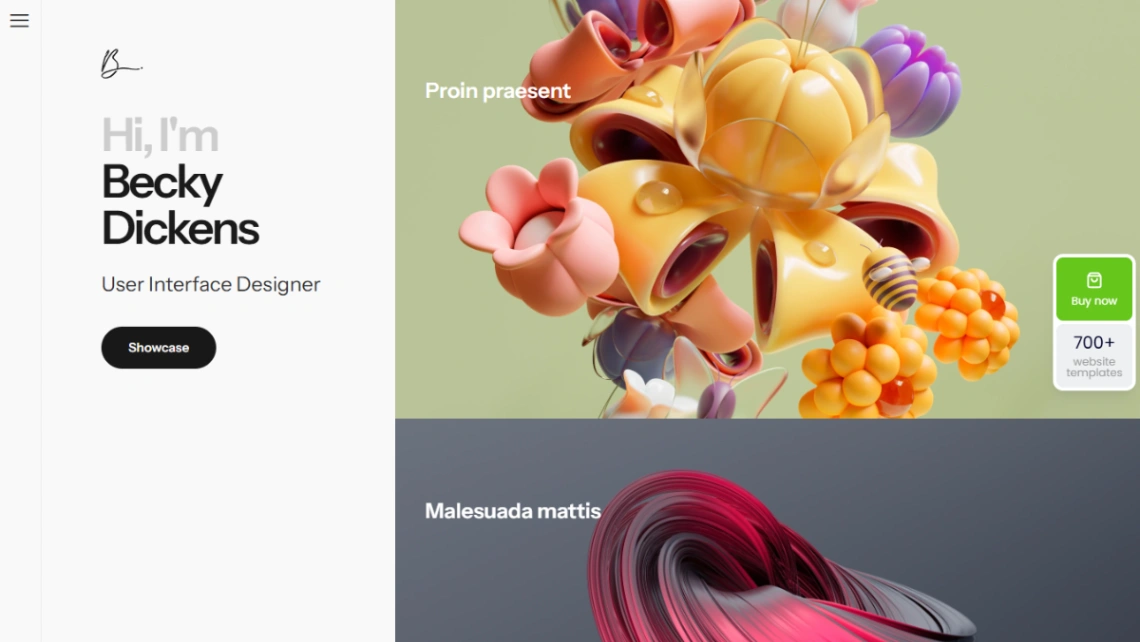
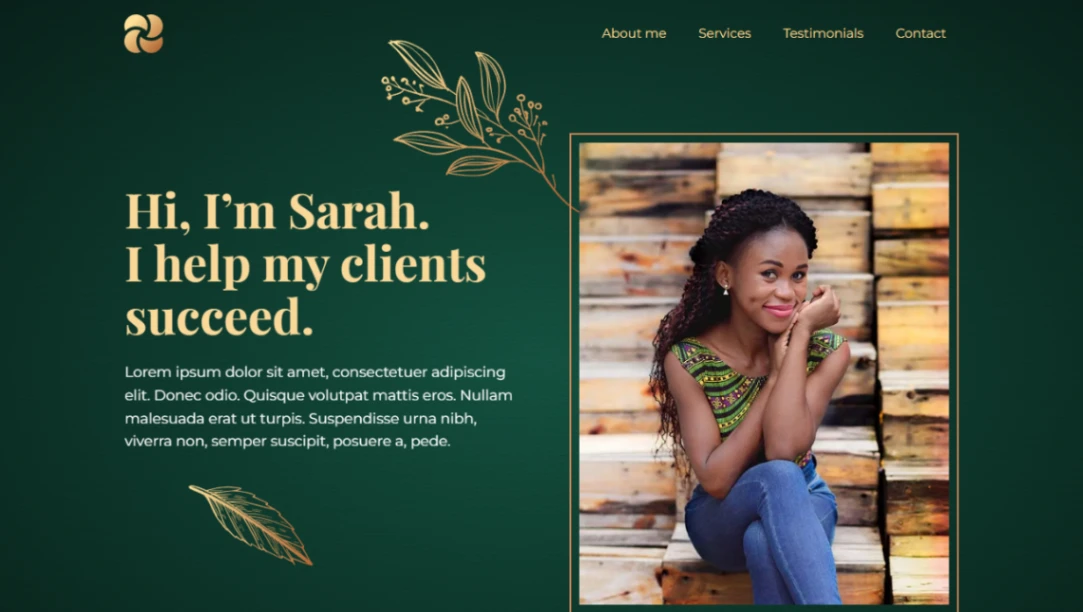
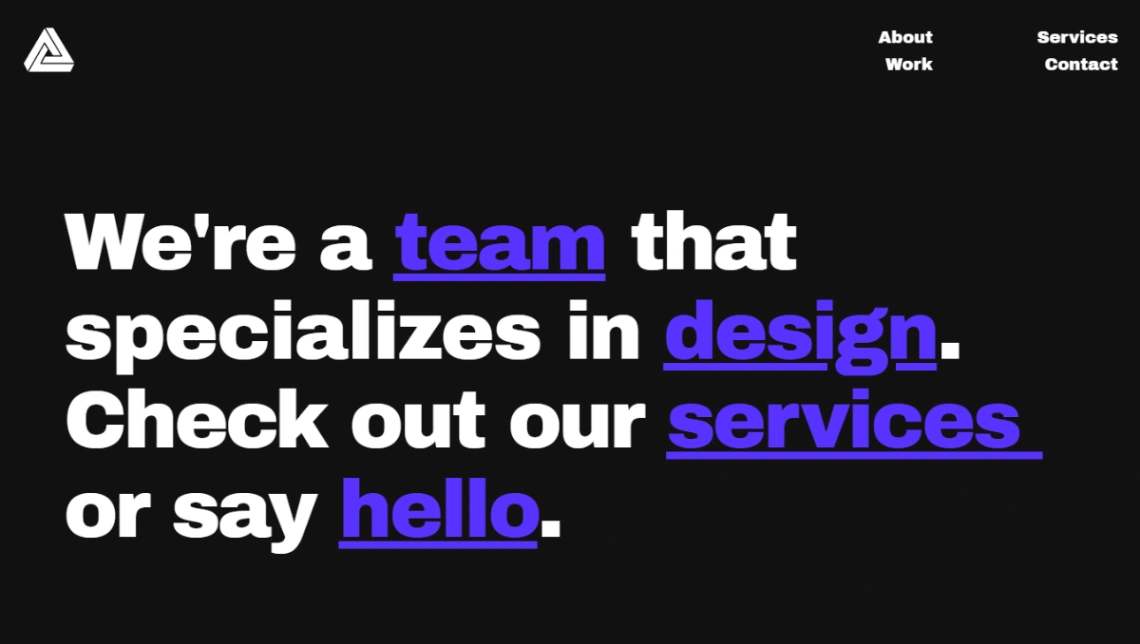
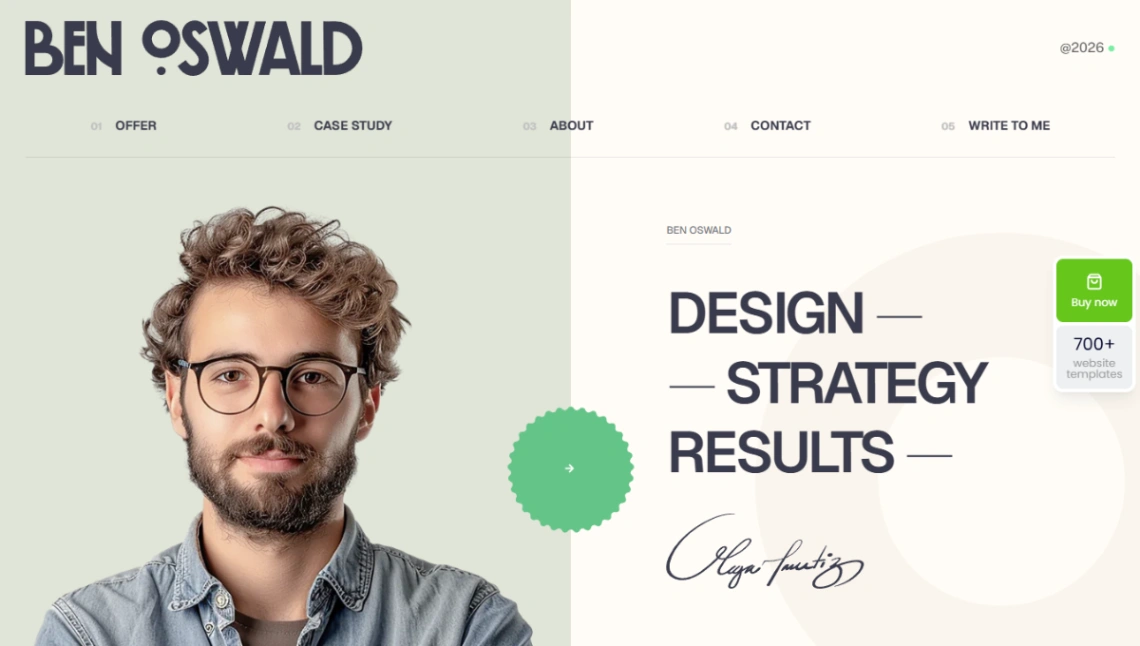
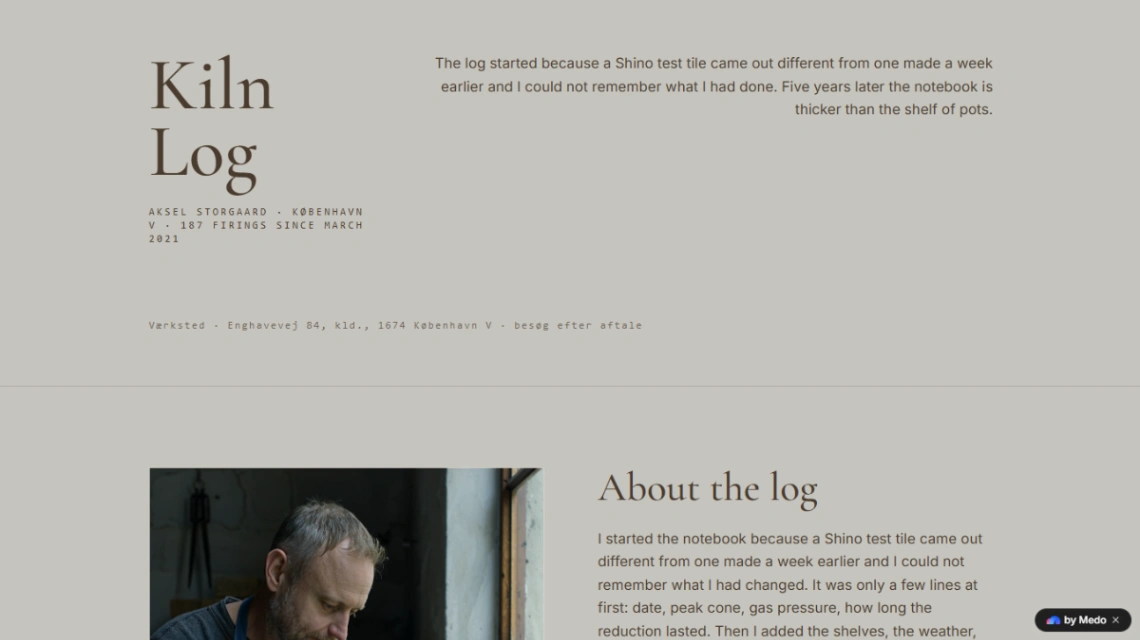
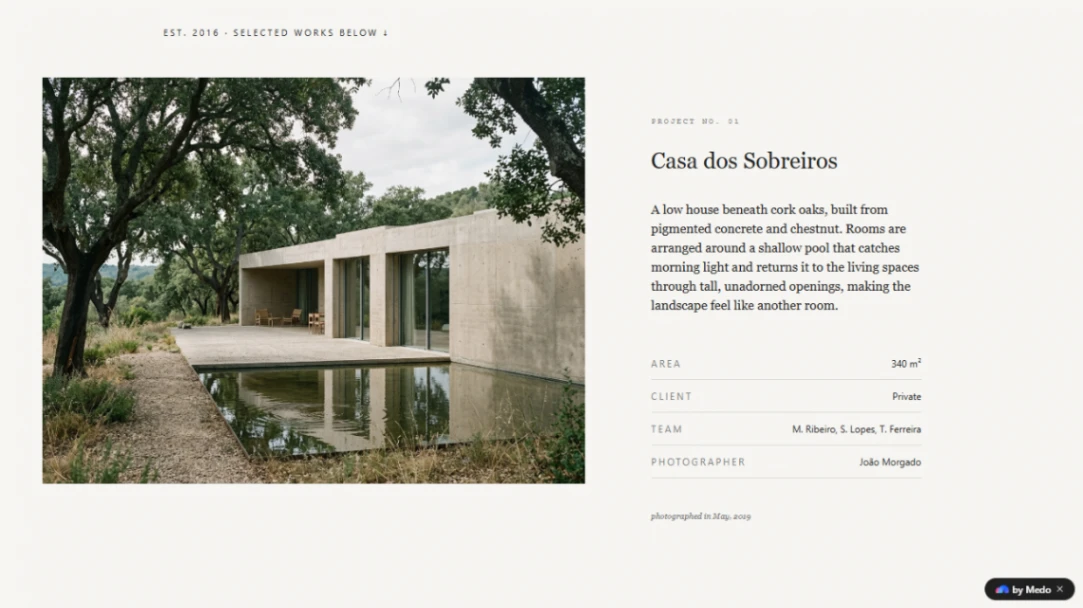
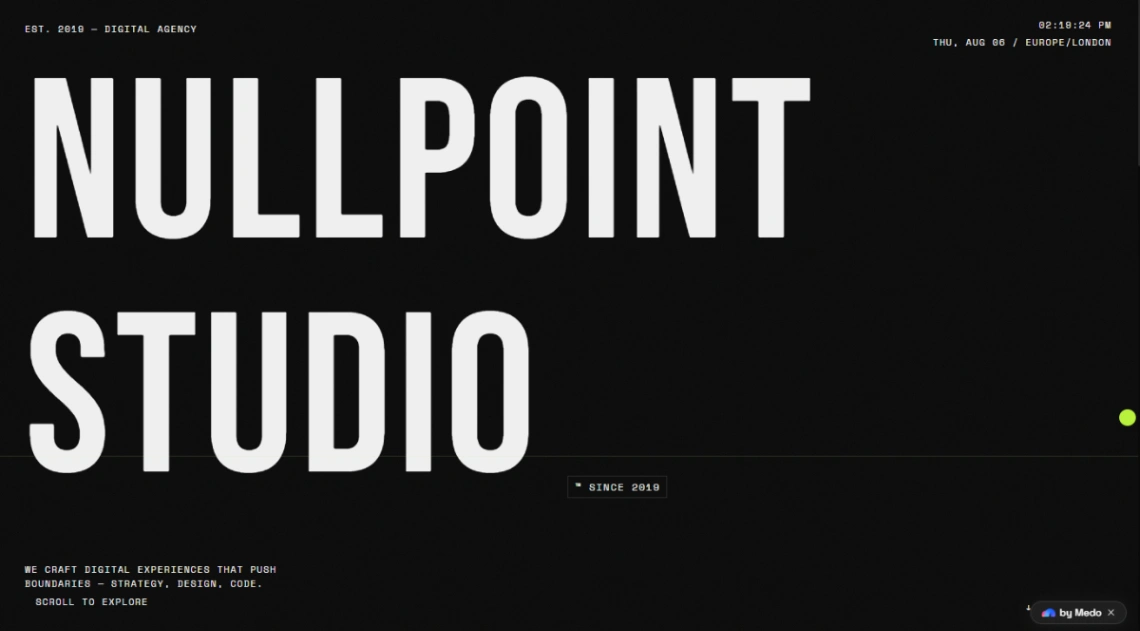
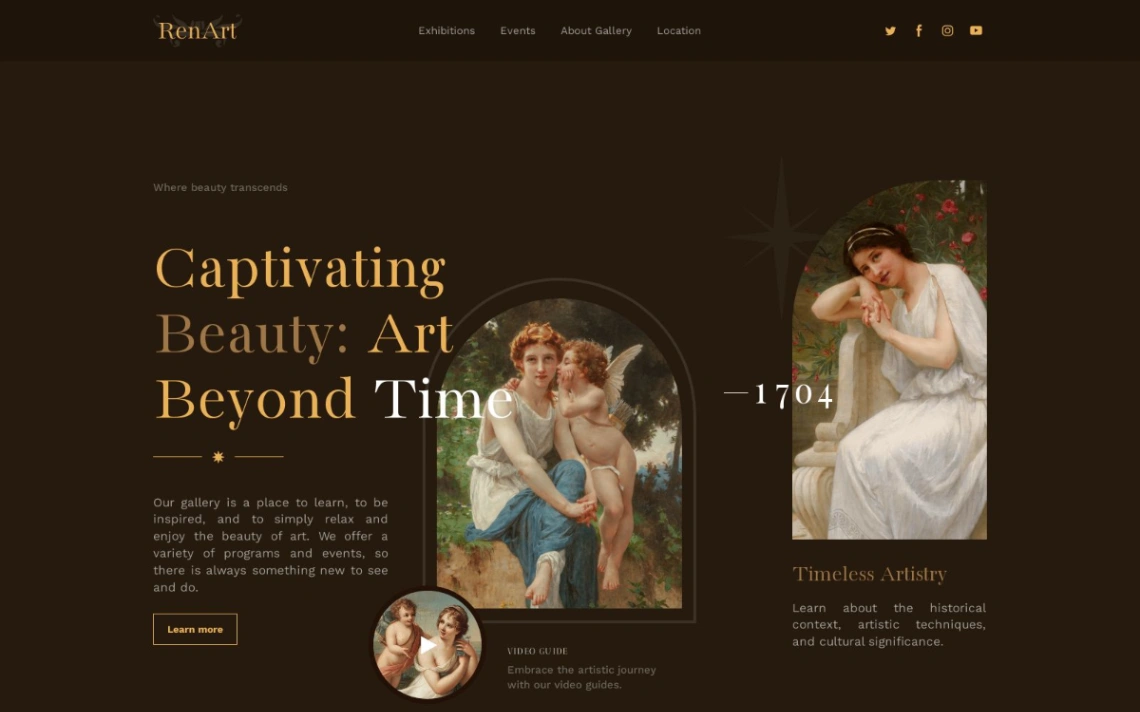
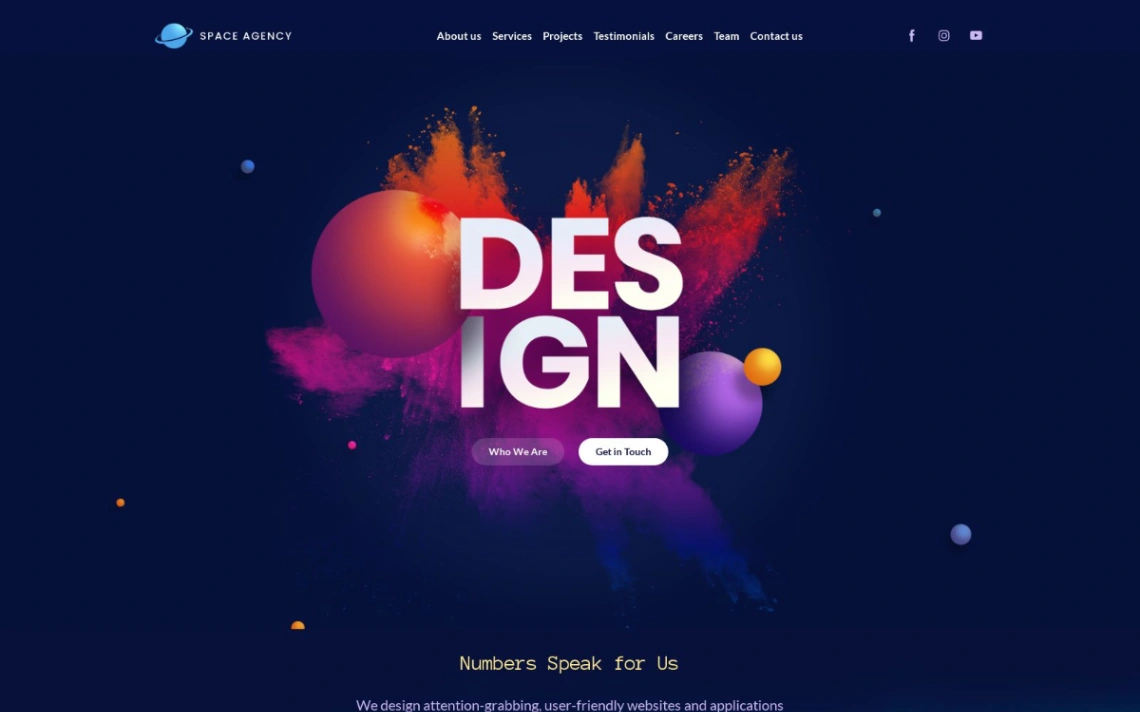
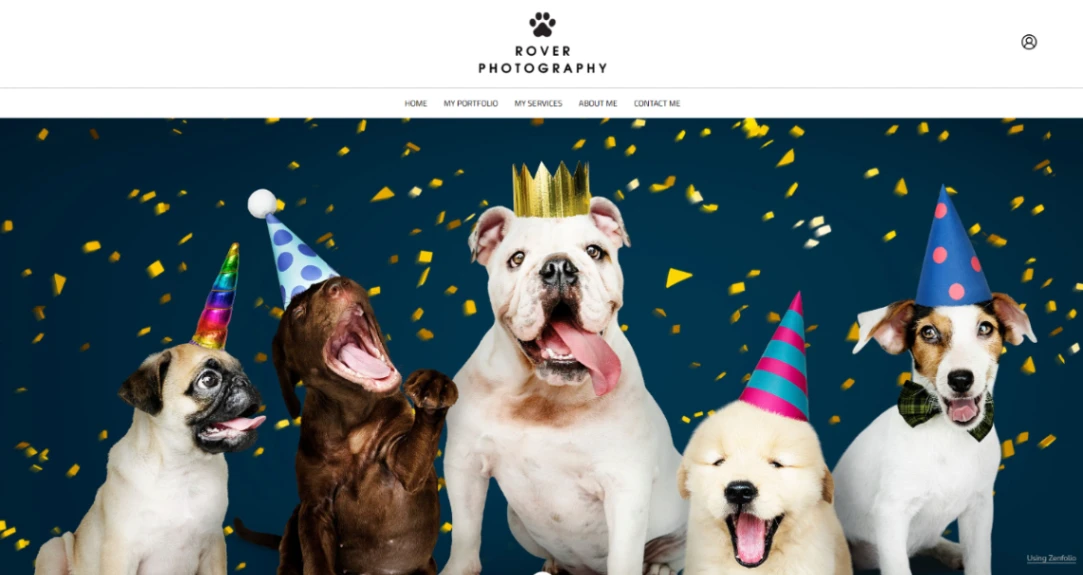
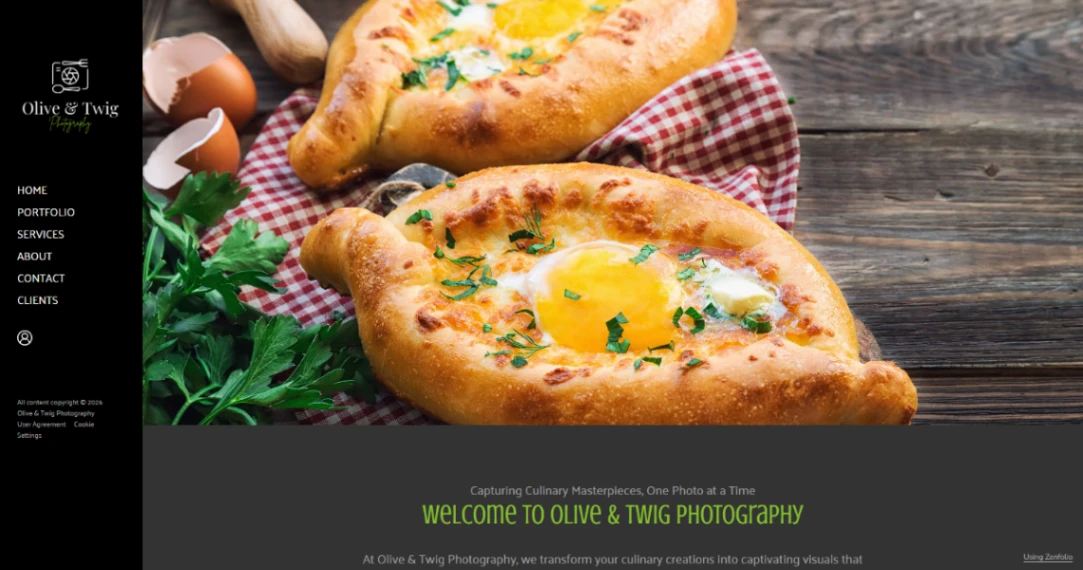
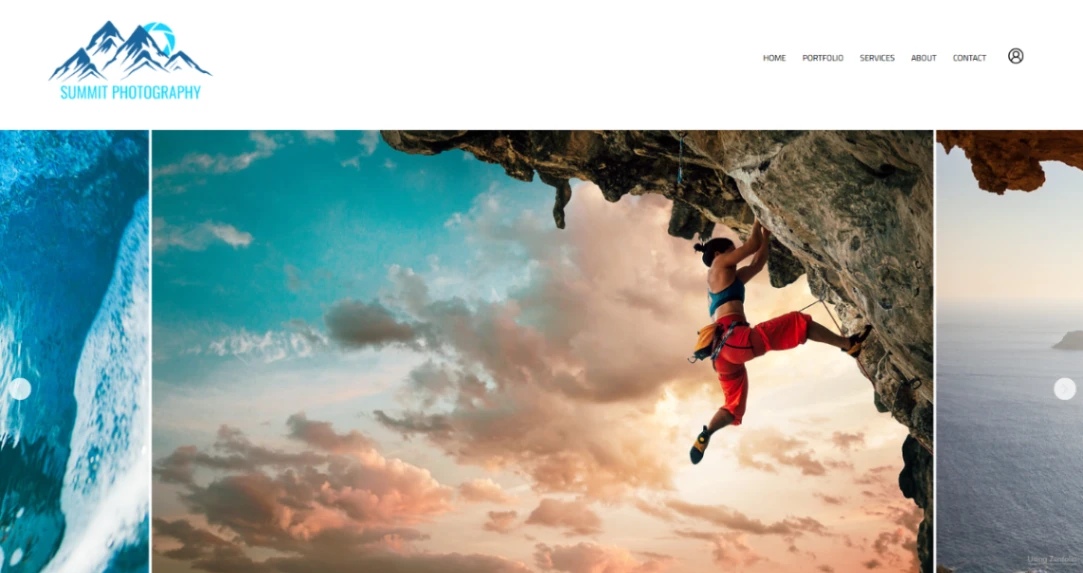
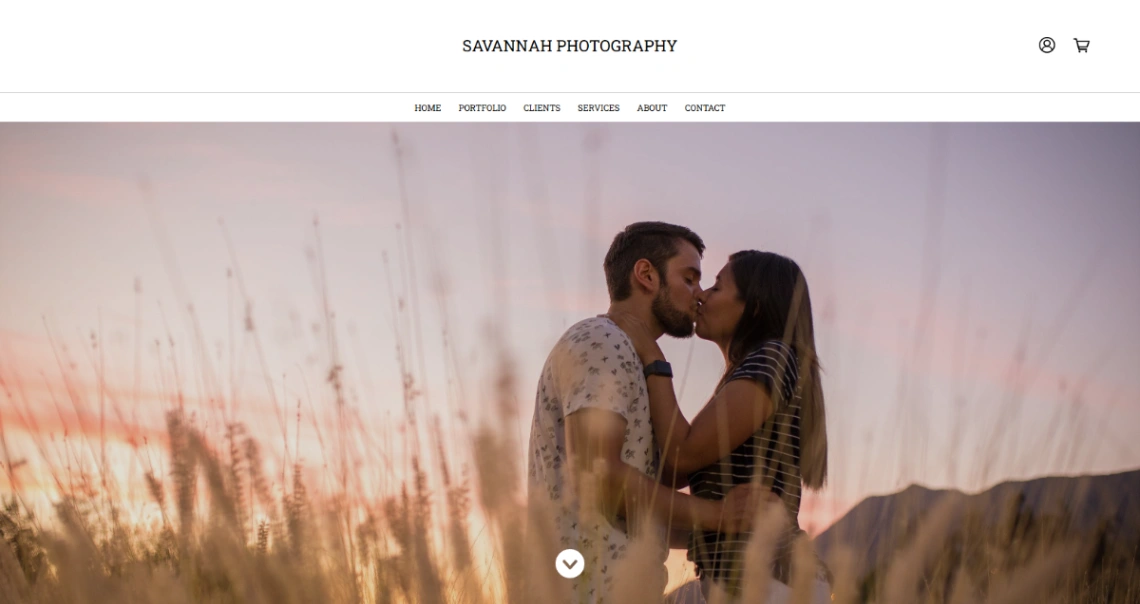
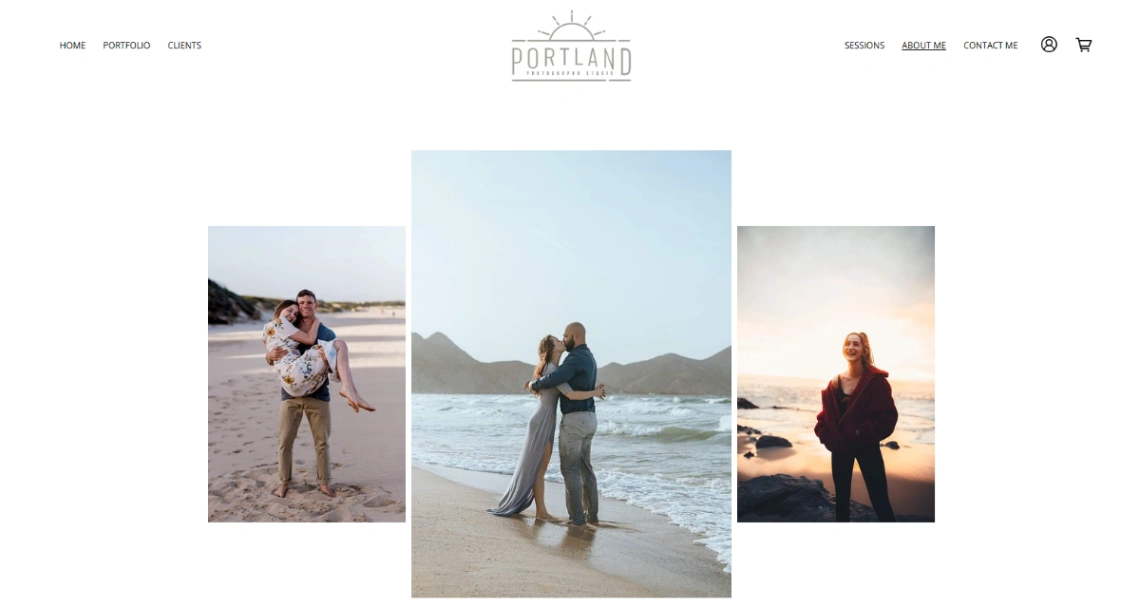
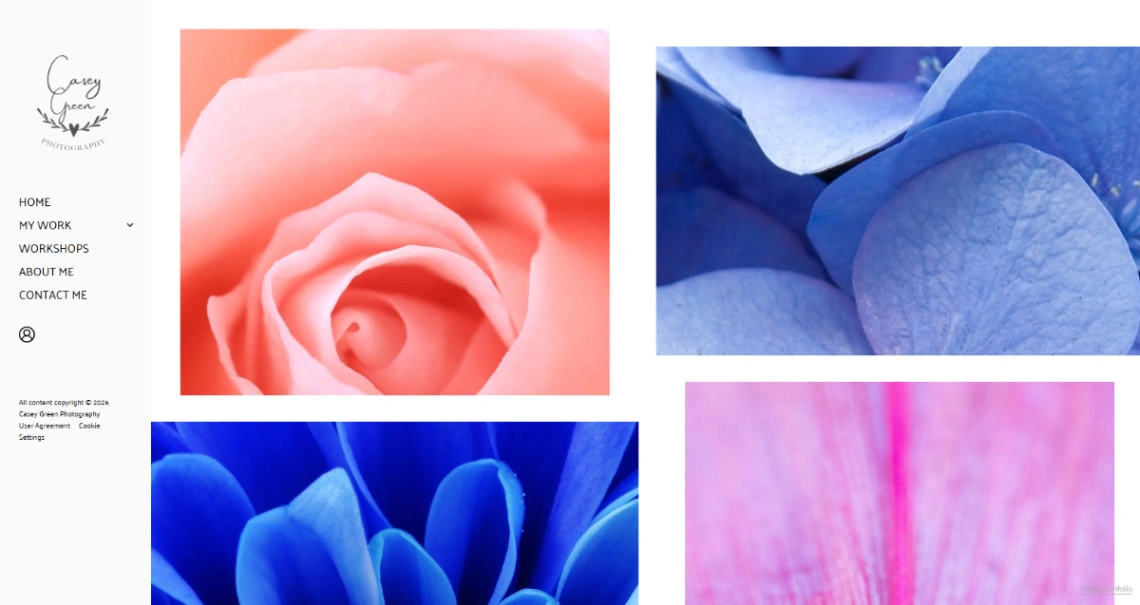
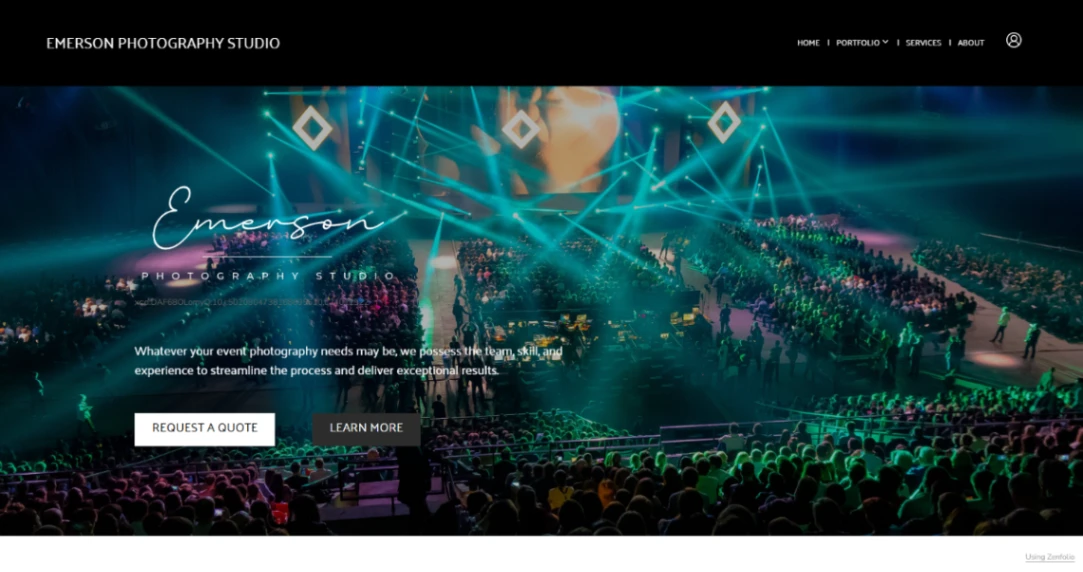
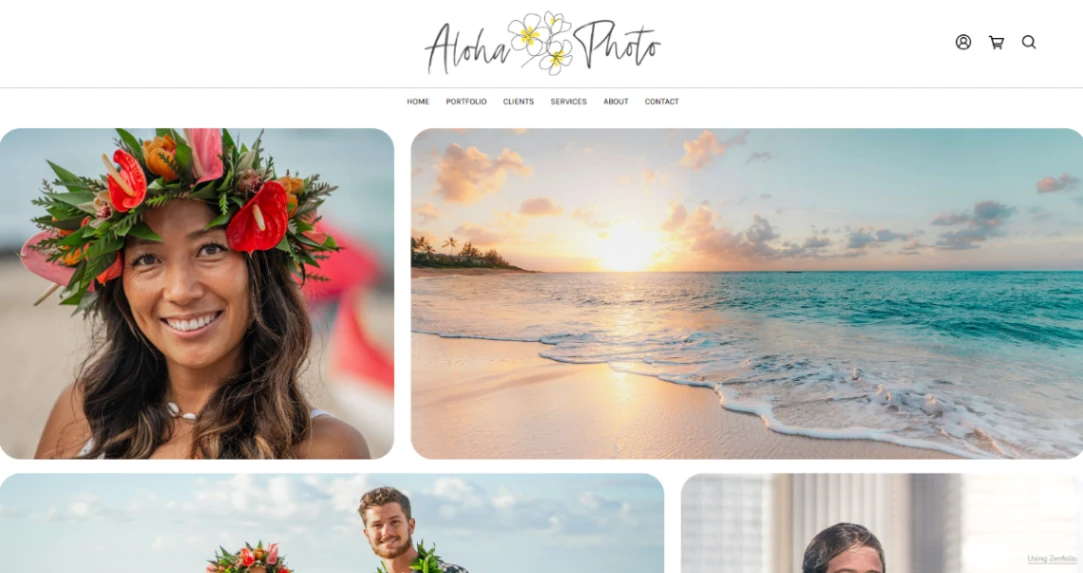
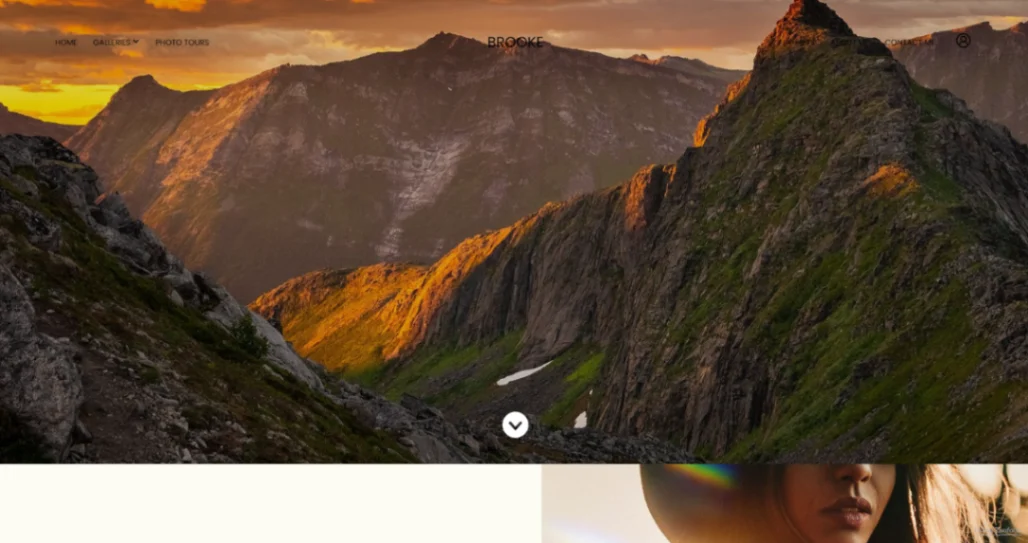
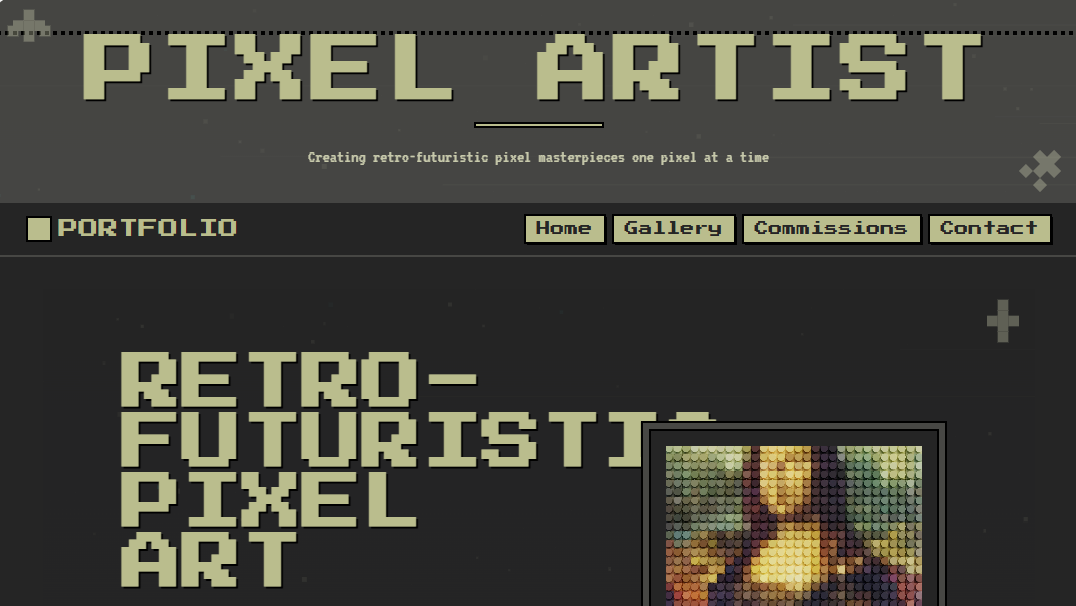
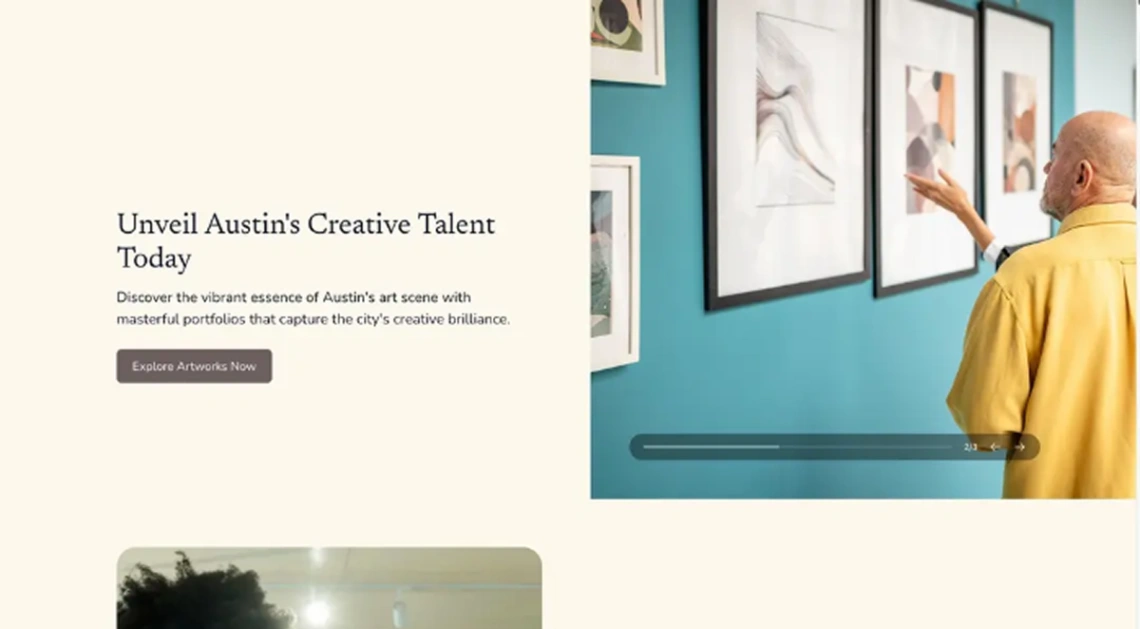
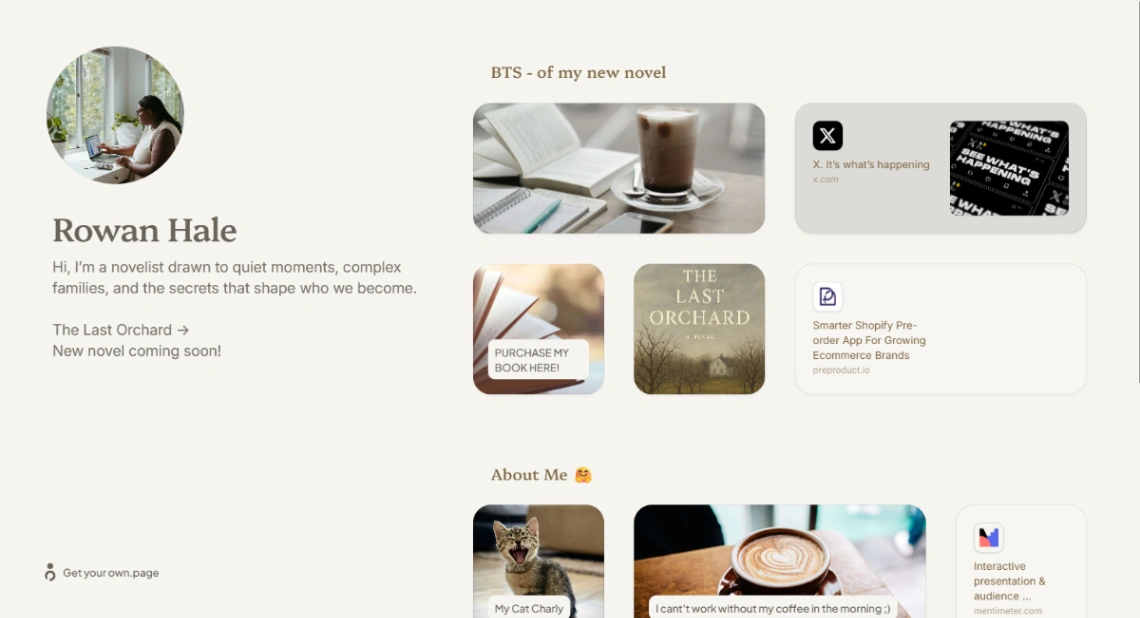
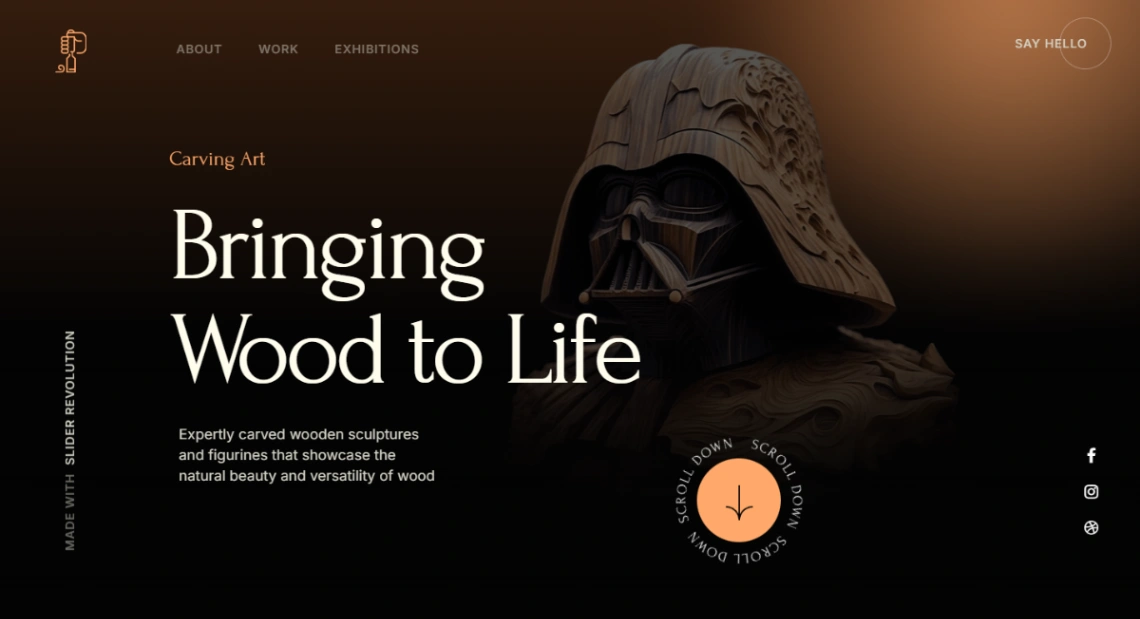
Does your work need to be seen or explained? That's the split running through this collection. Photography, illustration and visual art want gallery-first templates — full-bleed images, minimal chrome, fast lightboxes. Design, development and writing want case-study templates with room for problem, process and result, because for that work the thinking is the product. A grid can't tell a story and an essay layout suffocates images, so decide which kind of attention your work rewards before you browse.
If clients are involved, look past display. Image-first platforms build in client proofing, private galleries and print sales — and if you bill for shoots, having selection and delivery on your own site replaces a separate tool and its subscription. If the portfolio's only job is getting you hired, the calculus flips: a one-pager published tonight beats the elaborate site you'll finish someday.
Whatever you pick, curate brutally. A template designed around six projects looks better with your best six than with all forty — every additional piece dilutes the strongest one, and the people you're trying to impress decide in under a minute. The classic portfolio failure isn't bad work; it's good work buried under okay work.
Last, test the update path before committing: add a dummy project and count the steps. Portfolios die of friction, not bad design — the template you'll actually maintain is worth more than the one that demos beautifully. Every design here previews free, and the platforms best suited to each kind of portfolio are pinned above.
FAQ







