
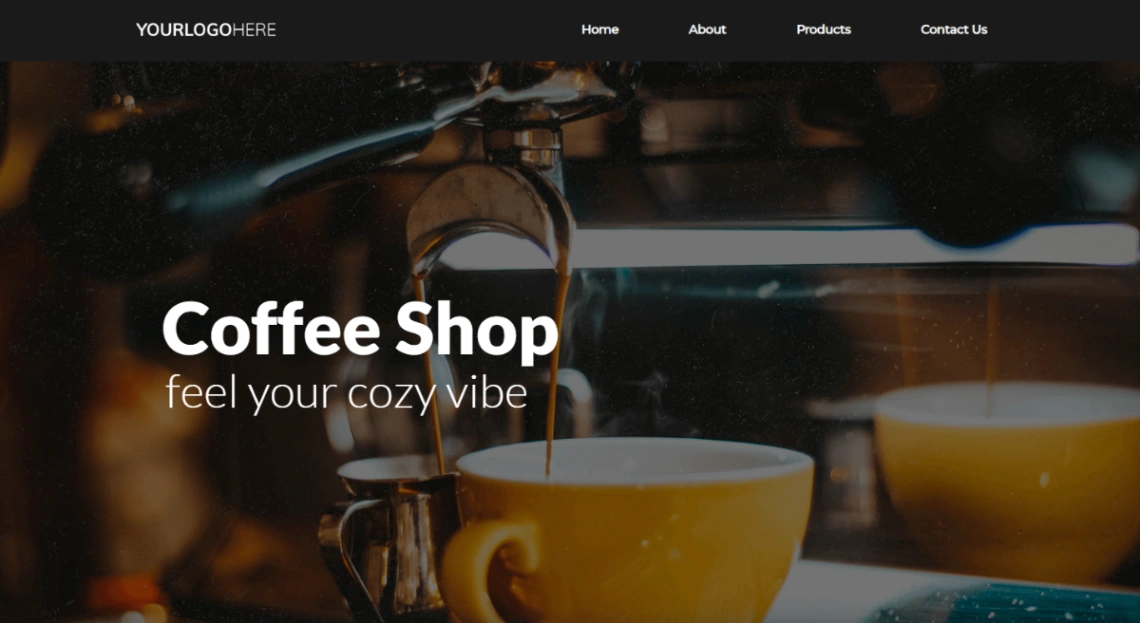
Coffee Shop
Buyer's guide
How to choose a food template
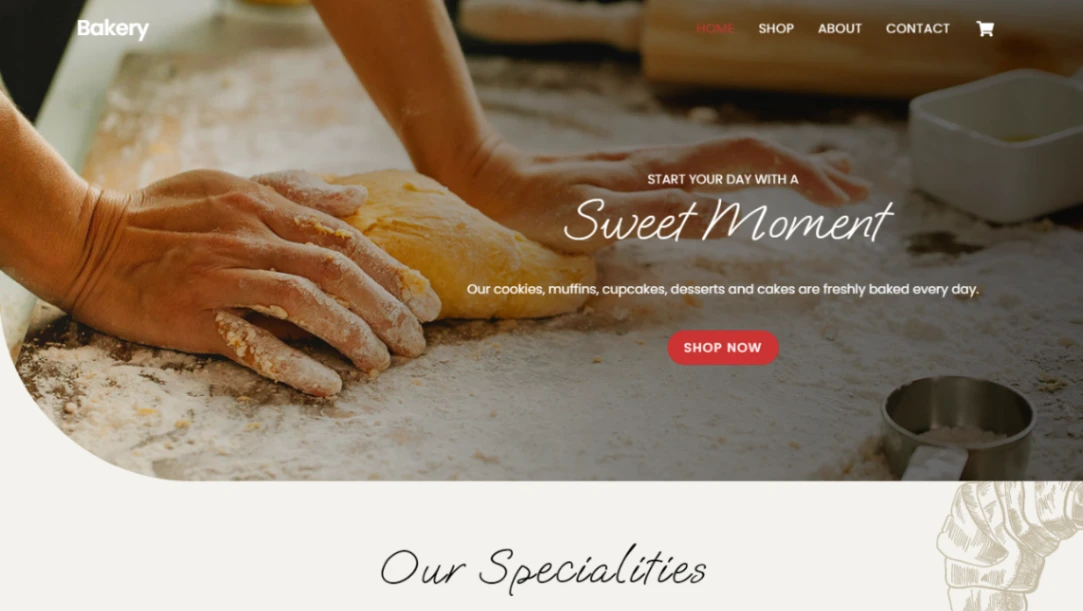
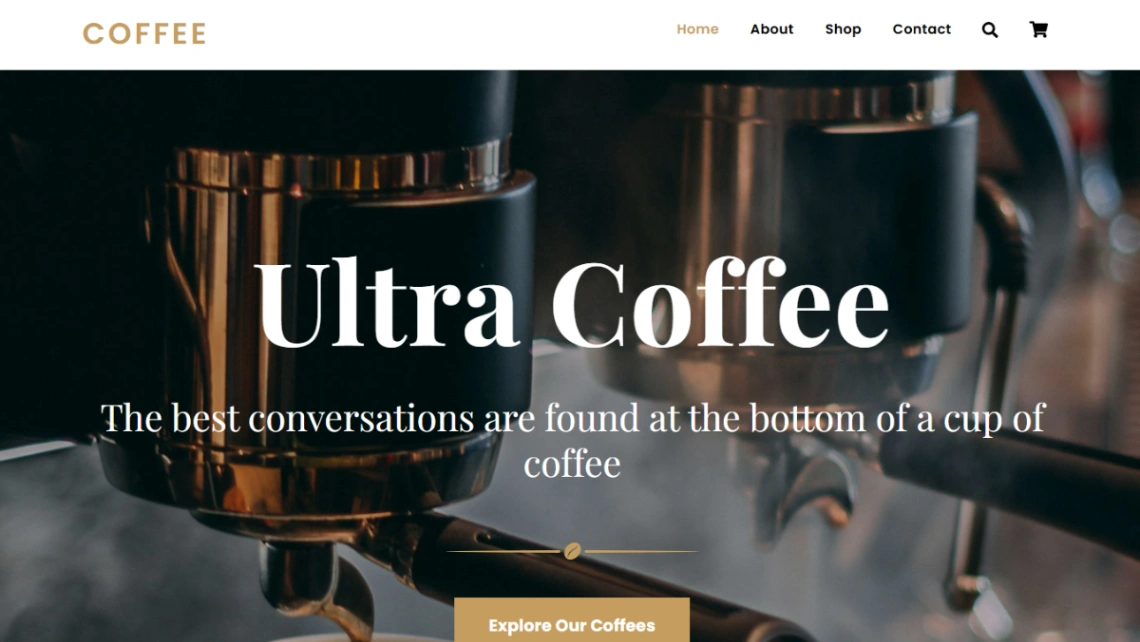
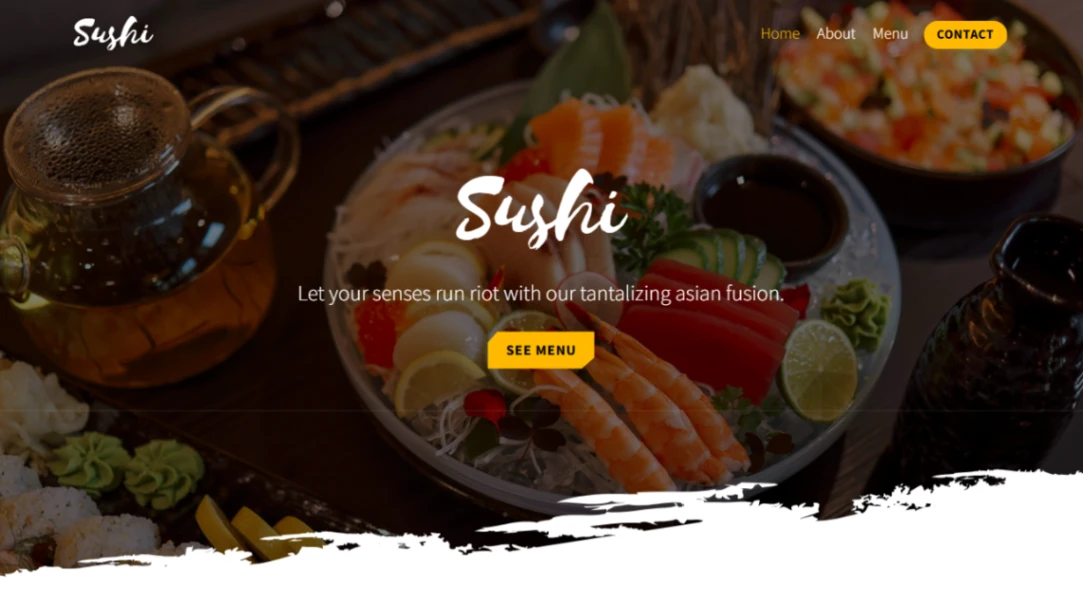
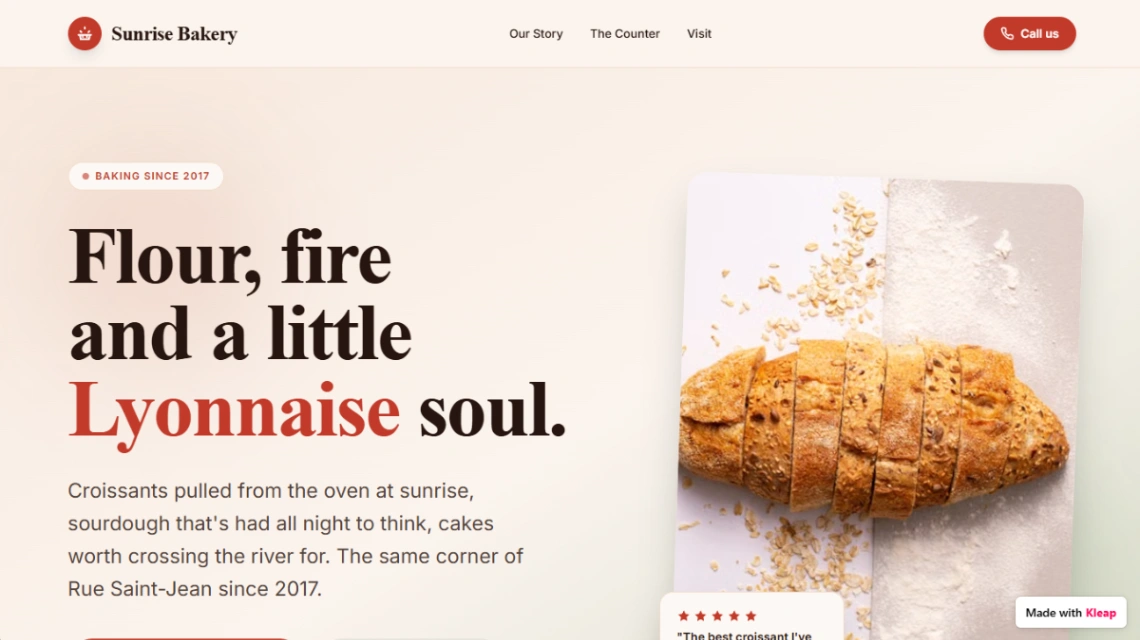
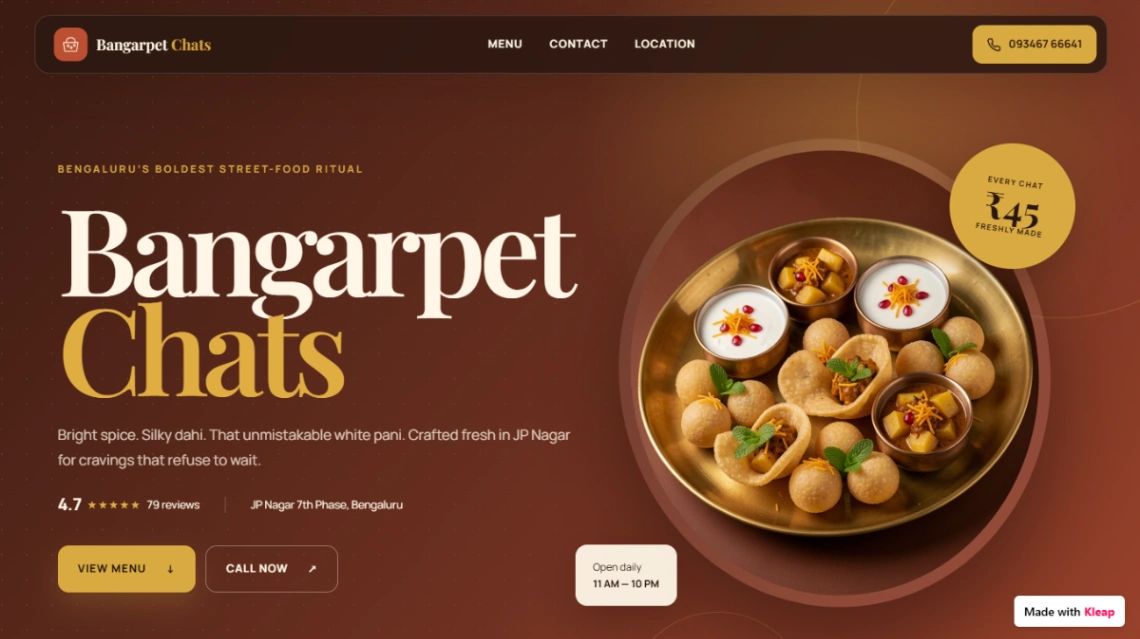
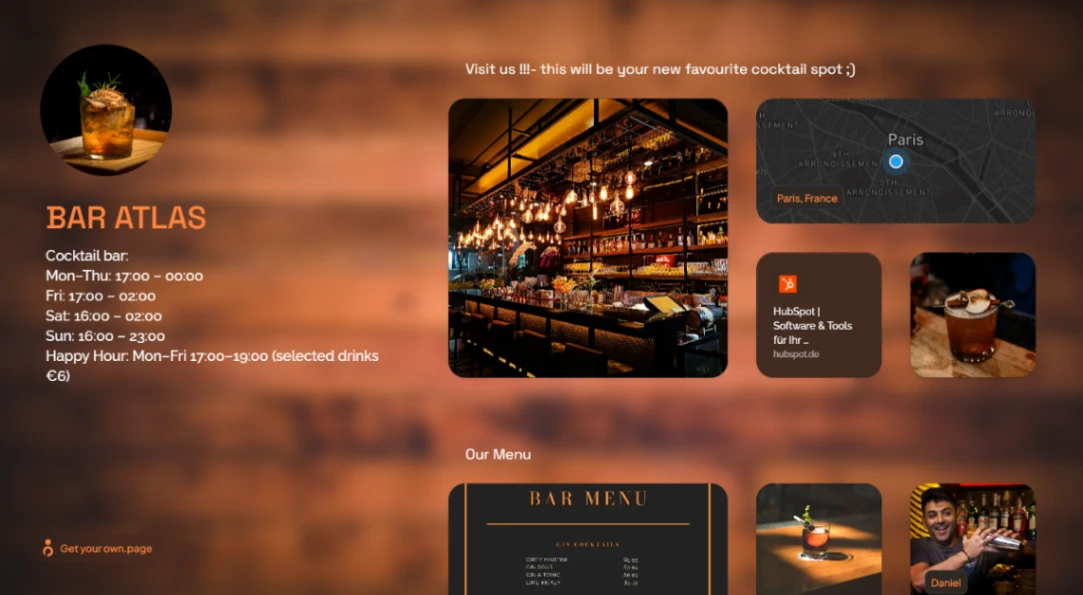
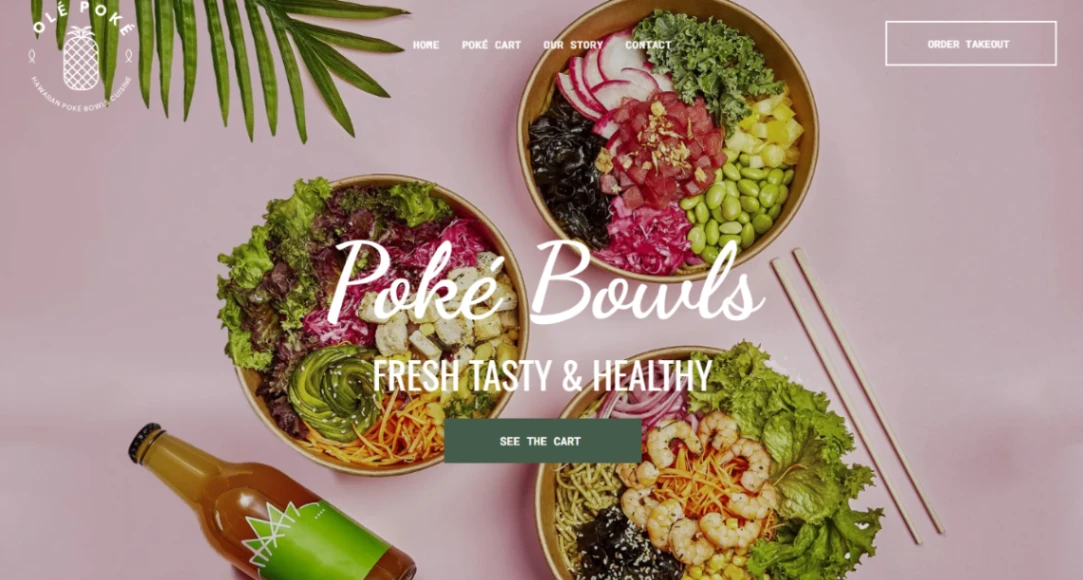
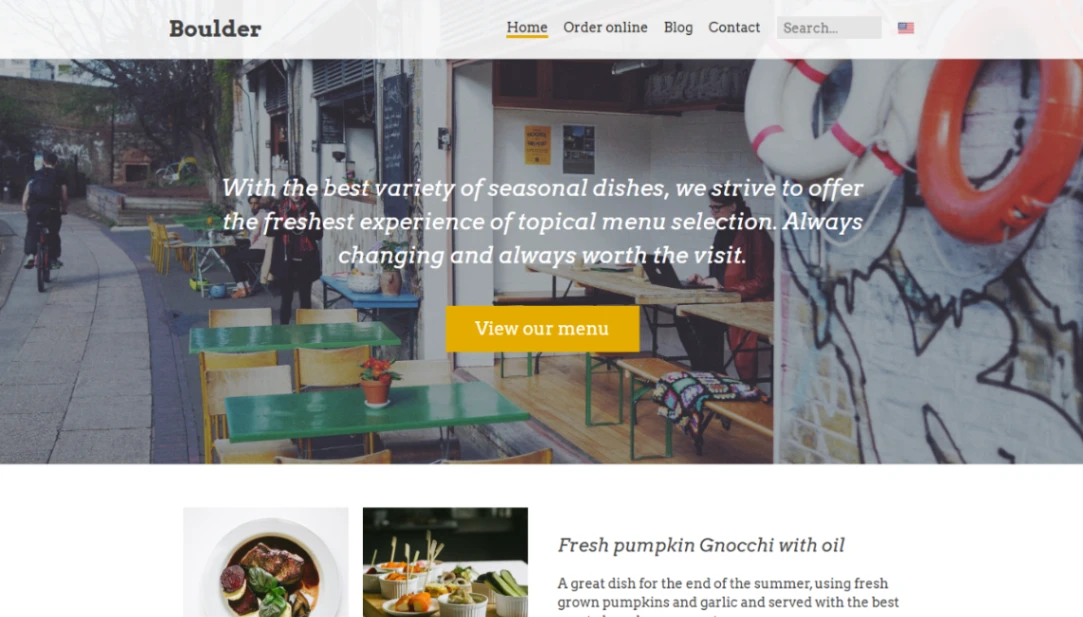
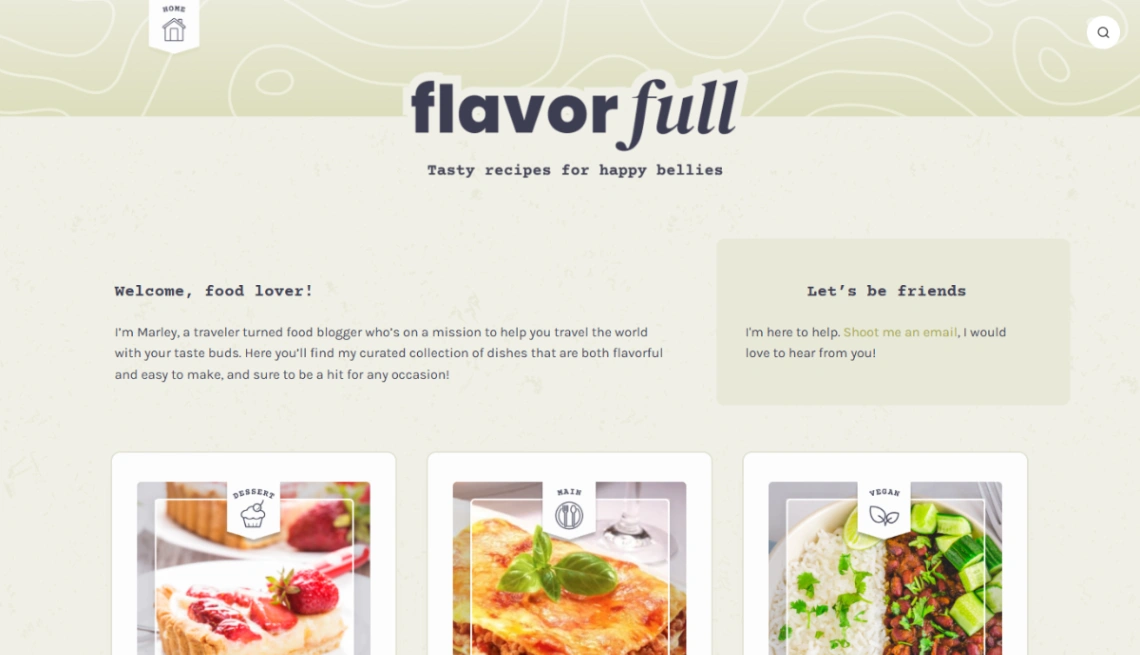
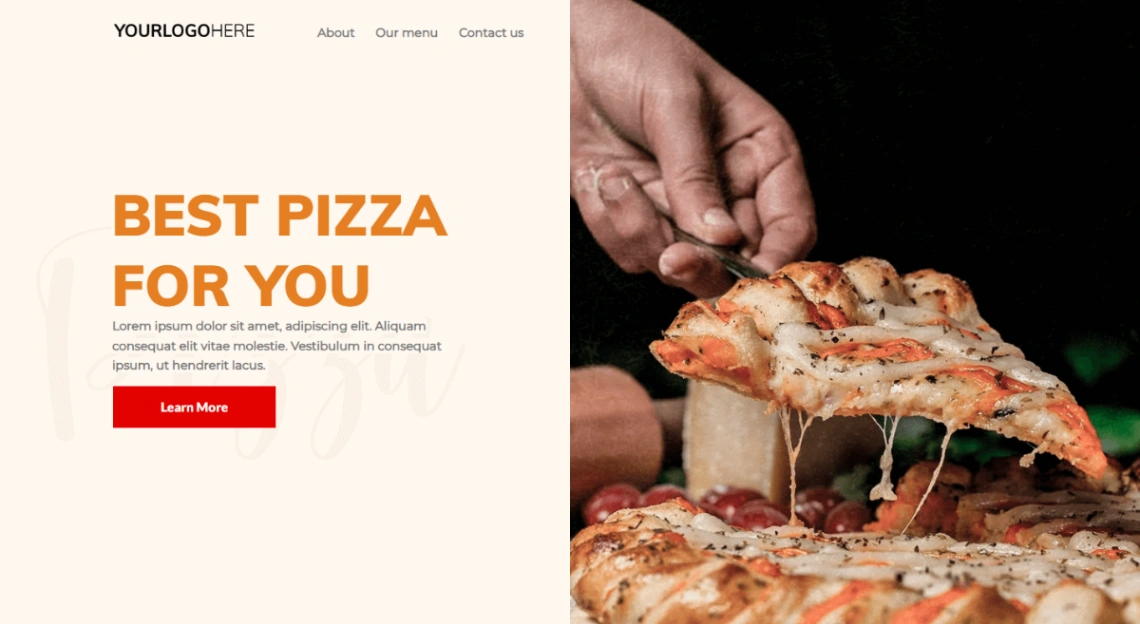
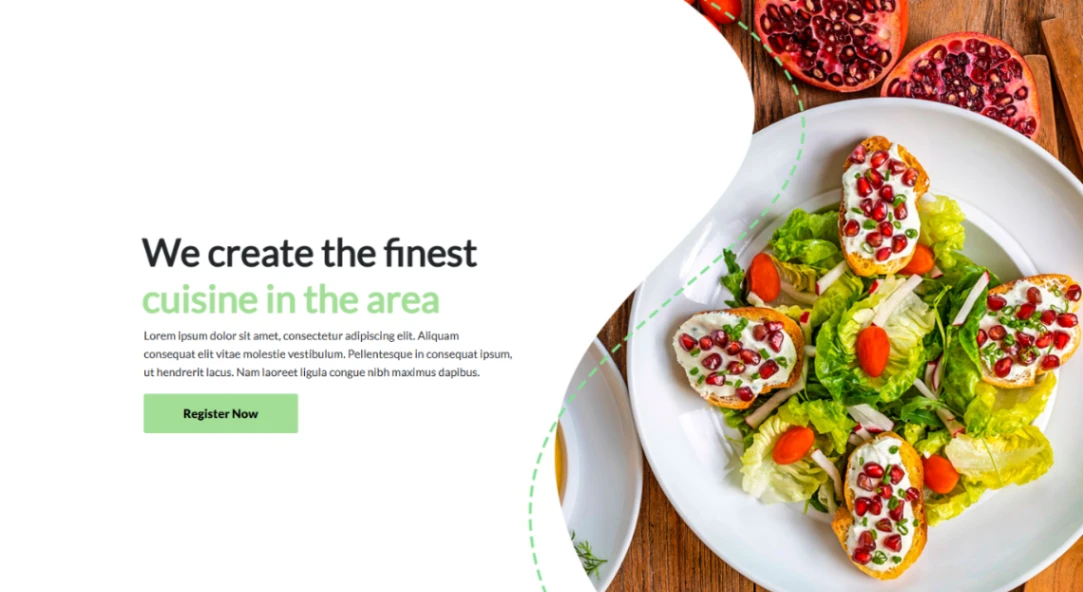
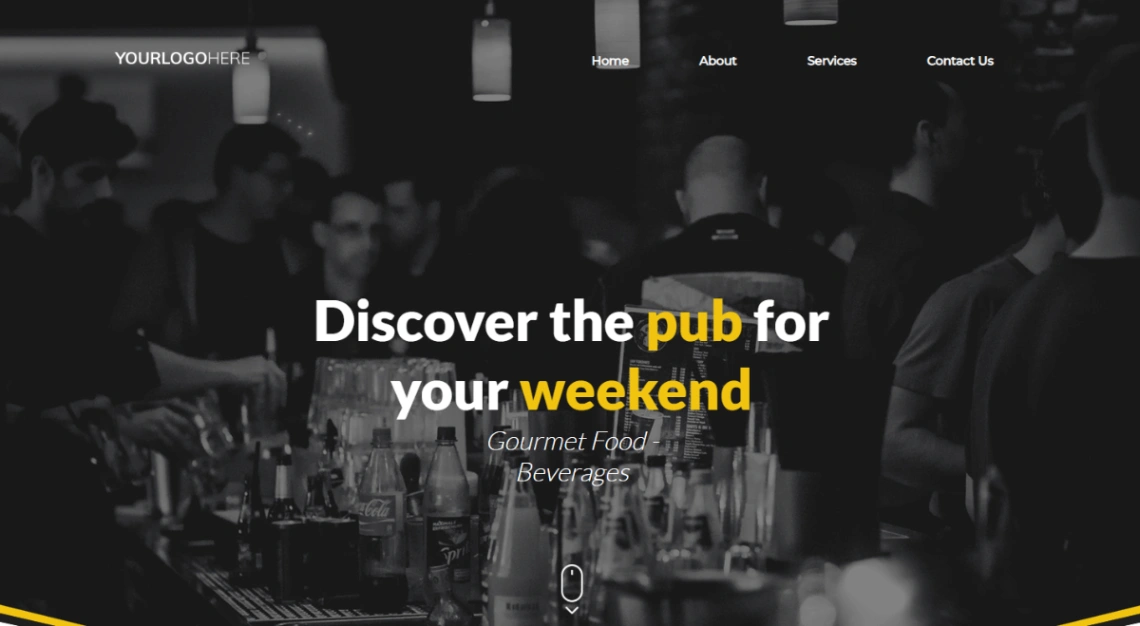
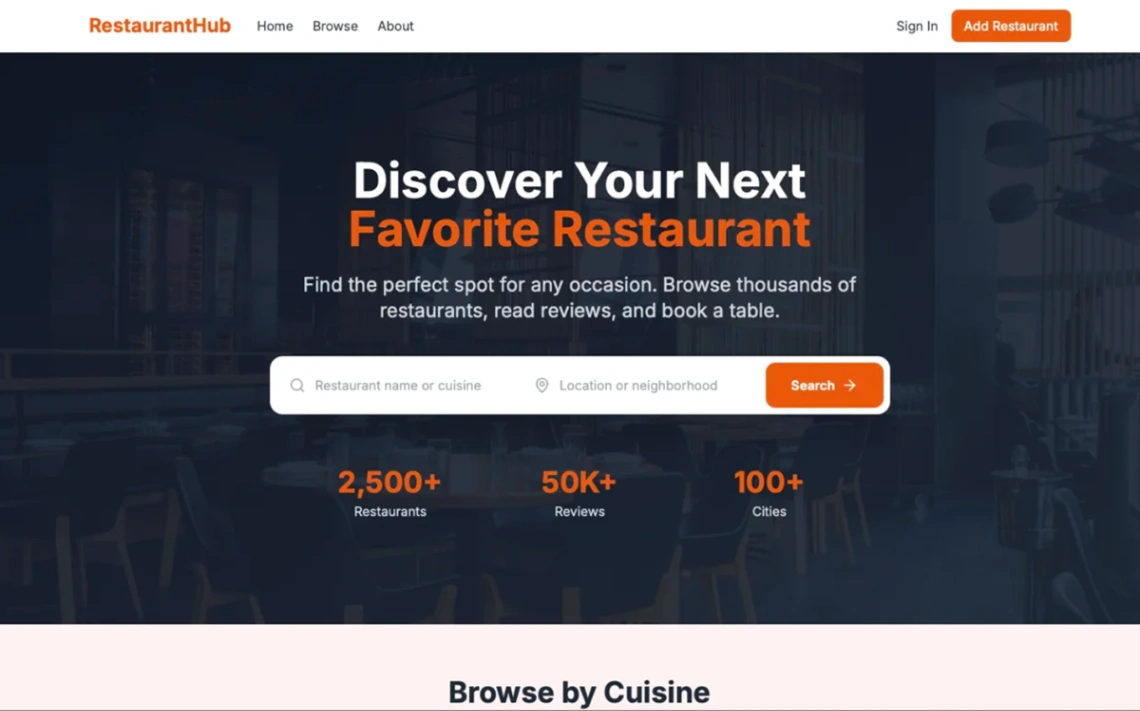
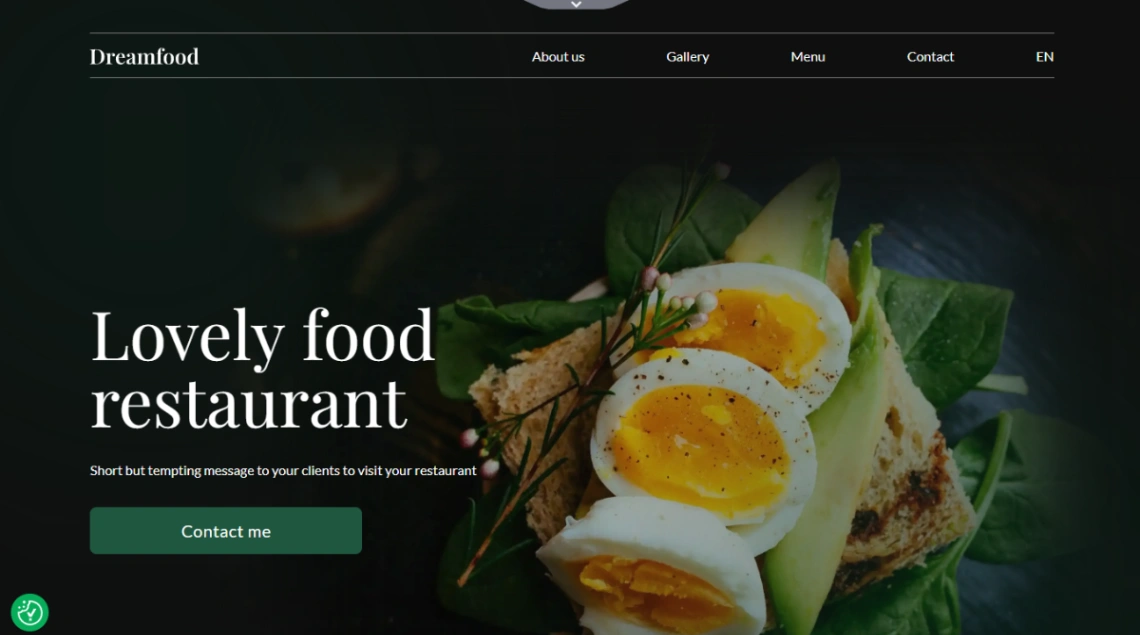
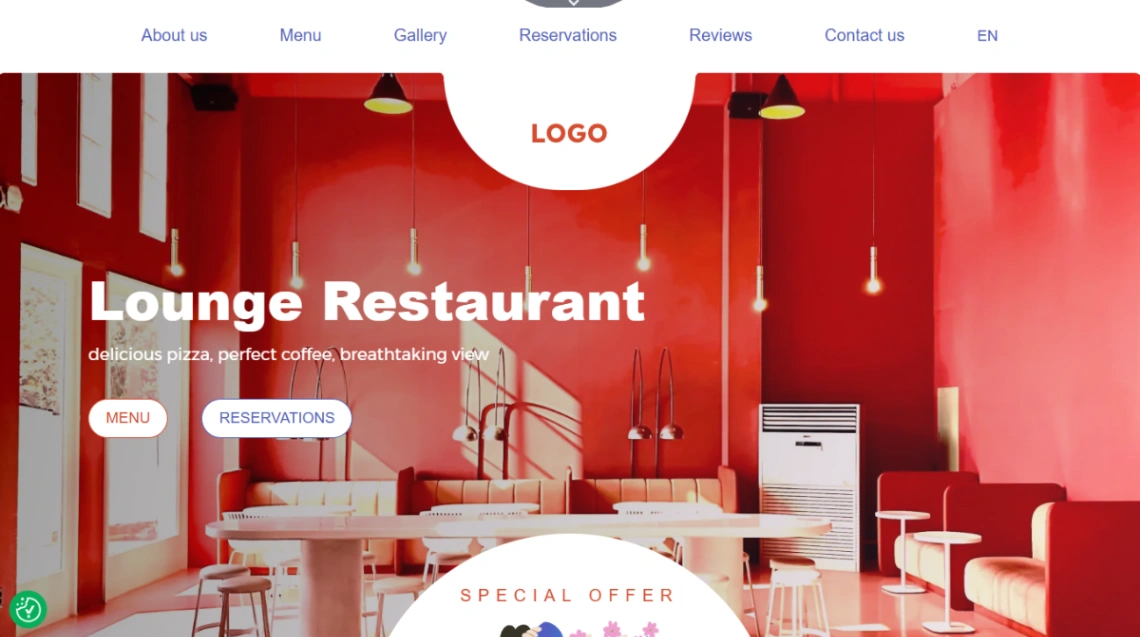
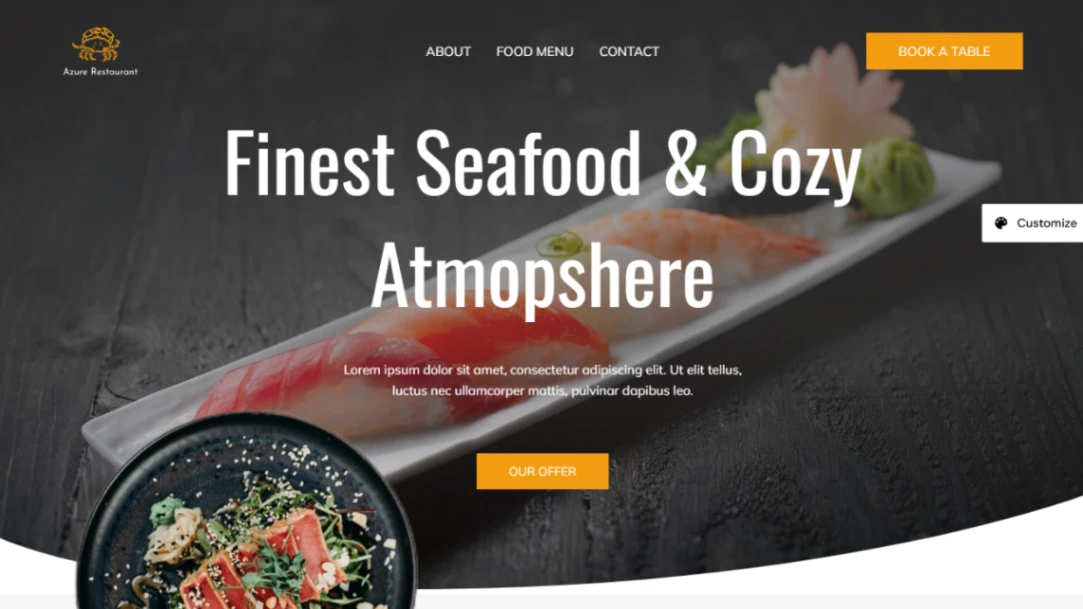
Food businesses split into two kinds — those that seat people and those that ship food — and this collection splits the same way. Cafés and restaurants need menus, hours and reservations; bakeries, meal-prep services, sauce brands and meal kits need products, carts and checkout. Decide which side you're on before browsing, because a template built for the wrong side fights you at every step.
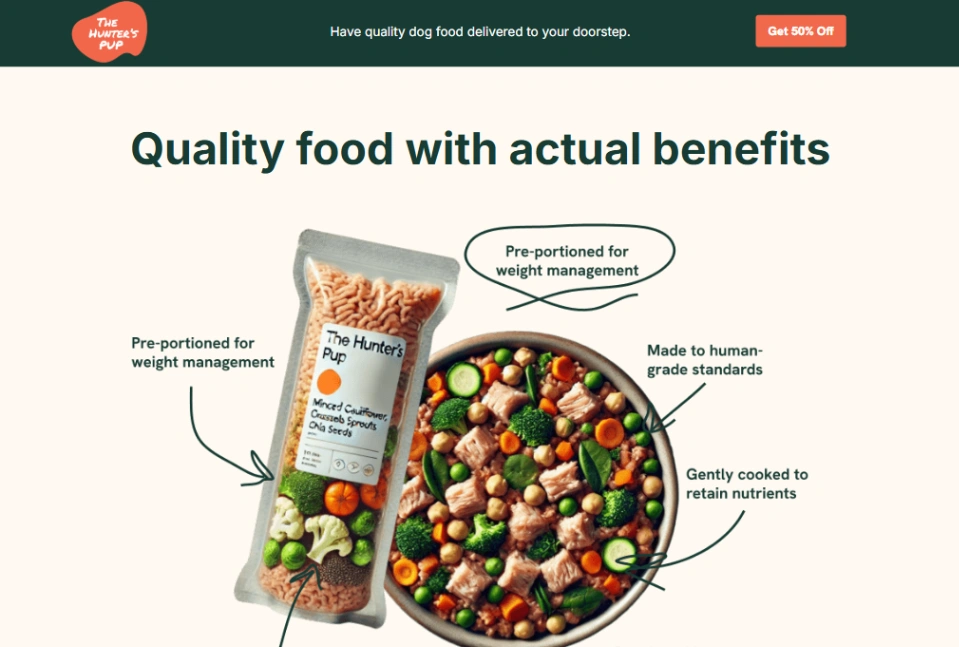
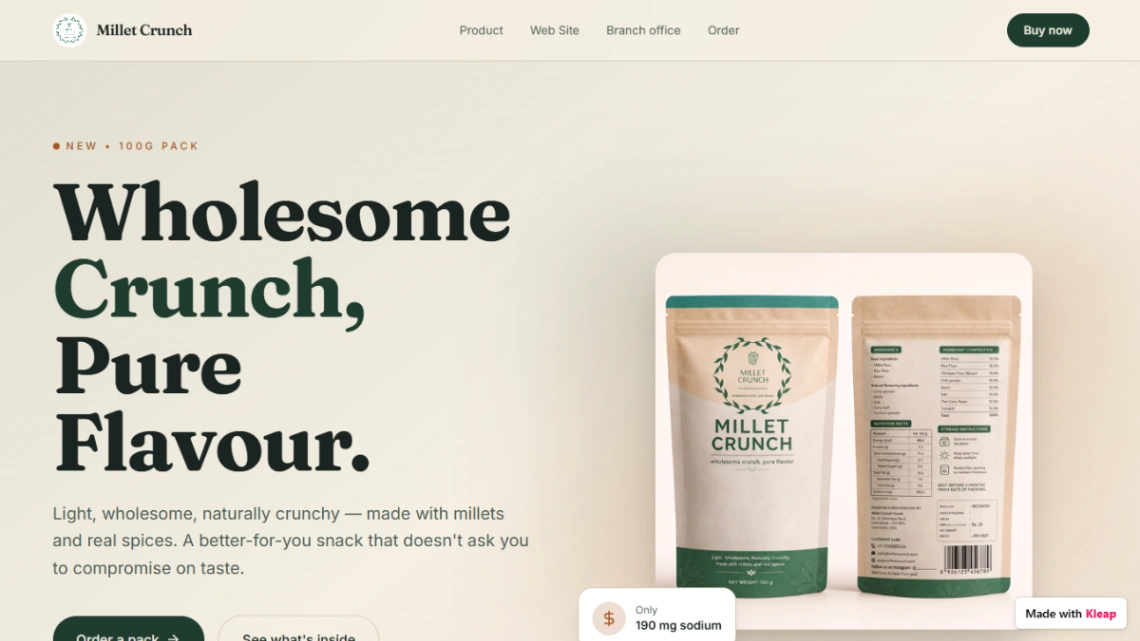
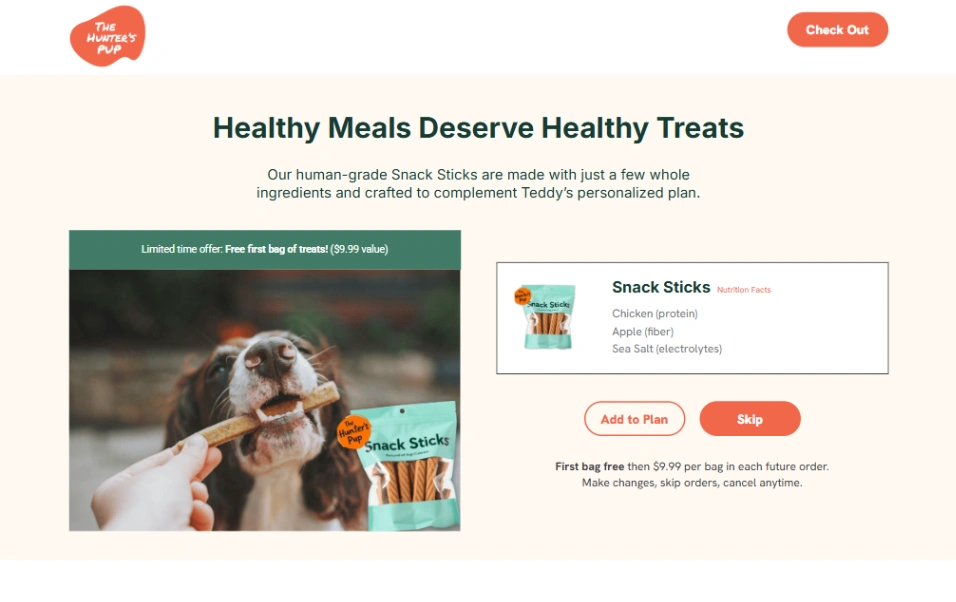
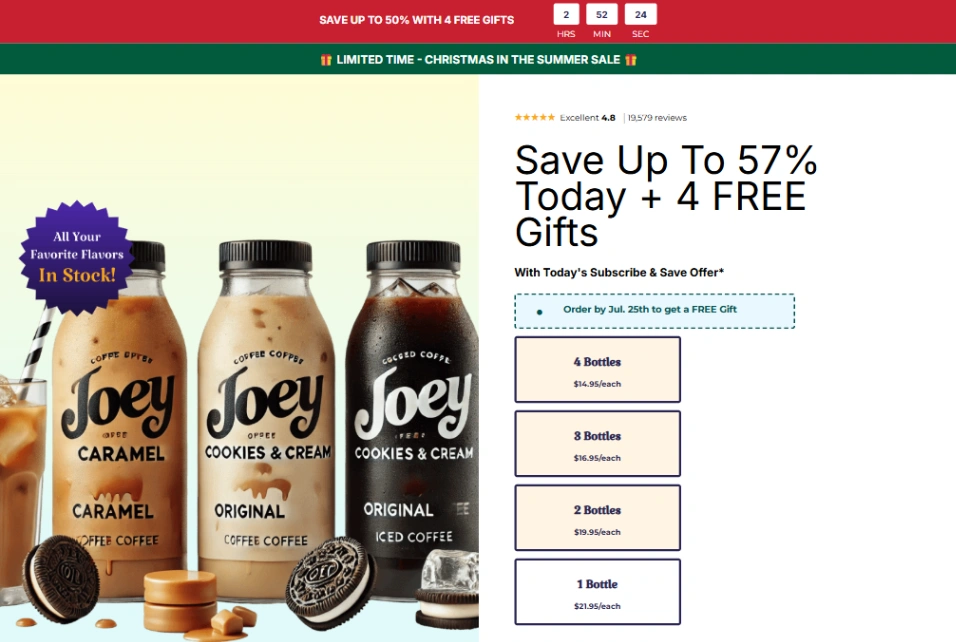
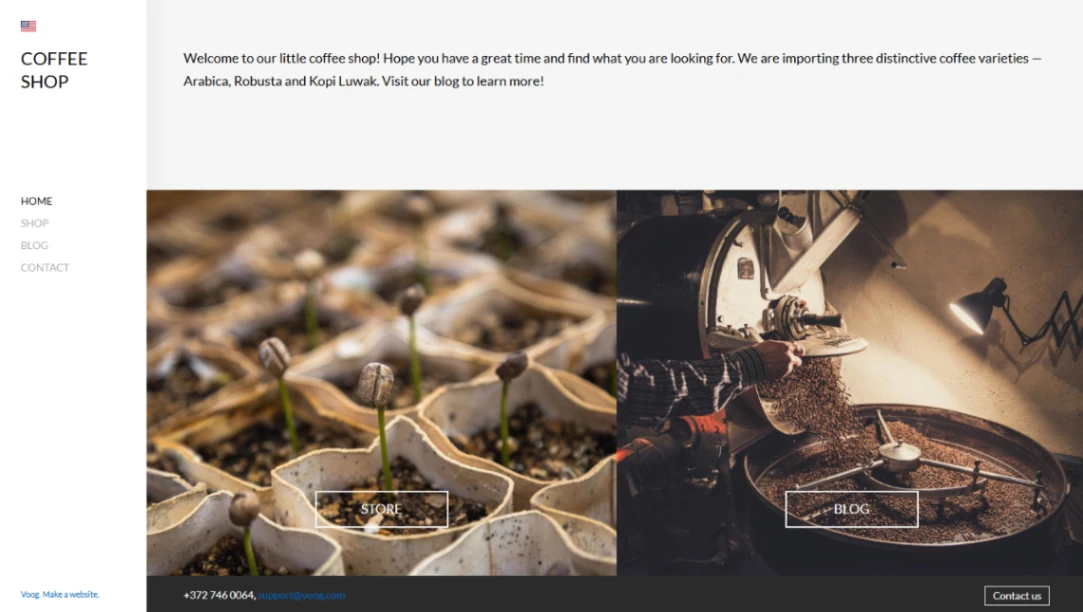
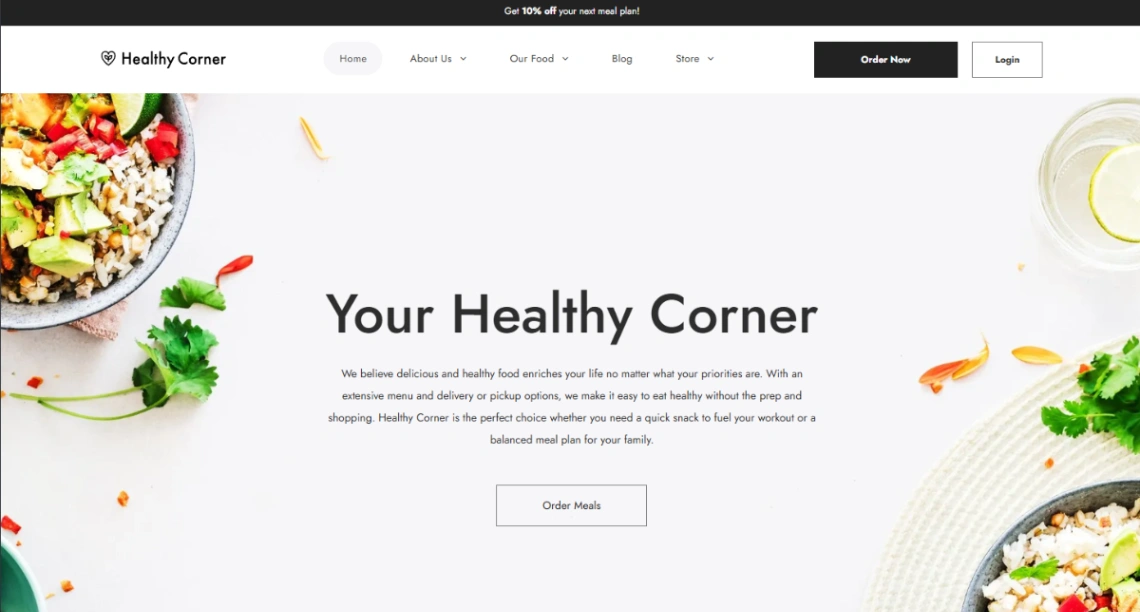
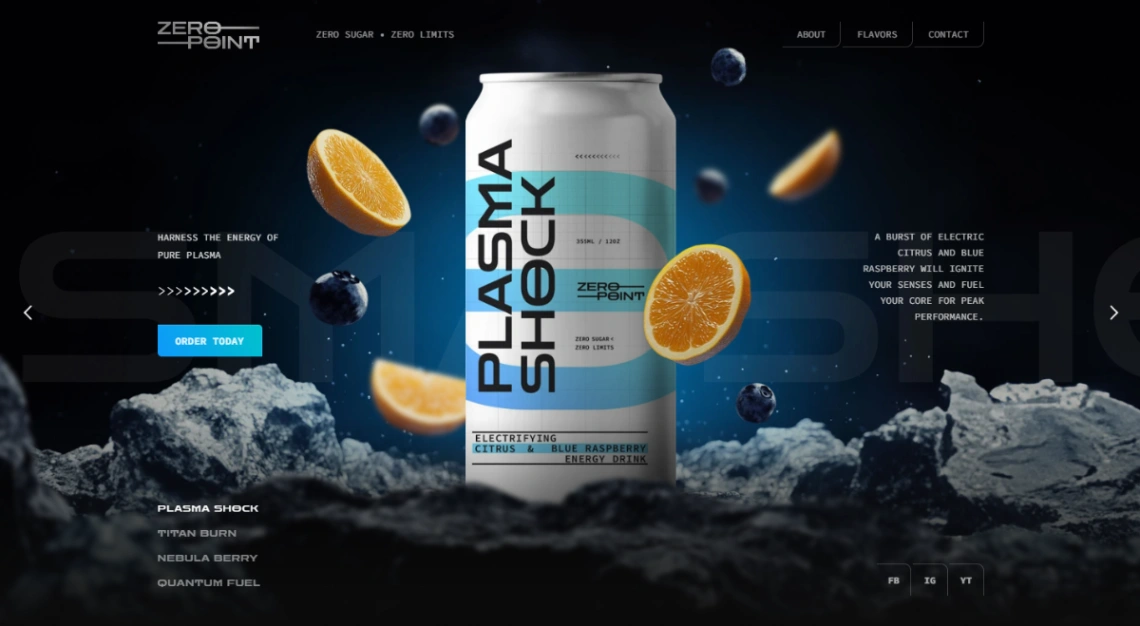
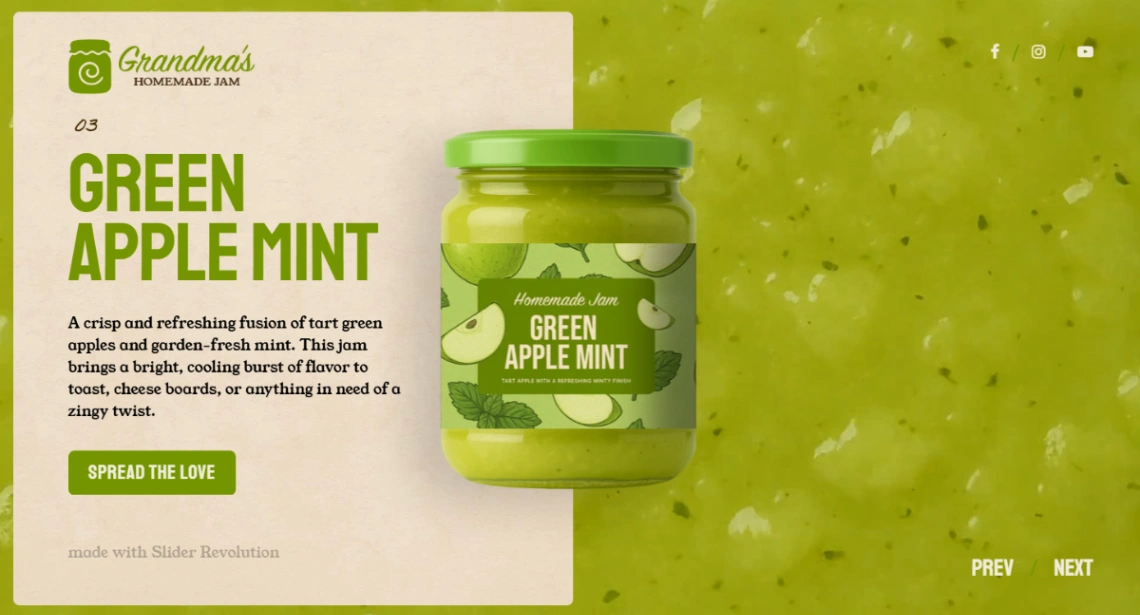
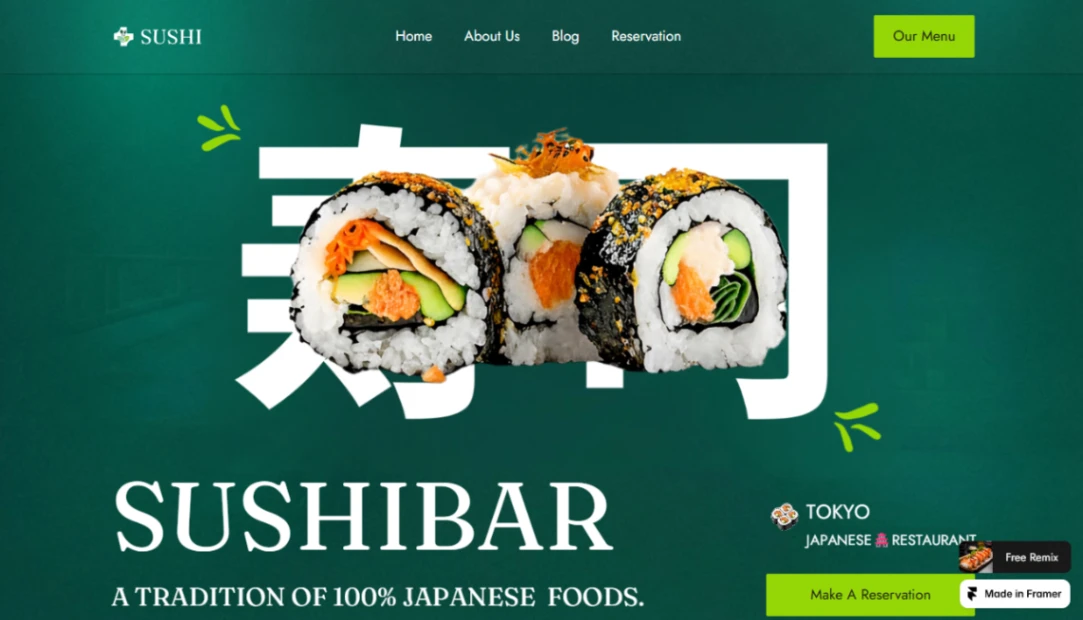
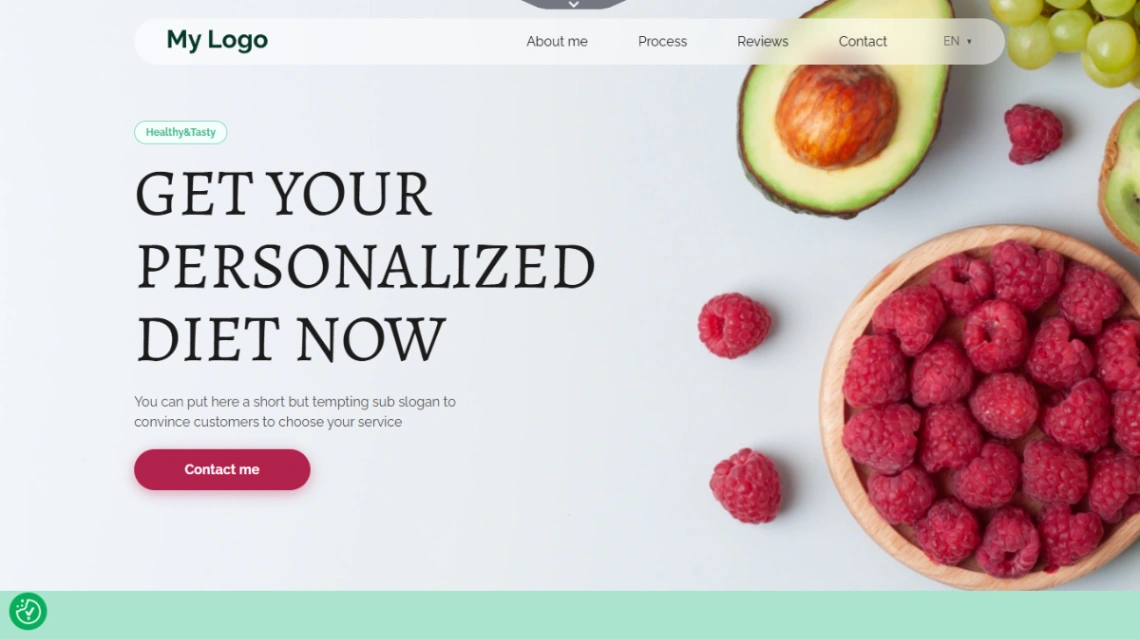
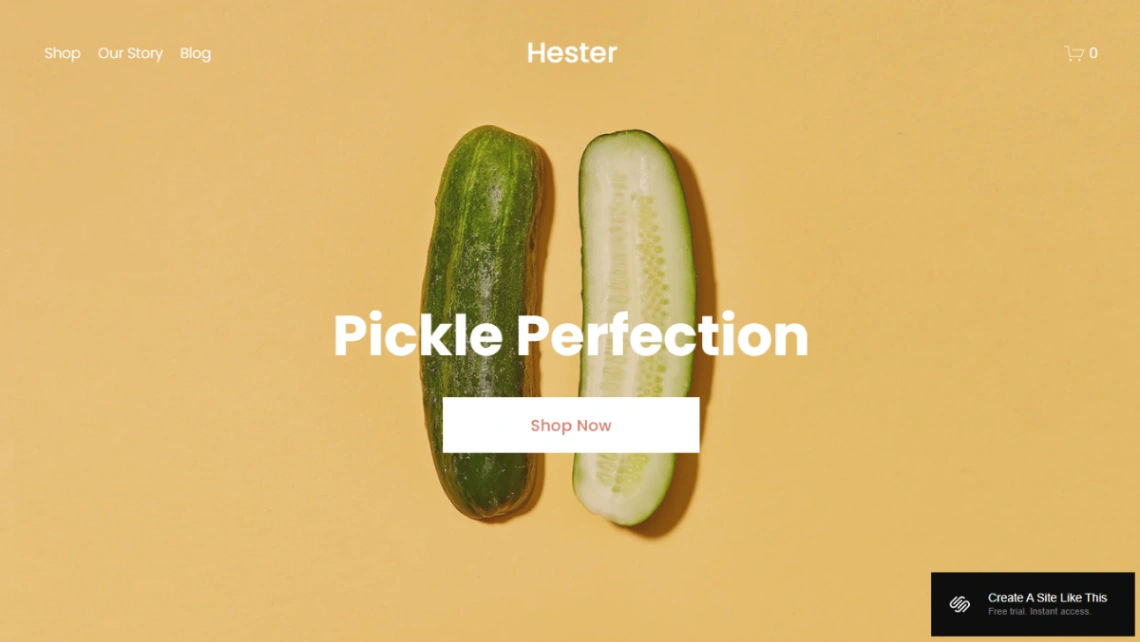
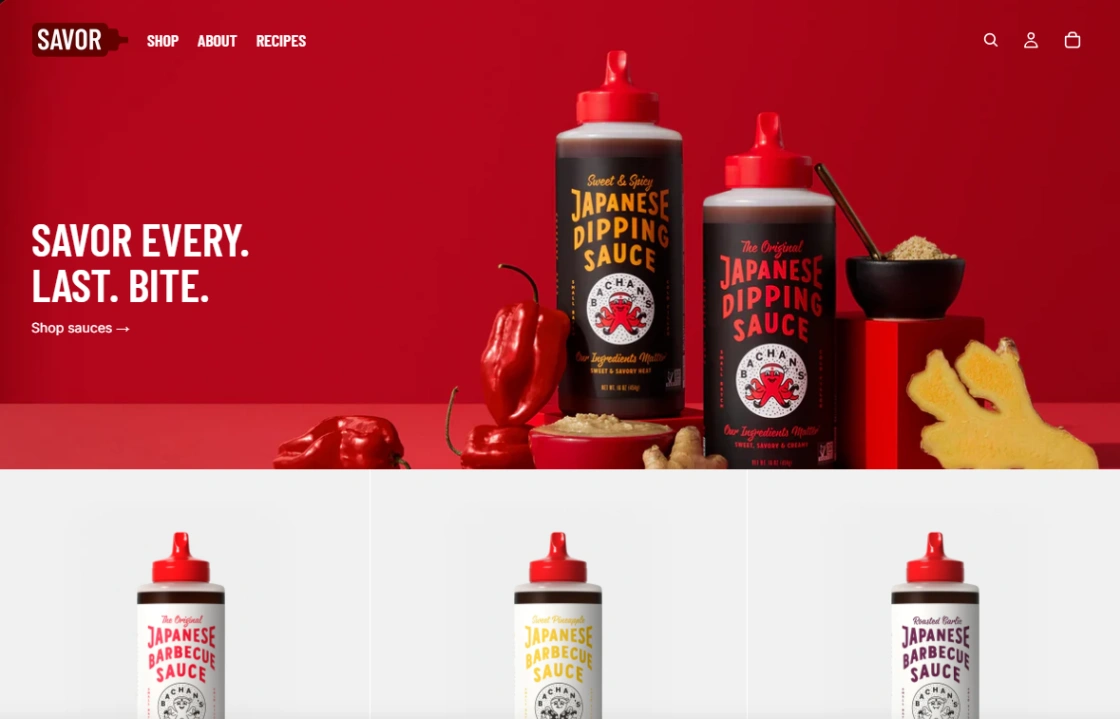
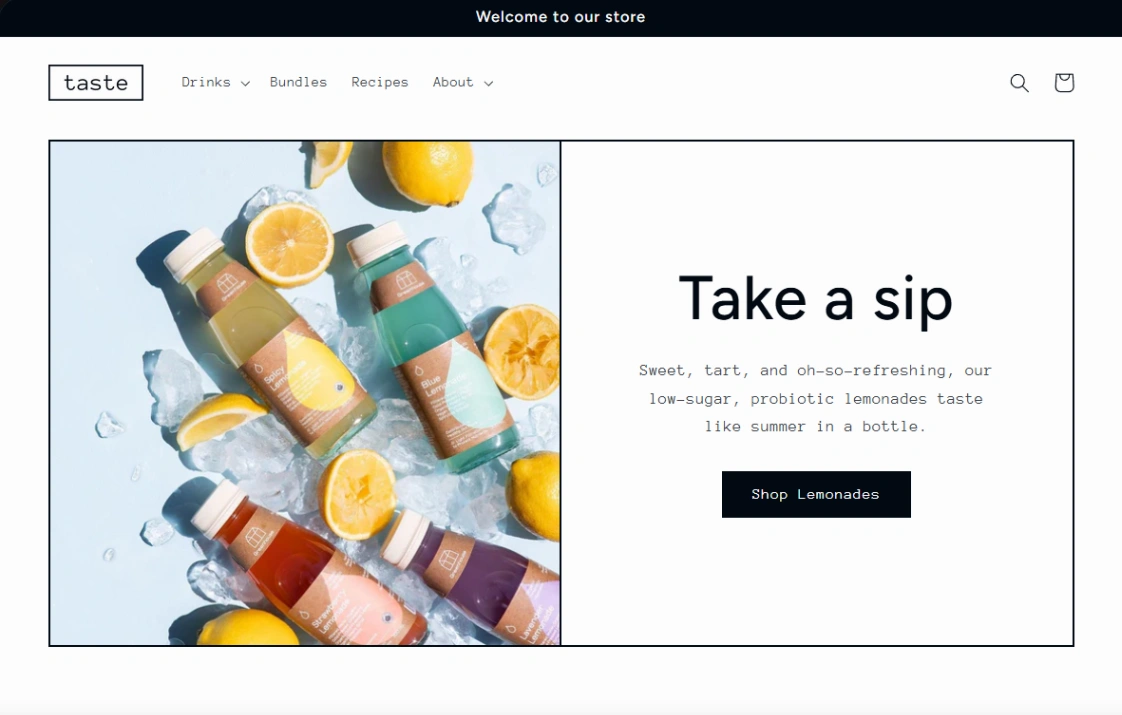
If you ship, fulfillment is the filter. Made-to-order bakers need order forms with pickup dates and lead times; local delivery needs a defined radius; shelf-stable products can ship nationwide on ordinary commerce rails. Templates on commerce platforms handle variants — sizes, flavors, bundles — and increasingly subscriptions, which is where meal-prep and coffee businesses actually make their margins. Check the checkout supports your fulfillment promise before you fall for the branding.
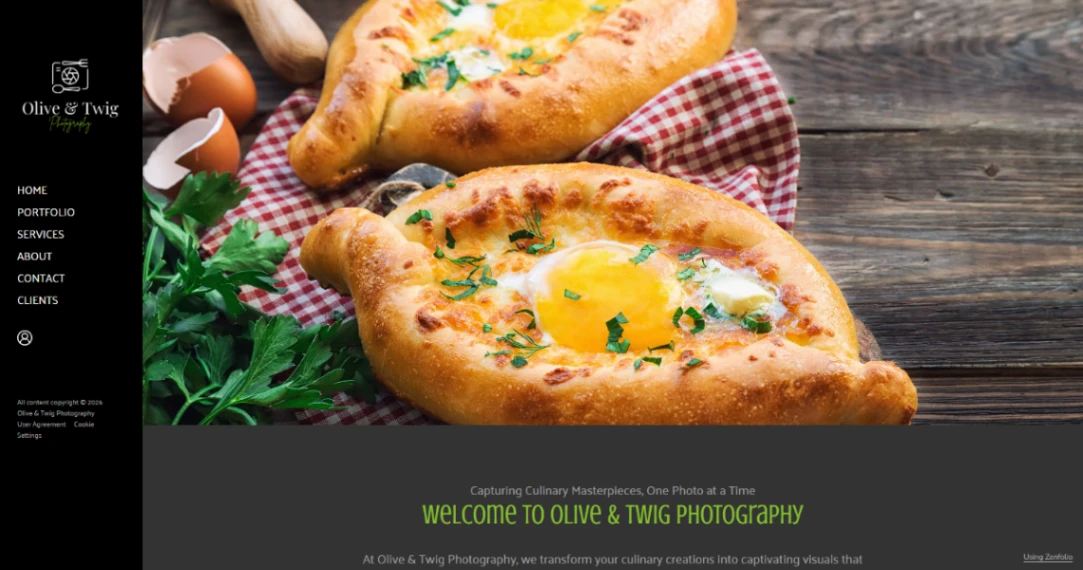
Plenty of food businesses straddle the line — the café selling beans and merch, the restaurant bottling its sauce. For those, look at templates that pair a menu section with a small shop rather than running two sites. And wherever you land, one sentence on imagery: these designs are built around appetite, so budget for a handful of honest, well-lit photos of the actual product — they outsell professional shots of someone else's.
The mistake this category sees most: choosing a seat-people design for a ship-food business and bolting a cart on afterwards. Customers forgive plain design; they don't forgive an ordering flow that feels like an afterthought. If money changes hands on the site, the checkout is the design. The builders best suited to each side are pinned at the top of this page.
FAQ







