
Plant Shop


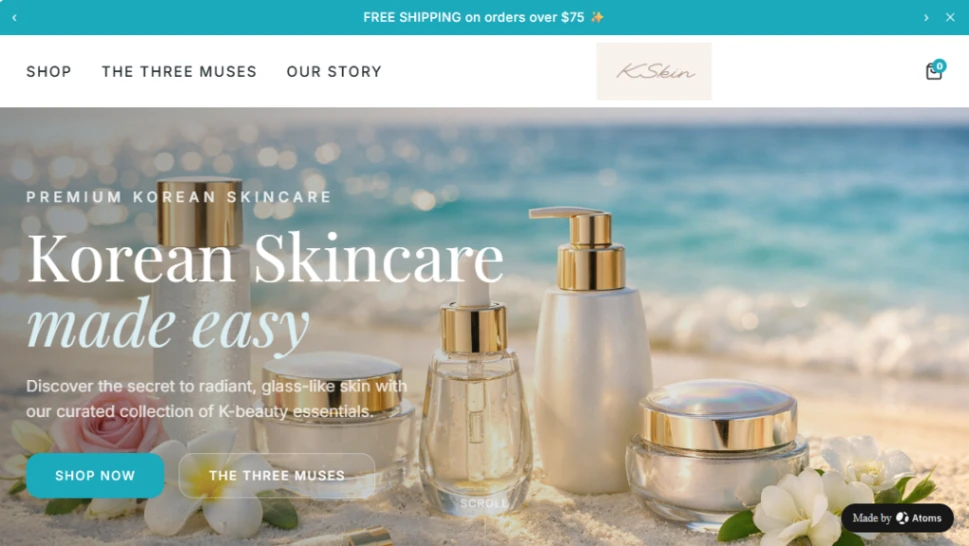
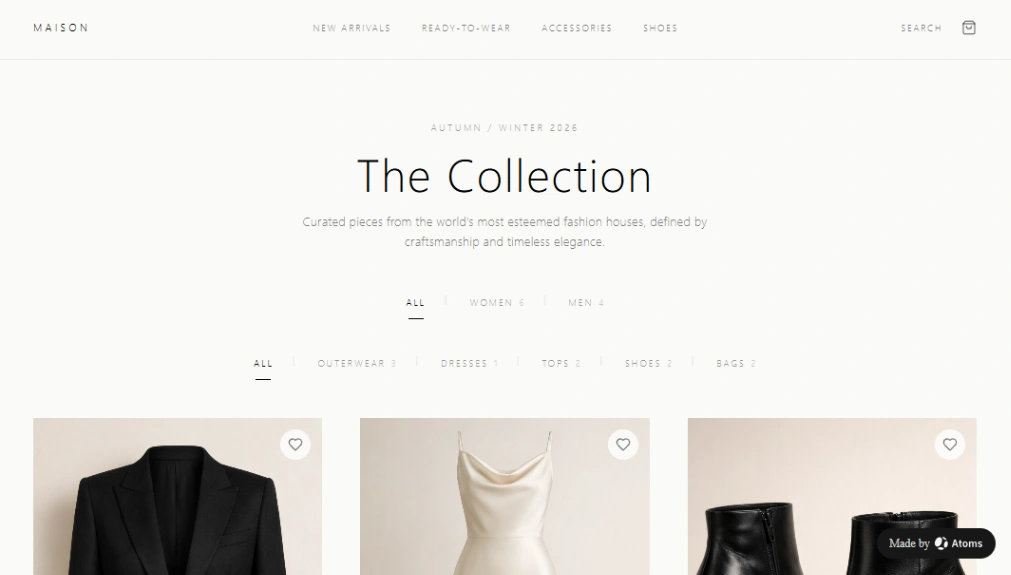
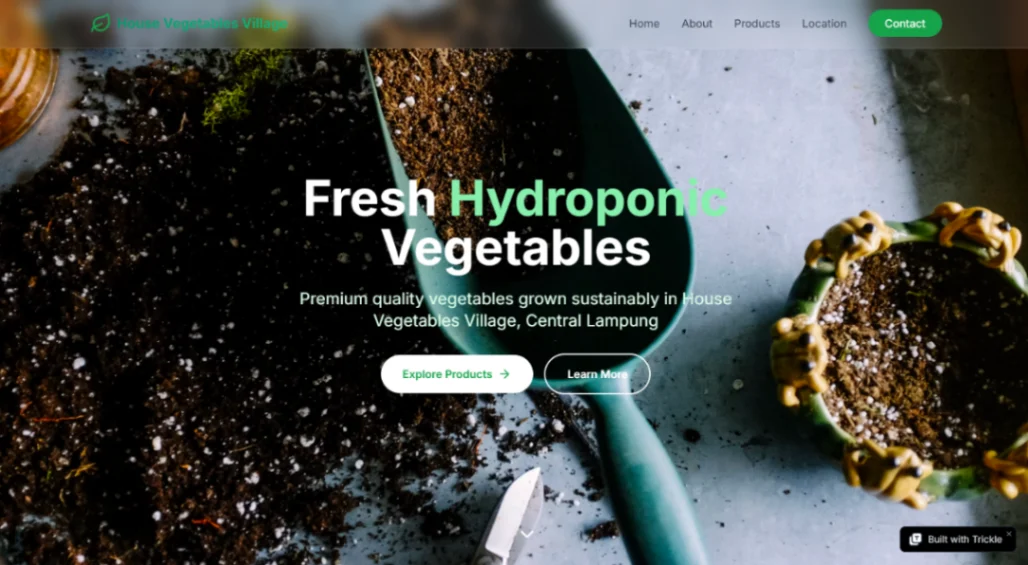
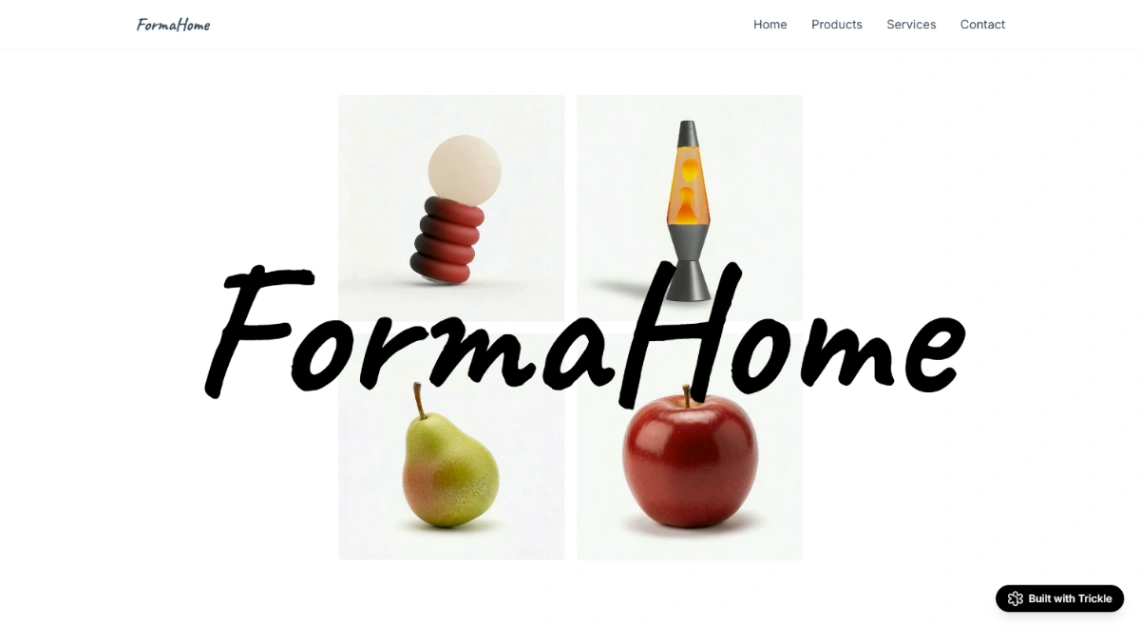
Art Store








Buyer's guide
How to choose a retail template
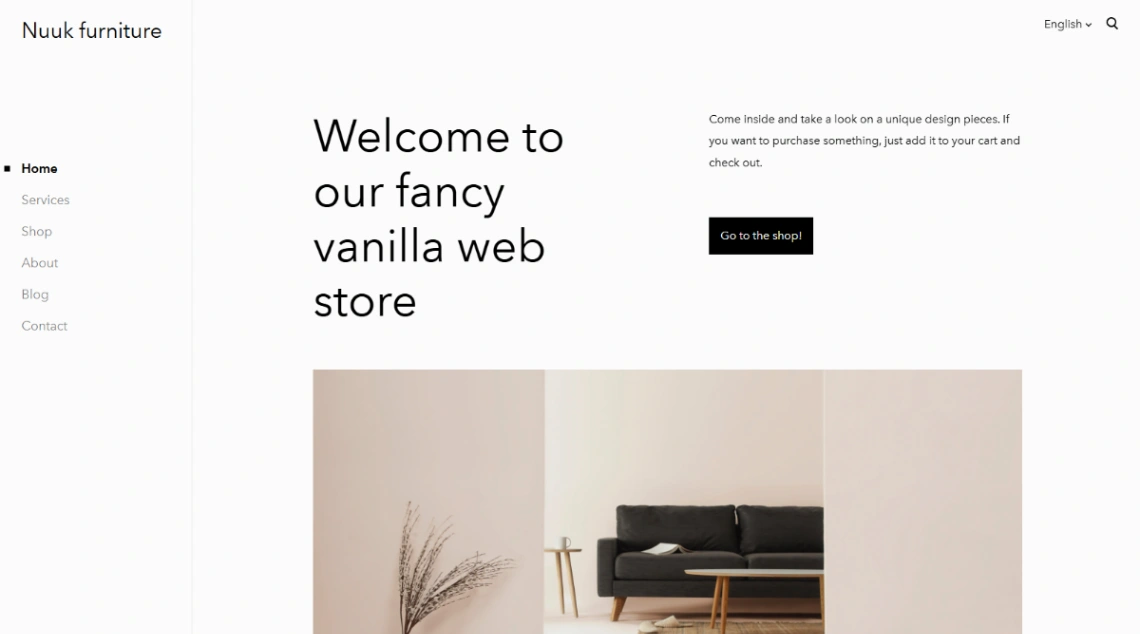
A retail site's most important visitor is three streets away with their phone out, deciding whether to walk in. That's the difference between this category and pure ecommerce: the site's first job is feeding the physical store — hours that are never wrong, directions, parking, what's in stock — and its second job is selling remotely. Templates that get the order backwards look right and quietly starve the till.
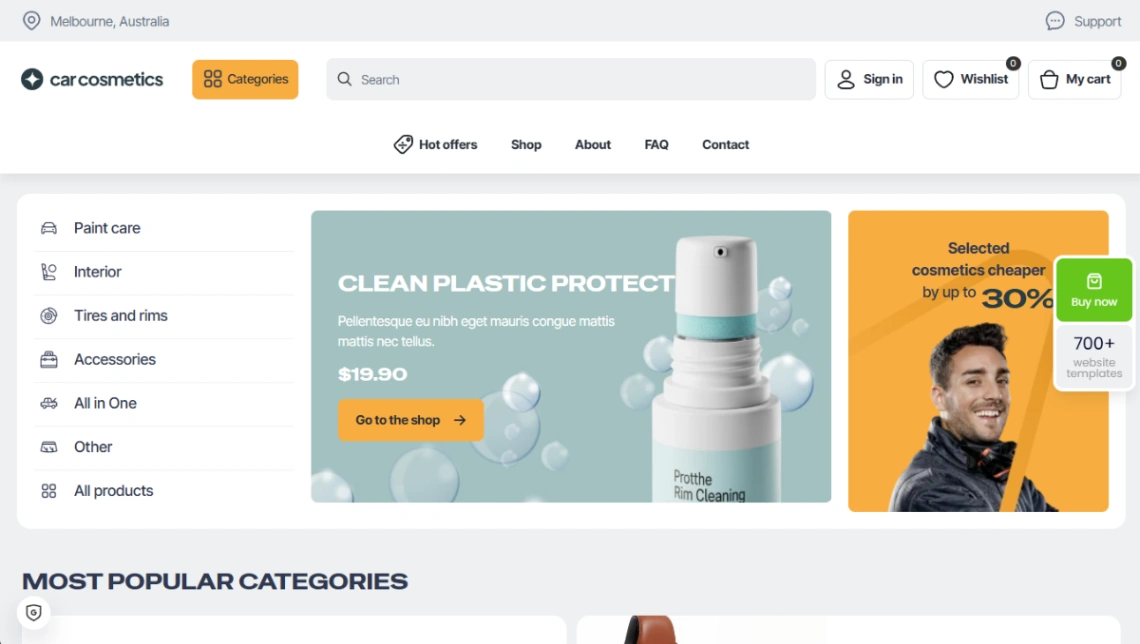
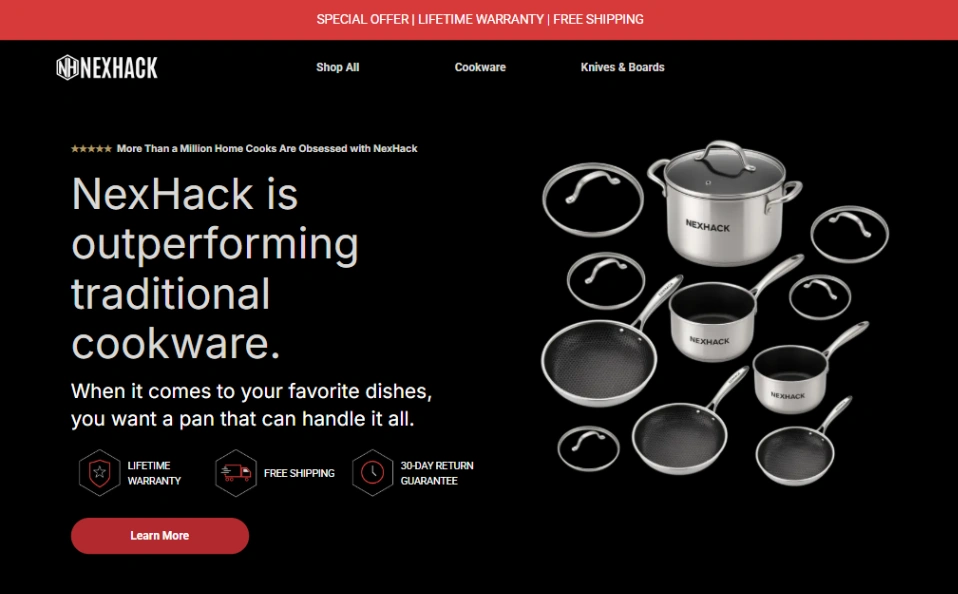
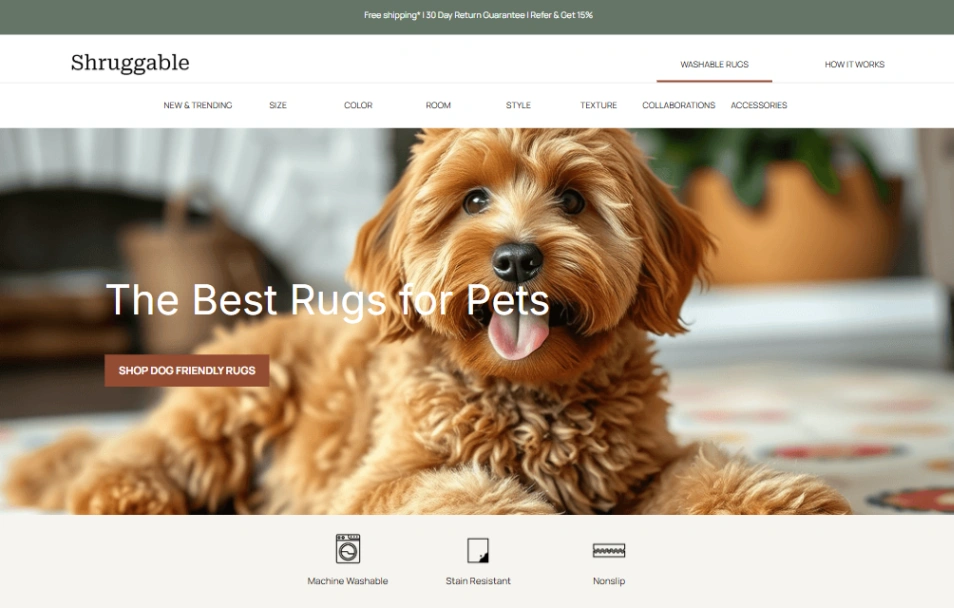
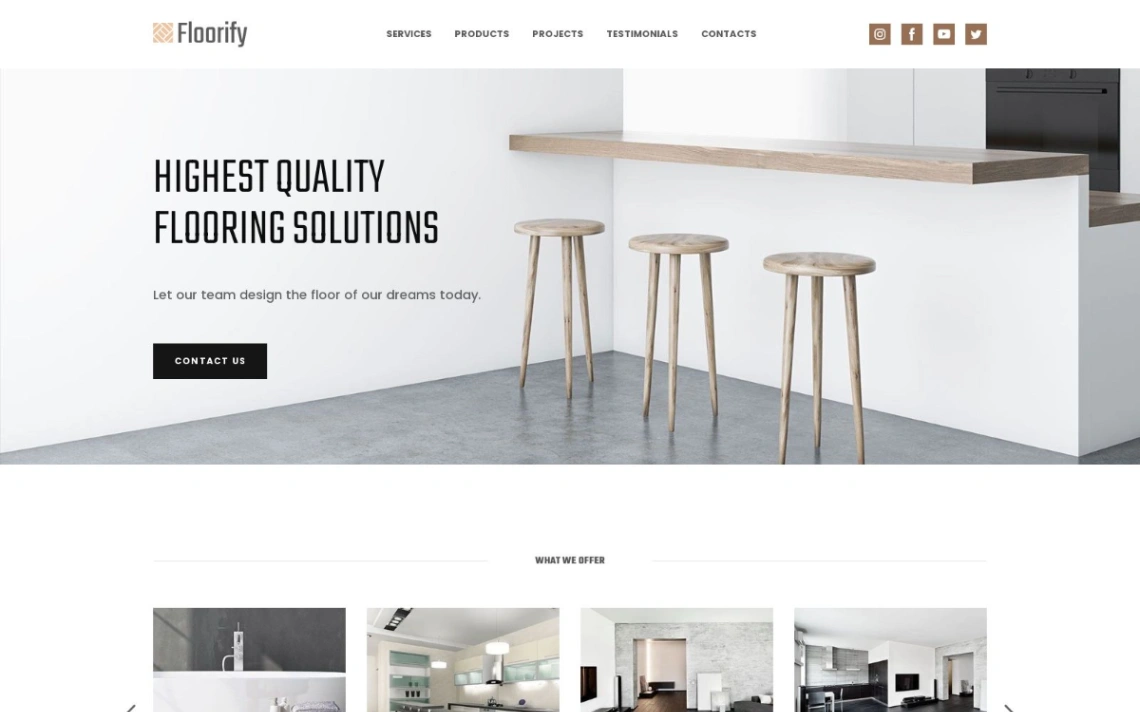
So check the local machinery before the product grid. A store-locator block (even for one location), opening hours structured so search engines read them, and a Google Business profile the site agrees with — these are the retail template's load-bearing walls. The storefront platforms in the pinned picks carry them alongside the cart, and a weekly "new in store" section gives locals a standing reason to check back.
Click-and-collect is the bridge worth building early: browse online, pick up in store converts the webshop into foot traffic and beats courier economics on margin. Templates whose checkout offers pickup as a first-class option — with honest ready-times — turn the site into the store's front window rather than its competitor.
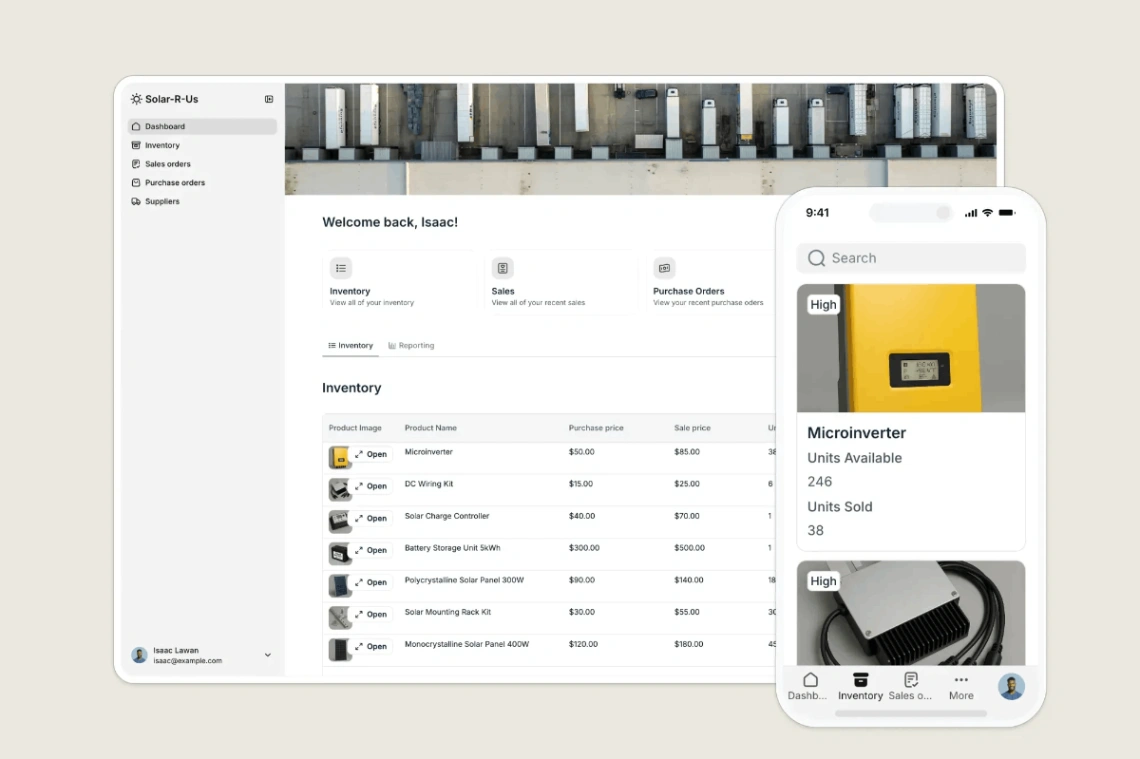
Then scope the webshop honestly. A shop with thousands of SKUs rarely wants them all online; the working pattern is the curated shelf — bestsellers, gift-friendly items, whatever ships well — presented deeply. The warning from the high street: a stale online catalog ("that's been discontinued, sorry") damages the store's credibility in a way an honest, smaller range never does. Freshness is the promise; keep the range small enough to keep it.
FAQ






