

Custom CRM
SaaS Startup
Lead Scoring
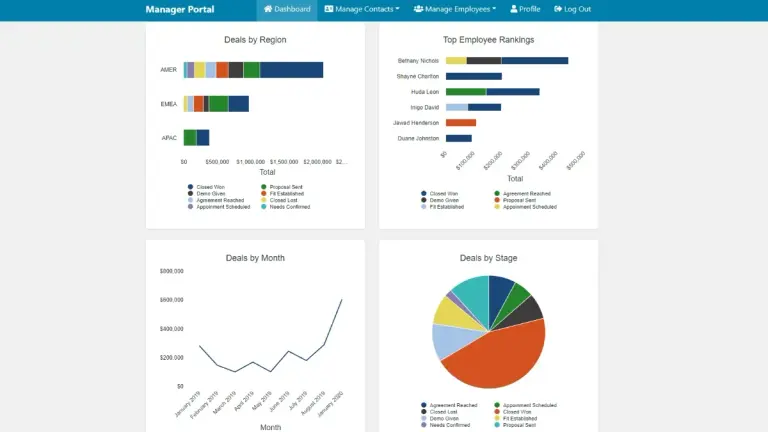
Custom CRM
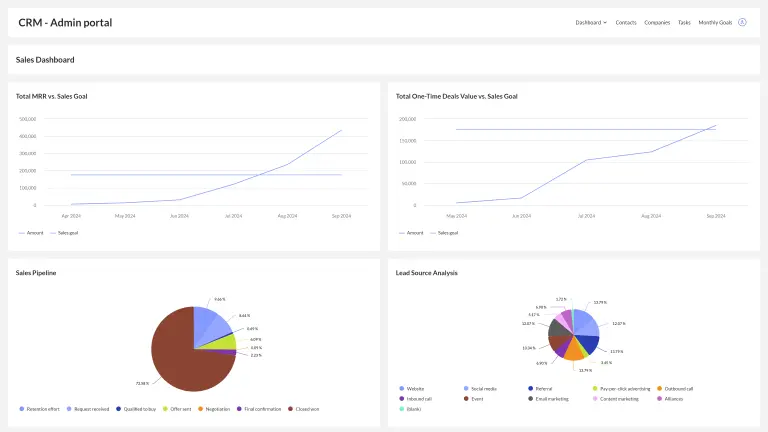
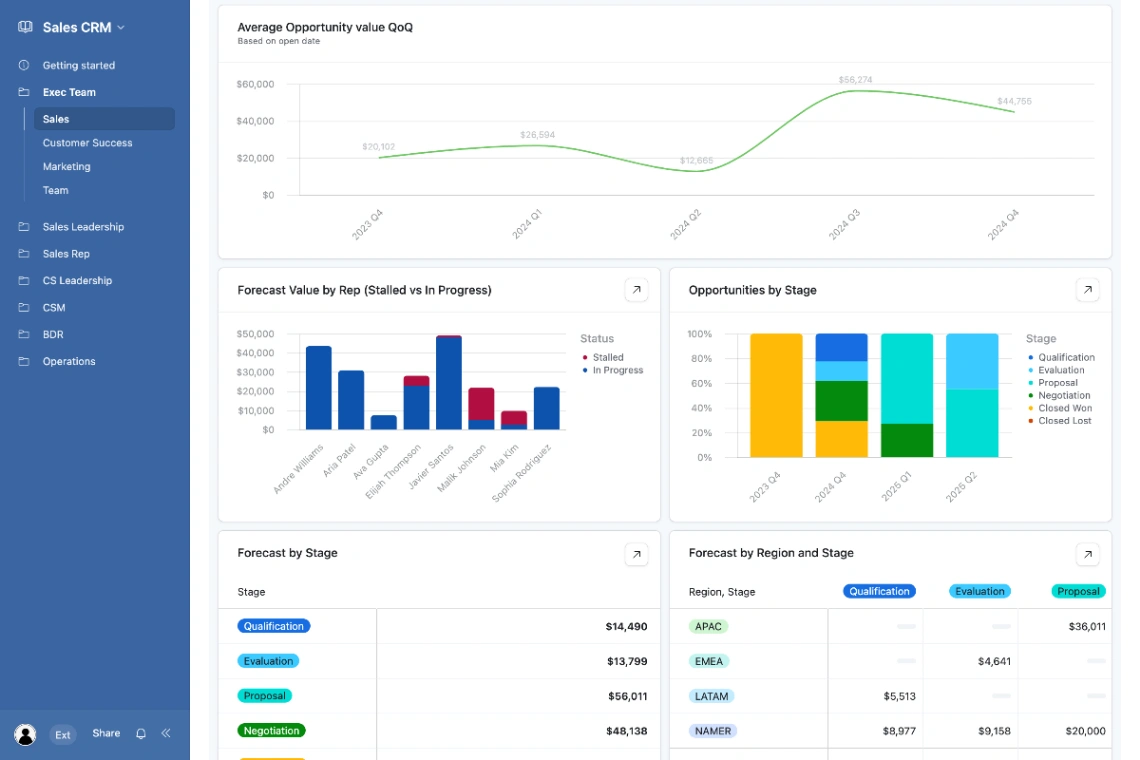
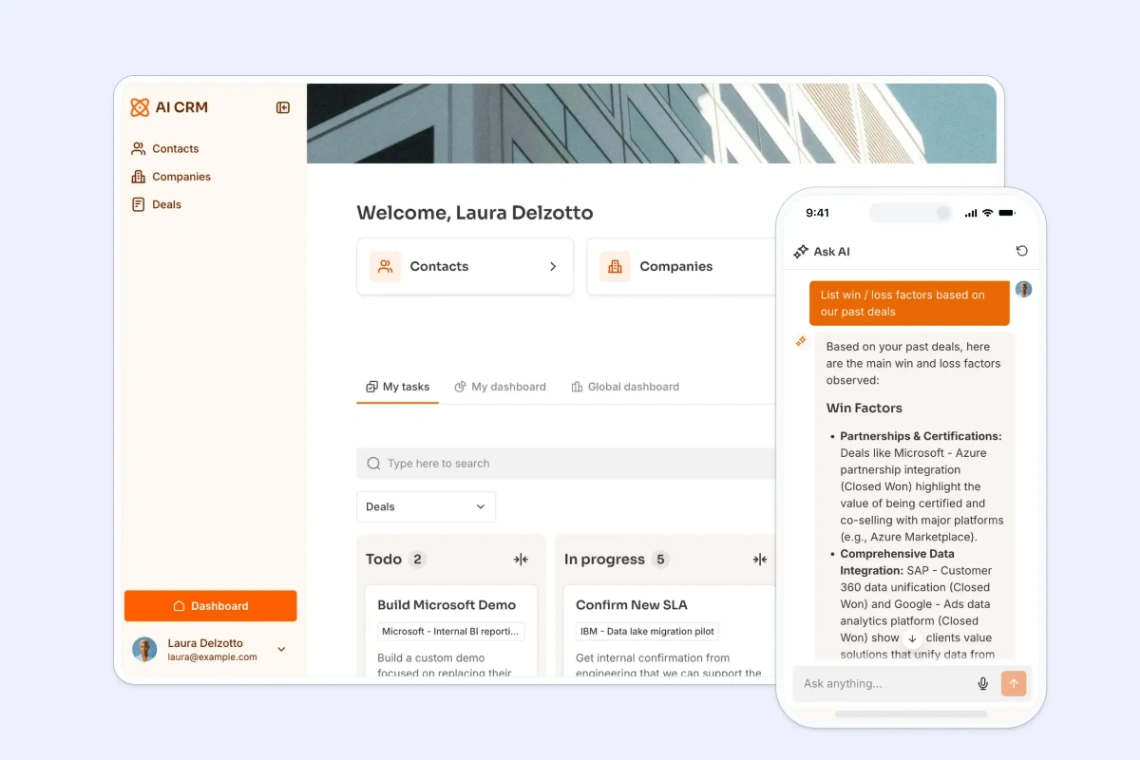
AI CRM App
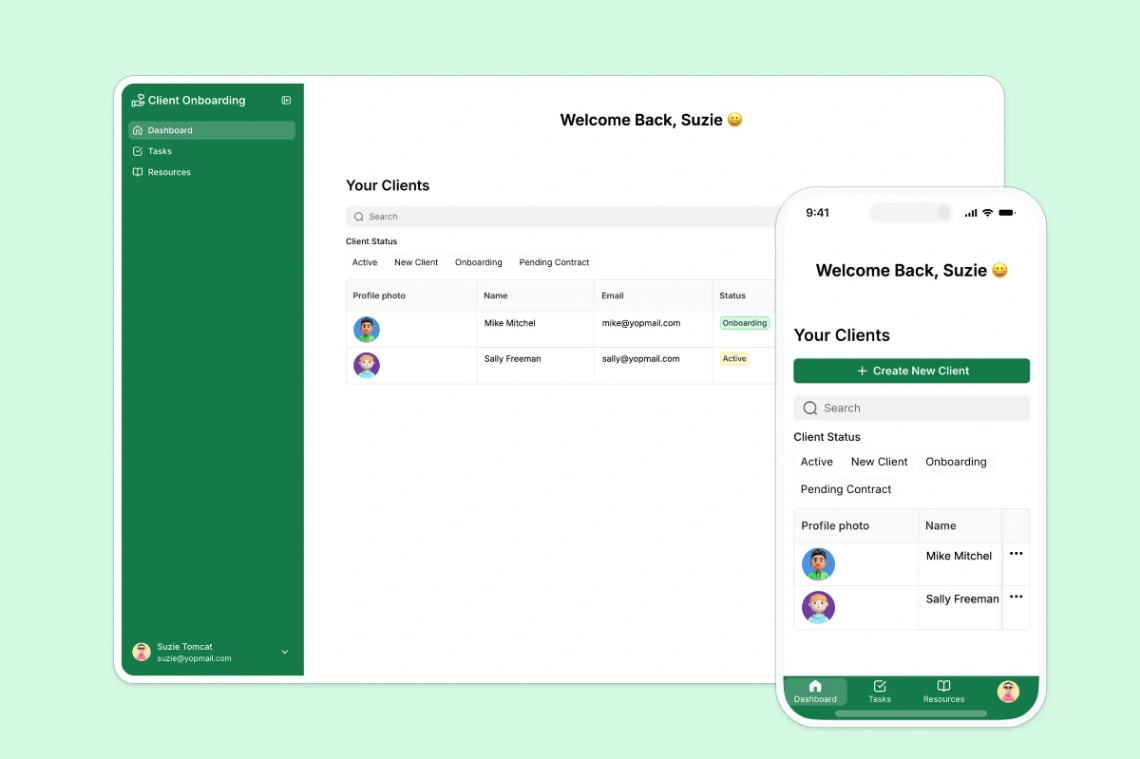
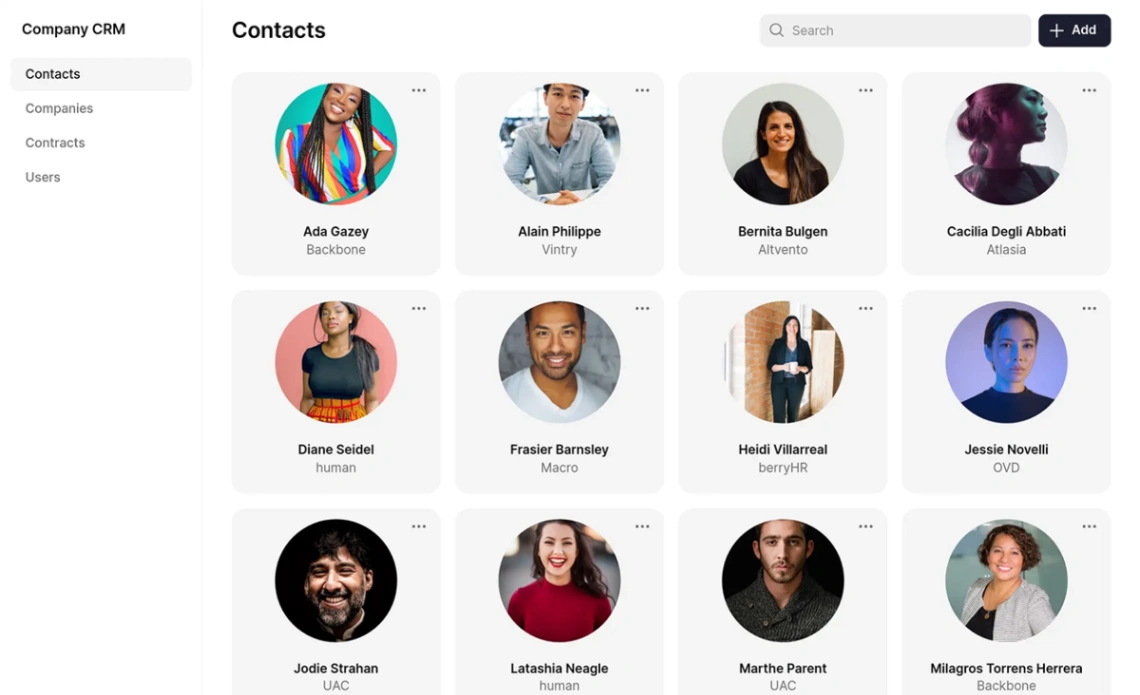
Company CRM
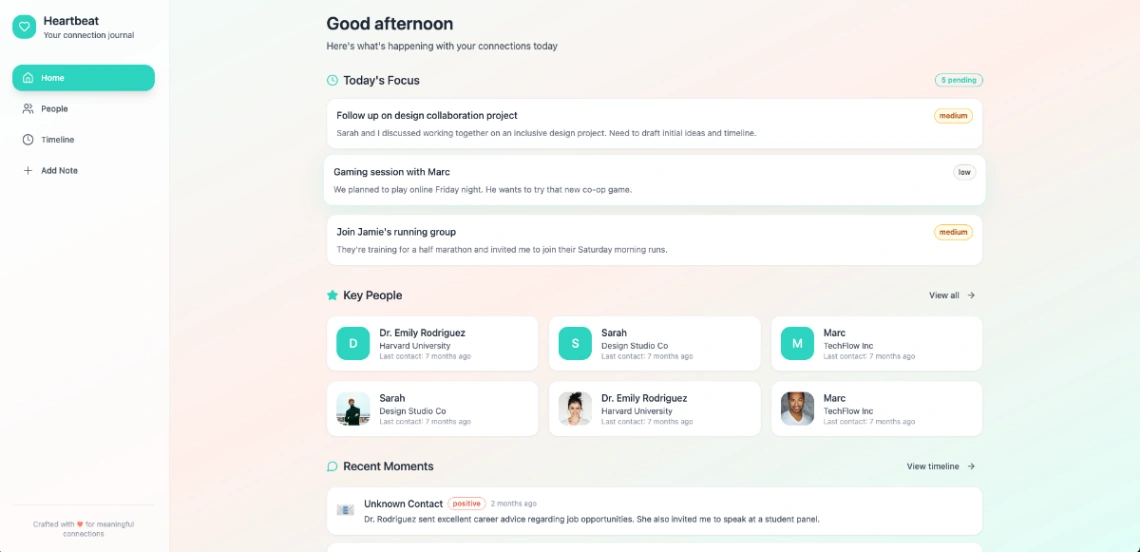
Buyer's guide
How to choose a CRM template
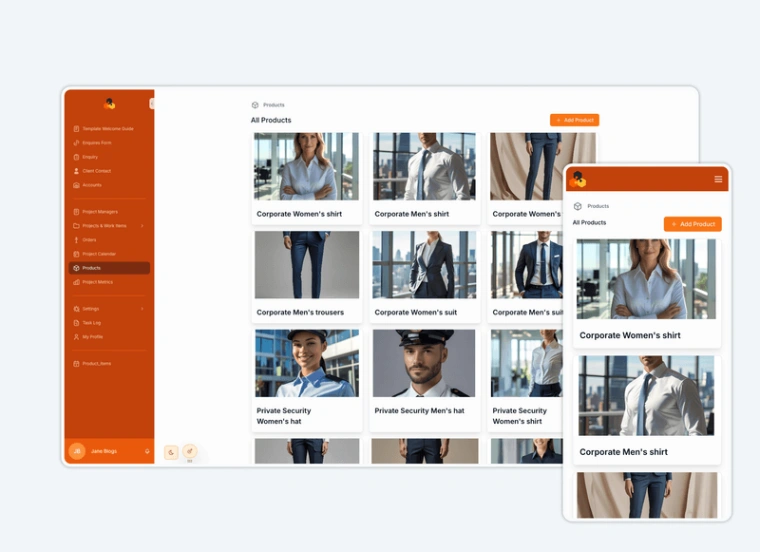
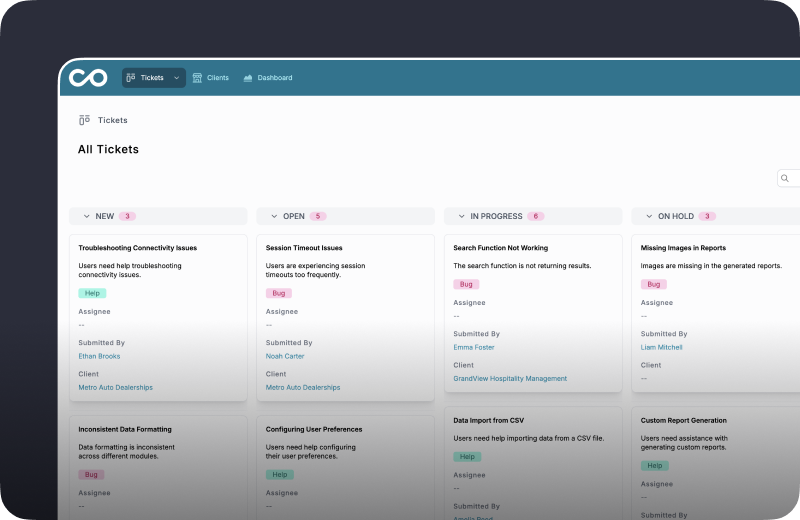
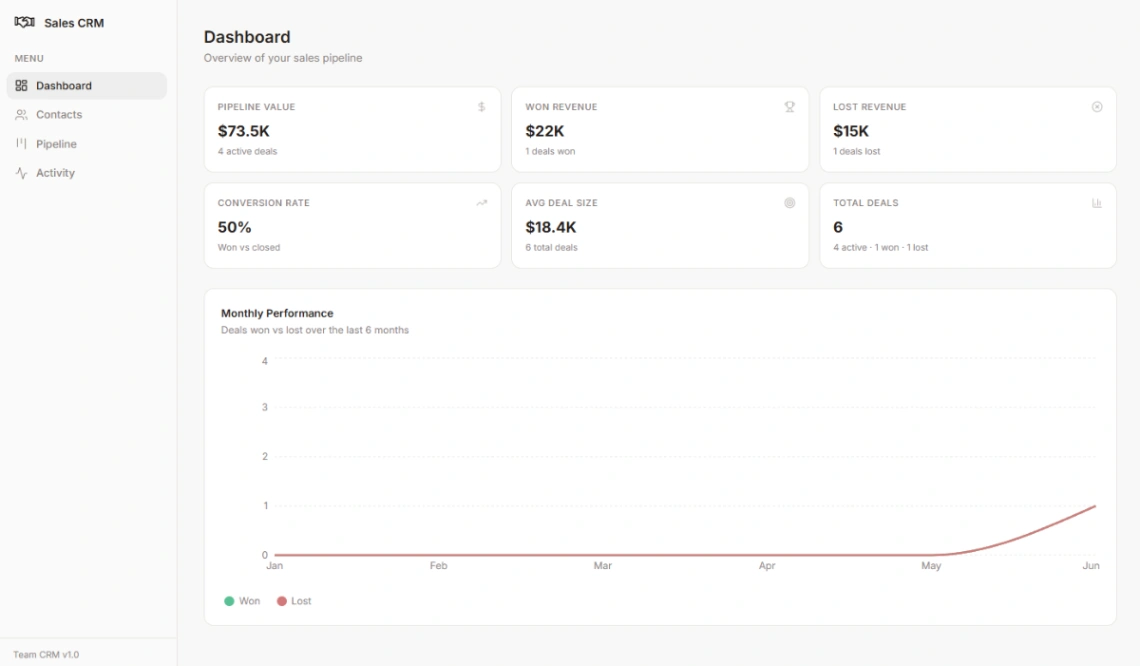
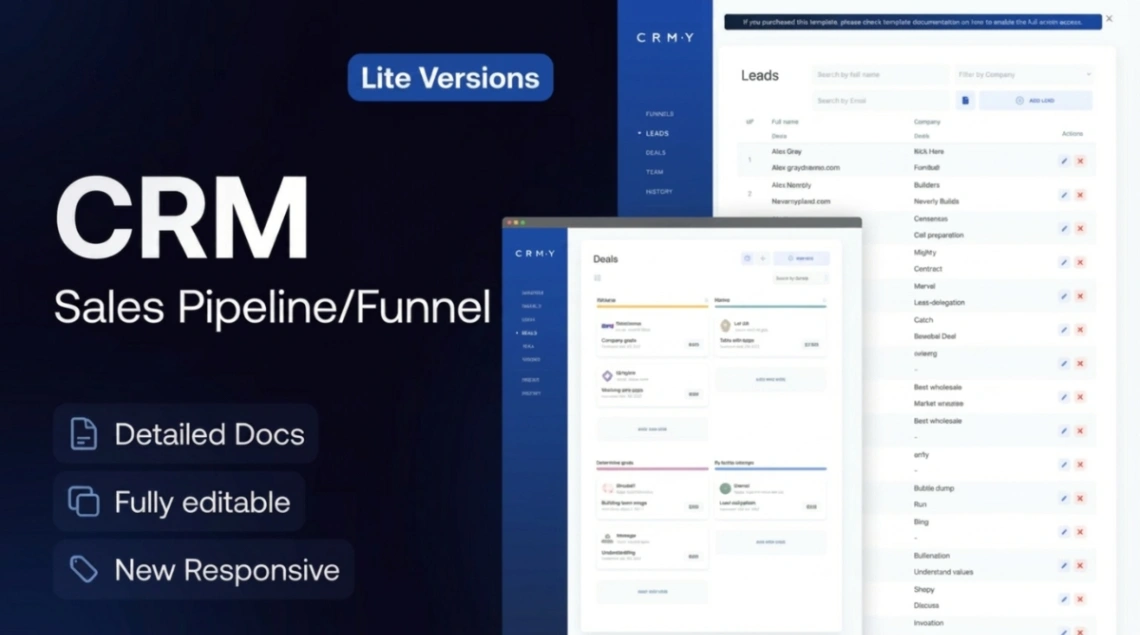
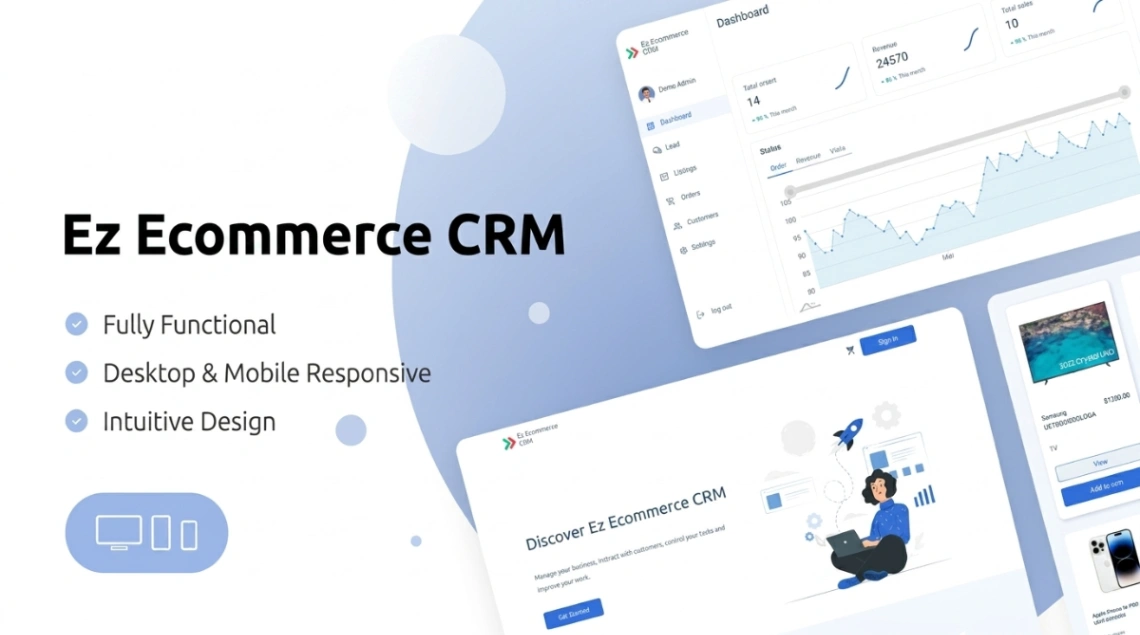
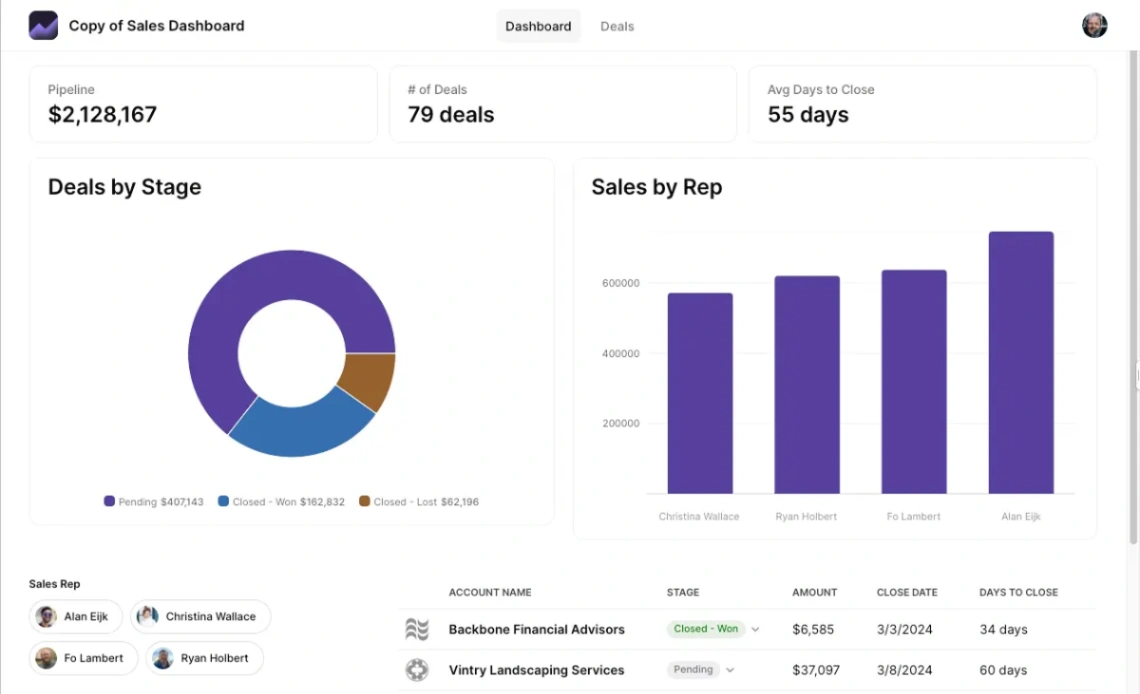
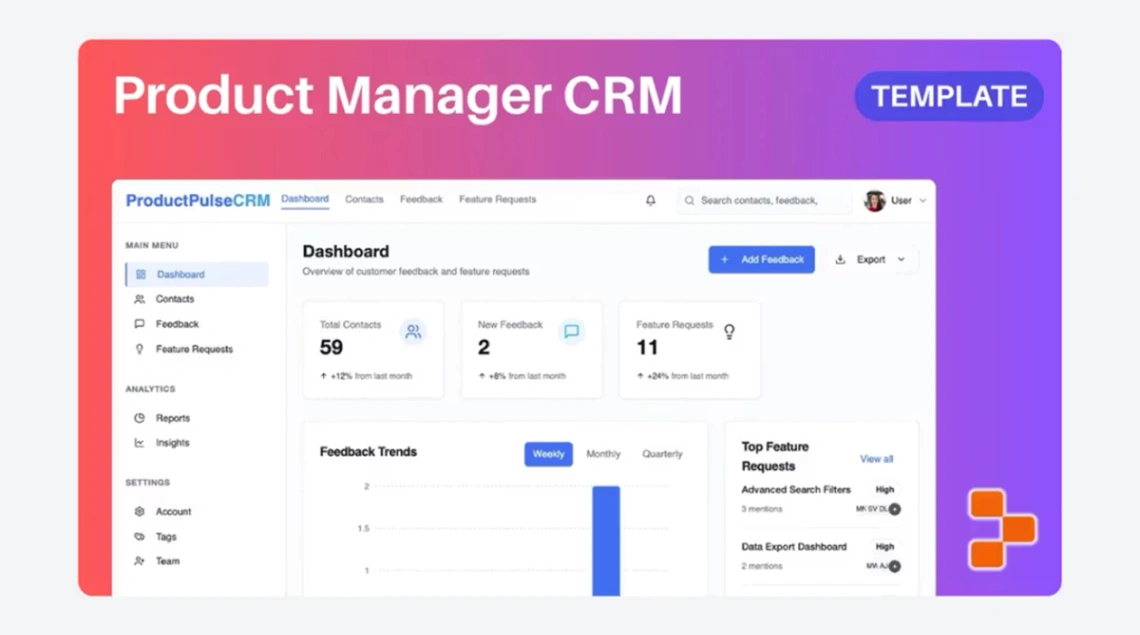
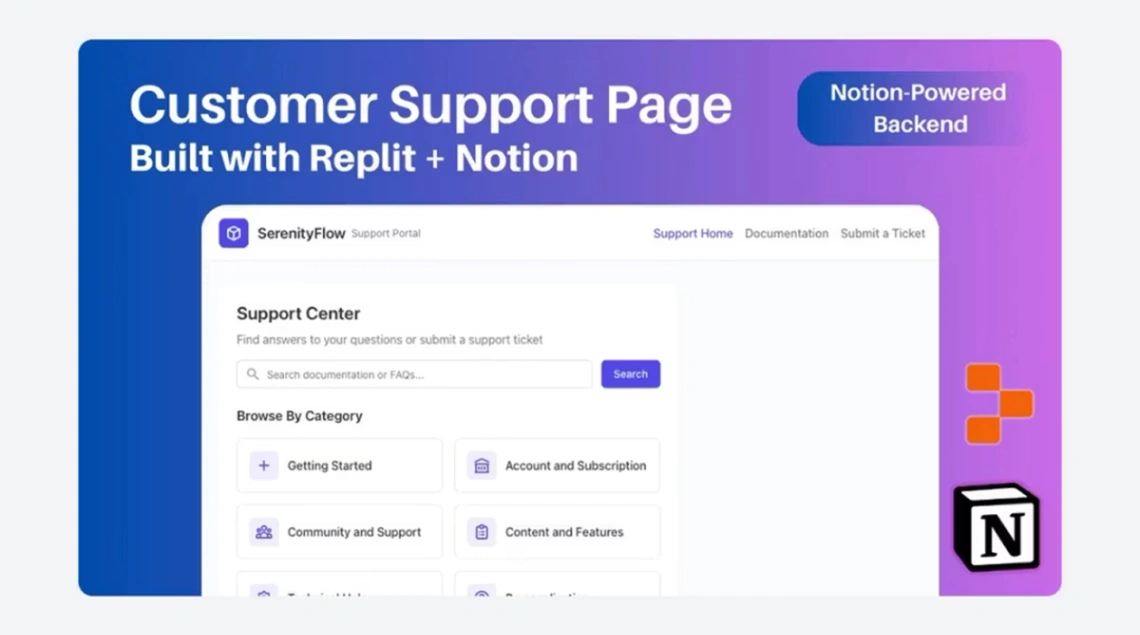
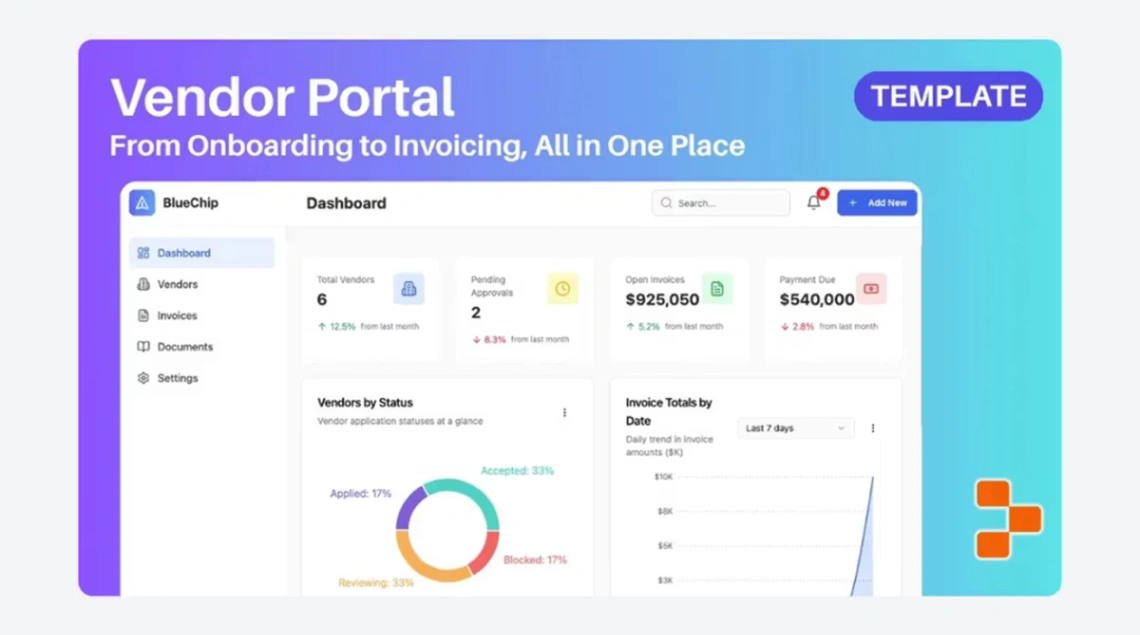
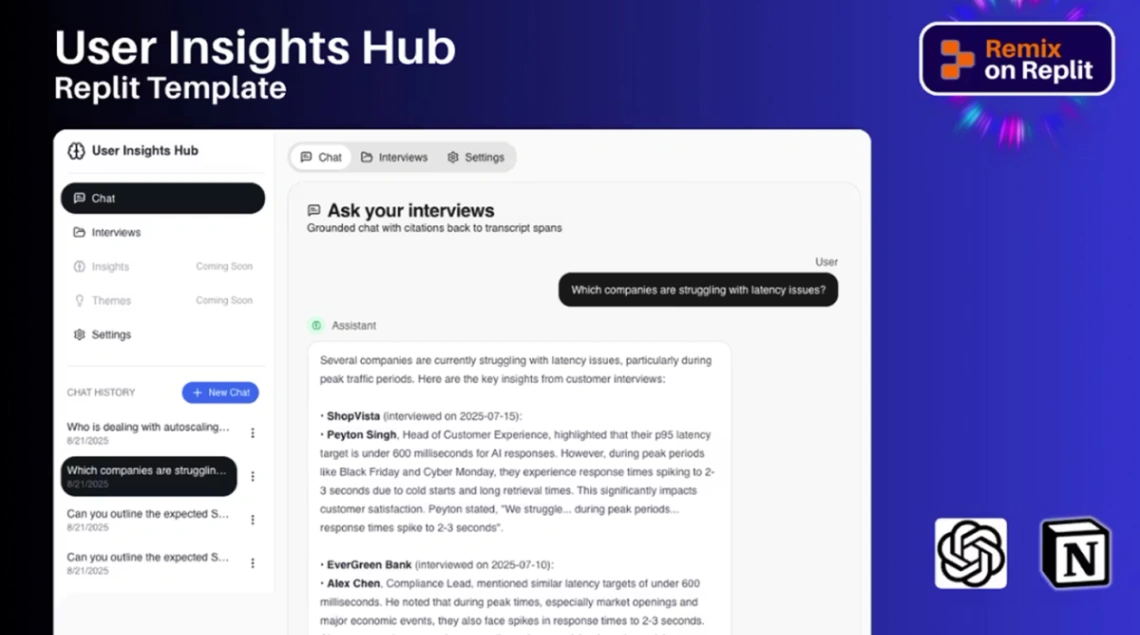
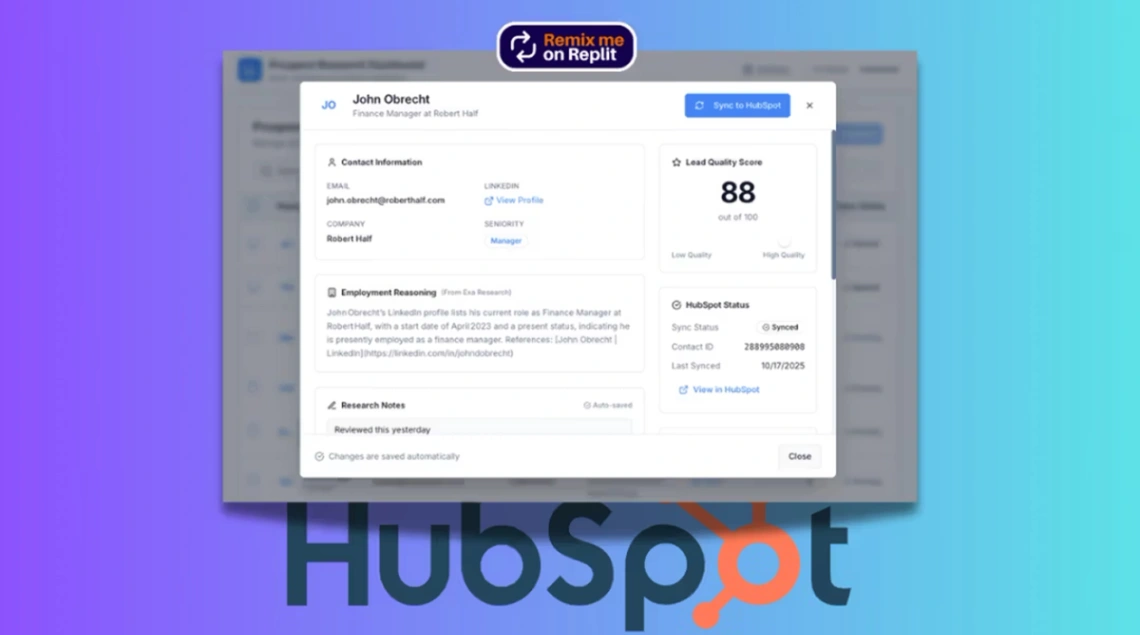
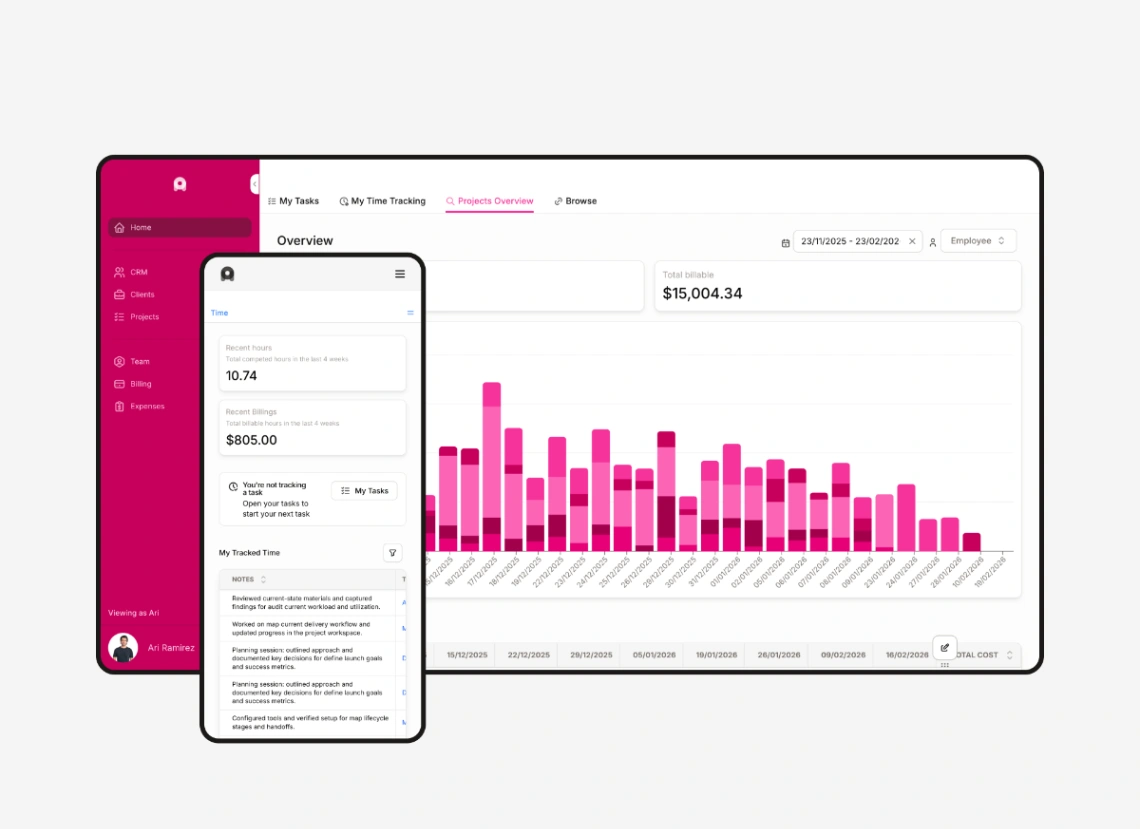
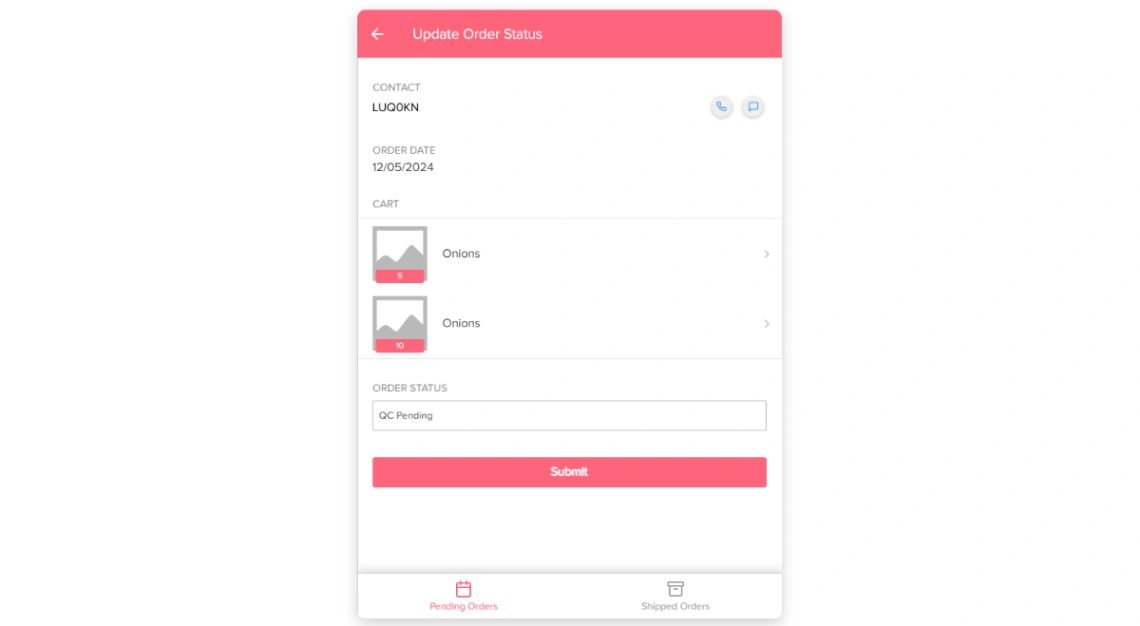
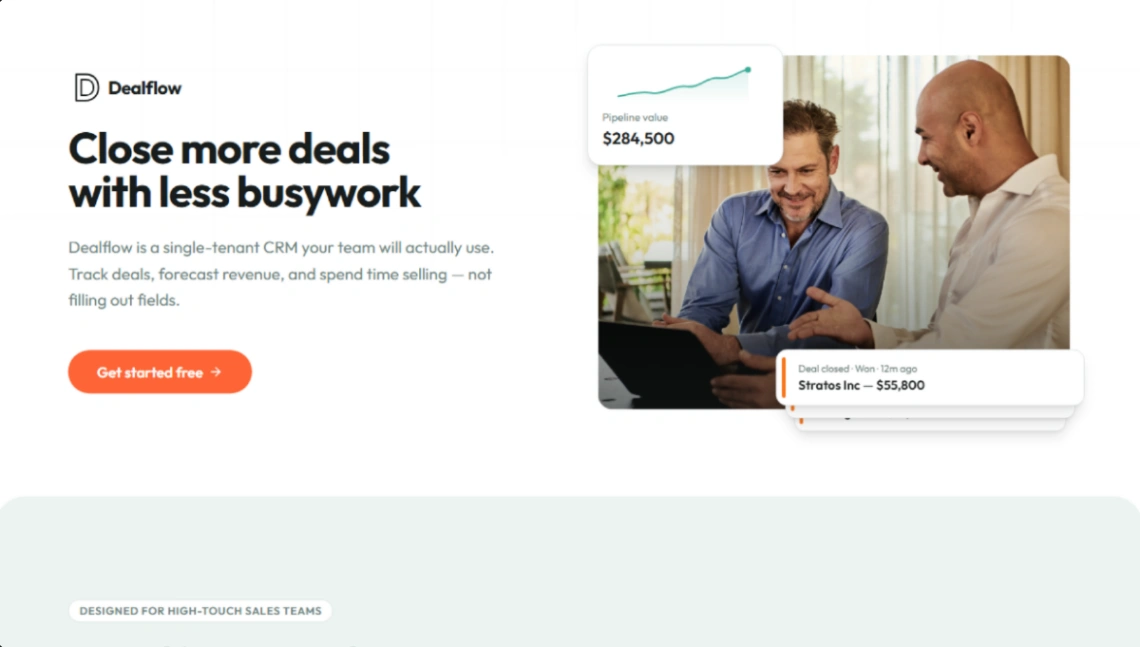
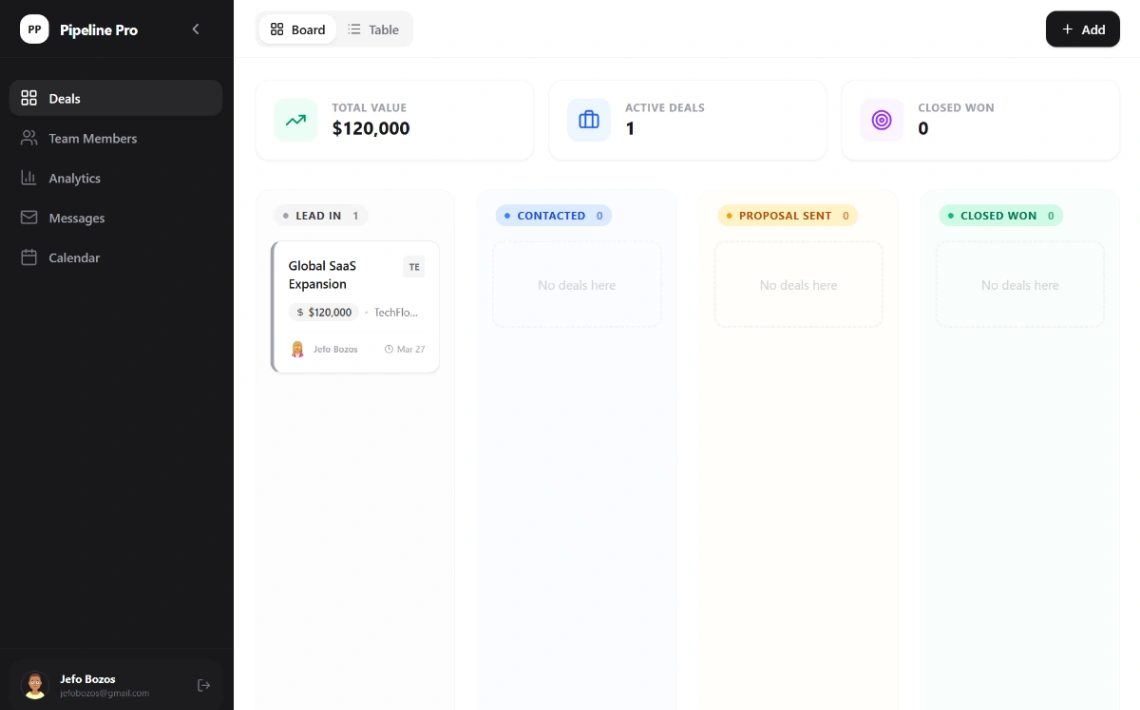
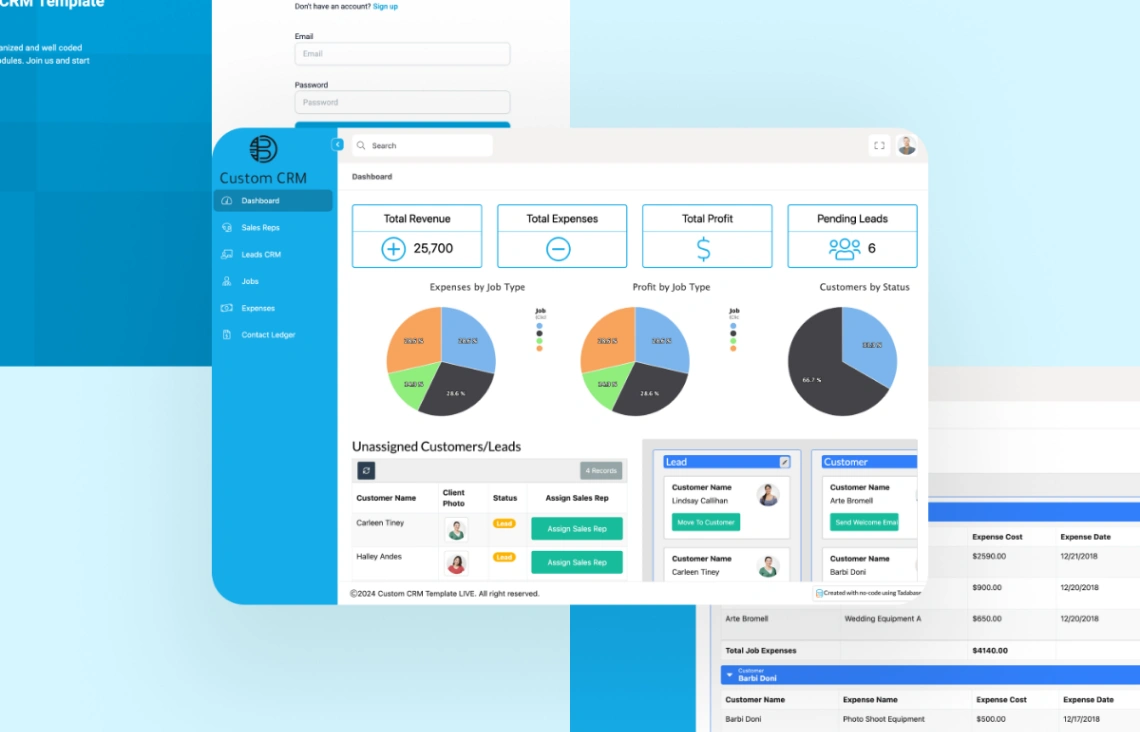
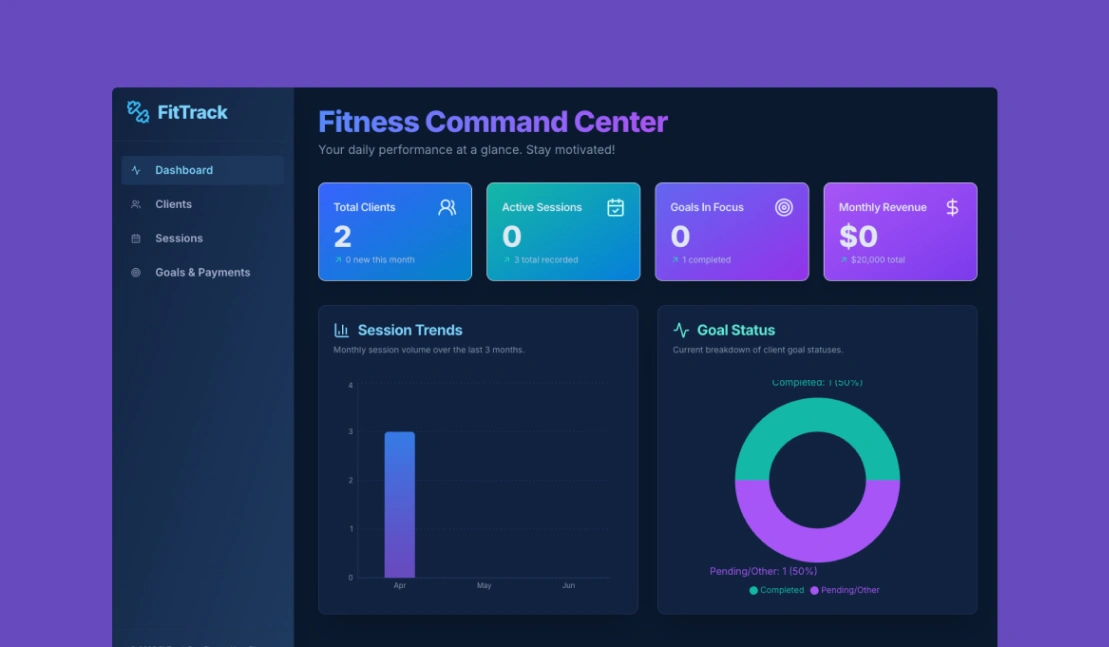
A CRM template isn't judged on setup day — it's judged on whether your team still logs deals in month two. The designs here are working applications with pipelines, contact tables and deal boards already built, so the two weeks of configuration that kill most internal-tool projects are already done. Your job is narrower: pick the one shaped like the sales you actually run.
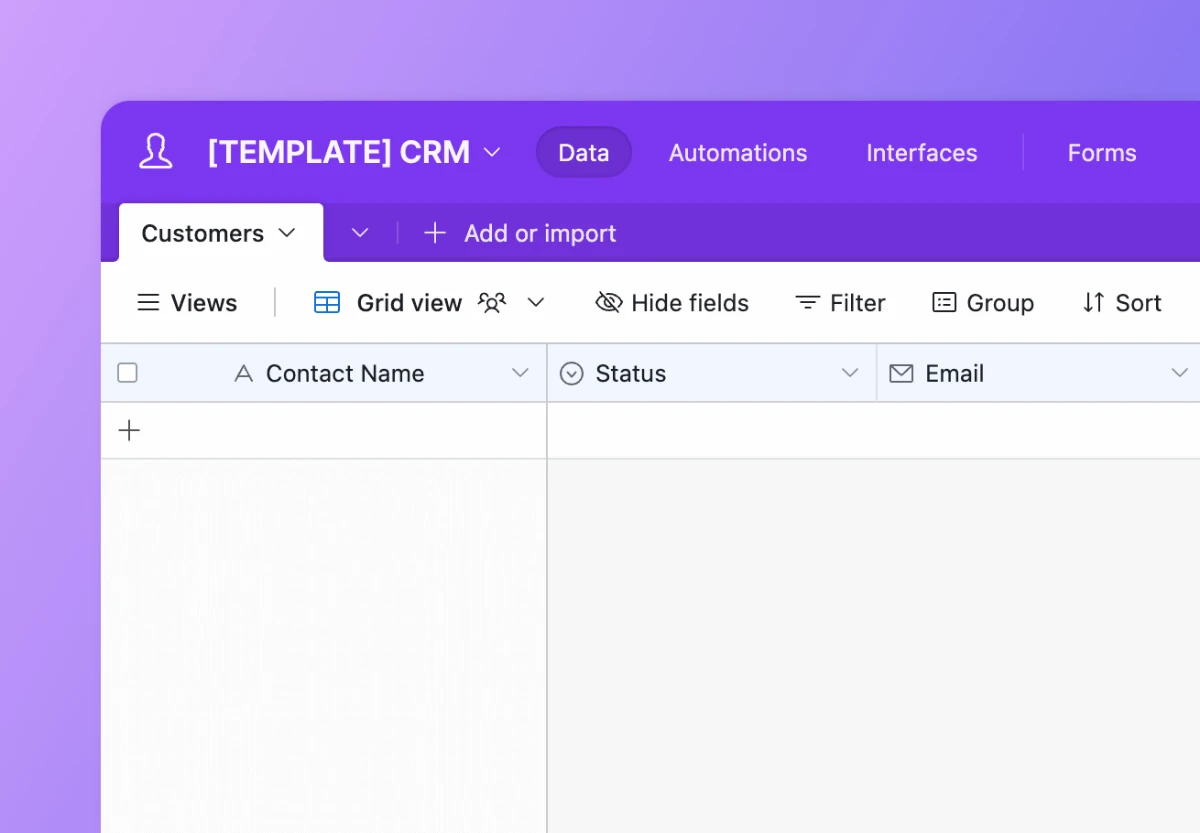
Start from where your records live today. If that's a spreadsheet, templates on spreadsheet-backed platforms turn migration into an afternoon — point the app at the sheet and columns become fields. If your "CRM" is currently an inbox and memory, templates with their own built-in database give you a clean start without an import step at all.
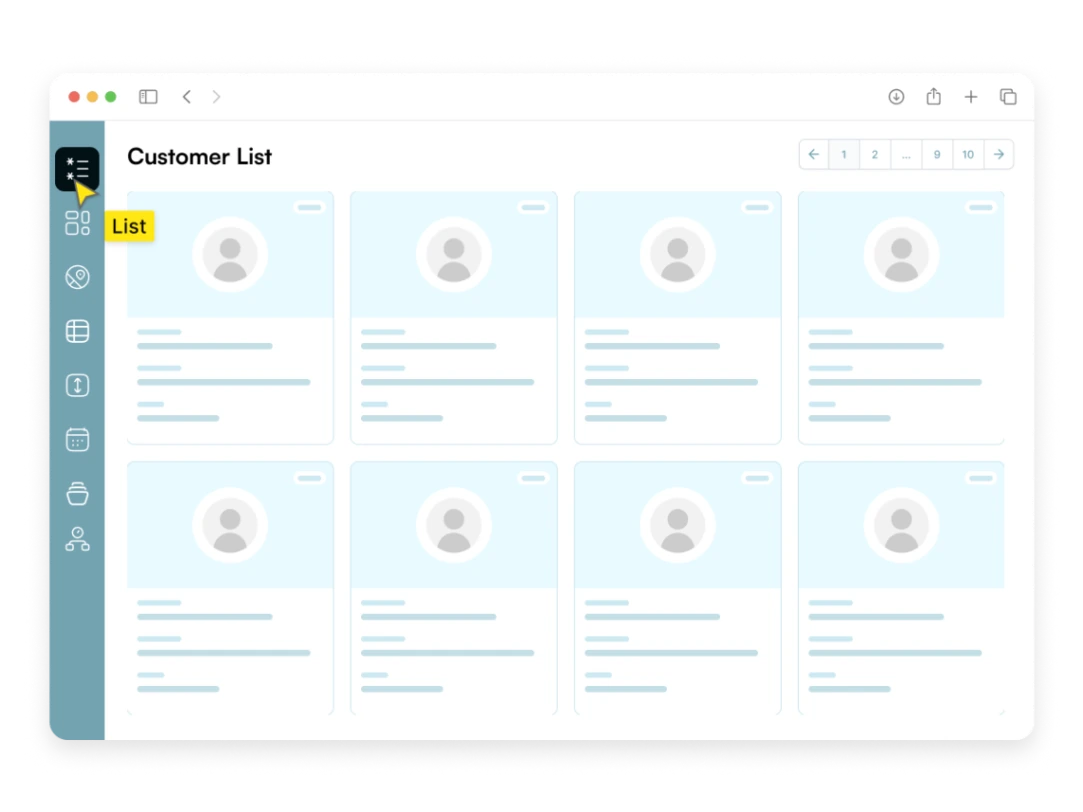
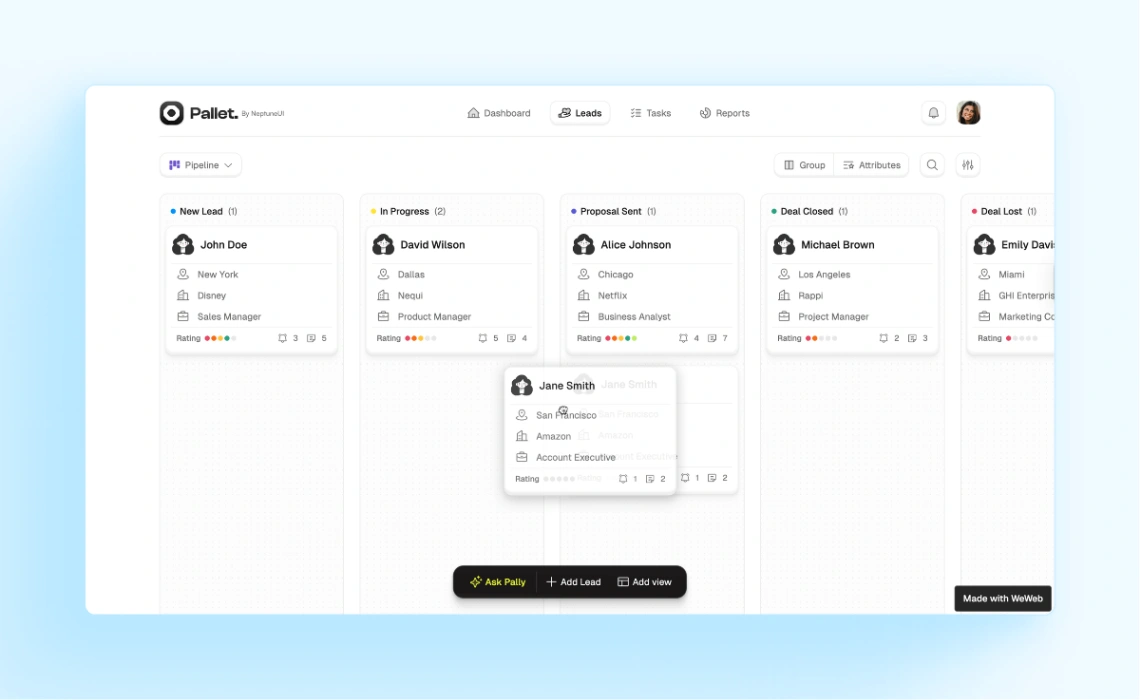
Then match the pipeline's shape, not its colors. A B2B deal pipeline (stages, values, close dates) is a different object from a simple contact tracker, which differs again from a client-work board that mixes deals with delivery. Renaming stages is trivial; restructuring what a record is means rebuilding. Solo operators can ignore permissions; teams should check for user roles and activity history now, because both are painful to add later.
The failure mode worth naming: configuring the CRM for the process you aspire to instead of the one you run. Twelve stages and six mandatory fields feel rigorous on day one; by week three the team stops logging and the tool quietly dies. Start with the fewest stages that describe reality and add fields only when their absence costs you. The platforms these templates run on all leave room to grow — automations, reminders, reporting — once the habit exists. Builder picks are pinned above.
FAQ







