









Buyer's guide
How to choose a directory template
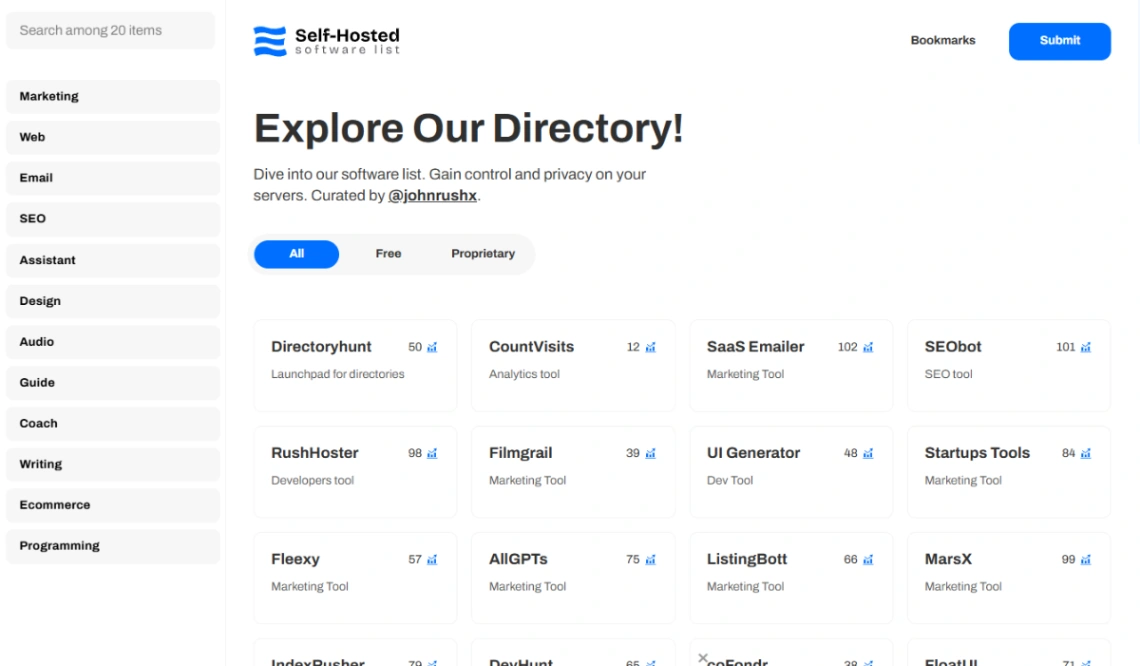
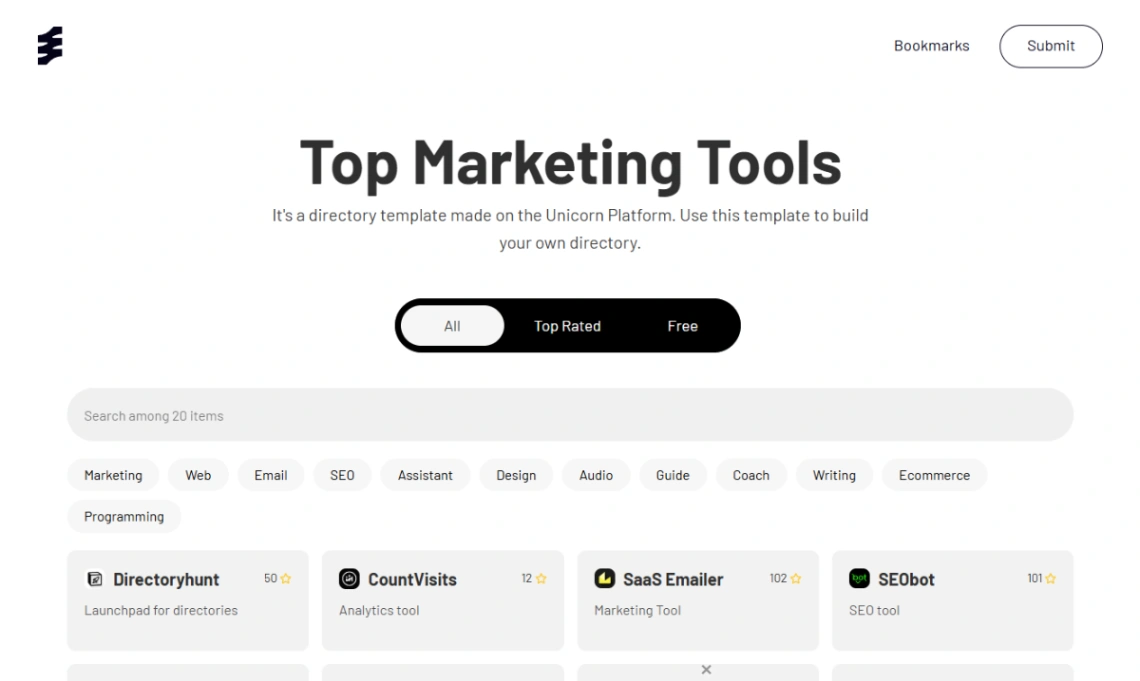
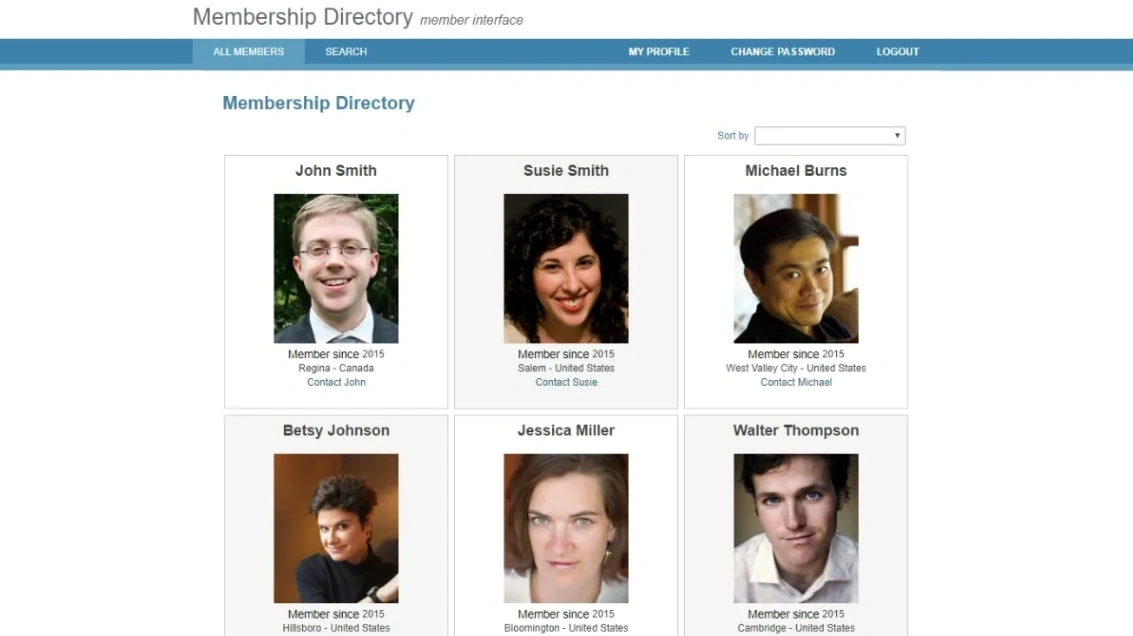
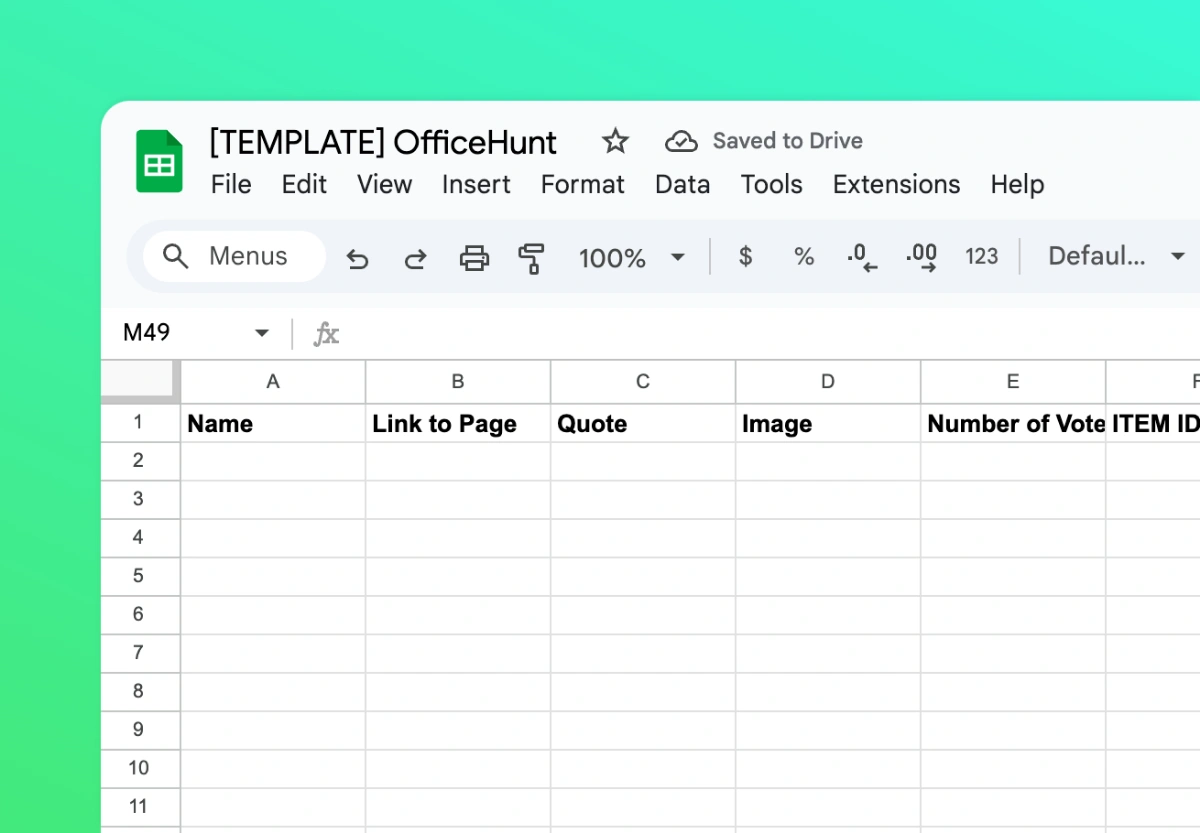
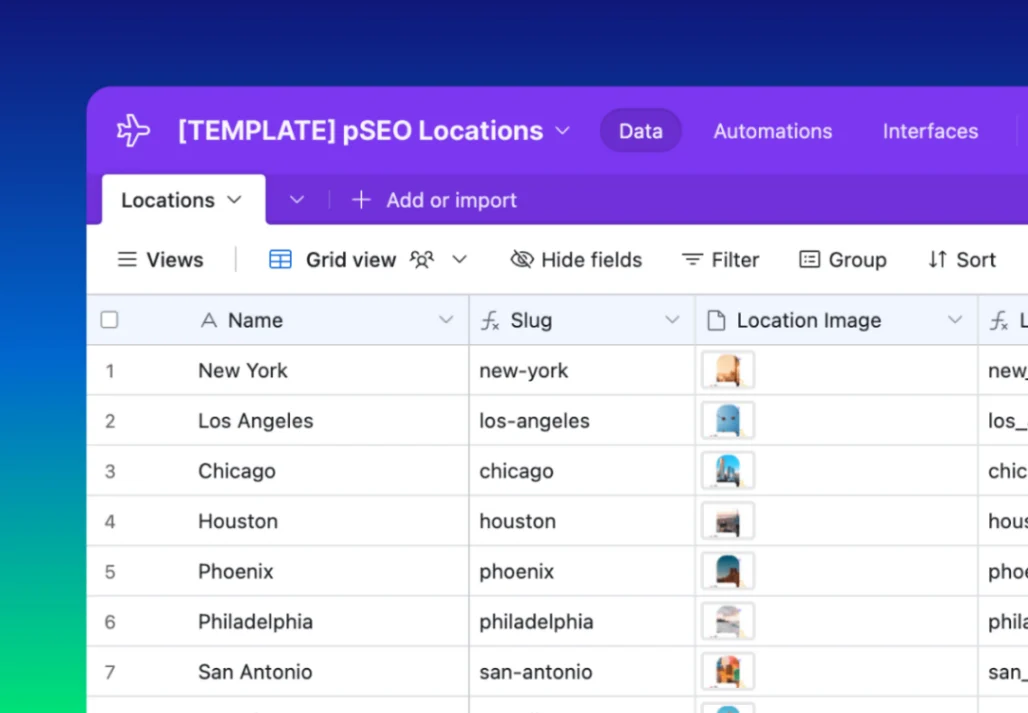
A directory is a data project wearing a website, and the templates here respect that order — they exist to turn structured rows into browsable, searchable pages. So make the two data decisions first: where listings live (a spreadsheet the site syncs with, or the builder's own database) and what a listing contains. Sketch your columns — name, category, location, links, images — before previewing anything, because the template's fields should match your columns, not the other way round.
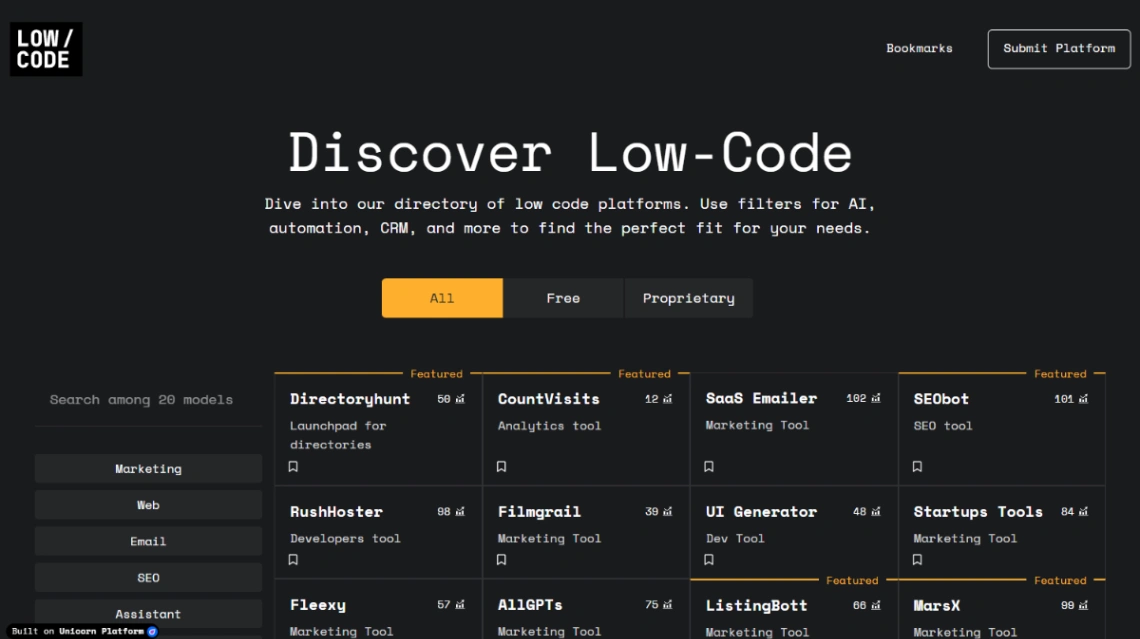
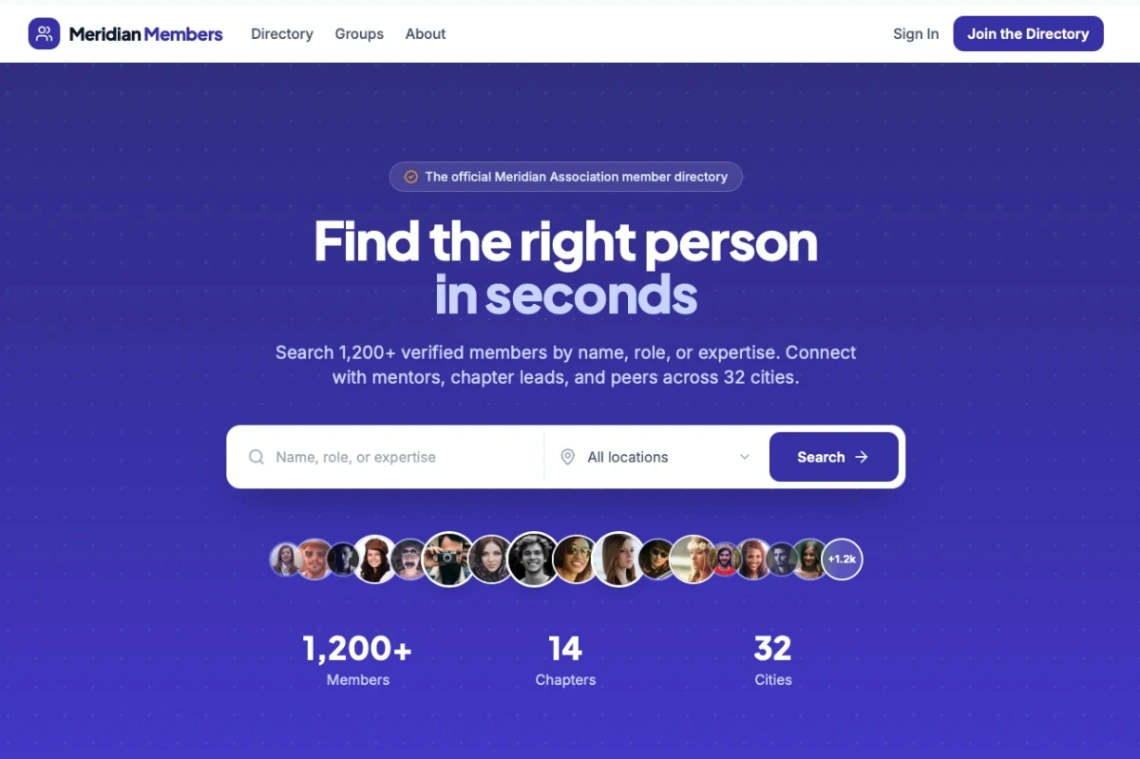
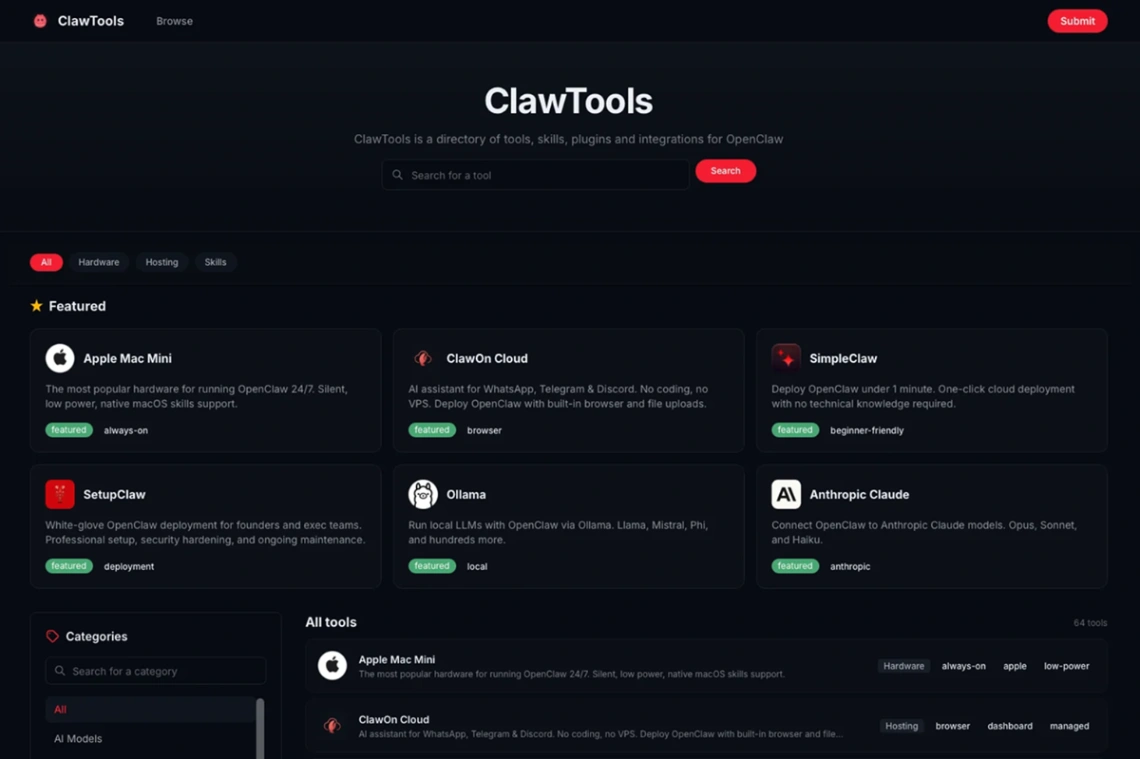
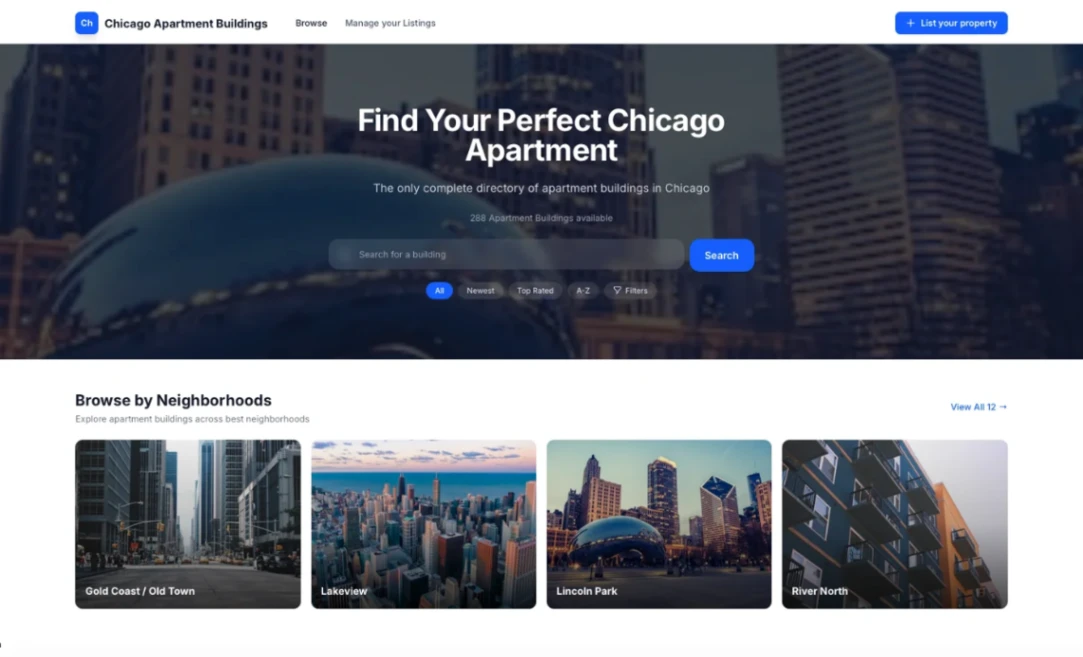
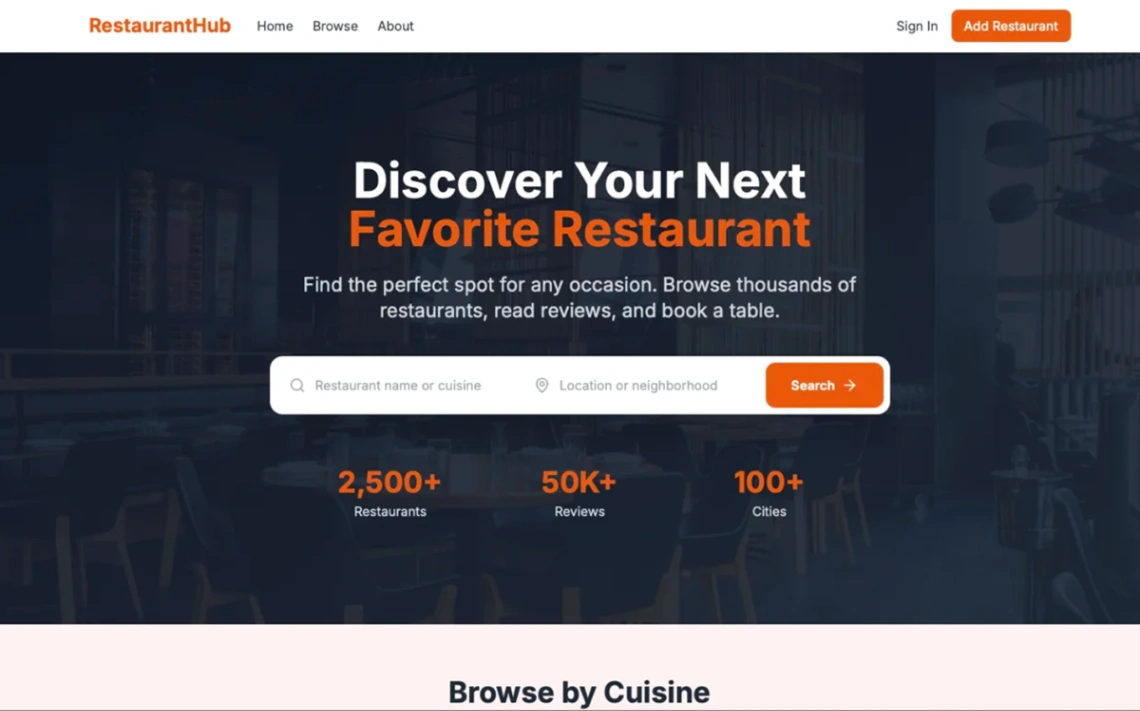
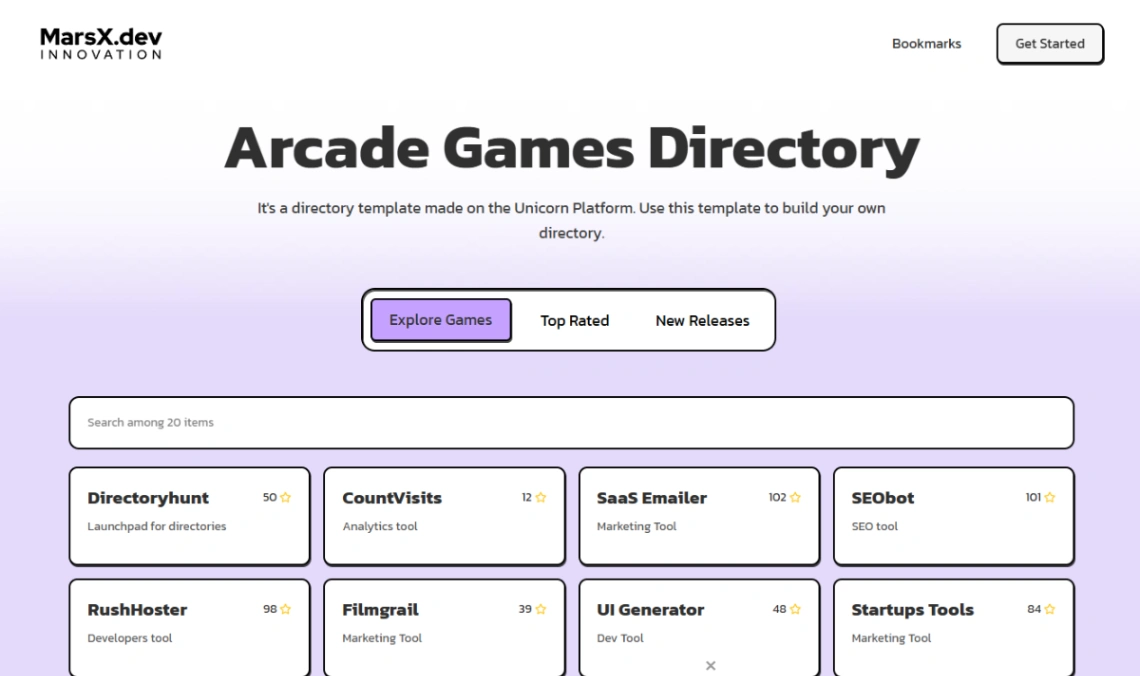
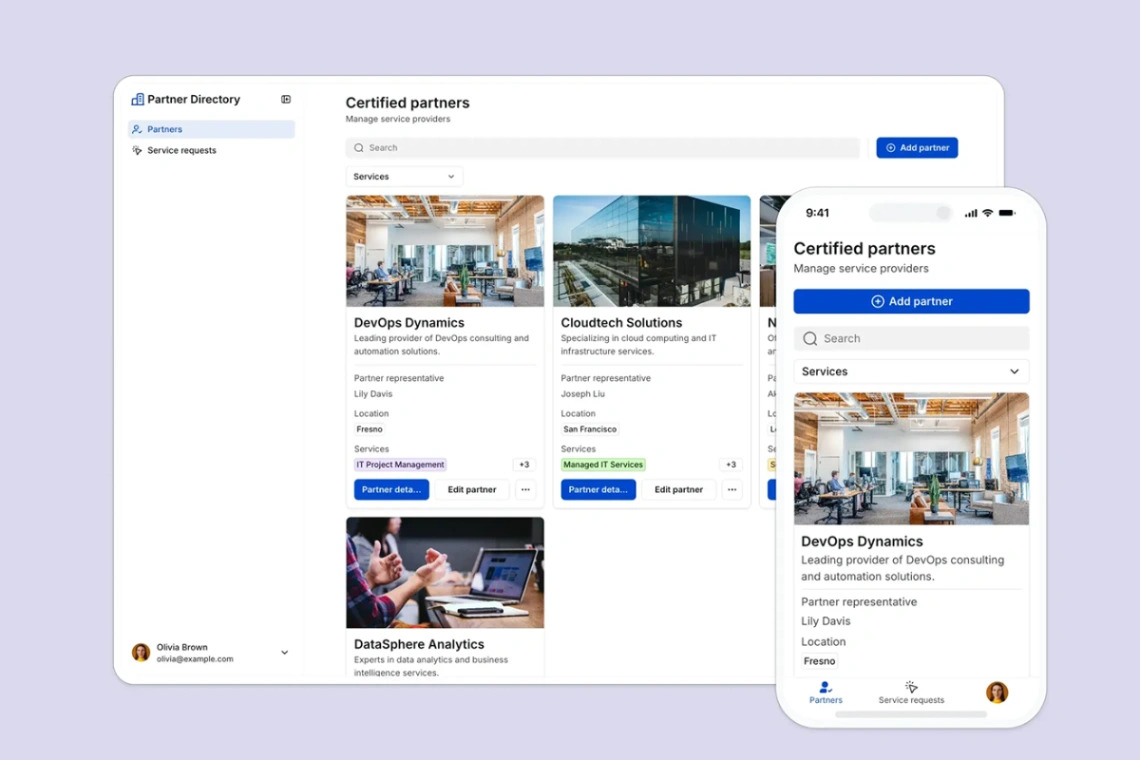
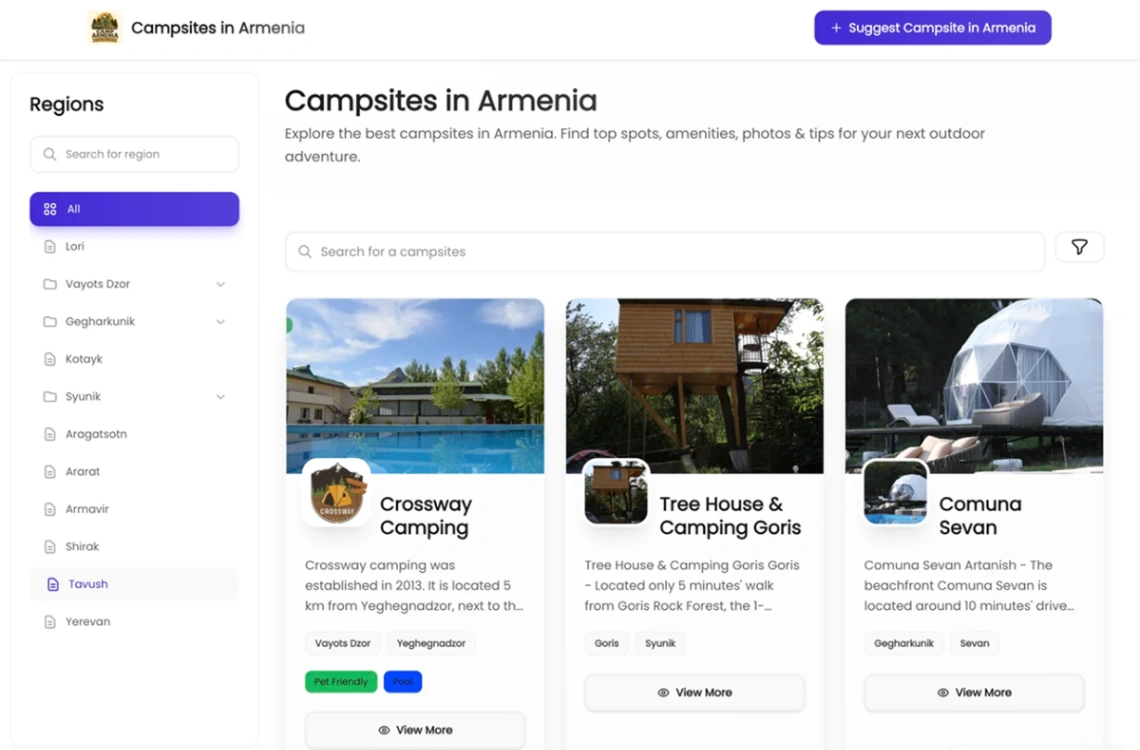
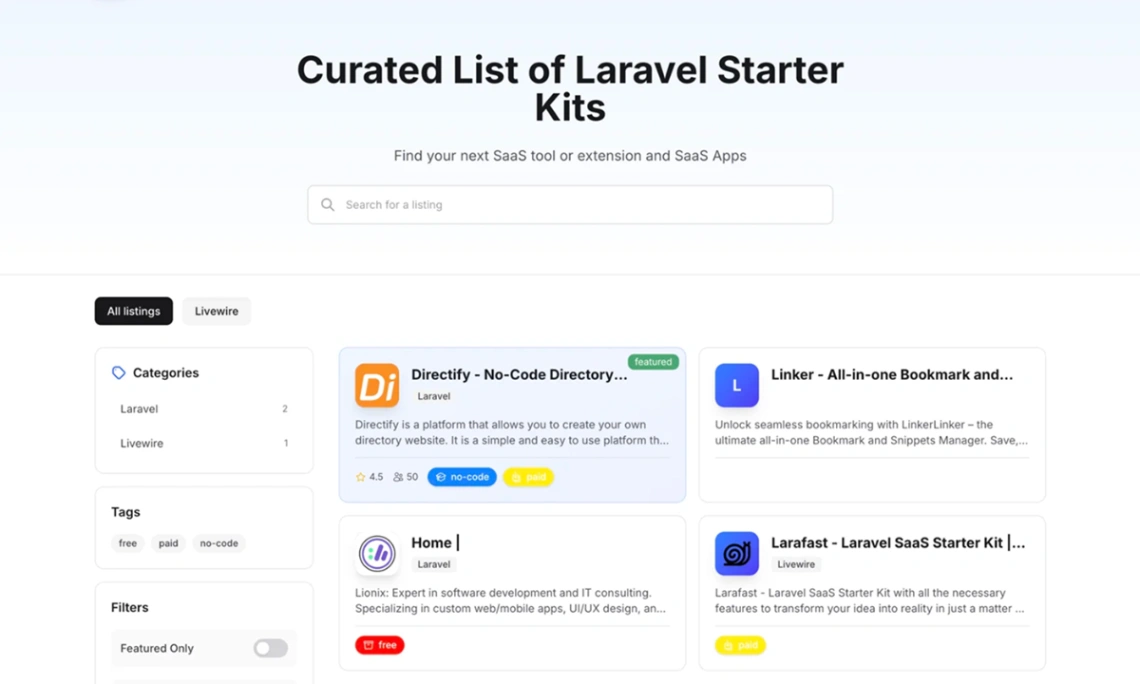
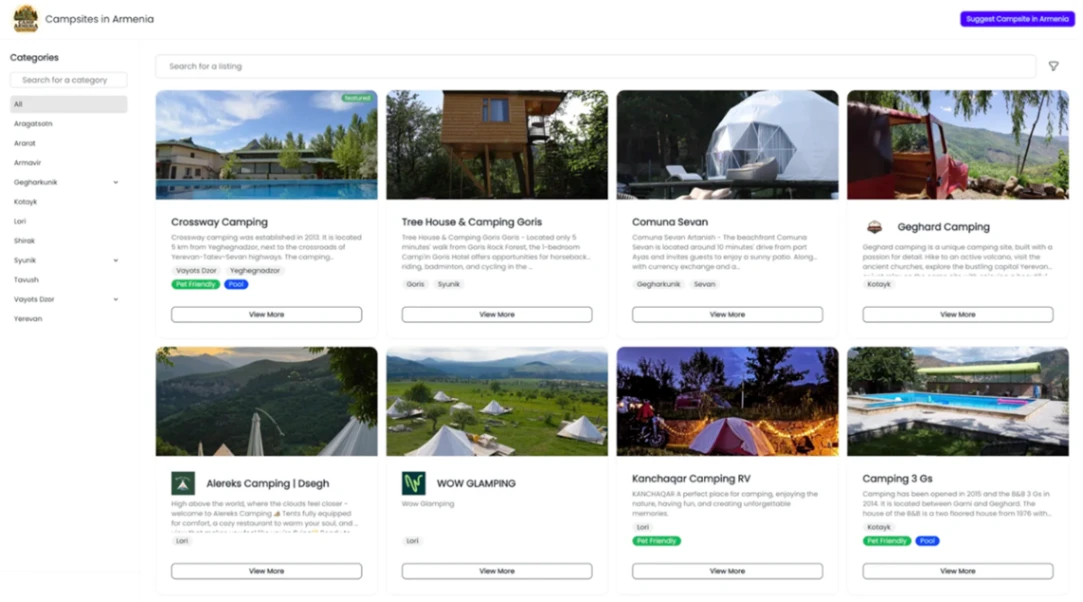
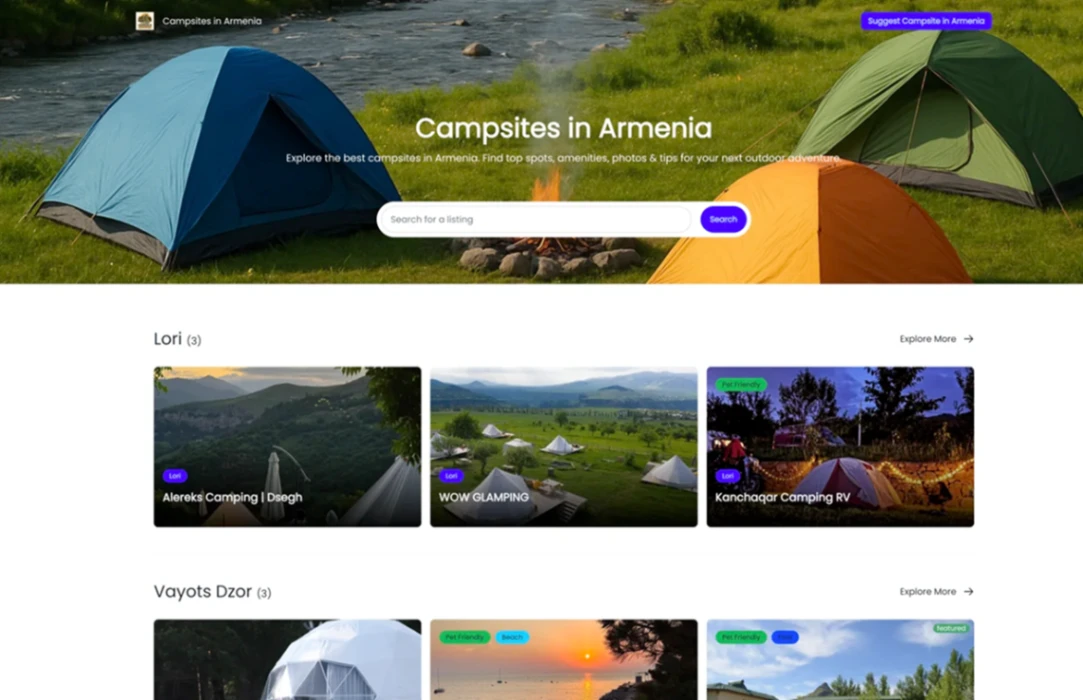
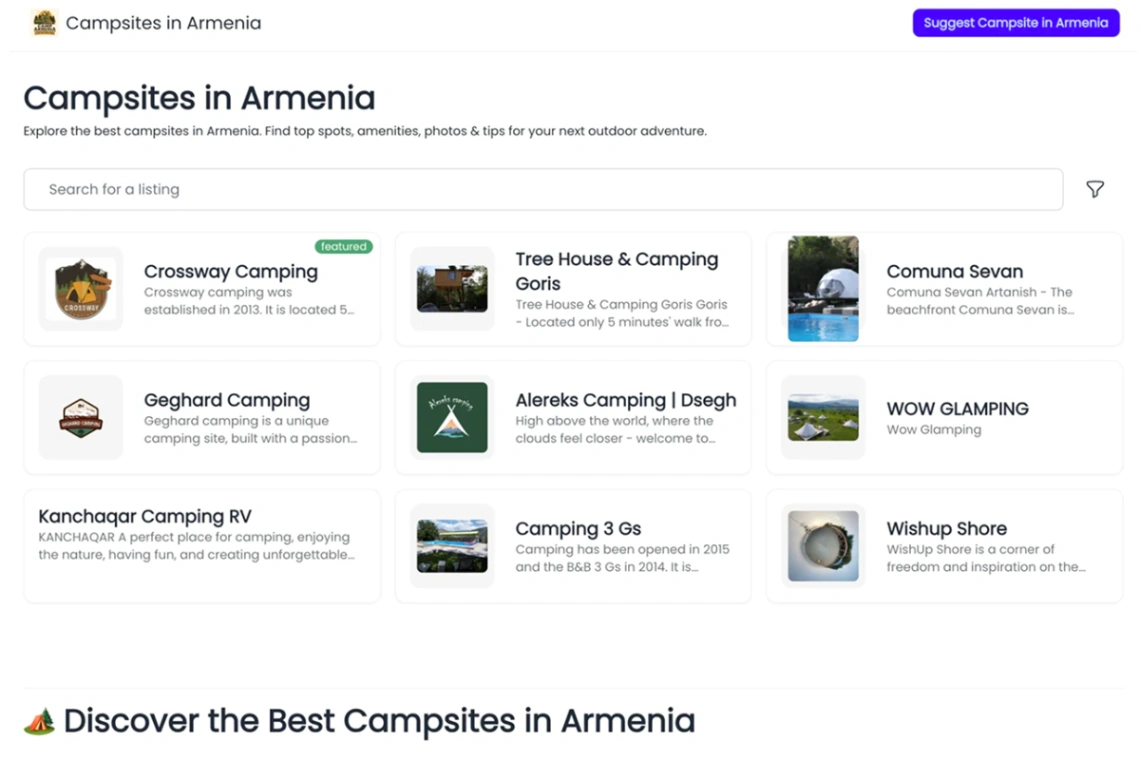
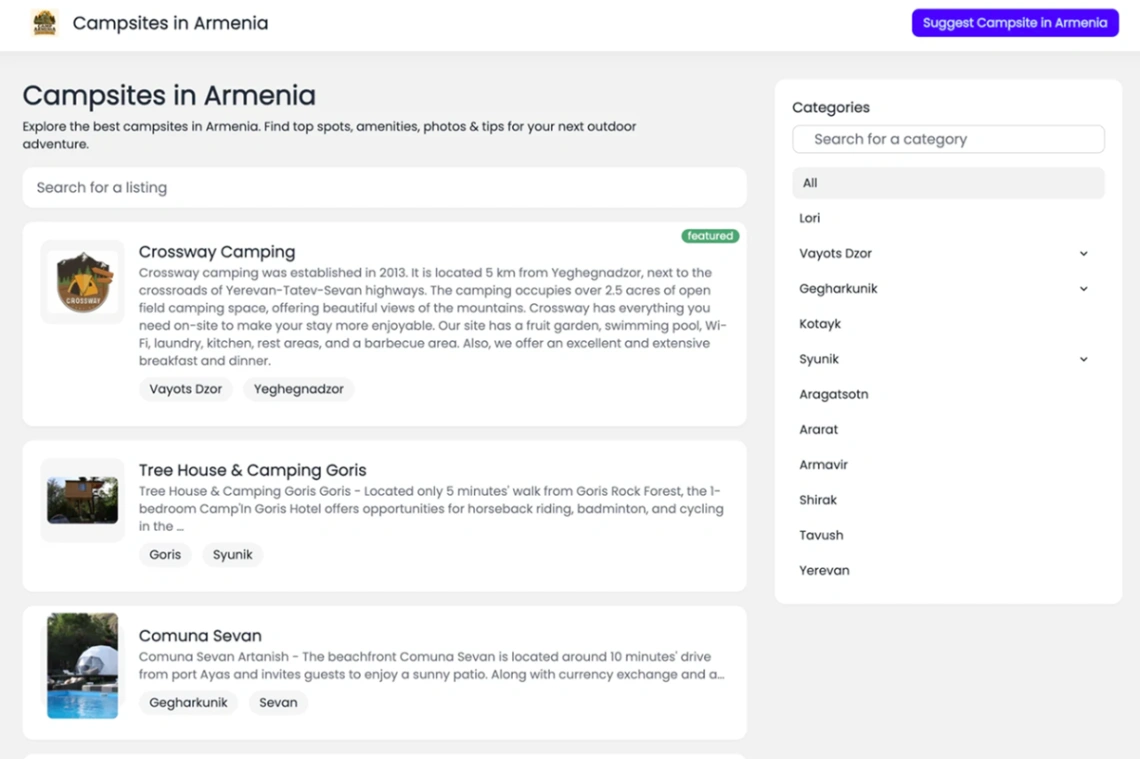
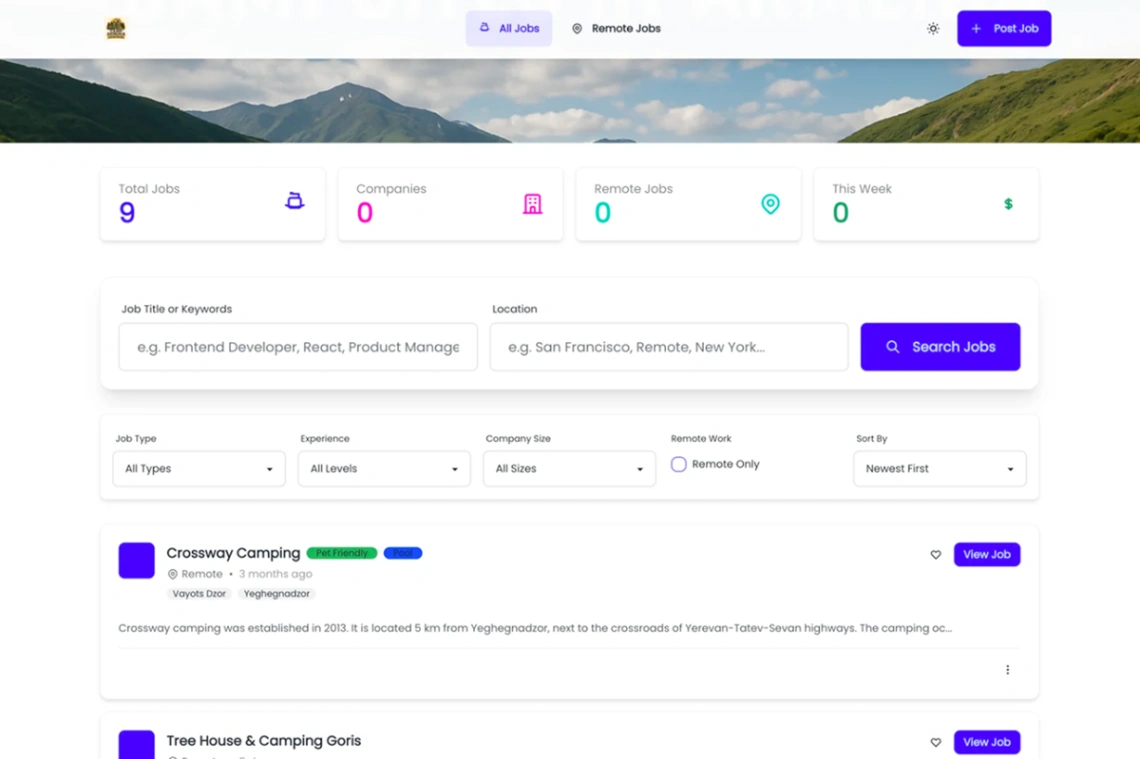
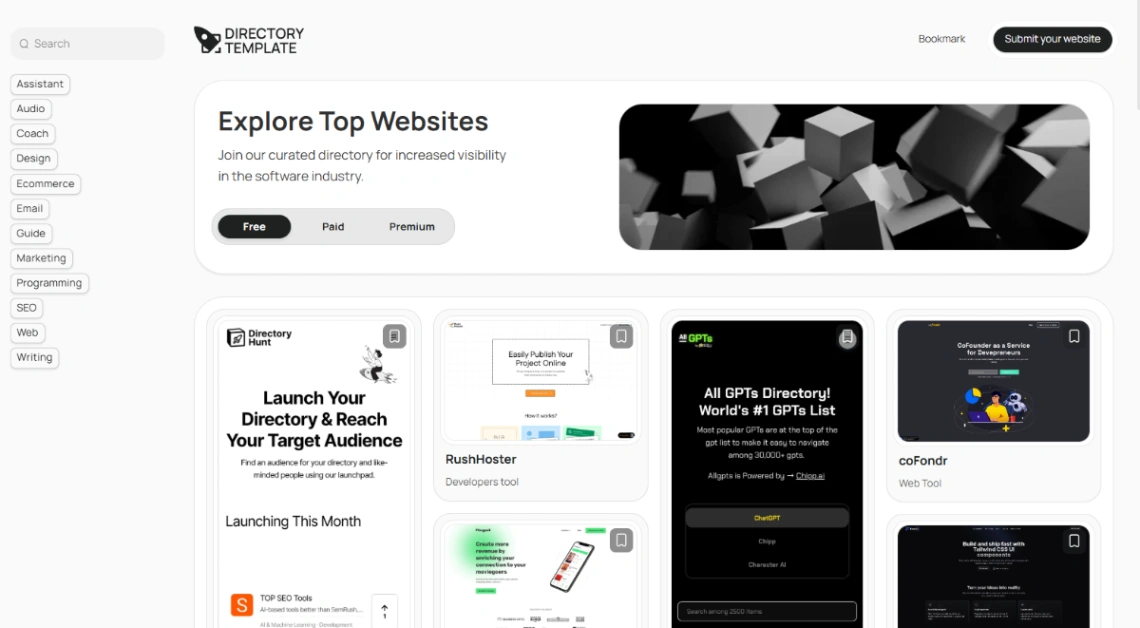
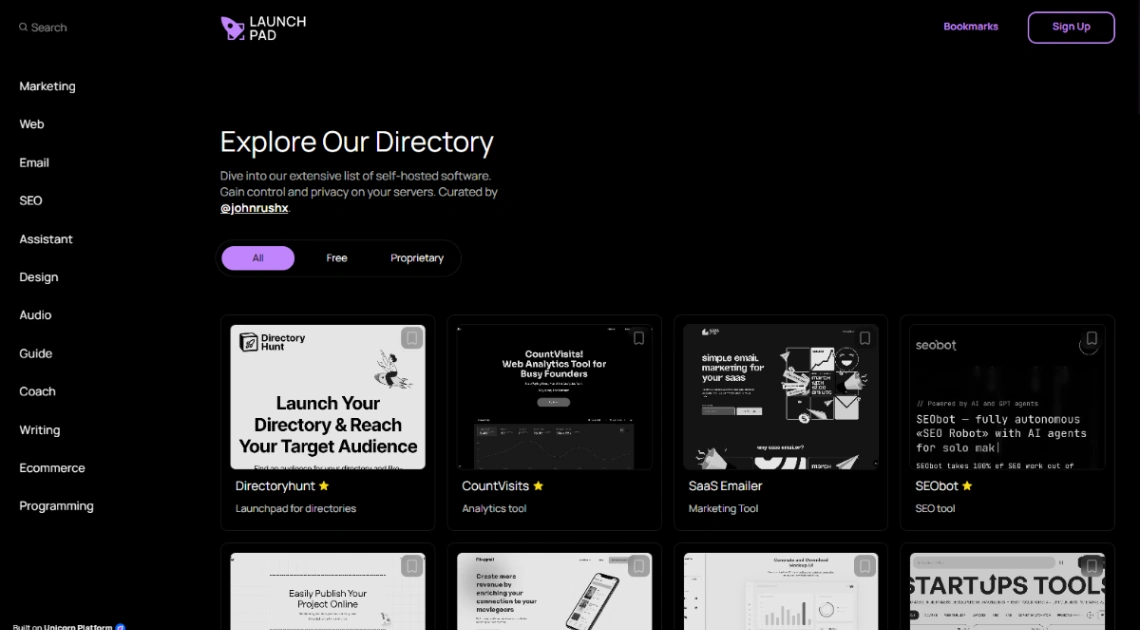
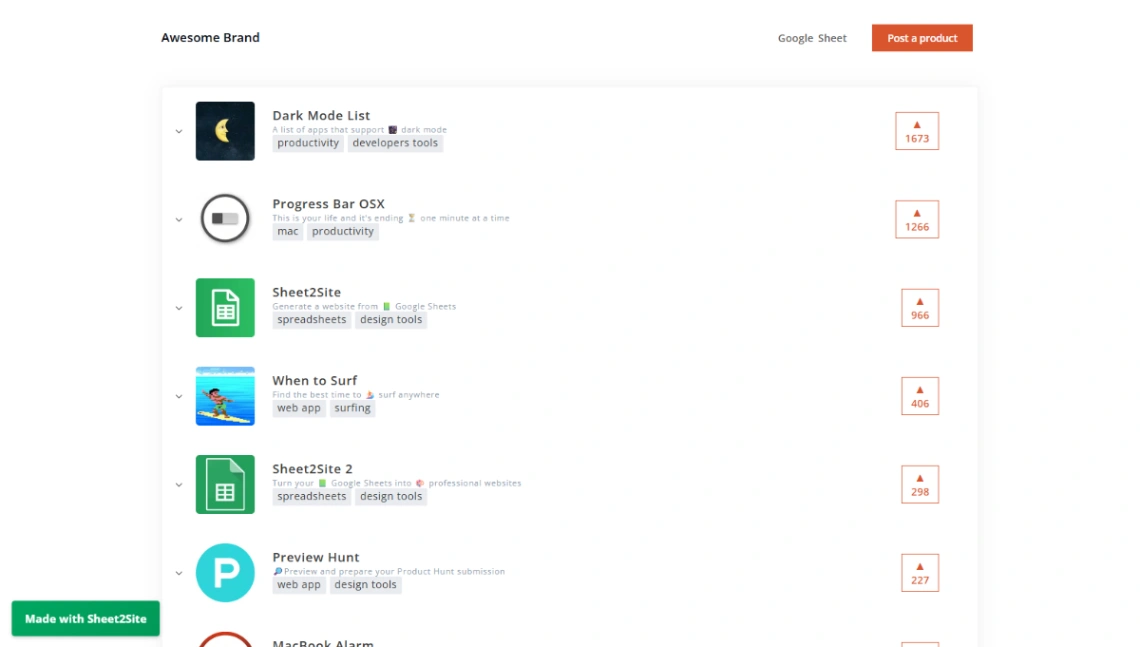
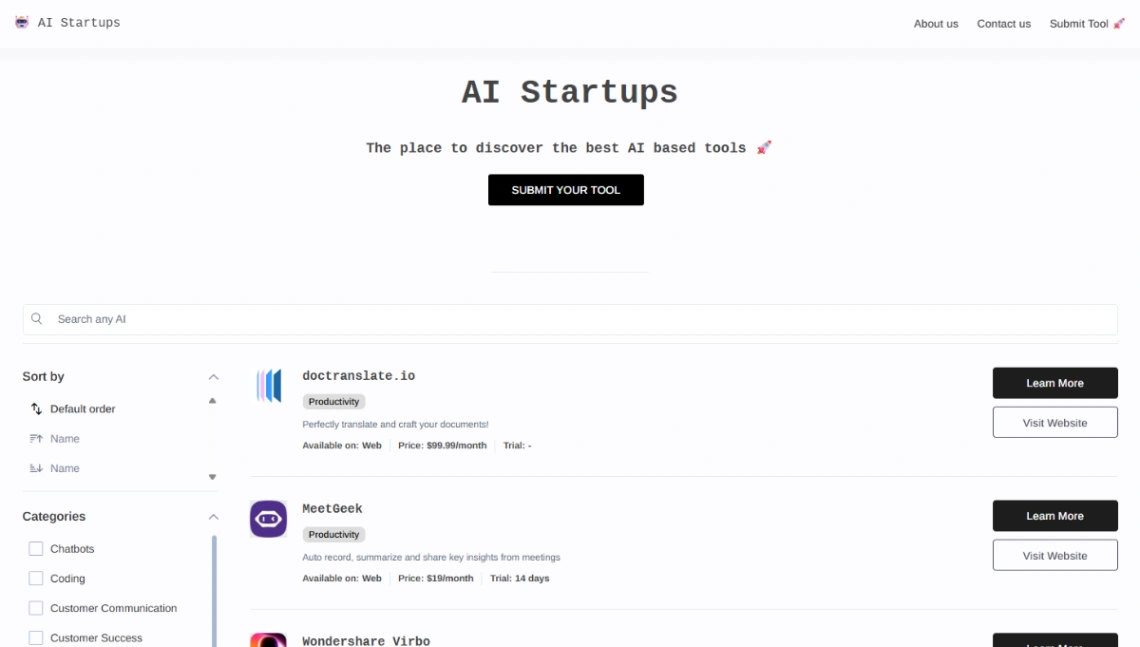
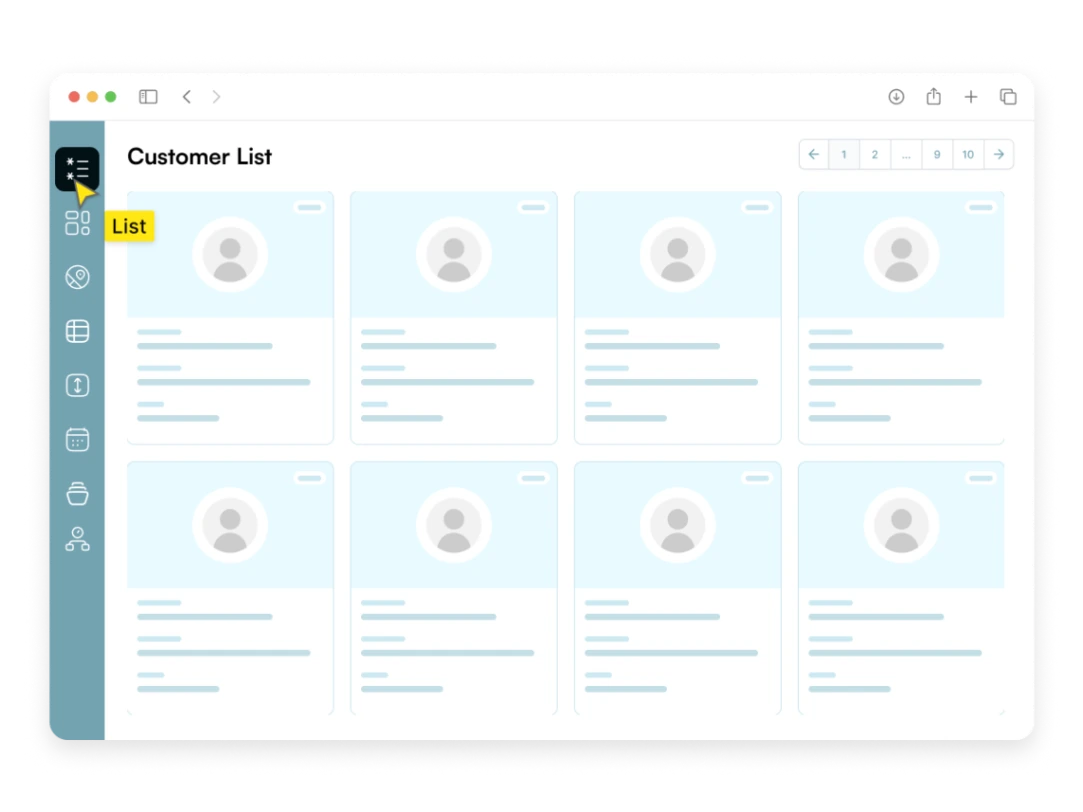
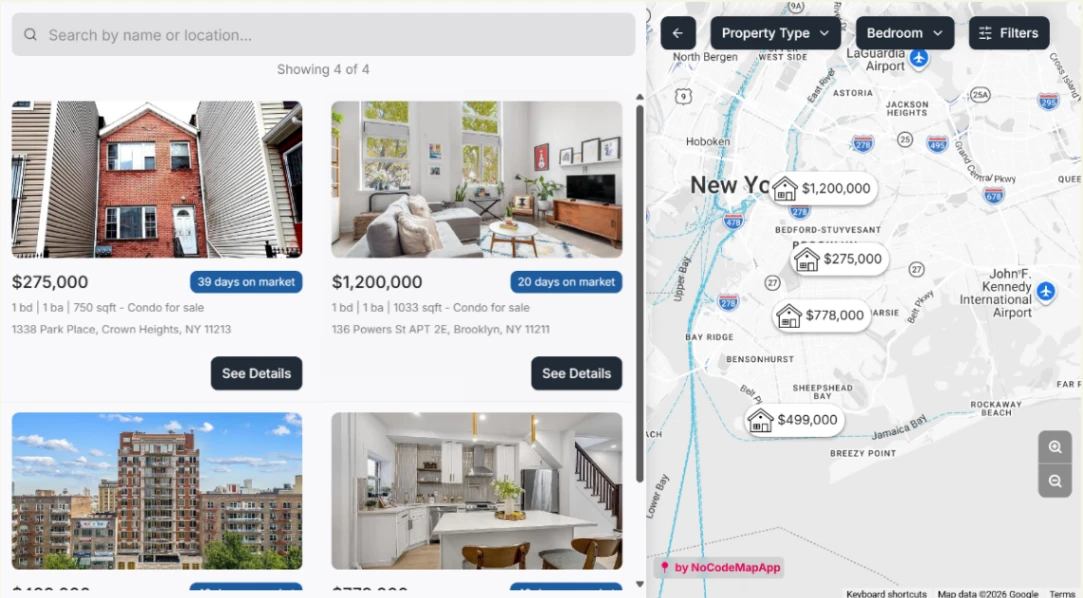
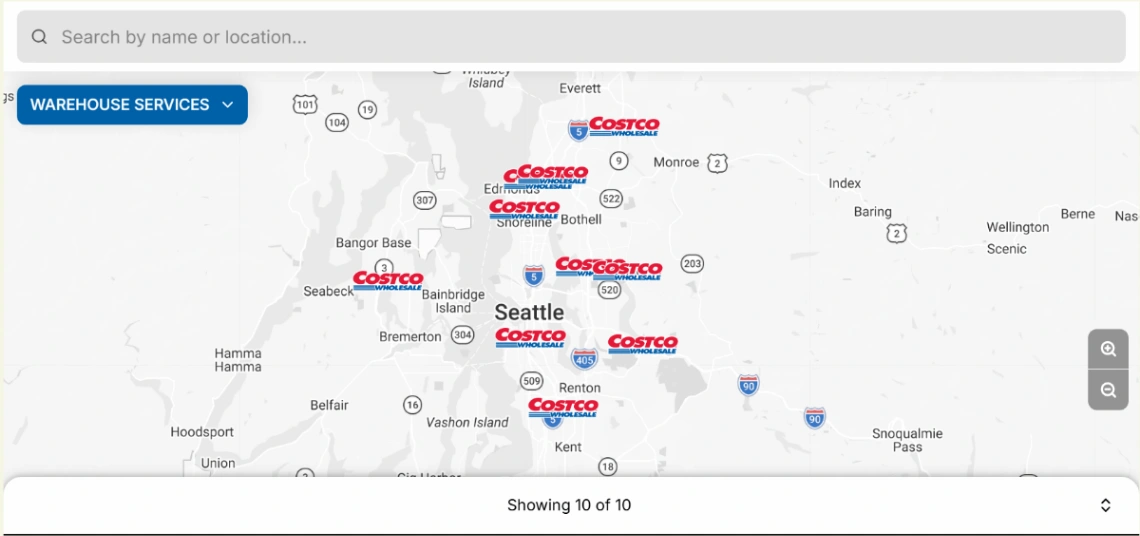
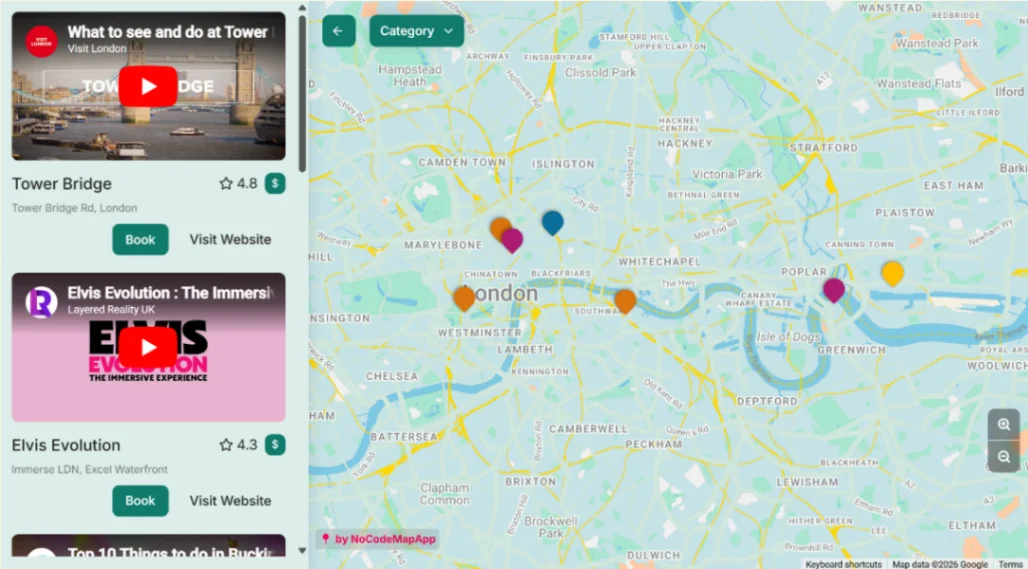
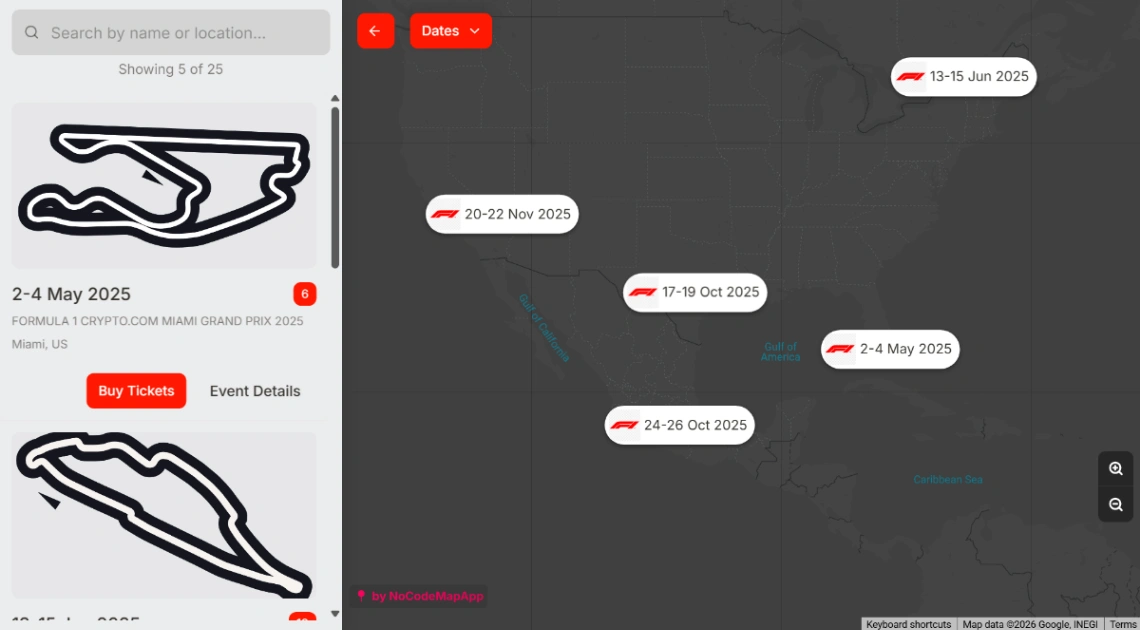
Then choose by how visitors will dig. Local and physical directories want map views and location filters; directories of tools, services or resources want category filters and search. Detail pages matter more than the grid: each listing should render as its own real page with its own URL, because those long-tail pages are what search engines index — and that indexation is a directory's entire acquisition strategy. Confirm it in the preview; a directory whose listings open as popups is invisible to Google.
On filling it: every directory faces the same cold start, and the answer is that you seed it yourself. Fifty to a hundred quality listings compiled from your own research make the site worth visiting; open public submissions after there's traffic, not before, because an empty directory attracts no submitters.
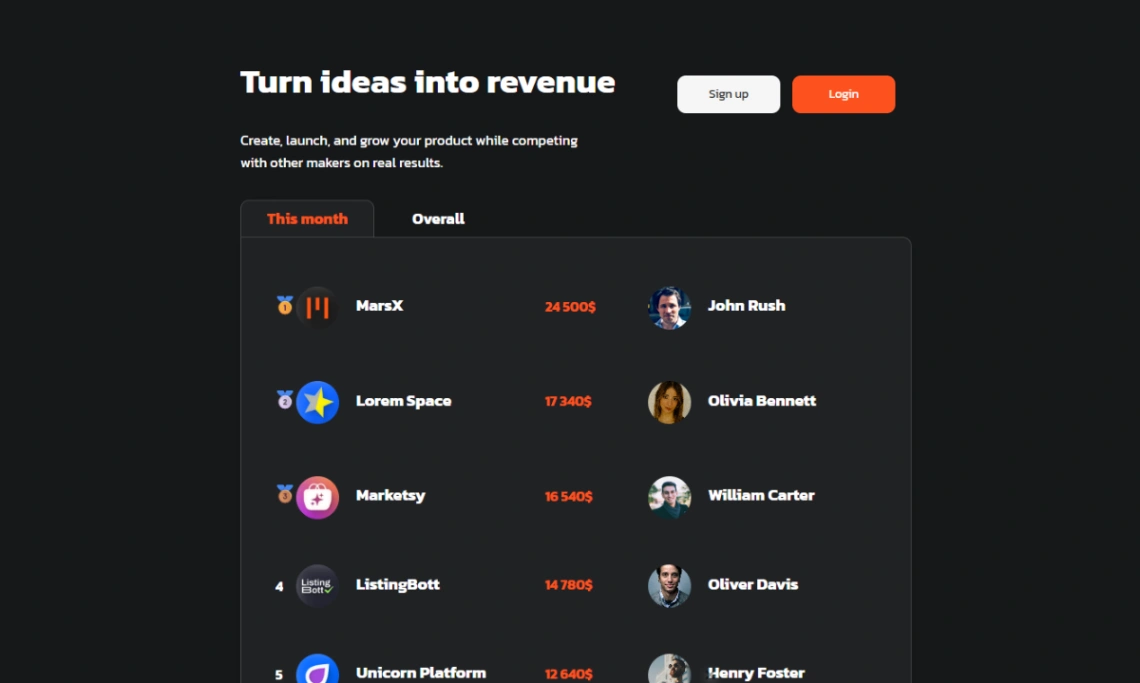
Monetization comes last, and the warning is blunt: builders who wire up featured-listing payments before they have a hundred listings usually ship neither. Paid placement, claim-your-listing and sponsor slots all retrofit easily once traffic proves demand — traffic itself can't be retrofitted. The purpose-built directory platforms behind these templates are pinned at the top of this page.
FAQ







