
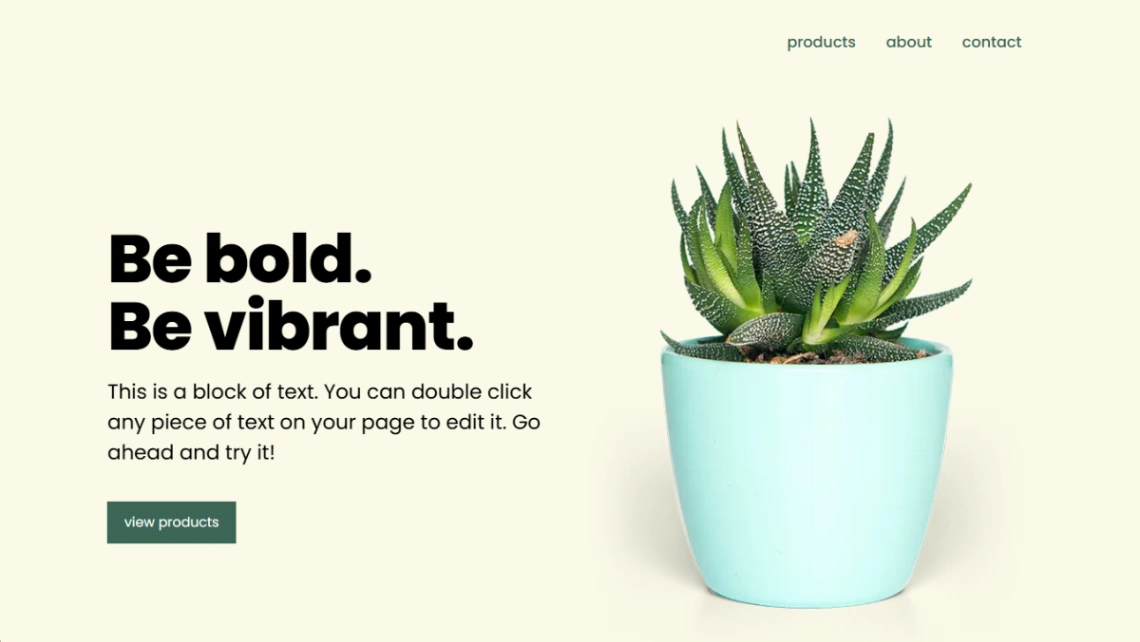
Plant Shop
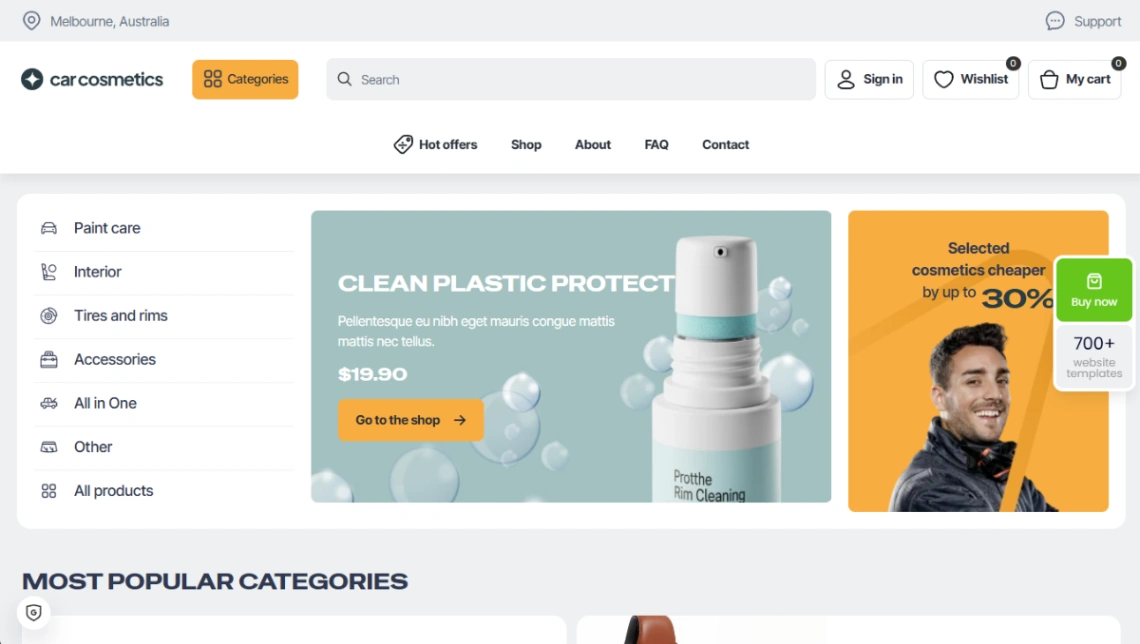


Art Store

Buyer's guide
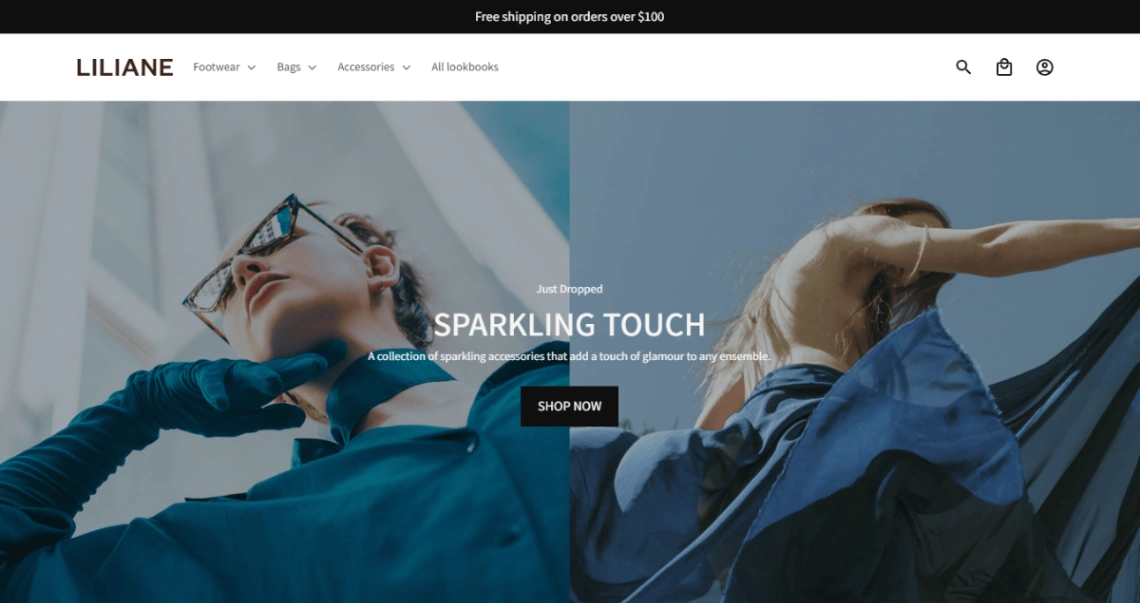
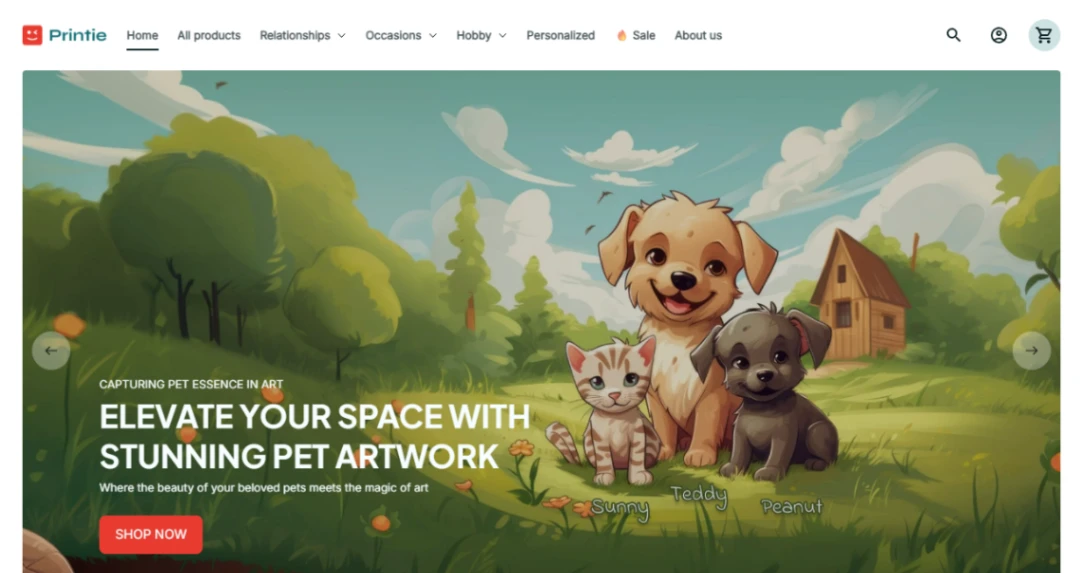
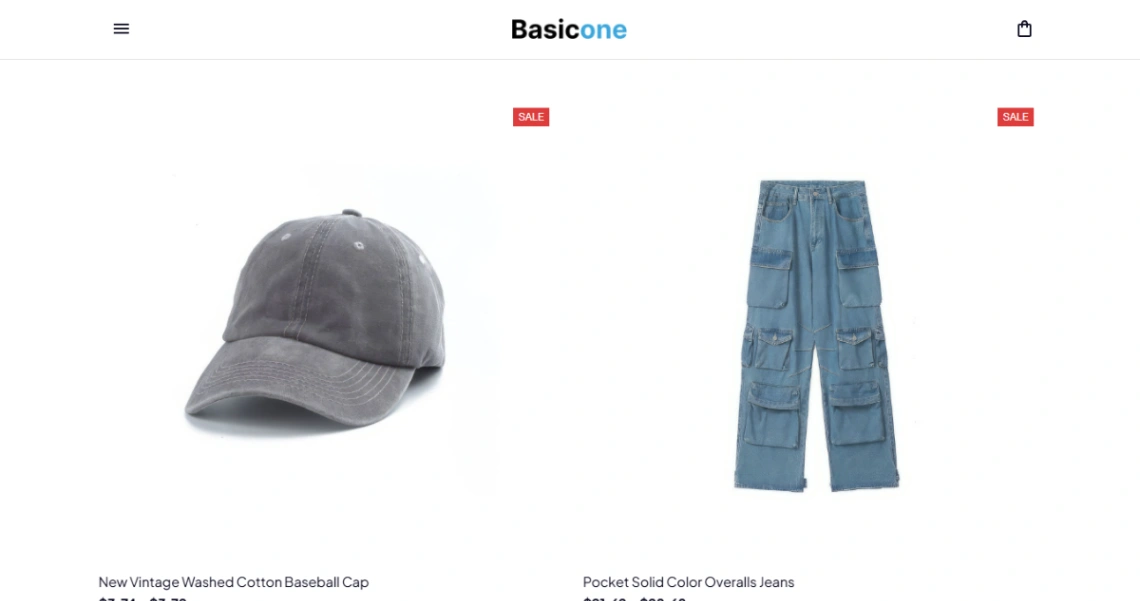
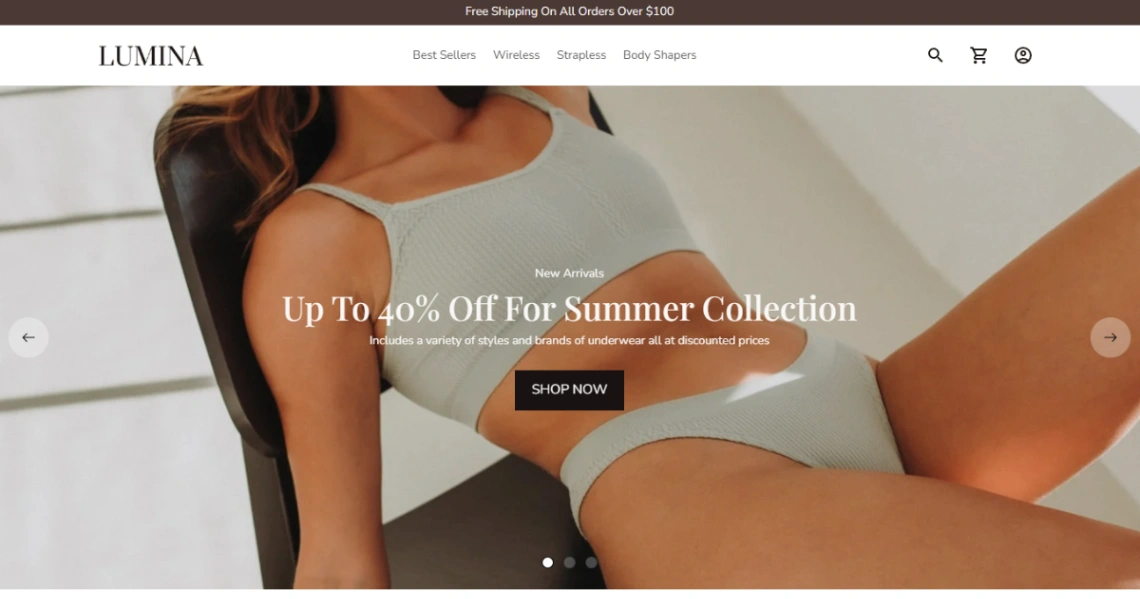
How to choose an ecommerce template
The template is the cheapest decision you'll make in ecommerce; the platform underneath it is the expensive one. Every storefront design here is free to preview, but each commits you to its builder's checkout, fee structure and product system — so evaluate the engine before the paint.
Catalog size is the honest first filter. A ten-product line runs happily on lightweight cart tools with almost no monthly cost; hundreds of SKUs with sizes and colorways need a full storefront platform with real inventory, variants and collections. Pick for the catalog you'll have in a year, not the one you have today — moving up later means re-entering every product.
Then read the money mechanics, because they differ more than the designs do: subscription price, transaction fees and payment processing rates stack differently on every platform. Run the numbers at your expected monthly sales — a free template on a platform that takes a slice of each order can cost more at volume than a paid plan that doesn't. Add the operations you'll need after checkout — shipping rates, tax handling, discount codes, abandoned-cart emails — to the same comparison, since these are painful to retrofit.
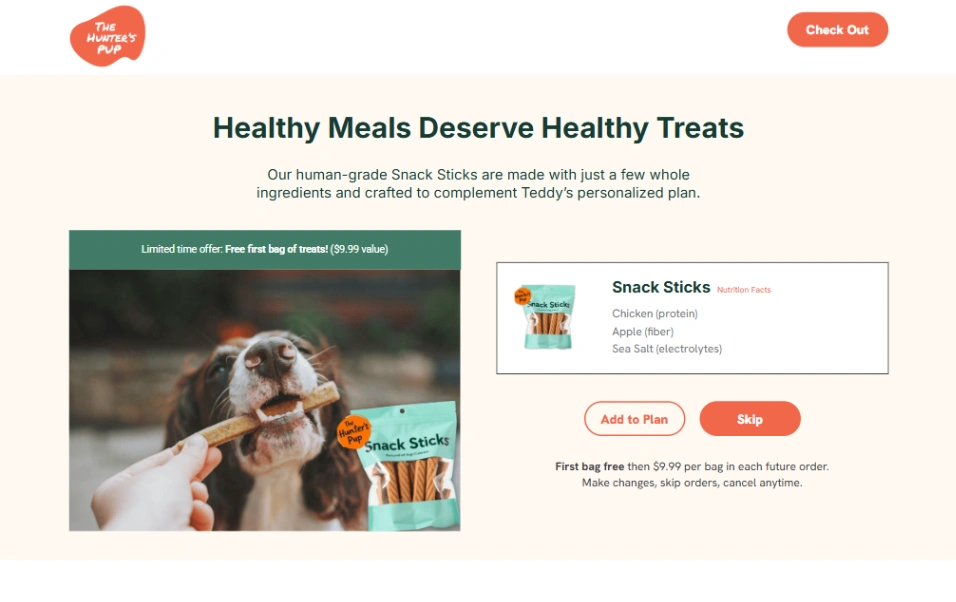
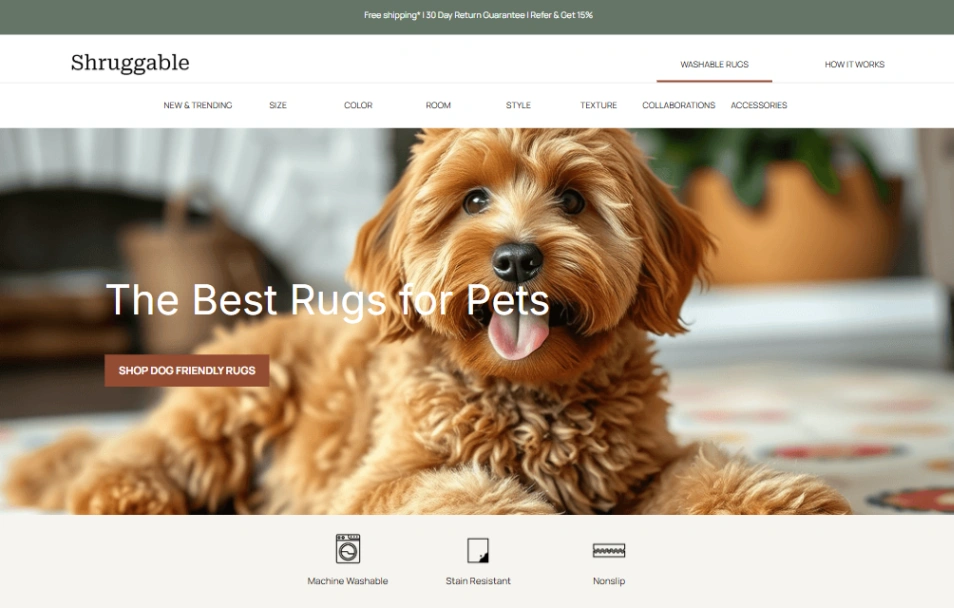
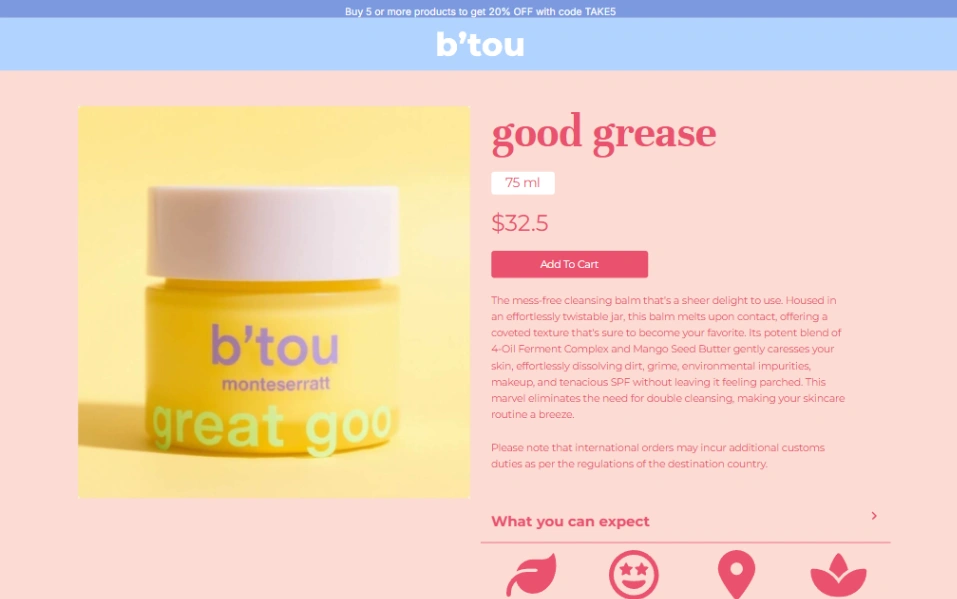
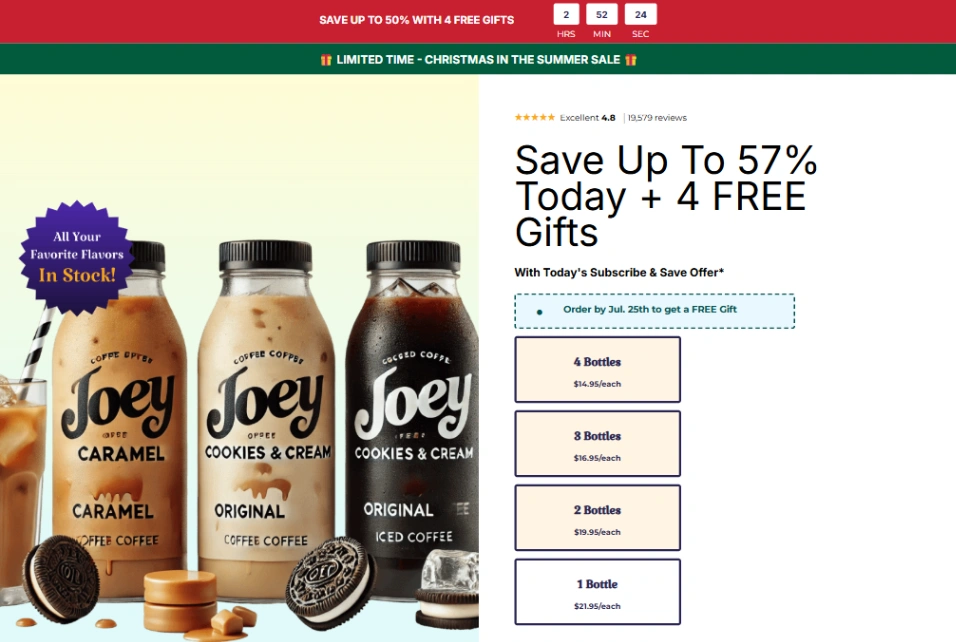
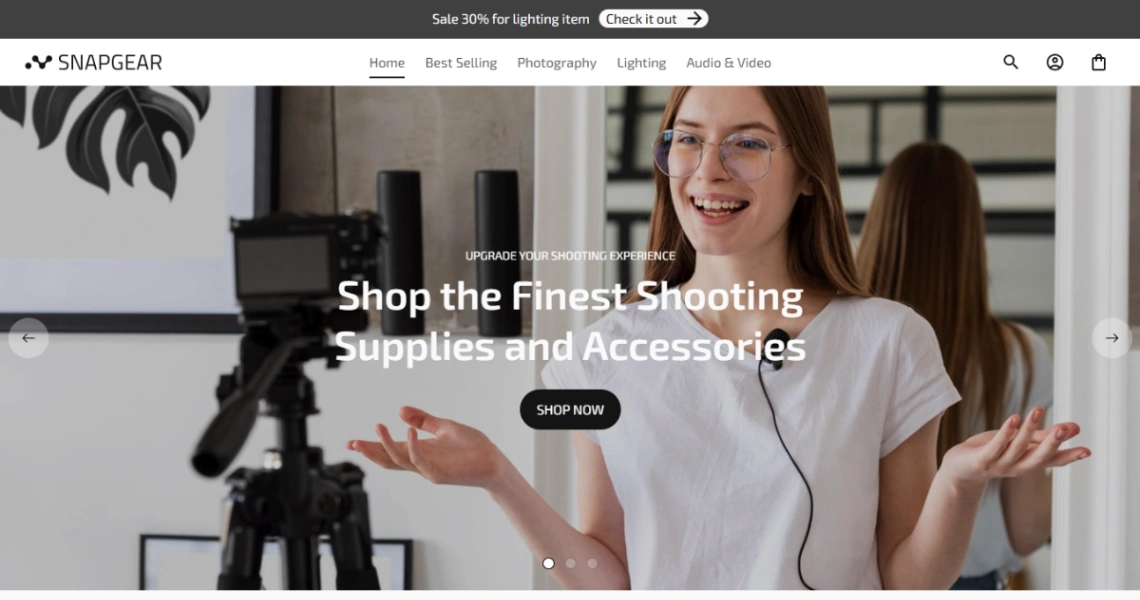
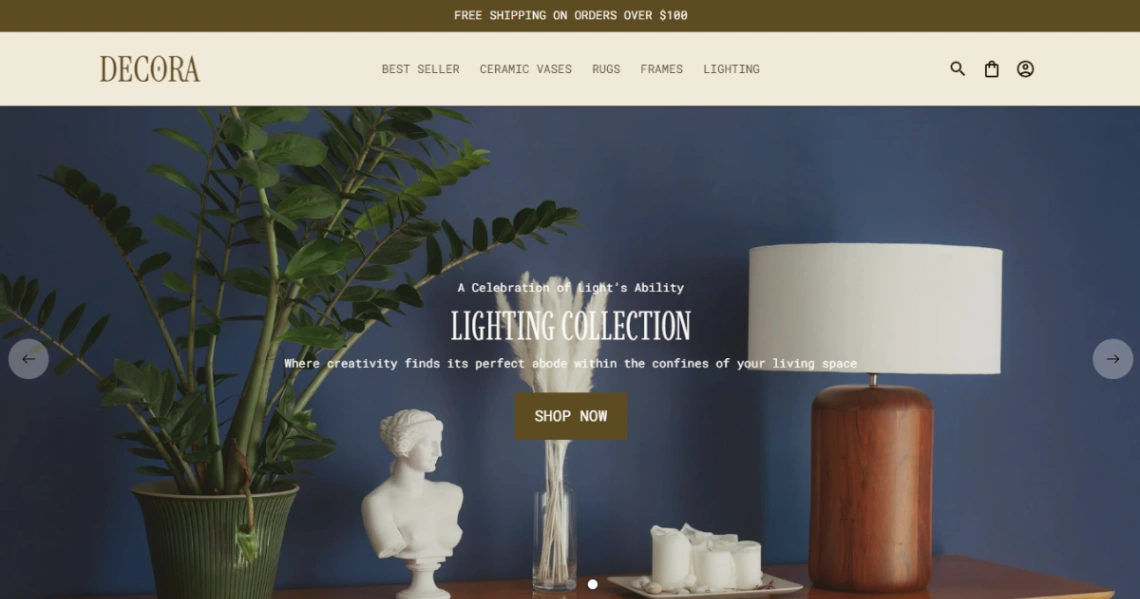
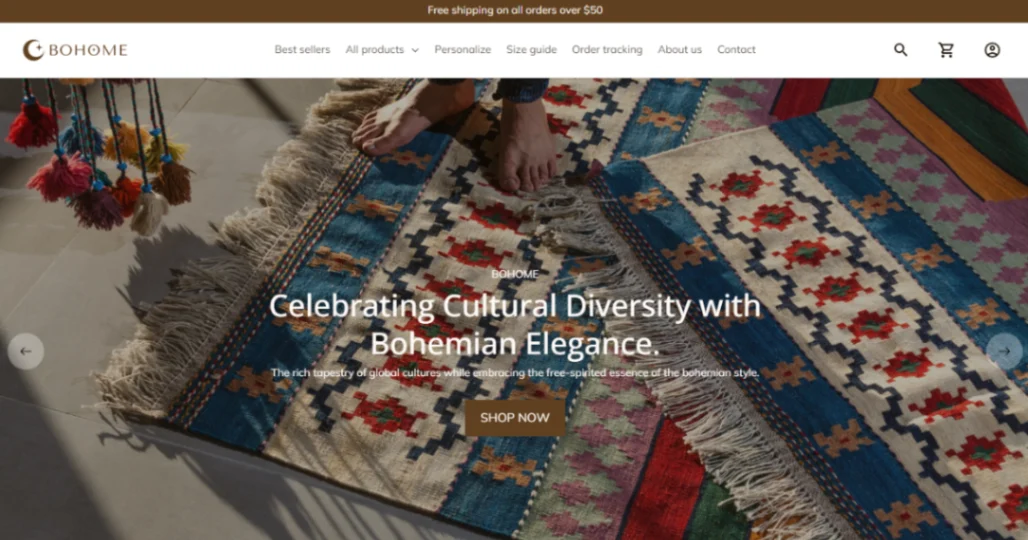
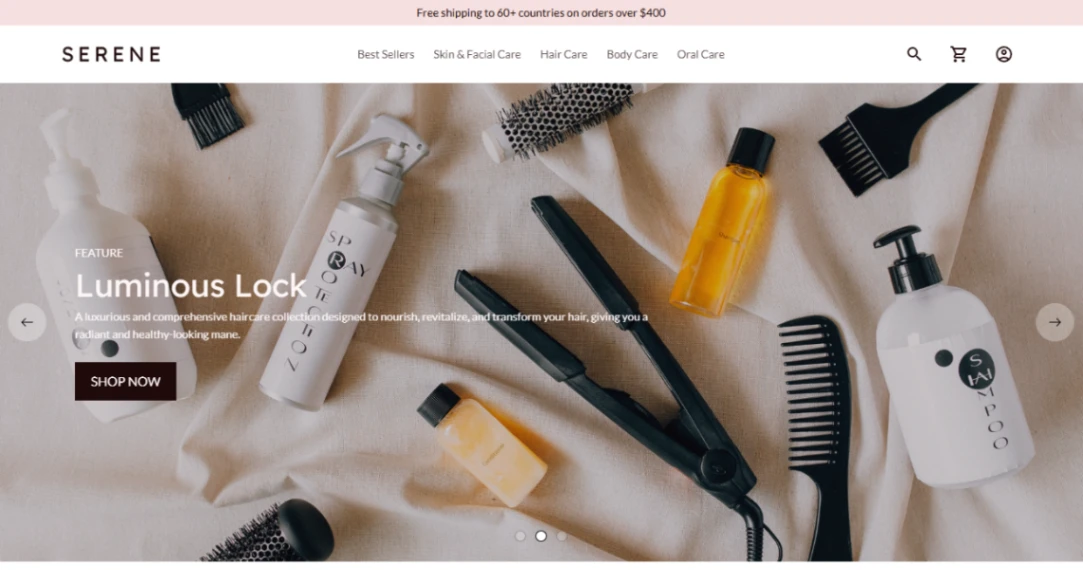
The warning this category earns: migration is the real lock-in. Your product list exports to a spreadsheet, but orders, customer accounts, reviews and search rankings mostly don't follow you. Choose the platform as if you'll still be on it in three years, because in practice you will be. Load a few real products into your shortlisted templates before committing — the pinned builder picks at the top of this page are grouped for exactly this comparison.
FAQ






