


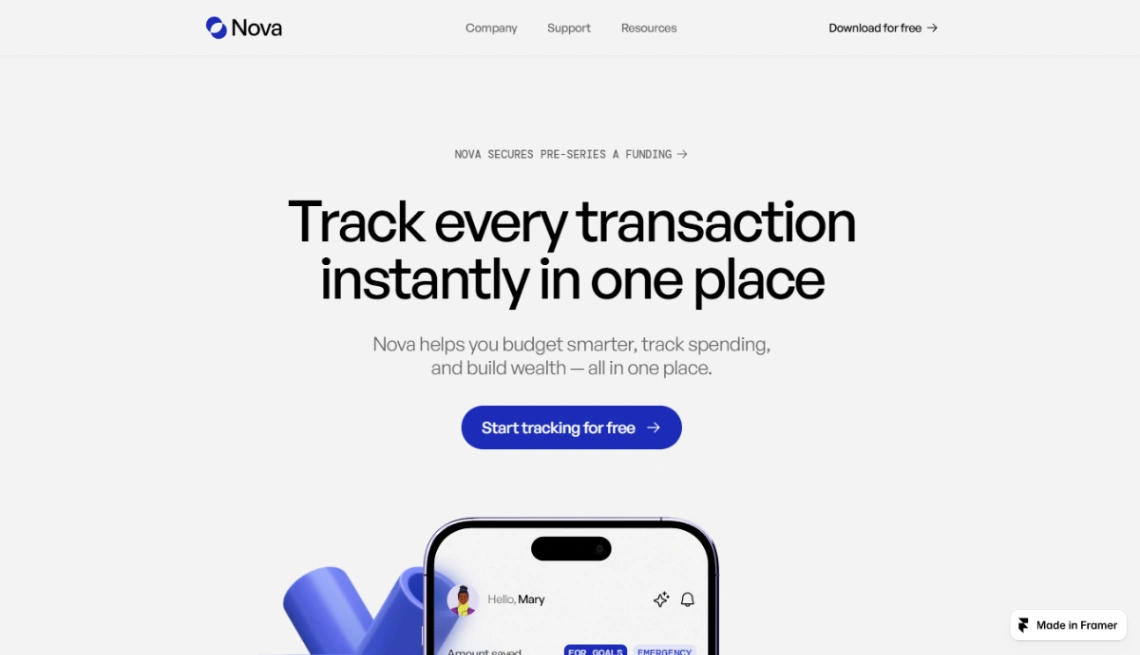
Finance App
Buyer's guide
How to choose a SaaS template
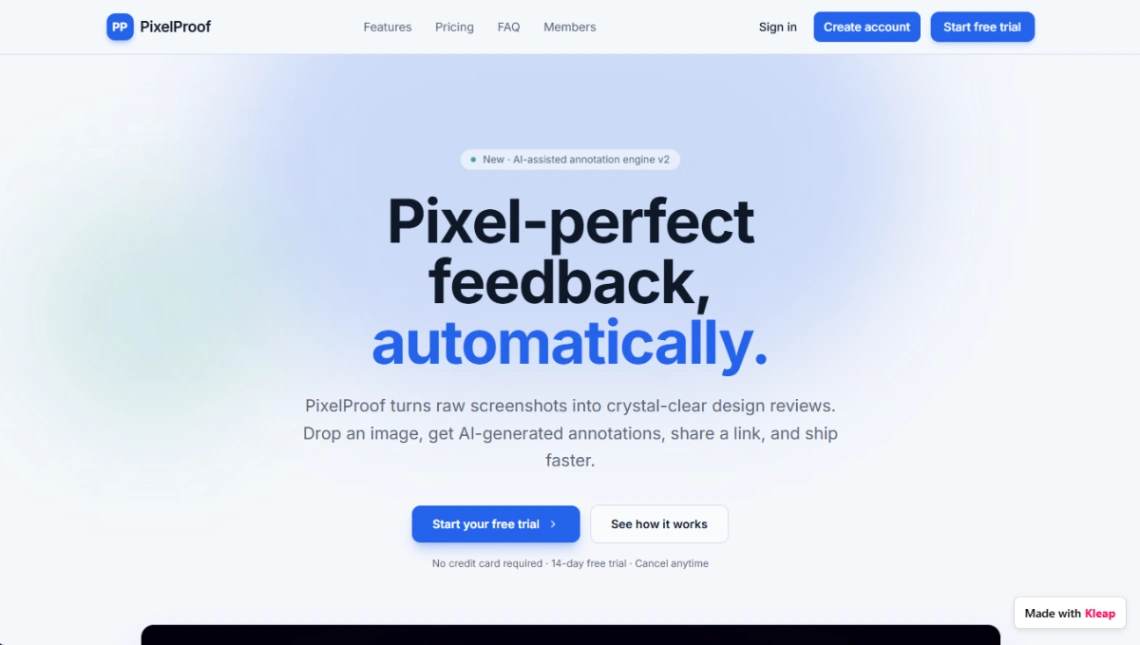
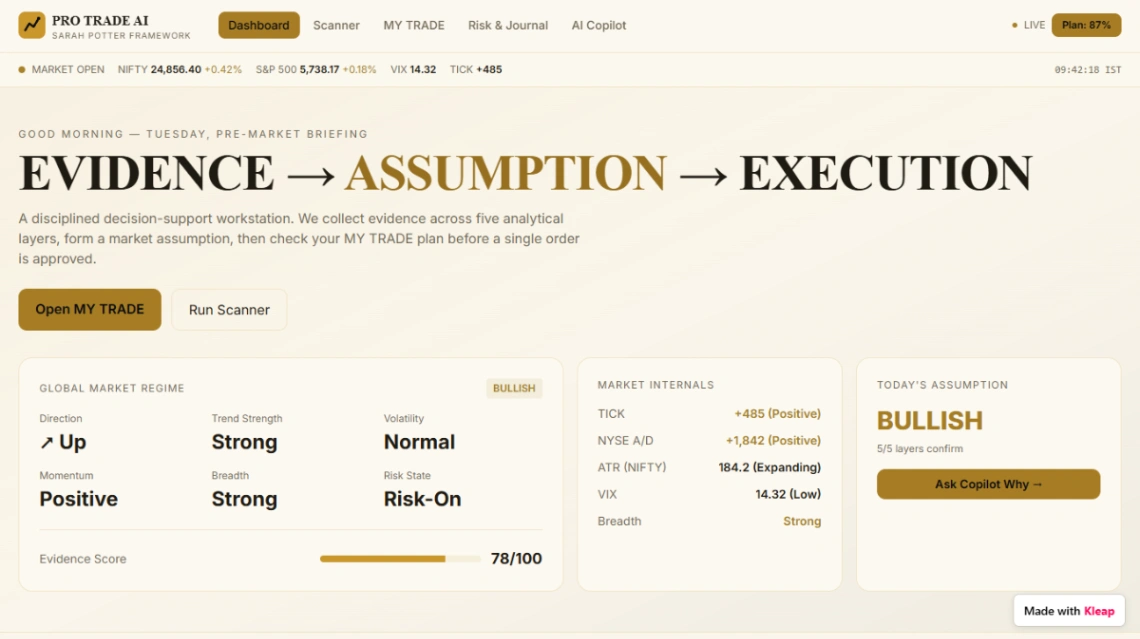
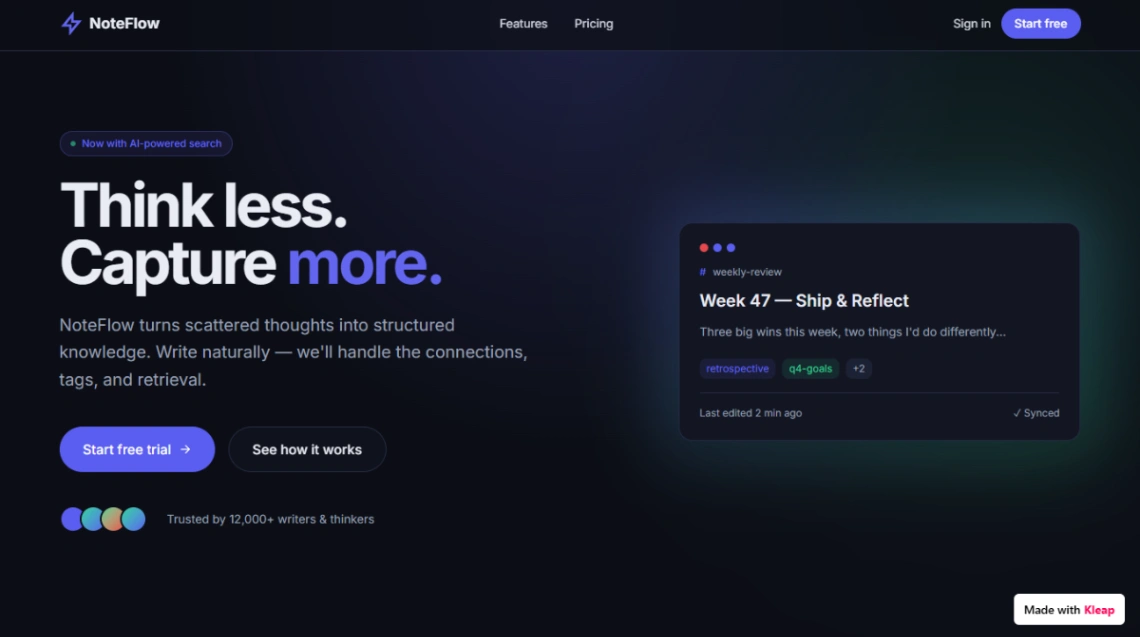
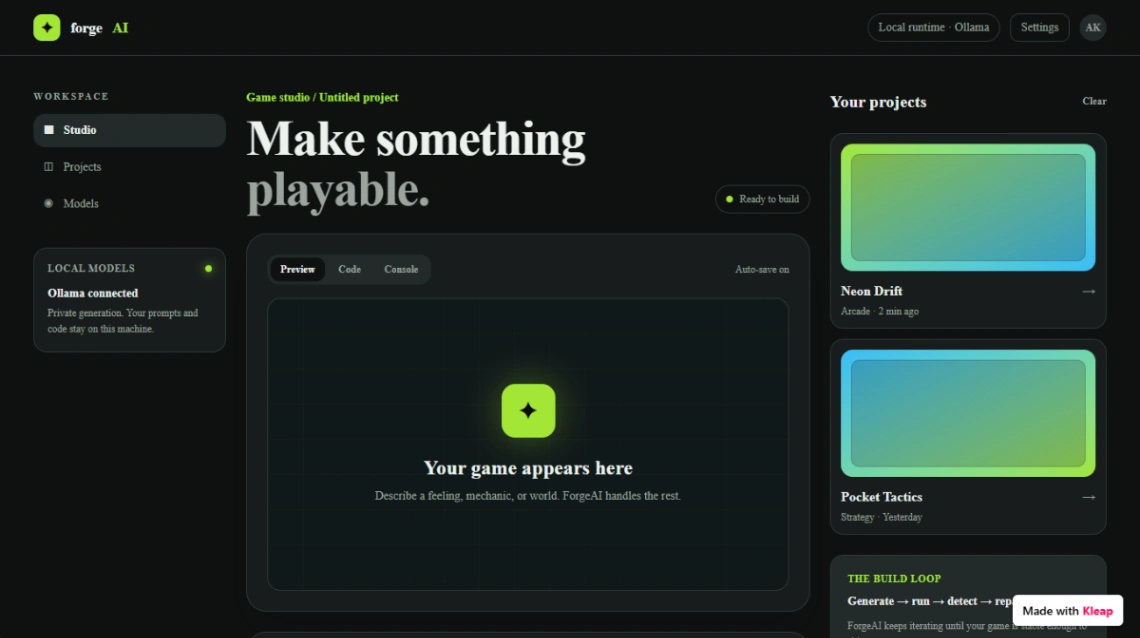
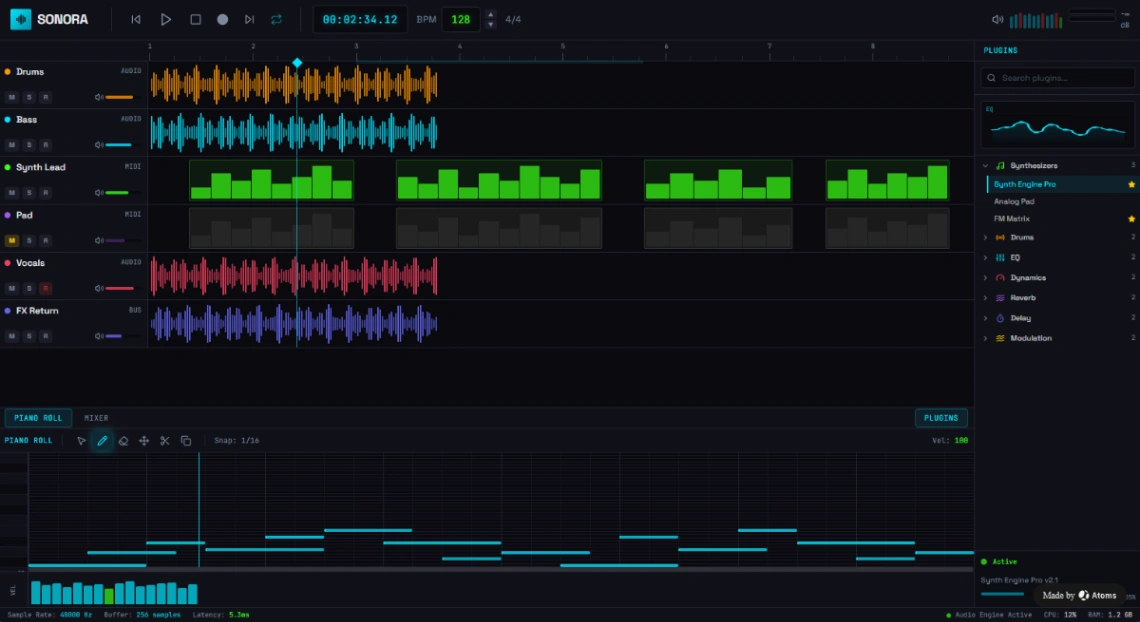
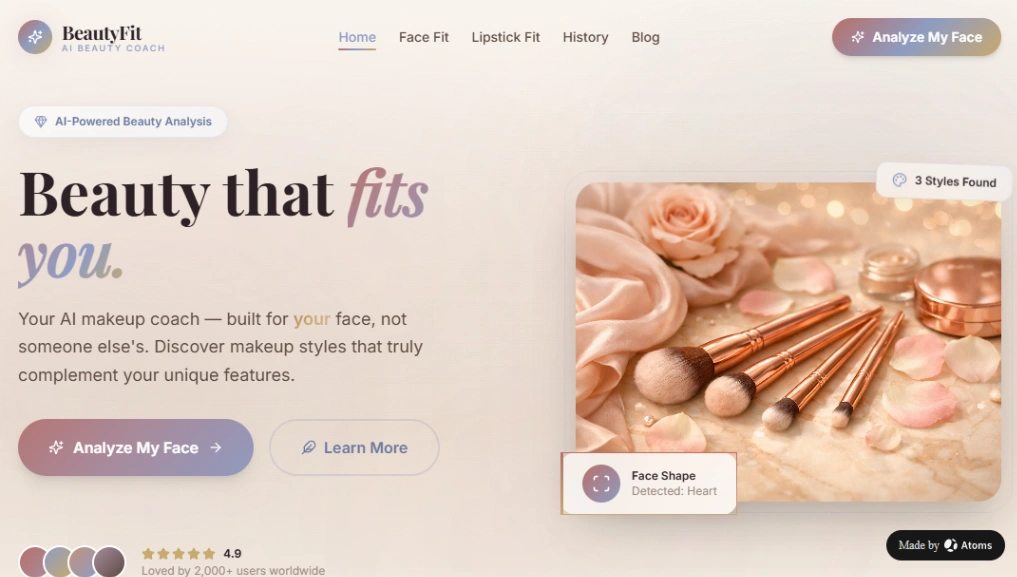
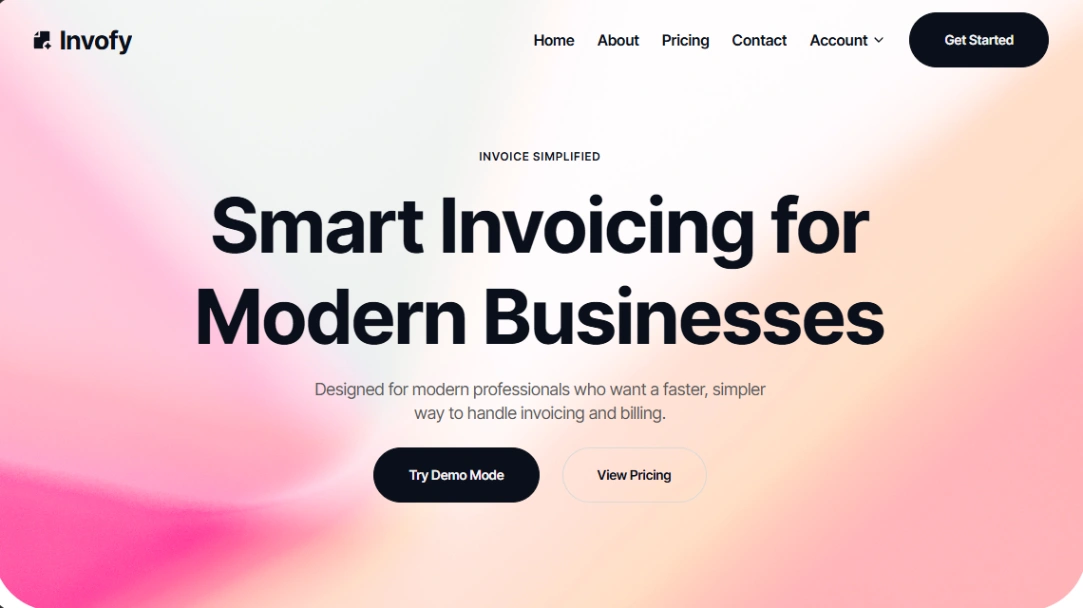
Two very different products are both called a SaaS template: the marketing site that sells your software, and the software itself — working app shells with screens, logins and data already wired. The builders behind them barely overlap, so settle which one you're shopping for; it's the only filter that matters here.
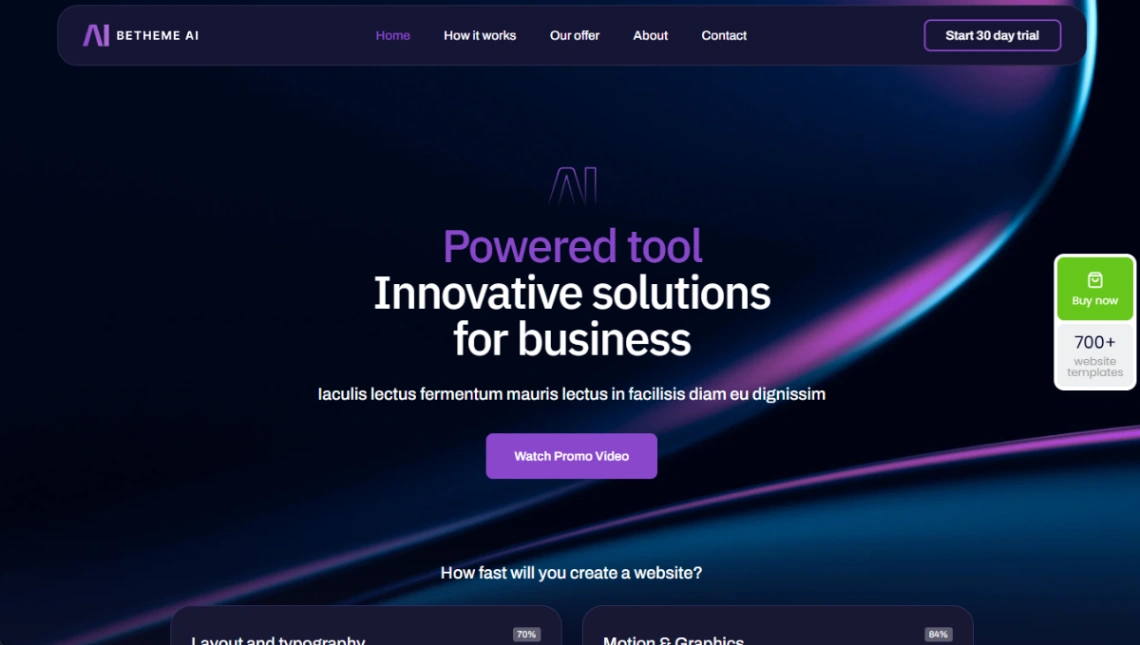
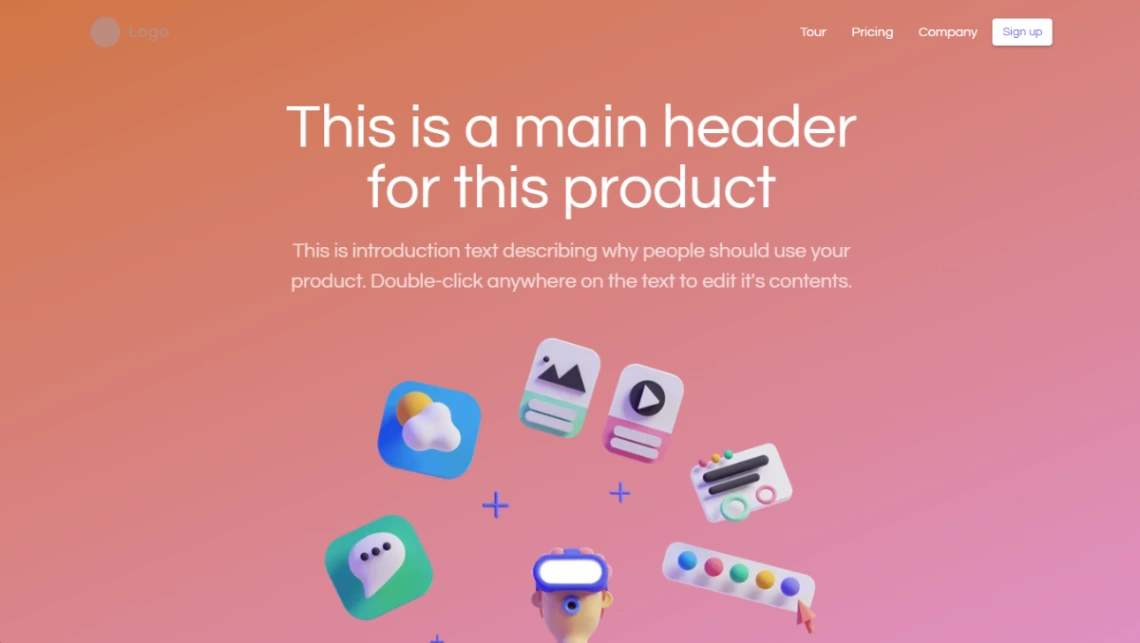
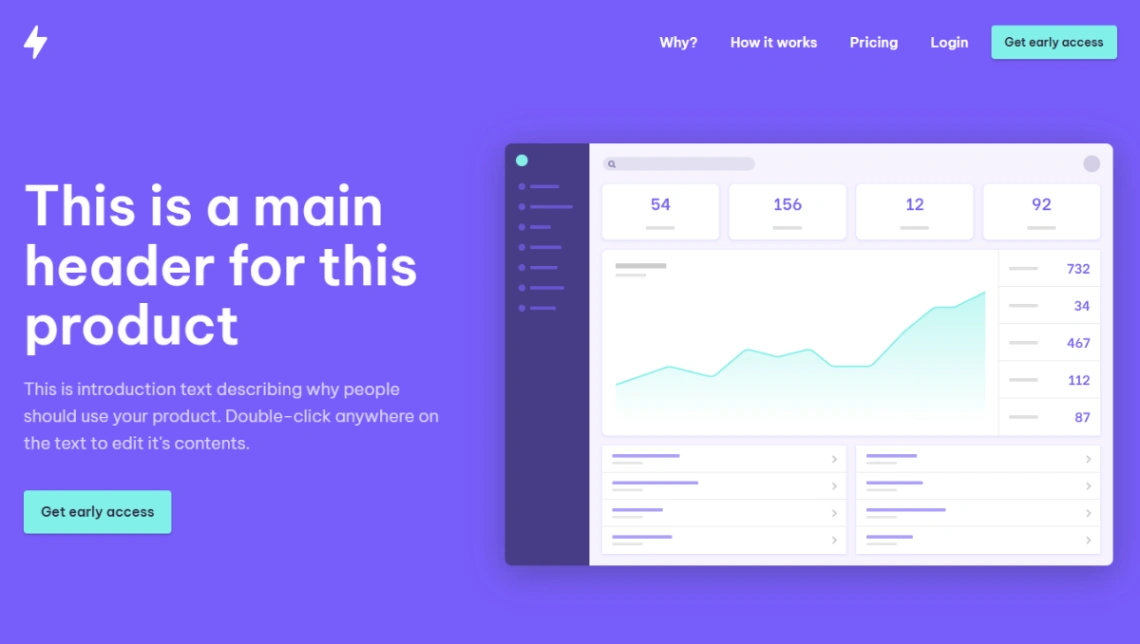
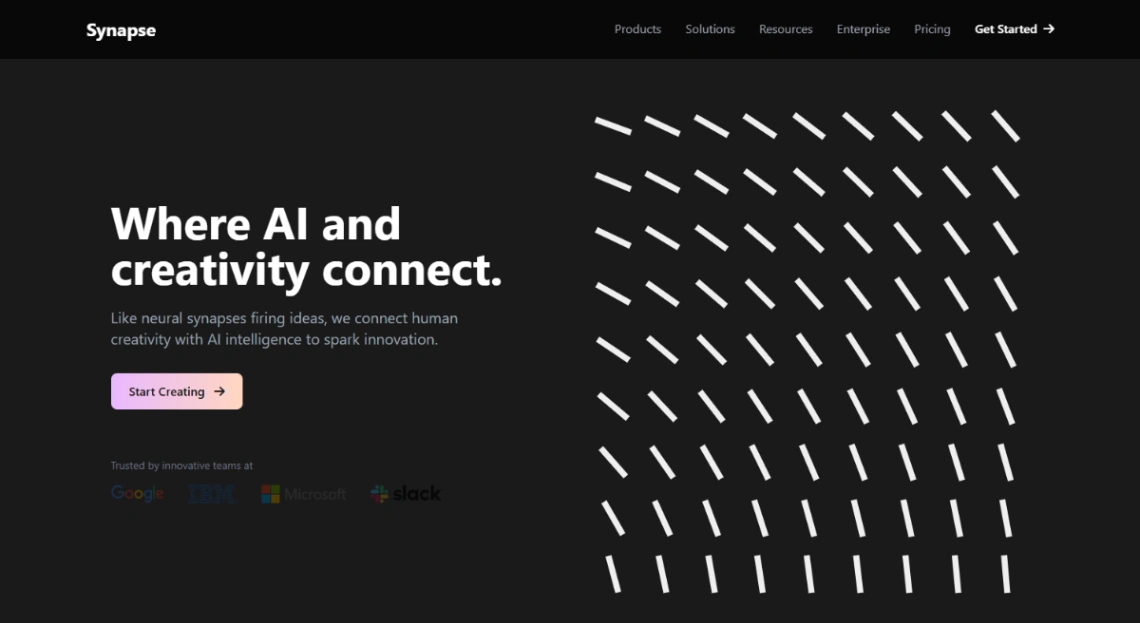
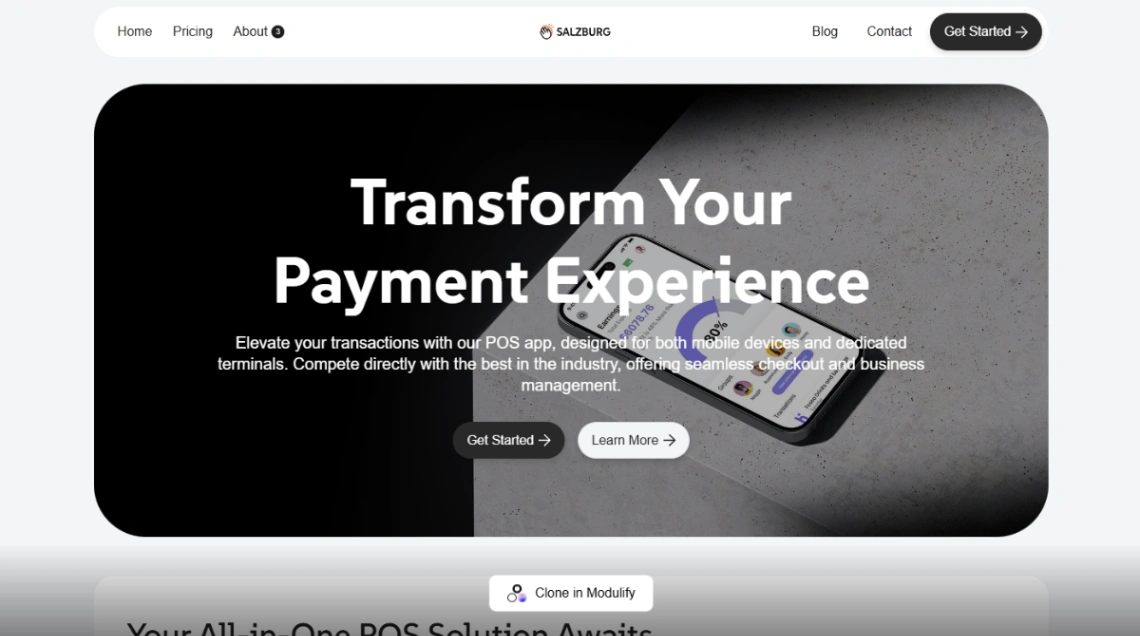
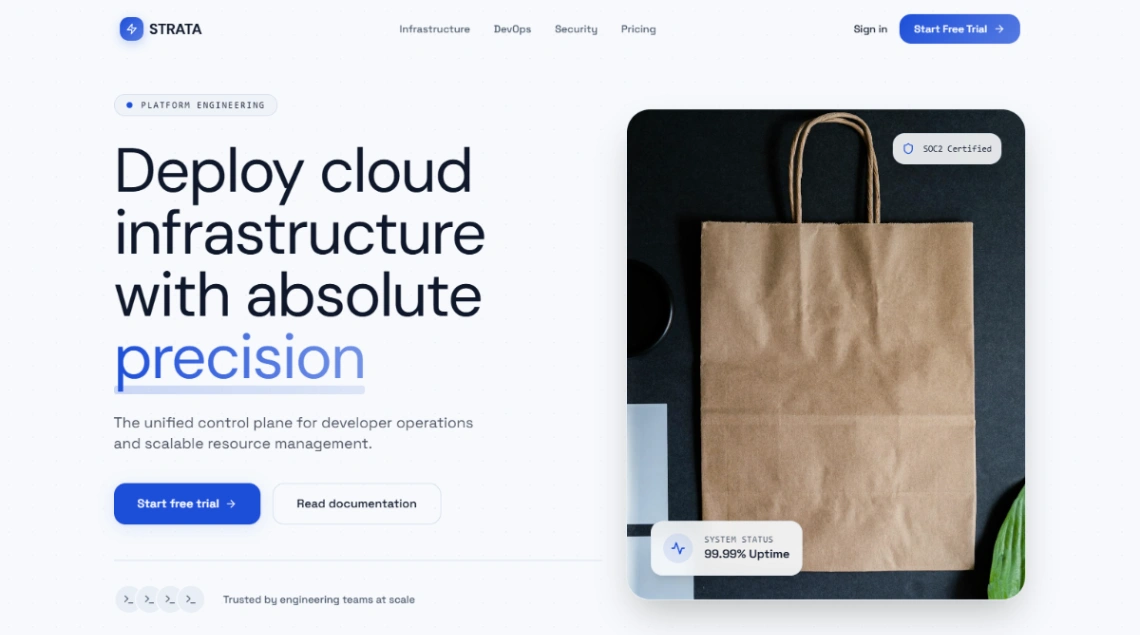
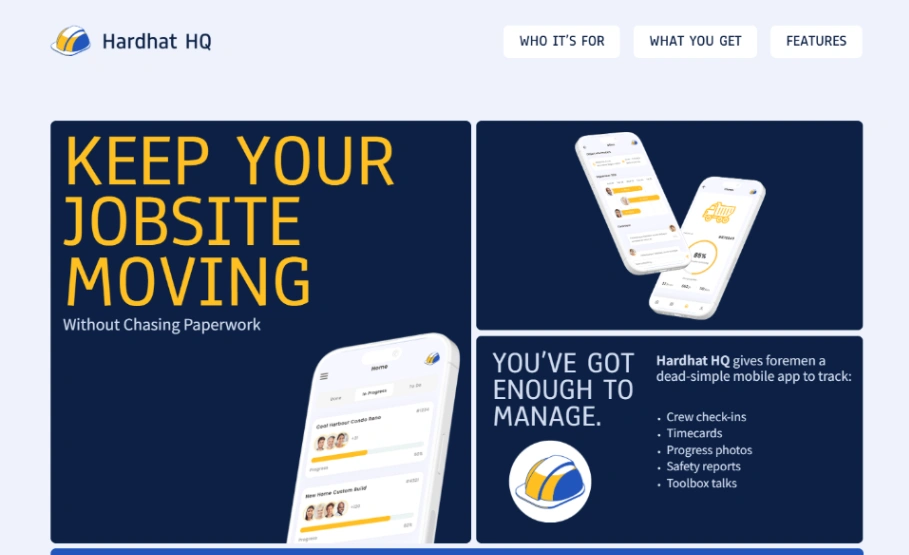
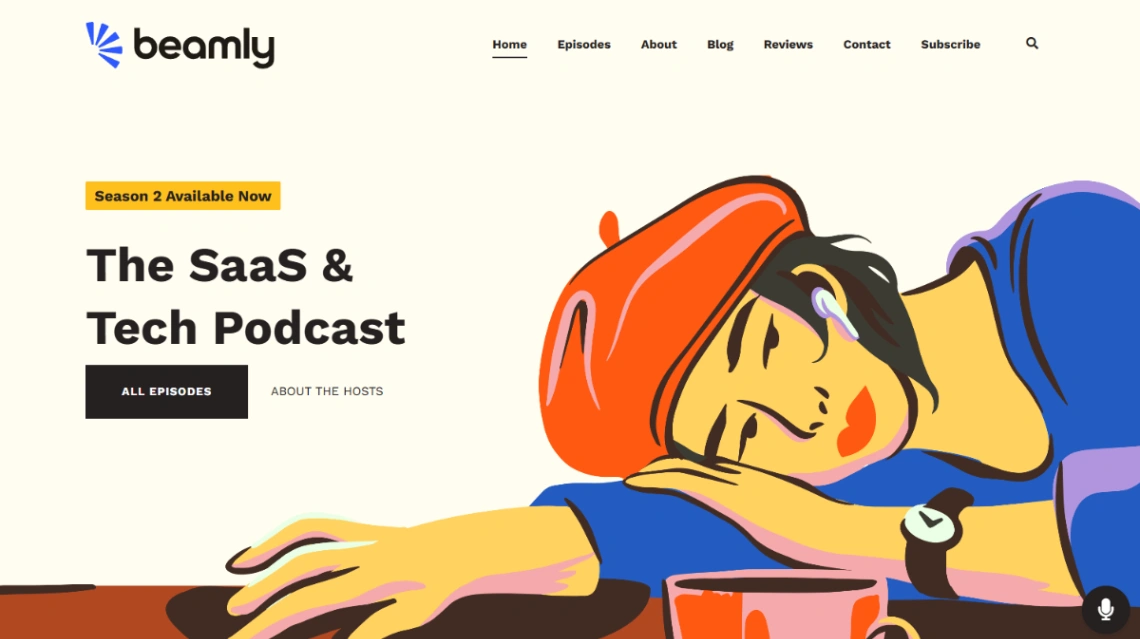
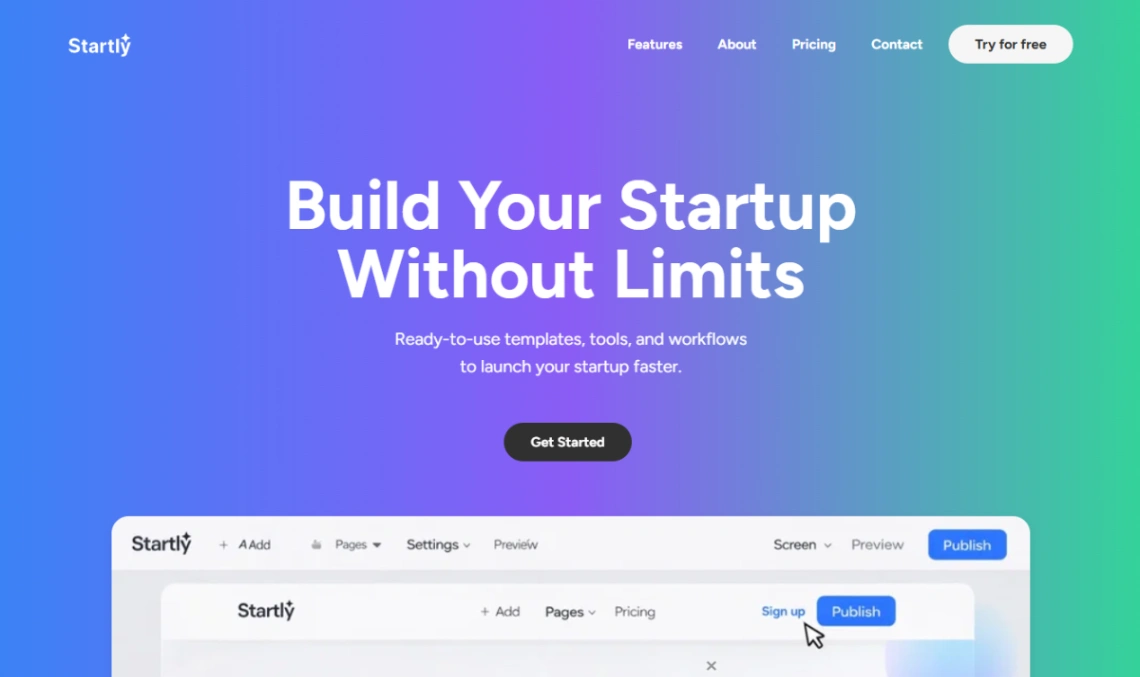
On the marketing side, judge templates by their pricing page before anything else. It's the highest-stakes page you'll ship, and designs with real pricing structures — tier columns, a monthly/annual toggle, an objection-handling FAQ underneath — save the fiddliest build work. Then check how the template shows the product: if you're pre-launch with no polished screenshots, layouts that lean on illustration and abstract product mockups will carry you further than ones designed around large interface captures you don't have yet.
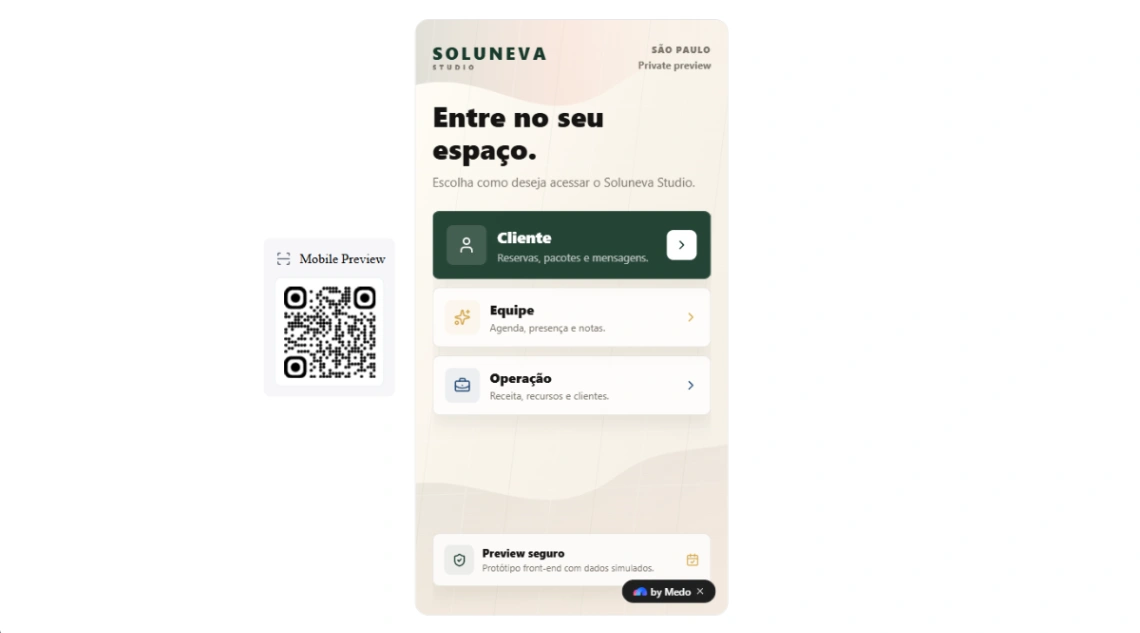
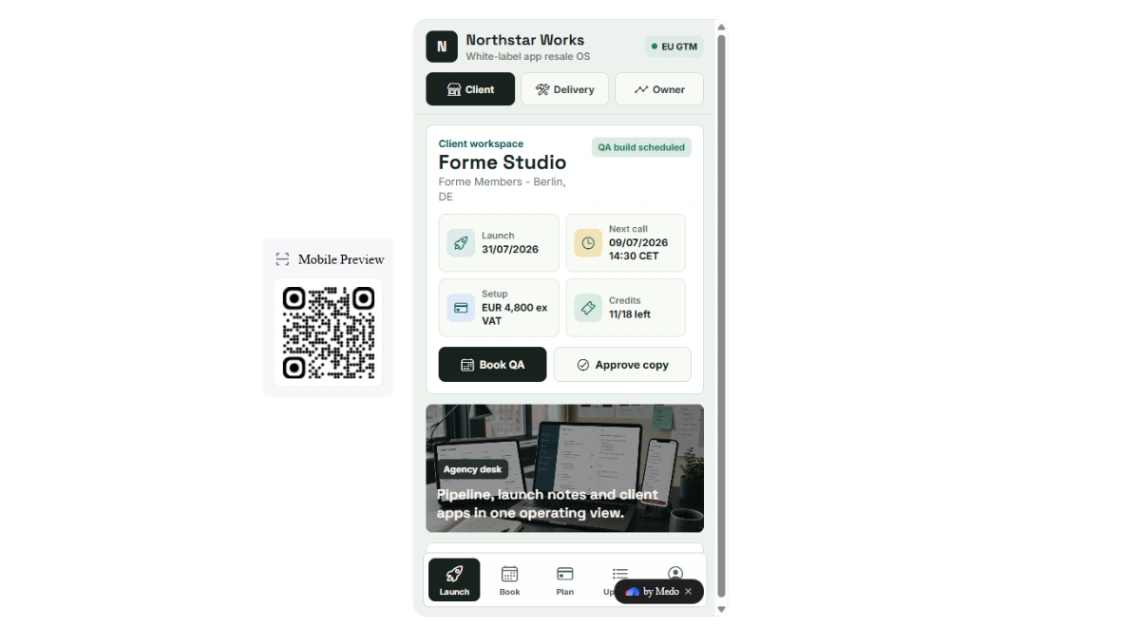
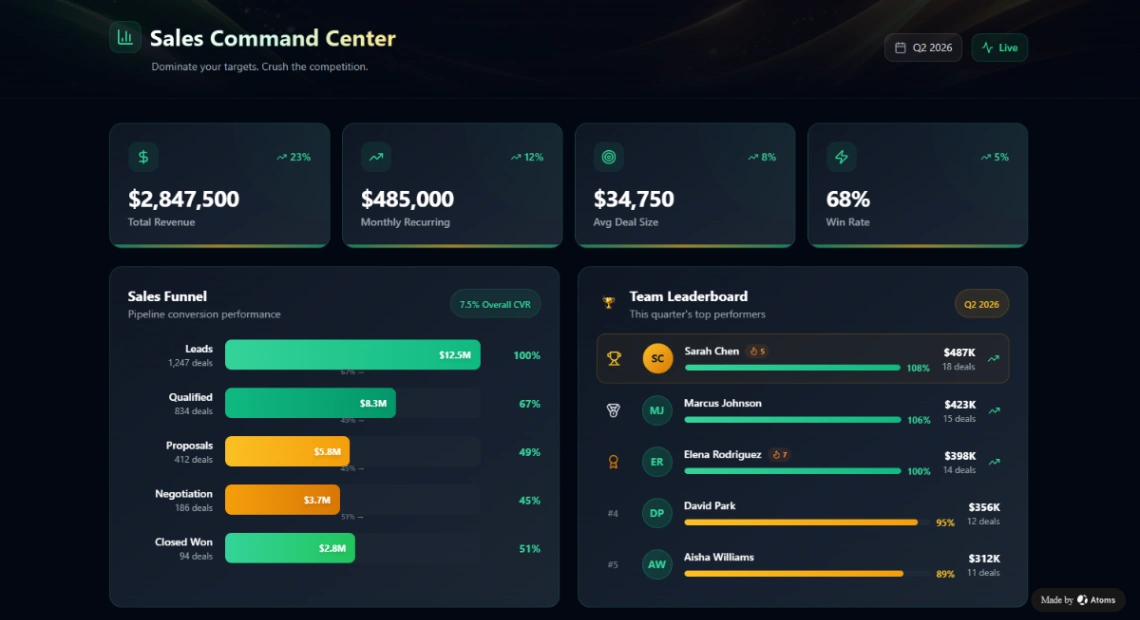
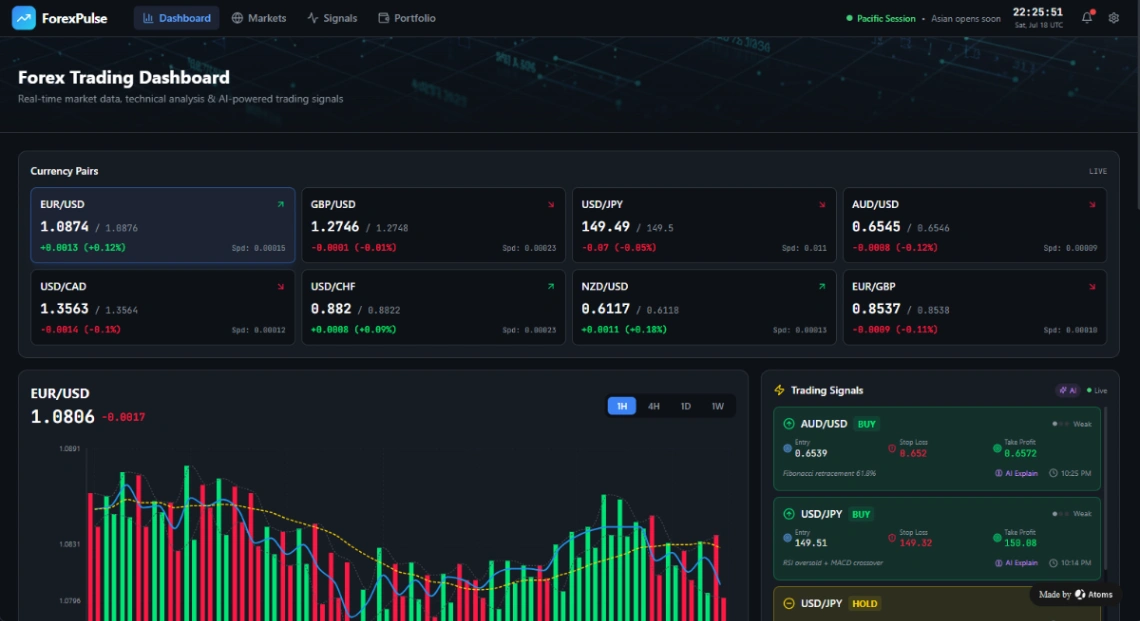
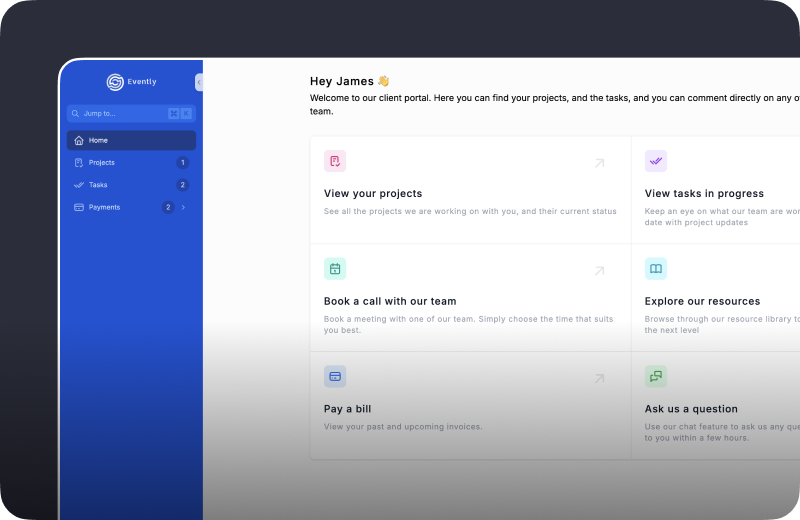
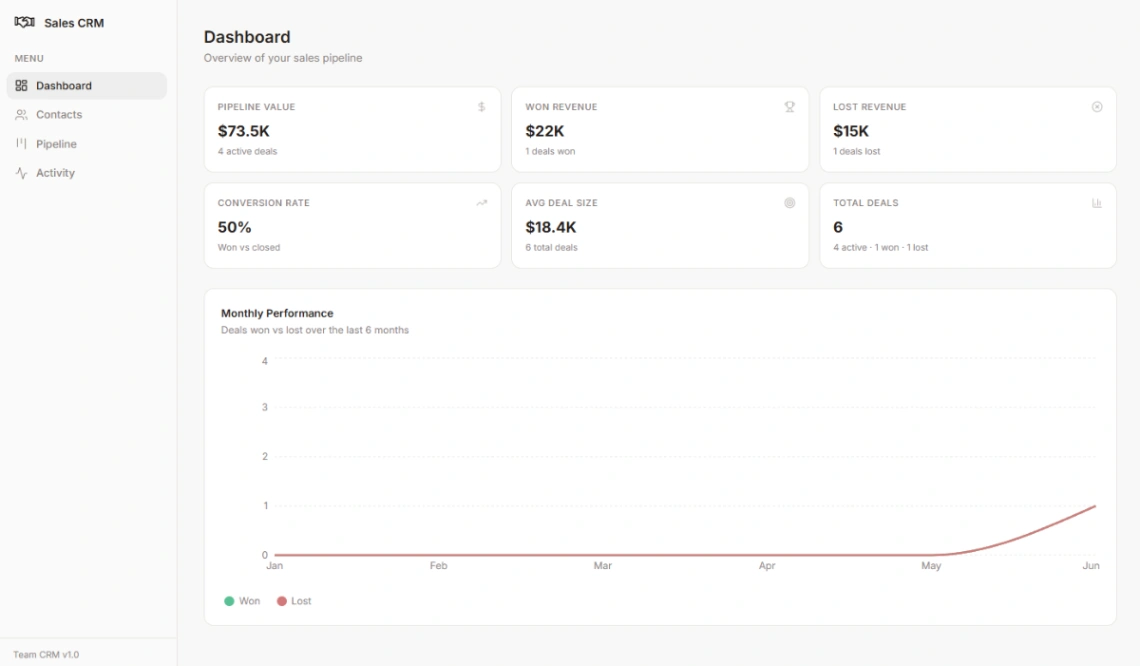
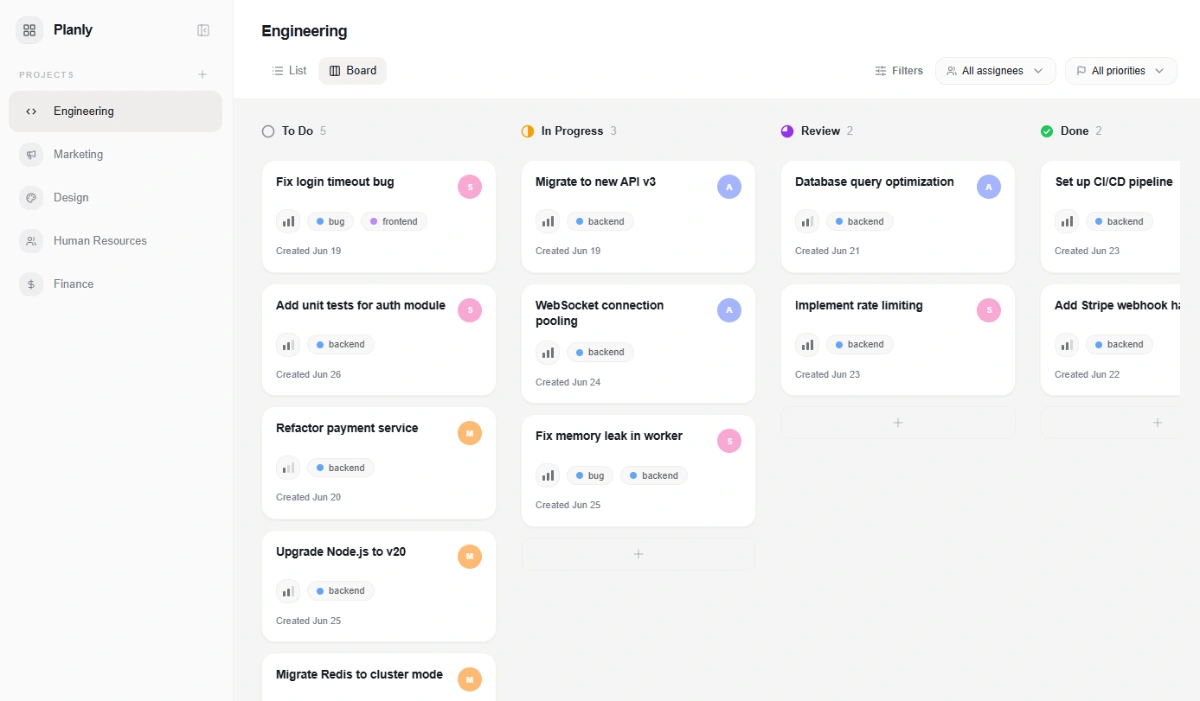
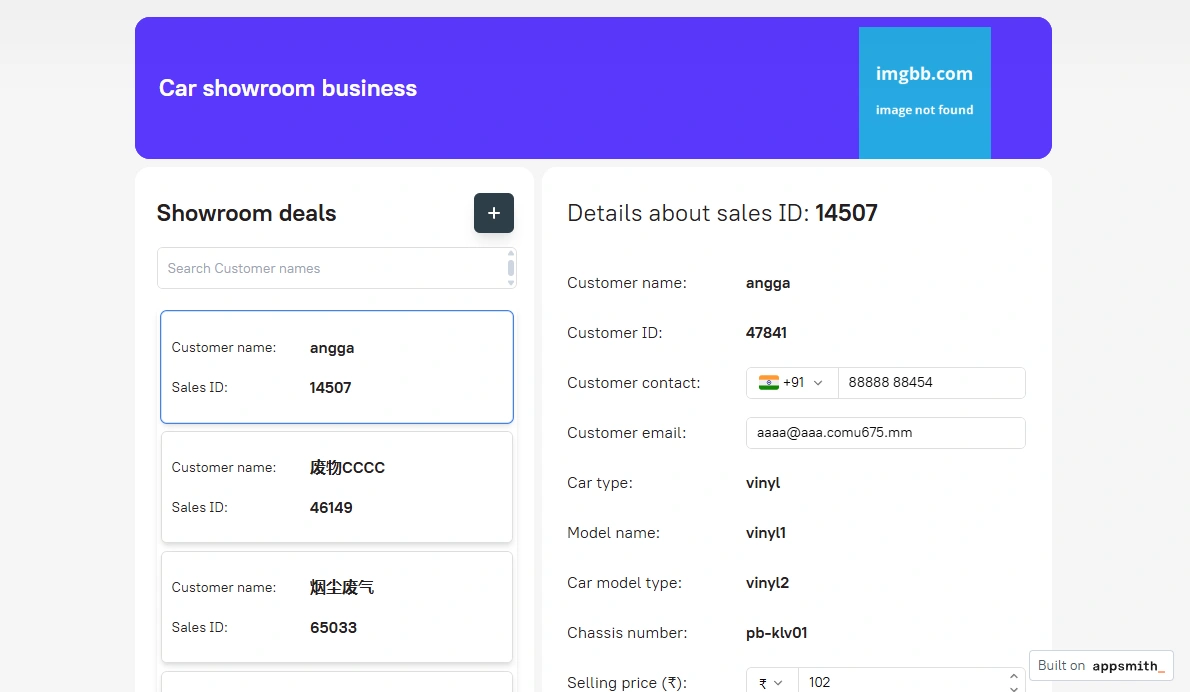
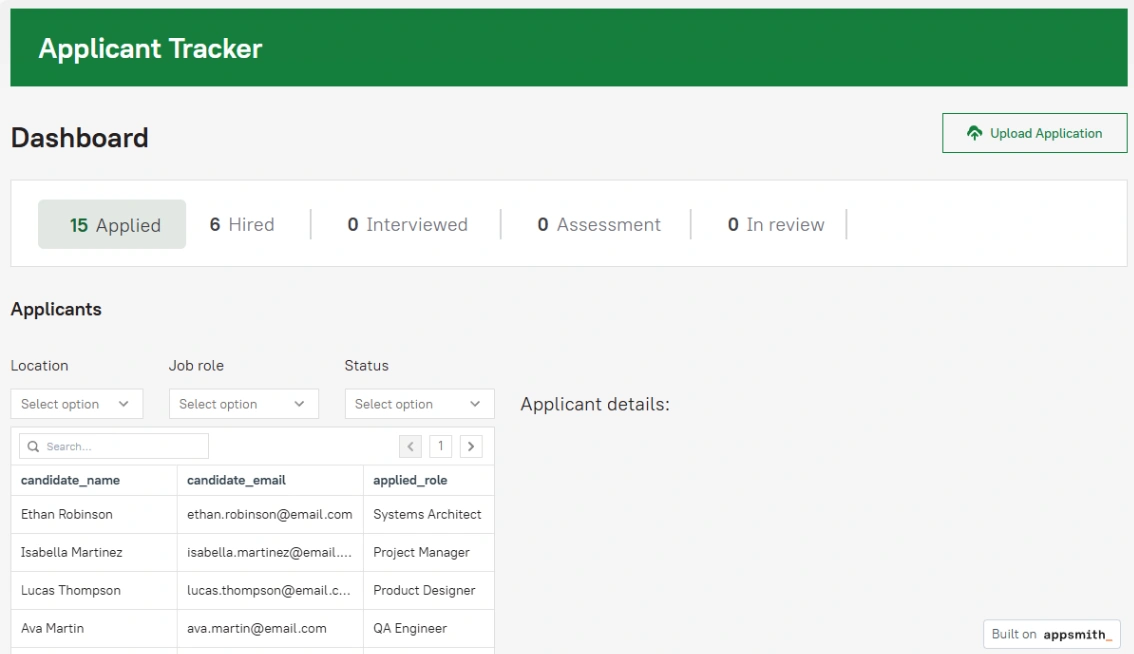
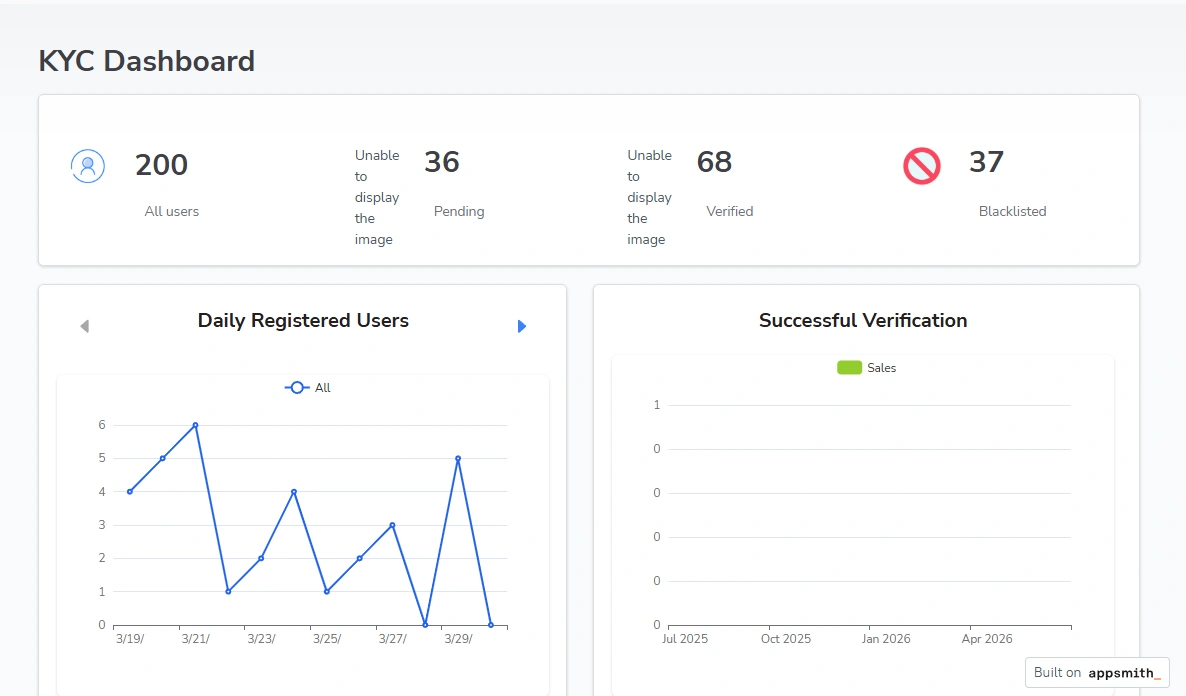
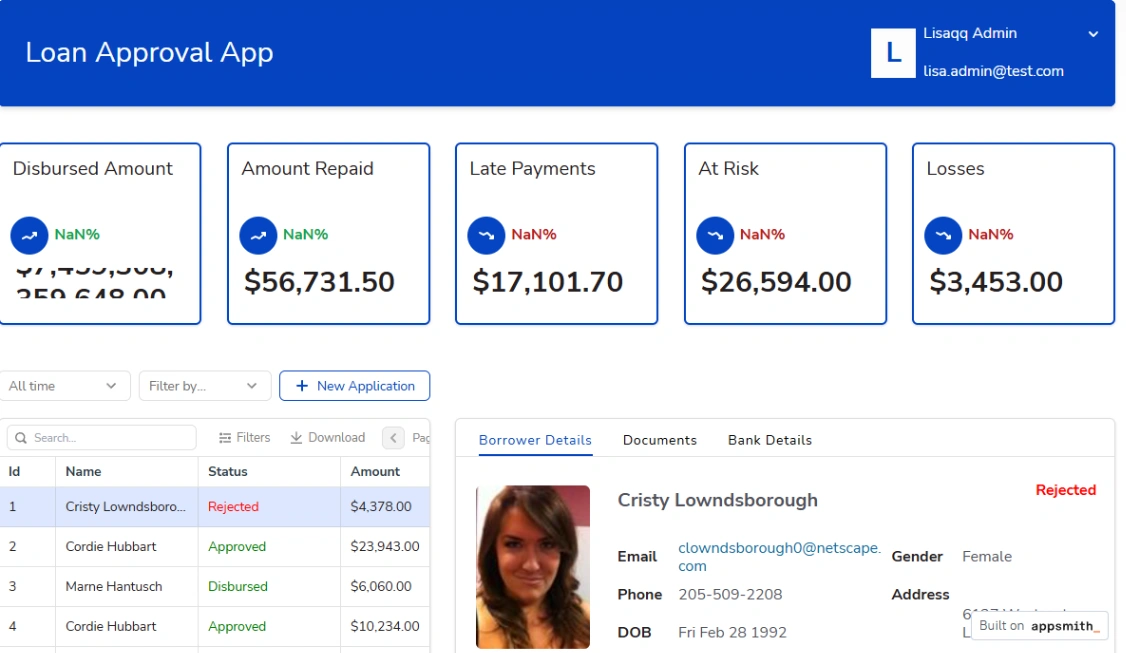
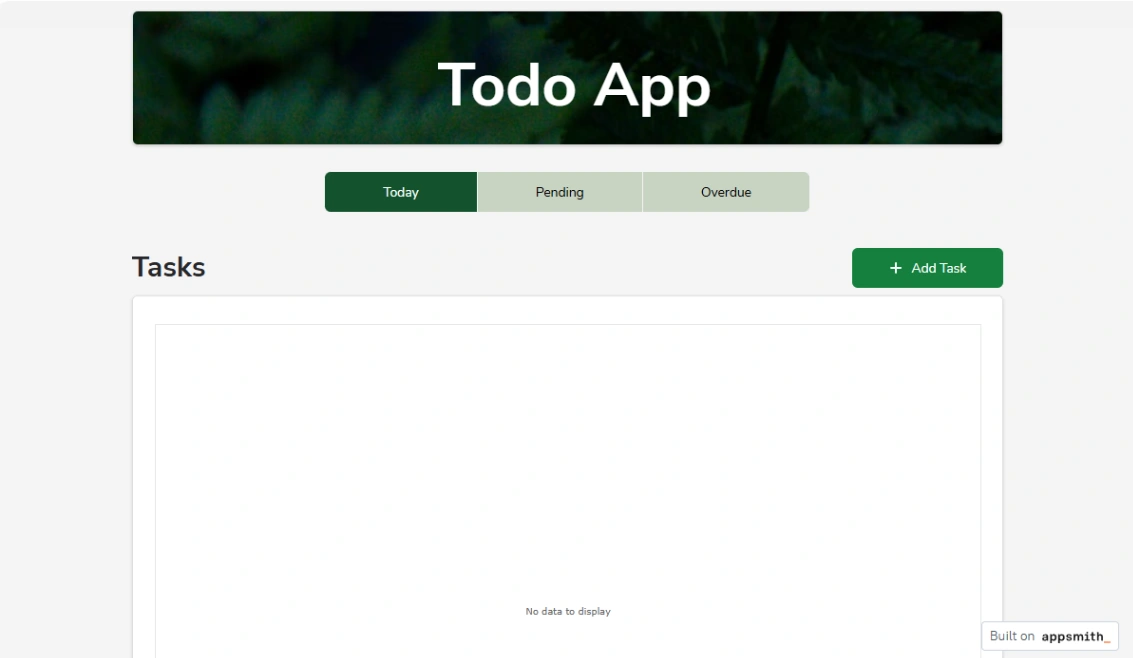
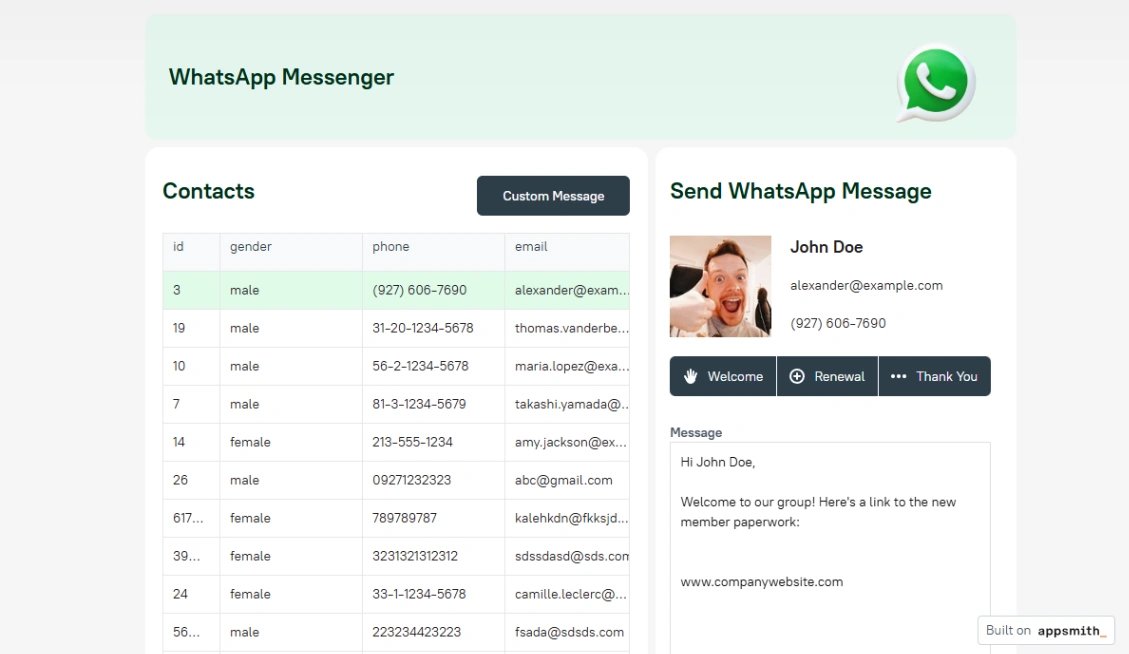
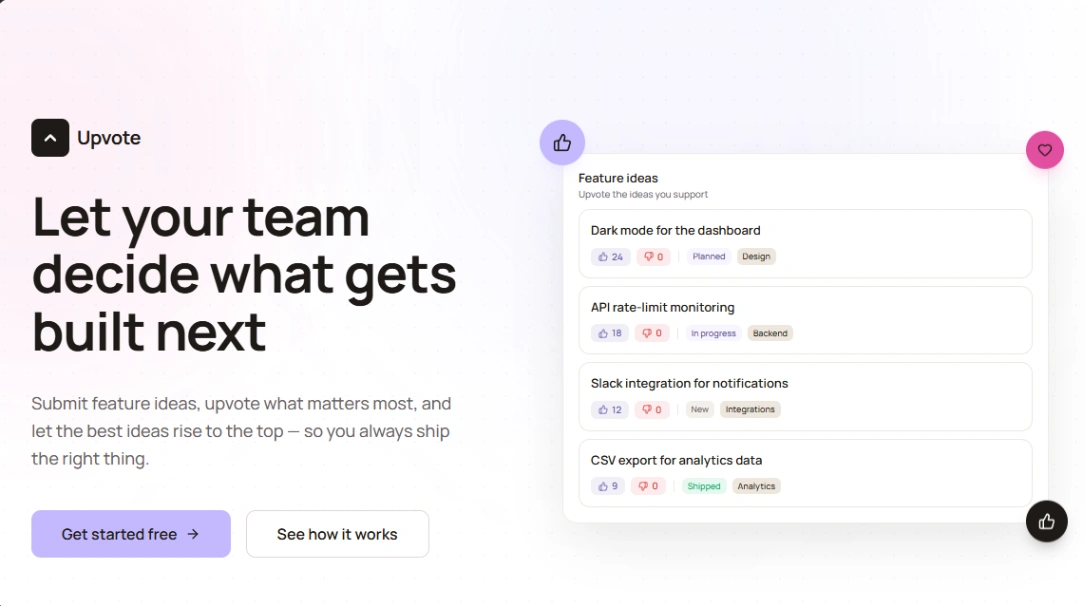
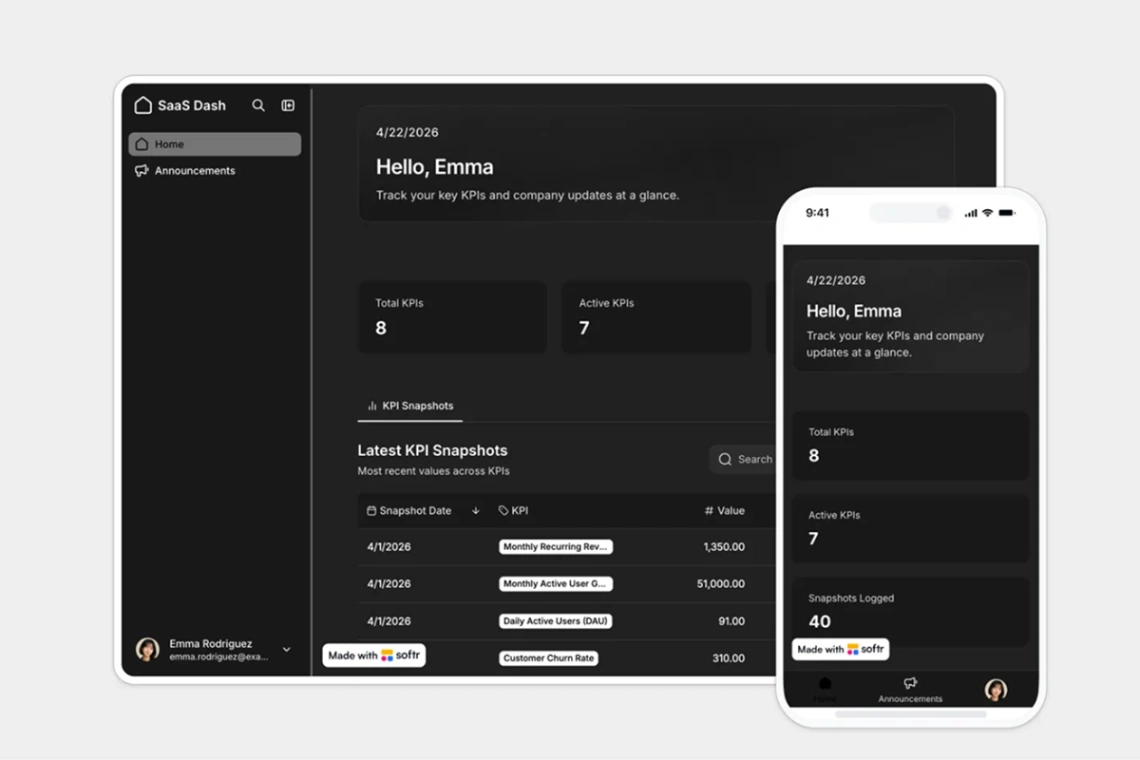
App shells earn their keep differently: by what's actually functional. A shell with authentication, user roles and subscription billing wired up is weeks of work you skip; one that's only dashboard chrome is a design file with opinions. Open the preview and click — can you sign in, add a record, see it persist? That test separates the two in minutes.
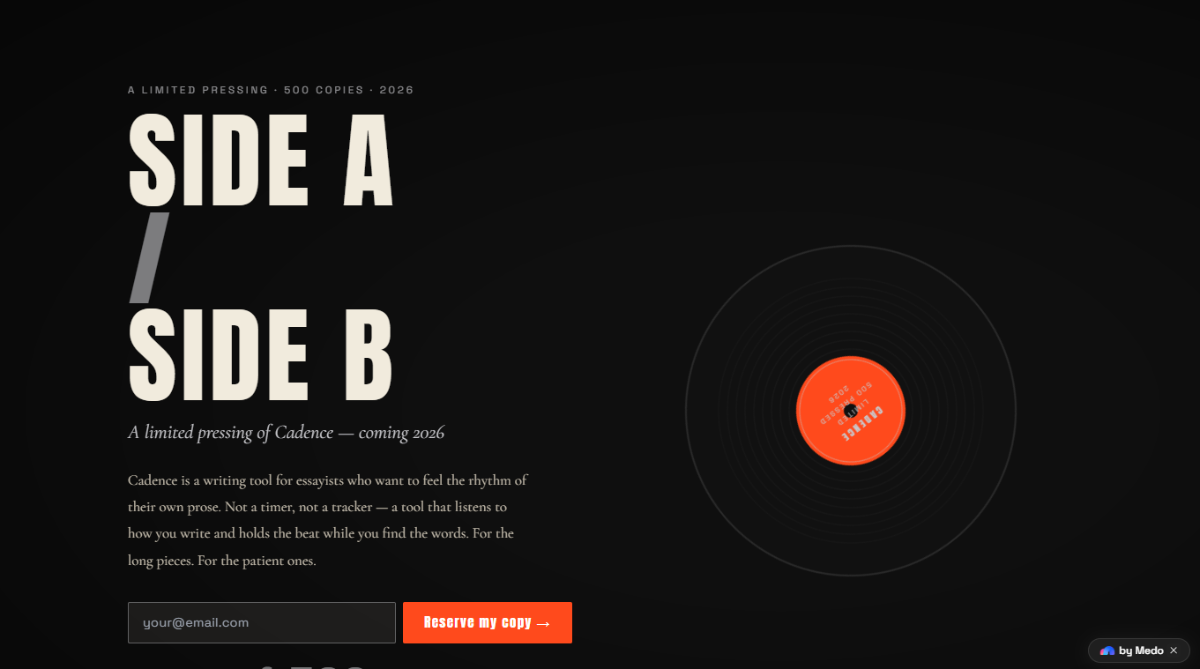
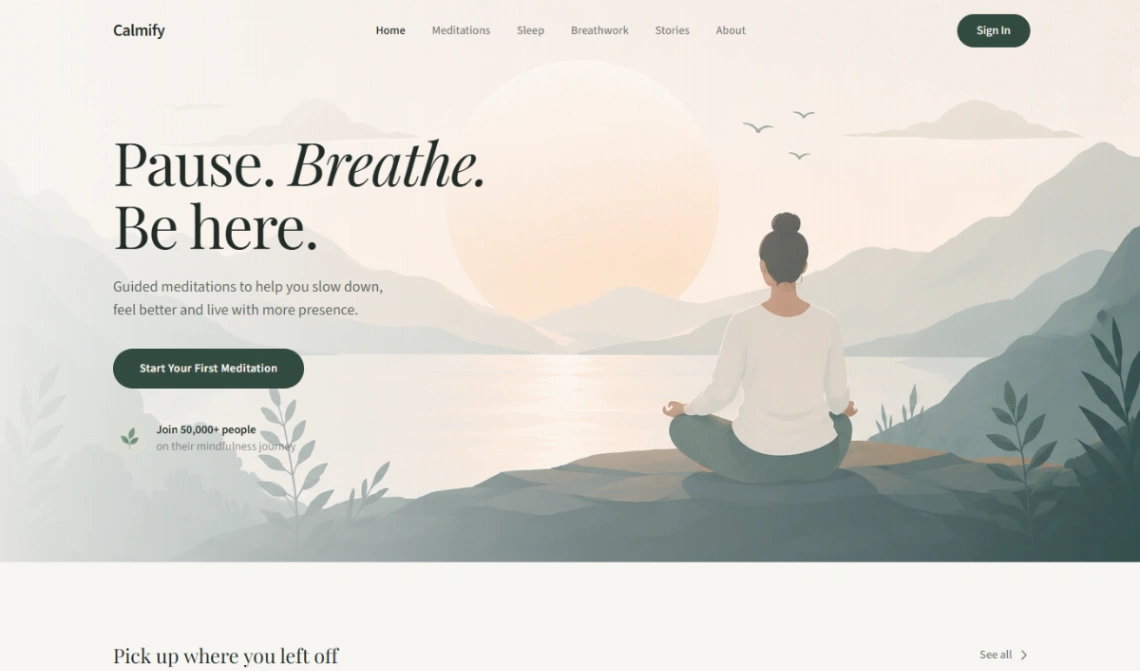
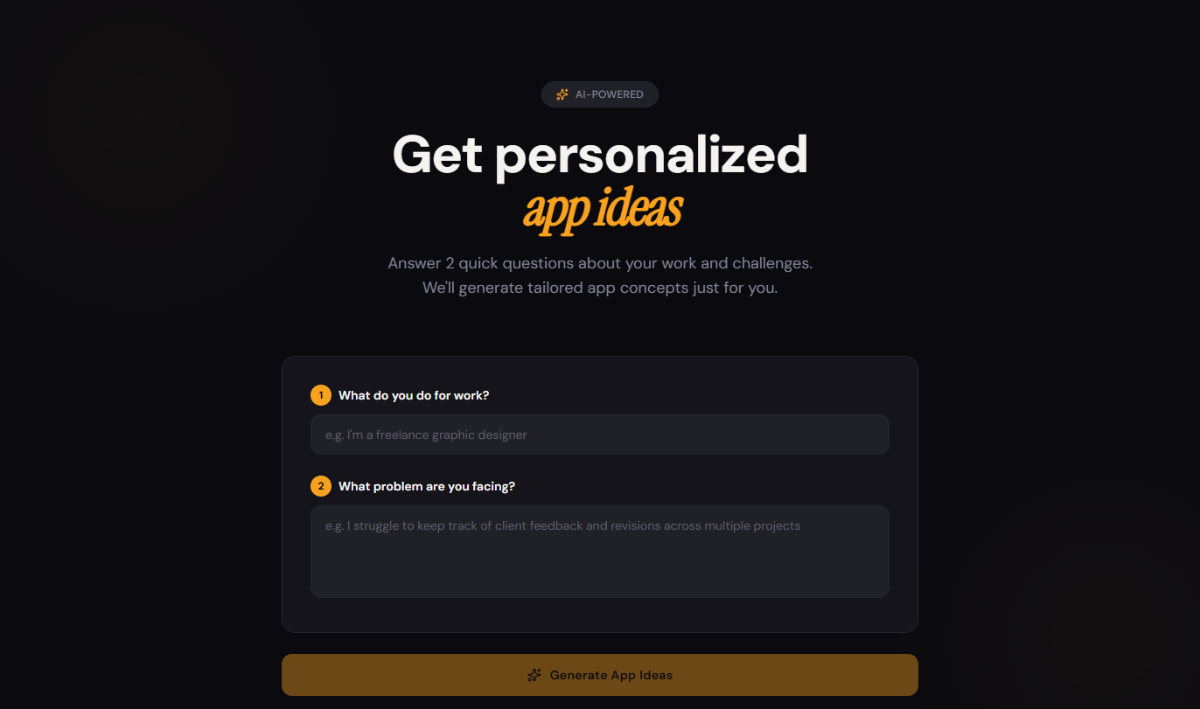
One honest staging note: if the product isn't built yet, resist shipping a ten-page site for it. A single waitlist page that states the problem and collects emails is the correct first website for an unlaunched SaaS, and you can grow into the full site the month you have something to demo. Builders for both jobs — and both stages — are pinned at the top of this page.
FAQ




