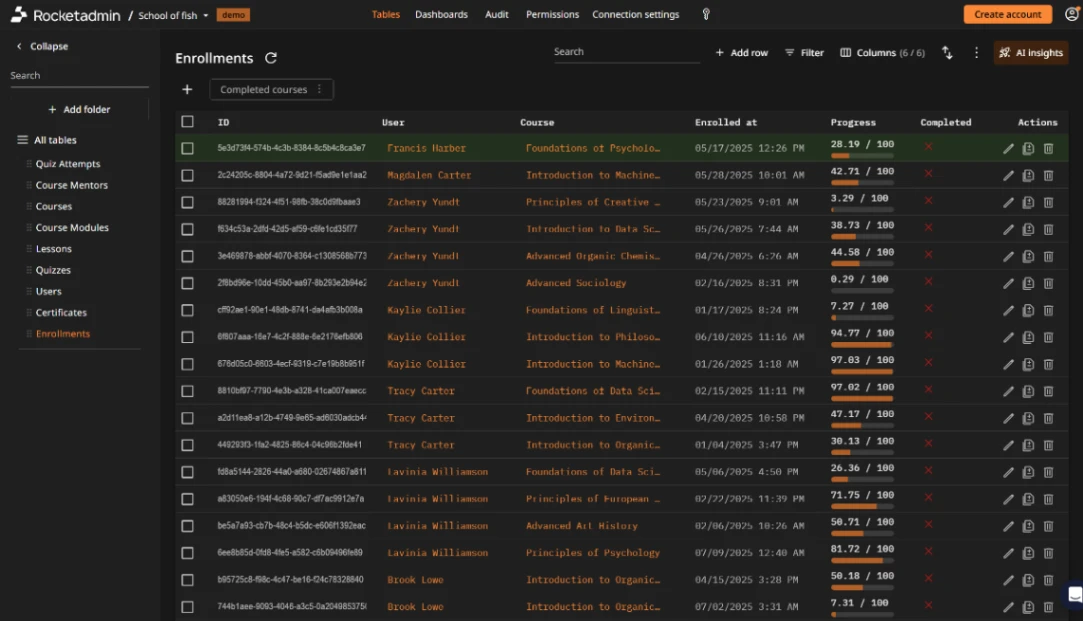
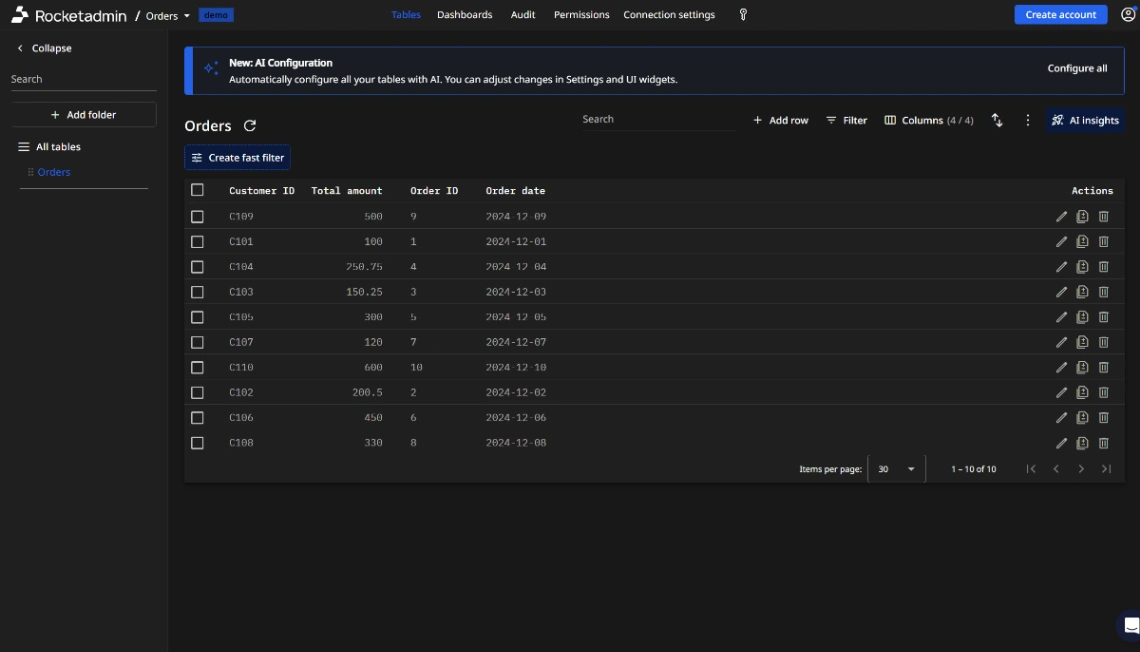
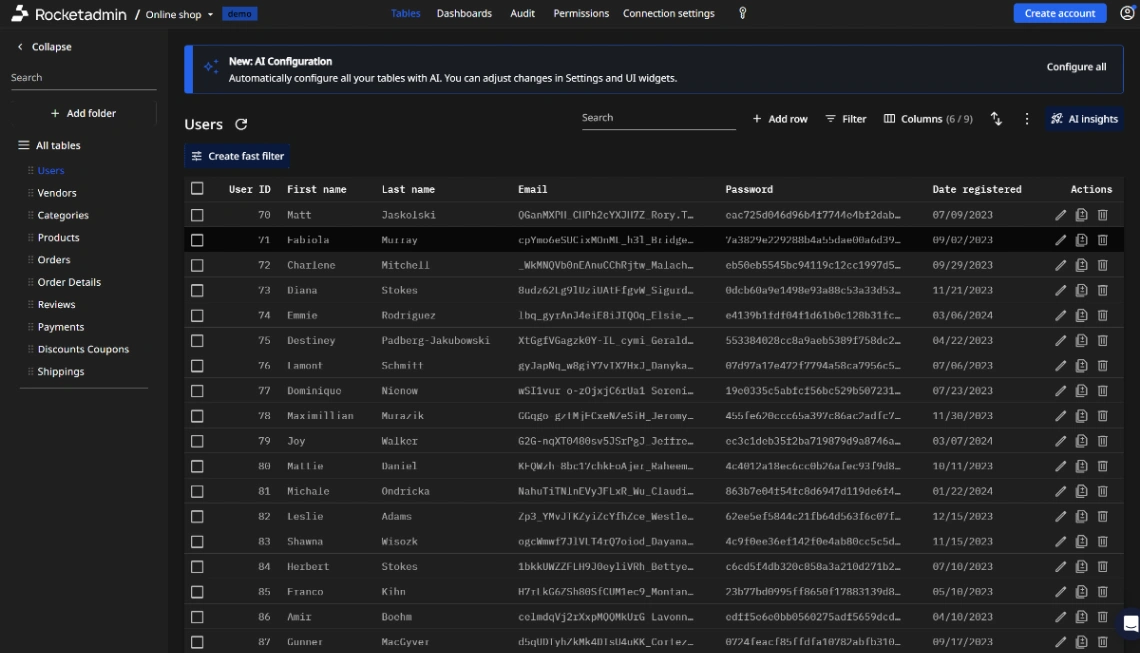
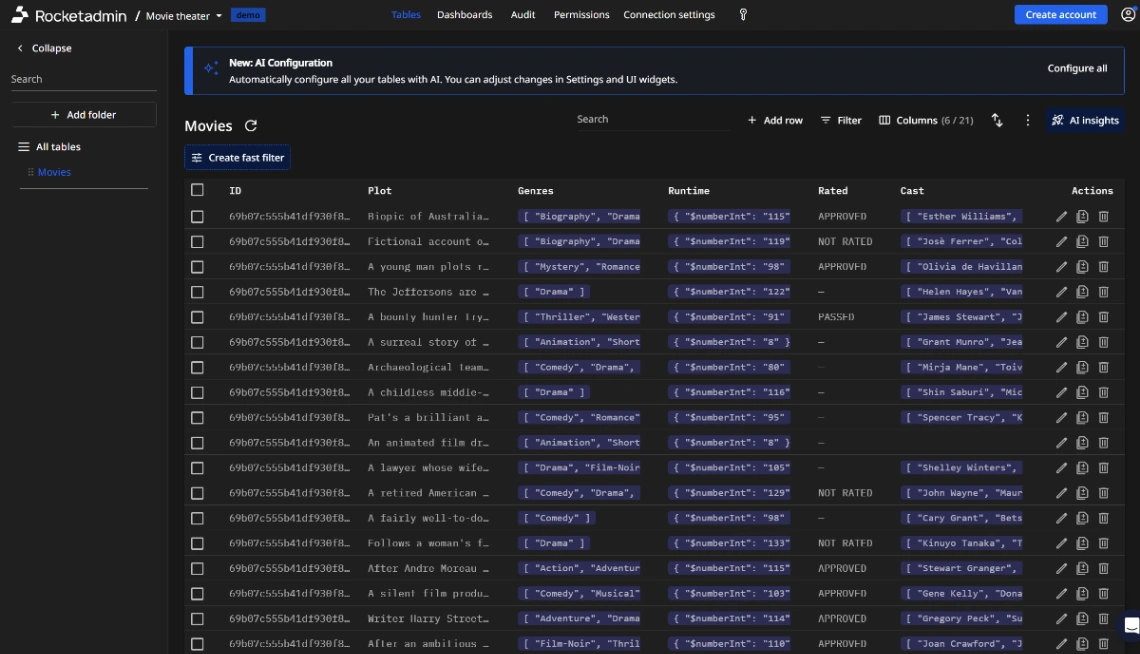
Database Templates

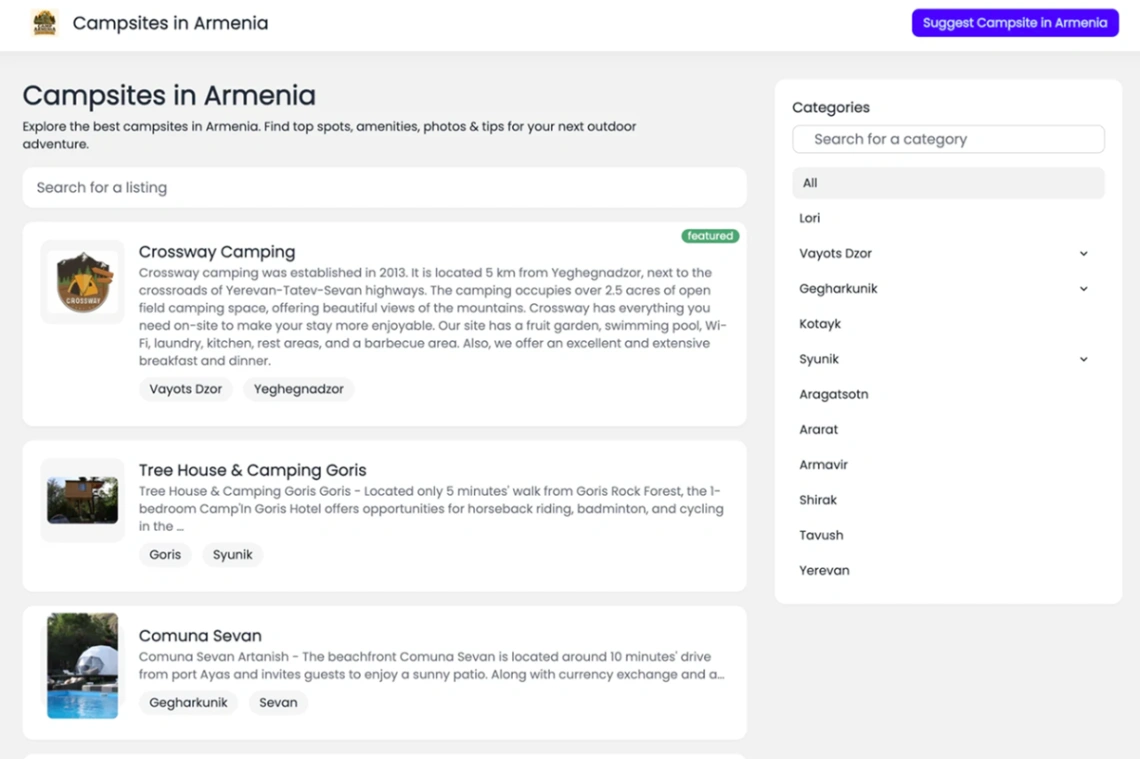
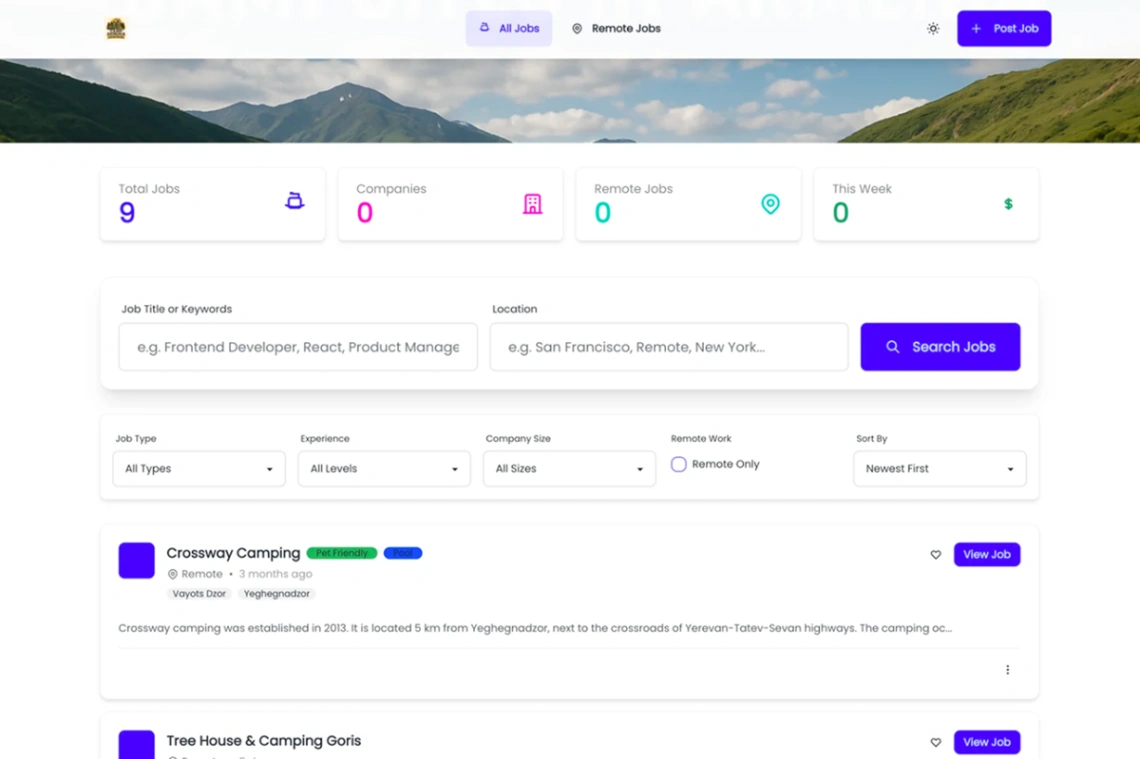
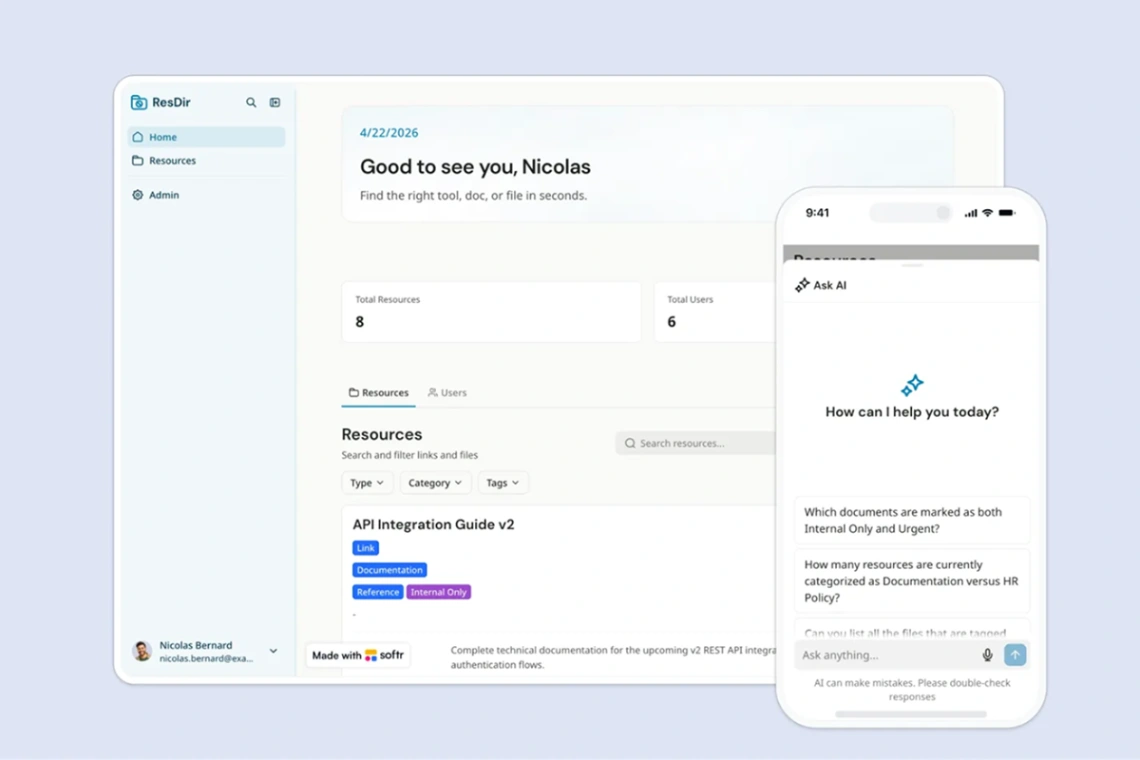
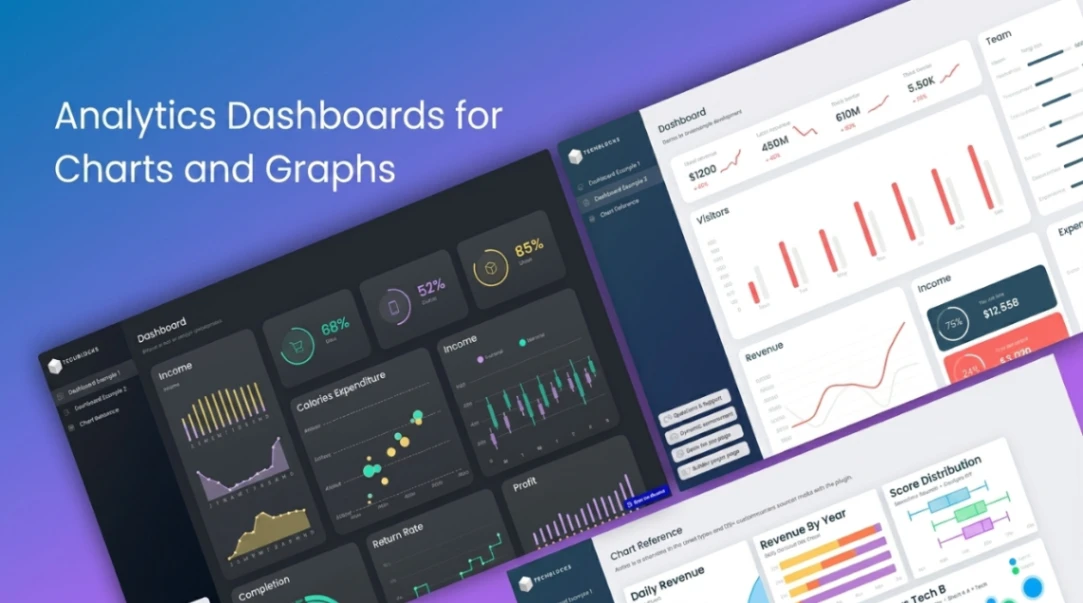
Manage data with no-code templates. Perfect for databases, data apps, and information systems.

80free templates

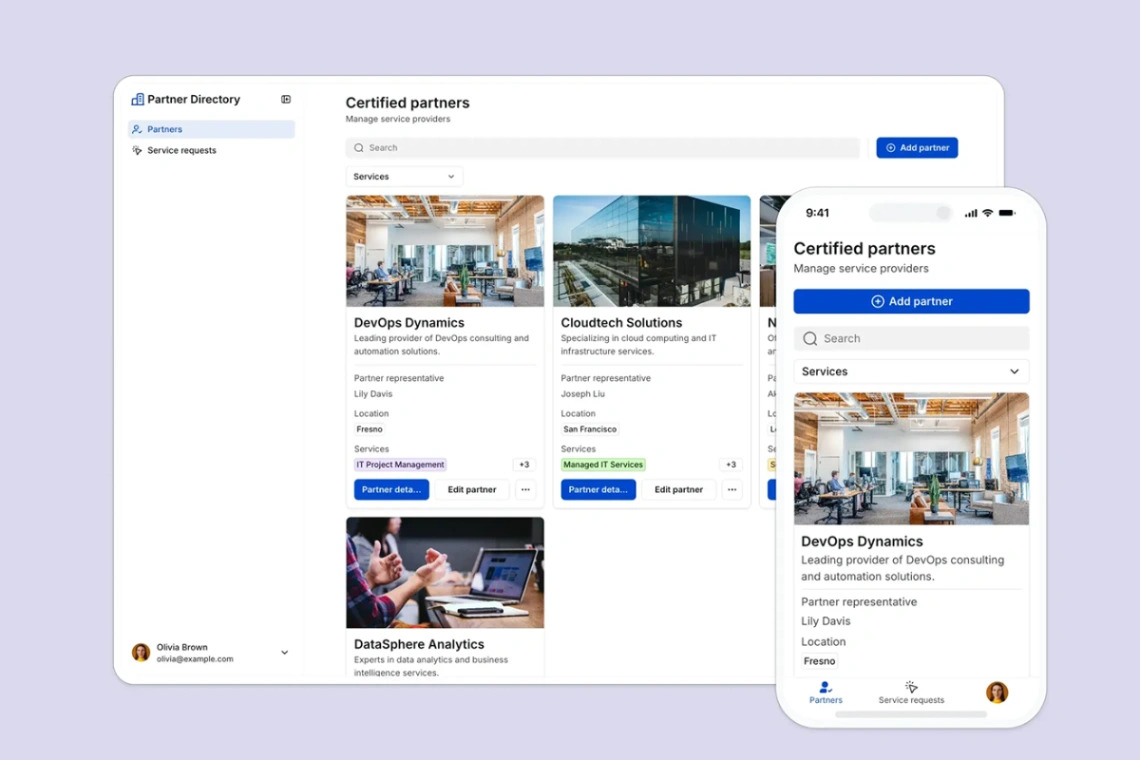
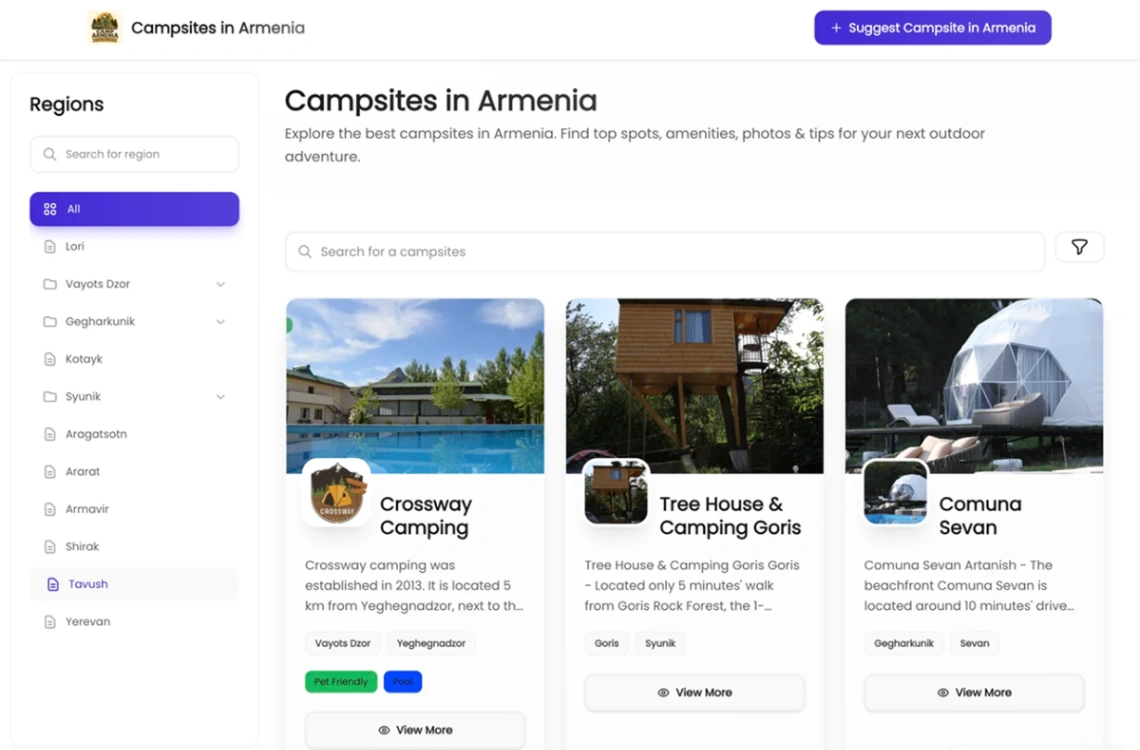
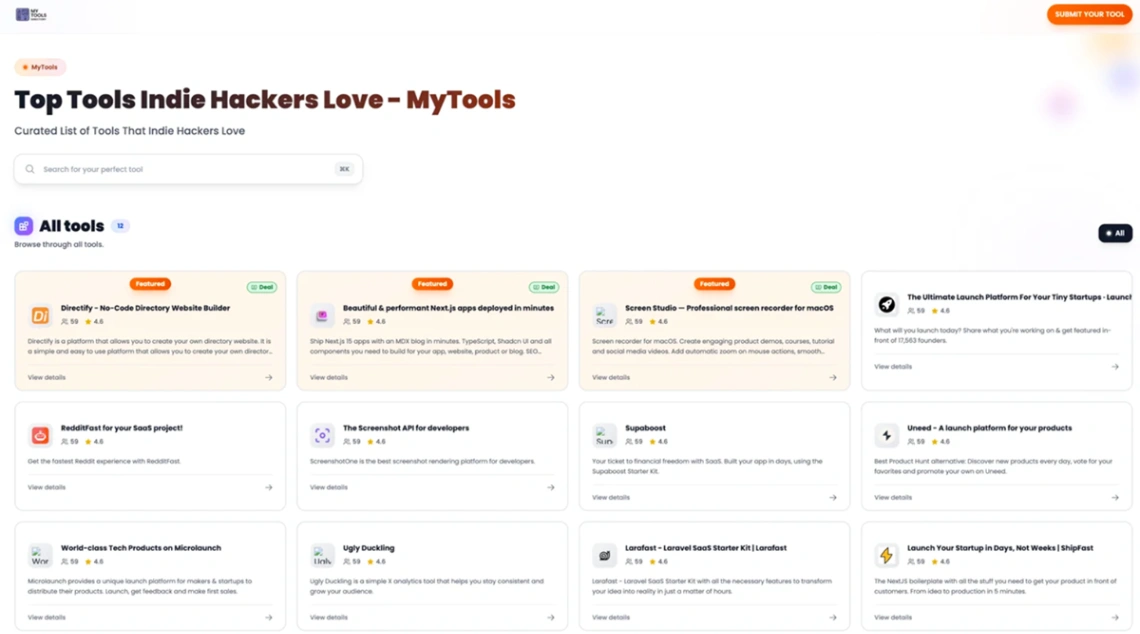
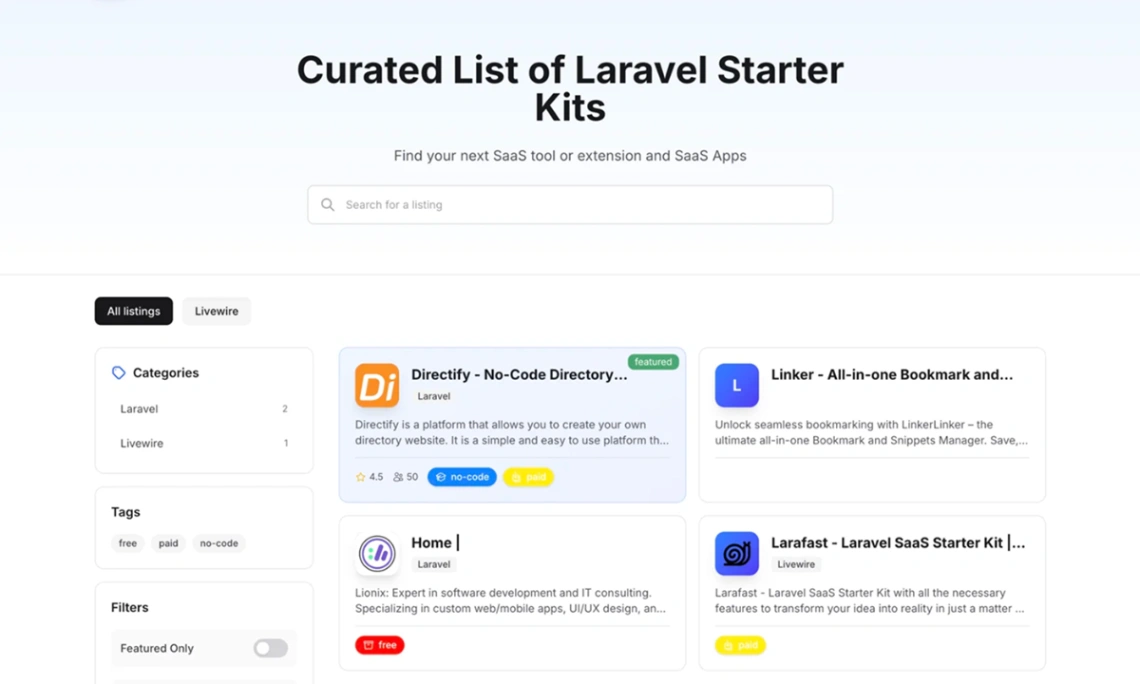
Database website templates are where no-code earns its keep — these 80 designs pair a front end with real data: searchable grids, directories, and client portals. Builders matter more here than anywhere; data-first platforms handle relational records far better than page builders. All free, all previewable.

· Updated July 2026

Buyer's guide

How to choose a database template

Start from where your data lives, because that decision picks half the template for you. If it's already in Airtable or Google Sheets, choose templates on builders that put a front end straight onto those tables — search, filters and detail pages arrive working, often in an afternoon. If the data doesn't exist yet, or it needs proper relationships between tables, start instead with templates on dedicated database platforms, which behave more like databases wearing a website. Both kinds appear in the builder picks at the top of this page.

The flat-versus-relational question is the one that bites later. A member list is flat; a member list with bookings, payments and messages is relational. Plenty of teams pick a beautiful flat-data template and hit the ceiling at month three, then rebuild. Sketch your tables on paper first — if any record needs to point at another record, filter templates accordingly.

Next, permissions: does everyone see everything, or do users log in and see only their own rows? Client portals and member databases need per-user access, and templates with it wired in save you the hardest configuration work. It's much easier to remove a login than to add one.

Finally, read the platform's pricing by rows, not by features. Most database builders price on records and users, and a free tier that fits your pilot rarely fits year one. A quick honest estimate — records now, records in twelve months — tells you whether a template's platform stays affordable, and every template here previews free before any of that matters.

FAQ

Common questions

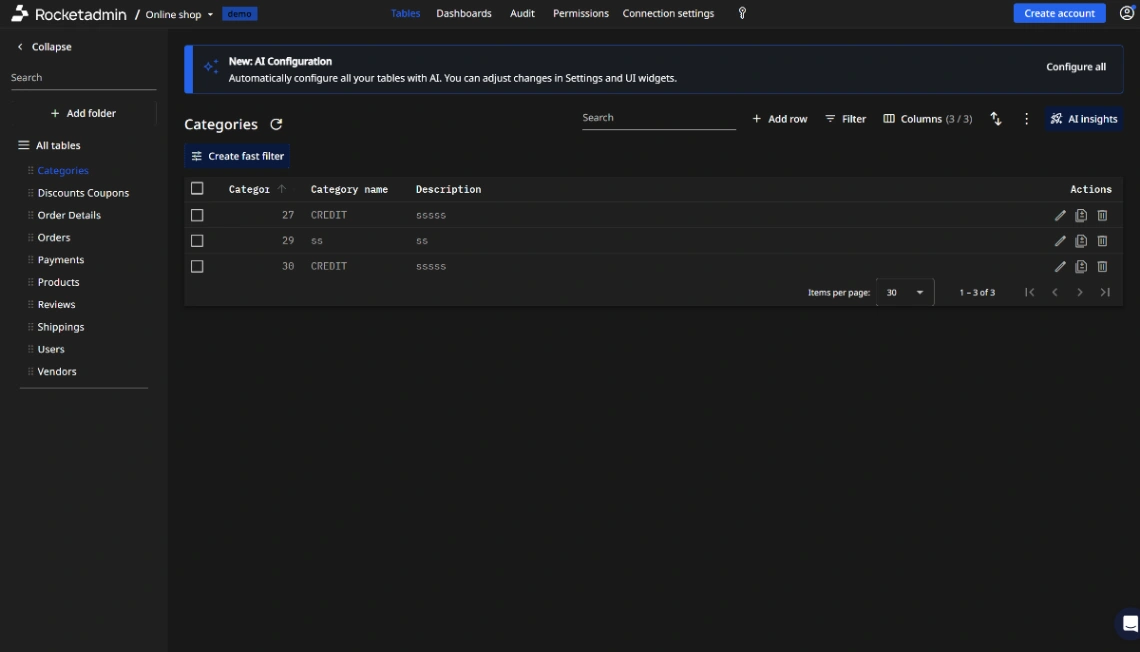
Yes — that's exactly what these templates are for. They put a searchable front end on a spreadsheet, Airtable base or built-in database, so you configure rather than program. The templates arrive with the structure already built.

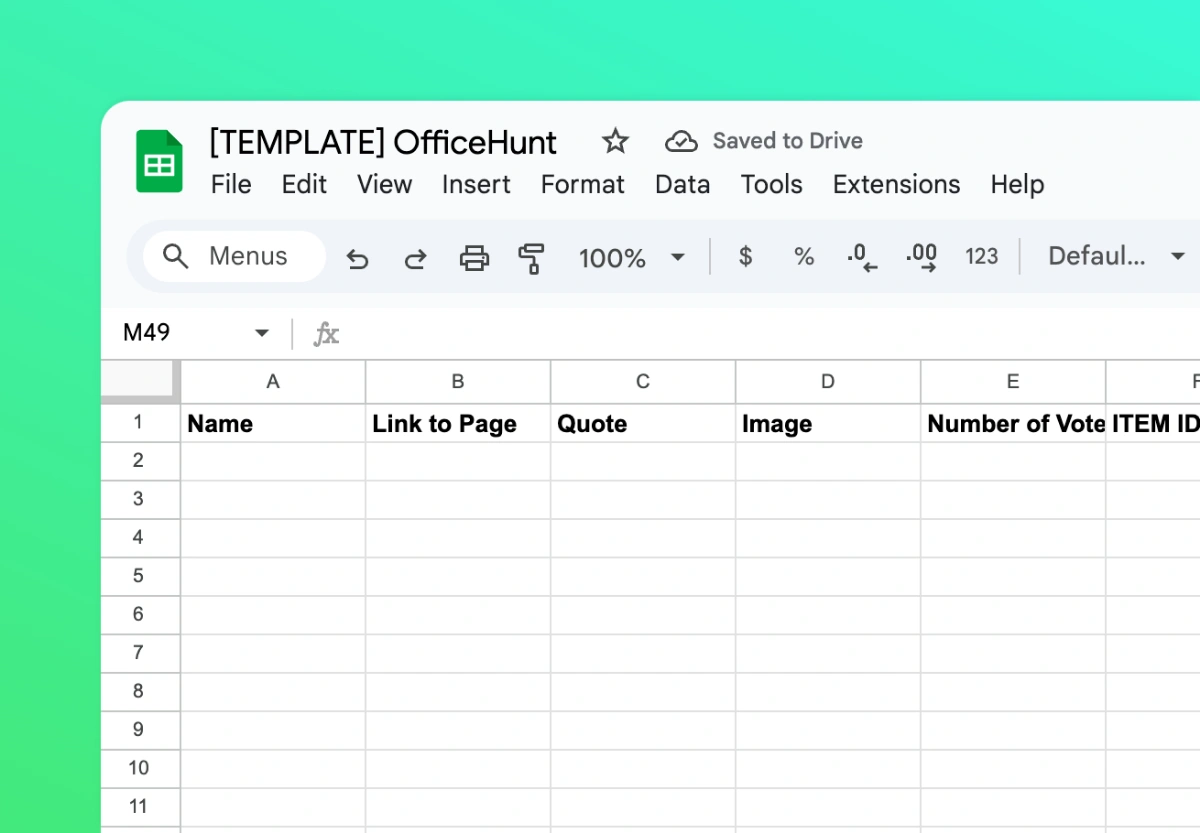
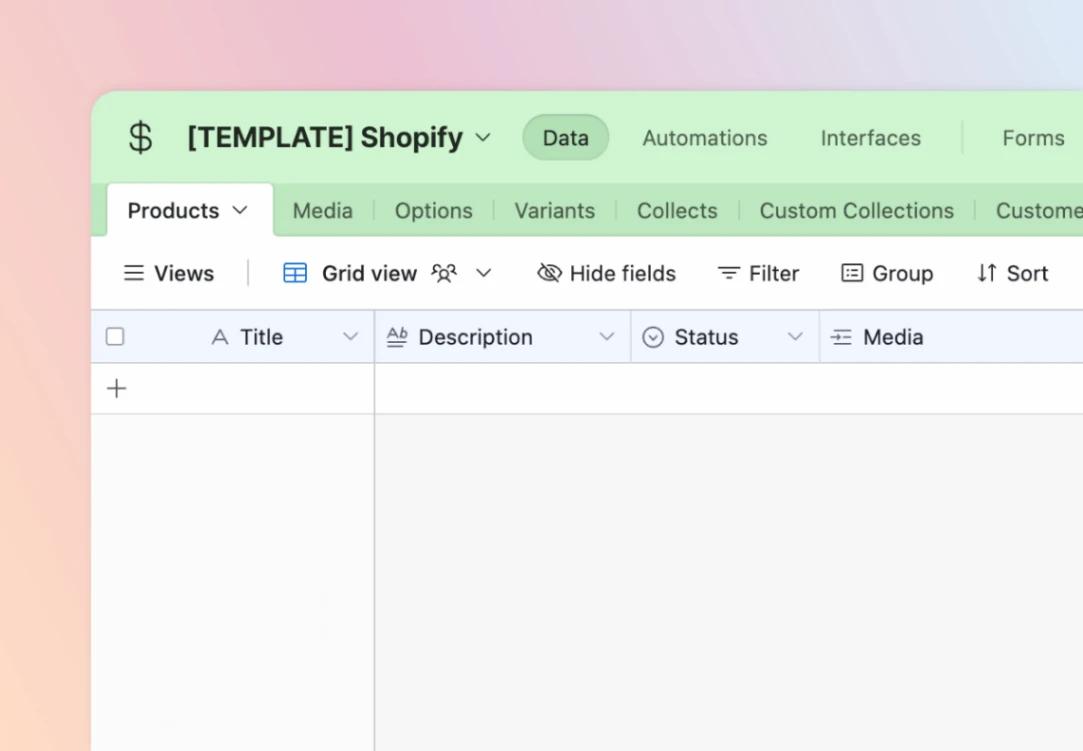
Many are designed around exactly that connection, syncing live so editing the sheet updates the site. Others use their builder's own internal database instead — each template card names its builder, so you can tell which kind you're looking at before previewing.

Typically thousands to tens of thousands of rows comfortably, but every platform prices and performs differently past that. If you expect six figures of records, filter for templates on dedicated database platforms rather than spreadsheet-backed tools.

On templates built for it, yes — client portals and member directories here ship with per-user permissions preconfigured. Adding logins to a template that lacks them is the hardest retrofit in no-code, so pick one with access control from the start.

A directory is a database the public browses (listings, maps, categories); a database template usually serves a closed group — your team or clients — with logins and editing. Building a public listings project? Start from the directory category instead.






