
Cocktail Bar
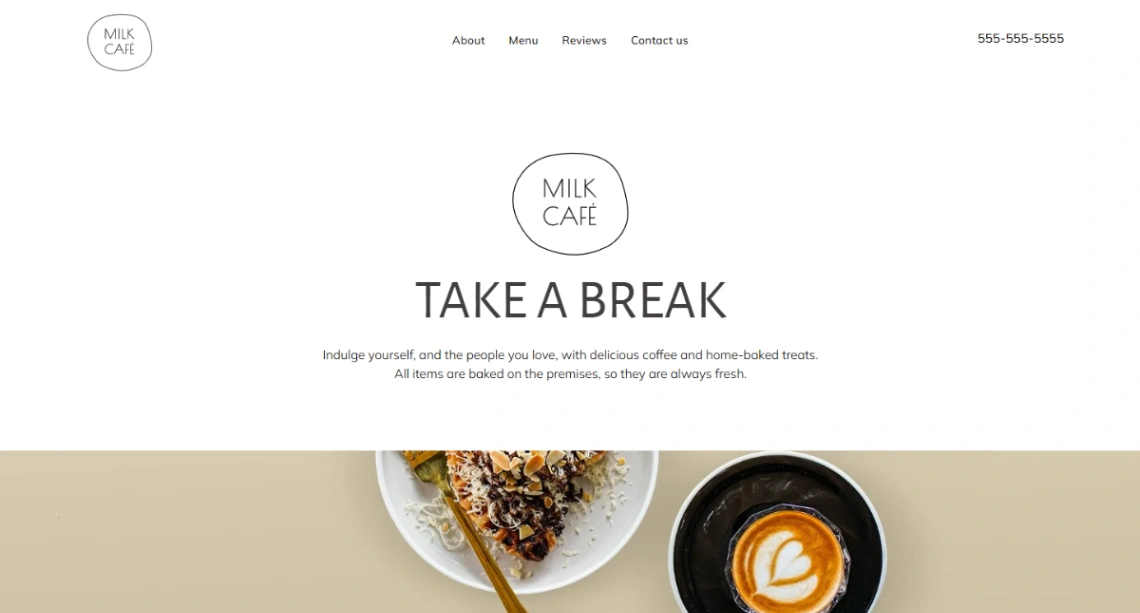
Milk Cafe
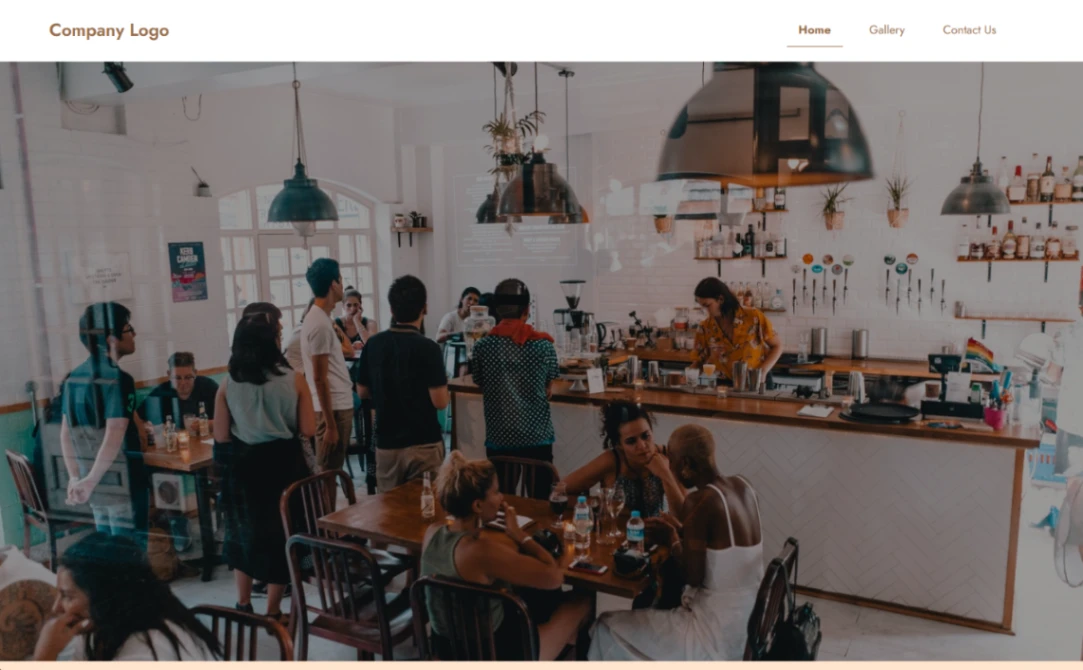
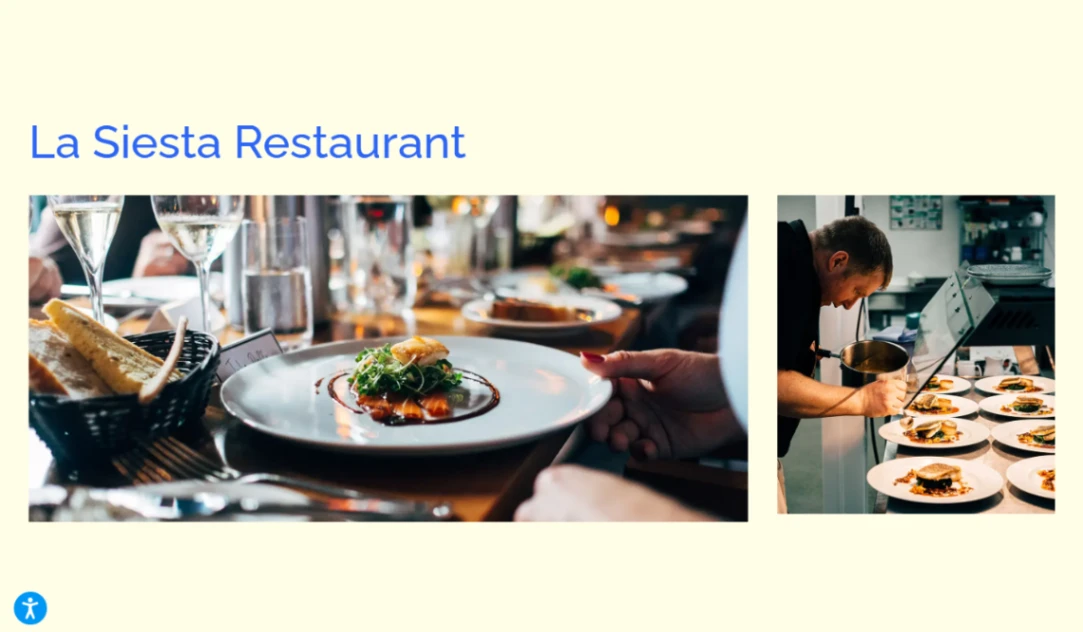
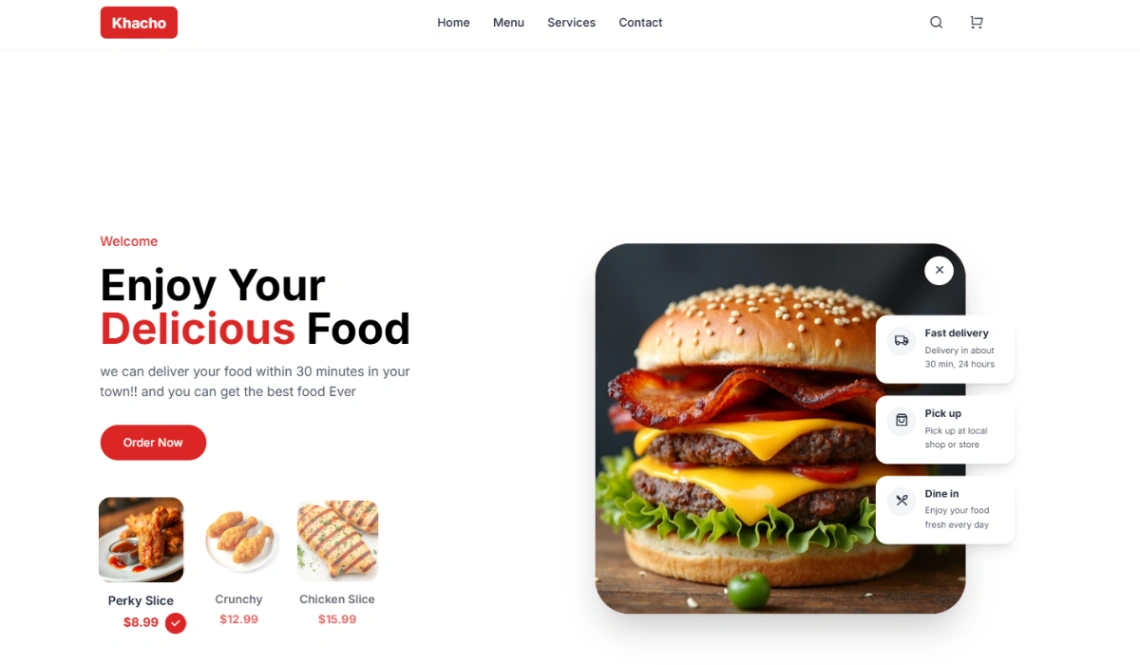
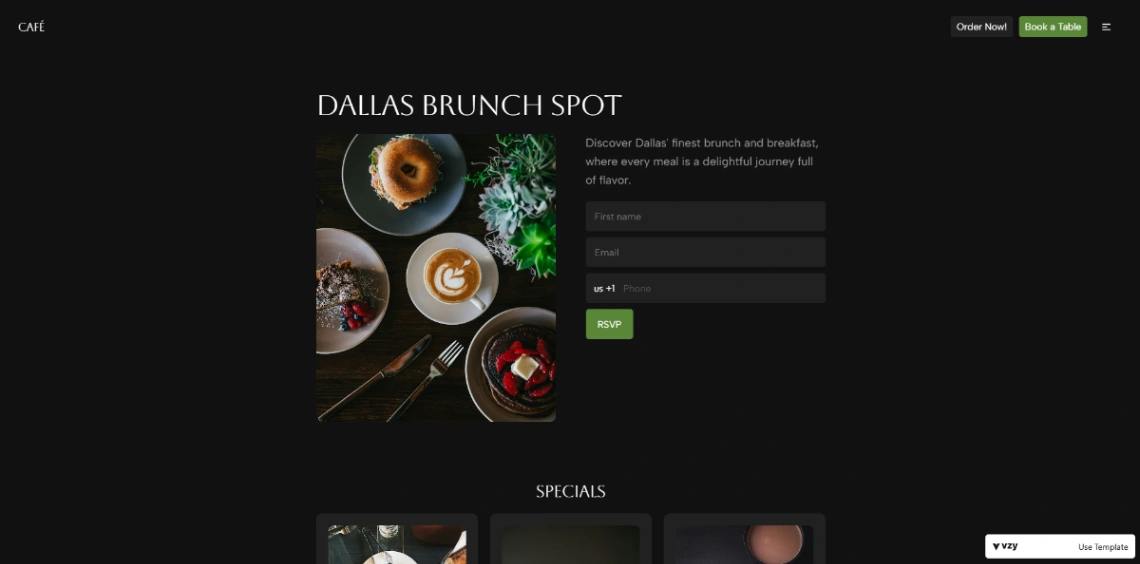
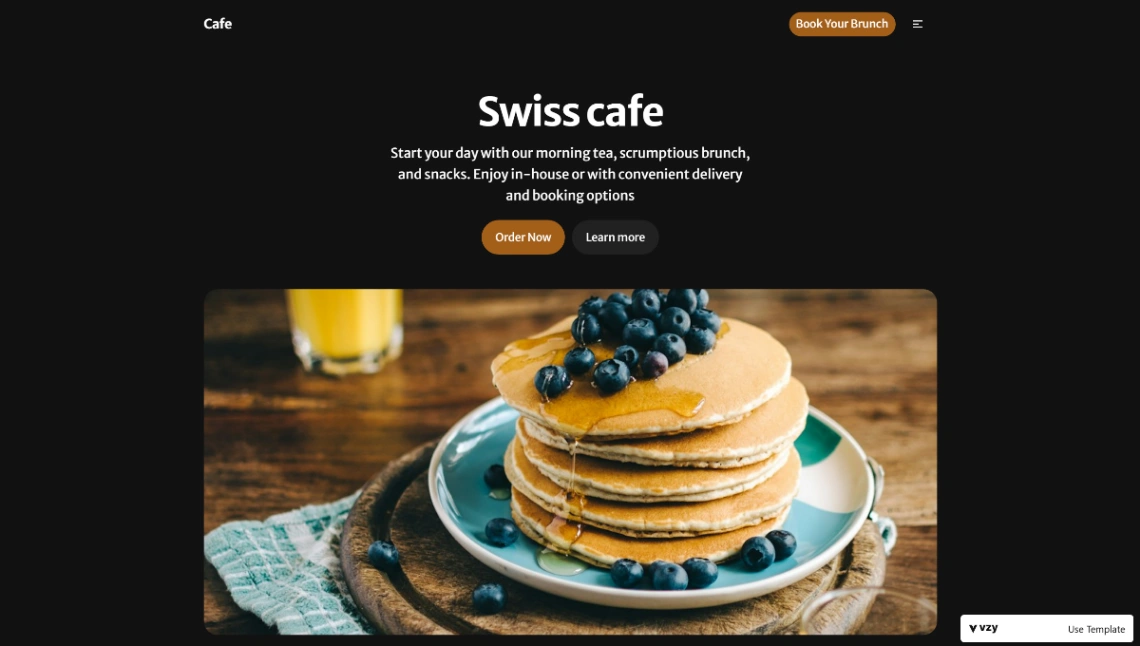
Swiss Cafe
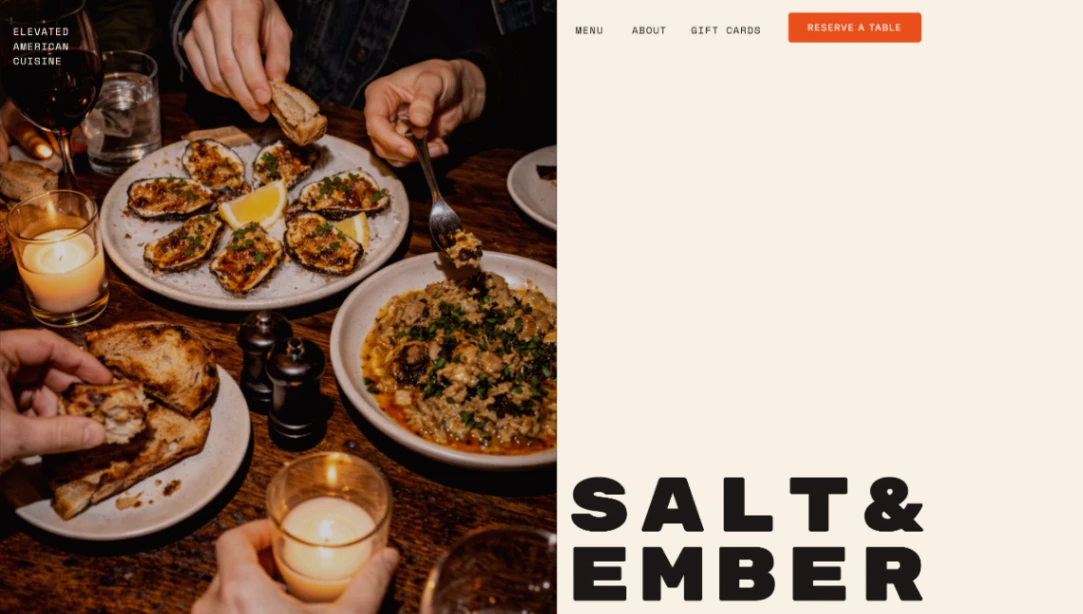
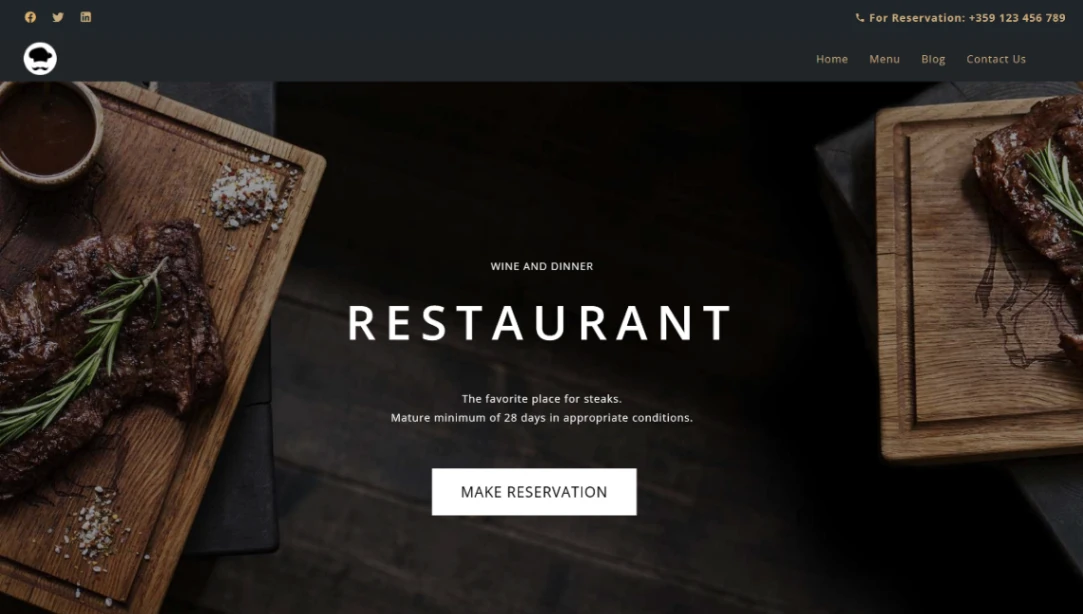
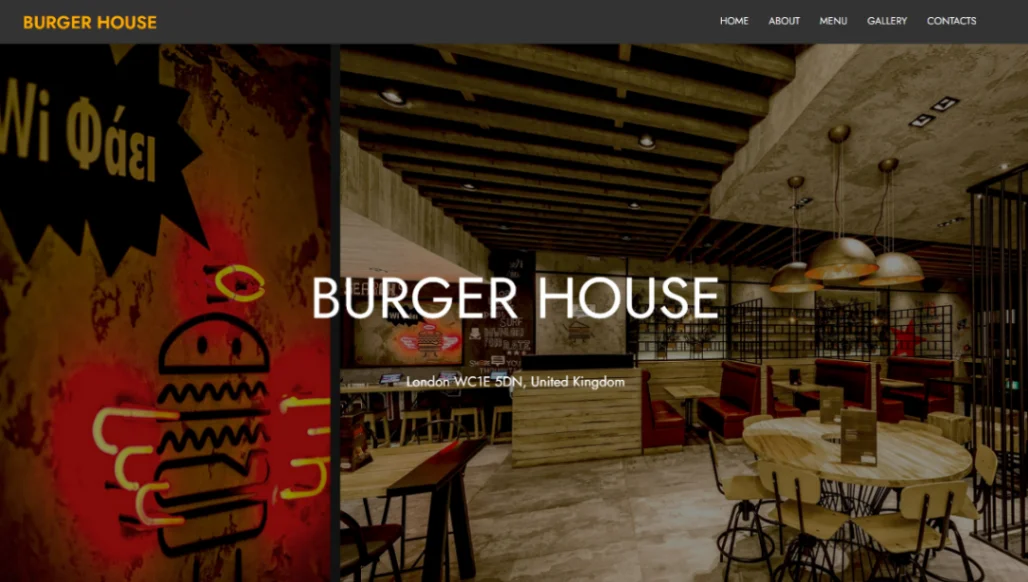
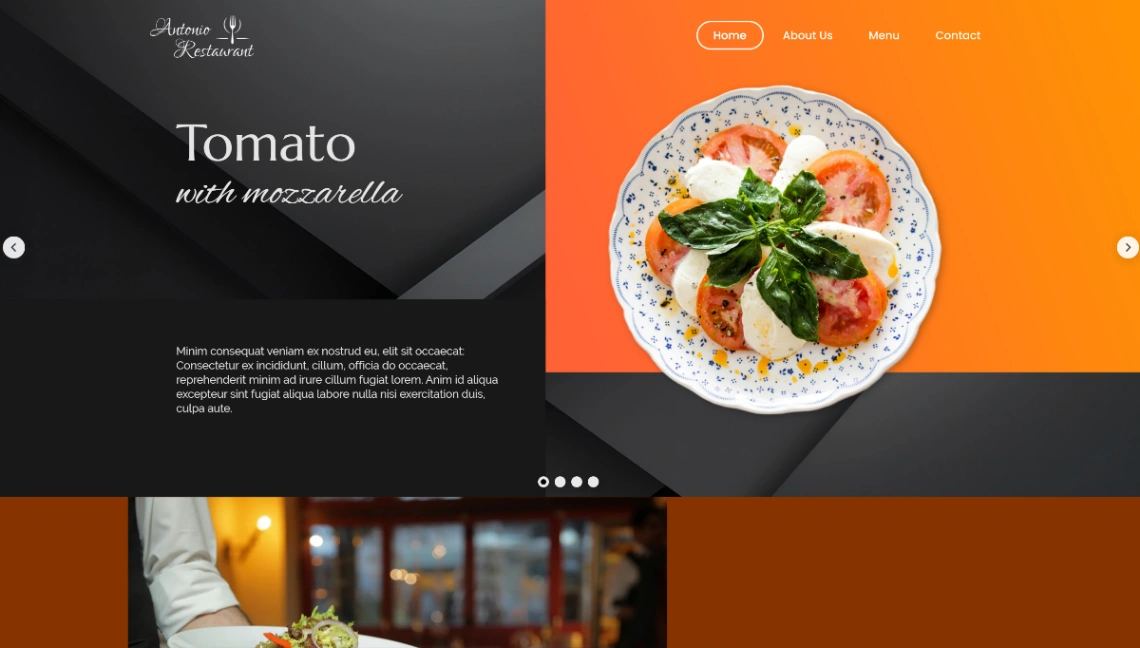
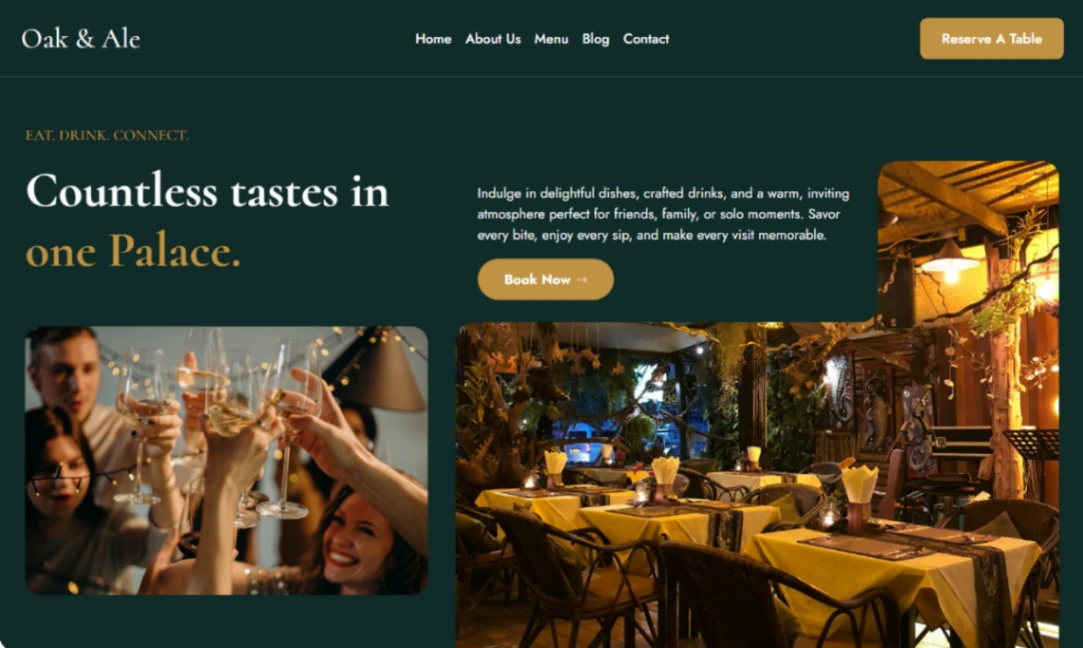
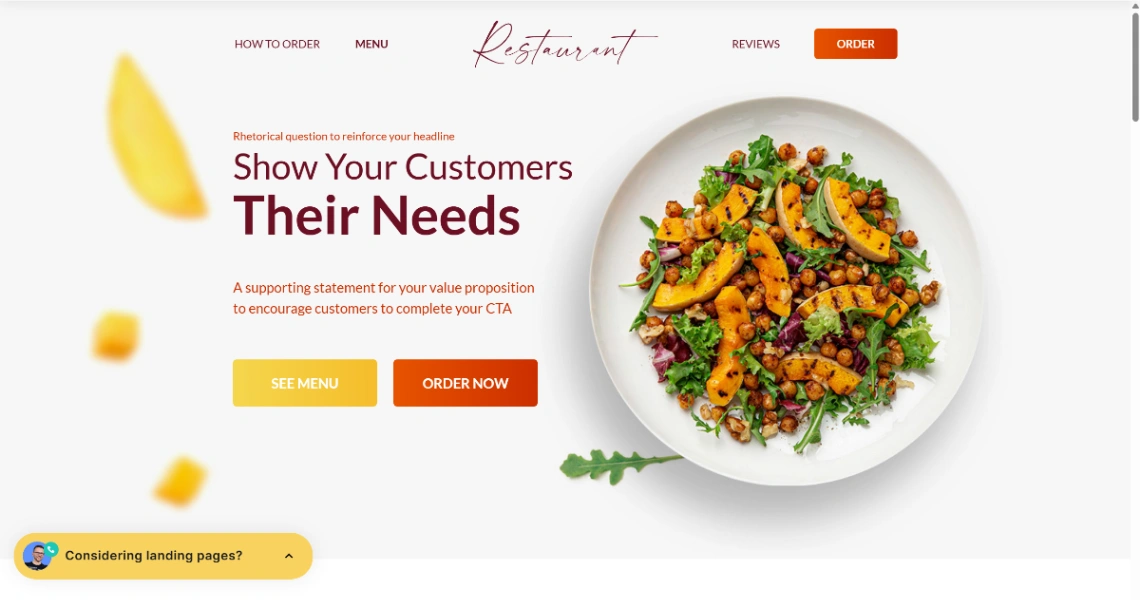
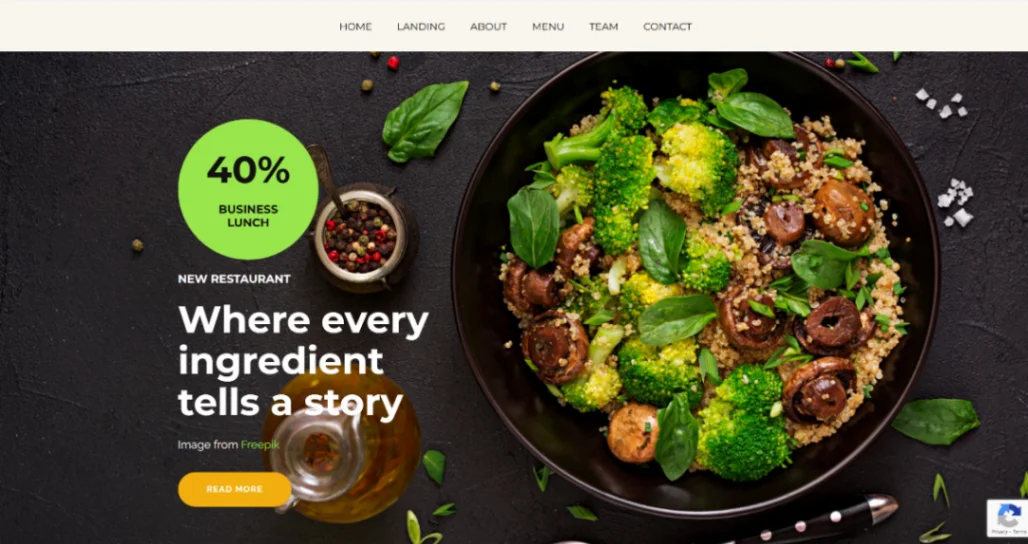
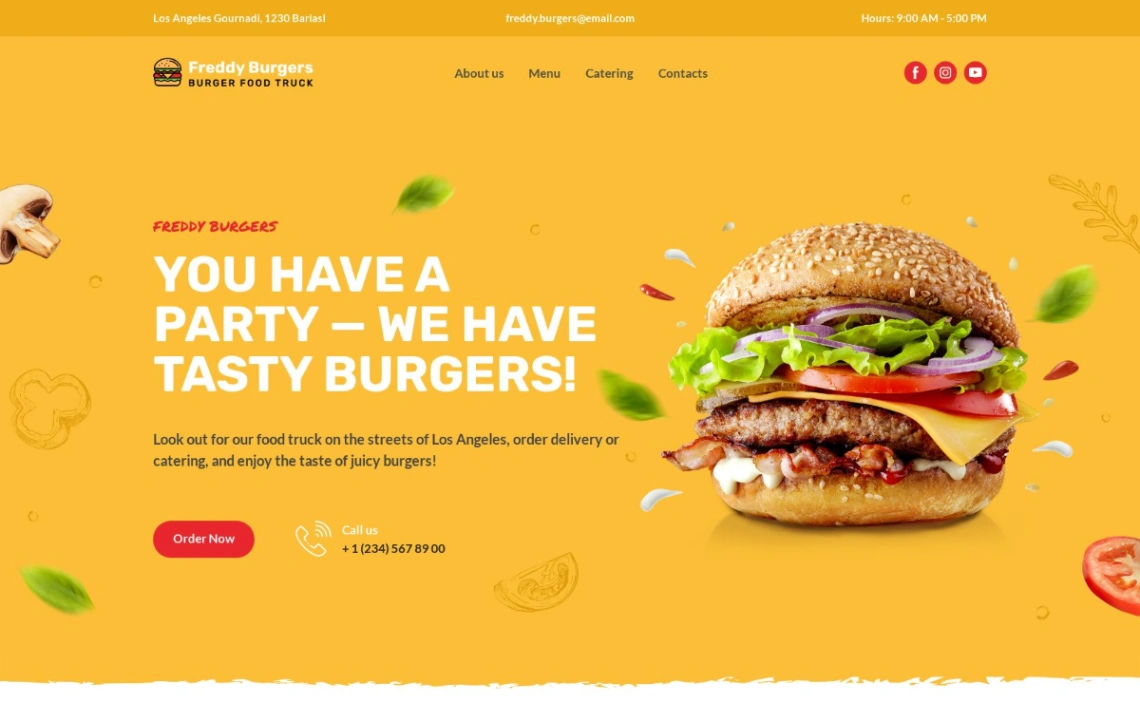
Food Truck
Buyer's guide
How to choose a restaurant template
Decide how reservations reach you before comparing looks. If you already use OpenTable, Resy or a POS with booking, any template that embeds a widget cleanly will do; if you don't, favor templates on builders with native booking blocks, so the reservation lands in your system rather than your voicemail. It's the one feature diners judge you on before they've tasted anything.
The menu is the page that changes weekly, so check how each template expects you to maintain it. The wrong answer is a PDF — Google can't read it properly, phones handle it badly, and you'll dread updating it. Templates with structured menu sections let you swap dishes and prices in minutes, and they're the reason a restaurant site ranks for its own dishes.
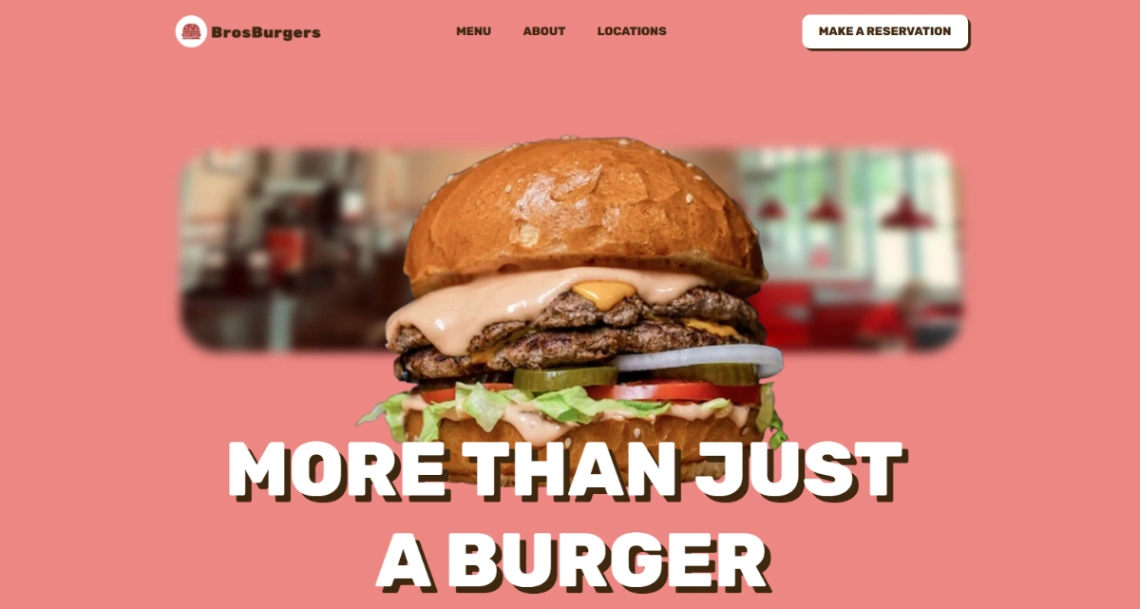
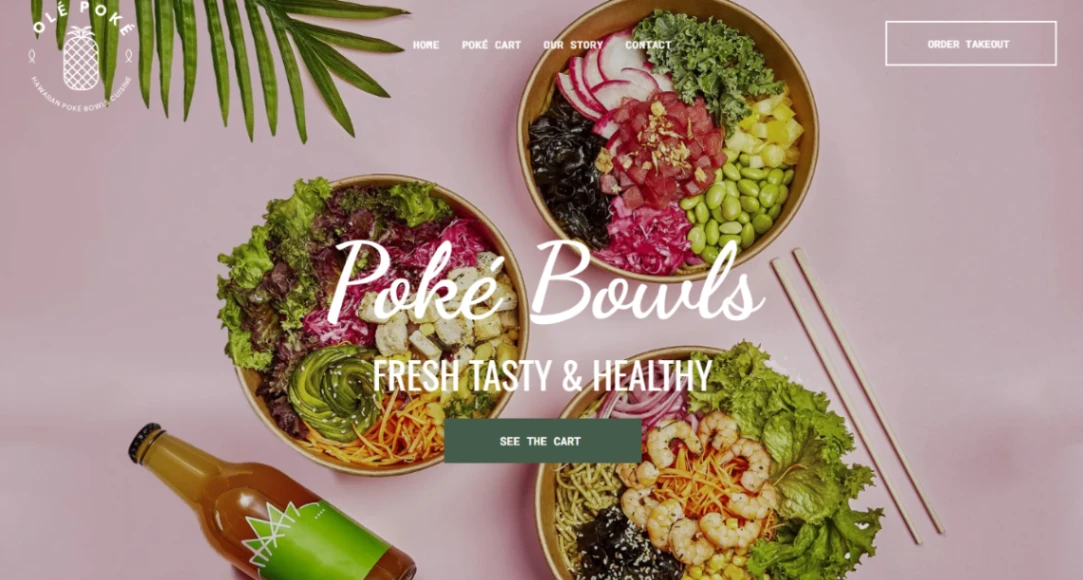
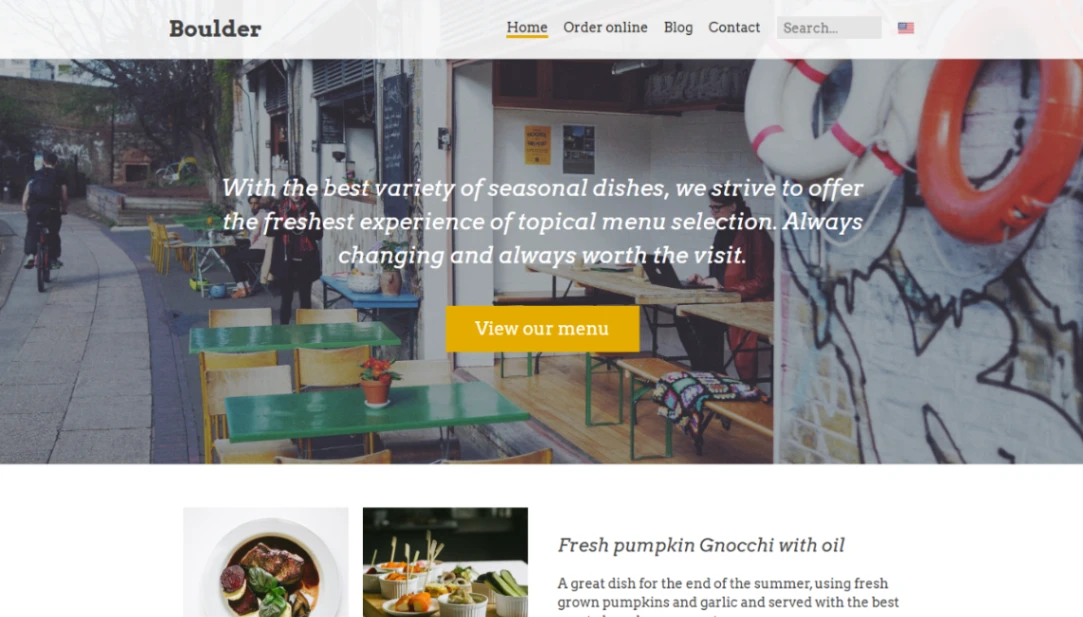
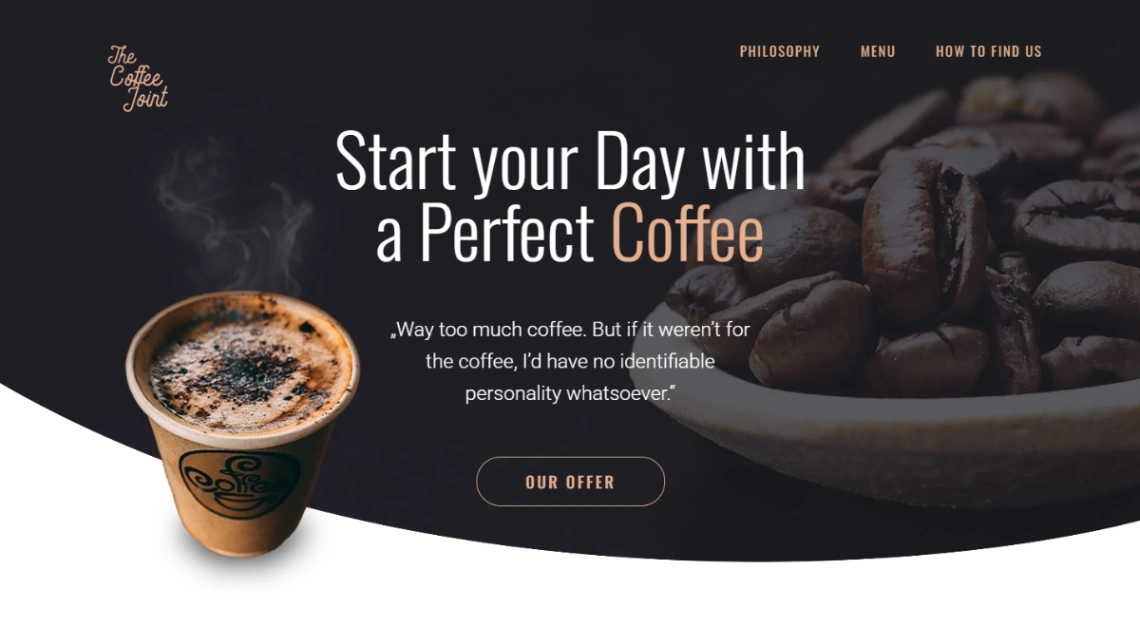
Local search does more for a restaurant than any design flourish: your site, Google Business profile, hours and address must agree everywhere, and templates with clear location sections and schema make that easy to keep true. The design-led builders in this collection bring destination-restaurant polish; the lighter ones suit single-location spots that mostly need hours, menu and directions done fast — both kinds appear in the picks at the top of the page.
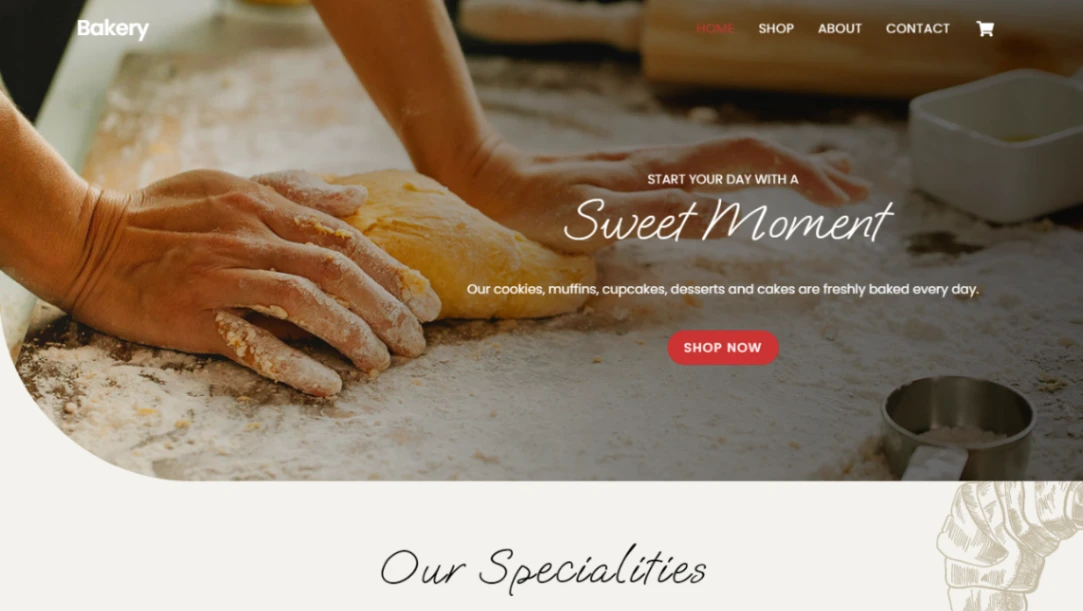
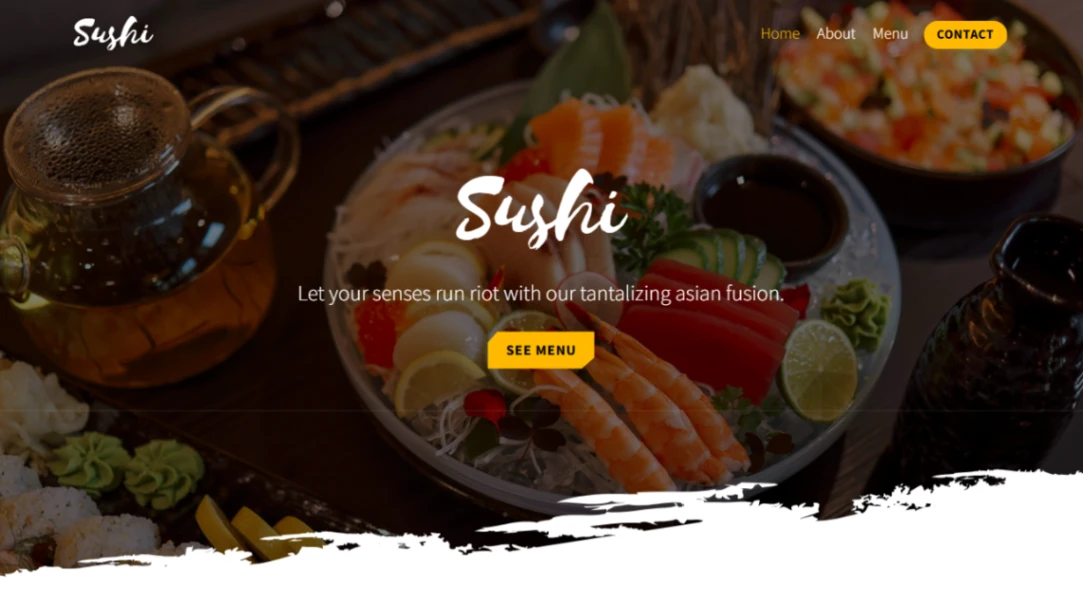
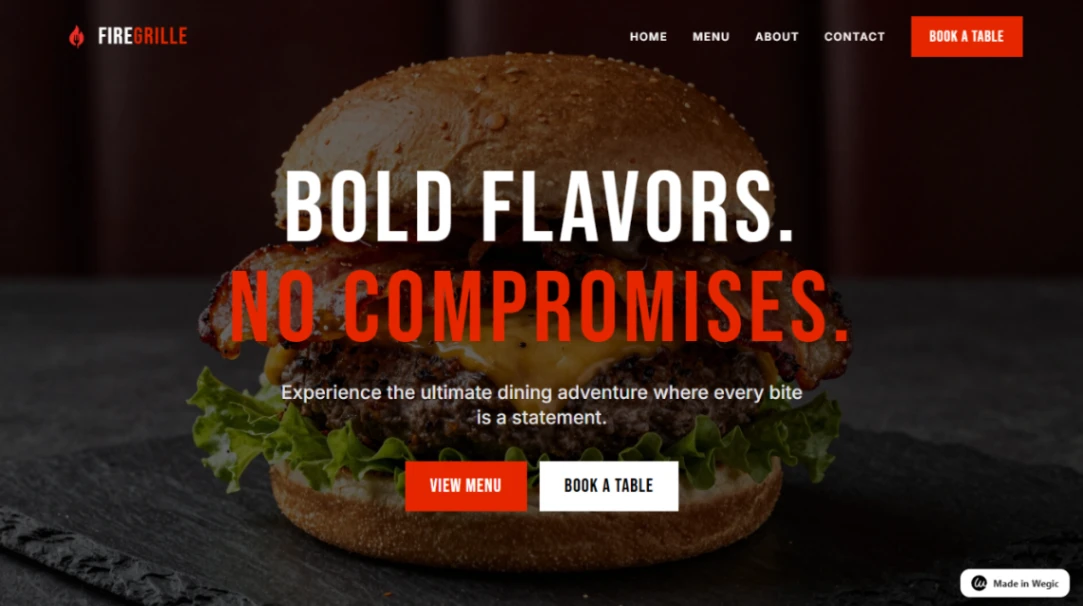
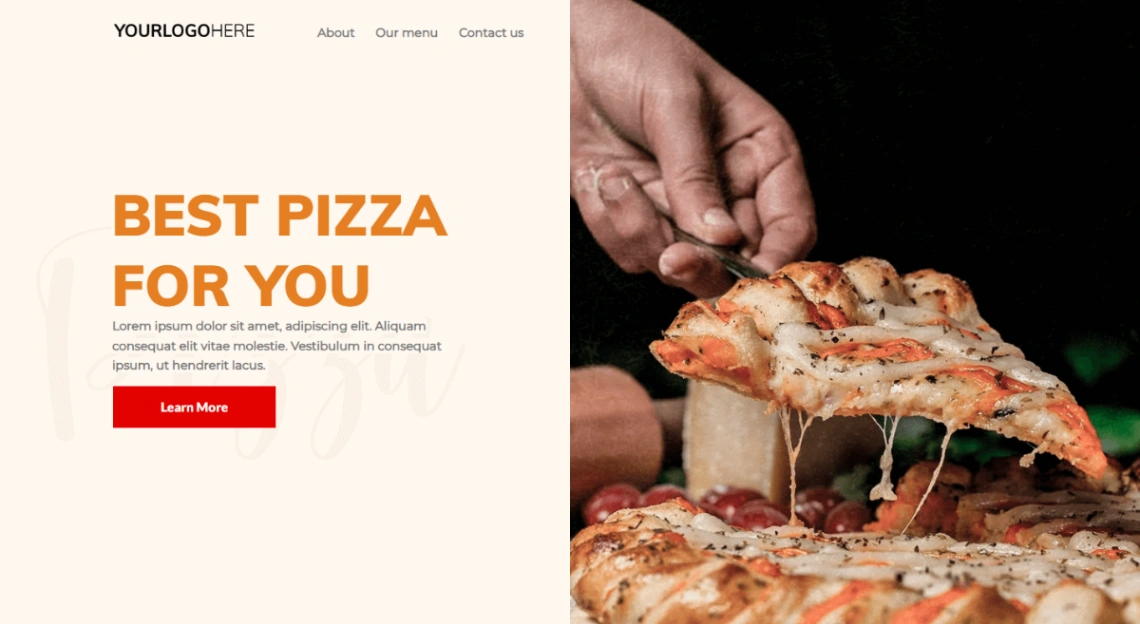
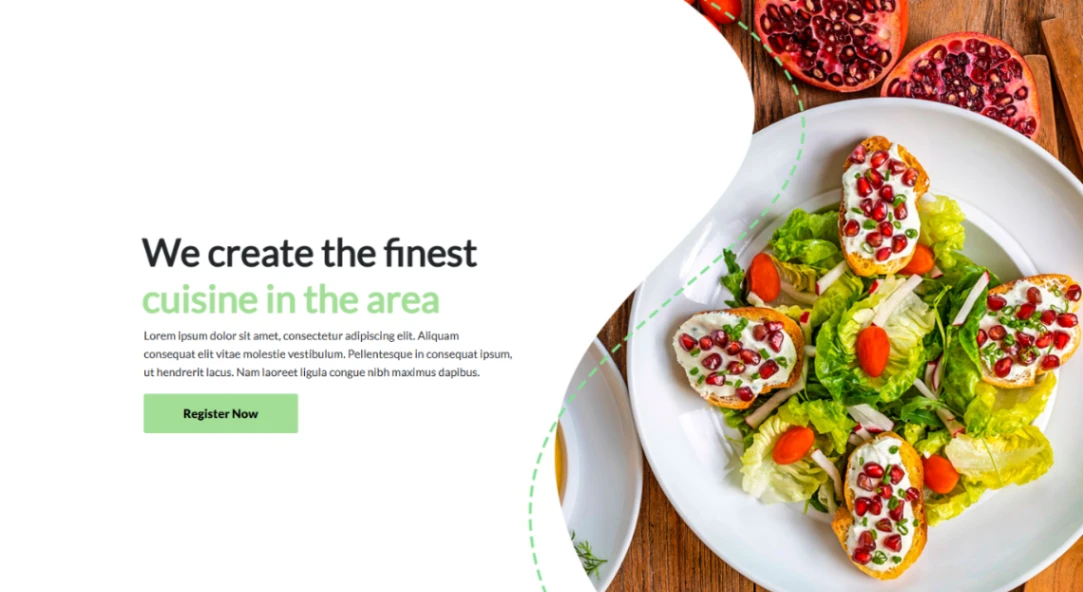
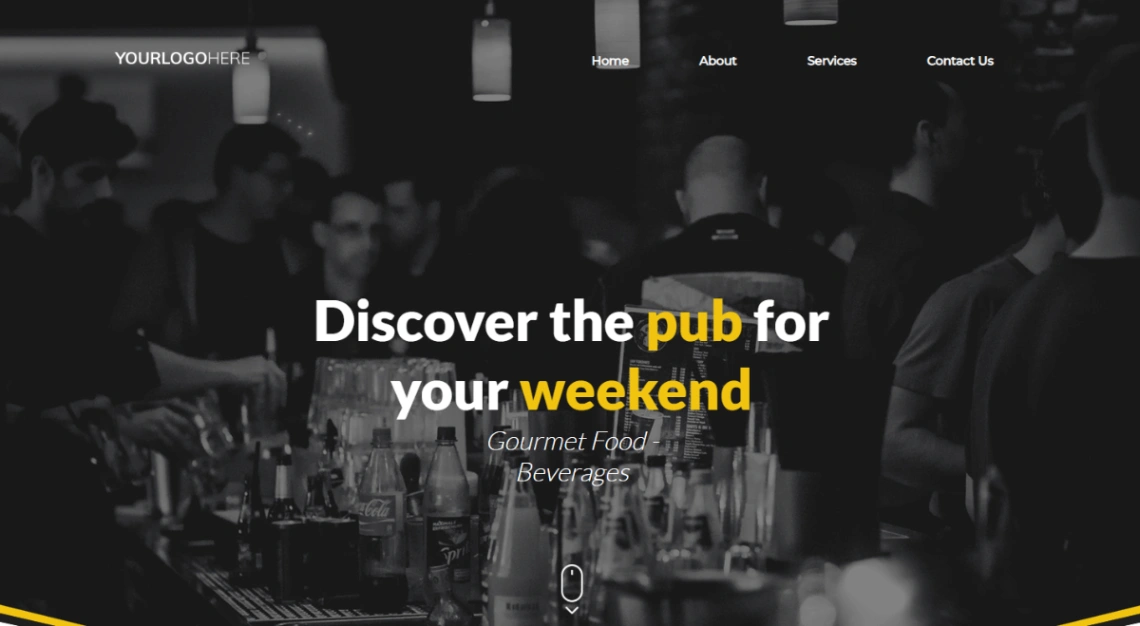
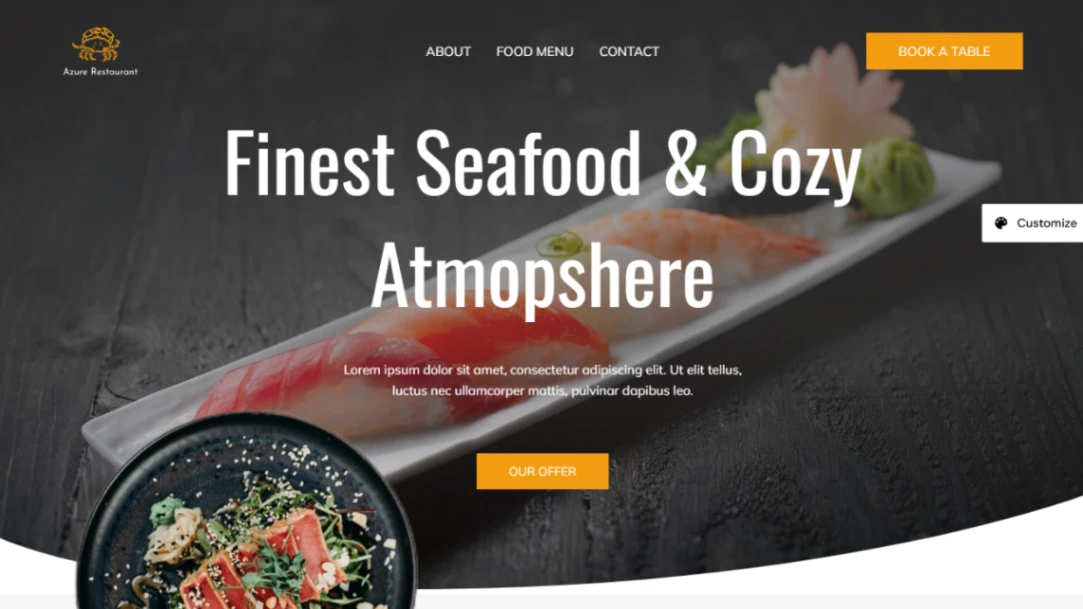
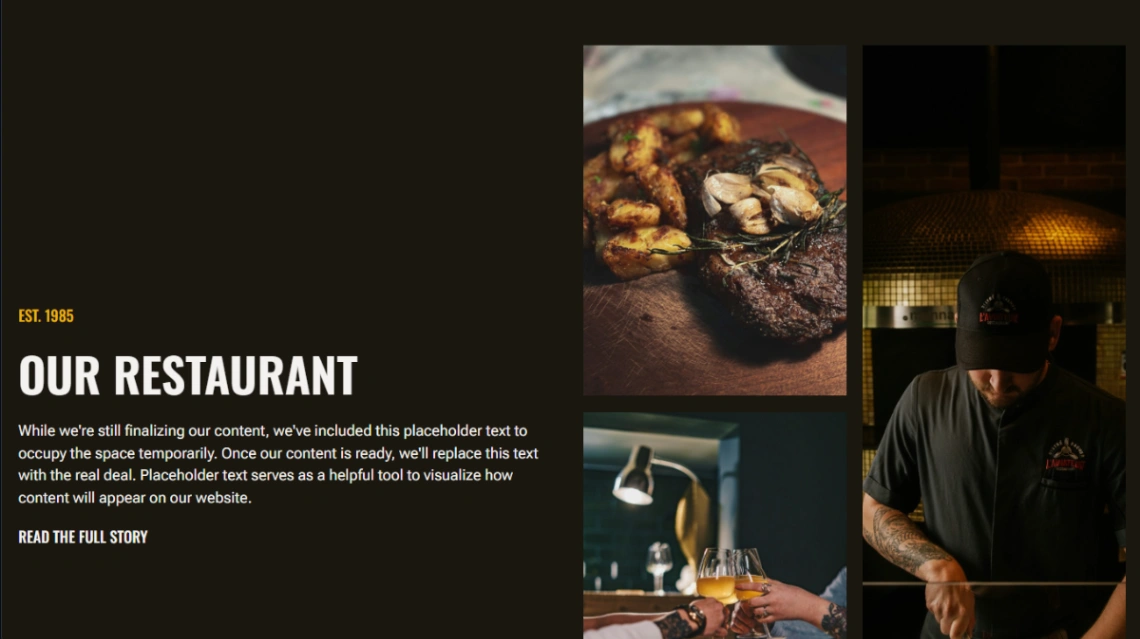
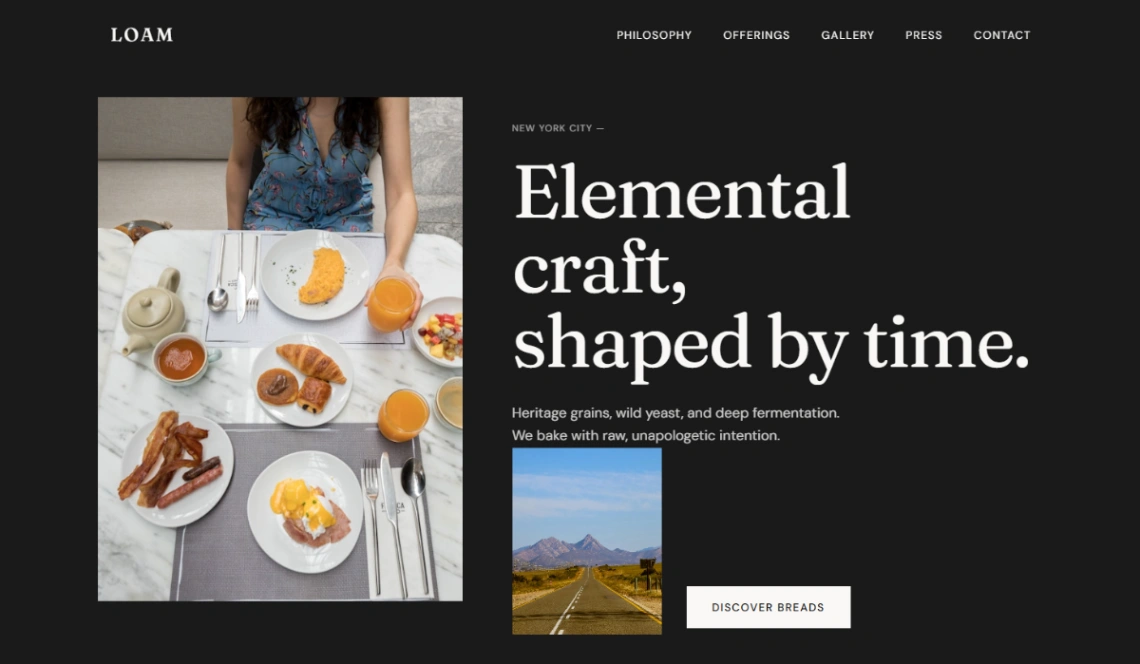
Last, the photography rule: these templates frame big, appetizing imagery, which means they reward good photos and expose bad ones. Shoot in daylight before you launch, and preview the template on a mid-range phone over mobile data — that's how a hungry customer, walking and deciding, will actually see it.
FAQ







