
AC Service



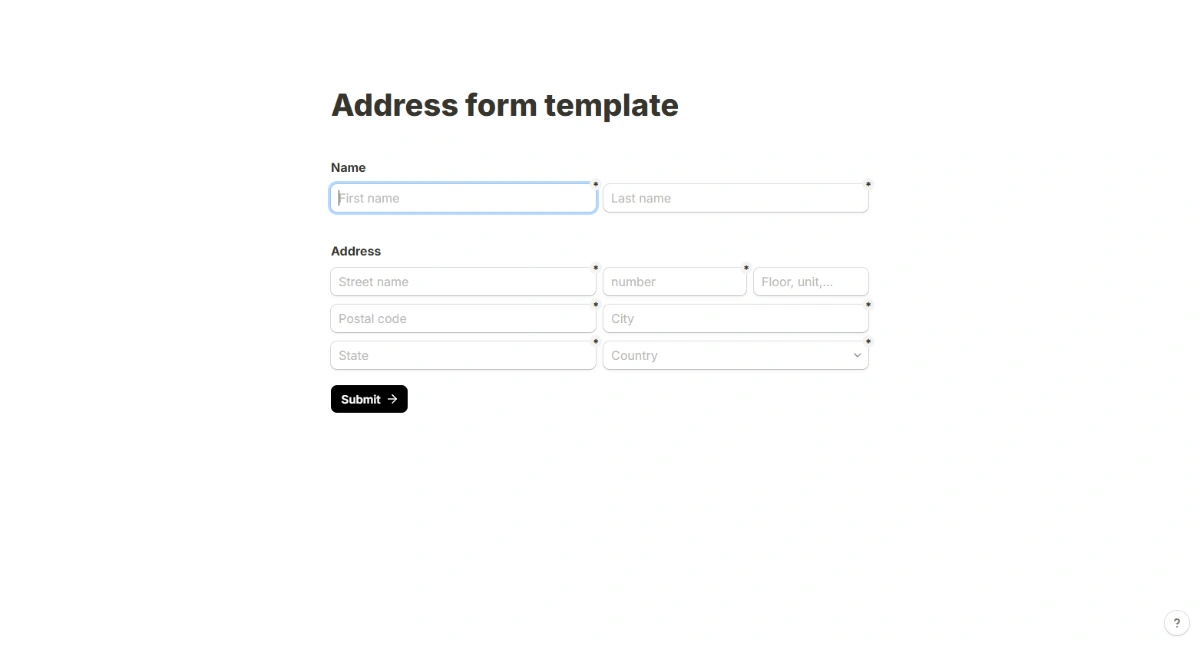
Address Form
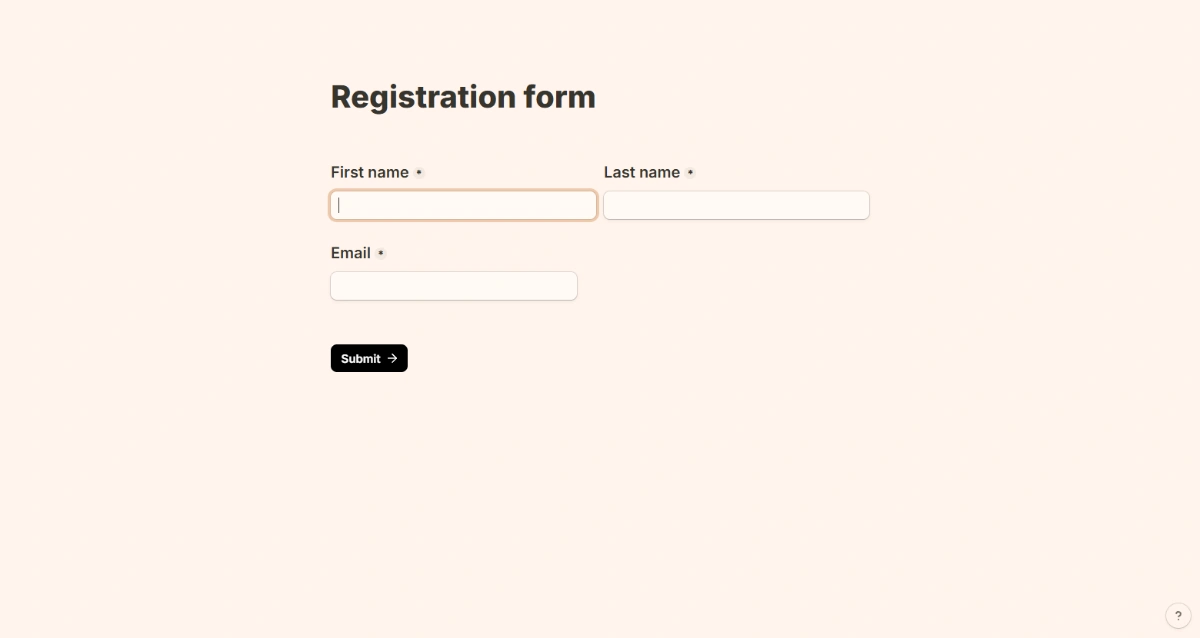
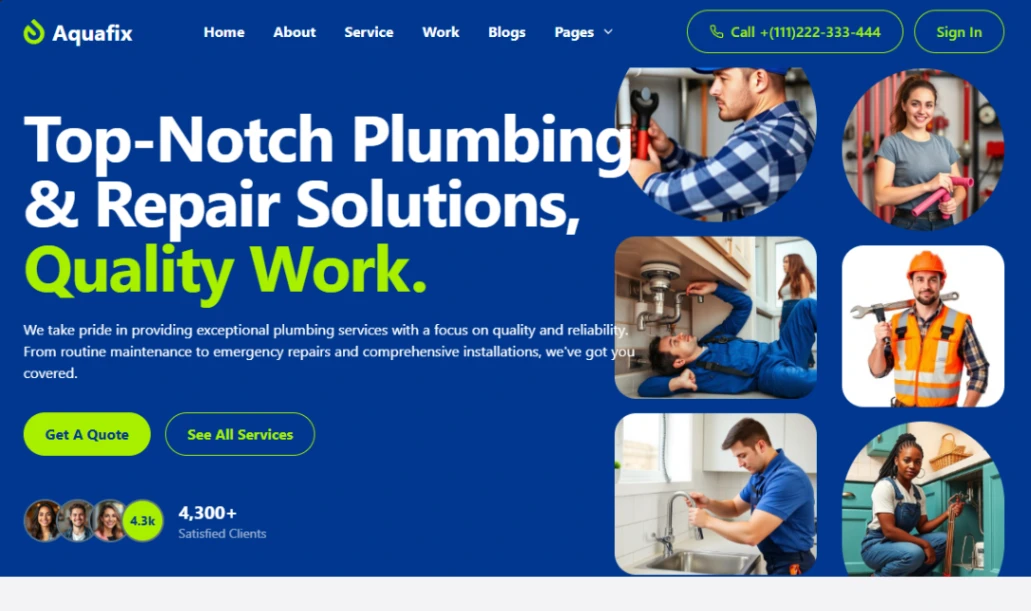
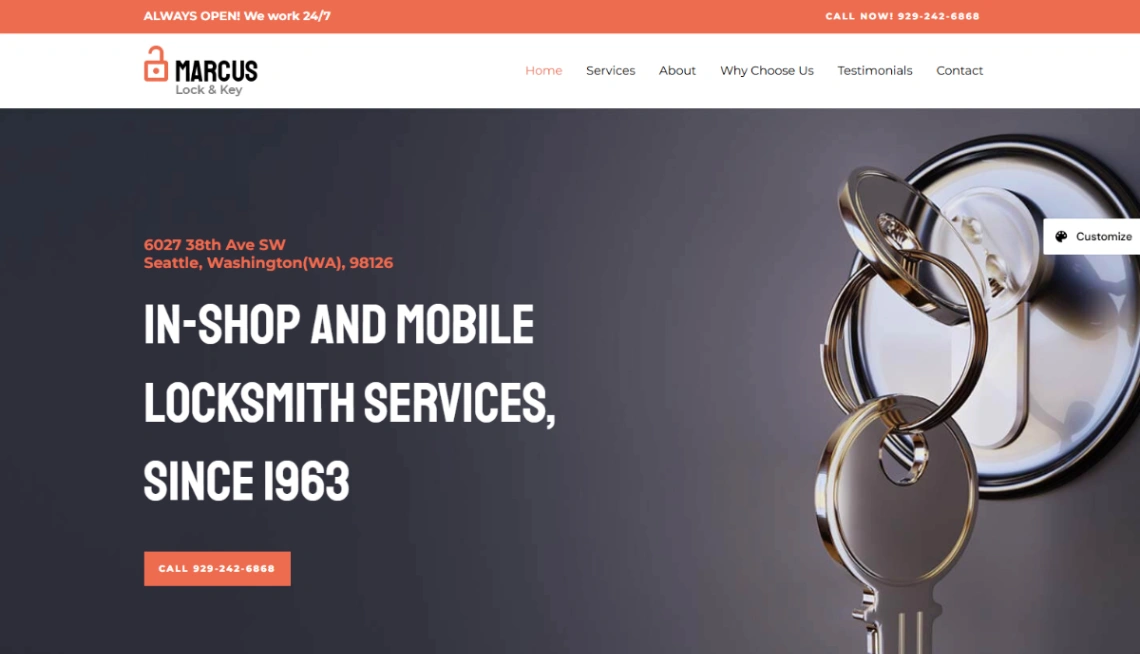

House Repair

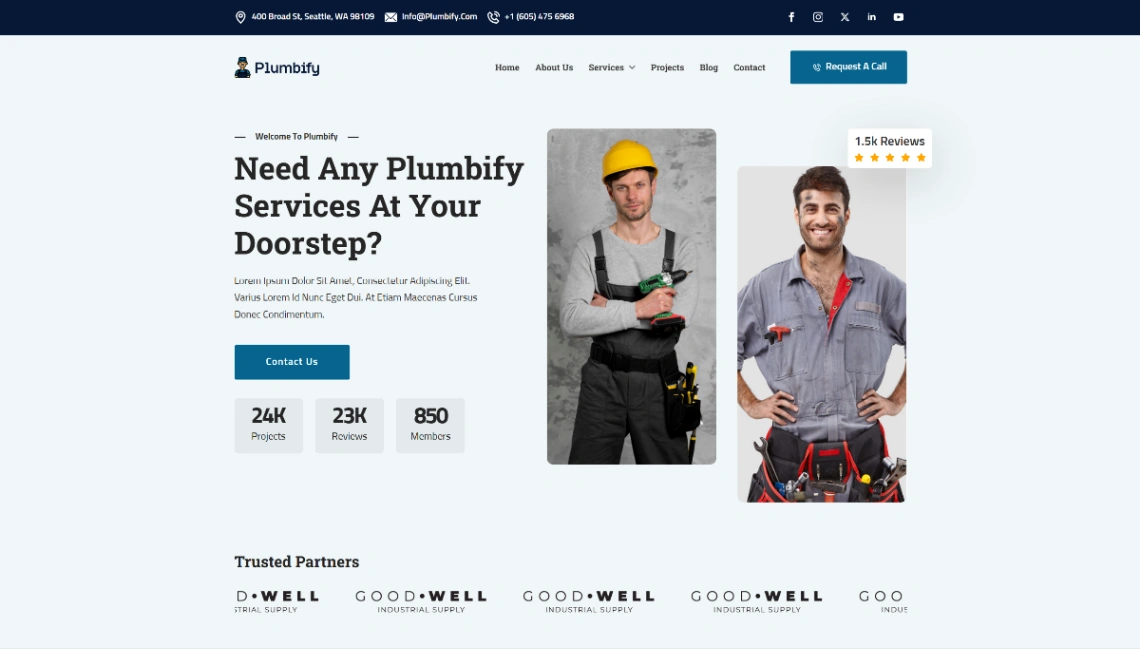
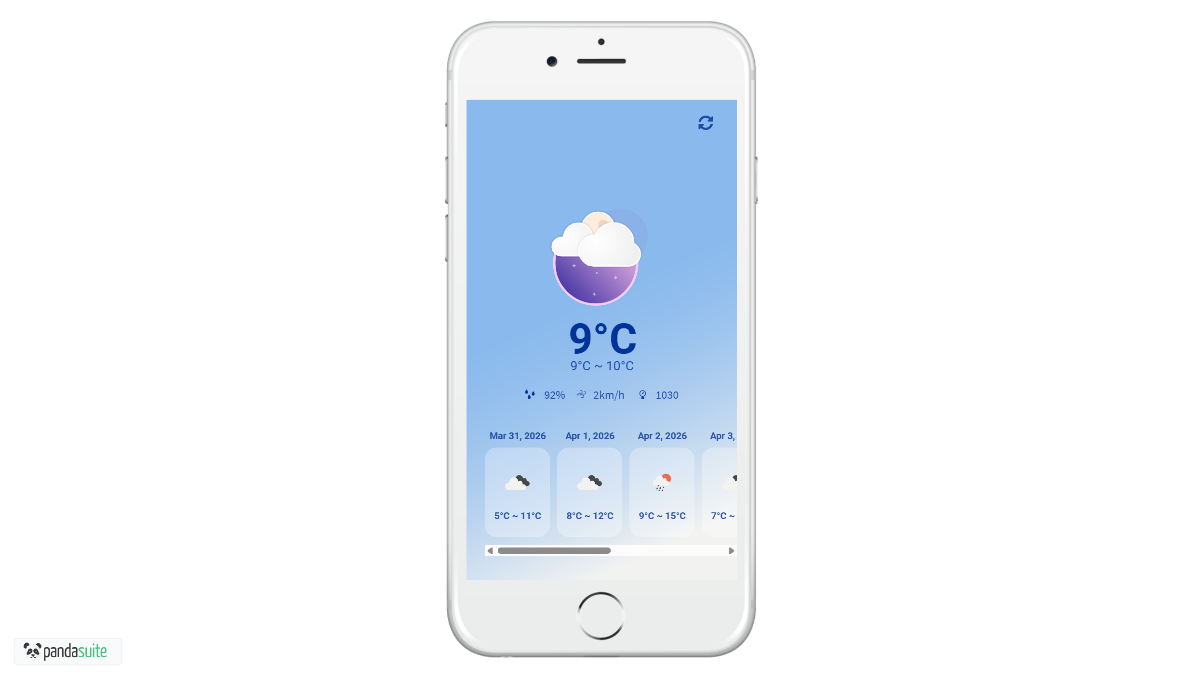
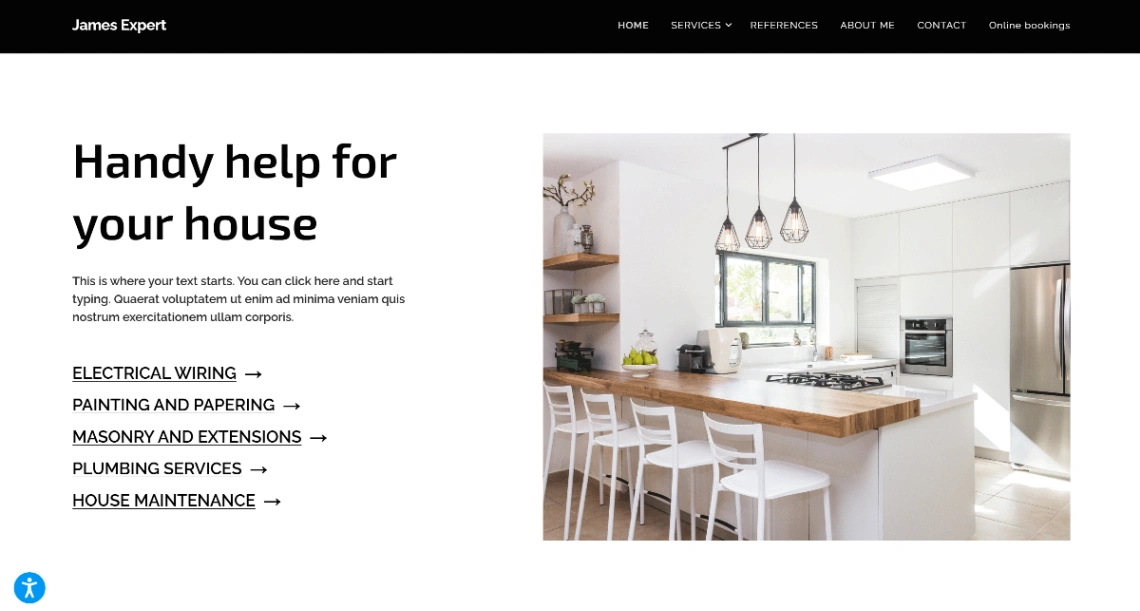
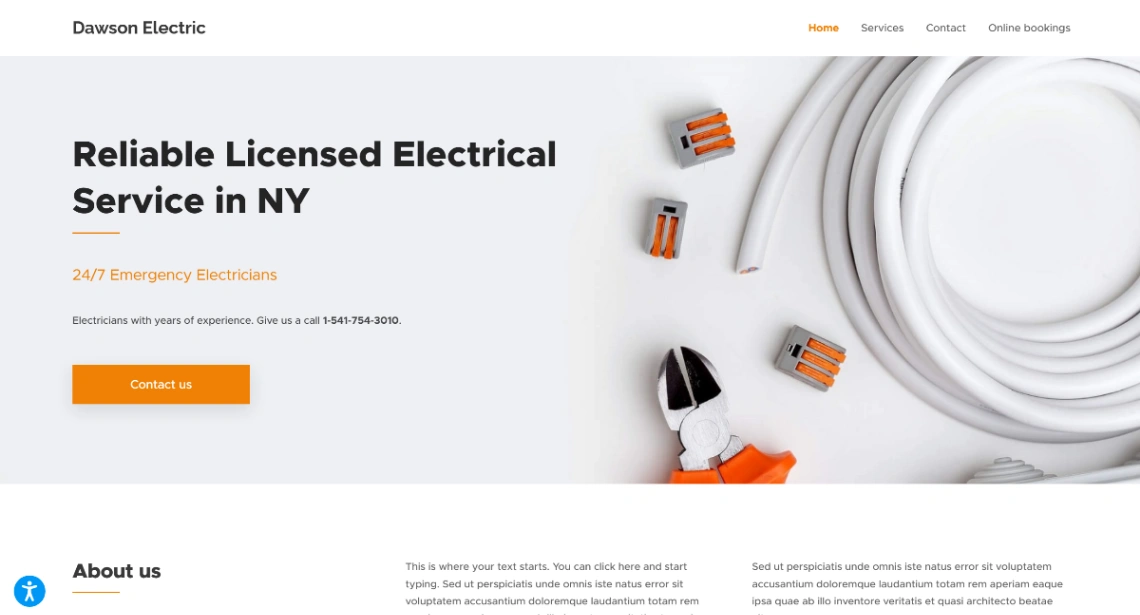



Home Repair
Buyer's guide
How to choose an utilities template
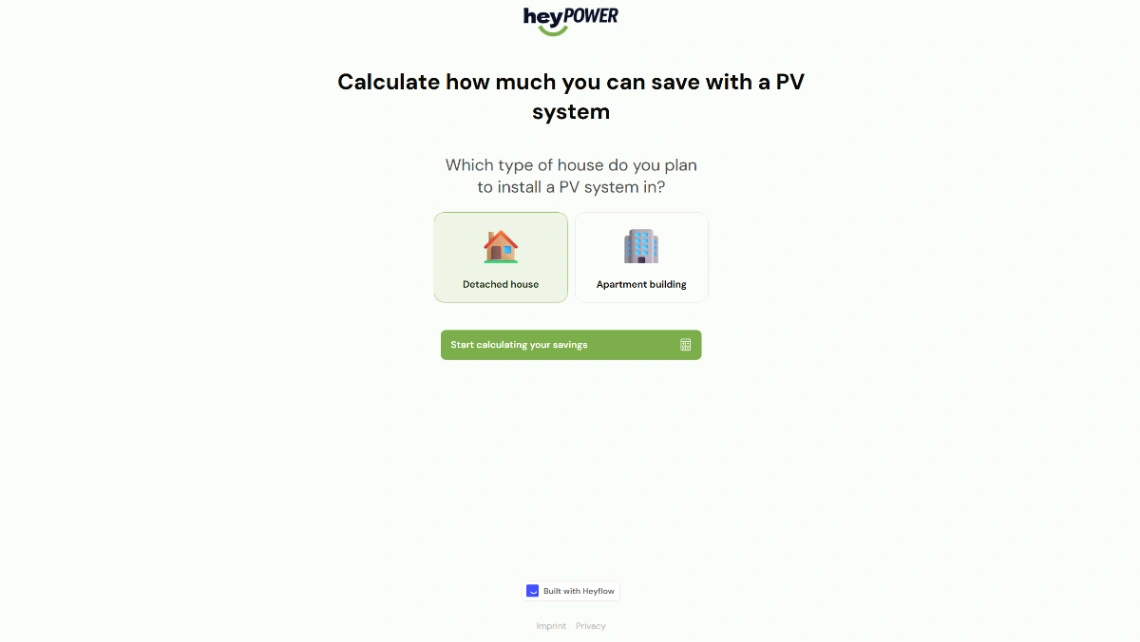
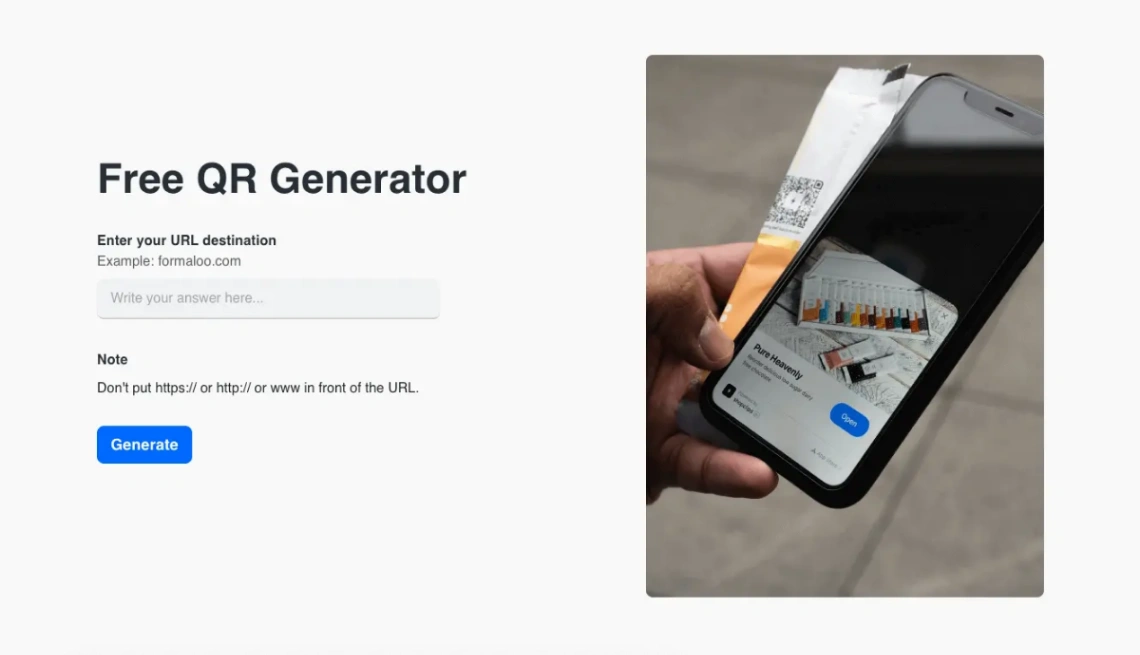
Some websites are appliances. A status page, a QR menu, a link page, a quick calculator — nothing in this collection will anchor a brand, and that's the brief: single-purpose pages that do one job immediately and never ask for attention again. Shop here the way you'd buy a kettle — for reliability and speed, not expression.
The defining constraint is the hour of need. Utilities get built when something is already happening: the menu needs a QR code by Friday's opening, the status page needs to exist during the outage, the event needs a schedule page tonight. So the template test is deployment speed — from blank to live, with your content, on the lightweight builders pinned above, in under an hour. Any template that needs a design pass has already missed its moment.
Design for zero maintenance, because nobody returns to these. Hard-code as little as possible: the QR menu should pull prices from wherever you already update them, the calculator's rates should live in one obvious editable spot. A utility that silently drifts wrong — last season's menu, an outdated rate — is worse than none, because people trust appliances.
And know the graduation moment. When the link page starts doing a homepage's job, when the menu page is fielding bookings, when the calculator is your best lead source — the utility has outgrown the drawer, and its traffic deserves a real site. The healthy pattern: utilities feed the main site's list or booking flow from day one, so their success compounds somewhere instead of dead-ending on a page you forgot you built.
FAQ







