
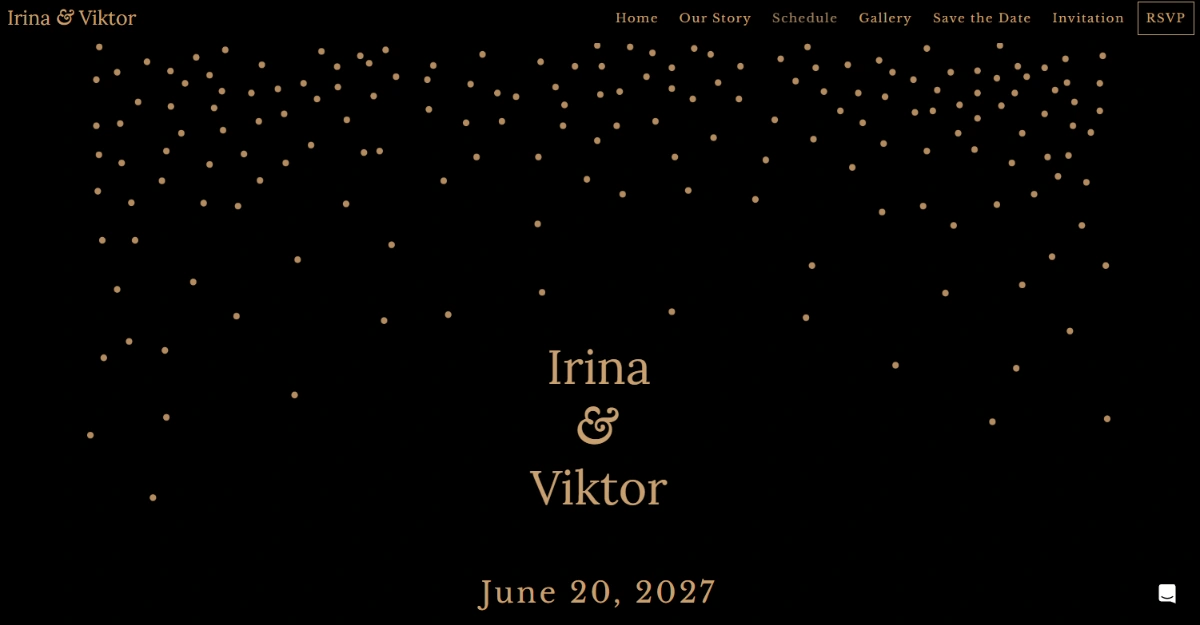
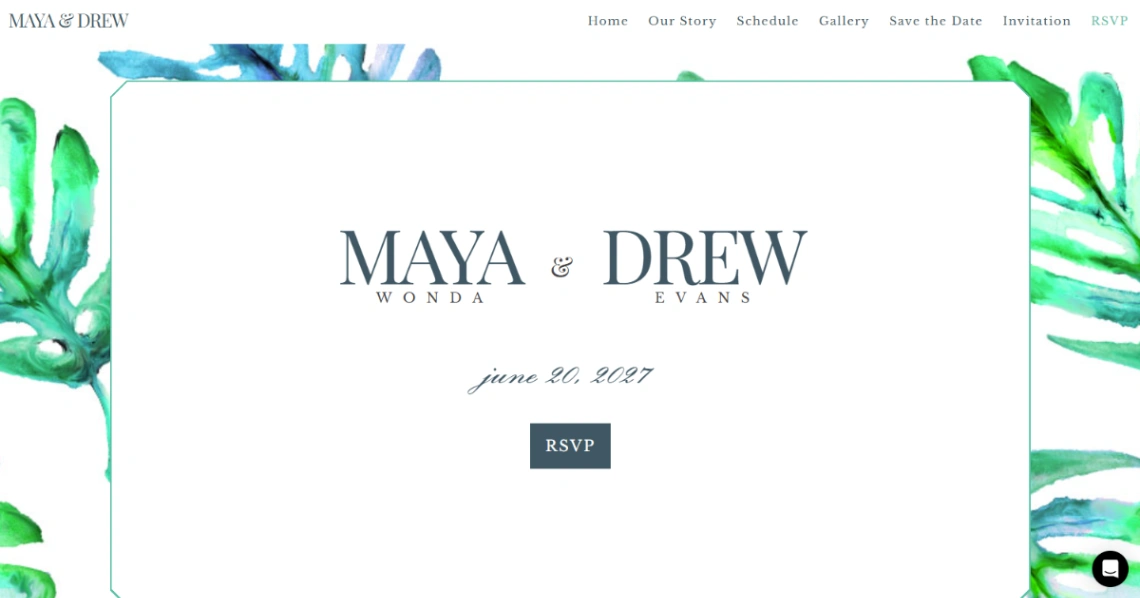
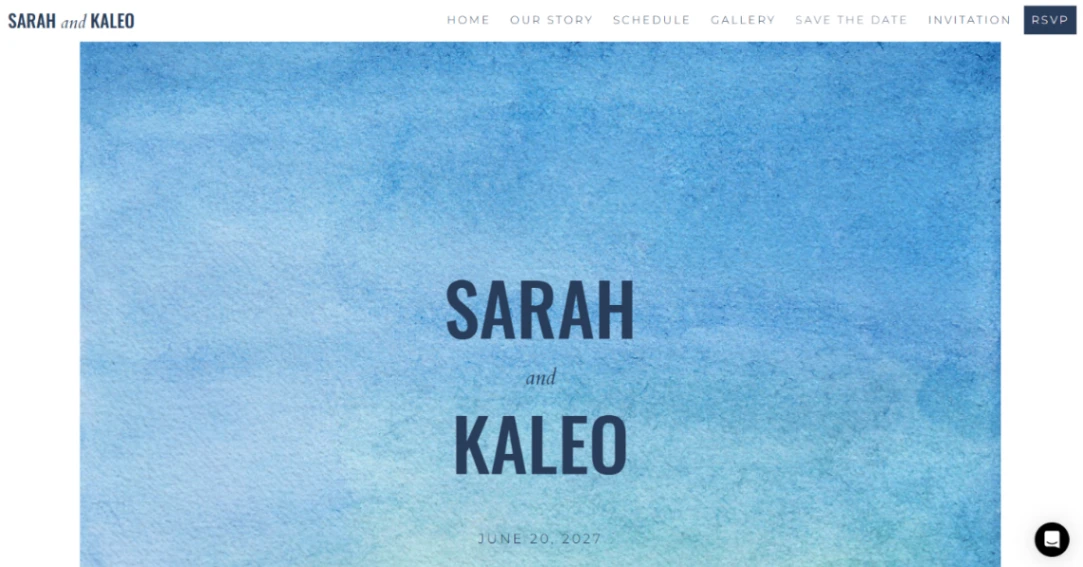

Neon Wedding
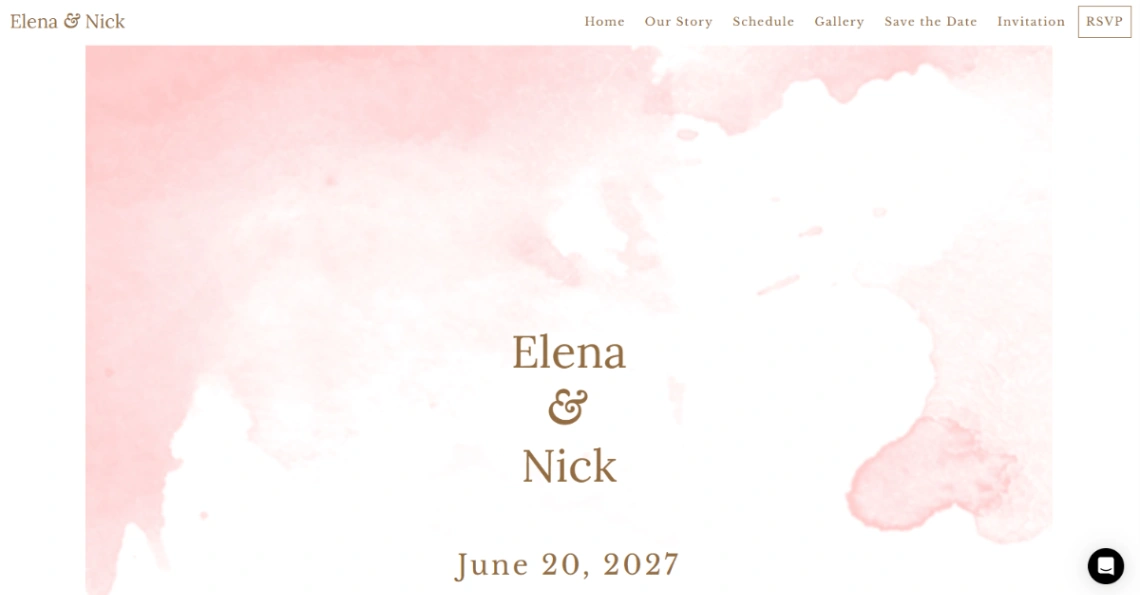

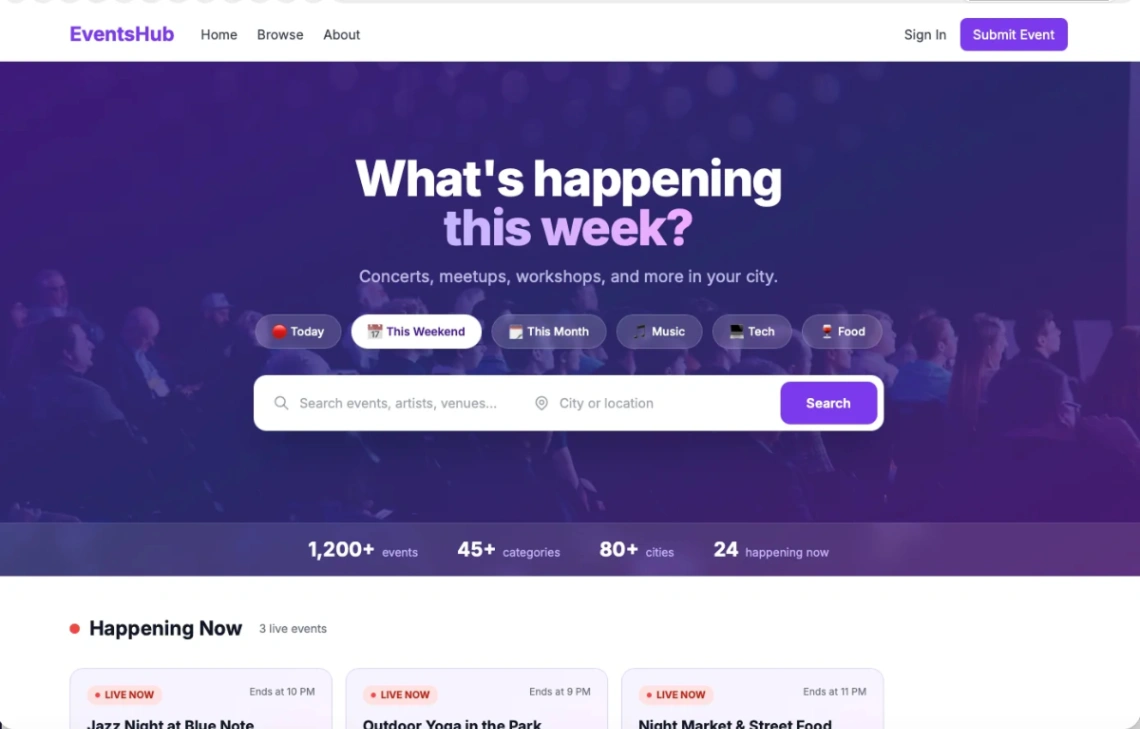
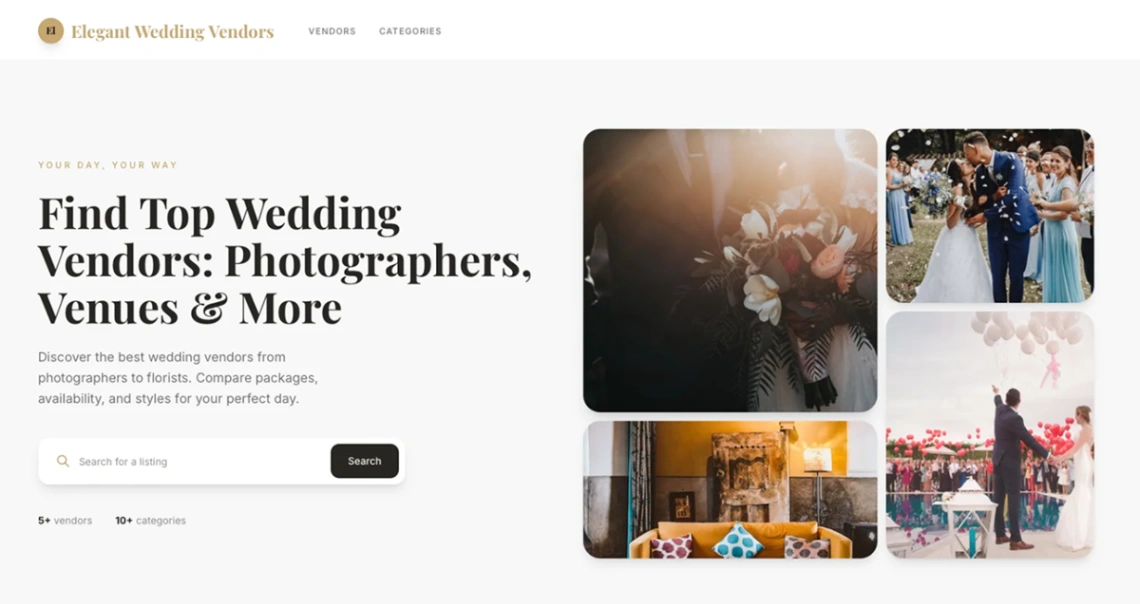
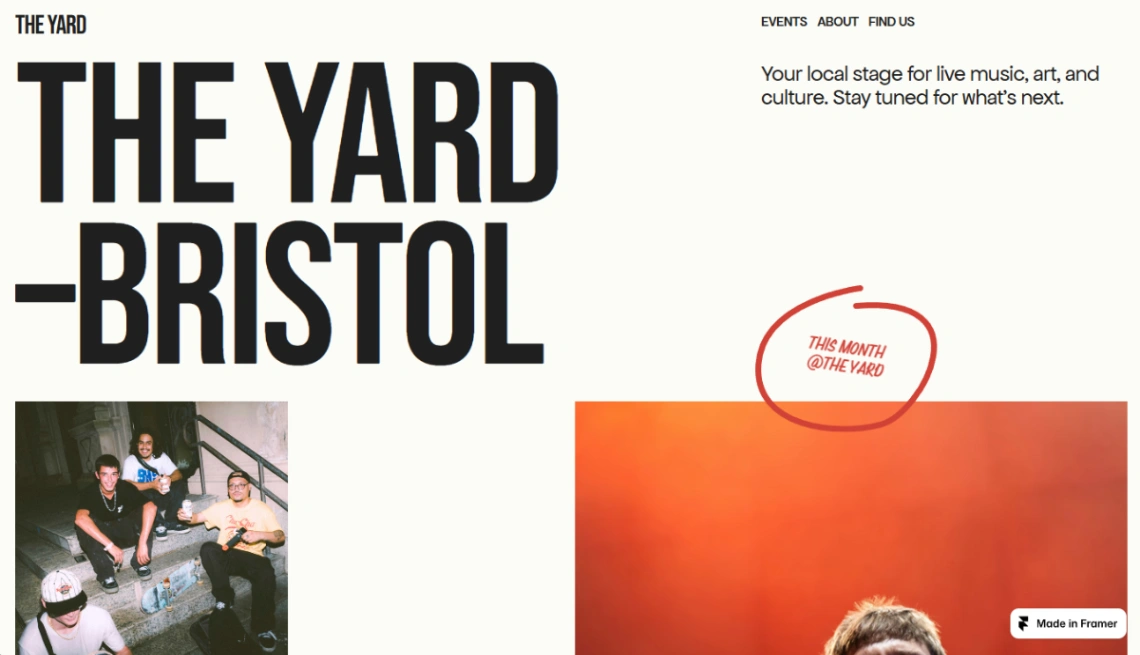
Live Events
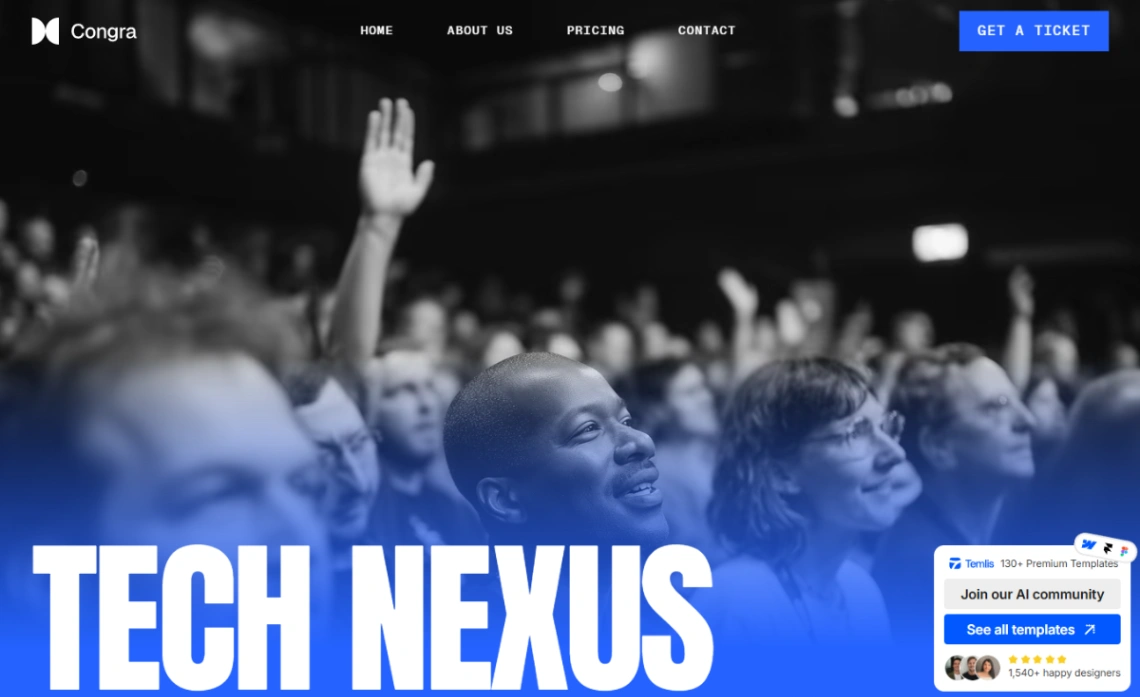


Buyer's guide
How to choose an events template
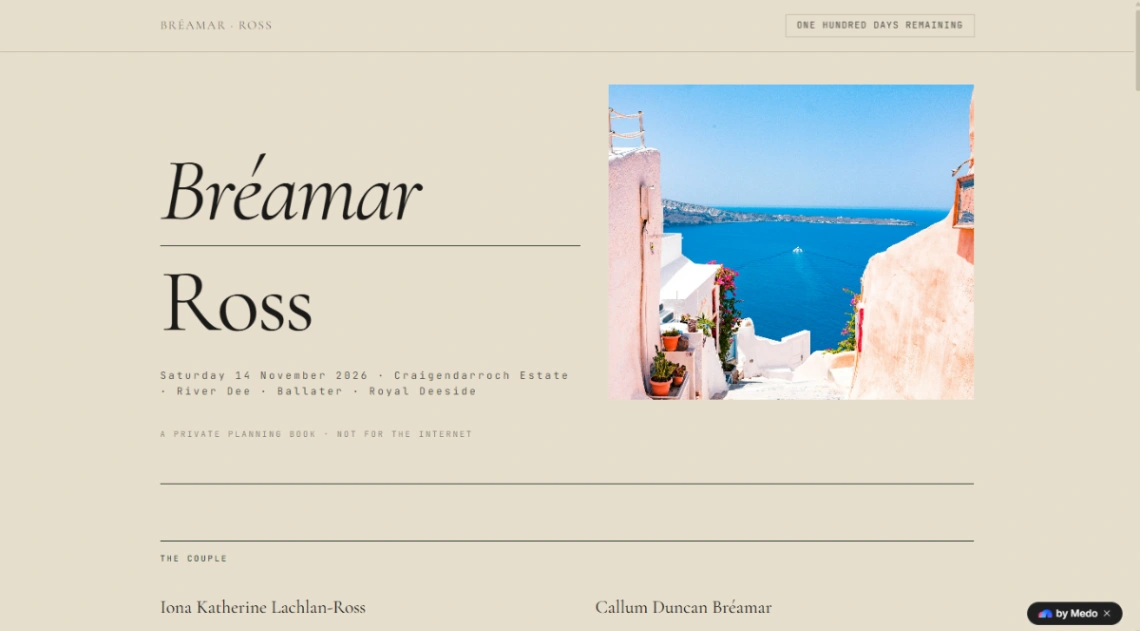
An event website is the rare site with an expiry date, and that deadline should drive every choice. Work backwards from the date: the site must be live when invitations go out, survive a flurry of edits as details firm up, and still be useful at six on the day when a guest in a parking lot needs the address. Templates that make small edits fast beat prettier ones that don't.
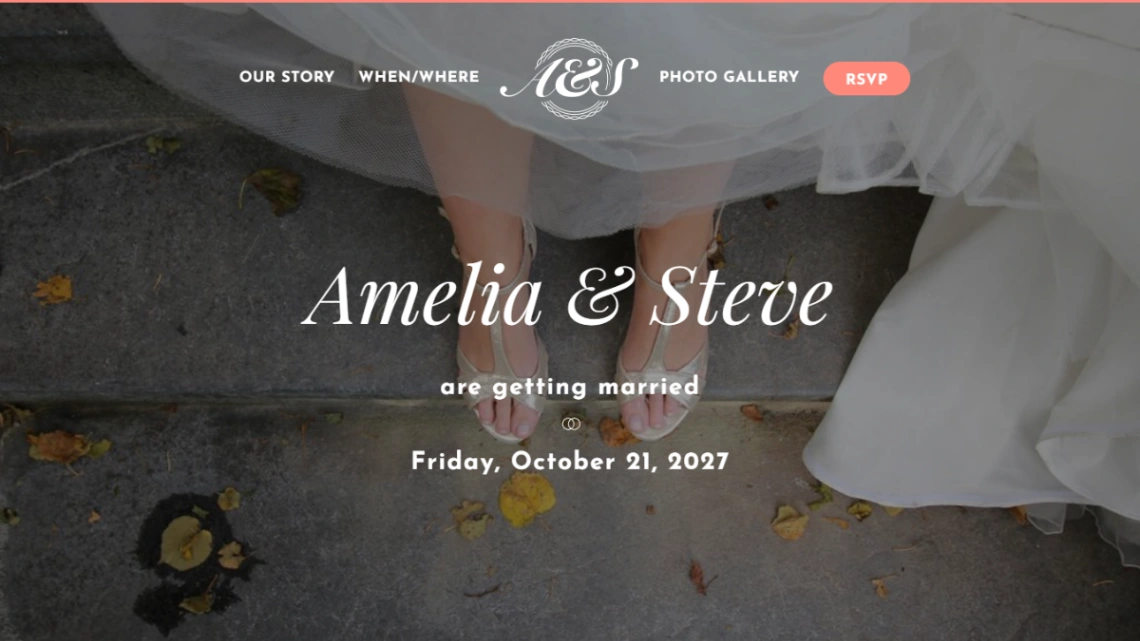
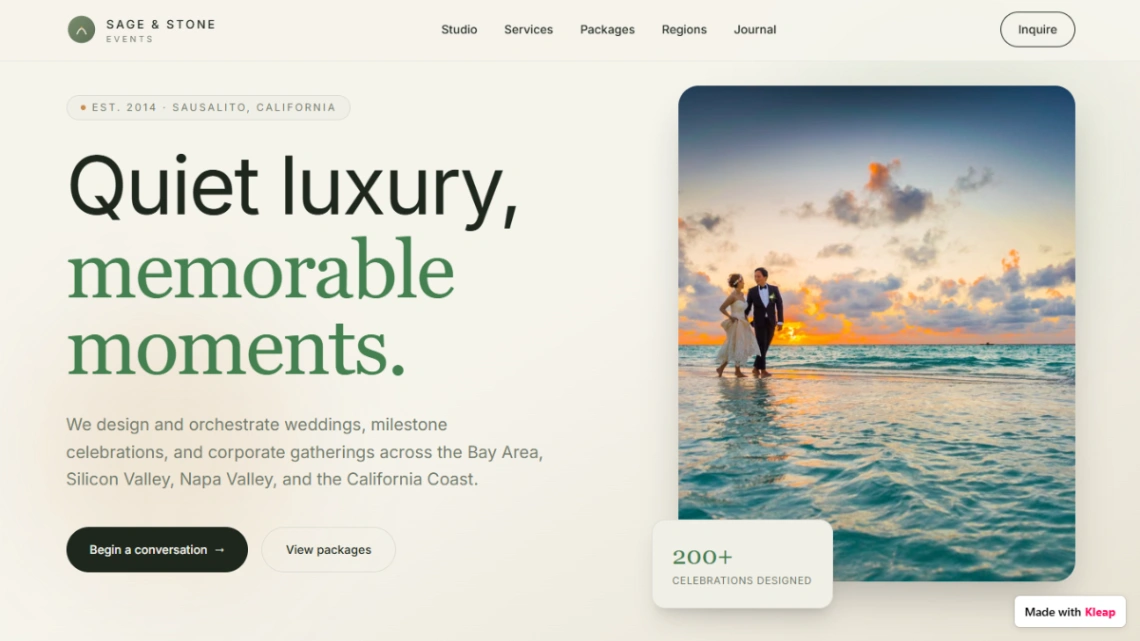
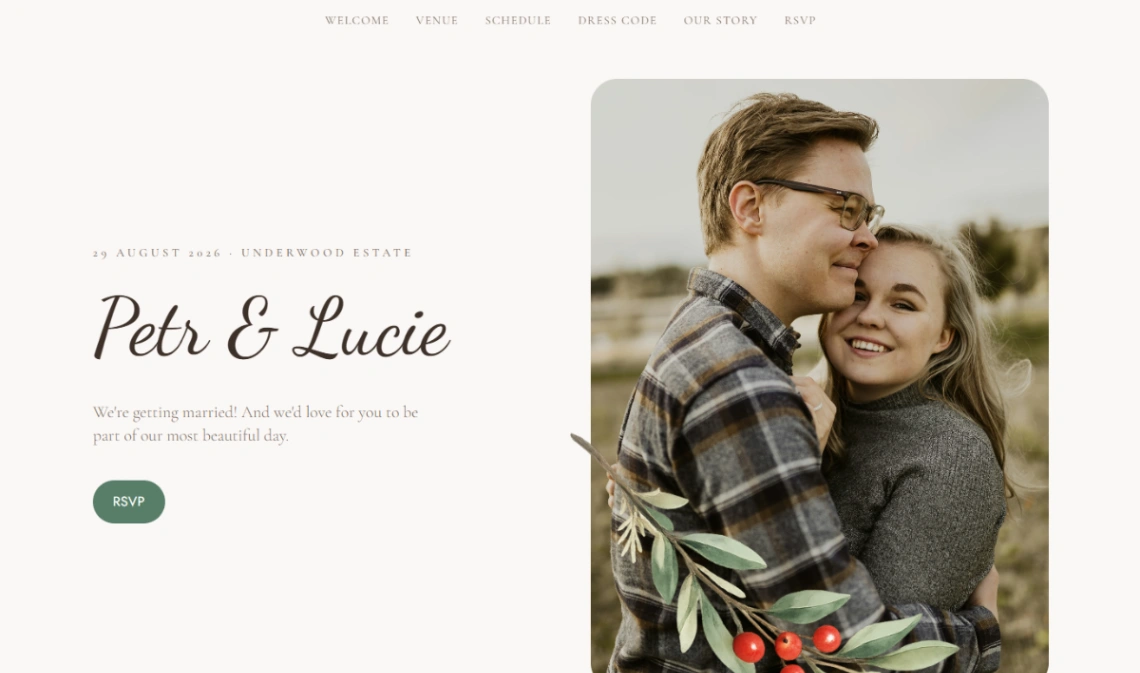
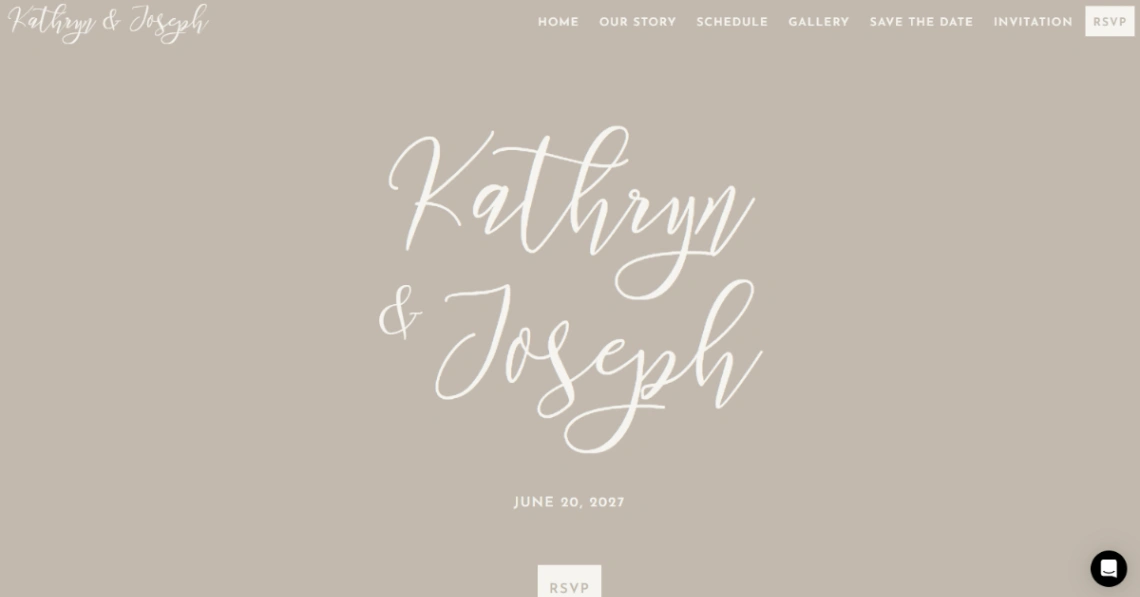
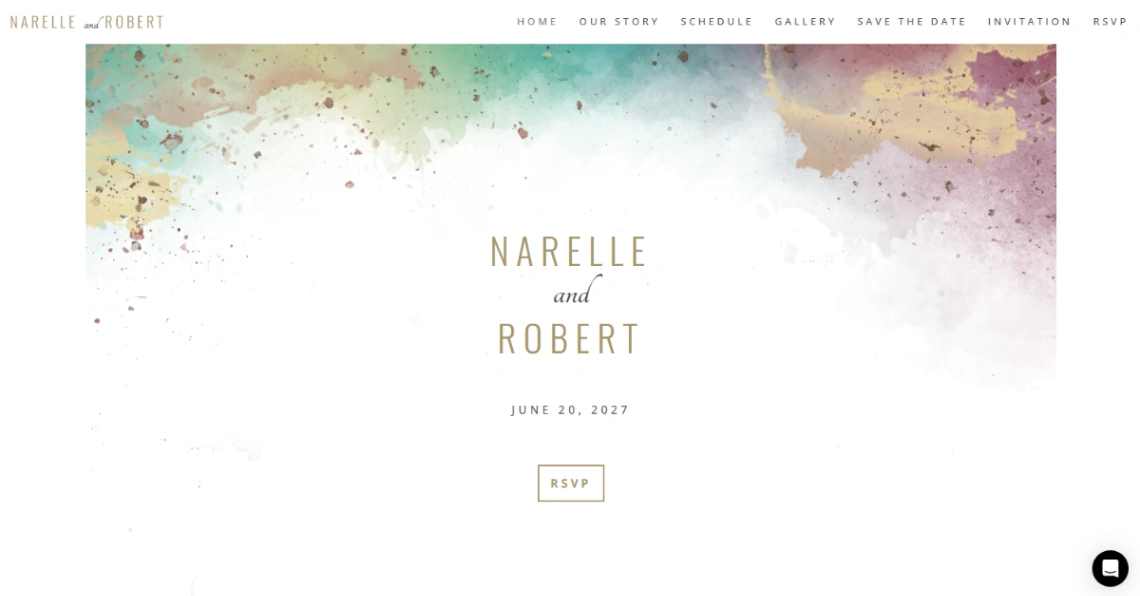
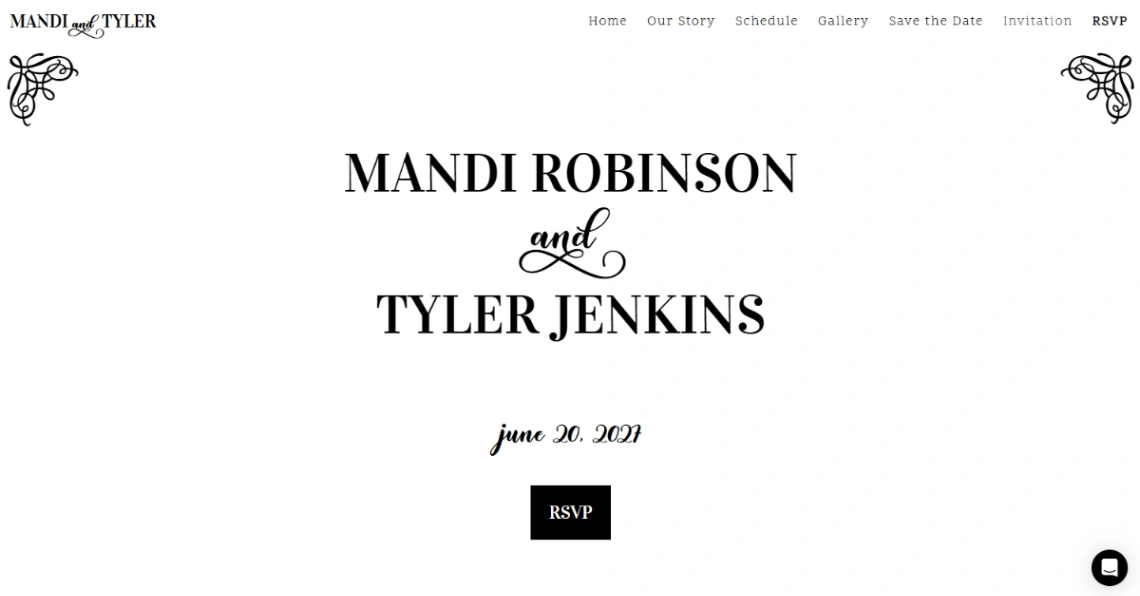
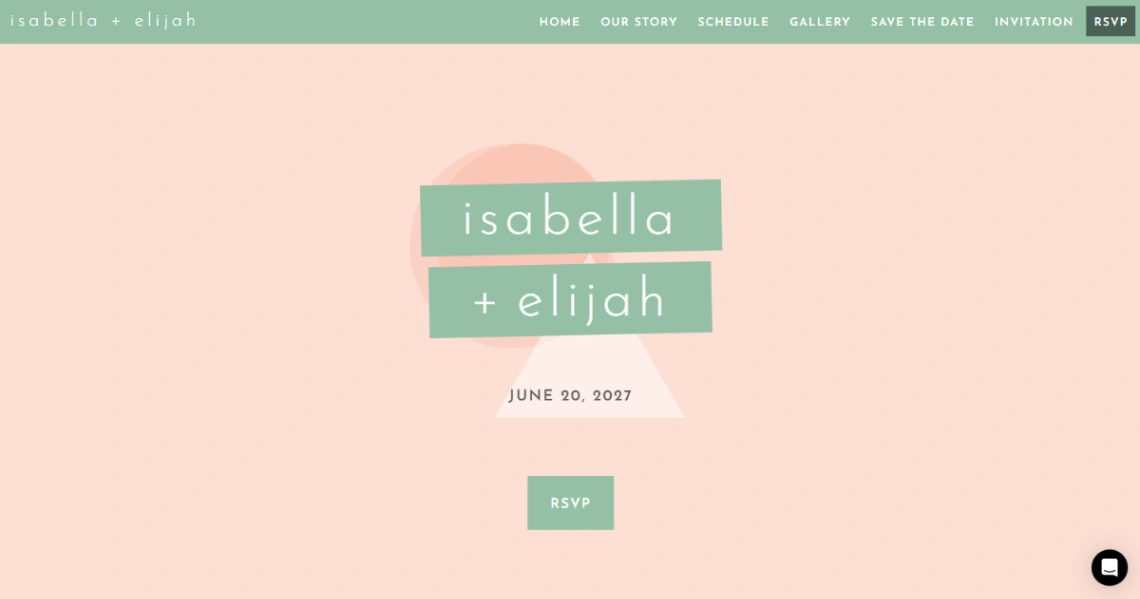
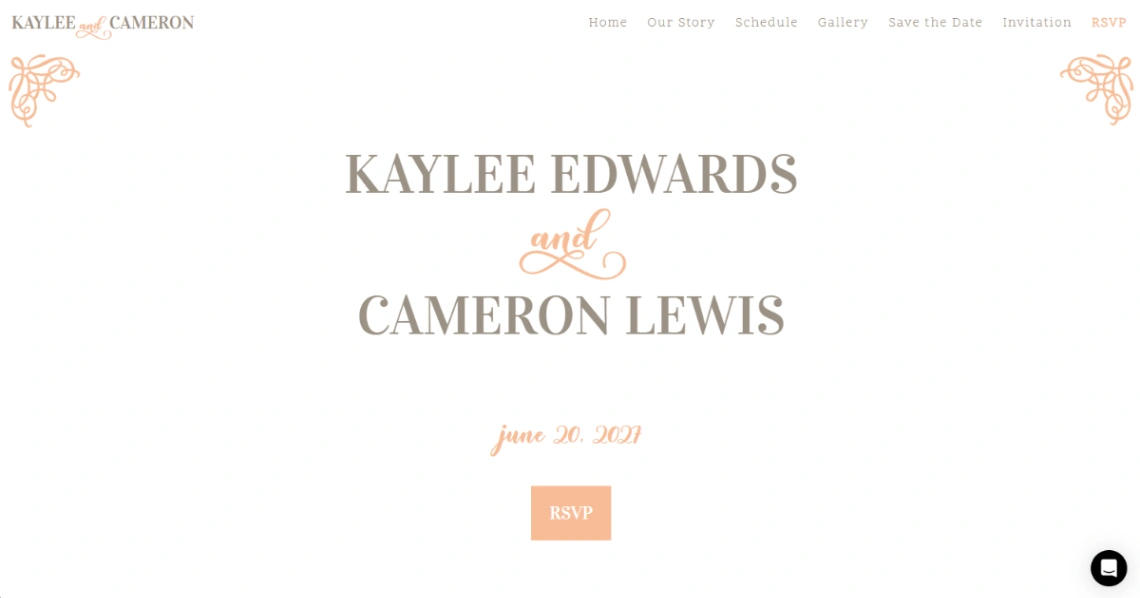
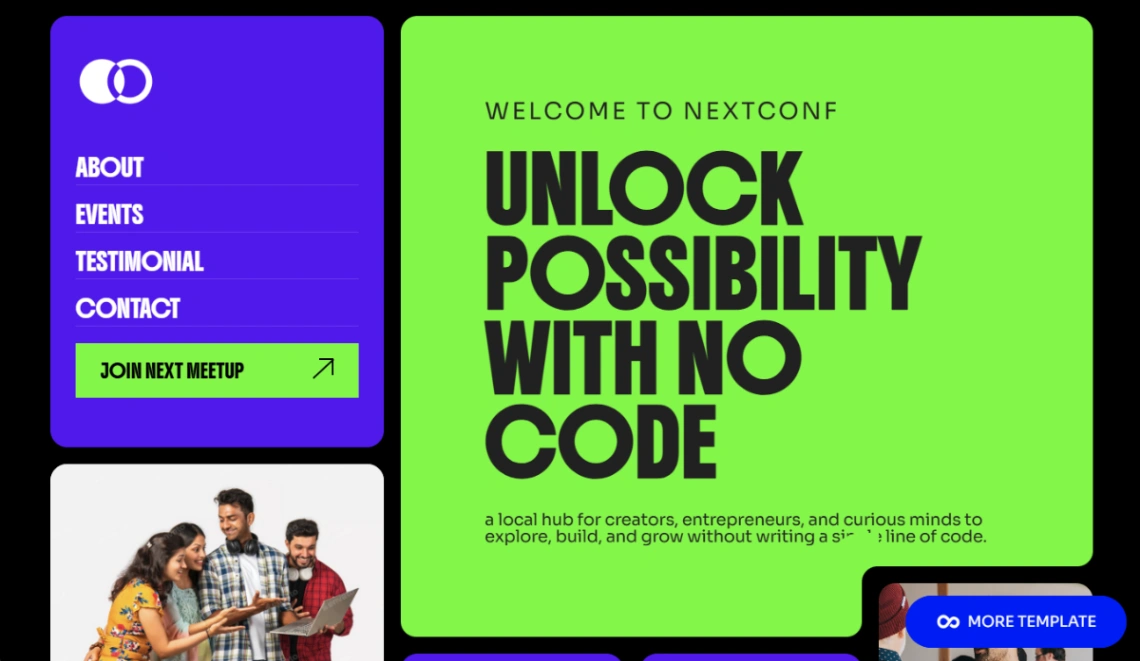
RSVP handling is the feature to compare hardest, because it defines what the site can collect. Form-based RSVPs suit weddings and private events — meal choices, plus-ones and song requests land in a list you own. Paid events need real ticketing: checkout, quantities, confirmation emails, which only some templates wire in. If all you need is a headcount for a meetup, a lightweight RSVP button beats both. The RSVP-capable and ticketing builders are pinned at the top of this page.
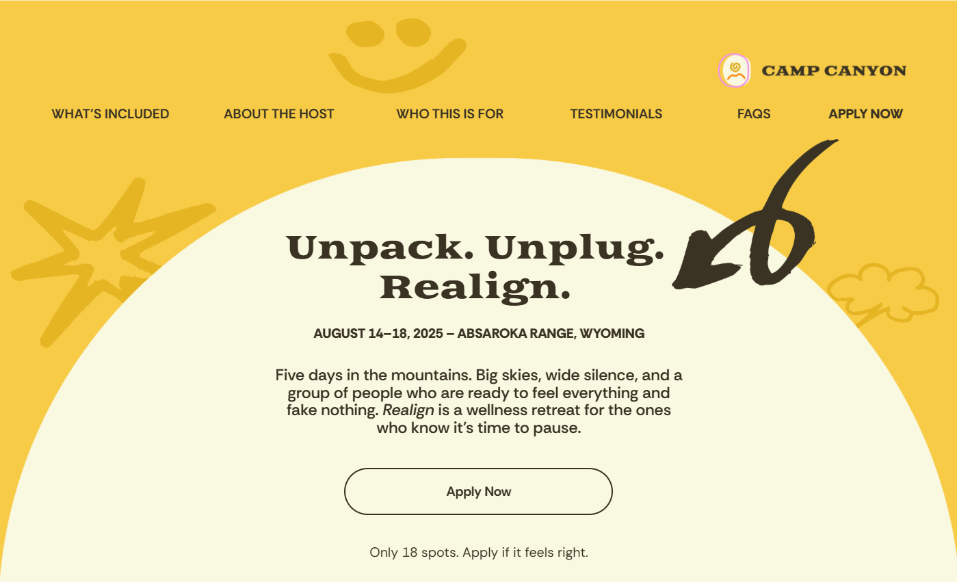
One-off or recurring changes the architecture. A wedding site is one deep event — schedule, travel, registry, FAQ. A monthly meetup or annual conference needs series structure: past editions archived, the next one up front, a calendar guests can trust. Retrofitting a one-off template into a series shows immediately.
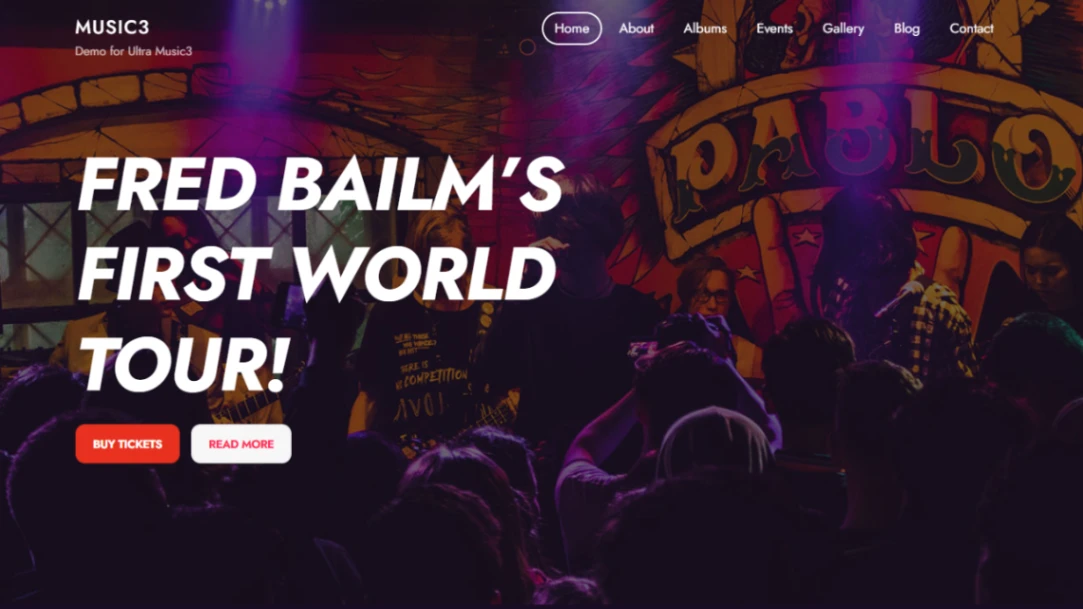
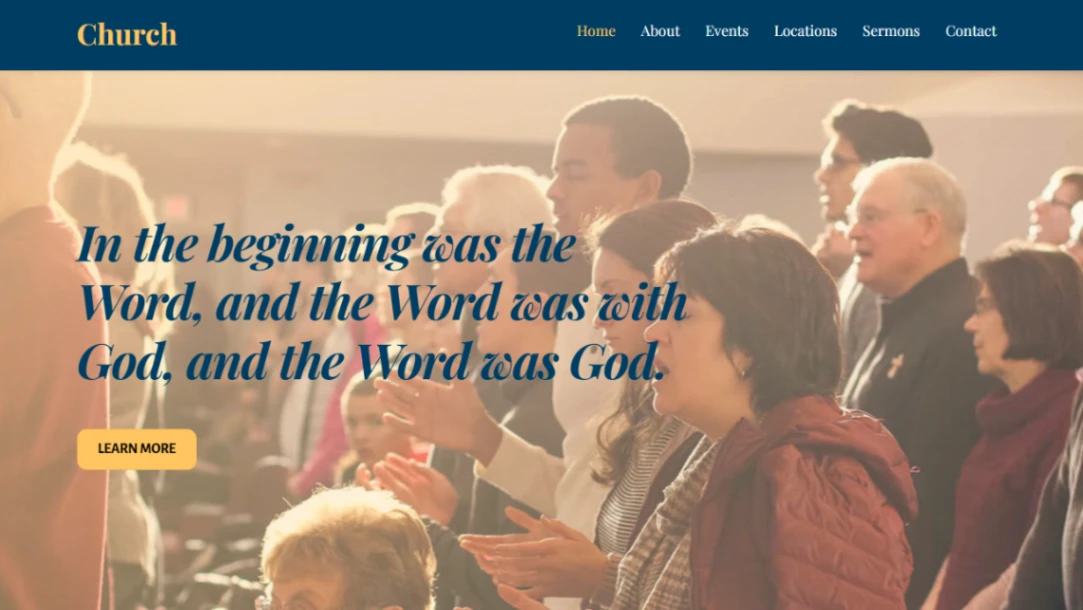
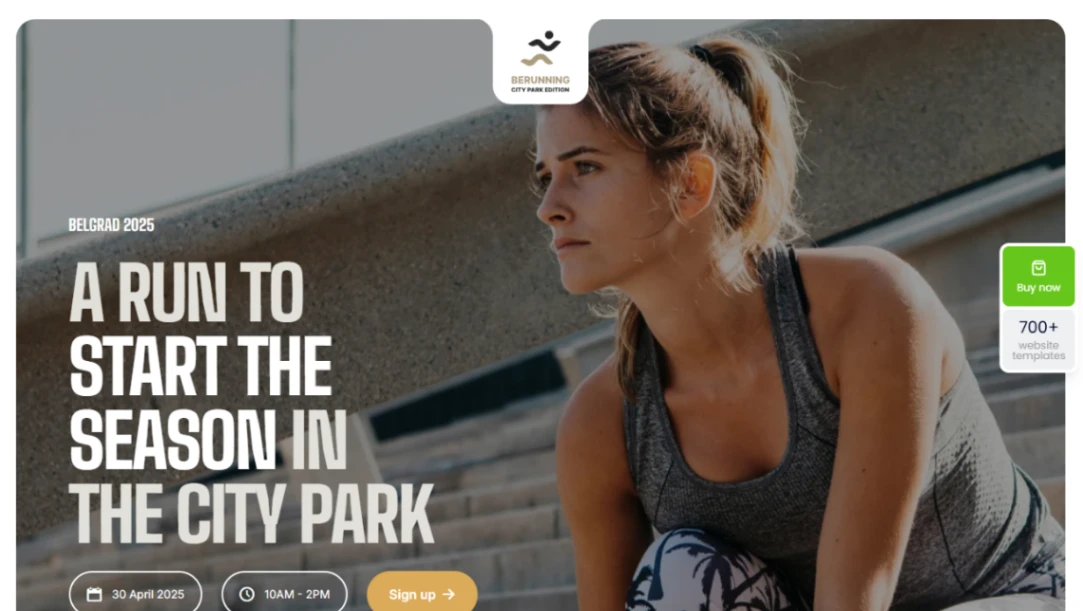
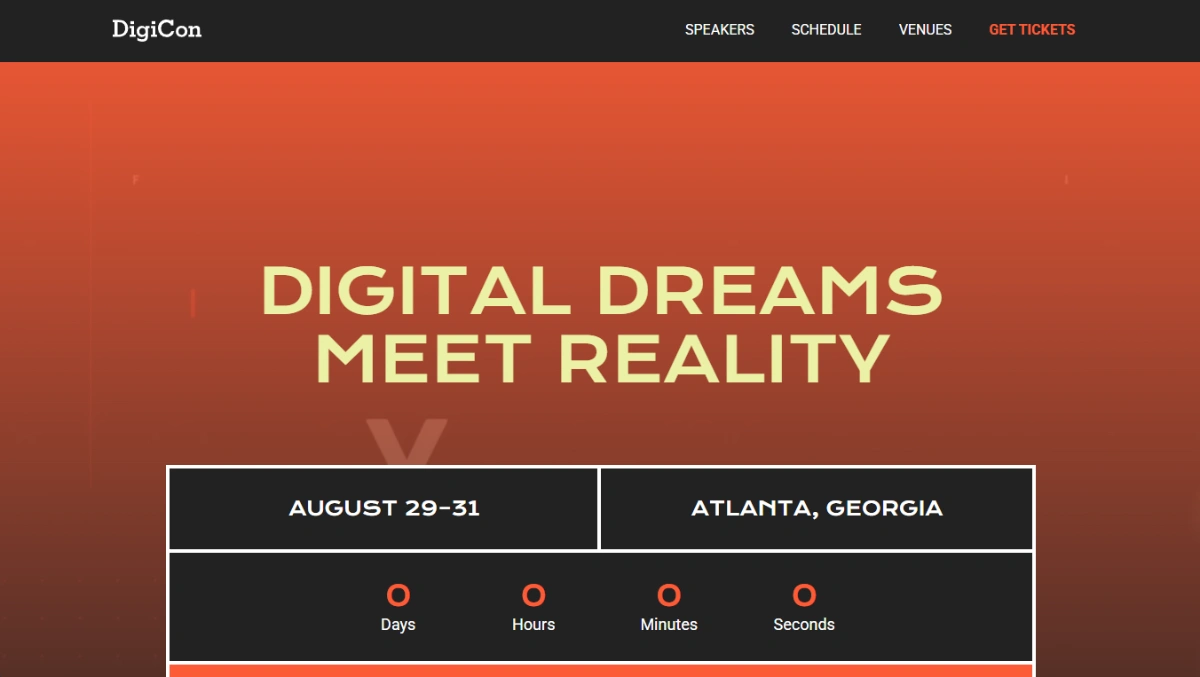
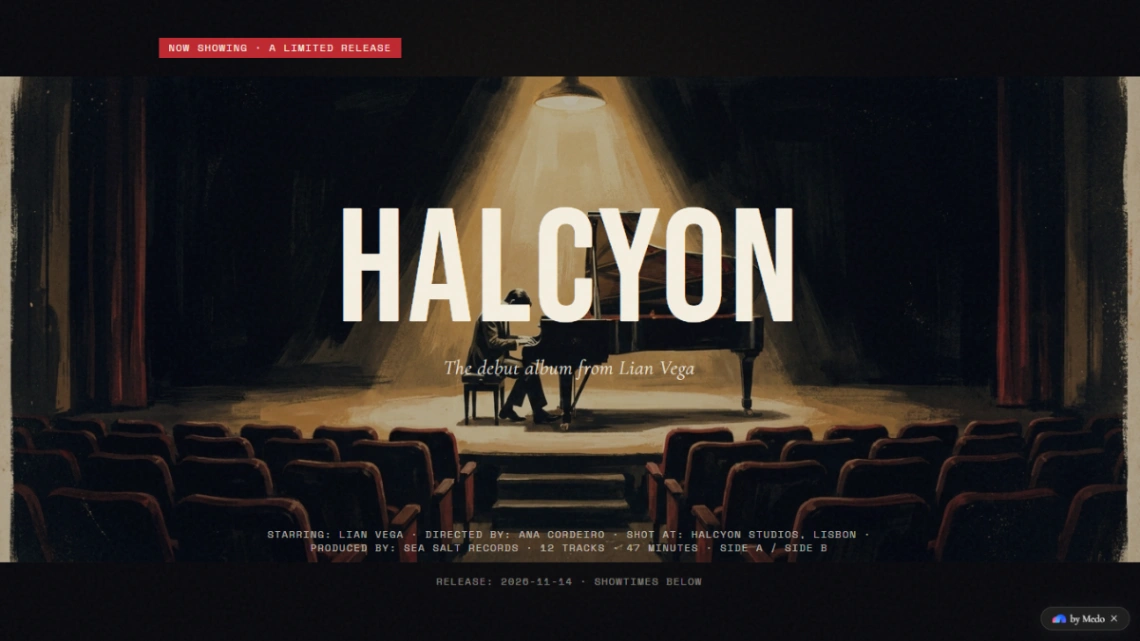
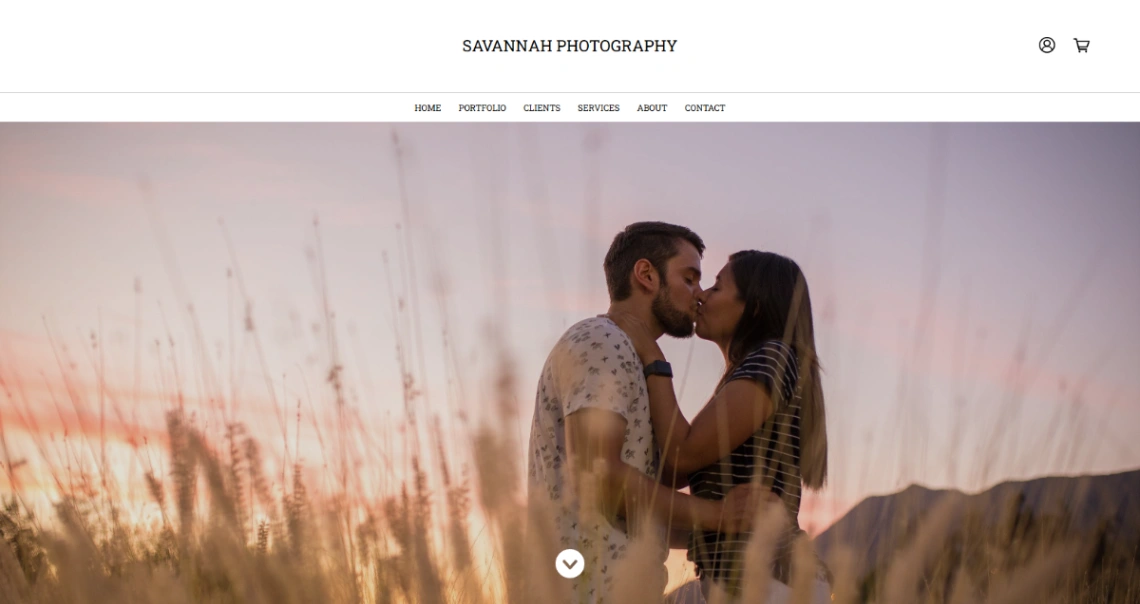
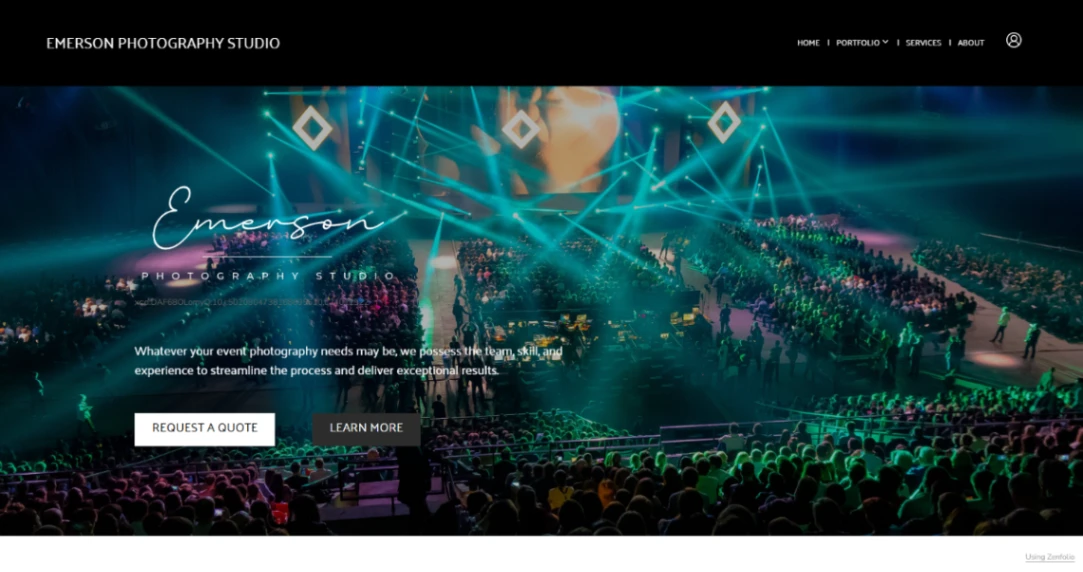
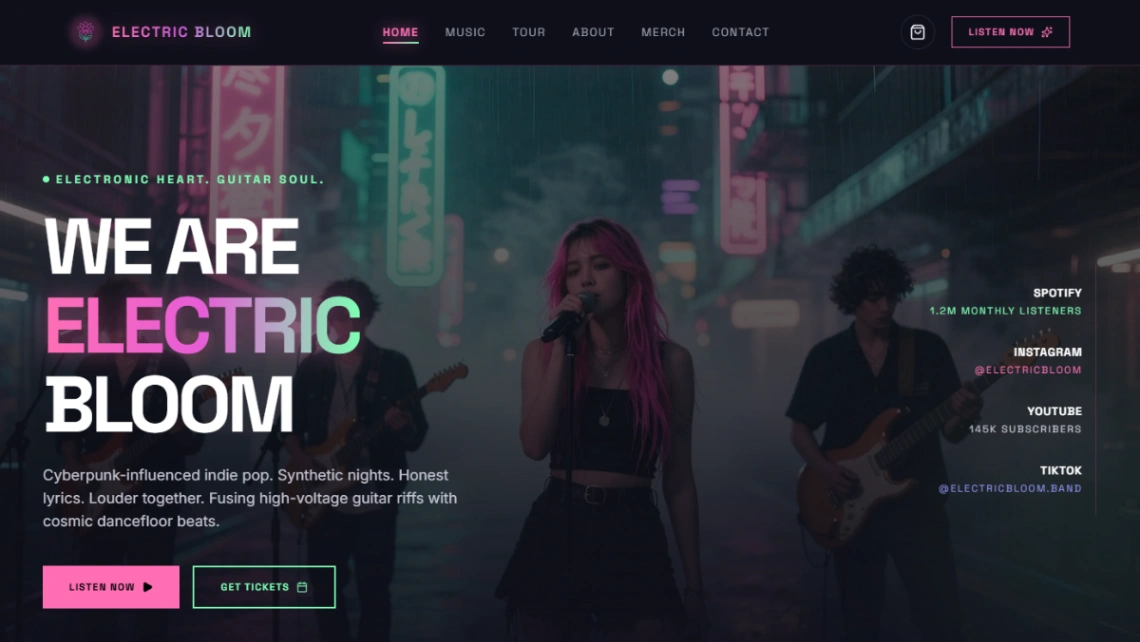
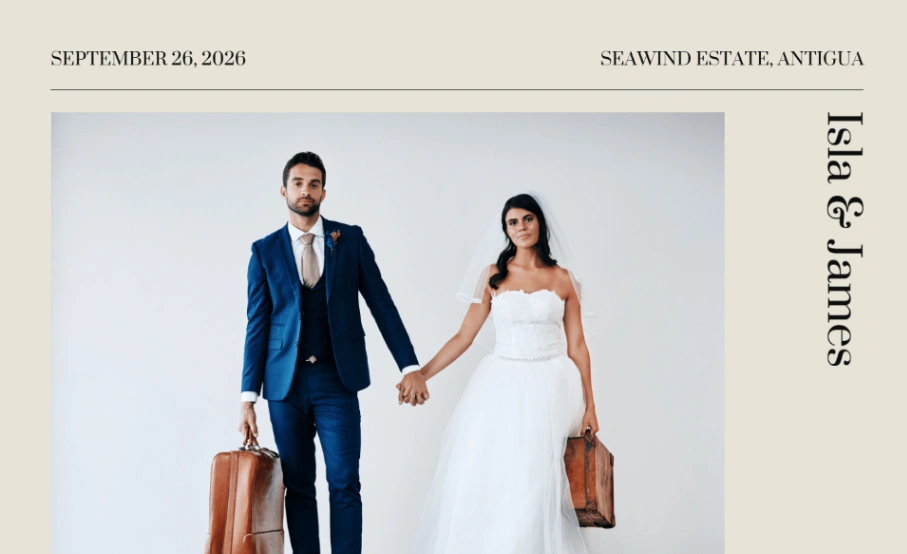
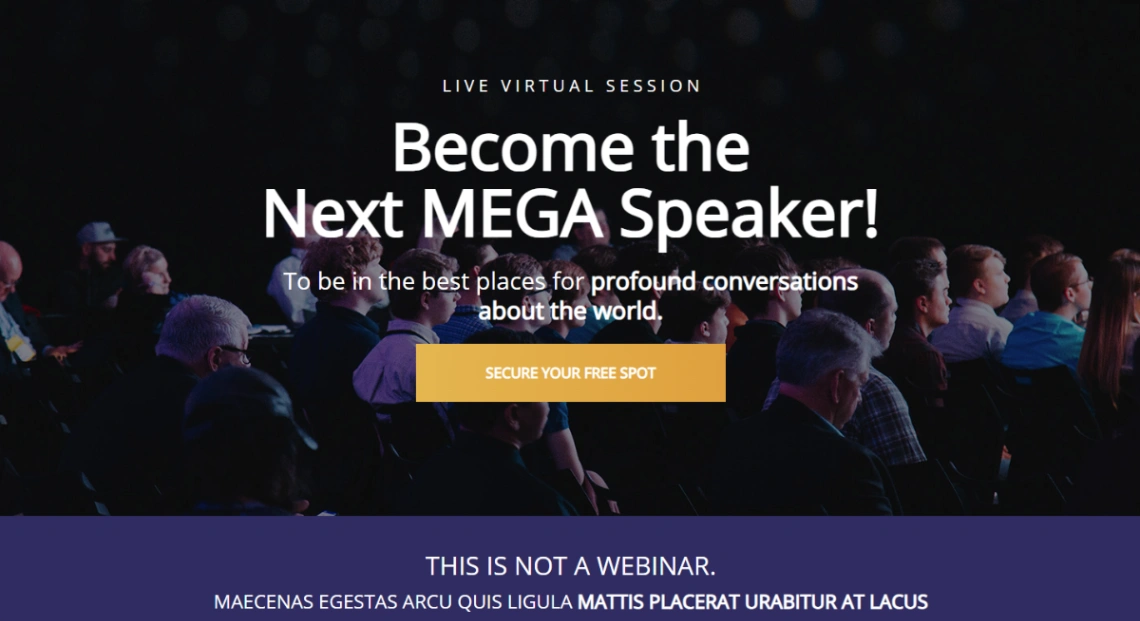
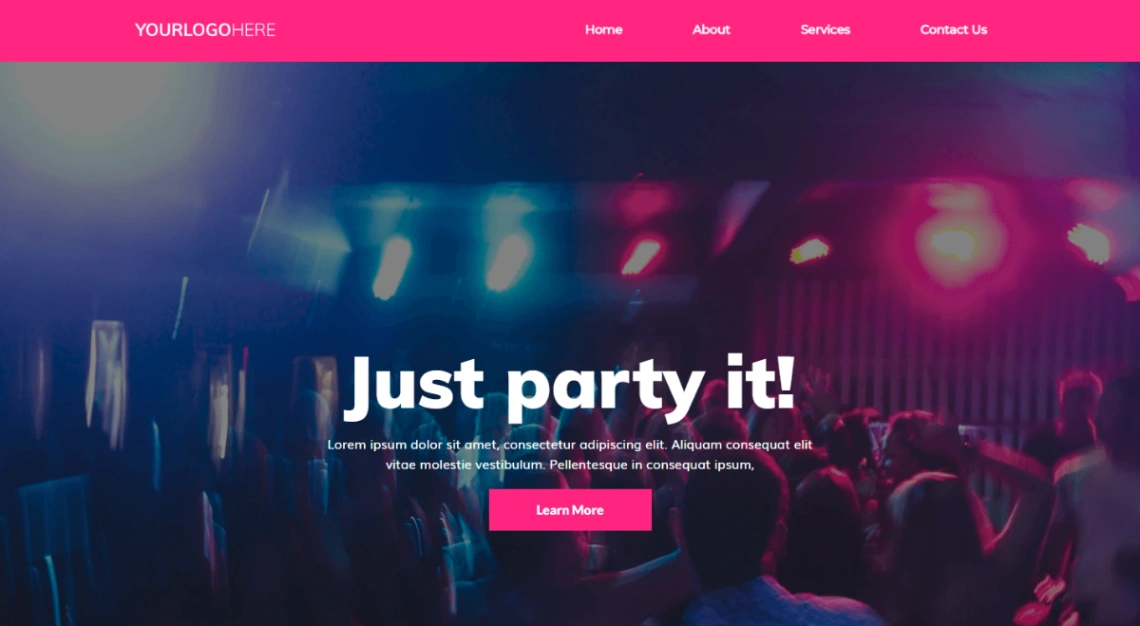
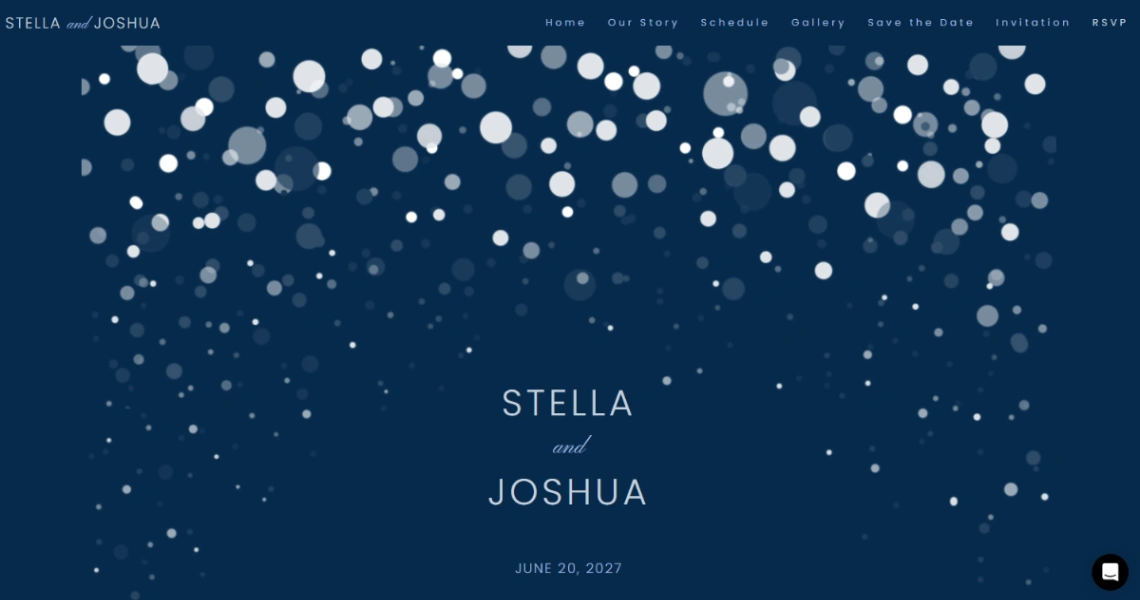
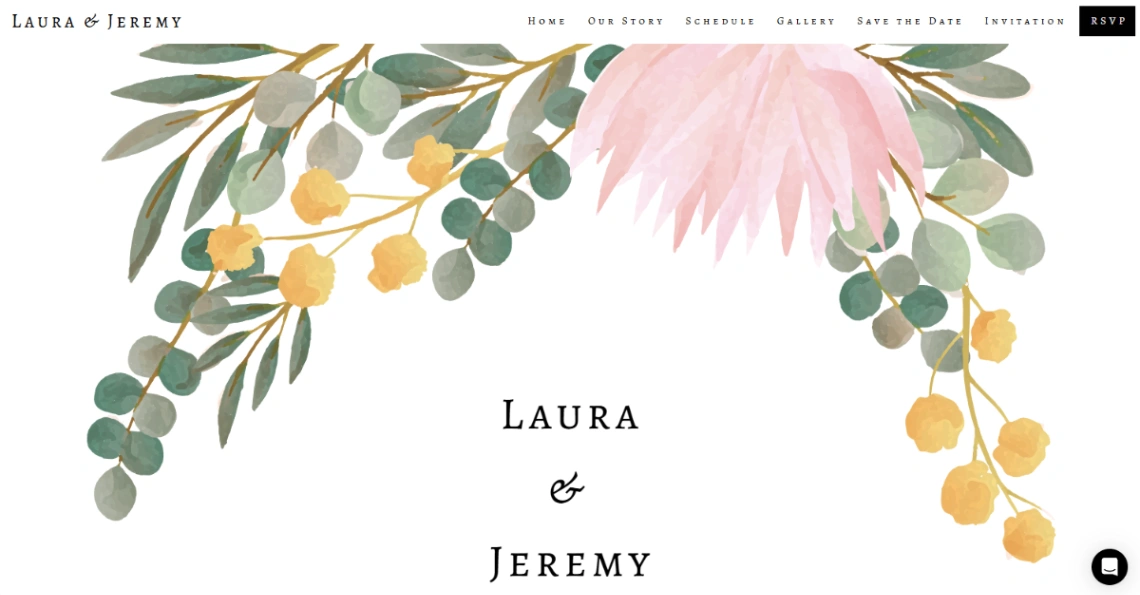
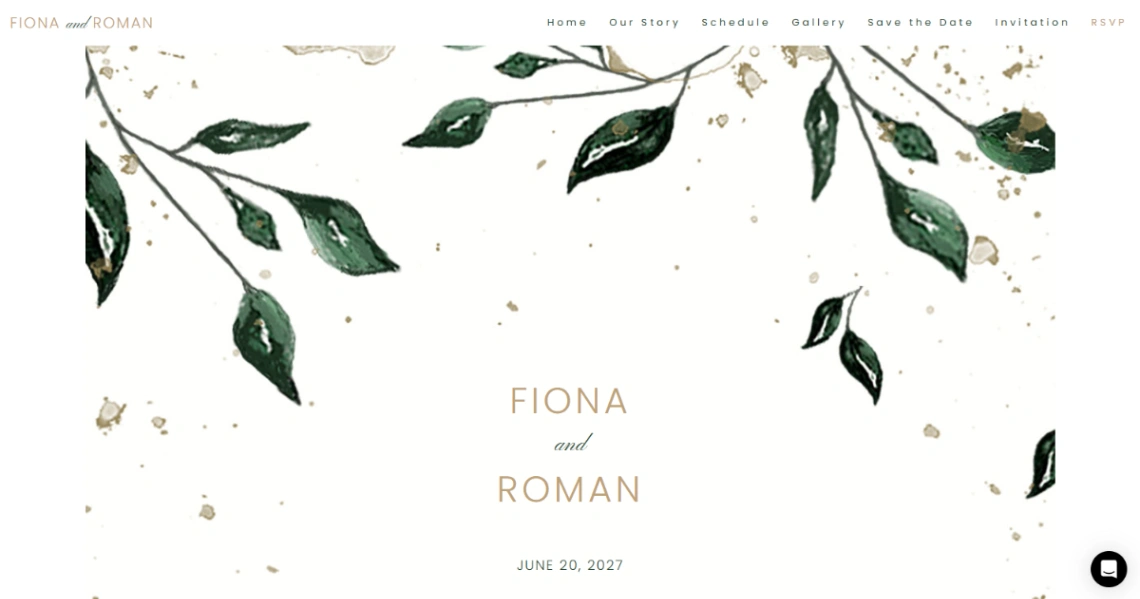
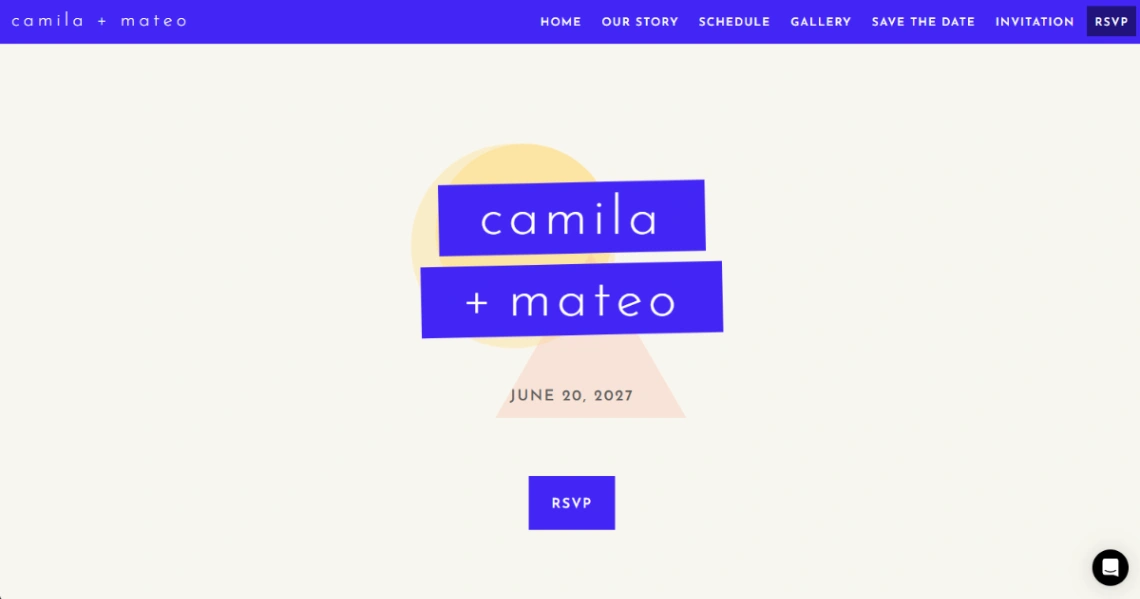
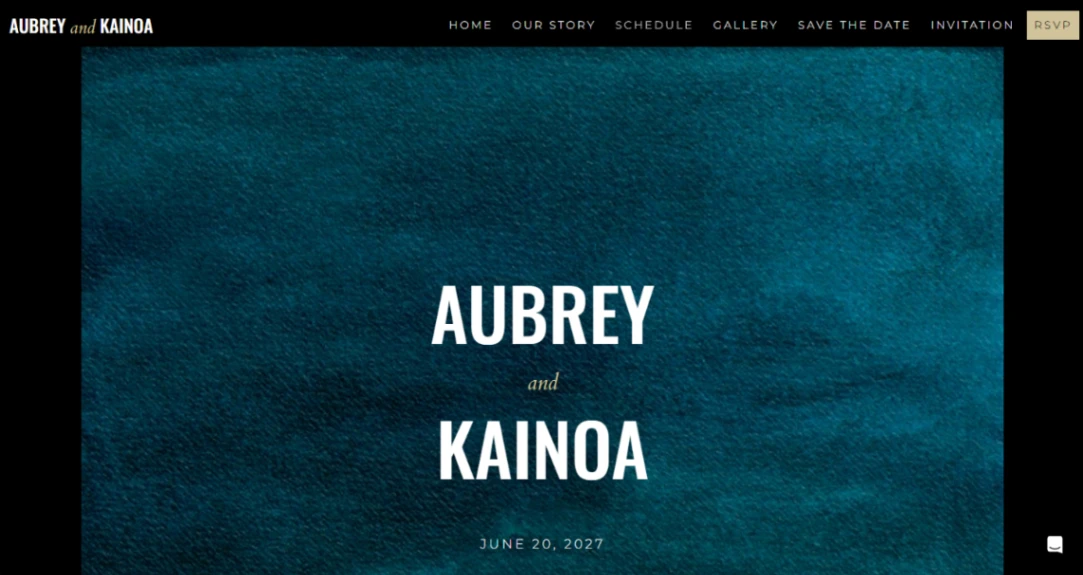
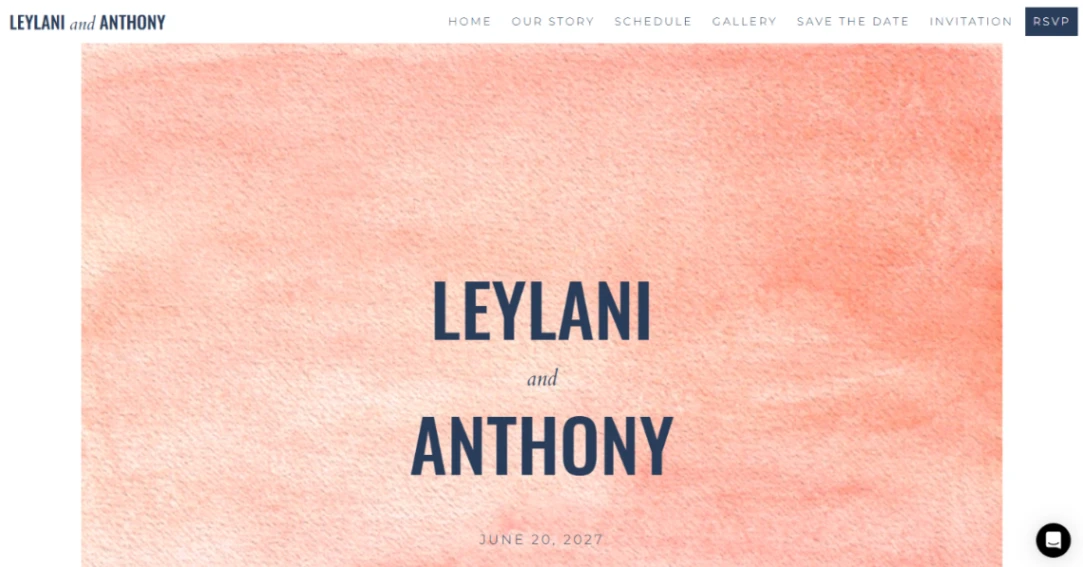
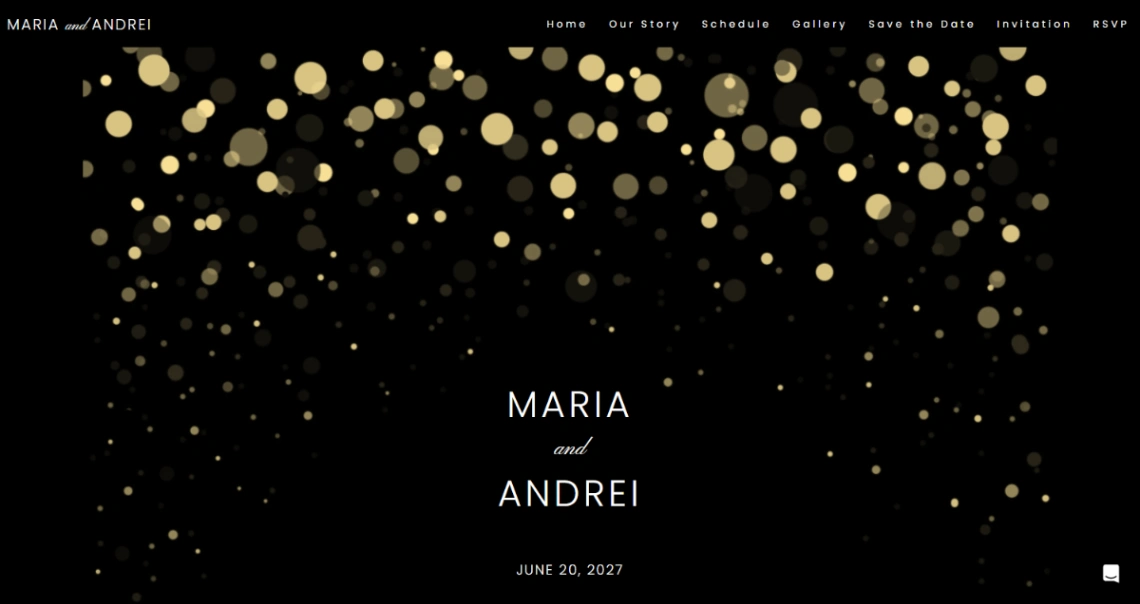
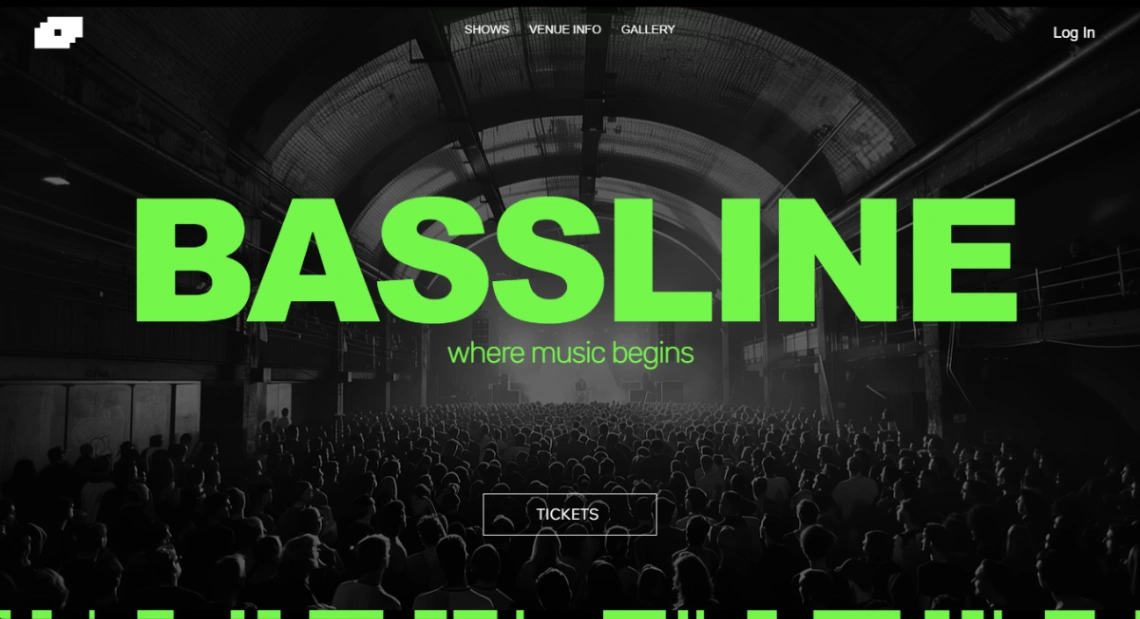
The mistake this category invites: cinematic heroes that bury logistics. Guests visit for exactly five things — when, where, how to RSVP, what to wear, where to park — and they'll visit from a phone, often outdoors. Put the countdown and the map above the art, and check the template on a phone before you send a single invitation.
FAQ







