






















Travel Map







Buyer's guide
How to choose a listing template
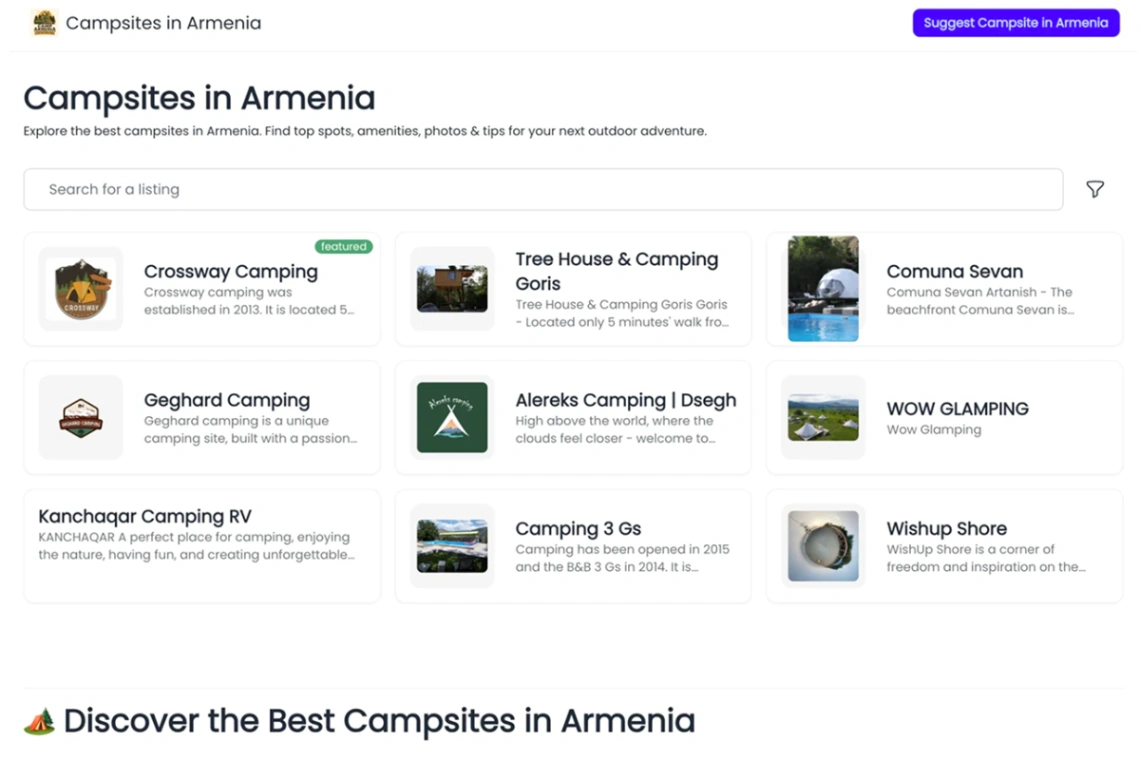
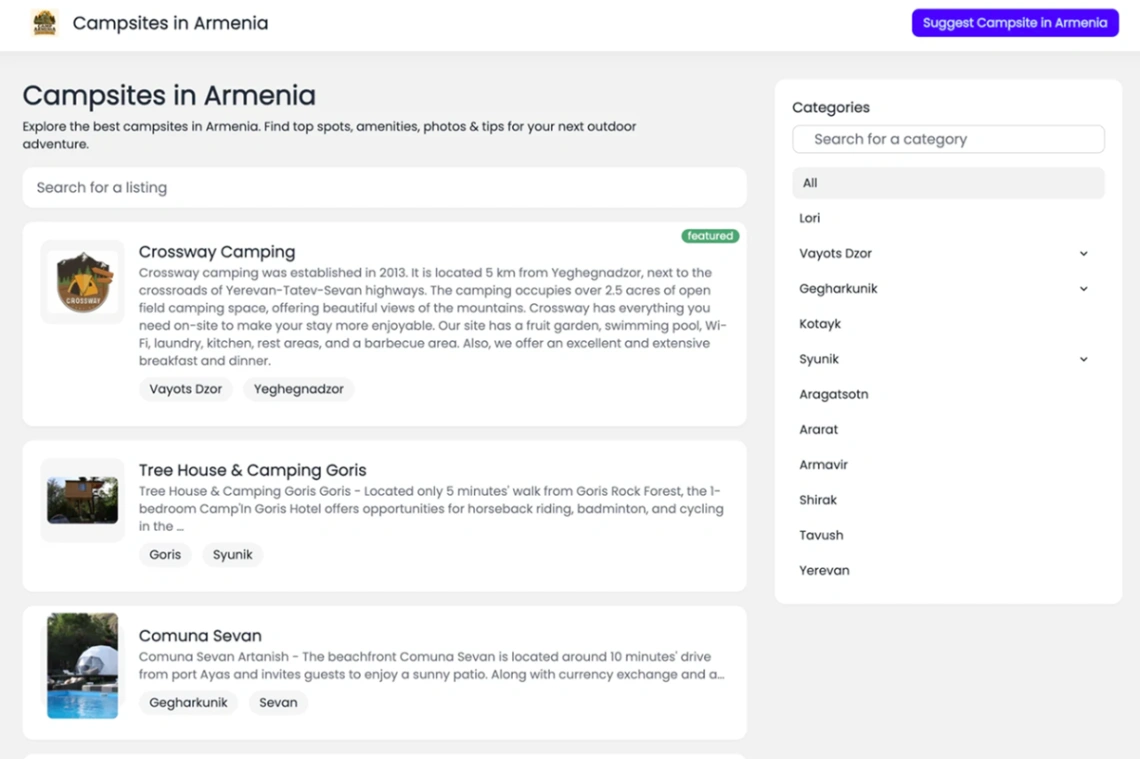
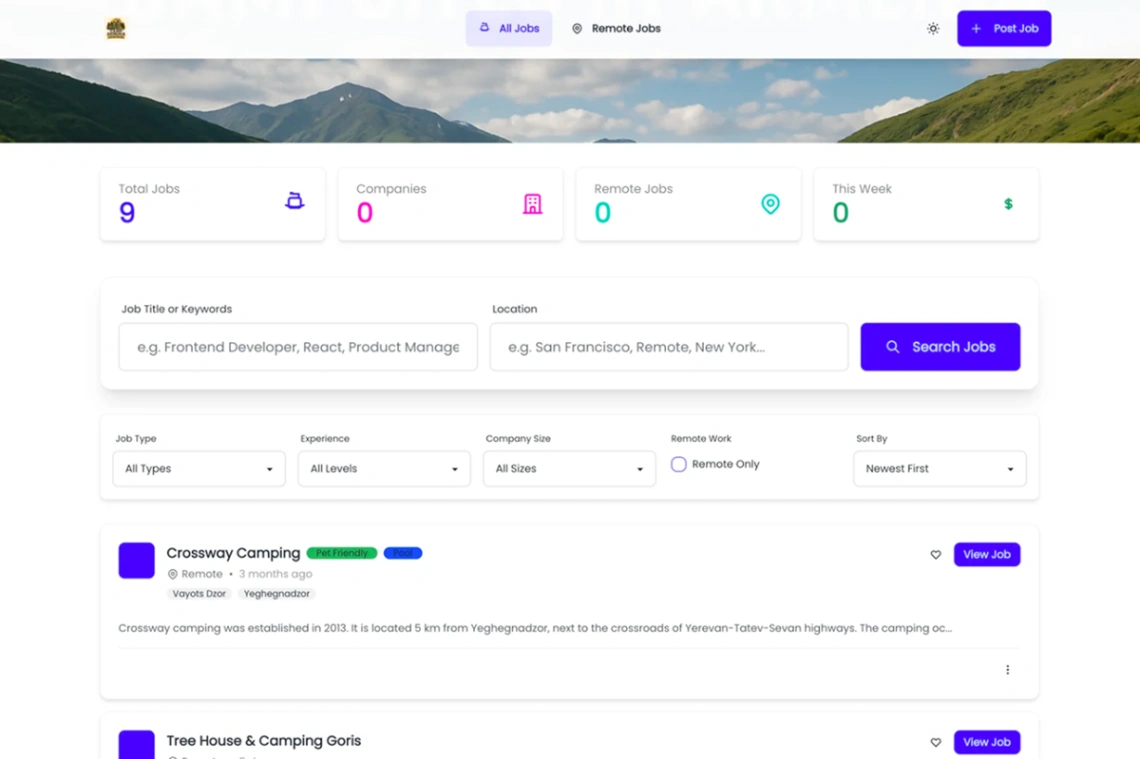
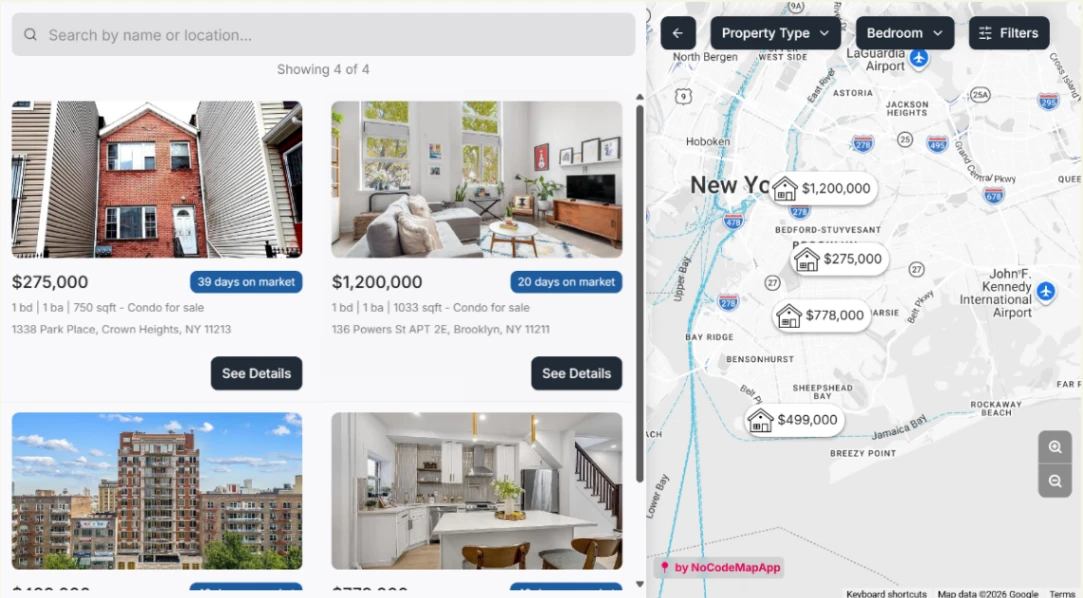
A listing site is only as good as its worst filter. Visitors arrive with constraints — this city, this price, this contract type — and every filter that's missing, broken or vague sends them back to search. So evaluate these templates by their filtering depth against your actual data: can it narrow by the three things your users always narrow by, and do empty results suggest loosening instead of dead-ending?
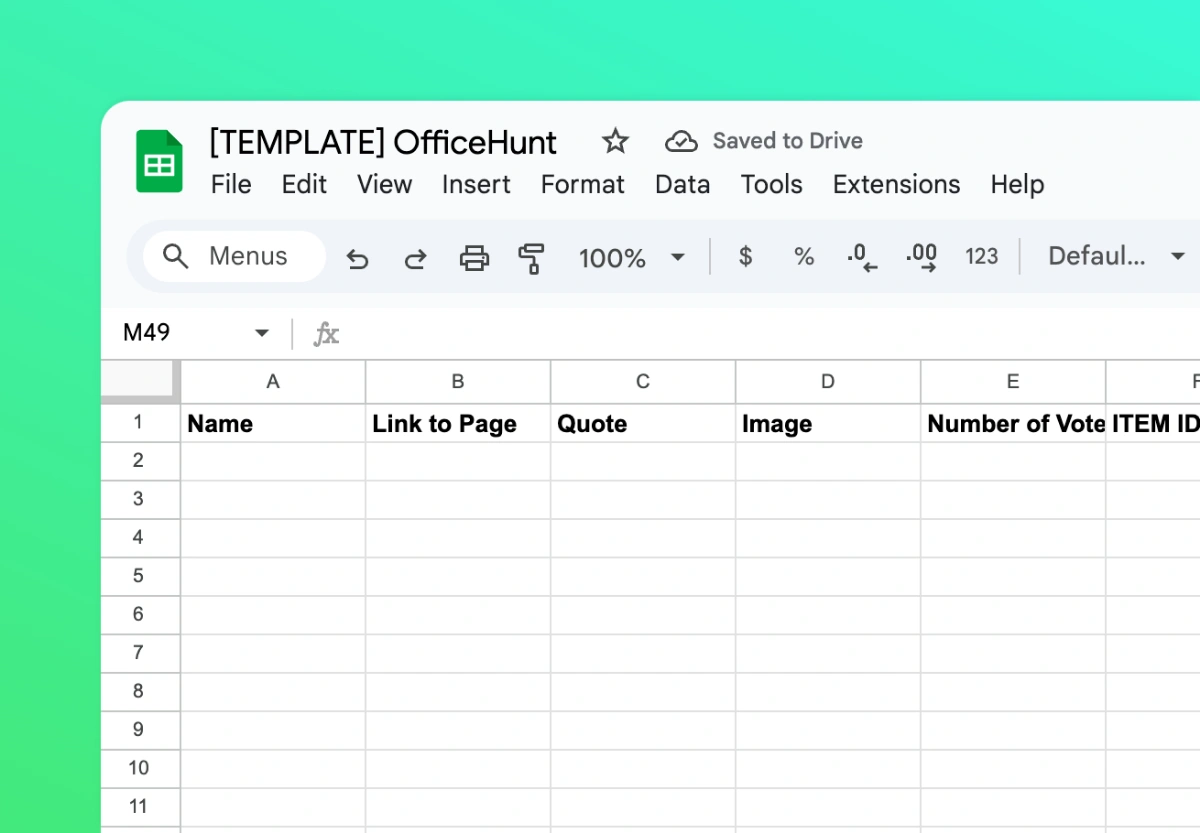
Taxonomy is the decision to make before importing a single row. Categories, locations, types — renaming them after launch means re-tagging everything while live, the chore nobody warns you about. Draft the category tree on paper, test it against twenty real listings (the awkward ones especially), and only then let the template's structure inherit it. The listing-engine platforms pinned above treat taxonomy as configuration; the sheet-driven ones inherit whatever your columns say — either way, the thinking is yours.
Listings age, and the template must know it. Jobs get filled, flats get let, items sell — a board where a third of the listings are dead reads as abandoned even when traffic is healthy. Insist on lifecycle machinery: expiry dates, auto-archiving, renew prompts to posters, and "filled/sold" states that keep the page for search engines while being honest with humans.
If posters submit their own listings, moderation is your real product: an approval queue, required fields that enforce quality, and edit access for posters so updates don't route through you. The boards that scale are the ones where quality control is a workflow, not a founder reading every submission at midnight.
FAQ







